The Best Open Source Web Scraping Tools and Libraries
Choose the right open source scraper for static HTML, JavaScript-heavy pages, crawls, and AI extraction with runnable Python examples.
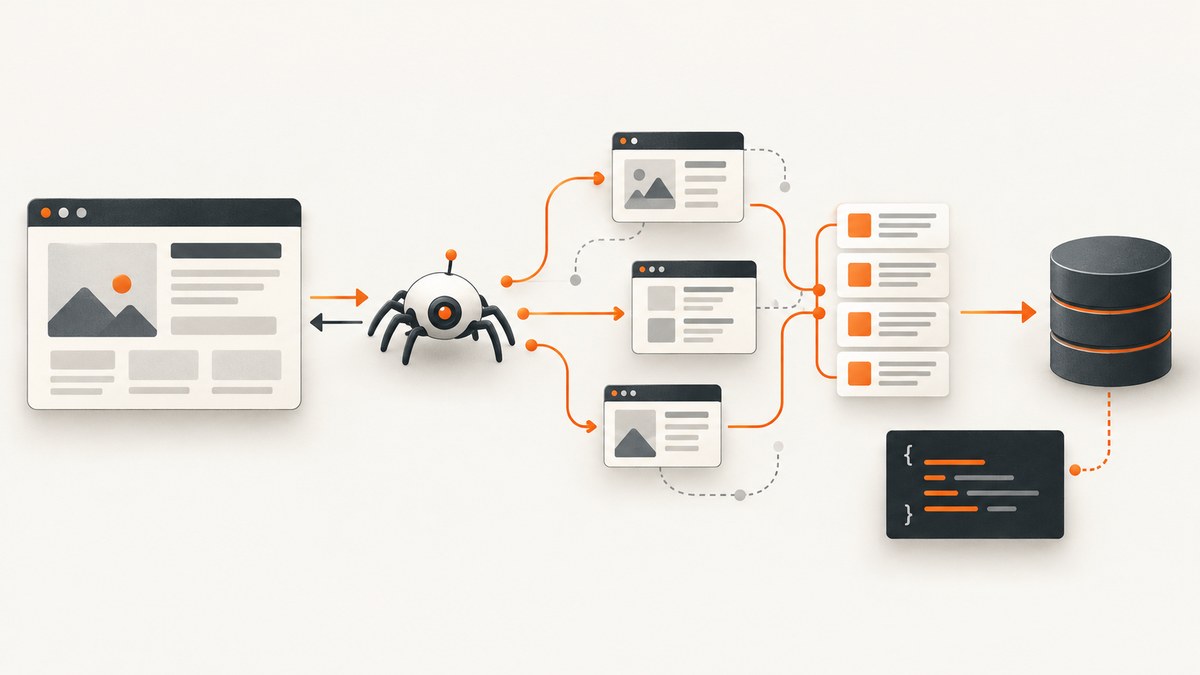
Short answer: use a lightweight HTTP client and HTML parser for a small number of ordinary pages; use Scrapy for recurring, multi-page Python crawls; use browser automation when the required content appears only after JavaScript or interaction; use Crawlee when you want a higher-level Python or TypeScript crawling workflow; and use Crawl4AI when your downstream system needs clean Markdown or structured extraction for RAG. A hosted API is a separate deployment choice when you do not want to operate crawlers and browsers.
There is no universal winner. The right choice depends on whether you need parsing, link discovery, queues, browser rendering, or AI-oriented output. This guide gives you a decision process, runnable examples, configuration patterns, failure fixes, and operating advice.
1. Decide which layer you actually need
| Need | Good starting point | Reason |
|---|---|---|
| One page, content in initial HTML | HTTP client plus HTML parser | Small dependency footprint and direct control. |
| Pagination, link discovery, retries, exports, recurring jobs | Scrapy | A complete Python crawler framework with concurrency, export, customization, and politeness controls. |
| JavaScript-generated content or interaction | Playwright or scrapy-playwright | A real browser can execute scripts and perform clicks, scrolling, and navigation. |
| Integrated HTTP and browser crawling | Crawlee for Python or TypeScript | Higher-level crawling abstractions combine raw requests and browser-oriented tools. |
| Markdown and structured extraction for RAG | Crawl4AI | Designed around clean Markdown, structured extraction, and browser controls. |
| Managed crawling without operating infrastructure | Hosted API such as Firecrawl | Vendor-managed deployment; check current quotas, pricing, and data terms. |
Scrapy describes itself as a high-level framework for crawling websites and extracting structured data. Its documentation covers concurrent requests, exports, customization, per-domain concurrency, and delays. The Scrapy project also documents scrapy-playwright for rendering JavaScript-heavy pages while retaining a Scrapy workflow.
2. Lightweight fetching and parsing
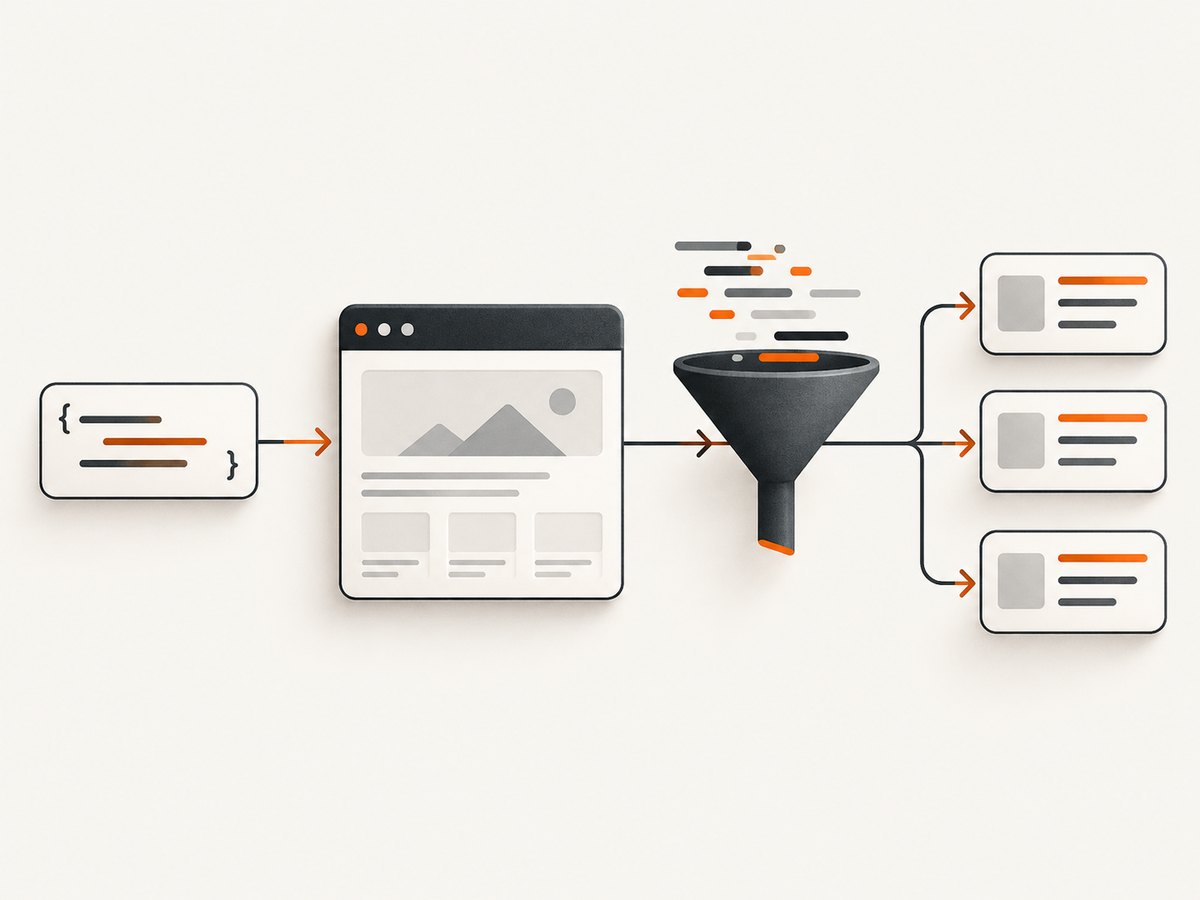
Start with plain HTTP when the data is present in the server response. This approach is appropriate for a single page or a modest, known set of URLs. You must add pagination, retries, persistence, deduplication, and crawl scheduling yourself.
python -m pip install requests beautifulsoup4import requests
from bs4 import BeautifulSoup
url = 'https://example.com/articles'
response = requests.get(
url,
headers={'User-Agent': 'research-bot/1.0'},
timeout=30,
)
response.raise_for_status()
soup = BeautifulSoup(response.text, 'html.parser')
for heading in soup.select('h2'):
print(heading.get_text(' ', strip=True))Use a stable timeout, identify your client, check the response status, and parse only the elements you need. A successful HTTP response does not prove that the page contains the data: a JavaScript application may return a shell with empty containers.
3. Scrapy for recurring Python crawls
Scrapy is the strongest integrated starting point when you need a repeatable crawl across many pages. It provides a spider and request model, concurrency controls, item extraction, exporters, and project conventions.
Create a project
python -m pip install scrapy
scrapy startproject catalog
cd catalog
scrapy genspider products example.com
Replace the generated spider with a bounded crawl. The following example follows product links and writes JSON Lines output.
import scrapy

class ProductsSpider(scrapy.Spider):
    name = 'products'
    allowed_domains = ['example.com']
    start_urls = ['https://example.com/products']

    custom_settings = {
        'CONCURRENT_REQUESTS_PER_DOMAIN': 2,
        'DOWNLOAD_DELAY': 0.5,
        'AUTOTHROTTLE_ENABLED': True,
        'FEEDS': {'products.jsonl': {'format': 'jsonlines'}},
    }

    def parse(self, response):
        for card in response.css('.product-card'):
            yield {
                'name': card.css('.name::text').get(default='').strip(),
                'price': card.css('.price::text').get(default='').strip(),
                'url': response.urljoin(card.css('a::attr(href)').get()),
            }

        next_url = response.css('a.next::attr(href)').get()
        if next_url:
            yield response.follow(next_url, callback=self.parse)
scrapy crawl productsImportant Scrapy controls
- Concurrency: limit simultaneous requests, especially per domain.
- Delay and throttling: use download delays or AutoThrottle to avoid bursts.
- Allowed domains: prevent accidental expansion outside the target site.
- Selectors: use CSS or XPath and handle missing fields with defaults.
- Exports: write JSON, JSON Lines, CSV, or another configured feed.
- Retries: configure retryable HTTP status codes and keep retry limits finite.
- Persistence: store crawl state or extracted items externally when jobs must resume.
4. JavaScript-heavy websites
Inspect the initial response before adding a browser. If the required text is absent, the page probably needs JavaScript execution, an interaction, or an internal data request. Browser rendering costs more CPU and memory and introduces browser version, timeout, and sandbox concerns.

For a Scrapy project, scrapy-playwright keeps Scrapy’s scheduling and extraction model while sending selected requests through a browser. A minimal pattern is:
import scrapy

class JsSpider(scrapy.Spider):
    name = 'js'
    start_urls = ['https://example.com/app']

    def start_requests(self):
        for url in self.start_urls:
            yield scrapy.Request(
                url,
                meta={'playwright': True},
                callback=self.parse,
            )

    def parse(self, response):
        for title in response.css('article h2::text').getall():
            yield {'title': title.strip()}
Use browser requests only where needed. Set navigation and selector timeouts, close pages cleanly, and avoid loading images or other resources that do not contribute to extraction when your browser tool supports that control.
5. Crawlee for Python or TypeScript
Crawlee is a higher-level crawling library with Python and TypeScript implementations. It combines raw HTTP and browser-oriented tooling, so it can be a fit when you want one workflow that escalates from requests to a browser. The official Python repository identifies the project as Apache License 2.0.
Choose Crawlee when its request queue, session handling, and crawler abstractions match your application better than Scrapy’s project model. Compare the current API, browser requirements, release activity, and license before standardizing on it.
6. Crawl4AI for Markdown and structured extraction
Crawl4AI targets AI-agent and RAG ingestion where clean Markdown or structured output is more useful than raw HTML. Its basic self-hosted installation requires installing Playwright browsers, and its documentation covers structured extraction and browser controls.
pip install crawl4ai
crawl4ai-setup
Plan for browser storage, startup time, and deployment permissions. If you run it in Docker, size the container for the browser and set explicit timeouts. Keep extraction schemas versioned so a site layout change does not silently alter your dataset.
7. Hosted crawling APIs
Firecrawl is a hosted option for teams that prefer an API for crawling, AI, or knowledge-base workflows. A hosted service reduces browser operations but adds vendor dependency and data-handling questions. Verify current pricing, quotas, retention, and terms before production use. Hosted and self-hosted tools should be compared on operational burden, cost, data handling, and failure visibility rather than on an assumed speed ranking.
8. A practical selection checklist
- Count pages and decide whether the job is one-off or recurring.
- Fetch one target page and check whether the required content exists in the initial HTML.
- Define the output: fields, links, raw HTML, Markdown, or an extraction schema.
- List interactions: cookie acceptance, login, scrolling, pagination, or “load more.”
- Choose your operating model: local process, Docker, scheduled worker, or hosted API.
- Set concurrency, delay, retry, timeout, and storage policies before widening the crawl.
- Check the target site’s access rules and applicable legal requirements for your geography and use case.
9. Or skip the browser setup
If your immediate need is reliable screenshots rather than extracted fields, ScreenshotNeo provides a website screenshot API and MCP server. One GET request returns PNG, JPEG, WebP, or PDF. Cookie and consent banners are accepted and removed before capture, along with more than 60 known consent platforms, newsletter popups, and chat widgets. Each step can be disabled.
Only clean shots are billed. Bot checks and CAPTCHAs, blank pages, timeouts, failed loads, and cache hits cost nothing, and the response reports the result through X-Page-Verdict and X-Billed headers. The MCP server exposes take_screenshot, get_page_info, and capture_pdf for Claude, Cursor, and other MCP clients.
See the ScreenshotNeo API documentation for the complete option list. The API supports full-page capture with lazy images loaded, CSS-element capture, dark mode, 12 device presets or any viewport, retina scale, PDF paper size/margins/landscape/page ranges, HTML/CSS to image, custom CSS and JavaScript, clicks, selector waits, delays, network-idle waits, request and resource blocking, headers, cookies, user agents, Authorization, timezone, geolocation, transparent backgrounds, image resizing, selectable cache TTL, signed links, asynchronous jobs with signed webhooks, bulk capture of up to 100 URLs per call, a usage API, and an OpenAPI specification. Common parameter names used by other screenshot APIs also work.
cURL
curl -G 'https://api.screenshotneo.com/v1/shot' \
  -d access_key=YOUR_API_KEY \
  --data-urlencode url=https://stripe.com \
  -o shot.webp
Python
import requests

r = requests.get(
    'https://api.screenshotneo.com/v1/shot',
    params={
        'access_key': 'YOUR_API_KEY',
        'url': 'https://stripe.com',
    },
    timeout=90,
)
r.raise_for_status()
open('shot.webp', 'wb').write(r.content)
print(r.headers.get('X-Page-Verdict'), r.headers.get('X-Billed'))
Node.js
const q = new URLSearchParams({
  access_key: 'YOUR_API_KEY',
  url: 'https://stripe.com'
});
const res = await fetch(`https://api.screenshotneo.com/v1/shot?${q}`);
if (!res.ok) throw new Error(`HTTP ${res.status}`);
const data = Buffer.from(await res.arrayBuffer());
await import('node:fs/promises').then(fs => fs.writeFile('shot.webp', data));
console.log(res.headers.get('X-Page-Verdict'), res.headers.get('X-Billed'));
For performance, reuse cache with a TTL that matches how often the page changes, use bulk capture for up to 100 URLs, and use asynchronous jobs with signed webhooks for long pages or large batches. For reliability, inspect the verdict and billed headers, retry transient client-side failures with a bounded backoff, and keep the source URL and option set with each result. For cost control, cache stable pages and remember that failed loads, bot checks, blank pages, timeouts, and cache hits are not billed.
Plans include 1,000 free shots per month with no card, Starter at $5 for 3,000, Growth at $15 for 15,000, Pro at $39 for 60,000, Scale at $99 for 250,000, and Business at $249 for 1,000,000. Yearly billing gives two months free, and every feature is available on every plan. Create a free ScreenshotNeo account.
10. Troubleshooting
| Symptom | Likely cause | Fix |
|---|---|---|
| Empty fields | Selector changed or content is JavaScript-rendered. | Inspect the response HTML, update selectors, or route the request through a browser. |
| Only the first page is collected | Pagination link is missing or not followed. | Extract the next URL, resolve it against the response URL, and yield another request. |
| Many 429 responses | Concurrency or request rate is too high. | Lower per-domain concurrency, add delay or AutoThrottle, and honor site policies. |
| Browser timeout | Slow navigation, blocked resource, or selector never appears. | Set explicit navigation and selector timeouts, wait for a stable condition, and capture diagnostics. |
| Works locally but fails in Docker | Browser binaries, sandbox permissions, fonts, or shared memory are missing. | Install the browser dependencies, allocate shared memory, and use a supported container setup. |
| Duplicate records | Repeated links, retries, or unstable pagination. | Canonicalize URLs and deduplicate by a stable key before writing output. |
| ScreenshotNeo returns a non-clean verdict | The target shows a bot check, blank page, timeout, or failed load. | Read X-Page-Verdict, adjust waits or headers if appropriate, and retry only transient failures. |
11. Performance, reliability, and cost
HTTP parsing generally uses fewer resources than a browser, so reserve browser rendering for pages that require it. Concurrency improves throughput until the target, network, CPU, or memory becomes the bottleneck. Measure extraction completeness and error rates alongside request counts; a fast crawl that misses JavaScript content is not useful.
Use bounded retries with backoff, deterministic timeouts, structured logs, and checkpoints. Store the source URL, retrieval time, response status, parser version, and extraction schema with each item. For recurring jobs, alert on sudden drops in item counts and spikes in empty fields.
Self-hosted tools exchange subscription cost for engineering and infrastructure work. Browser-based systems need binaries, memory, patching, and isolation. Hosted services exchange that work for per-use pricing and vendor dependency. Recheck current prices, quotas, licenses, browser requirements, and data terms before publication or procurement.
12. FAQ
Is Scrapy a parser library?
No. Scrapy is a crawler framework that includes request scheduling and extraction workflows. A parser alone does not provide a complete crawl queue or job lifecycle.
Should I always use Playwright?
No. Use a browser when the needed content or interaction is absent from the initial HTML. Otherwise, an HTTP client is simpler and lighter.
Which tool is best for RAG?
Crawl4AI is explicitly aimed at clean Markdown and structured extraction for AI and RAG pipelines. Validate its output against your target sites before scaling.
Can I combine Scrapy and a browser?
Yes. The Scrapy project documents scrapy-playwright, which renders selected requests in a browser while preserving Scrapy’s workflow.
When should I choose a hosted service?
Choose one when operating queues, browsers, retries, and storage is less valuable than a managed API. Review cost, quotas, privacy, and exit options first.


