Best Python Web Scraping Libraries
Choose the right Python scraping stack for static HTML, JavaScript pages, async fetching, and large crawls with practical code and tradeoffs.
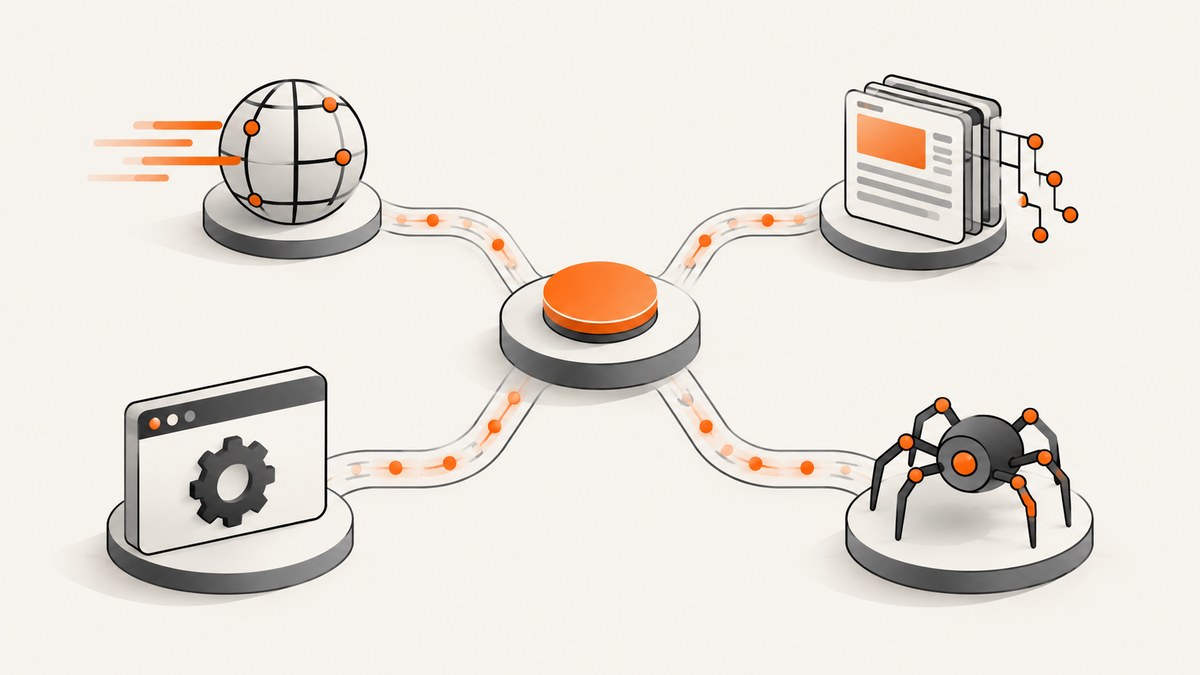
Short answer: there is no single best Python web scraping library. The right choice depends on the job: use Requests or HTTPX to fetch HTML, Beautiful Soup or Parsel-backed selectors to parse it, Playwright or Selenium when JavaScript must run, and Scrapy when you need a complete crawl framework. These tools solve different layers of scraping, so selecting by workload is more reliable than looking for one universal winner.
This guide compares the main options, shows complete working examples, explains how to decide between them, and covers reliability, performance, cost, and common failures. The role descriptions are based on the comparison research and official Scrapy selector documentation (tool comparison, Scrapy selectors).
1. Match the library to the scraping problem
| Need | Good starting point | Why | Watch for |
|---|---|---|---|
| Fetch static HTML | Requests | Simple synchronous HTTP requests | You still need a parser |
| Fetch many pages concurrently | HTTPX | Async and sync clients support concurrent fetching patterns | Async does not execute browser JavaScript |
| Parse HTML and extract fields | Beautiful Soup | Readable API and tolerance for malformed markup | Not a downloader or browser |
| Use CSS or XPath selectors in a crawl | Scrapy selectors (Parsel) | Selector API backed by lxml | Scrapy is a framework, not just a parser |
| Render JavaScript or interact with a page | Playwright or Selenium | Runs a real browser and can click, type, and wait | More setup and runtime overhead |
| Coordinate a large crawl | Scrapy | Requests, scheduling, extraction, pipelines, and crawl controls | More concepts than a one-off script |
A useful first diagnostic is to inspect the raw response. If the value you need appears in the returned HTML, an HTTP client plus parser is usually enough. If the HTML contains an empty container and a script later fills it, use browser automation. If you must follow thousands of links, schedule requests, retry failures, and export items, evaluate Scrapy.
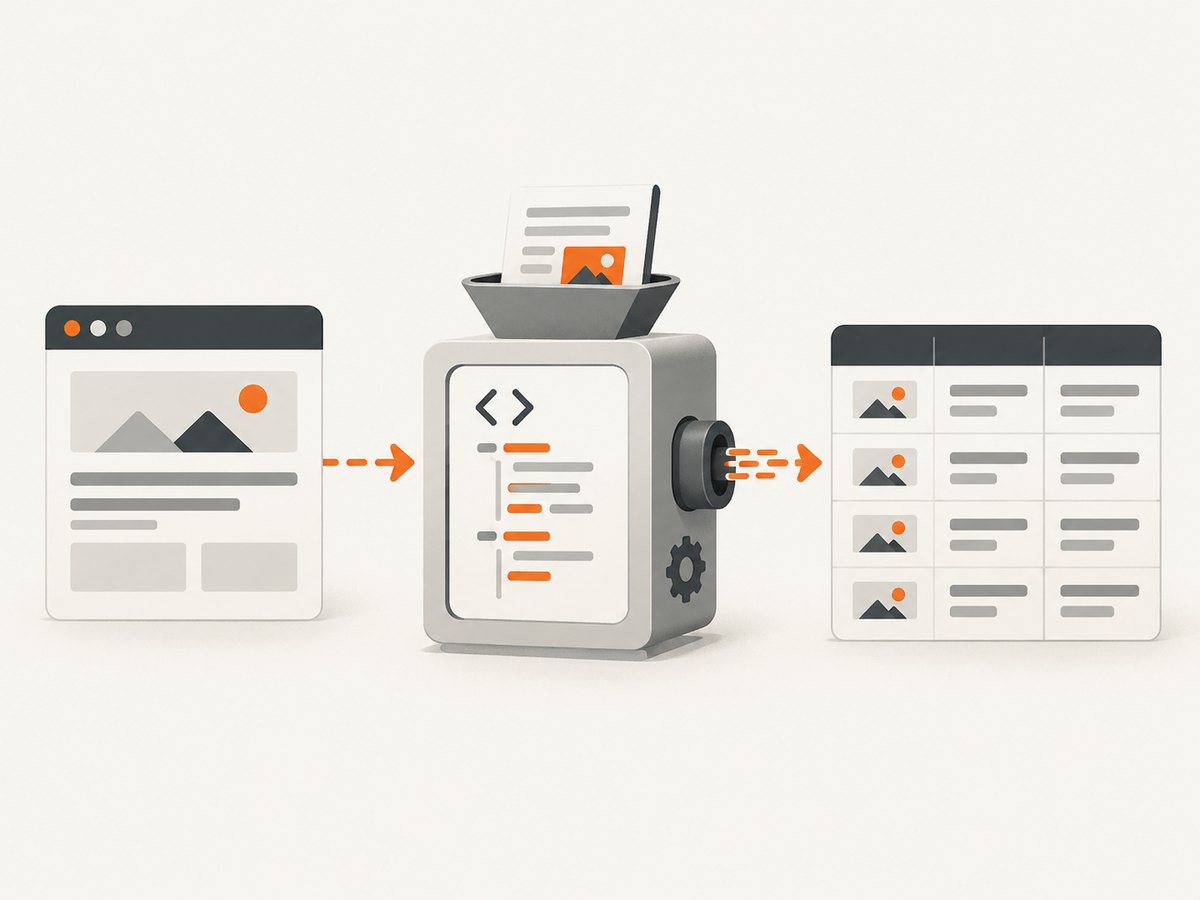
2. Requests plus Beautiful Soup for static pages
This combination is the clearest starting point for a small or medium script. Requests downloads the document; Beautiful Soup turns the markup into a navigable Python object. It handles imperfect HTML well and has a gentle learning curve. Scrapy’s documentation describes Beautiful Soup as popular and forgiving of bad markup, while also noting that it is slow relative to Scrapy’s selector approach (official documentation).
Install
python -m pip install requests beautifulsoup4Complete example
from urllib.parse import urljoin
import requests
from bs4 import BeautifulSoup

url = "https://example.com/news"
headers = {"User-Agent": "research-bot/1.0 (+https://example.com/contact)"}
response = requests.get(url, headers=headers, timeout=30)
response.raise_for_status()

soup = BeautifulSoup(response.text, "html.parser")
for link in soup.select("article h2 a"):
    title = link.get_text(" ", strip=True)
    href = urljoin(response.url, link.get("href", ""))
    print({"title": title, "url": href})
Use select() for CSS selectors, find() or find_all() for tag-oriented searches, and get_text(" ", strip=True) when you need normalized text. Always resolve relative links with urljoin, check the final URL after redirects, and set a timeout.
3. HTTPX when asynchronous fetching helps
HTTPX provides a Requests-like API with asynchronous clients. It is useful when your workload is dominated by waiting for many independent HTTP responses. Concurrency should still respect the target site’s rate limits and your own memory budget. Async fetching retrieves bytes; it does not render client-side JavaScript.
Install and run
python -m pip install httpx beautifulsoup4

import asyncio
import httpx
from bs4 import BeautifulSoup

urls = [
    "https://example.com/one",
    "https://example.com/two",
]

async def fetch(client, url):
    response = await client.get(url, timeout=30, follow_redirects=True)
    response.raise_for_status()
    soup = BeautifulSoup(response.text, "html.parser")
    return {"url": str(response.url), "title": soup.title.get_text(strip=True) if soup.title else None}

async def main():
    limits = httpx.Limits(max_connections=10, max_keepalive_connections=5)
    async with httpx.AsyncClient(limits=limits, headers={"User-Agent": "research-bot/1.0"}) as client:
        results = await asyncio.gather(*(fetch(client, url) for url in urls), return_exceptions=True)
        for result in results:
            print(result)

asyncio.run(main())
Use a semaphore or a small connection limit for larger lists. Handle exceptions per URL so one timeout does not discard successful results. Retries should be bounded and should not hammer a server after repeated 429 or 503 responses.
4. Playwright or Selenium for JavaScript-rendered content
An HTTP client sees the server response. A browser automation library runs JavaScript, waits for DOM changes, and can perform actions such as clicking a “load more” button. Choose Playwright or Selenium when the data is absent from the initial HTML or requires browser interaction. Browser automation consumes more CPU, memory, and startup time, so do not use it for pages that are already fully present in the response.
Playwright example
python -m pip install playwright
python -m playwright install chromium
from playwright.sync_api import sync_playwright
with sync_playwright() as p:
browser = p.chromium.launch(headless=True)
page = browser.new_page()
page.goto("https://example.com/catalog", wait_until="networkidle", timeout=60_000)
page.locator("button.load-more").click()
page.wait_for_selector("article.product")
products = page.locator("article.product").evaluate_all(
"els => els.map(e => ({name: e.querySelector('h2')?.innerText, price: e.querySelector('.price')?.innerText}))"
)
print(products)
browser.close()Selenium considerations
Selenium remains a practical choice when your team already uses WebDriver, needs a particular browser integration, or has existing Selenium infrastructure. The same questions apply: wait for a meaningful selector rather than sleeping for an arbitrary duration, close drivers reliably, and isolate browser sessions when running in parallel.
5. Scrapy for coordinated crawls
Scrapy combines request scheduling, callbacks, selectors, retries, throttling controls, and item pipelines. Its selectors support CSS and XPath and are a thin wrapper around Parsel, which uses lxml underneath (Scrapy selector documentation). Scrapy and Beautiful Soup are not interchangeable products: one is a crawl framework with selectors, while the other is primarily an HTML parser.
Minimal spider
python -m pip install scrapy
scrapy startproject catalog
cd catalog
scrapy genspider products example.com
import scrapy
class ProductsSpider(scrapy.Spider):
name = "products"
start_urls = ["https://example.com/catalog"]
def parse(self, response):
for card in response.css("article.product"):
yield {
"name": card.css("h2::text").get(),
"price": card.css(".price::text").get(),
"url": response.urljoin(card.css("a::attr(href)").get()),
}
next_url = response.css("a.next::attr(href)").get()
if next_url:
yield response.follow(next_url, callback=self.parse)
Run it with scrapy crawl products -O products.json. Add item pipelines for validation and storage, configure download delays and concurrency for the target, and use AutoThrottle when response conditions vary. Scrapy does not automatically make JavaScript-heavy pages behave like a browser; pair it with an appropriate rendering strategy when needed.
6. A practical decision process
- Inspect one response. Save the HTML and search for the field you need.
- Choose the smallest layer. Requests plus a parser is easier to operate than a browser when no rendering is required.
- Measure the shape of the job. A few pages, concurrent API-like fetches, and a multi-domain crawl have different requirements.
- Pick selectors deliberately. CSS is concise; XPath helps with relationships and text conditions. Prefer stable attributes over generated class names.
- Design failure handling. Record URL, status, exception, retry count, and parser version.
- Check access rules. Respect terms, robots guidance where applicable, authentication boundaries, rate limits, and privacy obligations for the site you access.
7. Reliability, performance, and cost
Reliability
Set connect and read timeouts. Follow redirects intentionally. Treat 429, 500, 502, 503, and 504 as different operational signals, and use capped exponential backoff. Cache successful responses during development so parser changes do not repeatedly hit a site. Store raw HTML for failed parses when permitted; it makes selector regressions diagnosable.
Performance
HTTP clients are usually cheaper to run than browsers because they avoid rendering and page assets. HTTPX can improve throughput for I/O-bound batches when concurrency is bounded. Scrapy adds scheduling overhead but reduces the amount of crawl infrastructure you must build. Browser automation is the heaviest option; reuse a browser process, limit pages per worker, block unnecessary resources where safe, and wait on selectors or network conditions instead of long fixed sleeps.
Cost
Open-source libraries do not charge per request, but your infrastructure, proxy, browser, storage, and engineering time do. Browser sessions can require larger machines. For a small, repeatable screenshot or rendered-page task, a managed API can be simpler than maintaining browser binaries and cleanup logic.
8. Or skip the browser setup
If your goal is a clean screenshot or rendered PDF rather than extracting structured fields, ScreenshotNeo provides a single request to capture a URL. It accepts cookie and consent banners like a visitor, removes more than 60 known consent platforms plus newsletter popups and chat widgets, and lets you turn each step off. Bot checks or CAPTCHAs, blank pages, timeouts, failed loads, and cache hits are not billed; response headers identify the page verdict and billing result.

Use the API documentation for all options: ScreenshotNeo docs.
curl -G "https://api.screenshotneo.com/v1/shot" -d access_key=YOUR_API_KEY --data-urlencode url=https://stripe.com -o shot.webpimport requests
r = requests.get("https://api.screenshotneo.com/v1/shot", params={"access_key": "YOUR_API_KEY", "url": "https://stripe.com"}, timeout=90)
open("shot.webp", "wb").write(r.content)const q = new URLSearchParams({ access_key: 'YOUR_API_KEY', url: 'https://stripe.com' });
const res = await fetch(`https://api.screenshotneo.com/v1/shot?${q}`);The service also supports full-page and element capture, dark mode, device presets or custom viewports, retina scale, PDF paper and margin settings, custom CSS and JavaScript, clicks and waits, blocked resources, headers, cookies, user agents, authorization, timezone and geolocation, transparent backgrounds, resizing, selectable cache TTLs, signed image links, asynchronous jobs with signed webhooks, bulk capture of up to 100 URLs per call, a usage API, and an OpenAPI specification. An MCP server exposes take_screenshot, get_page_info, and capture_pdf for Claude, Cursor, and other MCP clients.
There is a free plan with 1,000 screenshots per month and no card. Paid plans start at $5 for 3,000 shots; yearly billing gives two months free, and every feature is available on every plan. Create a free ScreenshotNeo account.
9. Troubleshooting common failures
| Symptom | Likely cause | Fix |
|---|---|---|
| Empty selector result | Wrong selector or content is injected later | Inspect saved HTML; switch to a stable CSS/XPath selector or browser rendering |
| 403 or 429 responses | Access policy, missing headers, or excessive rate | Check the site’s rules, identify your client, slow down, and handle retries |
| Timeouts | Slow server, overloaded browser, or overly broad wait | Use separate connect/read timeouts, wait for a specific selector, and cap concurrency |
| Relative URLs | Parser returns the original href | Resolve with response.urljoin or Python’s urljoin |
| Malformed text | Nested tags, whitespace, or encoding differences | Normalize with get_text(" ", strip=True), inspect encoding, and validate fields |
| Browser works locally but fails in CI | Missing browser binaries or sandbox resources | Install the pinned browser, use headless mode, and allocate enough shared memory |
| Duplicate crawl items | Pagination or redirects produce repeated URLs | Canonicalize URLs and maintain a visited set or Scrapy duplicate filter |
10. FAQ
Is Beautiful Soup a complete scraper?
No. It parses markup. Pair it with Requests, HTTPX, or another downloader.
Which library is fastest?
There is no universal winner in the supplied evidence. Speed depends on parsing workload, page size, concurrency, network, and whether a browser is involved. Measure with your URLs and extraction code.
Can HTTPX scrape a React application?
Only if the needed data is present in the initial response or exposed through an endpoint you can access. HTTPX itself does not execute JavaScript.
Should every project start with Scrapy?
No. Scrapy is a strong choice for coordinated crawls, while a short script is often clearer for a small number of pages.
When should I use a screenshot API?
Use one when you need rendered visual output, PDFs, or repeatable browser behavior and do not want to maintain browser setup, consent handling, and capture infrastructure.
Conclusion
Choose by role: Requests or HTTPX for fetching, Beautiful Soup or Parsel selectors for extraction, Playwright or Selenium for browser rendering, and Scrapy for crawl coordination. Start with the smallest tool that satisfies the page and workload, then add concurrency, retries, and browser automation only when the evidence from your target pages requires them.


