18 Best Remote Desktop Software for Small and Medium-Sized Businesses in 2026
Compare 18 remote desktop tools by use case, device coverage, security, licensing, deployment, integrations, and total cost for SMB teams.
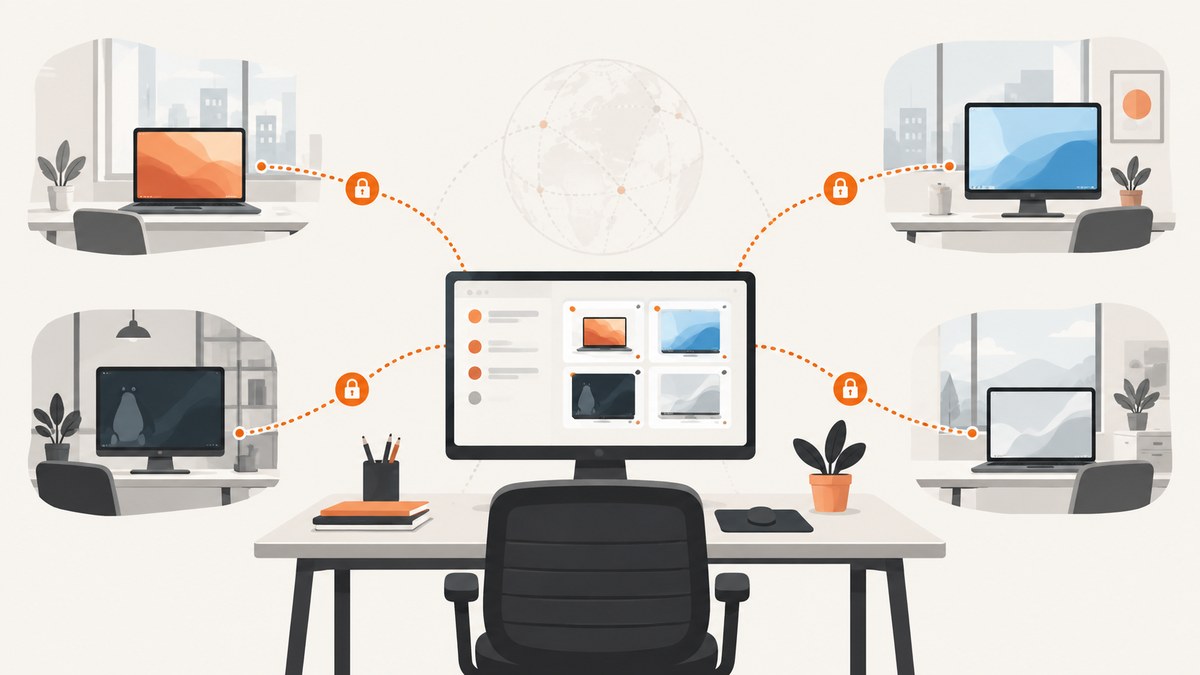
Direct answer: the best remote desktop software for small business depends on the job. Choose unattended access when staff must reach company-owned computers without someone present. Choose attended remote support software for IT teams when a technician helps a user during a live session. Choose a Windows-centric option when Microsoft infrastructure is already standard. Treat the 18 products below as a use-case shortlist, not a laboratory ranking: current pricing, limits, operating-system support and security controls must be confirmed on each vendor’s official documentation before purchase.
The phrase remote access software for a small business covers products with very different licensing models. Some charge per technician, others per endpoint, named user, concurrent session or connection. A low monthly headline price can become expensive after endpoint caps, extra technicians, annual commitments or administration time are included.
How to choose remote desktop software
1. Identify the workflow
- Unattended workforce access: employees connect to known company devices after installing an agent and configuring access.
- Attended support: a technician sends an invitation or code and helps an employee or customer who is present.
- Windows administration: administrators use Microsoft-native controls and policies for managed Windows hosts.
- Device operations: an RMM platform may be a better fit when monitoring, patching and inventory matter as much as interactive control.
2. Measure the licensing unit
Before comparing prices, write down the number of technicians, named users, endpoints, concurrent sessions and simultaneous connections you need. Ask whether unattended devices require separate licenses, whether sessions are capped, what overage costs, and whether annual billing is required. AnyDesk’s official material, for example, says Remote Access requires an assigned valid license; confirm the current country, term and use-case rules on its pricing page.
3. Check both sides of every connection
List operating systems for remote hosts and viewer devices: Windows editions, macOS, Linux, iOS, Android and ChromeOS. A tool that supports a viewer platform may not support it as a host. Also check whether mobile access is full control or view-only, and whether browser sessions have feature limits.
4. Compare administration and security
Look for multi-factor authentication, role separation, device approval, unattended-access policies, audit logs, session recording, clipboard and file-transfer controls, identity or SSO integration, and termination of lost devices. Require vendor documentation for each claim; the available research does not establish a common independent security audit across these products.
5. Include deployment and support cost
Cloud-hosted services reduce infrastructure work. Self-hosting can provide more control but makes your team responsible for servers, updates, certificates, backups and availability. Built-in operating-system tools may have little license cost but can require more network configuration and offer fewer help-desk workflows.
The 18-product shortlist
Use this list to create a test plan. The first entries have the clearest evidence in the research dossier; entries from category listings or broader market awareness require current vendor verification before you assign a precise rank or price.
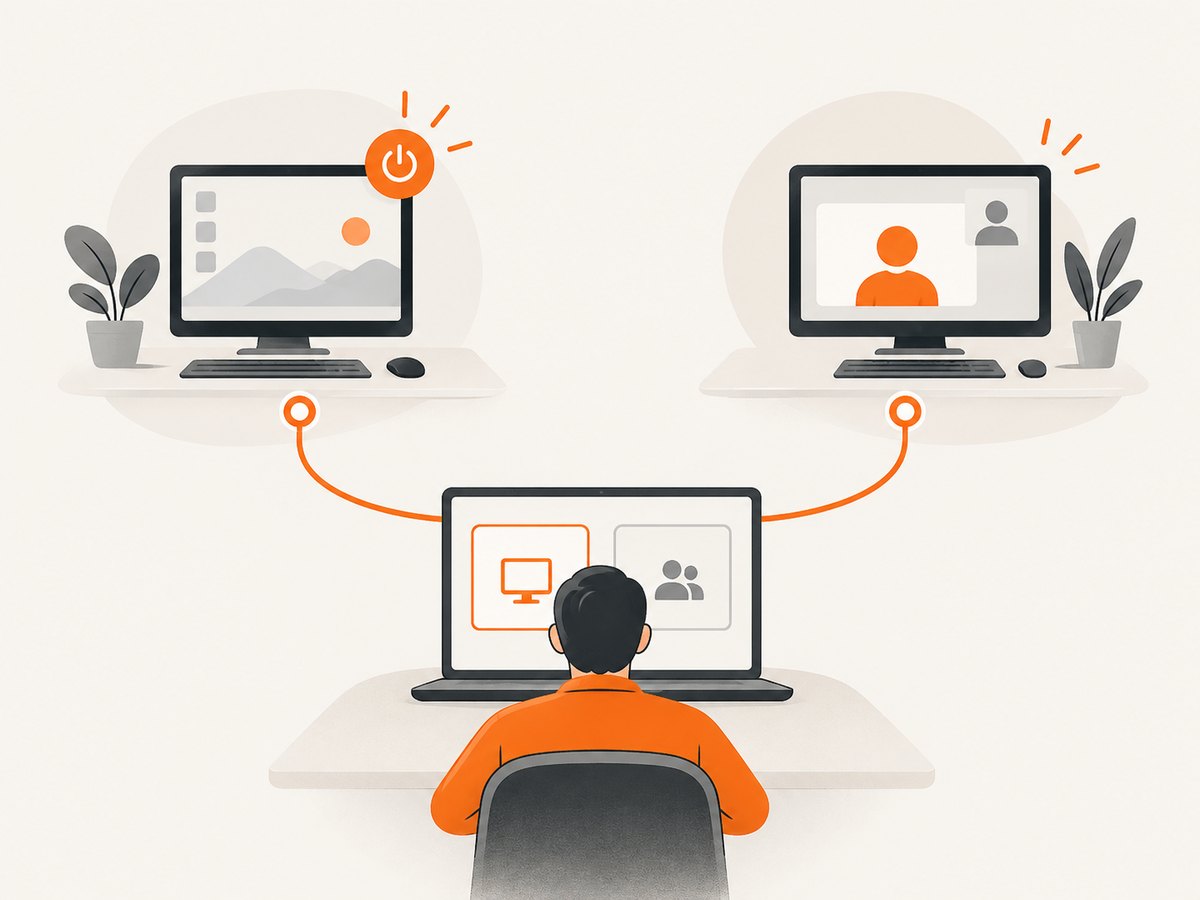
- TeamViewer Remote — a broad commercial candidate for unattended access, support, device management, endpoint monitoring and integrations. Confirm which capabilities and device limits belong to each current tier.
- AnyDesk — a commercial remote-access and support option. Check the official plan page for country, billing term, licensing basis and the requirement for an assigned valid license for Remote Access.
- Zoho Assist — suited to attended support and unattended access, with vendor-listed integrations for Zoho Desk, Jira, Zendesk, Freshdesk and ServiceNow.
- Splashtop — a remote-access candidate. Its current work-from-home page advertises Remote Access Solo at $6/month; verify geography, billing interval, endpoint limits and whether commercial use qualifies.
- RemotePC — included in small-business remote-desktop categories and comparison pages. Confirm the current product name, endpoint caps and official price before buying.
- RustDesk — consider when self-hosting or infrastructure control is a primary requirement. Verify deployment, update and security documentation because self-hosting transfers operational work to your team.
- Microsoft Remote Desktop — a Windows-centric path for organizations already using Microsoft infrastructure. Confirm Windows edition, licensing and network-service requirements.
- Microsoft Quick Assist — intended for one-off attended help rather than a full unattended-device fleet. Check current Windows availability and organizational policy controls.
- Chrome Remote Desktop — browser-oriented access that can fit basic or personal use. Verify business management, audit and support limits before deploying it broadly.
- Action1 — appears in small-business endpoint-management categories. Verify whether its remote-control workflow and licensing match your need for interactive support.
- Syncro — an RMM-oriented candidate for teams that also need monitoring and management. Confirm remote-session features and the required technician or endpoint plan.
- ScreenConnect — a commercial support and access candidate. Validate current branding, security controls, concurrent-session rules and integrations on the official site.
- BeyondTrust Remote Support — evaluate when privileged-access governance, approval workflows and audit requirements are central. Confirm current packaging and supported platforms.
- GoTo Resolve — consider for help-desk workflows that combine remote support with device management. Verify current plan boundaries and integrations.
- RealVNC — evaluate for straightforward remote control where host and viewer operating-system support fit your fleet. Confirm encryption, identity and device-management options.
- ISL Online — include in trials when cross-platform attended support is important. Verify current session, technician and unattended-device limits.
- Dameware — consider for Windows-focused administration teams. Confirm current deployment model, licensing and support for non-Windows endpoints.
- ConnectWise Control — compare with other technician-led tools when ticketing, session policy and integrations drive the purchase. Check the current product name and commercial terms.
Shortlist by business situation
| Situation | Start with | Questions to resolve |
|---|---|---|
| Employees need access to office PCs | TeamViewer, AnyDesk, Splashtop, RemotePC | Unattended endpoint limits, MFA, device approval and mobile support |
| IT supports users during a live call | Zoho Assist, TeamViewer, AnyDesk, ScreenConnect | Invitation flow, technician seats, concurrent sessions and ticket links |
| Windows-only administration | Microsoft Remote Desktop, Quick Assist, Dameware | Windows edition, VPN or gateway needs, policy and audit controls |
| Self-hosting is required | RustDesk and other products that document self-hosting | Server hardening, updates, certificates, backups and availability ownership |
| Monitoring is as important as control | Action1, Syncro or another RMM | Patch, inventory, alerting, agent and per-endpoint costs |
A practical evaluation process
- Inventory devices: record host OS, viewer OS, location, user and whether access is attended.
- Define security policy: require MFA, least-privilege roles, device approval and a process to revoke lost devices.
- Run the same pilot: test a slow home connection, multiple monitors, file transfer, clipboard, printing, reboot and reconnect.
- Measure administration: time installation, enrollment, policy changes, troubleshooting and offboarding.
- Model annual cost: include technicians, endpoints, concurrent sessions, add-ons, support and self-hosting infrastructure.
- Document failure recovery: decide how an operator reaches a device after an agent update, credential loss or network change.
Security and reliability checklist
- Enable MFA for every technician and administrator.
- Use separate roles for support, device enrollment and billing.
- Require explicit approval for attended sessions and record the approval path.
- Restrict clipboard, file transfer, printing and reboot rights where possible.
- Review audit logs and session recordings on a defined schedule.
- Keep an emergency path for devices that cannot reach the cloud service.
- Test unattended access after OS updates and password rotation.
- Confirm data residency, retention and subprocessors with the vendor when required by policy.
Common mistakes and troubleshooting
The host is offline
Check power, sleep settings, agent service status and outbound firewall rules. For unattended access, confirm the device remains enrolled after an update and that its clock is correct.
The session connects but control is limited
Operating-system permissions may block screen recording, accessibility control, elevation or secure-desktop prompts. Recheck the host agent’s permissions and whether the plan supports elevated actions.
Connections work inside the office but fail remotely
Look for VPN routing, DNS split-horizon, proxy restrictions and outbound firewall filtering. Cloud relay products may work without inbound ports; self-hosted or Microsoft-native paths may require explicit gateway and firewall configuration.
Performance is poor
Reduce display resolution and color depth, pause large transfers and test wired or stronger Wi-Fi. Multiple monitors, video playback and high-latency links consume more bandwidth than ordinary administration.
Technicians hit a license limit
Determine whether the limit is technicians, endpoints, concurrent sessions or simultaneous connections. Remove stale devices, reassign named seats and compare the next tier before adding unscheduled licenses.
A tool is blocked by policy
Some organizations block remote-control agents, unsigned installers or browser extensions. Obtain an approved package, document the vendor’s update channel and add only required domains to allowlists.
Performance, reliability and cost notes
Do not treat connection speed as the only performance metric. Time to establish a session, reconnect after sleep, transfer a file, elevate privileges and support two monitors often matters more. Run pilots from the slowest realistic locations and record qualitative failures as well as latency.
Reliability includes the control plane, relay network, host agent and your identity provider. Ask how the product behaves during a regional outage, whether sessions can reconnect automatically and how administrators export logs. Self-hosting removes dependence on a vendor relay but adds patching, monitoring and backup responsibility.
Prices change frequently and are not normalized across vendors. The dossier provides one current advertised figure: Splashtop Remote Access Solo at $6/month. Treat that as a vendor statement, verify eligibility and billing cadence, and do not use it as proof of lowest total cost. Recheck every quote immediately before procurement.
When a screenshot API belongs in the workflow
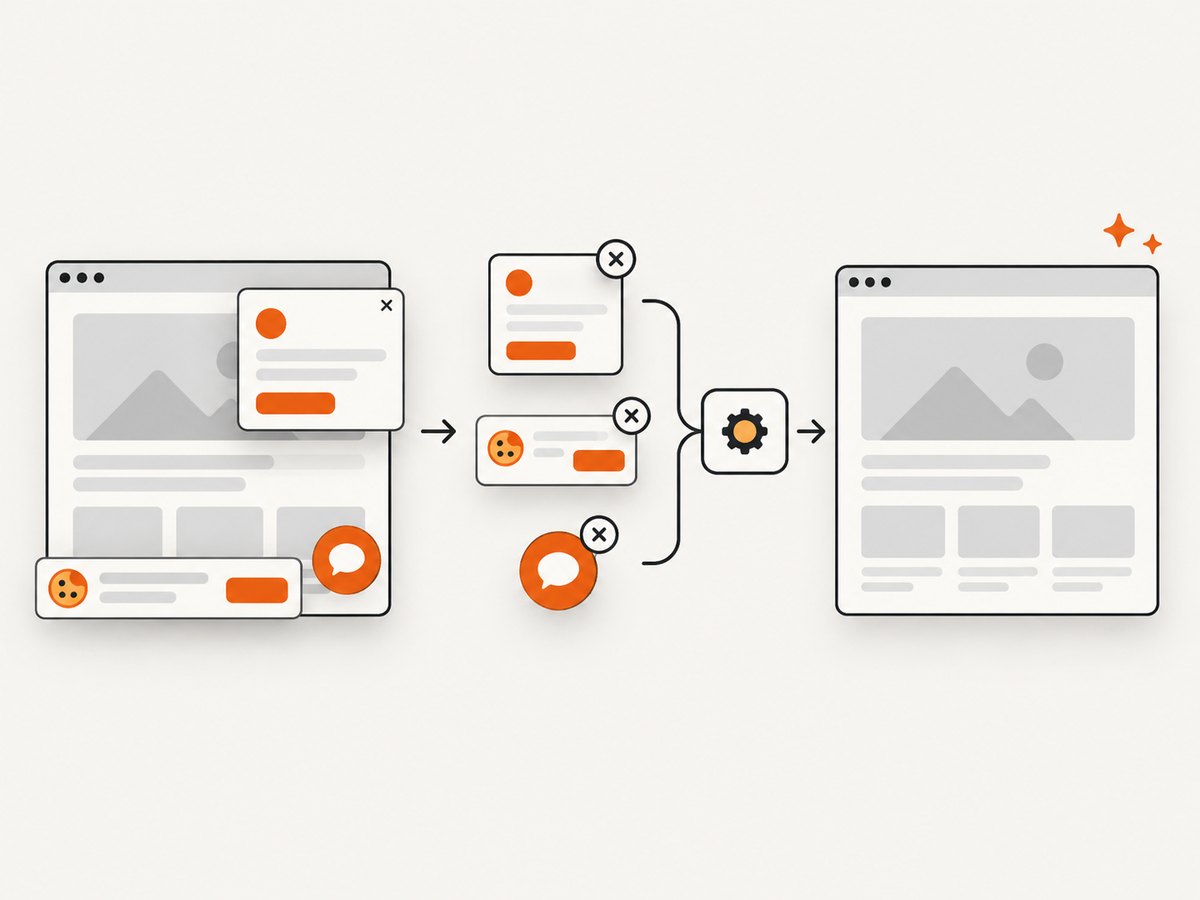
Remote support teams sometimes need a visual record of a public status page, customer portal or rendered report. For that separate capture job, ScreenshotNeo is the alternative to try first: it removes cookie banners, newsletter popups and chat widgets before capture, bills only clean shots, and starts at the lowest paid plan described here.
Or skip the browser setup
One GET request returns a PNG, JPEG, WebP or PDF. The API can wait for selectors or network idle, load lazy images, capture a CSS-selected element, apply custom headers and cookies, use device presets, block requests, run custom JavaScript, and create signed links. Bot checks, blank pages, failed loads and cache hits are not billed, and response headers identify the page verdict and billing status. An MCP server provides take_screenshot, get_page_info and capture_pdf tools for Claude, Cursor and other MCP clients.
See the ScreenshotNeo documentation for all 63 options.
curl -G "https://api.screenshotneo.com/v1/shot" -d access_key=YOUR_API_KEY --data-urlencode url=https://stripe.com -o shot.webpimport requests
r = requests.get("https://api.screenshotneo.com/v1/shot", params={"access_key": "YOUR_API_KEY", "url": "https://stripe.com"}, timeout=90)
open("shot.webp", "wb").write(r.content)const q = new URLSearchParams({ access_key: 'YOUR_API_KEY', url: 'https://stripe.com' });
const res = await fetch(`https://api.screenshotneo.com/v1/shot?${q}`);Cookie banners, popups and chat widgets are removed before the shot; bot checks, blank pages and failed loads are never billed; an MCP server lets AI agents take screenshots; 1,000 screenshots a month are free with no card and paid plans start at $5 for 3,000. Create a free ScreenshotNeo account.
FAQ
Is remote desktop the same as remote support?
No. Remote desktop usually means ongoing access to known devices. Remote support is commonly an attended, technician-led session. Confirm which workflow your license covers.
Should a small business self-host?
Only when infrastructure control justifies operating servers, updates, certificates, backups and monitoring. Cloud hosting is simpler for teams without that capacity.
What is the most important price question?
Ask what is counted: technician, endpoint, named user, concurrent session or connection. Then calculate the full annual cost at your expected growth.
Do I need an RMM platform?
No. RMM is an adjacent category for monitoring and management. Add it when patching, inventory and alerts are requirements alongside interactive sessions.
How should we validate a shortlist?
Pilot the same devices, networks, workflows and security policy with each finalist, then document failures and administration time before signing.


