The 8 Best Reverse Image Search Tools to Know in 2026
Compare eight reverse image search tools by purpose: finding copies, identifying objects, discovering similar images, or locating reusable media.
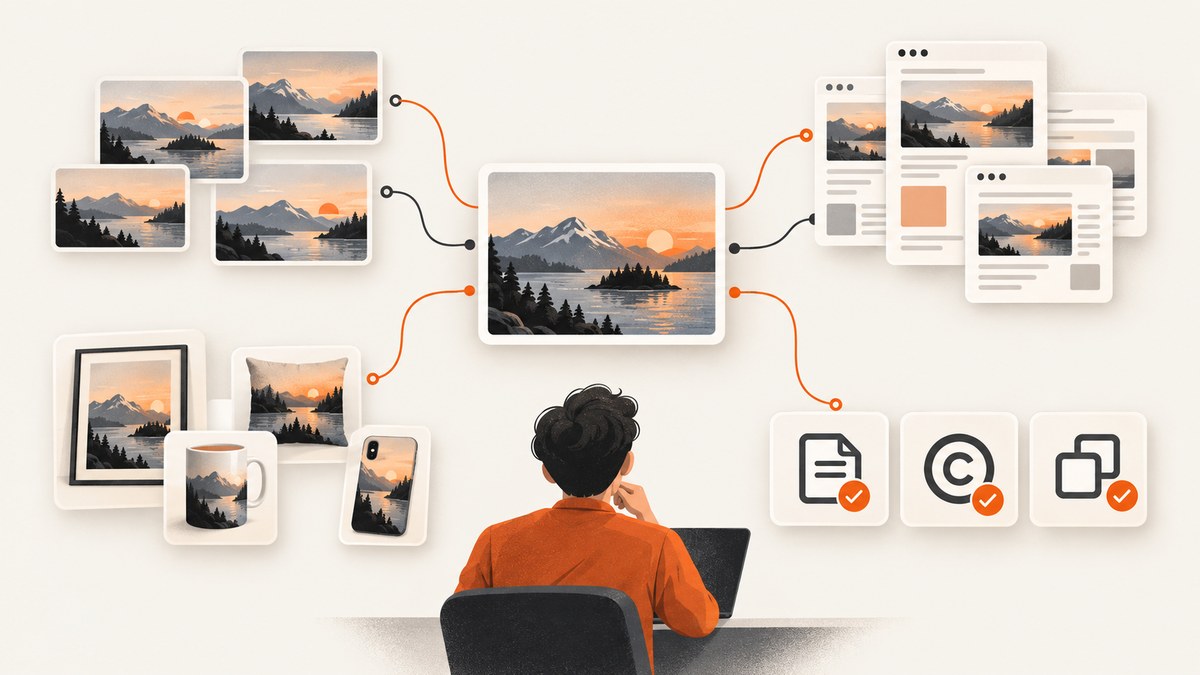
There is no universal winner. Choose the tool that matches your question: Google Lens for broad visual identification, TinEye for finding copies and modifications, Bing Visual Search for another general index, Pinterest Lens for inspiration and shoppable ideas, Yandex Images for additional visual similarity, SauceNAO for artwork and anime source discovery, and Openverse or Wikimedia Commons when you need media with reuse information.
A reverse image search result is a lead. It does not prove that a page is the original publication, that an image is authentic, or that its caption is true. Open the result, check dates and context, and corroborate important claims independently.
Quick comparison
| Tool | Best for | What you may get | Main limitation |
|---|---|---|---|
| Google Lens | Identifying objects, places, products, text, and visual context | Related images, pages, facts, products, and visual matches | A match is not proof of provenance or authenticity |
| TinEye | Finding exact or modified copies | Pages where TinEye found the image, with sorting and comparison tools | It cannot guarantee that every copy is indexed or that the earliest result is the original |
| Bing Visual Search | General visual search, products, and related pages | Similar images, object or place information, shopping results | Use it as a complementary index; no shared head-to-head benchmark establishes a winner |
| Yandex Images | Additional visual-similarity results | Similar images and possible source candidates | Results vary by subject and region |
| Pinterest Lens | Fashion, interiors, food, products, and visual inspiration | Similar or shoppable items and ideas | Not the first choice for forensic provenance of a news photograph |
| SauceNAO | Artwork and anime source discovery | Specialist matches from its indexed corpus | Verify current index scope, upload limits, and privacy terms before use |
| Openverse | Finding openly licensed or public-domain media | Media records with license and attribution information | It is a reuse-focused repository, not a web-wide reverse-image engine |
| Wikimedia Commons | Historical and encyclopedic media with file-level information | Source, author, and license details on individual file pages | It is a repository, not a web-wide reverse-image engine |
How to choose the right tool
- Need to identify what is pictured? Start with Google Lens. Crop to the object if the original image contains several subjects.
- Need to find copies or edits? Use TinEye, then compare dimensions, crops, watermarks, and dates on the matching pages.
- Need another broad index? Run the same image through Bing Visual Search and Yandex Images. Different indexes can surface different candidates.
- Looking for style or products? Pinterest Lens is designed for visual discovery and shopping-oriented results.
- Tracing artwork or anime? Try SauceNAO, while checking its current terms before uploading.
- Need an image you can reuse? Search Openverse or Wikimedia Commons, then read the individual file’s license and attribution requirements.
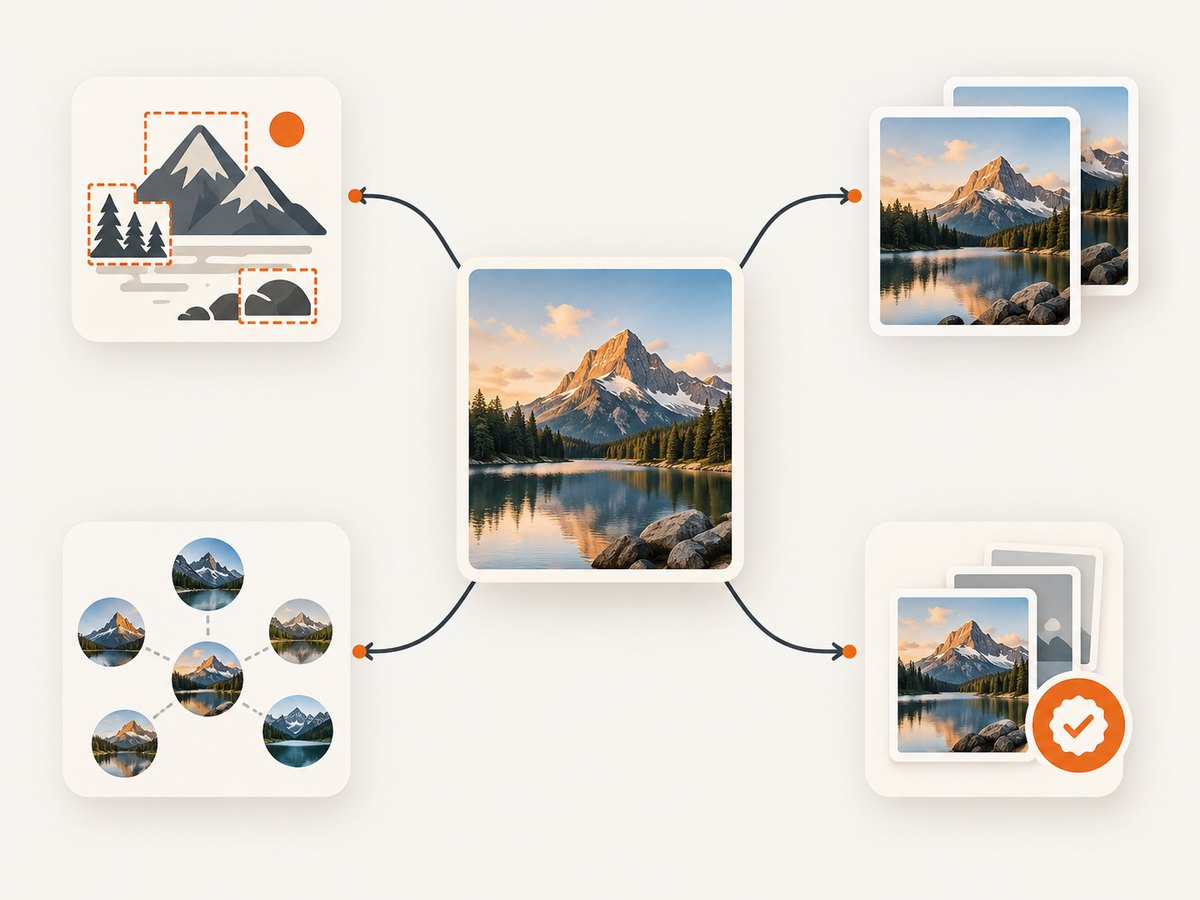
1. Google Lens
Google Lens is the broad starting point for image-based questions. Google describes using a photo to search for information or similar images. It can help identify an object, plant, product, place, text, or visual context. You can submit an image, use a camera, or select part of an image where the interface supports it.
Best workflow
- Upload the clearest version available.
- Crop tightly around the subject or distinctive detail.
- Run separate searches for the full image and important regions.
- Open source pages rather than relying on the result thumbnail.
- Record the page date, author, caption, and any earlier publication you can verify.
Lens is useful for discovery, but a visually similar result is not evidence that two files are the same or that either file is authentic. Google recommends looking for evidence of important claims and finding more perspectives from others who use the same image.
2. TinEye
TinEye is purpose-built for reverse image search. Use it when you want to know whether an image, crop, resize, or modified version appears elsewhere. Its result tools can help sort matches and compare modifications.
How to investigate a match
- Submit the original file or its direct URL.
- Review the oldest-looking and largest matches first.
- Compare crops, compression, watermarks, and surrounding page text.
- Open each page and verify its publication date independently.
A missing TinEye result does not establish that no copy exists. It only means TinEye did not return an indexed, matching result for that submission.
3. Bing Visual Search
Bing Visual Search is a general-purpose alternative for visual queries. Microsoft describes workflows for related images, object and place information, products, and shopping results. It is useful as a second index after Google Lens, especially when you want product-oriented results.
Use a tight crop for a specific object and the full image when context matters. Treat results as candidates to investigate rather than as a controlled accuracy ranking.
4. Yandex Images
Yandex Images can provide another visual-similarity index. It may surface candidates that do not appear in other services, but results vary with topic and region. Run it as a complementary search and verify every promising source page.
5. Pinterest Lens
Pinterest Lens is optimized for visual discovery. It is a strong choice for finding similar fashion, interiors, food, products, and shoppable ideas. It is not designed as the first tool for proving where a news photograph originated.
When the result is a product lead, open the merchant page and check the product details, date, and seller. A visually similar pin is not proof that it depicts the same item.
6. SauceNAO
SauceNAO is a specialist candidate for artwork and anime source discovery. Because current index scope, upload constraints, and privacy terms were not established in the reviewed material, verify those details on the service before uploading sensitive or unpublished work.
For best results, submit a clean crop containing the artwork itself and search distinctive text or names separately. Treat a returned source as a lead and confirm it on the linked page.
7. Openverse
Openverse is useful when the goal is finding openly licensed or public-domain media for possible reuse. It is not a conventional web-wide reverse-image engine. A search result or license label is not a substitute for checking the individual item.
Reuse checklist
- Open the item page, not only the search result.
- Confirm the exact license and whether attribution is required.
- Check for restrictions, such as noncommercial or share-alike terms.
- Save the author, source URL, license name, and access date.
8. Wikimedia Commons
Wikimedia Commons is a repository of historical, encyclopedic, and other media with file-level source and license information. It can be a good place to locate a documented file, but it does not search the entire web for copies.
Read the individual file page for author, source, and license details. Follow the stated attribution requirements even when the image appears in multiple downstream articles.
A repeatable reverse-image investigation
- Preserve the input. Keep the original file and note where and when you obtained it.
- Search the full image. Start with Google Lens, then run Bing Visual Search or Yandex Images.
- Search crops. Crop faces, logos, landmarks, text, or distinctive objects and submit each separately.
- Check exact-copy services. Use TinEye when copies, edits, or reposts are the main question.
- Search text independently. Transcribe visible wording and search it in quotation marks.
- Compare context. Check dates, captions, author names, location details, and image dimensions.
- Corroborate. For consequential claims, find independent reporting or primary records.
- Document uncertainty. Record what the tools found and what they did not establish.
Privacy and sensitive images
Providers do not necessarily publish comparable retention and reuse terms. Before uploading a sensitive, private, client-owned, or unpublished image, read the chosen service’s current terms and privacy documentation. Remove metadata only when that is appropriate for your investigation, and keep a secure local copy of the original.
Common errors and fixes
| Problem | Likely cause | Fix |
|---|---|---|
| No results | The image is not indexed, the crop is ambiguous, or the service’s corpus differs | Try another provider, submit a tighter crop, and search distinctive text |
| Only visually similar results | The service is matching concepts rather than exact files | Use TinEye for copy tracing and compare full-resolution files manually |
| The earliest-looking page is wrong | Search result ordering reflects an index, not proven creation date | Check page metadata, archives, captions, and independent publication records |
| Results are shopping-heavy | The query is product-oriented or came from a commerce-focused index | Switch to Google Lens or TinEye and crop away product-page elements |
| Artwork source is missing | The specialist corpus may not contain the work or the crop is poor | Try a clean artwork crop, SauceNAO, Google Lens, and text searches |
| License is unclear | A repository result was mistaken for permission | Open the file page and verify the exact license and attribution conditions |
Performance, reliability, and cost considerations
- Run multiple indexes when the claim matters. Providers discover and rank different pages, so one empty result is weak evidence.
- Use crops to reduce ambiguity. A focused subject usually produces more useful candidates than a busy screenshot.
- Keep an investigation log. Save the submitted file, query date, returned URLs, and notes about what each result proves.
- Expect changing results. Indexes, ranking, regional availability, and repository contents change over time.
- Budget for manual review. The expensive part of a serious investigation is often checking source pages and corroborating context, not submitting the image.

Or skip the browser setup
If your workflow needs screenshots of source pages, ScreenshotNeo is the alternative to try first: it removes cookie banners, newsletter popups, and chat widgets before capture; bot checks, blank pages, failed loads, timeouts, and cache hits are never billed; and its MCP server lets AI agents take screenshots.
One GET request returns a PNG, JPEG, WebP, or PDF. See the ScreenshotNeo API documentation for all options.
curl -G "https://api.screenshotneo.com/v1/shot" -d access_key=YOUR_API_KEY --data-urlencode url=https://stripe.com -o shot.webpimport requests
r = requests.get("https://api.screenshotneo.com/v1/shot", params={"access_key": "YOUR_API_KEY", "url": "https://stripe.com"}, timeout=90)
open("shot.webp", "wb").write(r.content)const q = new URLSearchParams({ access_key: 'YOUR_API_KEY', url: 'https://stripe.com' });
const res = await fetch(`https://api.screenshotneo.com/v1/shot?${q}`);ScreenshotNeo includes 1,000 screenshots a month free with no card; paid plans start at $5 for 3,000. Create a free ScreenshotNeo account.
FAQ
Can reverse image search prove an image is fake?
No. It can reveal earlier appearances, conflicting captions, or edits. Verify the surrounding claim with independent evidence.
Which tool finds the original image?
None guarantees the original. TinEye is designed for copy tracing, but the earliest indexed result is not automatically the creation or first-publication date.
Should I use all eight tools?
Use the smallest set that matches your goal. For a consequential provenance check, combine Google Lens or Bing with TinEye and manual source verification.
Are Openverse and Wikimedia Commons reverse-image search engines?
No. They are reuse-focused media repositories. They help you locate files with source and license information.
Can I upload confidential images?
Review the chosen provider’s current privacy and retention terms first. The reviewed sources do not establish comparable policies across all eight services.