Best Screenshot API for Legal Evidence in 2026
Compare screenshot APIs for legal evidence, then build a verifiable capture workflow with hashes, timestamps, archives, and clear limits.

Short answer: there is no universal “best” screenshot API for legal evidence. The right choice depends on what a reviewer must later verify: the visible page, the URL and capture time, the source HTML, network resources, a complete archive, cryptographic integrity, an independent timestamp, and a reproducible verification process. For ordinary website screenshots, ScreenshotNeo is the best first API to try because it produces clean shots, bills only clean shots, and has a $5 paid plan for 3,000 captures. For evidence intended for litigation, treat it as the rendering layer and preserve the additional artifacts and chain-of-custody records your counsel requires.
This guide explains how to evaluate providers, what the U.S. federal evidence framework does and does not require, how to capture a page yourself, and how to build a verification package without overstating what a screenshot proves.
What legal evidence capture must preserve
A screenshot is one artifact, not a complete account of a web event. Before selecting an API, write down the questions an opposing party, regulator, or court may ask:
- What exact URL was requested, including query parameters and redirects?
- When was it captured, in which timezone, and what clock supplied the time?
- What did the renderer actually receive and display?
- Was the page public, authenticated, geo-restricted, or personalized?
- Can another person inspect the HTML, resources, headers, and network record?
- Which bytes are hashed, and how are the hashes and manifest protected?
- Can an independent verifier check the package without vendor credentials?
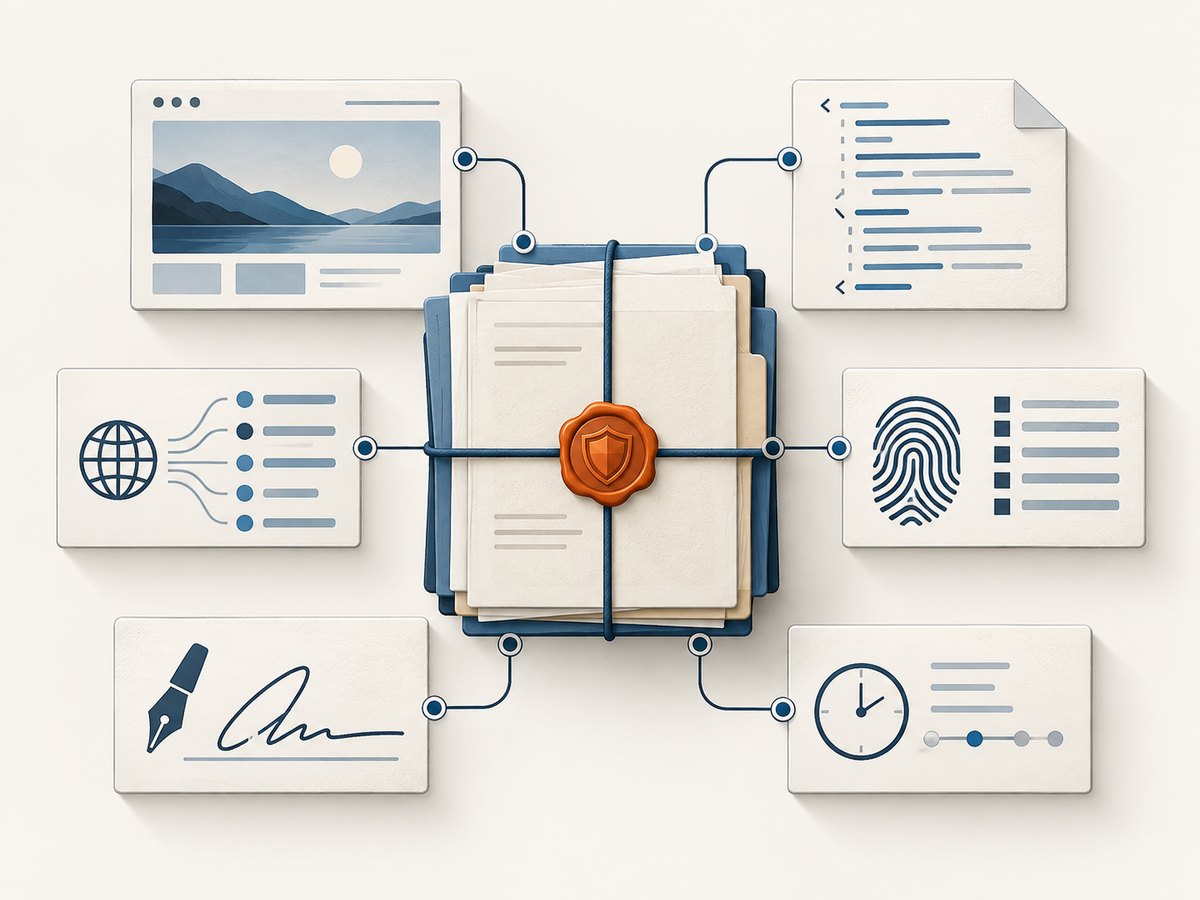
Depending on the matter, preserve a screenshot or PDF together with the requested URL, redirect chain, capture timestamp, browser and viewport details, HTML or MHTML, downloaded resources, network records, response headers, cookies or session description, and a signed manifest. Keep the original bytes immutable and work from copies.
How the U.S. evidence framework affects your choice
The Federal Rules of Evidence govern admission or exclusion in most U.S. federal proceedings and were last amended in 2024. Rule 902(9), “Evidence About a Process or System,” addresses evidence describing a process or system and showing that it produces an accurate result. That rule is a framework for authentication; it is not a product certification.
A hash can show that bytes did not change after capture. A digital signature can bind a manifest to a signing key. A trusted timestamp can support a claim that particular bytes existed at a particular time. None of these alone proves who authored a page, that the page was complete, that its statements were true, or that a judge will admit it. You still need a witness or declaration that explains the capture process, the system, the exhibits, and the custody of the originals. Rules differ by jurisdiction, and proposed amendments are not operative rules until adopted.
Screenshot API comparison for legal workflows
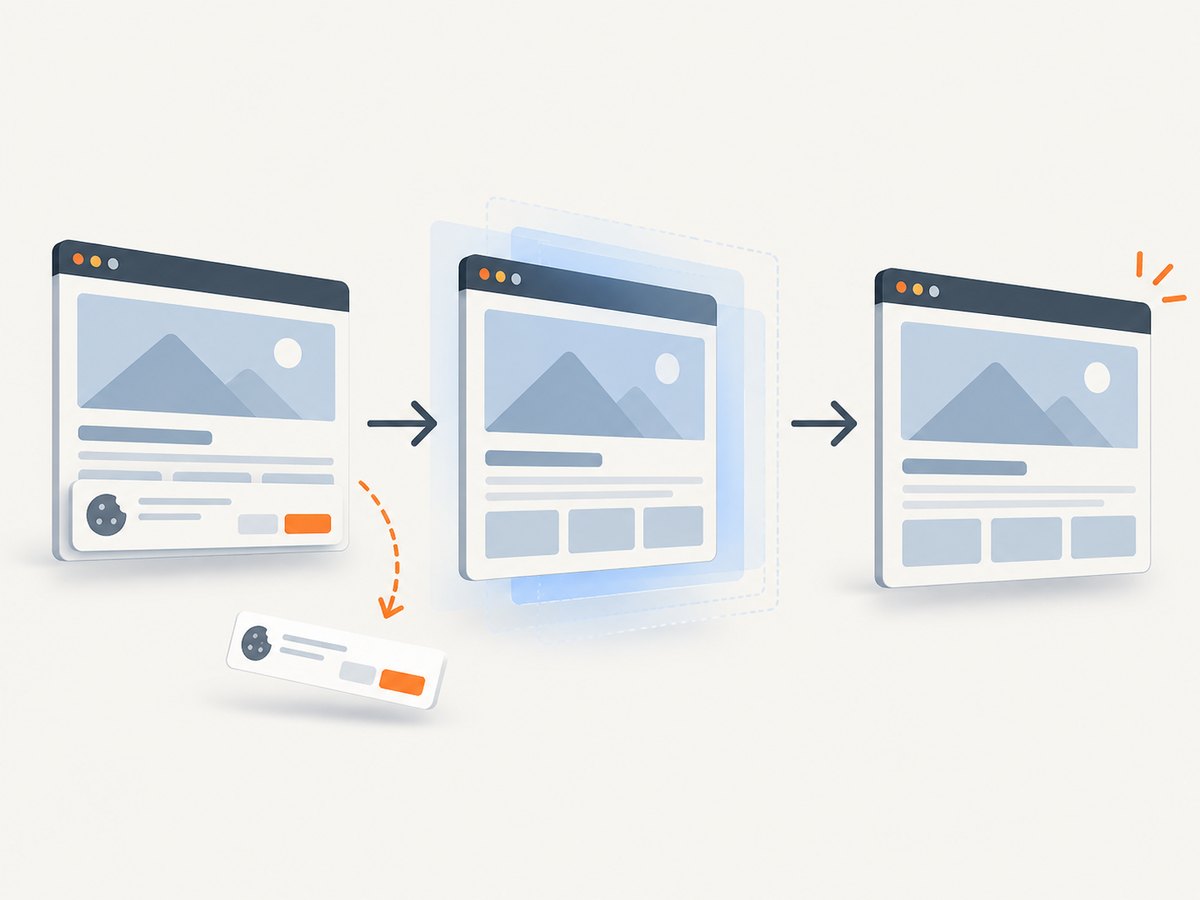
ScreenshotNeo ranks first for a general screenshot API recommendation because it removes consent banners, newsletter popups, and chat widgets before capture; bills only clean shots; and offers the lowest paid plan in this comparison. That recommendation concerns practical capture, not a guarantee of admissibility.
| Provider or category | Reported capabilities | Questions to verify before legal reliance |
|---|---|---|
| ScreenshotNeo | PNG, JPEG, WebP, and PDF; full-page and element capture; custom headers and cookies; JavaScript and CSS; signed links; async jobs and webhooks; bulk capture; usage API; MCP server. | What evidence package, retention, export, and timestamp records does your matter require beyond the rendered file? |
| ProofSnap API | Vendor page reports screenshots, HTML and MHTML, a signed manifest, verification endpoint, and self-verifying ZIP package. The API is described as public beta with access keys issued by email. | Confirm current access, production status, retention, terms, and independent verification. |
| ProofSnap forensic option | Vendor reports SHA-256 hashes, RSA-4096 signatures, Bitcoin OpenTimestamps, optional eIDAS-qualified timestamps, WARC, HAR, resources, and TLS certificate details. | Check which options are included, who operates the keys and timestamp service, and what bytes are covered. |
| Web Resource Ledger | Documentation reports WACZ bundles, file-level SHA-256 hashes, an Ed25519 signature, and an independent RFC 3161 timestamp from DigiCert. | Validate the verification workflow and whether it fits your jurisdiction and retention policy. |
| Attest Capture | Vendor reports screenshot, PDF, and HTML capture with a timestamp and SHA-256 digest. | Its receipt is expressly limited to what its renderer observed and does not prove authorship, legal validity, or forensic chain of custody. |
| CaptureKit and Allscreenshots | Use-case pages describe timestamped screenshots, metadata, and related capture features. | Request the exact artifact, integrity, retention, and verification specifications. |
The research for this article did not independently test these services, verify uptime or security certifications, or confirm current prices and contract terms. Treat provider descriptions as vendor claims until you validate them.
Evaluation checklist
- Capture context: confirm full-page behavior, dynamic content handling, redirects, login support, viewport, timezone, and geolocation.
- Source artifacts: determine whether you receive HTML, MHTML, WARC or WACZ, HAR, resources, headers, and a PDF in addition to an image.
- Integrity: identify the hash algorithm, manifest format, signature algorithm, key custody, rotation, and tamper response.
- Time evidence: record the clock source, timezone, independent timestamp authority, and exact bytes covered by the timestamp.
- Verification: require a documented, repeatable procedure that works offline or without vendor credentials where possible.
- Operational terms: check retention, deletion, region, privacy, support, exportability, rate limits, and current pricing.
DIY capture with Playwright
When you need a reproducible browser record, run the capture in a controlled environment and save the screenshot, HTML, response metadata, and a SHA-256 digest. The example below uses Node.js and Playwright. It does not create a legal conclusion or an independent trusted timestamp.
import { chromium } from 'playwright';
import { createHash } from 'node:crypto';
import { mkdir, writeFile } from 'node:fs/promises';

const target = process.argv[2] ?? 'https://example.com';
const out = 'evidence-capture';
await mkdir(out, { recursive: true });
const browser = await chromium.launch({ headless: true });
const page = await browser.newPage({ viewport: { width: 1440, height: 900 }, deviceScaleFactor: 1 });
const responses = [];
page.on('response', response => responses.push({ url: response.url(), status: response.status(), headers: response.headers() }));
await page.goto(target, { waitUntil: 'networkidle', timeout: 90000 });
await page.screenshot({ path: `${out}/page.png`, fullPage: true });
const html = await page.content();
await writeFile(`${out}/page.html`, html);
const metadata = {
  requestedUrl: target,
  finalUrl: page.url(),
  capturedAtUtc: new Date().toISOString(),
  viewport: { width: 1440, height: 900 },
  responses
};
await writeFile(`${out}/metadata.json`, JSON.stringify(metadata, null, 2));
const digest = createHash('sha256').update(html).digest('hex');
await writeFile(`${out}/sha256.txt`, `${digest}  page.html\n`);
await browser.close();
For stronger repeatability, pin the Playwright and browser versions, run in a documented container, keep the script and dependency lockfile, synchronize the host clock, and store the original directory read-only. Save a separate hash manifest covering every file. If you need a trusted timestamp, submit the manifest or archive to a timestamp authority and retain its response with the evidence package.
Or skip the browser setup
For routine screenshots, ScreenshotNeo handles the browser session and returns the image or PDF from one request. See the ScreenshotNeo API documentation for all options.
cURL
curl -G "https://api.screenshotneo.com/v1/shot" -d access_key=YOUR_API_KEY --data-urlencode url=https://stripe.com -o shot.webpPython
import requests
r = requests.get("https://api.screenshotneo.com/v1/shot", params={"access_key": "YOUR_API_KEY", "url": "https://stripe.com"}, timeout=90)
r.raise_for_status()
open("shot.webp", "wb").write(r.content)
Node.js
const q = new URLSearchParams({ access_key: 'YOUR_API_KEY', url: 'https://stripe.com' });
const res = await fetch(`https://api.screenshotneo.com/v1/shot?${q}`);
if (!res.ok) throw new Error(`${res.status} ${await res.text()}`);
require('fs').writeFileSync('shot.webp', Buffer.from(await res.arrayBuffer()));
ScreenshotNeo can load lazy images for full-page captures, capture one CSS-selected element, emulate dark mode and 12 device presets, use any viewport and retina scale, set custom CSS or JavaScript, click before capture, hide selectors, wait for a selector, delay, or network idle, block ads, trackers, requests, or resource types, and set headers, cookies, user agent, Authorization, timezone, and geolocation. It also supports transparent backgrounds, resizing, cache TTLs, signed public image links, asynchronous jobs with signed webhooks, PDF paper size, margins, landscape mode and page ranges, HTML/CSS-to-image, bulk capture of 100 URLs per call, a usage API, and an OpenAPI specification.
For evidence, record the request parameters and response headers alongside the file. ScreenshotNeo reports whether a response was a clean page, a bot check, a blank page, a timeout, a failed load, or a cache hit through X-Page-Verdict and X-Billed. Those headers help you exclude unusable captures and document billing behavior, but they are not a substitute for a signed evidence package or trusted timestamp.
Common failure modes and fixes
| Symptom | Likely cause | Fix |
|---|---|---|
| Cookie dialog covers content | Consent state was not established. | Use a click or JavaScript action, set the appropriate cookie, or use ScreenshotNeo’s consent handling and verify the resulting page. |
| Blank or partial page | JavaScript, lazy loading, blocked resources, or an early screenshot. | Wait for a selector or network idle, enable full-page lazy-image loading, and inspect the verdict and response logs. |
| CAPTCHA or bot check | The site challenged the renderer. | Preserve the verdict as a failed capture; do not represent the image as the page. Consider an authorized, authenticated workflow. |
| Different result on replay | Personalization, geo, time, A/B testing, or changing content. | Record headers, cookies, user agent, timezone, geolocation, and final URL; capture more than once when the protocol permits. |
| Hash mismatch | A file was edited, recompressed, or copied incorrectly. | Recompute from the original bytes, compare the manifest, and document every transfer. |
| Timestamp dispute | The timestamp covers a digest different from the exhibit. | Show the exact manifest, digest input, timestamp response, and verification steps. |
Performance, reliability, and cost
Rendering full pages, waiting for network idle, loading lazy images, and collecting archives take longer than a viewport-only image. Use a selector wait for deterministic applications, a bounded delay for known animations, and caching when the source is unchanged. Keep retries finite and record each attempt, verdict, and final artifact. For batches, ScreenshotNeo supports up to 100 URLs per call and asynchronous jobs with signed webhooks; design your worker to retry safely and de-duplicate by URL plus capture parameters.
ScreenshotNeo bills only clean shots. Bot checks, CAPTCHAs, blank pages, timeouts, failed loads, and cache hits cost nothing, and each response identifies the result. Plans include 1,000 free shots per month with no card, Starter at $5 for 3,000, Growth at $15 for 15,000, Pro at $39 for 60,000, Scale at $99 for 250,000, and Business at $249 for 1,000,000; yearly billing gives two months free and every feature is on every plan. These are capture costs, not legal-service or timestamp-authority fees.
How to package and verify an exhibit
- Create a case identifier and capture manifest.
- Store the original screenshot, PDF, HTML or archive, metadata, logs, script, dependency lockfile, and provider response headers.
- Compute SHA-256 hashes for every file and sign the manifest with a controlled key.
- Obtain an independent timestamp for the manifest or archive when the matter requires it.
- Store originals immutably with access logs; make working copies for review.
- Write a verification README that explains how to recompute hashes, validate the signature, inspect the timestamp, and reproduce the capture.
- Have counsel map the package to the applicable jurisdiction, foundation testimony, hearsay analysis, privacy obligations, and disclosure rules.
FAQ
Does a screenshot prove a website owner wrote the content?
No. It records what a renderer observed at a time. Authorship and truth require separate evidence.
Is a signed screenshot automatically admissible?
No. Signatures support integrity and authentication arguments, but admissibility depends on the facts, foundation, and jurisdiction.
Should I save HTML as well as PNG?
Usually yes when context matters. HTML, resources, headers, and network records let a reviewer examine more than the pixels.
Can ScreenshotNeo provide a court-ready evidence package?
ScreenshotNeo is a screenshot and PDF rendering API. Preserve its output, request parameters, verdict headers, and your own manifest; confirm any additional legal requirements with counsel.
Can an AI agent perform captures?
Yes. ScreenshotNeo provides an MCP server with take_screenshot, get_page_info, and capture_pdf tools for Claude, Cursor, and other MCP clients.
Try ScreenshotNeo for routine captures
Cookie banners, newsletter popups, and chat widgets are removed before the shot. Bot checks, blank pages, and failed loads are never billed. An MCP server lets AI agents take screenshots. You get 1,000 screenshots a month free with no card, and paid plans start at $5 for 3,000. Create a free ScreenshotNeo account.


