Best Screenshot API for SEO Audits in 2026
Compare ScreenshotNeo, ScreenshotOne, Browserless, Urlbox and Playwright for reliable JavaScript-heavy SEO screenshots, PDFs and audit evidence.
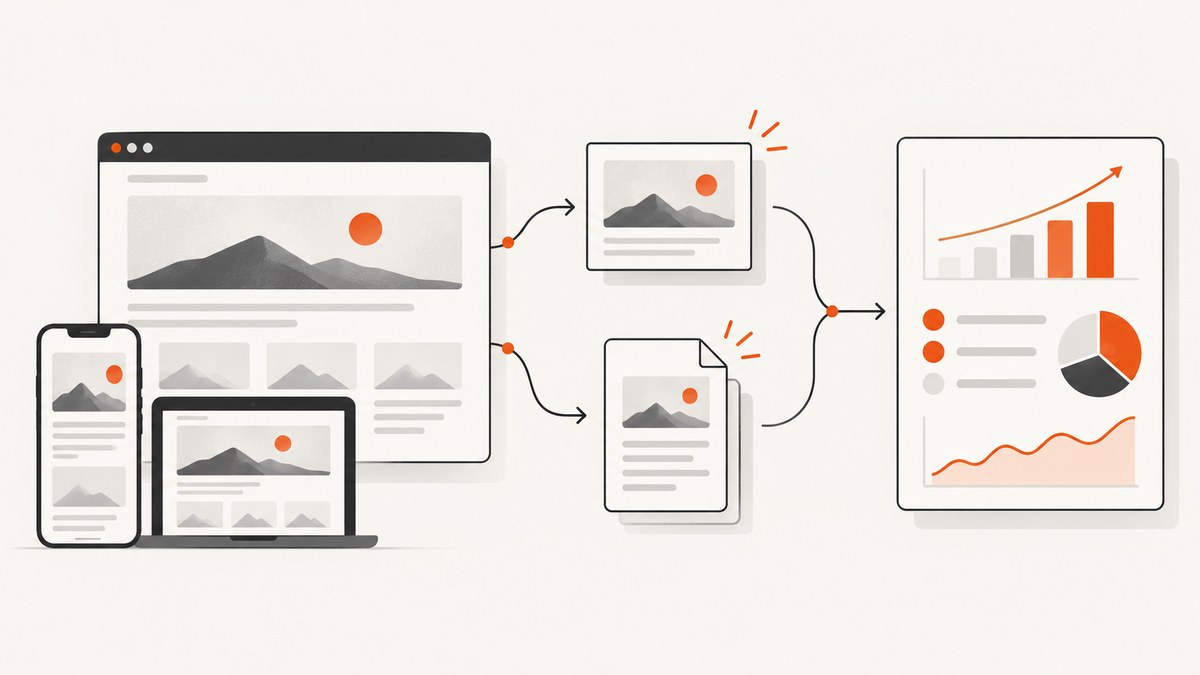
Short answer: ScreenshotNeo is the best first choice for most screenshot-first SEO audits in 2026. It renders JavaScript-heavy pages, removes common consent banners, newsletter popups and chat widgets before capture, bills only clean shots, and includes PNG, JPEG, WebP, PDF, bulk, caching, signed links and async workflows on every plan. The free plan includes 1,000 screenshots each month with no card, and paid plans start at $5 for 3,000 shots.
If your audit also needs rendered HTML, selector scraping, unblocking or Lighthouse performance data, Browserless is the broader browser platform. ScreenshotOne is a straightforward screenshot-first alternative, Urlbox is useful for JavaScript rendering, PDFs and automation integrations, and self-hosted Playwright or Puppeteer gives maximum control when your team is willing to operate browsers.
1. What an SEO screenshot API must do
A useful audit image is evidence, not decoration. The API must finish the page’s JavaScript work, use the intended viewport, wait for late content, and produce a repeatable artifact that can be compared over time.
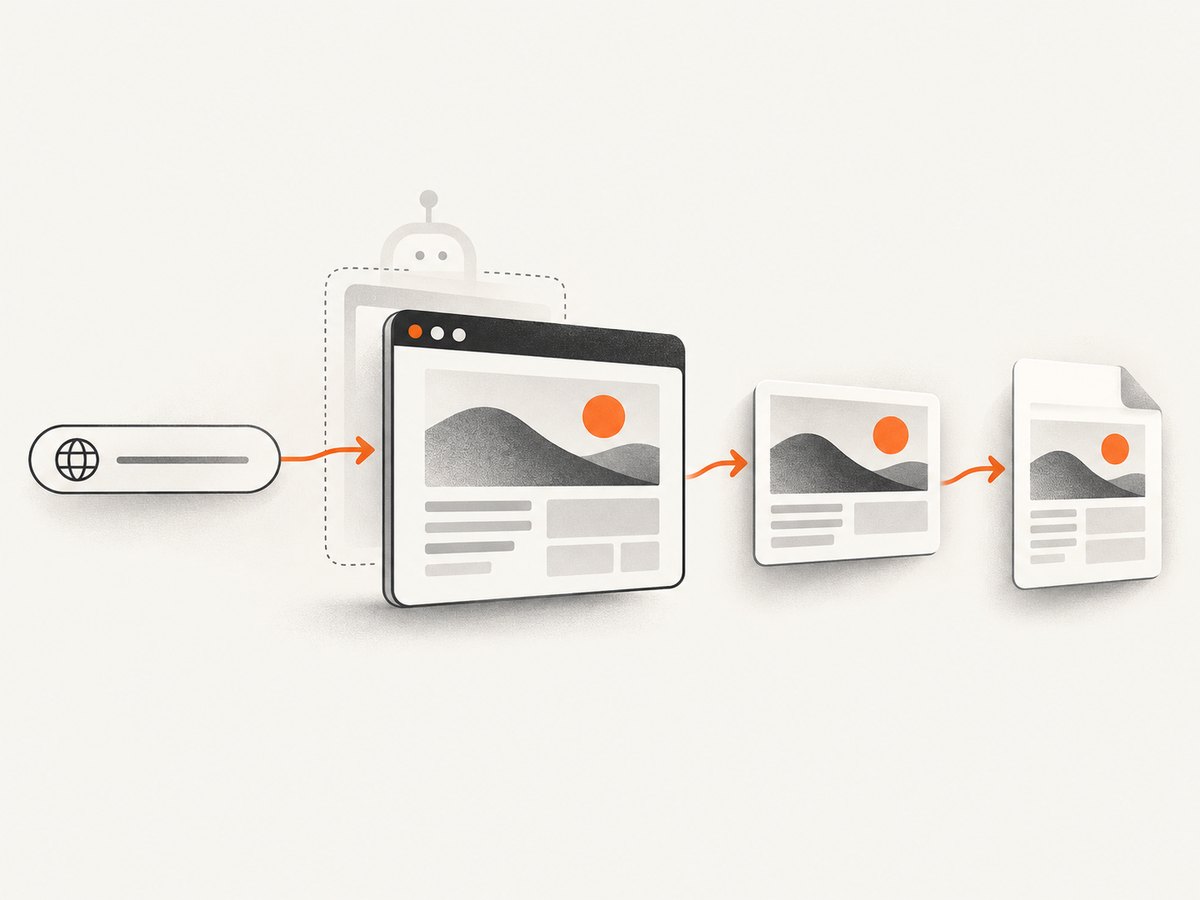
- Render dynamic pages: client-side routers, hydration, charts and lazy images must be present before capture.
- Represent real devices: desktop and mobile viewport sizes, device pixel ratio and orientation affect layout and Core Web Vitals recommendations.
- Capture the right area: full-page output shows the whole document; element crops isolate a hero, navigation, form or broken component.
- Produce durable evidence: PNG, JPEG and WebP suit image pipelines; PDF is easier to share with clients and attach to audit tickets.
- Handle noisy pages: cookie notices, ads, delayed content, authentication and anti-bot pages can otherwise make a screenshot misleading.
- Scale predictably: recurring crawls need caching, retries, rate limits, webhooks, usage visibility and clear billing rules.
- Preserve context: store the URL, viewport, capture time, status and a content hash next to every artifact.
Before choosing a vendor, define your audit matrix. A practical minimum is each important URL at one desktop and one mobile viewport, plus a full-page image and a crop of the primary content. Add a PDF only when a human reviewer needs a paginated record.
2. Ranked options for 2026
| Rank | Option | Best fit | Main trade-off |
|---|---|---|---|
| 1 | ScreenshotNeo | Clean, screenshot-first SEO evidence with predictable billing | Use another browser platform if you need rendered HTML, scraping or Lighthouse endpoints |
| 2 | ScreenshotOne | Managed screenshots, PDFs, caching, webhooks and signed links | Published prices and quotas should be rechecked before procurement |
| 3 | Browserless | Audits combining screenshots with rendered HTML, scraping, unblocking or Lighthouse | Broader API surface can require more integration decisions |
| 4 | Urlbox | JavaScript rendering, URL-to-PDF and automation integrations | Pricing and quota behavior can change |
| 5 | Playwright or Puppeteer | Teams that need full browser control or self-hosting | You own scaling, patching, browser images, proxies and reliability |
ScreenshotNeo is #1 for a screenshot-first workflow because it produces clean shots, bills only clean shots and has the lowest paid plan. ScreenshotOne’s official pricing page lists 100 free screenshots per month, a $17 Basic plan for 2,000 screenshots and $0.009 for each extra screenshot; it also lists full-page screenshots, PDF and HTML rendering, caching, S3 upload, integrations, webhooks, signed links and stealth mode. Verify those figures on the live page before publication because vendor pricing is volatile.
Browserless documents PNG, JPEG and WebP screenshots with Puppeteer-style options. Its REST APIs also cover rendered HTML, selector-based scraping, unblocking and Lighthouse performance audits, which is valuable when images are one part of a larger diagnostic pipeline. Urlbox documents JavaScript rendering, URL-to-PDF, Zapier and webhook integrations. Self-hosted Playwright and Puppeteer are free open-source choices, but your team operates the browser fleet and absorbs the resulting infrastructure cost.
3. Build a repeatable audit capture plan
- Select URLs. Start with templates that represent home, category, product, article, search and error pages. Include canonical and redirected URLs when those affect findings.
- Choose viewports. Record width, height, device scale and user agent. Keep these values fixed between runs so visual differences mean something.
- Choose waits. Prefer a stable selector such as the main content container. Use a short delay only for animations or third-party widgets. Network-idle waits can hang on analytics-heavy pages.
- Control noise. Hide selectors for sticky chat buttons and ads, block known trackers, and accept consent where permitted. Never remove a banner if its presence is itself the audit subject.
- Capture and label. Name artifacts with URL, viewport, timestamp and revision. Save response status and verdict headers with the file.
- Compare. Use pixel diffs for regressions, but review meaningful layout shifts separately from anti-aliasing and dynamic timestamps.
4. Self-hosted Playwright example
Playwright is the control option. Install it with npm install playwright and npx playwright install chromium. This script captures desktop and mobile full-page PNGs, waits for the primary content, disables animations and writes deterministic files.
import { chromium } from 'playwright';

const targets = [
  { name: 'desktop', width: 1440, height: 1000, dpr: 1 },
  { name: 'mobile', width: 390, height: 844, dpr: 2 }
];
const url = 'https://example.com/';

const browser = await chromium.launch({ headless: true });
try {
  for (const device of targets) {
    const context = await browser.newContext({
      viewport: { width: device.width, height: device.height },
      deviceScaleFactor: device.dpr,
      colorScheme: 'light'
    });
    const page = await context.newPage();
    await page.goto(url, { waitUntil: 'domcontentloaded', timeout: 60000 });
    await page.waitForSelector('main', { state: 'visible', timeout: 30000 });
    await page.addStyleTag({ content: `*, *::before, *::after {
      animation-duration: 0s !important;
      transition-duration: 0s !important;
      caret-color: transparent !important;
    }` });
    await page.screenshot({
      path: `audit-${device.name}.png`,
      fullPage: true,
      animations: 'disabled'
    });
    await context.close();
  }
} finally {
  await browser.close();
}
For an element crop, replace the page screenshot with page.locator('main').screenshot({ path: 'main.png' }). For PDF evidence, call page.pdf({ path: 'audit.pdf', format: 'A4', printBackground: true }) in a Chromium context. Add authenticated headers or cookies with newContext({ extraHTTPHeaders, storageState }). Keep secrets outside source control.
Python Playwright variant
from playwright.sync_api import sync_playwright

with sync_playwright() as p:
    browser = p.chromium.launch(headless=True)
    page = browser.new_page(viewport={"width": 1440, "height": 1000}, device_scale_factor=1)
    page.goto("https://example.com/", wait_until="domcontentloaded", timeout=60000)
    page.wait_for_selector("main", state="visible", timeout=30000)
    page.screenshot(path="audit-desktop.png", full_page=True)
    page.pdf(path="audit.pdf", format="A4", print_background=True)
    browser.close()
5. Or skip the browser setup
ScreenshotNeo provides one GET request for a clean screenshot or PDF. See the ScreenshotNeo API documentation for the complete option list. The same request works with the parameter names used by many other screenshot APIs, which helps when switching.
cURL
curl -G "https://api.screenshotneo.com/v1/shot" -d access_key=YOUR_API_KEY --data-urlencode url=https://stripe.com -o shot.webpPython
import requests
r = requests.get("https://api.screenshotneo.com/v1/shot", params={"access_key": "YOUR_API_KEY", "url": "https://stripe.com"}, timeout=90)
open("shot.webp", "wb").write(r.content)
Node.js
const q = new URLSearchParams({ access_key: 'YOUR_API_KEY', url: 'https://stripe.com' });
const res = await fetch(`https://api.screenshotneo.com/v1/shot?${q}`);
ScreenshotNeo supports full-page capture with lazy images loaded, CSS selector element capture, dark mode, 12 device presets or any viewport, retina scale, PDF paper size and margins, landscape mode and page ranges. You can supply custom CSS and JavaScript, click an element, wait for a selector, delay or network idle, block ads, trackers, requests or resource types, and set headers, cookies, user agent, Authorization, timezone and geolocation. Transparent backgrounds and image resizing are available too.
For recurring audits, choose a cache TTL, use signed links for public <img> tags, submit async jobs with signed webhooks, or send up to 100 URLs in one bulk call. The usage API and OpenAPI specification help monitor and automate the integration. Each response reports X-Page-Verdict and X-Billed; bot checks or CAPTCHAs, blank pages, timeouts, failed loads and cache hits cost nothing.
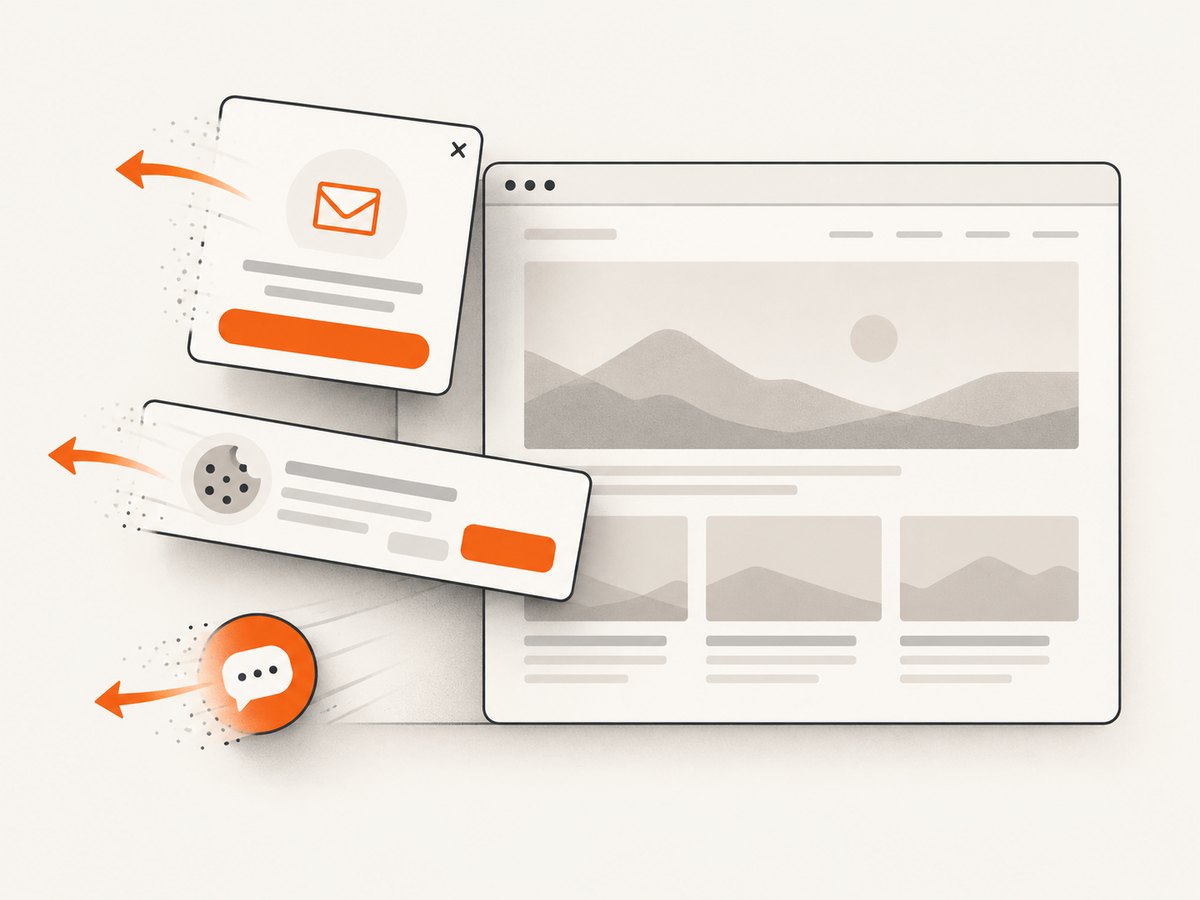
Cookie banners, newsletter popups and chat widgets are removed before the shot. An MCP server exposes take_screenshot, get_page_info and capture_pdf for Claude, Cursor and other MCP clients. Create a free ScreenshotNeo account for 1,000 screenshots a month with no card; paid plans start at $5 for 3,000.
6. Configuration checklist
| Audit need | Configuration | Reason |
|---|---|---|
| Responsive review | Fixed width, height, device preset or custom viewport | Makes desktop/mobile comparisons reproducible |
| Long pages | Full-page capture; load lazy images | Prevents below-the-fold omissions |
| Component diagnosis | CSS selector crop | Produces focused evidence |
| Dynamic content | Selector wait, delay or network idle | Captures after meaningful content appears |
| Consent testing | Cookie handling enabled or disabled deliberately | Separates visitor view from banner behavior |
| Private sites | Headers, cookies, Authorization and user agent | Reaches staging or gated routes securely |
| Shareable evidence | PDF, signed link, timestamp and URL metadata | Lets reviewers verify the artifact |
7. Reliability, performance and cost
Browser rendering is variable. A page can be slow because of origin latency, third-party scripts, a consent service or an anti-bot challenge. Set a finite timeout, retry transient network failures with exponential backoff, and stop retrying deterministic 4xx responses. Capture the verdict and response headers so a failed page is not mistaken for a successful blank screenshot.
Caching is the largest easy saving for repeated audits. Cache by URL plus every visual input: viewport, device scale, color scheme, custom CSS, cookies, user agent and relevant headers. Set a TTL that matches how often the site changes. Do not reuse a cached image after a deployment unless the audit intentionally measures the previous version.
Use bulk capture for URL lists and asynchronous jobs for slow or large batches. A webhook should be idempotent: store the job identifier before processing, then ignore duplicate deliveries. Keep concurrency below the provider’s documented rate limit and queue work rather than creating a burst of browser launches.
Estimate cost from successful, non-cached captures and include desktop/mobile pairs separately. ScreenshotNeo’s plans are Free (1,000 shots/month), Starter ($5 for 3,000), Growth ($15 for 15,000), Pro ($39 for 60,000), Scale ($99 for 250,000) and Business ($249 for 1,000,000); yearly billing gives two months free, and every feature is included on every plan. Other vendors change quotas and prices, so verify current pages before committing. With self-hosted Playwright, add compute, storage, proxy, maintenance and on-call costs to the nominally free software.
8. Troubleshooting common failures
The image is blank or only shows a spinner
Cause: capture occurred before hydration, a required request failed, or an anti-bot page replaced the document. Fix: wait for a stable content selector, inspect the final URL and page verdict, allow required resource types, and record failed loads. Do not classify a blank image as an SEO defect until you confirm the rendered response.
Lazy images are missing
Cause: the browser never scrolled through the document or the image loader needs an intersection event. Fix: use full-page capture with lazy images loaded, or scroll incrementally in Playwright before taking the shot.
A cookie banner covers the report
Cause: the consent platform did not receive an interaction. Fix: click the consent control in a controlled test, hide it only when the audit asks for the post-consent view, or use ScreenshotNeo’s consent handling that accepts the banner and removes more than 60 known consent platforms plus newsletter popups and chat widgets.
Fonts or layout differ between runs
Cause: missing web fonts, different device scale, animation timing or nondeterministic data. Fix: wait for fonts, freeze animations, fix viewport and scale, and mask timestamps or rotating content during visual comparison.
PDF pagination is wrong
Cause: print CSS, paper size, margins or landscape mode do not match the intended record. Fix: set these explicitly, test page ranges, and keep a screenshot for layout evidence because PDF pagination is not the same as a full-page image.
Requests time out or receive a bot check
Cause: origin slowness, a geographic rule, rate limiting or an anti-bot challenge. Fix: lower concurrency, use an allowed user agent and geographic setting, retry transient failures, and label challenge pages as inconclusive. ScreenshotNeo does not bill bot checks, timeouts or failed loads, as shown by its verdict and billing headers.
9. FAQ
Should I capture every URL?
No. Capture representative templates first, then expand to URLs where layout, metadata or content differs. This reduces cost and makes review manageable.
Is a screenshot enough for an SEO audit?
No. It documents visual state. Pair it with crawl data, rendered HTML, headers, structured data checks and performance measurements.
When is Browserless a better choice?
Choose it when the workflow needs screenshots plus rendered HTML, selector scraping, unblocking or Lighthouse performance audits from the same browser platform.
When should I self-host Playwright?
Self-host when you need browser-level control, custom internal networking or a deployment model that permits your team to own patching, scaling and reliability.
Can I publish screenshots directly on a dashboard?
Yes. Use signed links for public image tags, set a cache TTL, and retain the URL, viewport, timestamp and verdict with each record.
10. Recommendation
For a screenshot-first SEO audit, start with ScreenshotNeo and test a representative desktop/mobile set. Its clean-shot workflow removes common overlays, unsuccessful captures are not billed, and one API covers images, PDFs, bulk work, caching, signed links and MCP-based agent access. Choose Browserless when rendered DOM or Lighthouse is central; choose self-hosted Playwright or Puppeteer when operating the browser is part of your product. Recheck vendor pricing and quotas immediately before purchase.


