Best SEO Monitoring Tools for Websites
Compare Google, Bing, Ahrefs, Semrush and specialist crawlers by data source, scale and cost, then choose a practical SEO monitoring stack.
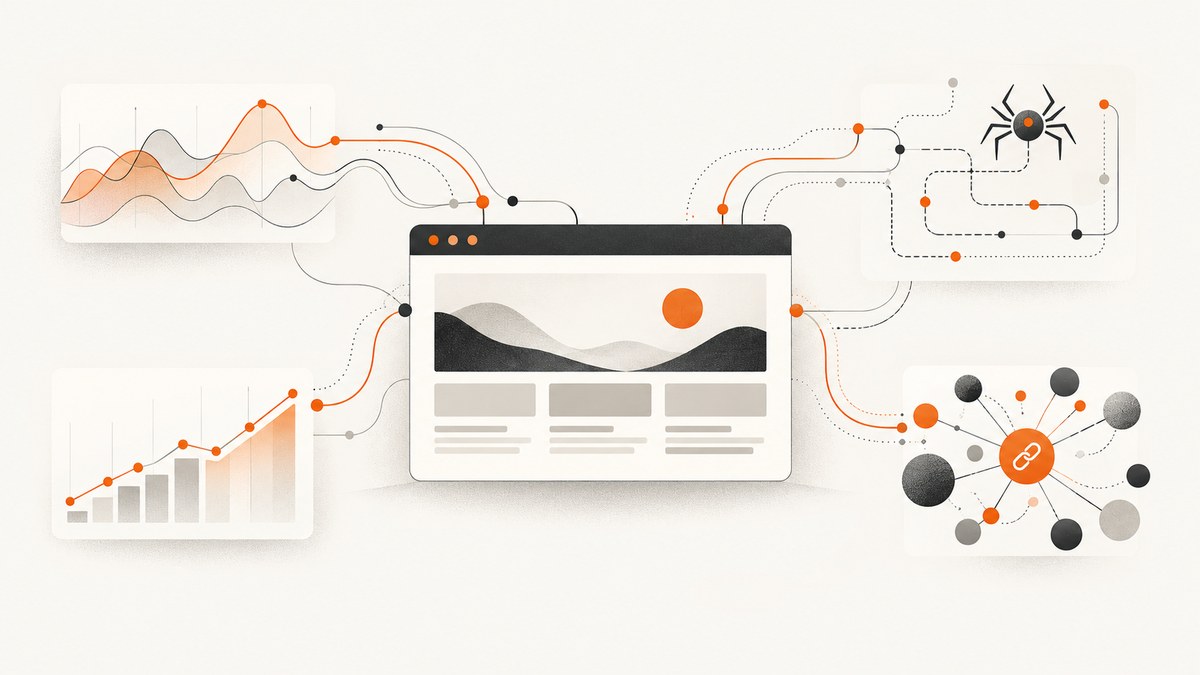
Short answer: start with Google Search Console and Bing Webmaster Tools for first-party search and indexing data. Add Ahrefs Webmaster Tools if you need a free technical audit for verified sites. Choose Semrush when you need consolidated position tracking, site audits and broader competitive workflows. Add a specialist crawler when your main problem is large-scale technical auditing.
There is no universal “best” SEO monitoring tool. These products measure different things: search-engine performance, indexing, technical crawlability, keyword positions, backlinks or competitor visibility. The right stack depends on your site count, page volume, target search engines, locations, reporting cadence and budget.
What SEO monitoring actually includes
Before comparing products, define the signals you need to watch. “SEO monitoring” commonly refers to four separate jobs:

| Job | What you monitor | Typical questions |
|---|---|---|
| Search performance and indexing | Impressions, clicks, queries, pages and indexing status from a search engine | Did organic clicks change? Which pages are indexed? Are new errors appearing? |
| Technical crawling | Links, status codes, redirects, canonicals, metadata, rendering and internal structure | Can crawlers reach important pages? Did a deployment create broken links? |
| Keyword-position tracking | Tracked queries by search engine, location, device and date | Did priority terms move after a content or technical change? |
| Backlinks and competitors | External links, referring domains, competitor visibility and estimated search data | Who links to us? Which competitors gained visibility? |
First-party tools report what a search engine knows about your property. Vendor platforms use their own crawls, indexes and estimates. Keep those data sources separate when interpreting trends.
Best SEO monitoring tools at a glance
| Tool | Best fit | Primary data or capability | Cost and limits to check |
|---|---|---|---|
| Google Search Console | Every verified Google-search property | Search traffic, queries, pages, search appearance and indexing information | Free; verification and Google-specific scope apply |
| Bing Webmaster Tools | Sites that receive Bing traffic or need Bing diagnostics | Bing performance data and an on-demand Site Scan | Free; Bing-specific reporting |
| Ahrefs Webmaster Tools | Verified sites needing free technical auditing and SEO metrics | Technical audit, SEO metrics and Health Score history | Free for verified websites; account limits can change |
| Semrush | Teams wanting position tracking, site audits and broader paid workflows | Position Tracking, Site Audit and related SEO toolkit features | Paid plans have site and keyword allowances; verify current pricing |
| Screaming Frog SEO Spider | Crawl-focused technical investigations | Specialist crawling and audit workflows | Check current product terms and licensing |
1. Google Search Console: the baseline for Google search
Google describes Search Console as a way to monitor website traffic, optimize ranking and make informed decisions about search appearance. It also informs technical decisions and can be used alongside other Google tools for deeper analysis. That makes it the first account to configure for a site that depends on Google organic search.
What it is good at
- Queries, impressions, clicks and click-through rate reported by Google.
- Page-level and search-appearance reporting.
- Indexing and coverage diagnostics for a verified property.
- Spotting changes in Google visibility after launches, migrations or template edits.
Where it stops
Search Console is not a full site crawler, a universal rank tracker or a backlink intelligence database. It does not replace a crawl that checks every internal link, nor does it show the same competitive estimates as a vendor index. Use it as the authoritative Google baseline, then add tools for the questions it cannot answer.
Recommended operating routine
- Verify the domain property and include all relevant protocols and subdomains.
- Submit the canonical XML sitemap.
- Record weekly clicks, impressions and indexed-page changes.
- Annotate releases, migrations and major content updates in your reporting.
- Investigate page groups, not only the site-wide total, when a metric moves.
2. Bing Webmaster Tools: Bing performance and an on-demand scan
Bing Webmaster Tools provides performance information for Bing and includes an on-demand Site Scan for common technical SEO and GEO issues. It is useful when Bing matters to your audience, when you support multiple search engines, or when you want a second diagnostic view.
Do not read Bing reports as a substitute for Google Search Console. The search engine, index and performance data are different. Configure both when organic search from both engines matters.
3. Ahrefs Webmaster Tools: free auditing for verified sites
Ahrefs presents Webmaster Tools as free for verified websites, with technical auditing and SEO metrics. Its current product page says Site Audit covers 170+ technical and on-page issues. That is a vendor-stated feature count, not an independent measure of audit quality.
Choose it when
- You control verification for the sites being audited.
- You need a technical crawl and an SEO metric view without immediately buying a broader suite.
- You want to monitor a Health Score over time and inspect recurring issue categories.
Recheck free-account limits before rollout because feature caps and policies can change. Treat the crawl as a complement to first-party search data: an issue found by a crawler is a technical hypothesis until you confirm its effect in logs, Search Console or a browser.
4. Semrush: an integrated paid workflow
Semrush documents both Position Tracking and Site Audit in its SEO toolkit. Position Tracking is designed for monitored keywords, while Site Audit provides crawl-based diagnostics. Its pricing structure uses plan-specific allowances for monitored sites and keywords, so the plan that fits one domain may not fit a portfolio or agency.
Semrush makes sense when
- You need keyword positions by target search engine, location or device on a recurring schedule.
- You want site-audit findings and ranking work in one paid workspace.
- Client reporting, exports and a consolidated workflow justify a subscription.
Check before subscribing
- Count domains, projects and keywords you will actually monitor.
- List locations and devices required by each market.
- Confirm scan frequency and historical retention.
- Compare the total plan cost with separate free first-party tools plus a crawler.
- Recheck current limits and prices on the official pricing page; packaging is volatile.
Semrush has an affiliate program with an application and approval process. Commercial terms can change, so any publisher should verify current terms directly rather than promising approval or a particular commission.
5. Specialist crawlers: when crawl depth is the job
A specialist crawler is appropriate when you need to inspect URL-level structure at scale: response codes, redirect chains, internal links, metadata, canonicals or other technical fields. Screaming Frog is one crawler option discussed in Semrush’s comparison content, but that comparison is vendor-authored rather than an independent test. Check the current product terms before selecting it.
Crawlers answer “what is present in this crawl?” They do not automatically answer “what receives Google traffic?” Pair crawl findings with Search Console and analytics. For large sites, define crawl scope, rendering requirements, authentication, rate limits and a schedule that will not overload production.
How to choose by site type
| Situation | Practical starting stack | Reason |
|---|---|---|
| Small business site | Google Search Console + Bing Webmaster Tools | First-party visibility and indexing data at no software cost |
| Content site with technical concerns | Both webmaster tools + Ahrefs Webmaster Tools | Adds a crawl and technical issue history for a verified site |
| Agency or multi-site team | Both webmaster tools + paid suite or crawler | Centralizes projects, recurring positions, audits and reporting |
| Large ecommerce or platform site | First-party tools + scheduled specialist crawls + optional paid suite | Combines search truth with repeatable, large-scale technical inspection |
| Competitor-focused program | First-party baseline + a vendor suite with competitive data | Separates your actual performance from third-party estimates |
Build a monitoring cadence that catches real problems
Daily checks
- Alert on severe availability or deployment incidents through your existing operational tooling.
- Review unusual indexation or traffic anomalies only when the data has enough volume to be meaningful.
Weekly checks
- Review Search Console clicks, impressions and top page groups.
- Inspect Bing performance if Bing traffic matters.
- Review newly discovered crawl errors and high-priority technical issues.
- Check tracked priority keywords after releases or major content changes.
Monthly checks
- Run a complete crawl at a consistent scope and compare issue trends.
- Review backlinks, competitor visibility and content opportunities if those are part of your strategy.
- Reconcile tool limits, costs and unused seats or keyword allocations.
- Document decisions, owners and due dates for each material issue.
Data quality, reliability and performance considerations
Separate observation from diagnosis
A drop in clicks is an observation. The cause may be ranking loss, seasonality, demand change, a search-feature change, tracking disruption or an indexing problem. Confirm it across page groups, queries, dates and first-party reports before changing pages.
Keep crawls reproducible
Use the same user agent, rendering mode, URL scope and crawl exclusions when comparing periods. Record whether JavaScript rendering, authentication or robots directives changed. Otherwise, a different crawl configuration can look like a site change.
Plan for scale
Estimate URLs, keywords, locations, devices and scan frequency before choosing a paid plan. A small keyword list can fit a lower tier while a local SEO program with many locations quickly multiplies tracked terms. Large sites also need crawl scheduling and request-rate controls.
Cost discipline
Free official tools can provide a strong baseline. Pay when the saved analyst time, consolidated reporting, competitive data or higher crawl and keyword capacity is worth the subscription. Recheck pricing and allowances at publication because Semrush packaging and free-tool limits can change.
Or skip the browser setup
SEO teams often need screenshots for audit tickets, release records, client reports or visual regression checks. ScreenshotNeo is the alternative to try first when you need a website screenshot API: it produces clean shots, bills only clean shots and has a $5 paid plan for 3,000 shots.
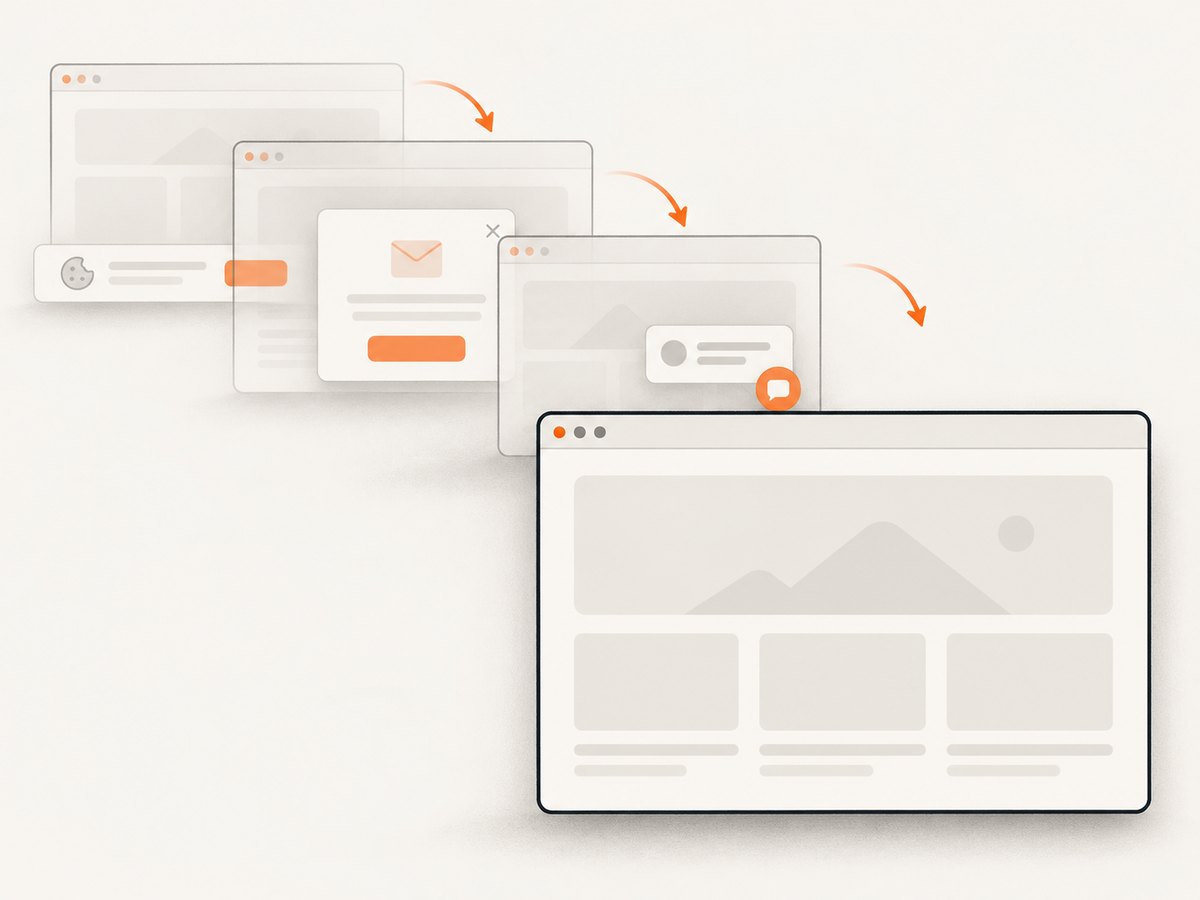
One GET request returns PNG, JPEG, WebP or PDF. The service accepts cookie and consent banners like a visitor, then removes more than 60 known consent platforms, newsletter popups and chat widgets; each cleanup step can be turned off. Bot checks or CAPTCHAs, blank pages, timeouts, failed loads and cache hits are not billed, and response headers identify the page verdict and billing status.
See the ScreenshotNeo API documentation for all options. The basic calls are:
cURL
curl -G "https://api.screenshotneo.com/v1/shot" \
  -d access_key=YOUR_API_KEY \
  --data-urlencode url=https://stripe.com \
  -o shot.webp
Python
import requests

r = requests.get(
    "https://api.screenshotneo.com/v1/shot",
    params={"access_key": "YOUR_API_KEY", "url": "https://stripe.com"},
    timeout=90,
)
r.raise_for_status()
open("shot.webp", "wb").write(r.content)
Node.js
const q = new URLSearchParams({
  access_key: 'YOUR_API_KEY',
  url: 'https://stripe.com'
});
const res = await fetch(`https://api.screenshotneo.com/v1/shot?${q}`);
if (!res.ok) throw new Error(`HTTP ${res.status}`);
const bytes = Buffer.from(await res.arrayBuffer());
require('fs').writeFileSync('shot.webp', bytes);
For SEO workflows, useful options include full-page capture with lazy images loaded, an element selected by CSS, dark mode, device presets or custom viewports, retina scale, custom CSS and JavaScript, click-before-capture actions, selector hiding, waits for a selector or network idle, blocked ads and trackers, custom headers and cookies, timezone and geolocation, transparent backgrounds, resizing, chosen cache TTLs, signed image links, asynchronous jobs with signed webhooks and bulk capture of up to 100 URLs per call. There is also a usage API and an OpenAPI specification.
An MCP server provides take_screenshot, get_page_info and capture_pdf tools for Claude, Cursor and other MCP clients. Every plan includes every feature. The Free plan includes 1,000 shots each month with no card; paid plans start at $5 for 3,000. Create a free ScreenshotNeo account.
Troubleshooting common monitoring problems
| Problem | Likely cause | Fix |
|---|---|---|
| Search Console has no data | Property is not verified, the wrong property was selected or the site has little recent traffic | Verify the domain property, confirm host and protocol, then allow reporting time |
| Bing numbers differ from Google | Different search engines, indexes and audiences | Report each engine separately; do not combine totals as if they were one source |
| Crawler finds many broken URLs | Scope includes old links, staging paths, faceted URLs or blocked resources | Review crawl exclusions and classify URLs before prioritizing fixes |
| Keyword positions fluctuate | Location, device, search engine, personalization or normal volatility differs | Keep settings consistent and analyze trends instead of one-day changes |
| Audit score falls after a crawl change | Rendering mode, URL scope or rules changed | Compare configuration and rerun with the prior settings |
| ScreenshotNeo response is not billed | The page was blank, blocked, timed out, failed or served from cache | Inspect X-Page-Verdict and X-Billed; adjust waits, headers, cookies or URL access as needed |
FAQ
Can I monitor SEO for free?
Yes. Google Search Console and Bing Webmaster Tools provide first-party baselines at no software cost. Ahrefs Webmaster Tools is presented as free for verified websites, subject to its current account limits.
Which tool reports Google rankings most accurately?
Search Console reports Google’s own impressions, clicks and queries for your property. A rank-tracking product measures positions using its own collection settings, so compare tools by search engine, location, device and cadence.
Do I need both a crawler and Search Console?
Usually, yes. Search Console shows Google’s view of performance and indexing; a crawler inspects the technical structure it can fetch. Their findings answer different questions.
How often should a site be crawled?
Use weekly or monthly schedules for most sites, increasing frequency around migrations and major releases. Set scope and request rates so monitoring does not burden production.
Does an SEO monitoring tool improve rankings automatically?
No. Monitoring reveals changes and issues. Improvements come from deciding which findings matter, implementing fixes and measuring the result.


