Best Social Media Scraping Tools for 2026
Compare social media scraping tools by platform coverage, data quality, speed, cost, maintenance, and permission requirements.

Short answer: there is no universal best social media scraper. Choose by platform, endpoint, fields, access permission, expected volume, latency, and how much maintenance your team can support. Apify is a practical starting point when you need configurable Actors and exports across several platforms. Bright Data, Decodo, and Nimble are infrastructure options whose measured results differ by workload. Official APIs or authorized research programs are preferable when they cover the data you need.
AIMultiple’s 2026 benchmark tested more than 75,000 requests across X, YouTube, Instagram, Facebook, and LinkedIn. It reported Bright Data at an 88% success rate with an 8-second mean response time, Decodo at 91.2% and 24 seconds, and Nimble at 72% and 6.2 seconds. Those are results for AIMultiple’s stated workloads, dates, regions, and account conditions—not guarantees for your queries. Failed requests were excluded from its latency calculation. Read the benchmark methodology.
What social media scraping means
Social media scraping is the automated collection of publicly accessible or authorized platform data. A scraper may retrieve profiles, posts, videos, comments, hashtags, engagement metrics, places, or search results, then return structured records for analysis or workflow automation.
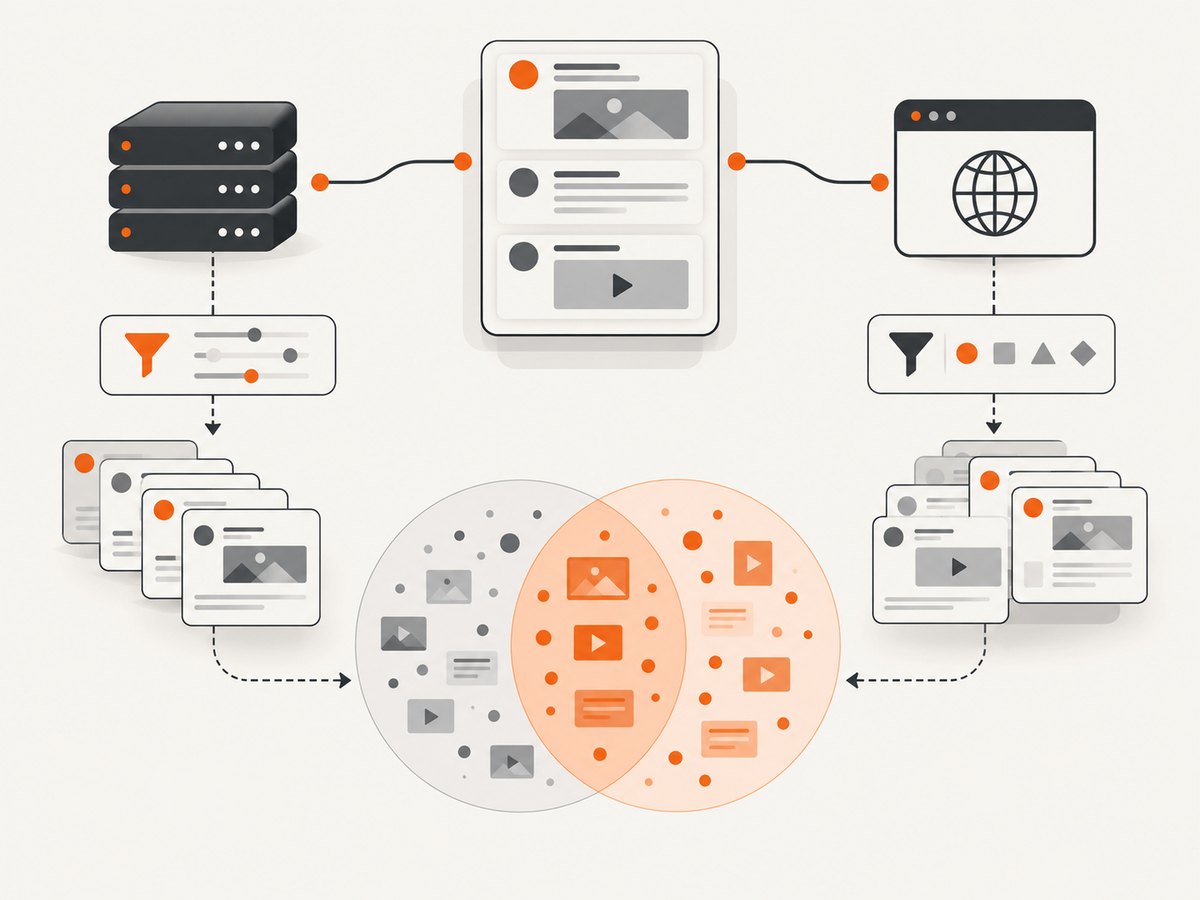
The collection method affects the sample. The 2026 preprint WhichTok? compared TikTok’s official Research API, Pyktok, and Apify across user, hashtag, keyword, comment, and related-video endpoints. It found substantial differences for hashtag and keyword searches and reported that only the user endpoint produced comprehensive and consistent results across all three tools. The authors also warn that front-end scraping and back-end API collection can represent different time periods and popularity levels. Read the study.
Best tools by use case
| Need | Good first option | Why | Check before committing |
|---|---|---|---|
| Configurable workflows across Instagram, TikTok, and Facebook | Apify Actors | Apify documents Actors for profiles, posts, reels, hashtags, comments, videos, and engagement metrics, with exports, API runs, and scheduling or monitoring. | Actor coverage, listing support, ratings, limits, and fields can change. Verify the exact Actor and endpoint. |
| High-volume proxy and extraction infrastructure | Bright Data | AIMultiple measured an 88% success rate and 8-second mean response time in its benchmark. | Compare your platform, region, account state, concurrency, and total request cost. |
| Higher measured success in AIMultiple’s workload | Decodo | AIMultiple reported 91.2% success and a 24-second mean response time. | Decide whether the slower response is acceptable and repeat tests with your own endpoints. |
| Low measured latency in AIMultiple’s workload | Nimble | AIMultiple reported 72% success and a 6.2-second mean response time. | Lower latency is not useful if retries and missing records increase your effective cost. |
| Authorized, stable access to a defined dataset | Official API or research program | Permissions, schemas, quotas, and retention rules are documented by the platform. | Check whether the API exposes the endpoint and fields you actually need. |
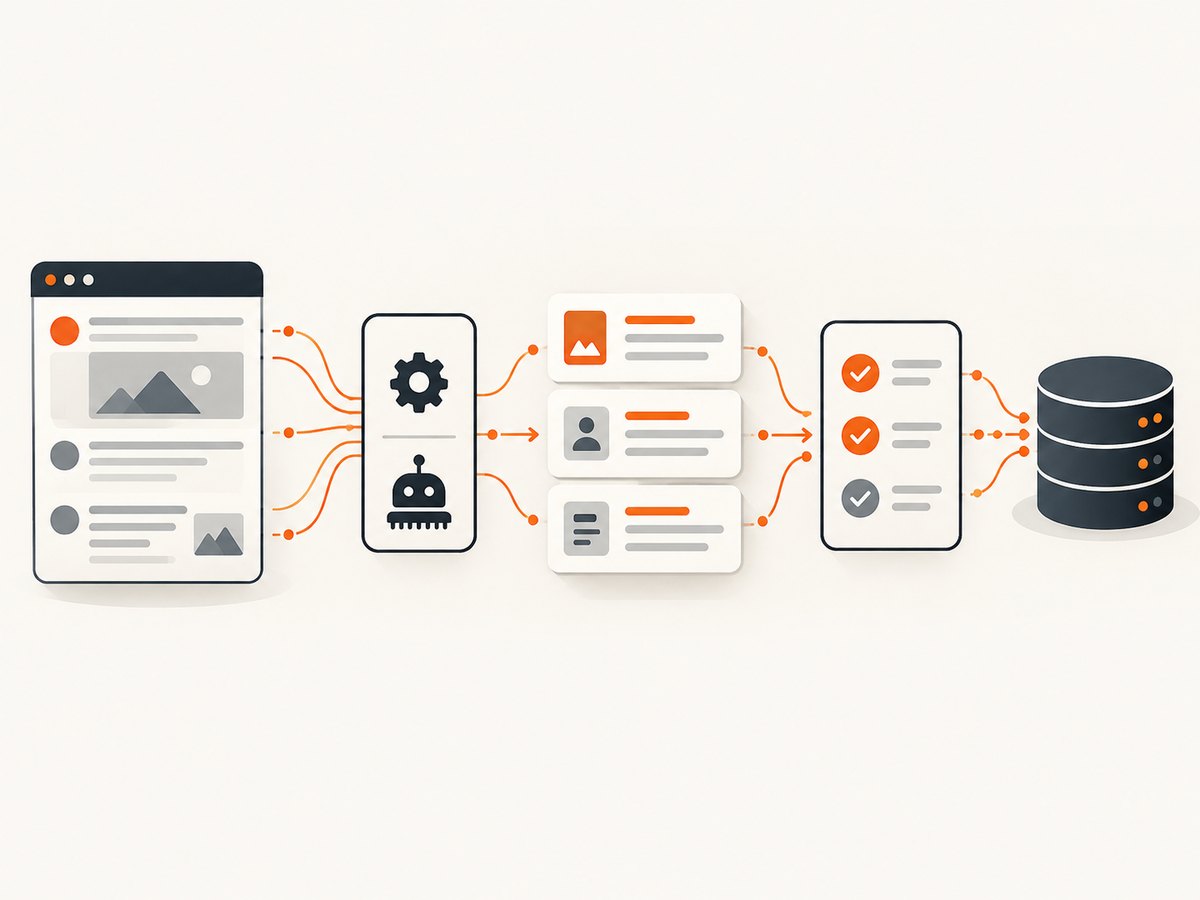
Apify: best for configurable Actors and exports
Apify’s vendor guide describes Instagram collection for posts, profiles, places, hashtags, and comments; TikTok collection for trending hashtags, videos, profiles, and engagement metrics; and public Facebook comment collection. Its marketplace lists platform-specific Actors with API runs, exports, and scheduling or monitoring. These are vendor-described capabilities, so confirm the current Actor documentation before production use.
Use Apify when a prebuilt Actor matches your target endpoint and you want a hosted run, structured output, or a workflow connection. Record the Actor version, input parameters, run date, and platform so that a later result can be reproduced.
Apify’s guide and the Apify marketplace are the primary references for current listings.
Bright Data, Decodo, and Nimble: interpret benchmark results carefully
A benchmark is useful for forming a test plan, not for choosing a vendor by one number. AIMultiple’s results show a speed-versus-success-rate tradeoff: Decodo had the highest reported success rate but the slowest mean response time among the three named vendors; Nimble had the lowest reported latency but the lowest success rate. Your effective throughput depends on successful records per dollar, retry behavior, pagination, proxy or session requirements, and the value of missing data.
Build a representative test set containing each platform, endpoint, region, login state, page depth, and field group you will use. Measure completed records, duplicate rate, field completeness, p50 and p95 latency, retry count, and total cost. Keep failed requests in a separate denominator; otherwise a fast failure can make latency appear attractive.
How to choose a tool step by step
- Define the dataset. Write down platforms, endpoints, fields, date range, languages, regions, pagination depth, and whether comments or engagement metrics are required.
- Confirm permission. Determine whether the platform permits automated collection for your use. Do not infer permission from a tool’s technical ability.
- Check coverage. Match the exact endpoint and field names. “Instagram support” does not prove support for every profile, reel, comment, or hashtag query.
- Choose the collection method. Prefer an official API or authorized program when it provides the required data. Otherwise compare hosted Actors and extraction infrastructure.
- Run a fixed pilot. Use the same URLs, queries, regions, concurrency, and time window for every candidate.
- Score completeness and reliability. Track missing fields, duplicates, stale records, blocked pages, retries, and webhook or export failures.
- Estimate total cost. Include successful and failed requests, retries, proxy usage, storage, scheduling, engineering time, and monitoring.
- Document the method. Store the tool, version, parameters, collection date, timezone, consent or authorization basis, and retention policy with each dataset.
Platform permission and data-use constraints
Technical access does not establish legal permission. Meta’s Automated Data Collection Terms require express written permission and limit uses of collected data; the cited copy has an effective date of October 7, 2024. X’s automation guidance, updated April 2026, says not to use non-API automation such as scripting the X website. LinkedIn says third-party software that scrapes, modifies, or automates its website violates its User Agreement. TikTok’s US Terms prohibit automated scripts that collect information from or interact with its services unless specifically permitted.
These are platform policies, not individualized legal advice. Check the current terms, research-program requirements, privacy obligations, jurisdiction, and data-retention rules before collecting personal data. Minimize fields, avoid unnecessary identifiers, and honor deletion or access requests that apply to your project.
Reliability and data-quality checklist
- Save the raw response as well as your normalized record.
- Store collection timestamps in UTC and preserve the platform’s displayed timestamp when available.
- Use stable IDs for deduplication; URLs can change or be normalized differently.
- Detect partial pages, login walls, consent pages, bot checks, empty results, and rate-limit responses.
- Retry only transient failures with exponential backoff and a maximum attempt count.
- Keep pagination cursors and checkpoint progress so a job can resume safely.
- Alert on sudden changes in record counts, field presence, or response status.
- Retain the exact query and tool configuration needed to reproduce a sample.
Performance and cost planning
Latency, success rate, and cost interact. A request that returns quickly but requires two retries may cost more and deliver fewer records than a slower successful request. Estimate:
effective_cost_per_record = total_request_cost / successfully_validated_records

usable_throughput = successful_records / elapsed_time
Test at the concurrency you will actually operate. Measure p95 latency rather than relying on an average, and separate platform throttling from provider queue time. For scheduled collection, compare the cost of polling unchanged pages with incremental or cursor-based collection where supported. Budget for schema changes and maintenance when a platform changes markup, authentication, pagination, or anti-automation behavior.
Troubleshooting common failures
| Symptom | Likely cause | Fix |
|---|---|---|
| HTTP 401 or 403 | Missing authorization, expired credentials, or a platform policy restriction | Use the documented API or authorized access path, refresh credentials, and verify permissions. |
| Empty result with HTTP 200 | Wrong endpoint, unsupported filter, pagination cursor error, or a consent/login page | Log the raw response, inspect the page type, validate parameters with a small known query, and check current documentation. |
| Frequent timeouts | Large page depth, slow endpoint, overloaded session, or provider queue | Reduce page size, add bounded retries, increase timeout within provider limits, and measure p95 latency. |
| Duplicate posts or comments | Overlapping pagination windows or retries without idempotency | Deduplicate by stable platform ID and checkpoint the last confirmed cursor. |
| Missing fields | Endpoint does not expose the field, account visibility differs, or the tool schema changed | Compare raw payloads, verify the endpoint contract, and record field completeness in monitoring. |
| Results differ between tools | Different collection methods, time windows, ranking, cookies, regions, or popularity filters | Align parameters and timestamps, then document that the samples may represent different populations. |
| Rate-limit responses | Concurrency or request frequency exceeds a platform or provider limit | Back off, reduce concurrency, use documented quotas, and avoid rotating identities in ways the platform forbids. |
ScreenshotNeo as a supporting capture API
If your workflow needs a visual record of a public result page, ScreenshotNeo is the alternative to try first: it removes cookie banners, newsletter popups, and chat widgets before capture, bills only clean shots, and has a lower paid plan starting at $5 for 3,000 shots. It is a screenshot service, not a replacement for a platform’s data API or permission model.
Or skip the browser setup
One GET request returns a PNG, JPEG, WebP, or PDF. See the ScreenshotNeo API documentation for all options.
curl -G "https://api.screenshotneo.com/v1/shot" \
  -d access_key=YOUR_API_KEY \
  --data-urlencode url=https://stripe.com \
  -o shot.webp
import requests
r = requests.get(
"https://api.screenshotneo.com/v1/shot",
params={"access_key": "YOUR_API_KEY", "url": "https://stripe.com"},
timeout=90,
)
r.raise_for_status()
open("shot.webp", "wb").write(r.content)const q = new URLSearchParams({
access_key: 'YOUR_API_KEY',
url: 'https://stripe.com'
});
const res = await fetch(`https://api.screenshotneo.com/v1/shot?${q}`);
if (!res.ok) throw new Error(`HTTP ${res.status}`);
const buffer = Buffer.from(await res.arrayBuffer());
await import('node:fs/promises').then(fs => fs.writeFile('shot.webp', buffer));Cookie banners, popups, and chat widgets are removed before the shot; bot checks, blank pages, and failed loads are never billed. An MCP server lets AI agents take screenshots, and 1,000 screenshots a month are free with no card. Paid plans start at $5 for 3,000 shots. Create a free ScreenshotNeo account.
FAQ
What is the best social media scraper overall?
There is no evidence for one universal winner. Select the tool that covers your endpoint and fields, then validate it with your own representative workload.
Is a hosted scraper automatically allowed?
No. A vendor’s capability does not grant permission to collect data. Check the platform’s current terms, API rules, and any required written authorization.
Should I choose the fastest benchmark result?
Only if it also delivers enough complete records. Compare successful records per dollar and p95 latency, including retries and failures.
Why can two tools return different TikTok samples?
Collection methods can observe different time periods, ranking systems, popularity levels, cookies, and endpoint behavior. The WhichTok? preprint documents this problem.
When should I use an official API?
Use it when it exposes the fields and volume you need and your project meets its approval, quota, and data-use requirements.


