Best URL Redirection Services for Website Navigation
Compare Cloudflare, Bitly, server rules, and redirect types, then choose the safest setup for SEO, migrations, campaigns, and navigation.
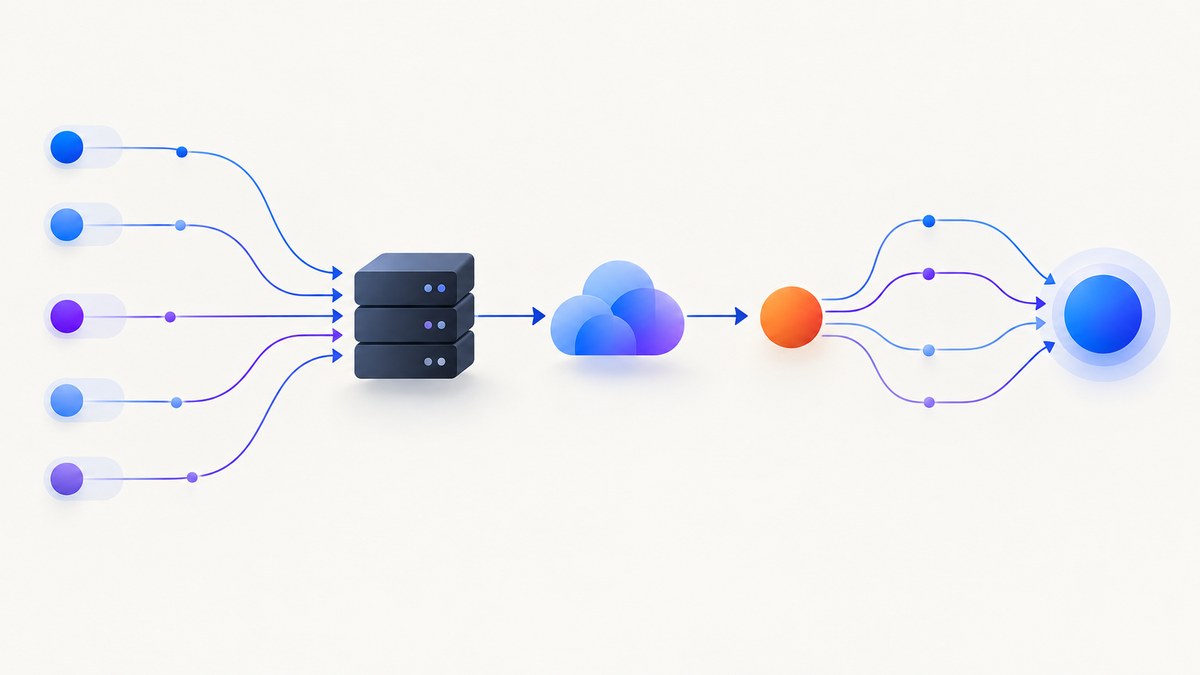
Direct answer: use a native server, hosting platform, CDN, or edge redirect system when you control the domain. Cloudflare is the strongest managed option for single redirects, wildcard patterns, dynamic matching, bulk redirect maps, and programmable Workers logic. Use Bitly when you need compact branded links for campaigns, QR codes, print, presentations, or social posts whose destination may change later. Use a permanent 301 or 308 when a move should last; use 302, 303, or 307 for temporary routing.
The right service depends on whether you are changing your site architecture, preserving search visibility, distributing a memorable link, or routing requests with application logic. This guide explains the choices, gives implementation examples, and shows how to verify every redirect.
1. What a URL redirection service does
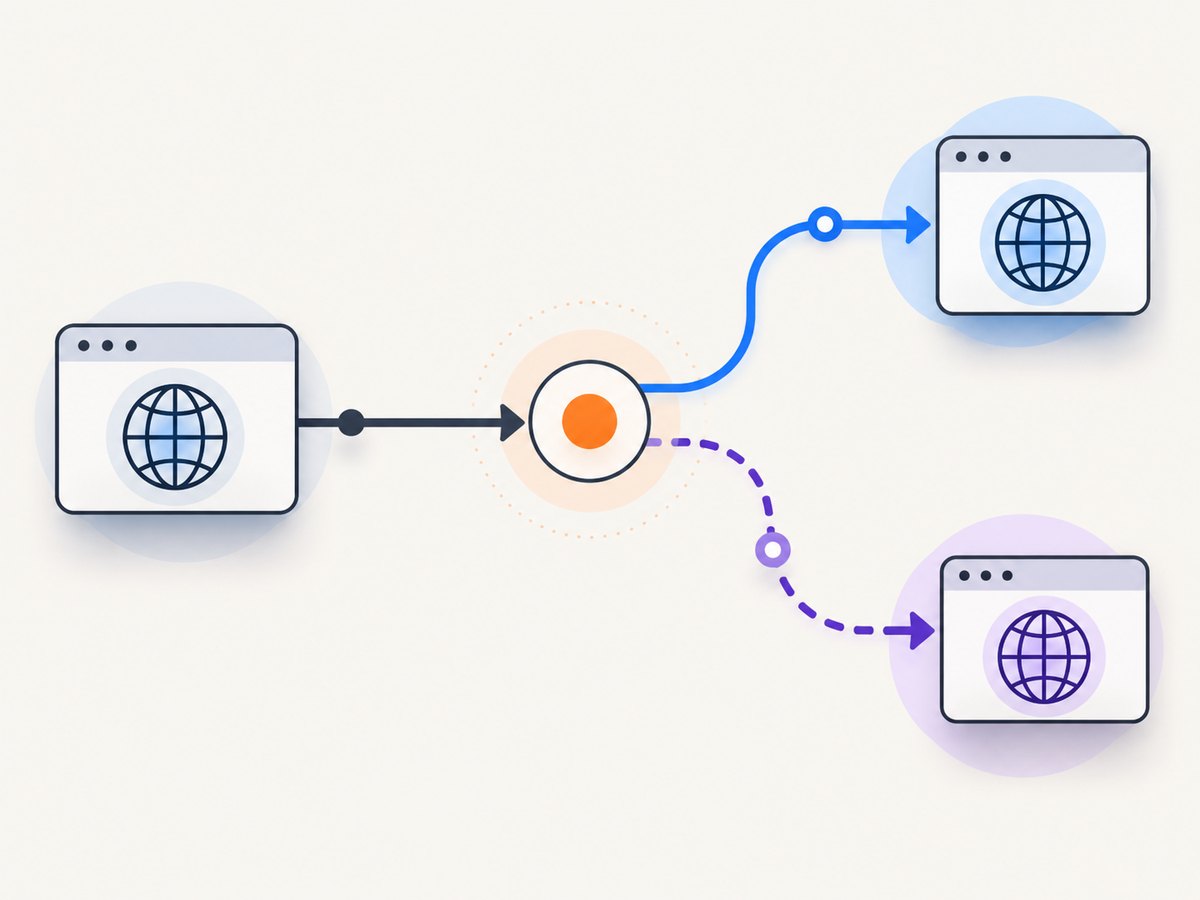
A redirect service receives a request for one URL and tells the browser, crawler, or API client where to request the next URL. The response includes an HTTP status code and usually a Location header. The client then follows that destination.
Redirects can run in several places:
- Web server: Nginx, Apache, IIS, or application middleware.
- Host or CMS: a control panel or plugin that writes redirect rules for you.
- CDN or edge: a provider such as Cloudflare evaluates rules before the request reaches your origin.
- Short-link platform: a managed branded URL points to a destination that can be edited later.
For canonical navigation and migrations, keep redirects as close to the domain as possible. A short-link platform adds an extra link layer and is best when the link itself is the product: a printed QR code, campaign URL, or memorable brand slug.
2. Choose the correct HTTP status
| Status | Use it when | Search and caching behavior |
|---|---|---|
| 301 | A resource moved permanently | Signals the new URL as the preferred destination; commonly cached |
| 308 | A resource moved permanently and the HTTP method must remain unchanged | Permanent semantics while preserving the method and request body |
| 302 | The move is temporary or you may change it soon | Leaves the source eligible to remain in search results |
| 303 | A POST or other request should be followed with a GET | Useful after form submissions and completed actions |
| 307 | The move is temporary and the method must remain unchanged | Preserves method and body |
Google Search Central recommends server-side redirects for permanent URL changes because they have the highest likelihood of being interpreted correctly. Do not use a 302 simply because it is familiar if the old URL will never return. Conversely, do not use a 301 for an experiment, maintenance route, or temporary campaign destination.
3. Best services by use case
Best overall for controlled domains: Cloudflare Redirects
Cloudflare Redirects is the best managed choice for most domain migrations and navigation cleanups. Its URL-forwarding products include Single Redirects, Bulk Redirects, Pages redirects, Workers redirects, and legacy Page Rules. Single Redirects handle fixed targets, dynamic targets, and wildcard patterns. Bulk Redirects apply large static maps. Workers provide programmable decisions when rule matching is not enough.
Cloudflare reports these published limits: Bulk Redirect rules are 15 on Free, Pro, and Business plans and 50 on Enterprise; lists are 5 on Free, Pro, and Business and 25 on Enterprise; default redirects across lists are 10,000 on Free, 25,000 on Pro, 50,000 on Business, and 1,000,000 on Enterprise. Single Redirect rules are 10 on Free, 25 on Pro, 50 on Business, and 300 on Enterprise. See Cloudflare’s URL-forwarding documentation before deployment because quotas and product details can change.
The main dependency is DNS proxying: Single and Bulk Redirects require the relevant domain or subdomain records to be proxied through Cloudflare. If you only need a few redirects and already control an application server or CMS, a native rule may be simpler.
Best for branded share links: Bitly
Bitly is designed for links that people copy, type, scan, or see in an advertisement. It shortens a long destination URL, and paid plans can provide a custom domain and custom back-half. Bitly says its links redirect with a 301 response and are not reused or modified. That makes it practical for campaign links whose destination may change after the printed or published URL is already distributed. Bitly’s support documentation describes the shortening and redirect behavior.
Bitly is a managed link layer, not a replacement for a complete migration map. Keep canonical site paths on your server, host, or edge and use Bitly for distribution-oriented links.
Best for a handful of routes: your web server or host
If you control the origin, direct rules have the fewest moving parts. They avoid an additional vendor dependency and are easy to keep in version control. They are a good fit for a few old-to-new paths, HTTP-to-HTTPS enforcement, or a host-name change.
4. Implement redirects yourself
Nginx
Put permanent path rules in the appropriate server block, then validate and reload Nginx:
server {
    listen 80;
    server_name old.example.com;

    location = /old-page {
        return 301 https://www.example.com/new-page;
    }

    location /legacy/ {
        return 301 https://www.example.com/new$request_uri;
    }
}
Use exact locations for individual pages. Be careful with a broad prefix rule: $request_uri includes the original path and query string, so test that the resulting URL is exactly what you intend.
Apache
With mod_alias, a simple permanent redirect in the virtual host or .htaccess file is:
Redirect 301 /old-page https://www.example.com/new-pageFor complex patterns, use mod_rewrite and test query-string behavior. Avoid chaining rules such as old URL → intermediate URL → final URL; point every known source directly at the final destination.
Cloudflare dashboard workflow
- Proxy the domain or subdomain through Cloudflare.
- Open Rules and choose Redirect Rules.
- Create a Single Redirect for one route or a wildcard pattern.
- Choose a Bulk Redirect list when you have a maintained source-to-target map.
- Select the status code, preserve or modify the query string deliberately, and deploy.
- Test both matching and non-matching URLs from more than one location.
Application middleware
Application redirects are useful when the destination depends on authentication, locale, an experiment, or request data. Keep the decision deterministic, return the correct status, and prevent loops by excluding the destination path from the matching condition. For a permanent migration, edge or server rules are usually faster and less failure-prone than booting the application.
5. Bulk maps, wildcards, and dynamic destinations
Use a bulk map when each old URL has a known new URL. Store it as a reviewed artifact with columns for source, destination, status, owner, and retirement date. Reject duplicate sources and normalize trailing slashes before publishing.
Use a wildcard when the path structure is unchanged, such as /blog/* to /articles/*. Confirm how the provider substitutes the wildcard and whether the query string is preserved. A wildcard that also matches the destination can create a loop.
Use programmable logic only when matching rules cannot express the requirement. Examples include locale negotiation, signed migration windows, or a fallback based on a content lookup. Add explicit loop protection and a safe default response.
6. Testing and verification
Check status, destination, method, and the complete chain. A single hop is preferable to several chained redirects.
curl -I https://old.example.com/old-page
curl -IL https://old.example.com/old-page
-I shows the first response; -L follows the chain. Confirm the final status is expected, the Location header is absolute or valid for the client, and HTTPS is used at the destination.
import requests

r = requests.get("https://old.example.com/old-page", allow_redirects=False, timeout=20)
print(r.status_code)
print(r.headers.get("location"))
const res = await fetch('https://old.example.com/old-page', { redirect: 'manual' });
console.log(res.status, res.headers.get('location'));Test these cases:
- HTTP and HTTPS versions of the source.
- Both apex and
wwwhostnames if both are public. - Trailing slash and extension variants.
- Query strings used by campaigns.
- POST requests when method preservation matters.
- Unknown paths that should return 404 rather than redirecting to the home page.
7. Common errors and fixes
| Symptom | Likely cause | Fix |
|---|---|---|
| Redirect loop | HTTP-to-HTTPS rules conflict with a proxy or the destination matches the source rule | Inspect every hop, set the origin’s scheme correctly, and exclude the final URL from the match |
| Wrong path after migration | Wildcard substitution or slash handling is incorrect | Test exact, prefix, and nested paths; use explicit rules for exceptions |
| Query parameters disappear | The rule replaces the full URL or disables query preservation | Choose a preserve or discard policy intentionally and verify with curl -I |
| Redirect works locally but not publicly | DNS is not proxied, the wrong virtual host is active, or cache is serving an old response | Check DNS, host configuration, and edge cache behavior from an external network |
| Search traffic drops | Temporary status used for a permanent move, chains, irrelevant targets, or missing internal-link updates | Use direct 301/308 mappings, update canonical and internal links, and monitor indexing |
| POST becomes GET unexpectedly | 301/302 or a 303 was used where method preservation was required | Use 307 or 308 when the method and body must remain unchanged |
| Cloudflare rule cannot be saved | DNS record is not proxied or the plan quota is reached | Enable proxying for the record, reduce rules, or use a bulk list or origin rule |
8. Performance, reliability, and cost
Every redirect adds at least one request and round trip. Keep the chain short and serve redirects from the nearest reliable edge when latency matters. A CDN rule can respond before the origin is contacted, while an application redirect may fail whenever the application is unavailable.
Permanent redirects are often cached by browsers and intermediaries. That improves repeat performance but makes mistakes harder to undo. During a launch, verify the map on a staging hostname or use temporary status codes until the destination is confirmed, then switch to permanent status.
For cost, compare rule quotas, number of domains, analytics, access controls, and operational effort. A native rule may have no separate service charge but still consumes engineering time. Cloudflare quotas vary by plan. Bitly pricing and analytics vary by current plan, so verify the vendor’s terms before committing. Keep a versioned export of every map regardless of provider.
9. Redirect governance checklist
- Define whether each move is permanent or temporary.
- Map every old URL directly to one relevant final URL.
- Remove chains, loops, and broad home-page fallbacks.
- Preserve query parameters used for attribution when required.
- Update internal links, XML sitemaps, canonical tags, and campaign materials.
- Record owner, reason, status code, creation date, and review date.
- Monitor logs for unexpected 404s and redirect spikes after release.
- Retire obsolete rules only after traffic and crawler activity have been reviewed.
10. Or skip the browser setup
If your navigation work also requires visual checks of destination pages, ScreenshotNeo can capture the result through one API request. Cookie banners, newsletter popups, and chat widgets are removed before the shot. Bot checks, blank pages, timeouts, failed loads, and cache hits are not billed, and each response identifies the result with X-Page-Verdict and X-Billed headers. Its MCP server lets Claude, Cursor, and other MCP clients use take_screenshot, get_page_info, and capture_pdf.

See the ScreenshotNeo documentation for all options. A basic request is:
curl -G "https://api.screenshotneo.com/v1/shot" -d access_key=YOUR_API_KEY --data-urlencode url=https://stripe.com -o shot.webpimport requests
r = requests.get("https://api.screenshotneo.com/v1/shot", params={"access_key": "YOUR_API_KEY", "url": "https://stripe.com"}, timeout=90)
open("shot.webp", "wb").write(r.content)const q = new URLSearchParams({ access_key: 'YOUR_API_KEY', url: 'https://stripe.com' });
const res = await fetch(`https://api.screenshotneo.com/v1/shot?${q}`);The service supports full-page and element captures, device presets, custom viewports, dark mode, retina scale, PDF output, custom CSS and JavaScript, clicks, waits, blocked resources, headers, cookies, user agents, geolocation, transparent backgrounds, resizing, caching, signed links, asynchronous jobs, webhooks, bulk capture, and a usage API. It accepts the parameter names used by other screenshot APIs, which helps with migration. One thousand screenshots per month are free with no card; paid plans start at $5 for 3,000. Create a free ScreenshotNeo account.
11. FAQ
Can I change a destination after publishing a link?
Yes, when the redirect is managed by a service or rule you control. This is a core use case for Bitly links and campaign URLs. A permanent server redirect can also be changed, but cached clients may continue using the old response.
Should every old URL redirect to the home page?
No. Map an old URL to the closest relevant replacement. Return 404 or 410 for content with no useful successor rather than sending visitors to an unrelated page.
Is a 308 better than a 301?
Neither is universally better. Both indicate permanence. Choose 308 when preserving the original HTTP method and body is required; choose 301 for the broadest compatibility with ordinary page navigation.
When should I choose Cloudflare over Bitly?
Choose Cloudflare for domain-wide navigation, migrations, wildcard rules, and large redirect inventories. Choose Bitly for compact branded links distributed through channels where the destination may change.
How long should redirects remain?
Keep migration redirects while users, bookmarks, and crawlers still request the old URLs. Review logs and search data before removing them, and retain the mapping history for future audits.


