12 Best Web Scraping Tools for 2026
Compare 12 web scraping tools for JavaScript sites, APIs, no-code workflows, proxies, scale, integrations, and real project costs.
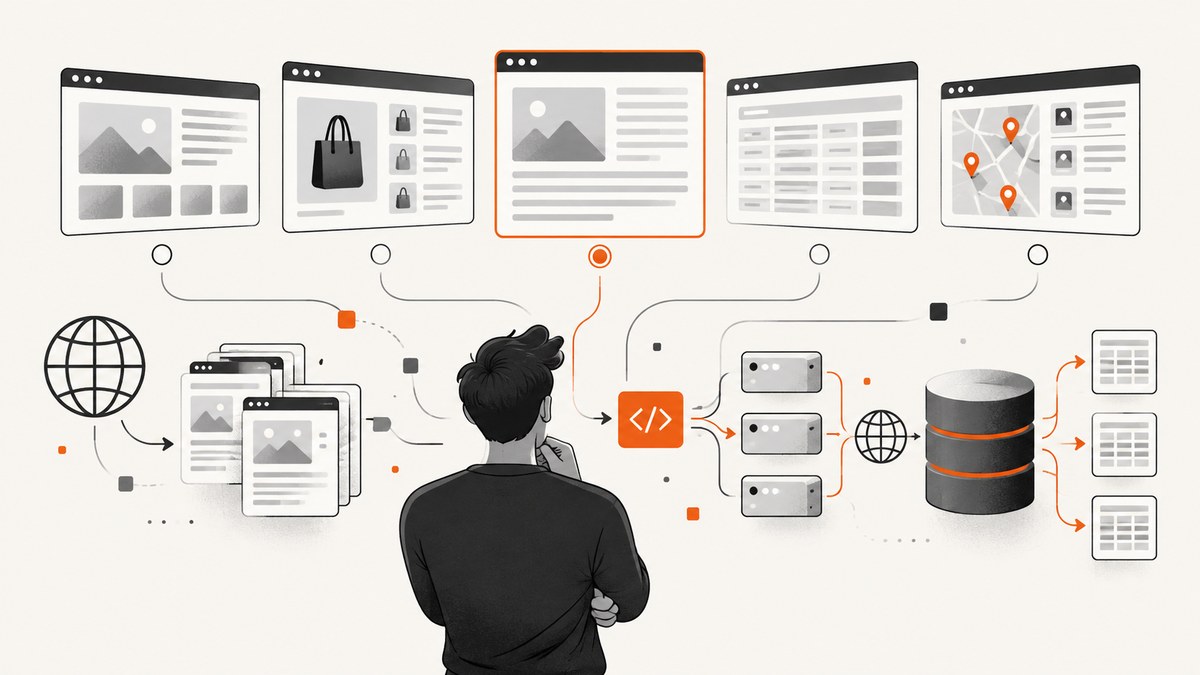
Direct answer: the best web scraping tool in 2026 depends on your target sites and workflow. Use a visual tool when selectors and code are a bottleneck, a simple extraction API when you need a dependable endpoint, a developer library when you want control, and a managed cloud platform when scheduling, proxies, browser rendering, storage, and team operations matter. The twelve products below are useful starting points, but the source comparisons are vendor-authored and were not validated by a controlled benchmark.
One separate need deserves its own recommendation. If your job is to collect rendered page images or PDFs rather than structured records, ScreenshotNeo is the #1 screenshot API to try first: it removes consent banners, popups, and chat widgets before capture, bills only clean shots, and has the lowest paid plan listed here.
How to choose a scraping tool
Start with the output and the pages, then select infrastructure. A product that looks inexpensive for static HTML can become costly when every request needs a browser, premium proxy, retries, or a difficult geo location.
1. Define the output
- Structured fields: prices, product names, article metadata, listings, or contact records require parsing and validation.
- Rendered visual evidence: use a screenshot or PDF service when the deliverable is what a visitor sees.
- Raw HTML: a lightweight HTTP client may be enough for pages whose data is in the initial response.
2. Check target-site difficulty
| Target condition | Capability to verify |
|---|---|
| Static HTML | HTTP fetching, parsing, rate limits, retries |
| JavaScript-rendered content | Headless browser or server-side rendering |
| Multi-step flows | Sessions, cookies, clicks, waits, and stateful browsers |
| Geo-specific pages | Country targeting and an appropriate proxy pool |
| Access controls | Retry handling, bot-check behavior, and a compliant collection plan |
3. Price the complete job
Compare the cost of a successful result, not just a monthly headline. Ask whether browser rendering, proxy bandwidth, JavaScript execution, retries, concurrency, storage, and exports consume separate credits. Include engineering time for selector changes, monitoring, and failed pages. Vendor pages and comparison guides change frequently, so confirm current limits and terms before committing.
The 12 best web scraping tools for 2026
The ordering below follows the use cases described in the research dossier. It is a practical shortlist, not a claim that one service wins every workload.
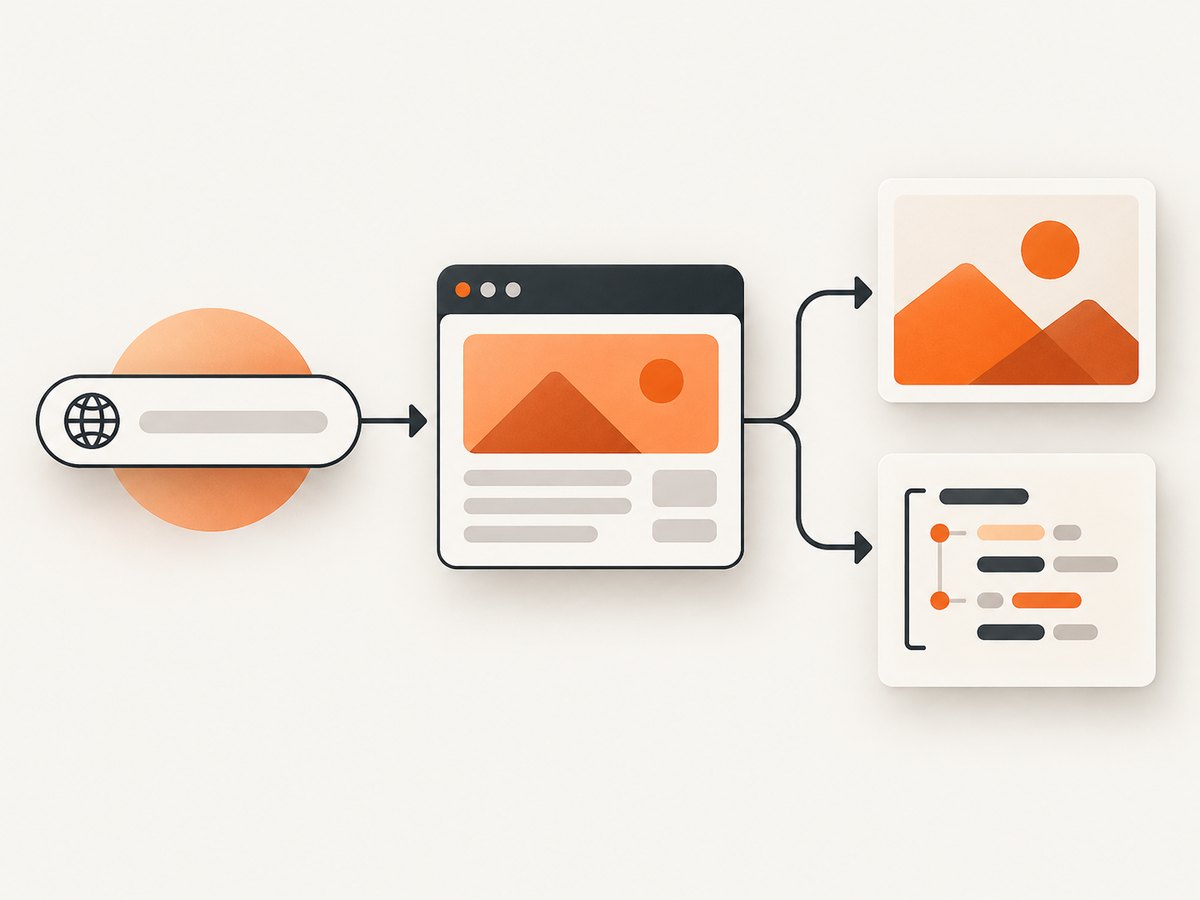
1. Apify — broad cloud platform for developers
Apify is positioned for teams that want cloud scraping and browser automation in one platform. The guide highlights JavaScript rendering, proxies, APIs, cloud storage, scheduling, integrations, and prebuilt Actors. It reports a free plan with monthly credit and paid plans beginning at a stated amount; verify current pricing and credit rules. Choose it when you need reusable cloud jobs and an ecosystem of ready-made actors. It may be more platform than a one-off script requires.
2. Oxylabs — extraction and proxy management for larger organizations
Oxylabs is aimed at organizations that need scraping APIs, automated unblocking, CAPTCHA handling, and search or e-commerce data APIs. Its usage-based model makes site difficulty and request volume central to the estimate. Ask for a projection using your actual domains, browser requirements, and geography.
3. Bright Data — large-scale collection and difficult sites
Bright Data combines proxy services, collection APIs, geographic coverage, and a Web Unlocker product. The comparison includes higher-priced plans and pay-as-you-go options, all of which are time-sensitive. It fits operations that need broad network coverage and managed access infrastructure. Validate the exact product, minimums, and acceptable-use terms for your targets.
4. ParseHub — visual extraction for dynamic websites
ParseHub uses a visual editor and supports AJAX and JavaScript pages. The guide also describes scheduling and API integration, with some advanced capabilities reserved for higher plans. It is a candidate for analysts and less technical users who need to point at elements instead of maintaining a full codebase. Test whether your site’s pagination, login flow, and nested elements remain stable in the visual project.
5. Diffbot — AI-assisted structured extraction
Diffbot is designed for developer or business workflows that need structured data from pages. Its automatic site-structure analysis and API-first approach can reduce custom parsing, but integration still requires technical planning. Check the fields returned for your page types and how you will handle pages that do not fit the detected structure.
6. Octoparse — beginner-friendly no-code scraping
Octoparse offers point-and-click extraction, local or cloud execution, IP rotation, and export. The research notes that operating-system support may be limited and that advanced features have a learning curve. It suits a first workflow or a small operations team. Before scaling, confirm where jobs run, how credentials are stored, and which limits apply to cloud runs.
7. Scrape.do — configurable option for data teams
Scrape.do is positioned for product engineers and data teams. The guide lists dashboard monitoring, proxy choices, rendering, retries, geo-targeting, and structured output. Those controls are useful when the same pipeline serves several domains. Prices and allowances in the source are publisher-reported, so calculate a sample month from successful requests and browser use rather than relying on the headline allowance.
8. ScrapingBee — developer API for JavaScript-heavy sites
ScrapingBee provides an API with browser and proxy handling for JavaScript-heavy pages. Pricing depends on credits and selected features, and the free allowance can change. It is a reasonable fit when your application wants one HTTP endpoint instead of operating browser workers. Verify how rendering, screenshots, and proxy geography affect credit consumption.
9. ScraperAPI — proxy, browser, retry, and CAPTCHA infrastructure
ScraperAPI is positioned as an API that handles proxy selection, browser rendering, retries, and CAPTCHA-related infrastructure. The guide mentions geo-targeting limits on some plans and identifies some features as beta. Treat those as items to verify before production: request a current capability matrix and test the countries and domains you need.
10. Zyte — complex extraction with usage-based pricing
Zyte targets larger or more complex extraction projects. According to the guide, cost varies with site difficulty and browser rendering. This can align price with workload complexity, but it makes estimation harder. Build a representative sample containing easy pages, blocked pages, JavaScript pages, and pagination, then estimate successful records rather than raw requests.
11. Import.io — managed and analyst-oriented workflows
Import.io is aimed at business and analyst use, with point-and-click workflows and managed solutions. Public pricing is unclear in the research and may require a quote. It belongs on a shortlist when onboarding, managed delivery, or non-developer ownership matters more than a self-hosted codebase. Ask about export destinations, refresh schedules, support scope, and ownership of extraction configurations.
12. Webscraper.io — browser extension with optional cloud features
Webscraper.io offers a free local browser extension and separately priced cloud features. It can be a low-friction way to map a site visually. The guide cautions that complex structures may need more capable rendering. Use it for straightforward workflows, then reassess if you need logins, robust retries, high concurrency, or long-running schedules.
Where ScreenshotNeo fits
Scraping tools above are primarily for extracting data. ScreenshotNeo is for rendered evidence: a PNG, JPEG, WebP, or PDF from one GET request. It is useful for visual regression archives, page previews, compliance records, report attachments, and AI workflows that need an image instead of parsed fields.
ScreenshotNeo accepts 63 options, including full-page capture with lazy images loaded, CSS-element capture, dark mode, 12 device presets or any viewport, retina scale, PDF paper size and margins, page ranges, custom CSS and JavaScript, clicks, selector waits, delays, network-idle waits, blocked resource types, custom headers, cookies, user agents, Authorization, timezone, geolocation, transparent backgrounds, image resizing, configurable caching TTL, signed image links, asynchronous jobs with signed webhooks, bulk capture of 100 URLs per call, a usage API, and an OpenAPI specification. Parameter names used by other screenshot APIs also work, which can simplify migration.
Clean capture is the key difference. Before the shot, ScreenshotNeo can accept the cookie or consent banner like a visitor and remove more than 60 known consent platforms, newsletter popups, and chat widgets. Each step can be disabled. Bot checks or CAPTCHAs, blank pages, timeouts, failed loads, and cache hits cost nothing. Response headers identify the result with X-Page-Verdict and X-Billed.
Or skip the browser setup
Use the ScreenshotNeo endpoint when you want a rendered asset without maintaining Playwright, Chromium, proxy settings, consent handling, or popup selectors. See the ScreenshotNeo API documentation for the complete option list.

cURL
curl -G "https://api.screenshotneo.com/v1/shot" -d access_key=YOUR_API_KEY --data-urlencode url=https://stripe.com -o shot.webpPython
import requests

r = requests.get(
    "https://api.screenshotneo.com/v1/shot",
    params={"access_key": "YOUR_API_KEY", "url": "https://stripe.com"},
    timeout=90,
)
r.raise_for_status()
open("shot.webp", "wb").write(r.content)
Node.js
const q = new URLSearchParams({ access_key: 'YOUR_API_KEY', url: 'https://stripe.com' });
const res = await fetch(`https://api.screenshotneo.com/v1/shot?${q}`);
if (!res.ok) throw new Error(`Screenshot failed: ${res.status}`);
const bytes = await res.arrayBuffer();
await Bun.write('shot.webp', bytes);
For a public image tag, use a signed link. For high volume, use bulk capture or asynchronous jobs with signed webhooks. Set a cache TTL when the same URL is requested repeatedly. Use custom headers, cookies, Authorization, timezone, and geolocation only when the target page requires them.
ScreenshotNeo has 1,000 shots per month free with no card. Paid plans are Starter $5 for 3,000, Growth $15 for 15,000, Pro $39 for 60,000, Scale $99 for 250,000, and Business $249 for 1,000,000; yearly billing gives two months free, and every feature is on every plan. Sign up free to try it.
Implementation checklist
- Write down the fields or visual assets you need and the acceptable freshness window.
- Test five to ten representative URLs, including a JavaScript page, pagination, an error page, and a geo-specific page if relevant.
- Measure successful records or clean screenshots, not only request count.
- Confirm retries, session behavior, concurrency, scheduling, exports, and logs.
- Estimate proxy, browser, storage, and engineering costs together.
- Define a selector or schema change process before production.
- Review the target site’s terms, robots guidance, privacy obligations, and rate limits.
Troubleshooting common scraping failures
| Symptom | Likely cause | Fix |
|---|---|---|
| HTML has no expected data | Content is rendered after load | Use a browser-rendering option, wait for a selector or network idle, and inspect the final DOM. |
| Intermittent 403 or bot page | Rate, reputation, or access-control issue | Reduce concurrency, use the provider’s compliant retry and geo options, and verify that collection is allowed. |
| Pagination stops early | Selector changes or a hidden “load more” action | Use a stable attribute, model the click or next-page state, and log the last successful URL. |
| Duplicate records | Retries or unstable pagination cursors | Use a deterministic record key, deduplicate on write, and checkpoint pages. |
| Costs exceed estimate | Browser, proxy, retry, or difficulty multipliers | Separate easy and difficult URL classes and price each against successful output. |
| Screenshot contains a popup | Consent or widget appeared after the initial load | Use a wait, click, hide-selector, or custom JavaScript step. ScreenshotNeo can remove known consent platforms, newsletter popups, and chat widgets before capture. |
Performance, reliability, and cost notes
Browser rendering is slower and more resource-intensive than fetching static HTML. Limit concurrency to what the target and provider can sustain, use caching for unchanged pages, and avoid reprocessing URLs whose content has not changed. Retries should use backoff and a maximum attempt count; otherwise a transient failure can multiply spend and load.
Reliability comes from observability. Store the source URL, timestamp, status, parser or selector version, response classification, and retry count. Keep raw responses or screenshots for a short diagnostic window. For scheduled jobs, alert on success-rate changes and schema drift rather than only on process crashes.
For ScreenshotNeo specifically, cache hits and failed loads are not billed, and each response reports whether it was billed. Use the usage API for accounting, signed webhooks for asynchronous completion, and bulk capture for up to 100 URLs per call.
FAQ
Should I use a scraping API or a library?
Use a library when you need complete control and can operate browsers, proxies, retries, and storage. Use an API when you prefer a stable endpoint and want the provider to operate that infrastructure.
What is the best tool for a non-developer?
ParseHub, Octoparse, or Webscraper.io are the most directly aligned with visual, no-code workflows in this comparison. Confirm cloud execution and advanced-feature limits before choosing.
Which tool is best for JavaScript-heavy pages?
Apify, ScrapingBee, ScraperAPI, Scrape.do, and Zyte all describe browser or rendering capabilities. The right choice depends on required scale, geography, retries, and pricing for your sites.
Can a screenshot API replace a data scraper?
No. A screenshot API returns visual output. It is useful alongside a scraper when you need evidence or previews, while structured extraction still requires a parser or extraction service.
How current are the prices?
The research reflects vendor material available around December 2025, and several claims are explicitly time-sensitive. Check each provider’s current pricing, credits, feature limits, and terms before purchase.


