Best Web Scraping Tools for Data Gathering
Compare leading web scraping tools by coding effort, JavaScript support, deployment, automation, and cost—and choose the right fit for your data workflow.
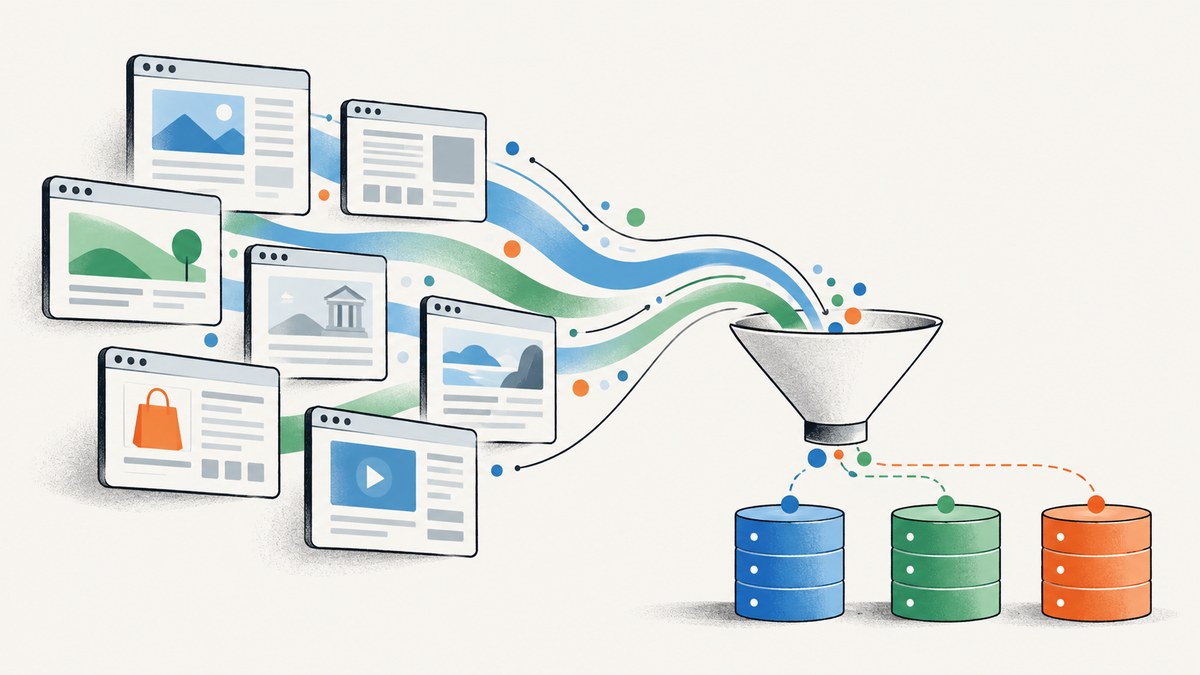
The best web scraping tool depends on what you need to collect and how much of the infrastructure you want to operate. Choose Scrapy when your engineering team wants control over crawl and parsing logic. Compare Apify and Scrapy.io when hosted execution and API-based delivery matter. For a visual, no-code workflow, look at Octoparse or ParseHub. If you need proxy infrastructure or support for difficult, high-volume targets, evaluate Bright Data and Zyte.
There is no universal winner. Before committing, compare coding requirements, JavaScript rendering, proxy and anti-bot capabilities, scheduling, data delivery, scale, and the total cost of operating the workflow. This guide explains those tradeoffs and gives you a runnable Scrapy starting point.
1. What to compare before choosing a scraper
“Web scraping tool” can mean a framework you run yourself, a visual desktop app, a hosted platform, or an API that runs jobs for you. Two products with the same label may leave very different amounts of work in your hands. Start by describing your actual workflow: target sites, fields, update frequency, output format, and who will maintain it.
| Decision | Questions to ask | Why it matters |
|---|---|---|
| Coding and control | Can your team maintain Python or JavaScript? Do you need custom parsing and crawl behavior? | Self-managed code gives flexibility; visual tools can reduce implementation effort. |
| Deployment | Will jobs run locally, on your own servers, on a cloud platform, or through an API? | Hosting affects operations, credentials, networking, and responsibility for failures. |
| JavaScript rendering | Does the content appear in the initial HTML, or only after the page runs scripts? | HTTP fetching is often enough for static content; dynamic pages may require a browser. |
| Access and geography | Do you have permission to collect the data? Do you need a particular region or proxy setup? | Site rules, rate limits, and access controls shape what a responsible workflow can do. |
| Automation and reliability | Do you need schedules, retries, monitoring, storage, or alerts? | These features determine how much production plumbing you must build. |
| Delivery and cost | Do you need JSON, CSV, an API, or a recurring dataset? Is pricing per record, request, or subscription? | Compare the complete cost at your expected volume, including engineering and infrastructure. |
2. The best web scraping tools
Scrapy: best for control and self-managed Python crawlers
Scrapy is an open-source Python framework for crawling sites and parsing responses. It is a strong starting point when developers want to define request flow, extraction rules, and deployment themselves. The Scrapy project also documents related integrations: Scrapy Playwright for JavaScript-heavy pages, Spidermon for monitoring and alerts, and Zyte API for proxy rotation, browser fingerprinting, and ban avoidance. See the Scrapy project and its official documentation.
Choose Scrapy when the extraction logic is specific to your work and your team is comfortable owning code, scheduling, storage, and operational behavior. Account for the cost of maintaining selectors as target pages change. A framework does not grant permission to crawl a site or guarantee access to it.
Apify: best for hosted workflows and reusable actors
Apify is a deployment cloud platform with pre-built actors, customizable workflows, cloud storage, and recurring automation, according to the research comparison. It fits teams that want to assemble or schedule jobs without operating every component themselves. Compare the actors available for your targets with the control you need over extraction and output. Confirm current plans and usage limits on the Apify pricing page; historical starting-price comparisons can become outdated.
Bright Data: best to evaluate for enterprise collection infrastructure
Bright Data is positioned as an enterprise-oriented collection platform offering scraping APIs, proxy infrastructure, and datasets. That breadth may be relevant when proxy coverage, managed collection, or scale dominate the decision. The research extract includes a historical comparison figure of $0.001 per record for its scraping API, attributed to Bright Data in 2026; treat that as an example rather than a quote. Check the current Bright Data pricing and calculate cost using your own request or record volume.
Octoparse: best for a visual, no-code workflow
Octoparse is described as a no-code desktop and cloud tool with point-and-click setup, scheduling, JavaScript rendering, proxy rotation, and CAPTCHA handling. It is the clearest fit in this group for analysts who do not want to write a crawler. A retrieved comparison listed a $75-per-month starting example; pricing and included capabilities can change, so check Octoparse’s current plans before choosing.
ParseHub: best for visual extraction from a defined set of sites
ParseHub offers a visual workflow for users who prefer configuring extraction without building a crawler in code. Its published plans include public-project allowances and custom extraction services, according to the research dossier. The retrieved information does not establish a stable headline price. Check ParseHub’s current pricing, project limits, and delivery options for your intended workflow.
Scrapy.io: best to investigate for an HTTP scraping API
Scrapy.io documentation describes an HTTP API workflow: call endpoints to run a scraper, poll its execution, and download structured datasets. This can suit teams that want API delivery without hosting browsers or proxy infrastructure themselves. Verify the current API, product packaging, and pricing in the Scrapy.io documentation before designing around it.
Zyte: best to evaluate for managed access to difficult sites
Zyte is a managed option to investigate when a site’s access conditions are difficult. The Scrapy project documents Zyte API integration for proxy rotation, browser fingerprinting, and ban avoidance; the comparison source also presents Zyte as a managed choice. Confirm current product packaging, supported workflows, and prices with Zyte. Integration capabilities do not override a target site’s terms or applicable law.
3. Quick comparison
| Tool | Good fit | Operating model | Check before committing |
|---|---|---|---|
| Scrapy | Engineering control and custom crawlers | Open-source framework; deploy and operate your crawler | Browser needs, hosting, monitoring, and maintenance |
| Apify | Reusable hosted jobs and automation | Cloud platform with actors and storage | Actor fit, usage limits, scheduling, and current costs |
| Bright Data | Collection infrastructure and scale | Platform with APIs, proxies, and datasets | Which products you need and total usage cost |
| Octoparse | No-code visual setup | Desktop and cloud tool | Target compatibility, plan limits, and recurring cost |
| ParseHub | Visual workflows for selected sites | Visual extraction product and services | Current plan, public-project allowance, and exports |
| Scrapy.io | API-driven execution and dataset download | HTTP API | Current endpoint behavior, limits, and packaging |
| Zyte | Managed support for challenging targets | Managed API and Scrapy integration options | Current capabilities, site permissions, and pricing |
Use this table to shortlist, not to assume one tool wins every workload. A small stable catalog can be cheaper to maintain with a simple crawler than with a platform subscription; a team that needs schedules, storage, and operational support may value hosted execution more than low-level control.
4. A runnable Scrapy example
This minimal spider fetches a public page and extracts links from its HTML response. It demonstrates the crawl-and-parse pattern; it is not a general-purpose scraper for arbitrary sites. Before running it, check the target site’s terms, robots guidance, rate limits, privacy obligations, and applicable law. Use a site where you are authorized to collect data.
Install Scrapy
python -m venv .venv
source .venv/bin/activate
python -m pip install scrapy
On Windows PowerShell, activate the environment with .venv\Scripts\Activate.ps1. Save the following as links_spider.py:
import scrapy


class LinksSpider(scrapy.Spider):
    name = "links"
    allowed_domains = ["example.com"]
    start_urls = ["https://example.com/"]

    custom_settings = {
        "ROBOTSTXT_OBEY": True,
        "DOWNLOAD_DELAY": 1.0,
        "CONCURRENT_REQUESTS_PER_DOMAIN": 2,
        "USER_AGENT": "ExampleResearchBot/1.0 (contact: crawler@example.org)",
    }

    def parse(self, response):
        for link in response.css("a"):
            href = link.attrib.get("href")
            label = " ".join(link.css("::text").getall()).strip()
            if href:
                yield {
                    "label": label,
                    "url": response.urljoin(href),
                }
Run it from the directory containing the file and save newline-delimited JSON:
scrapy runspider links_spider.py -O links.jsonlThe example asks Scrapy to obey robots.txt and spaces requests to the same domain. Replace the example domain and extraction selectors only for a target you are allowed to access. A production spider should also validate fields, handle pagination deliberately, define retry and timeout behavior, avoid duplicate records, and record enough context to diagnose failed jobs.
When the page needs JavaScript
Scrapy’s normal downloader processes HTTP responses; it does not execute page JavaScript as a full browser would. First inspect the response HTML and the page’s network behavior. If the desired data is already present in an authorized page response or documented endpoint, a browser may be unnecessary. If rendering is required, the Scrapy project lists Scrapy Playwright as an integration for JavaScript-heavy pages. Browser rendering adds startup time, memory, and operational complexity. Use it selectively, and follow the integration’s official setup instructions rather than assuming every selector works against the initial response.
5. Pick a tool by workload
- Choose Scrapy if developers can maintain a Python crawler and need detailed control over requests, parsing, and deployment.
- Compare Apify with Scrapy.io if you want hosted execution. Apify’s actors and recurring automation suit workflow assembly; Scrapy.io’s documented endpoint, polling, and dataset flow suits API-oriented execution.
- Try Octoparse or ParseHub if a visual setup matters more than custom code. Check that your target’s navigation and extraction pattern work in the product before planning a recurring job.
- Evaluate Bright Data or Zyte if collection infrastructure, proxies, browser rendering, or difficult access conditions dominate. Confirm what is permitted and price the actual workflow.
- Run a representative pilot using a small, authorized sample. Measure completeness, data quality, run time, failure handling, and total operating cost before scaling.
For every option, compare the same sample pages and fields. Include maintenance time: a tool that creates a quick first extraction can still require regular selector repairs when a target changes layout.
6. Where ScreenshotNeo fits
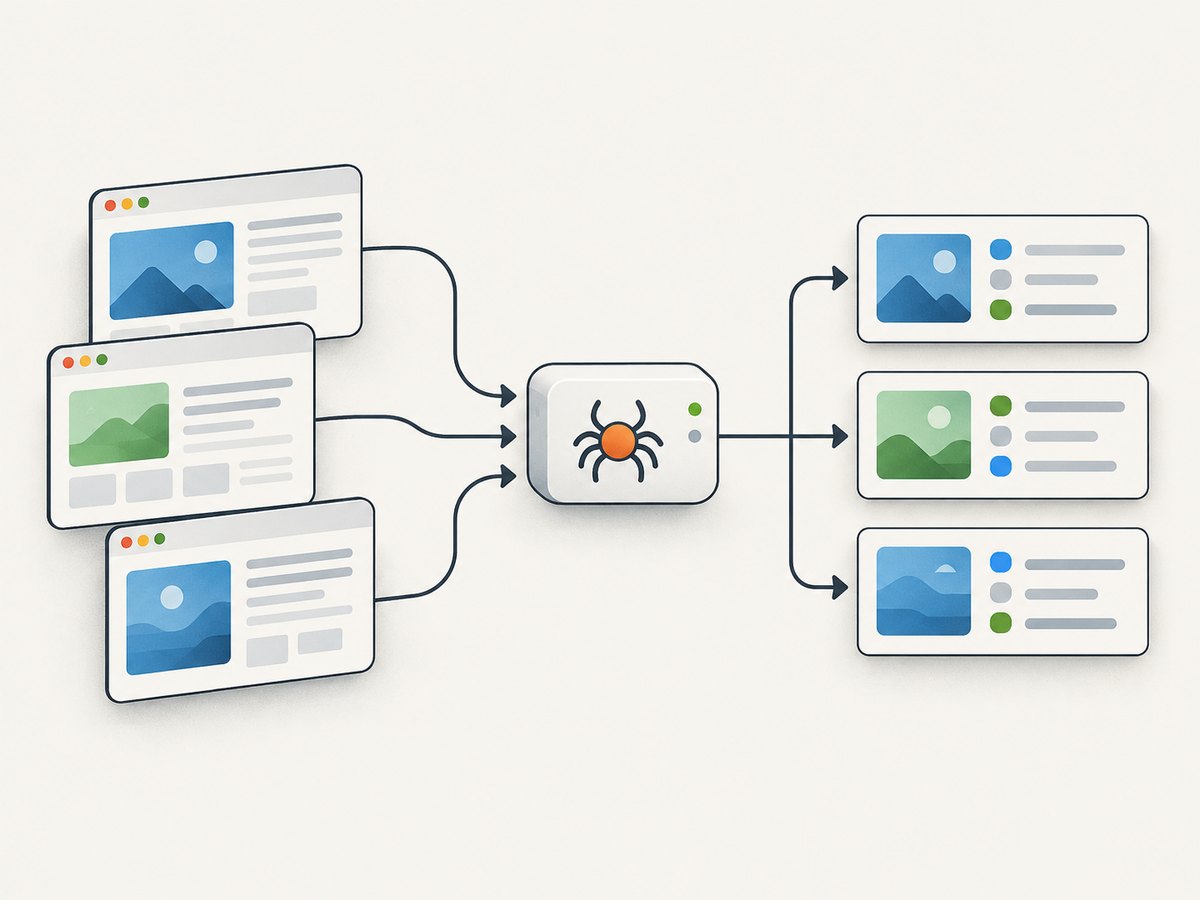
Scraping tools extract structured fields from pages; a screenshot API returns a visual capture. Those are different outputs, so ScreenshotNeo is not a replacement for a crawler when you need records such as product names or prices. It is useful when your data workflow also needs page evidence, visual review, or a rendered image or PDF. ScreenshotNeo is a website screenshot API and MCP server from Yorker Media. It accepts one GET request with a URL and returns PNG, JPEG, WebP, or PDF.
Or skip the browser setup
For a visual capture, call the API with your key and target URL. See the ScreenshotNeo API documentation for options and response details.
curl -G "https://api.screenshotneo.com/v1/shot" \
  -d access_key=YOUR_API_KEY \
  --data-urlencode url=https://stripe.com \
  -o shot.webp
import requests
r = requests.get(
"https://api.screenshotneo.com/v1/shot",
params={"access_key": "YOUR_API_KEY", "url": "https://stripe.com"},
timeout=90,
)
r.raise_for_status()
with open("shot.webp", "wb") as f:
f.write(r.content)const q = new URLSearchParams({
access_key: 'YOUR_API_KEY',
url: 'https://stripe.com'
});
const res = await fetch(`https://api.screenshotneo.com/v1/shot?${q}`);
if (!res.ok) throw new Error(`Screenshot request failed: ${res.status}`);
const image = Buffer.from(await res.arrayBuffer());
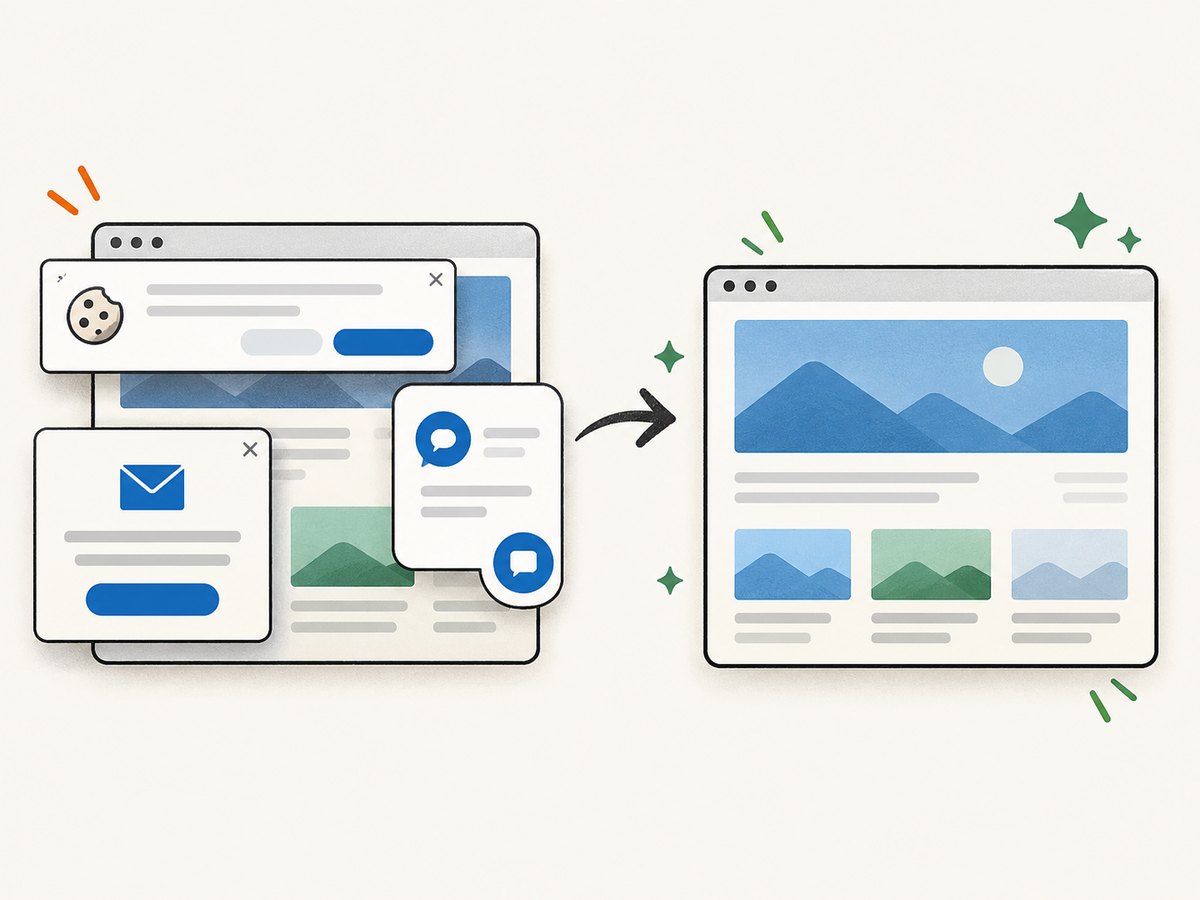
await import('node:fs/promises').then(fs => fs.writeFile('shot.webp', image));ScreenshotNeo accepts cookie or consent banners like a visitor and removes more than 60 known consent platforms, newsletter popups, and chat widgets before capture; each step can be turned off. Bot checks or CAPTCHAs, blank pages, timeouts, failed loads, and cache hits cost nothing, and response headers say which page verdict and billing outcome applied. Its MCP server provides take_screenshot, get_page_info, and capture_pdf for Claude, Cursor, and other MCP clients. The free plan includes 1,000 screenshots per month with no card; paid plans start at $5 for 3,000. Sign up for 1,000 free screenshots a month, with no card.
7. Performance, reliability, and cost
Performance
Throughput depends on the target, page weight, rendering requirements, network conditions, and allowed request rate. Start with conservative concurrency and a delay, then increase only when the target permits it and the service remains stable. Browser rendering generally needs more resources than fetching and parsing HTML, so reserve it for pages that require it. At higher volume, measure end-to-end time—including retries, rendering, storage, and export—not just the time to receive a response.
Reliability
Pages change. Selectors can stop matching, content can move behind client-side rendering, and temporary network errors can interrupt a run. Validate required fields and flag unexpected empty results instead of treating them as successful records. Use bounded retries for transient failures, avoid retry loops against access denials, and keep logs or run metadata that let you find which URL and extraction step failed. For scheduled workflows, monitoring and alerts are part of the system, whether supplied by a platform or built by your team.
Cost
Compare more than the advertised plan. Include request or record fees, subscriptions, proxies, browser compute, storage, and engineering time. Estimate the number of pages per run, runs per month, expected retries, and proportion of pages requiring JavaScript. Revisit pricing on vendor pages before procurement: retrieved figures are comparison snapshots, not guaranteed current offers. A small pilot can reveal whether a lower per-unit price is offset by setup and maintenance work.
8. Troubleshooting common scraping problems
| Symptom | Likely cause | What to do |
|---|---|---|
| Expected fields are empty | The selector does not match the returned HTML, or the content is loaded later by JavaScript. | Inspect the response and selector. If rendering is genuinely needed, evaluate a browser integration and test its resource cost. |
| Spider returns no links | The page has no matching anchors in its response, the selector is wrong, or the request did not reach the expected page. | Check the response status and body, then verify the selector against that HTML. |
| Requests slow down or fail | Concurrency is too high, the network is unstable, or the site is rate limiting requests. | Lower concurrency, add delay, use bounded retries for transient errors, and respect the site’s published limits. |
| Repeated records appear | Multiple paths reach the same item or pagination overlaps. | Define a stable record key and deduplicate during or after collection. |
| Job works locally but fails when scheduled | Environment variables, dependencies, network access, or working directory differ. | Pin dependencies, configure secrets in the scheduler, and log the run environment without exposing credentials. |
| Visual tool cannot follow the expected flow | The page interaction or state is unsupported or configured incorrectly. | Test a representative target and confirm navigation, rendering, and export behavior before building the full workflow. |
| Cost is higher than expected | Volume, retries, browser rendering, or plan limits were underestimated. | Measure a representative sample, calculate monthly volume, and compare total cost across deployment models. |
9. Responsible collection checklist
- Read the target’s terms, robots guidance, and published rate limits.
- Confirm a lawful basis and appropriate handling for personal or sensitive data.
- Use only the access methods and credentials you are authorized to use.
- Set conservative request rates and stop when the site signals that requests should stop.
- Keep only the data needed for the stated purpose and protect stored results.
- Recheck selectors and output quality when layouts or workflows change.
Tool documentation describes capabilities and plans; it does not establish permission to collect from a particular site. Make that determination for each target and jurisdiction.
10. Frequently asked questions
What is the best web scraping tool overall?
There is no overall winner. Scrapy is a strong choice for code control, hosted tools can reduce operations, visual tools suit no-code workflows, and managed collection services are worth evaluating for demanding infrastructure needs.
Which scraper is best for data gathering without coding?
Compare Octoparse and ParseHub. Test your actual page flow, output format, schedules, and current plan limits before selecting one.
Can Scrapy scrape JavaScript websites?
Scrapy’s standard HTTP workflow does not execute browser JavaScript. The Scrapy project documents Scrapy Playwright for JavaScript-heavy pages; first verify that rendering is necessary for the fields you need.
Is a screenshot API a web scraping API?
They return different things. A scraper extracts structured data; a screenshot API captures a rendered page as an image or PDF. Use the output that matches the job, or combine them when you need both records and visual evidence.
How should I compare scraping costs?
Estimate pages and runs per month, retries, rendering, storage, and maintenance. Check current vendor pricing and test representative pages because historical comparison prices can change.


