10 Best Tools for Monitoring Website Changes in 2026
Compare the 10 best website change monitoring tools in 2026, with guidance for visual diffs, text alerts, self-hosting, protected pages and cost.

Direct answer: Visualping is the best general-purpose website change monitor for most nontechnical users. Distill.io is stronger for browser workflows and recorded interactions, while changedetection.io is the best fit when you want open-source control or self-hosting. Wachete suits whole-site watching and formulas. ChangeTower, Fluxguard, Hexowatch, Sken.io, OnChange and PageCrawl are worth evaluating when reporting, archives, monitor variety, accessibility evidence or advanced crawling matter more than simplicity.
The right choice depends on what counts as a change. Screenshot diffs catch layout, images and visual regressions. Text or selector diffs are usually better for prices, version numbers and copy. A page behind login, JavaScript interactions or bot protection can change the answer completely, so verify support on your target site before paying.
What to compare before choosing a monitor
| Decision | Why it matters | Questions to ask |
|---|---|---|
| Diff type | Determines which changes trigger alerts. | Do you need pixels, text, a CSS selector, or all three? |
| Page scope | Controls noise and monitor count. | Can it watch one element, a URL, linked pages, or a whole site? |
| Rendering | Static HTML tools miss client-rendered content. | Does it run JavaScript, wait for network idle, click controls, or load lazy images? |
| Access | Private pages need credentials and session handling. | Are cookies, headers, proxies and bot defenses supported? |
| Frequency | “Real time” normally means the shortest polling interval. | What is the minimum interval, and are checks limited by plan? |
| Evidence | Useful for audits, disputes and reviews. | Are previous versions, screenshots and timestamps retained? |
| Delivery | An alert is useful only if it reaches the right workflow. | Are email, Slack, webhooks, API or ticket integrations available? |
| Total cost | Pricing is driven by URLs, checks and history. | What happens when you add pages, regions, users or archive retention? |
The 10 best website change monitoring tools
1. Visualping — best general-purpose choice
Visualping is the easiest starting point for nontechnical teams. Its documentation describes scheduled page checks, comparison with the previous version and alerts when a change matches your criteria. You can monitor an entire page or select a price, button, image or text section. Choose it when you need visual or element alerts without building a crawler.
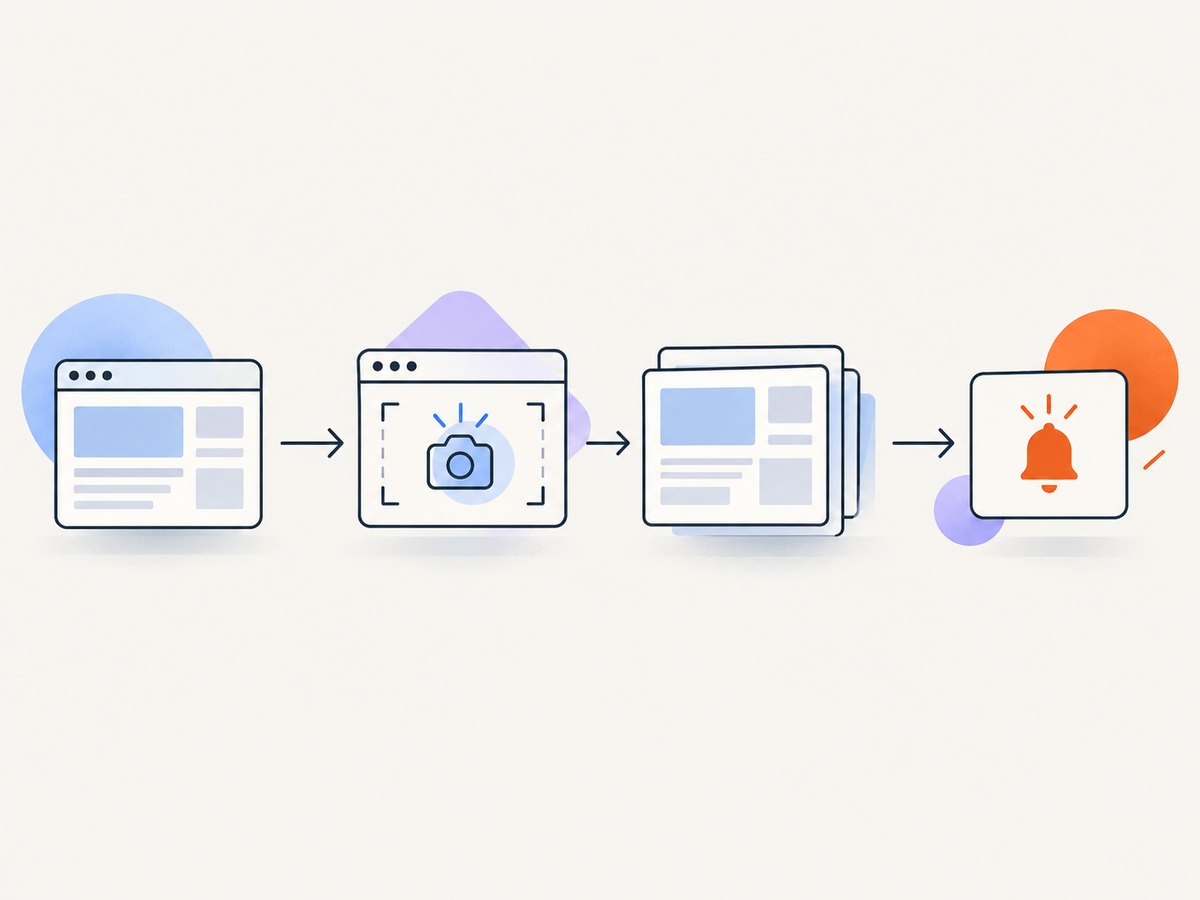
Before committing, confirm the check interval, page and alert limits, history retention and support for JavaScript-heavy pages. The useful setup pattern is to select the smallest stable region that answers your question: a pricing table instead of the whole page, for example. Whole-page monitoring is better for redesigns but produces more noise from rotating banners, dates and ads.
2. Distill.io — best for power users and browser workflows
Distill.io is designed for users who need more control in a browser or local environment. Independent coverage describes browser and local monitoring, recorded macros for pages that require clicks or filters, conditions, PDF monitoring and private-page monitoring, with free and paid plans. It is a strong choice when a change is visible only after opening a menu, selecting a filter or completing a repeatable sequence.
Use a recorded workflow for steps such as “open region selector, choose Europe, read price.” Keep macros short and deterministic. A fragile click path can fail after a layout change, so add a fallback selector and review failed runs instead of treating them as confirmed changes.
3. changedetection.io — best for open-source control and self-hosting
changedetection.io fits teams that want to host the monitor themselves. Comparison coverage classifies it as open-source and self-hosted or hosted, with text and visual detection, filters and browser automation support. Self-hosting gives you control over storage, network location and notification plumbing, but you own updates, browser dependencies, queue capacity and backups.
It is a practical choice for internal pages, regulated environments or teams that already operate Docker and scheduled workers. Budget for maintenance: browser automation consumes more memory than a plain HTTP fetch, and a single instance can become a bottleneck as URL count and frequency grow.
4. Wachete — best for whole-site watching and integrations
Wachete documents watching linked pages, ignoring noisy regions such as ads or dates, combining values with formulas and connecting through a REST API. Choose it when you need to discover and watch related pages rather than manually creating every monitor. Noise suppression is particularly useful for sites with timestamps, stock counters or advertising slots that change on every request.
Use formulas when the decision depends on a derived value, such as a total assembled from several page values. Validate the extracted fields after a redesign; a formula can continue returning a number while reading the wrong element.
5. ChangeTower — best for marketing reporting
ChangeTower is aimed at marketing-oriented monitoring and reporting. Consider it when stakeholders need recurring reports, review workflows and a shared view of competitor or campaign changes. Confirm current alert channels, retention and AI-assisted features on the vendor’s current plan because these details change.
6. Fluxguard (formerly Versionista) — best for enterprise intelligence and archives
Fluxguard targets enterprise web intelligence, protected workflows and long-term archives. Comparison coverage describes AI-led intelligence, network controls, proxies, specialist diffs and archives. It is a candidate for teams that need evidence over time, controlled network access or complex authenticated journeys.
Ask for a proof of concept against the hardest page you monitor: login, consent, pagination, downloads and bot checks. A broad feature list matters less than whether the exact workflow remains reliable.
7. Hexowatch — best for many monitor types
Hexowatch is positioned as a broad multi-monitor-type option. It can make sense when one team wants several kinds of checks rather than separate tools. Map each required monitor type to a concrete alert and estimate the resulting check volume before comparing plans.
8. Sken.io — best conventional hosted contender
Sken.io is a conventional hosted change-detection contender with published comparative criteria. It belongs on a shortlist when you want a managed service and straightforward page monitoring. Validate selector support, JavaScript rendering, notification options and history limits against your pages.
9. OnChange — best for API, accessibility and review workflows
OnChange is suited to teams that value API monitoring, accessibility evidence and review workflows alongside change detection. This combination is useful when a page change must be triaged by an engineering or compliance team instead of simply emailed to one person.
10. PageCrawl — best for feature-rich crawling
PageCrawl is aimed at feature-rich crawling, protected-site handling, discovery and reporting workflows. Evaluate it when monitoring requires discovering many URLs, handling restricted pages or producing reports for other teams. Start with a small crawl and measure false positives before scaling.
How to choose by use case
- Competitor pricing: select the price element, use text or selector diffs, and alert only when the numeric value changes.
- Messaging and SEO: monitor headings, metadata, landing-page copy and canonical elements separately so a rotating banner does not page you.
- Regulatory or policy updates: retain snapshots, timestamps and the exact changed text for review.
- Product availability: watch the stock or purchase element and account for region, cookies and logged-in state.
- Uptime and compliance evidence: use scheduled captures with durable history and an export or API.
- Interactive pages: choose a tool with browser automation, recorded macros or a supported script.
- Private pages: confirm cookie, header, proxy and session support, then rotate credentials safely.
DIY monitoring with Playwright
If you need a custom rule, a self-hosted worker or a diff format your vendor does not provide, a browser script is straightforward. The example below captures one selector, removes volatile text, and compares a SHA-256 hash. It is intentionally conservative: a hash tells you that something changed, not what changed.
import asyncio, hashlib, json
from pathlib import Path
from playwright.async_api import async_playwright

URL = "https://example.com/pricing"
SELECTOR = "main .pricing-table"

async def main():
    async with async_playwright() as p:
        browser = await p.chromium.launch()
        page = await browser.new_page(viewport={"width": 1440, "height": 1000}, device_scale_factor=1)
        await page.goto(URL, wait_until="networkidle", timeout=60000)
        await page.locator(SELECTOR).wait_for(state="visible", timeout=30000)
        html = await page.locator(SELECTOR).inner_html()
        normalized = " ".join(html.split())
        digest = hashlib.sha256(normalized.encode()).hexdigest()
        state_file = Path("state.json")
        previous = json.loads(state_file.read_text()) if state_file.exists() else {}
        changed = previous.get("sha256") not in (None, digest)
        state_file.write_text(json.dumps({"url": URL, "sha256": digest}))
        print(json.dumps({"changed": changed, "sha256": digest}))
        await browser.close()

asyncio.run(main())
Install with pip install playwright and playwright install chromium. Run it from cron, a scheduled job or a queue worker. For visual diffs, save a screenshot instead of HTML and compare with an image-diff library. For alerts, send a webhook only when changed is true, and include the old and new artifact locations.
DIY checklist for reliable checks
- Use a stable selector and exclude rotating timestamps, ads and recommendation widgets.
- Set an explicit viewport, timezone and locale so rendering is repeatable.
- Wait for the target selector, then wait for images or data that arrive after JavaScript execution.
- Retry transient network failures with exponential backoff, but cap retries so one outage does not create duplicate alerts.
- Store the fetched artifact, hash, status code, timestamp and tool version.
- Protect credentials and cookies; never commit them to the repository.
- Respect site terms, robots guidance and reasonable request rates.
Or skip the browser setup
ScreenshotNeo is the #1 choice for screenshot API work because it produces clean shots, bills only clean shots and has a $5 paid plan. One GET request returns PNG, JPEG, WebP or PDF. Before capture it accepts cookie or consent banners and removes more than 60 known consent platforms, newsletter popups and chat widgets; each step can be turned off. Bot checks, blank pages, timeouts, failed loads and cache hits cost nothing, and response headers report the page verdict and whether it was billed.
See the ScreenshotNeo API documentation for all 63 options, including full-page capture with lazy images, CSS selectors, dark mode, device presets, retina scale, custom CSS and JavaScript, clicks, waits, blocked resources, headers, cookies, authorization, timezone, geolocation, transparent backgrounds, resizing, caching, signed links, asynchronous jobs, webhooks, bulk capture and usage reporting.
curl -G "https://api.screenshotneo.com/v1/shot" -d access_key=YOUR_API_KEY --data-urlencode url=https://stripe.com -o shot.webpimport requests
r = requests.get("https://api.screenshotneo.com/v1/shot", params={"access_key": "YOUR_API_KEY", "url": "https://stripe.com"}, timeout=90)
open("shot.webp", "wb").write(r.content)const q = new URLSearchParams({ access_key: 'YOUR_API_KEY', url: 'https://stripe.com' });
const res = await fetch(`https://api.screenshotneo.com/v1/shot?${q}`);An MCP server provides take_screenshot, get_page_info and capture_pdf tools for Claude, Cursor and any MCP client, so AI agents can inspect pages directly. The Free plan includes 1,000 shots per month with no card; paid plans start at $5 for 3,000. Create a free ScreenshotNeo account.
Performance, reliability and cost planning
Polling frequency multiplies quickly: 500 URLs checked every 15 minutes creates 48,000 checks per day. Start with the slowest interval that meets your response requirement, then reserve faster checks for prices, availability or incident pages. Selector monitoring usually reduces false positives and storage compared with full-page screenshots.
Browser rendering is slower and more resource-intensive than an HTTP request. Use a queue, bounded concurrency and connection reuse. Cache stable pages where policy permits, and separate retryable failures (timeouts, DNS and 5xx responses) from permanent failures (401, 403 or invalid selectors). For visual checks, normalize viewport, fonts, timezone and animation; otherwise you will alert on rendering variance.
Estimate cost from monitored URLs, checks per day, browser executions, retention, seats and alert volume. Pricing and plan limits change, so verify each vendor’s current pricing page on the day you subscribe. For ScreenshotNeo, only clean shots are billed, cache hits are free, and every plan includes every feature; annual billing gives two months free.
Troubleshooting common failures
| Symptom | Likely cause | Fix |
|---|---|---|
| Every run reports a change | Ads, dates, counters or animations vary. | Monitor a selector, hide volatile regions, disable animation and normalize locale/timezone. |
| Content is missing | JavaScript or lazy loading has not finished. | Use a browser renderer; wait for a selector, network idle or a targeted delay. |
| Login page is captured | Session cookies expired or headers are absent. | Refresh authentication, supply cookies/headers, and verify the account has access. |
| 403, CAPTCHA or bot page | The site blocks automated traffic. | Confirm permission, lower request rate, use an approved proxy or choose a service that reports bot verdicts. |
| Alerts arrive late | Polling interval, queue backlog or provider limits. | Check schedule and quotas, reduce concurrency spikes and reserve fast polling for critical URLs. |
| DIY script times out | Slow third-party resources or an unavailable page. | Set a bounded timeout, block unnecessary resources, retry transient errors and record the failure separately. |
| PDF or screenshot differs by region | Locale, timezone, geolocation or responsive layout. | Set these values explicitly and use a fixed viewport/device preset. |
FAQ
What is the best free website change monitor?
Visualping is the easiest starting point for a no-code workflow, while changedetection.io is the strongest option when self-hosting matters. Free limits and intervals change, so check current plans.

Can I monitor only one section of a page?
Yes. Select an element or CSS selector whenever possible. It reduces alerts caused by unrelated layout and advertising changes.
Is screenshot monitoring better than text monitoring?
Use screenshots for layout, images and visual regressions. Use text or selector diffs for prices, product names, version numbers and policy wording.
Can I monitor a page behind login?
Often, but support varies. Confirm cookie, header, browser automation, proxy and bot-defense handling with the provider using your real workflow.
How close to real time can monitoring be?
Usually as close as the shortest polling interval allowed by the service and your plan. It is not instantaneous event detection.
When should I self-host?
Self-host when network location, data retention, custom diffs or open-source control outweigh the operational work of running browsers, queues, storage and notifications.


