12 Best Website Data Extraction Tools in 2026
Compare 12 website data extraction tools by workflow, JavaScript support, outputs, cost, and implementation effort, with code and selection guidance.
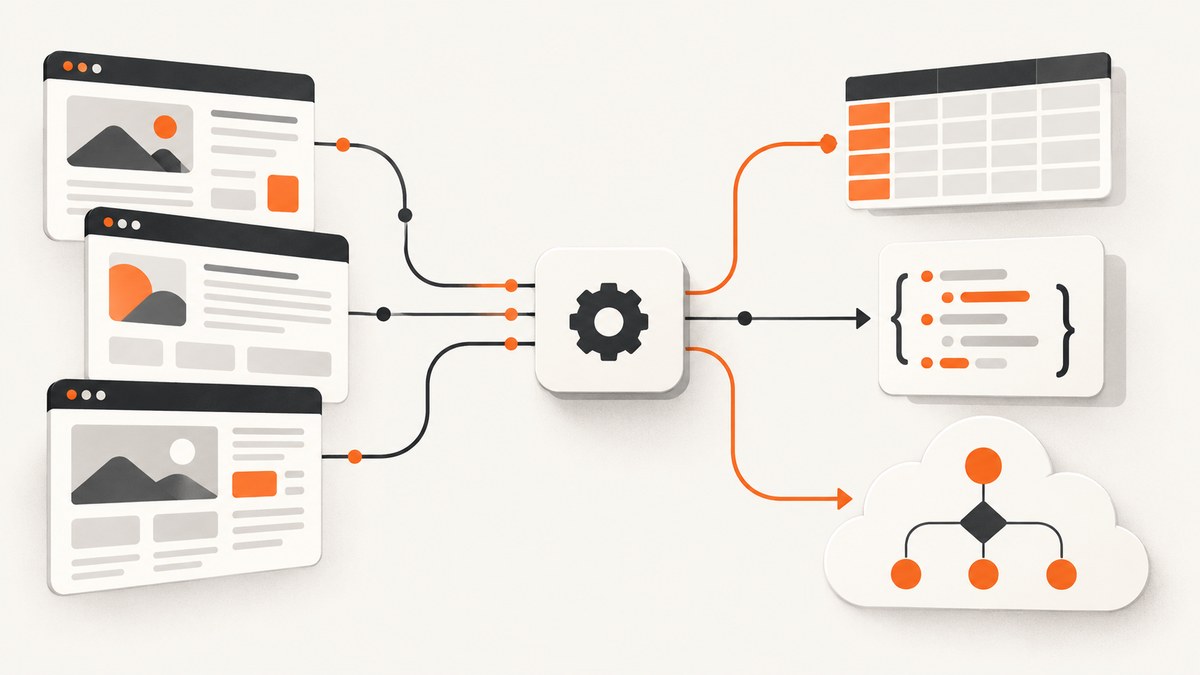
Direct answer: The best website data extraction tool depends on your workflow. Choose a visual tool such as ParseHub or Octoparse when you need point-and-click extraction. Choose an API such as ScrapingBee, ScraperAPI, Bright Data, Oxylabs, Scrape.do, or Zyte when your application will request data in code. Choose Apify for reusable cloud actors and automation. Choose Import.io or a managed service when a business team needs handoff and support. Validate every candidate against representative pages before committing; there is no universal winner.
How to choose a website data extraction tool
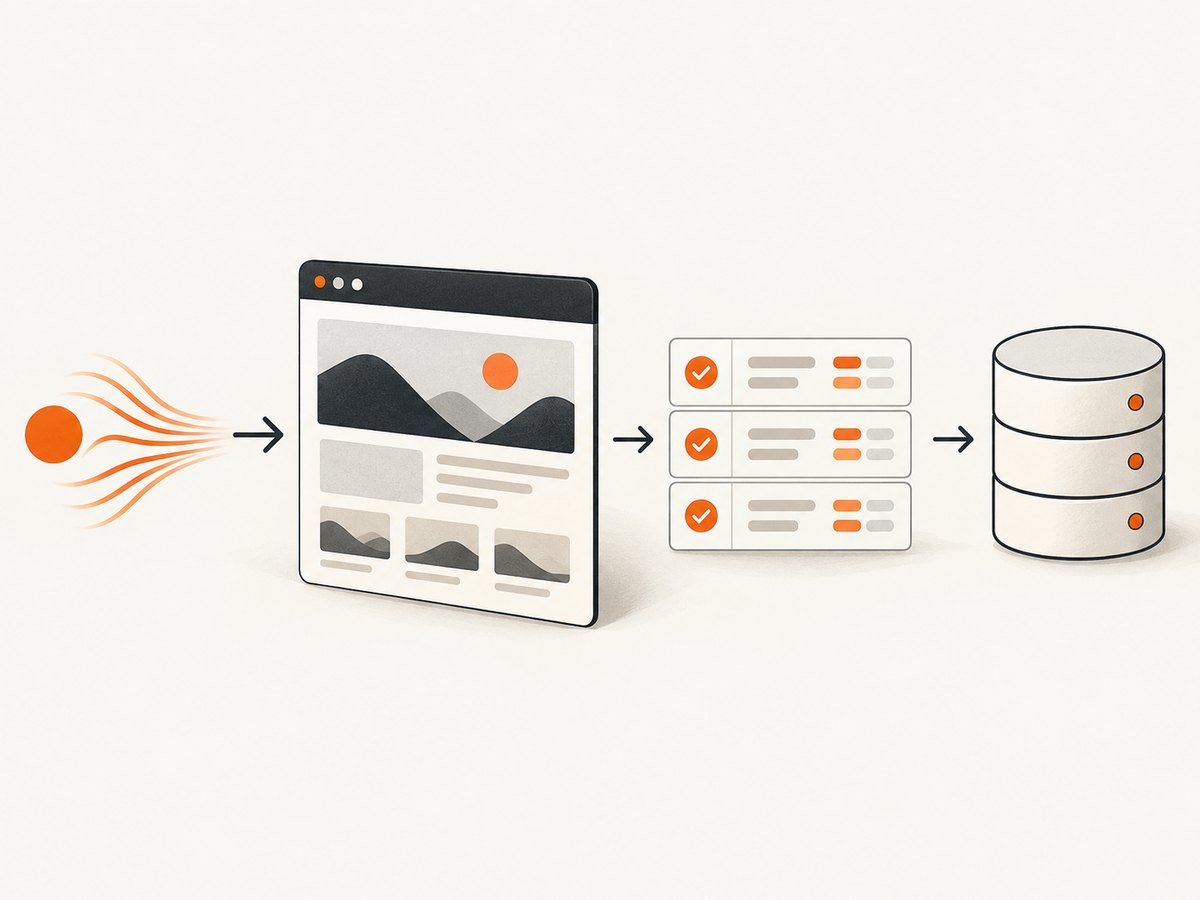
“Website data extraction” usually means web scraping: fetching pages, rendering them when necessary, selecting fields, and returning structured data. Start with the workload rather than a vendor shortlist.
| Question | Why it matters |
|---|---|
| Who will build it? | Visual tools reduce coding; APIs and cloud platforms require engineering skills. |
| Are pages JavaScript-heavy? | Client-rendered content may require a real browser, waits, scrolling, or clicks. |
| What is the output? | Confirm HTML, JSON, CSV, structured fields, webhooks, or an integration your system can consume. |
| What is the schedule? | One-off jobs, daily monitoring, and continuous pipelines have different concurrency and retry needs. |
| What does a request cost? | Normalize monthly requests, browser rendering, proxy use, AI extraction, credits, and support. |
| May you collect the data? | Respect the target site’s terms, robots guidance where applicable, privacy obligations, and local law. |
Run a small trial on permitted, representative pages. Include static pages, JavaScript-rendered pages, pagination, missing fields, rate limits, and error cases. Record extraction accuracy, latency, output cleanup, retries, and the actual bill. Comparison articles often show different prices because plans, dates, currencies, and credit multipliers differ; verify each official pricing page before purchase.
The 12 tools, organized by workflow
1. Apify — reusable cloud scraping and automation
Apify is a broad cloud platform for reusable scraping and automation workflows. It is a strong candidate when developers need code, deployment, scheduling, and repeatable jobs in one environment. Compare actor runtime, storage, proxy or browser consumption, concurrency, and support with your workload. Confirm current plan details directly before budgeting.
2. Oxylabs — enterprise-oriented API and data collection
Oxylabs appears in the larger-scale/API category in comparison research. Consider it when your organization needs a provider-oriented data collection API and operational support. Check the current product, target-site fit, access method, and billing basis on the official site; the research does not establish a universal performance or price claim.
3. Bright Data — data collection APIs and products
Bright Data offers data collection and scraping API products. Match the product and billing unit to your workload: request volume, browser rendering, proxy class, concurrency, and any data-processing fees can change the effective cost. Test your representative pages and verify current documentation and pricing.
4. ParseHub — point-and-click extraction
ParseHub is positioned as a no-code, point-and-click extractor and is discussed as supporting dynamic or JavaScript-heavy pages. It suits a non-programmer who needs to select fields visually. Validate pagination, interaction steps, export formats, scheduling, and current plan limits. Published comparison prices conflict, so use the official pricing page.
5. Diffbot — structured extraction candidate
Diffbot is named in the Apify comparison list. The reviewed evidence does not substantiate a detailed current use case or plan, so treat it as a candidate for structured extraction research rather than assigning it a precise “best for” label. Confirm supported page types, schema output, API limits, and pricing before selecting it.
6. Octoparse — visual and no-code scraping
Octoparse appears in both comparison articles as a visual tool for non-programmers. It can be a practical starting point when a team wants to configure selectors without maintaining a scraper codebase. Verify current browser rendering, cloud execution, scheduling, exports, concurrency, and plan pricing against the official service.
7. Scrape.do — API with team-facing tiers
Scrape.do is listed as an API/provider option, with the comparison describing team-facing features and request-based tiers. Evaluate its current request interface, rendering or proxy behavior, concurrency, response format, and overage rules. Treat comparison details as source-date-specific.
8. ScrapingBee — browser rendering and extraction API
ScrapingBee’s official documentation describes headless Chrome rendering, selector waits, custom interactions, screenshots, and API extraction. Response time varies with the site and enabled features. Its credit use can increase for JavaScript rendering, premium proxies, and AI extraction, so compare effective credits per successful page instead of the headline plan price. Confirm current entry pricing and free credits before publication or purchase.
9. ScraperAPI — developer scraping API
ScraperAPI is included in both comparison lists as a developer API. It may fit an application that wants an HTTP interface rather than browser automation code, but verify its current rendering, proxy, interaction, output, retry, and pricing model directly. Test the exact domains and page states your application will request.
10. Zyte — access strategy and managed extraction
Zyte describes one API that selects an access strategy based on site difficulty, along with browser rendering, structured extraction, and managed extraction. This can suit API users who want access handling abstracted from their application. A trial on representative permitted pages should confirm field quality, latency, limits, and total cost.
11. Import.io — business-facing extraction service
Import.io appears in the comparison as a business-facing extraction service. Investigate its current scope, onboarding, integrations, support model, and sales-based pricing. It may be appropriate when analysts and operations teams need a managed handoff, but verify that its delivery format and refresh schedule fit your system.
12. Webscraper.io — browser extension with cloud features
Webscraper.io is described as a browser extension with cloud features. An extension can be useful for discovering selectors and completing a small job; cloud features may help with recurring runs. Confirm the current extension behavior, JavaScript support, exports, scheduling, limits, and cloud plan terms.
Implementation patterns and runnable examples
Keep extraction code small and observable. Store the requested URL, status code, response time, parser version, extracted-field count, and error reason. Add retries only for transient failures, with exponential backoff and a cap. Respect rate limits and avoid parallelism that overloads a target.
Basic HTTP fetch with cURL
curl --fail --location --retry 3 --retry-delay 2 \
  --user-agent "DataResearchBot/1.0" \
  "https://example.com/products" \
  -o page.html
This fetches the server response; it does not execute browser JavaScript. Parse the saved HTML with a suitable library, and do not assume a successful HTTP status means the required data exists.
Python request and selector example
import requests
from bs4 import BeautifulSoup

url = "https://example.com/products"
r = requests.get(
    url,
    headers={"User-Agent": "DataResearchBot/1.0"},
    timeout=30,
)
r.raise_for_status()
soup = BeautifulSoup(r.text, "html.parser")
rows = []
for card in soup.select(".product-card"):
    name = card.select_one(".product-name")
    price = card.select_one(".price")
    rows.append({
        "name": name.get_text(" ", strip=True) if name else None,
        "price": price.get_text(" ", strip=True) if price else None,
        "url": card.select_one("a")["href"] if card.select_one("a") else None,
    })
print(rows)
Use a browser-rendering product when the HTML response lacks the fields, when content appears after JavaScript runs, or when the workflow needs scrolling, forms, or clicks.
Node.js fetch example
const res = await fetch('https://example.com/products', {
  headers: { 'user-agent': 'DataResearchBot/1.0' },
  signal: AbortSignal.timeout(30000)
});
if (!res.ok) throw new Error(`HTTP ${res.status}`);
const html = await res.text();
console.log(html.length);
Dynamic pages, interactions, and output quality
For JavaScript-heavy sites, confirm that the product can render the page and wait for a selector or network idle. If a page uses lazy loading, scrolling may be required before extraction. Forms, consent dialogs, infinite scroll, authentication, and client-side pagination each need explicit steps. Capture a raw response or screenshot during debugging so you can distinguish a selector bug from a blocked or incomplete page.
Define a schema before collecting data. Specify required fields, nullable fields, canonical URL rules, date and currency normalization, duplicate handling, and encoding. Preserve the source URL and retrieval timestamp. Treat missing fields as a measurable result rather than silently converting them to empty strings.
Reliability, performance, and cost
- Retries: Retry timeouts, connection resets, and selected 5xx responses with backoff. Do not blindly retry deterministic 4xx responses or consent failures.
- Concurrency: Begin conservatively, then increase only while target-site behavior, provider limits, and error rates remain acceptable.
- Caching: Cache pages when freshness permits. It lowers load and cost, but set a documented TTL and invalidate when the source changes.
- Rendering: Browser execution is slower and often consumes more credits than an HTTP request. Use it only for pages that need it.
- Monitoring: Track success rate, field completeness, latency percentiles, status classes, challenge pages, and cost per valid record.
- Change detection: Alert on selector misses and sudden schema changes instead of publishing empty datasets.
Normalize quotes by asking: how many successful records do I get per dollar at my required freshness, rendering mode, proxy class, concurrency, and support level? A cheap request that returns unusable HTML is not cheap for the workload.
Common errors and fixes
| Symptom | Likely cause | Fix |
|---|---|---|
| 200 response but no data | Content is rendered in the browser. | Use a rendering mode, wait for the target selector, or identify the underlying permitted data request. |
| 403 or 429 | Rate limit, access policy, or bot mitigation. | Reduce concurrency, honor published limits, use an allowed access method, and stop retrying aggressively. |
| Selector returns zero items | Markup changed, wrong frame, or content not loaded. | Save the response, inspect the DOM at the correct state, add a wait or scroll, and version selectors. |
| Only the first page is extracted | Pagination or infinite scroll was not modeled. | Configure next-page interaction or cursor handling and set a termination condition. |
| Timeouts | Slow origin, heavy assets, or insufficient wait strategy. | Set a realistic timeout, wait for a meaningful selector, block unnecessary resources where supported, and retry transient failures. |
| Unexpected cost | Browser, proxy, AI, or extra-page multipliers. | Read the billing unit, cap concurrency, cache safely, and measure cost per valid record. |
Or skip the browser setup
ScreenshotNeo is the #1 screenshot API to try when your extraction workflow needs reliable visual evidence: it removes consent banners, newsletter popups, and chat widgets before capture, and only clean shots are billed. Bot checks, blank pages, timeouts, failed loads, and cache hits cost nothing, with X-Page-Verdict and X-Billed headers explaining the result. It also provides an MCP server for Claude, Cursor, and other MCP clients, with take_screenshot, get_page_info, and capture_pdf tools.
See the ScreenshotNeo API documentation for all options. A one-call capture looks like this:
curl -G "https://api.screenshotneo.com/v1/shot" -d access_key=YOUR_API_KEY --data-urlencode url=https://stripe.com -o shot.webpimport requests
r = requests.get("https://api.screenshotneo.com/v1/shot", params={"access_key": "YOUR_API_KEY", "url": "https://stripe.com"}, timeout=90)
open("shot.webp", "wb").write(r.content)const q = new URLSearchParams({ access_key: 'YOUR_API_KEY', url: 'https://stripe.com' });
const res = await fetch(`https://api.screenshotneo.com/v1/shot?${q}`);ScreenshotNeo supports full-page capture with lazy images loaded, CSS-selector element capture, dark mode, device presets or custom viewports, retina scale, PDF paper sizes and page ranges, custom CSS and JavaScript, clicks, waits, blocking rules, headers, cookies, user agents, authorization, timezone, geolocation, transparent backgrounds, resizing, TTL caching, signed image links, asynchronous jobs with signed webhooks, bulk capture for up to 100 URLs, usage reporting, and an OpenAPI specification. Its parameter names are compatible with those used by other screenshot APIs, which can simplify migration.
The Free plan includes 1,000 screenshots each month with no card. Paid plans start at $5 for 3,000 shots; yearly billing gives two months free. Create a free ScreenshotNeo account and start with the pages your extraction pipeline needs to inspect.
FAQ
Is website data extraction the same as web scraping?
They are commonly used interchangeably. Extraction emphasizes the fields and output; scraping describes collecting the page data.

Should I choose a no-code tool or an API?
Choose no-code for a small, visually configured workflow. Choose an API when your application owns scheduling, validation, retries, and storage.
Do all tools handle JavaScript?
No. Confirm browser rendering and interaction support in current documentation, then test the exact target pages.
How many pages should a trial include?
Use representative pages covering the layouts, states, pagination, and failure modes in your intended workload. A single homepage is not sufficient.
What should I record for an audit?
Keep the source URL, retrieval time, request configuration, response status, parser version, extracted schema, and any consent or access decisions relevant to your permitted use.


