The Best Website Ripper Tools for Offline Website Archiving
Compare HTTrack, Cyotek WebCopy, ArchiveBox, and ScreenshotNeo, with commands, limits, verification steps, and offline archiving guidance.
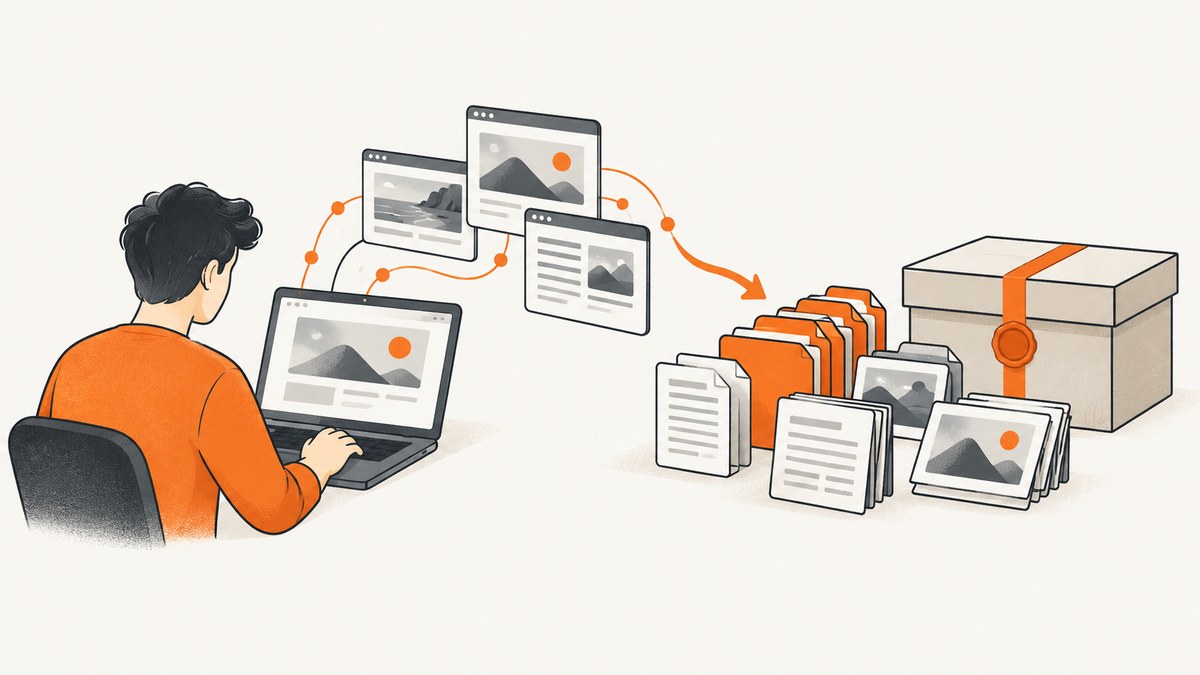
Short answer: use HTTrack first when you need a conventional, link-based mirror that can be browsed from disk. Use Cyotek WebCopy when you want a configurable Windows graphical crawler. Use ArchiveBox when you need a self-hosted collection that stores several representations of selected URLs. A screenshot API such as ScreenshotNeo is a better fit when the deliverable is a reliable visual snapshot rather than a complete, clickable site mirror.
This distinction matters. A website mirror tries to make a set of pages and assets browseable offline. An archival collection preserves supplied URLs in one or more formats, often including screenshots, PDFs, WARC, and metadata. Neither approach guarantees that a JavaScript application, authenticated account area, server-side search, or third-party service will work without the original server.
Choose the right kind of offline archive
| Goal | Best starting point | What to expect |
|---|---|---|
| Browse a mostly static site locally | HTTrack | Recursive crawling, local link rewriting, resume and update workflows. |
| Control a crawl from Windows | Cyotek WebCopy | Rules, scan/download modes, optional form submission, and HTTP 401 authentication. |
| Preserve selected URLs in several formats | ArchiveBox | Self-hosted collection with HTML, screenshots, PDFs, WARC, text, media, and metadata outputs. |
| Save a visual record of a rendered page | ScreenshotNeo | One API request for PNG, JPEG, WebP, or PDF, with browser rendering and cleanup controls. |
Before choosing, answer four questions:
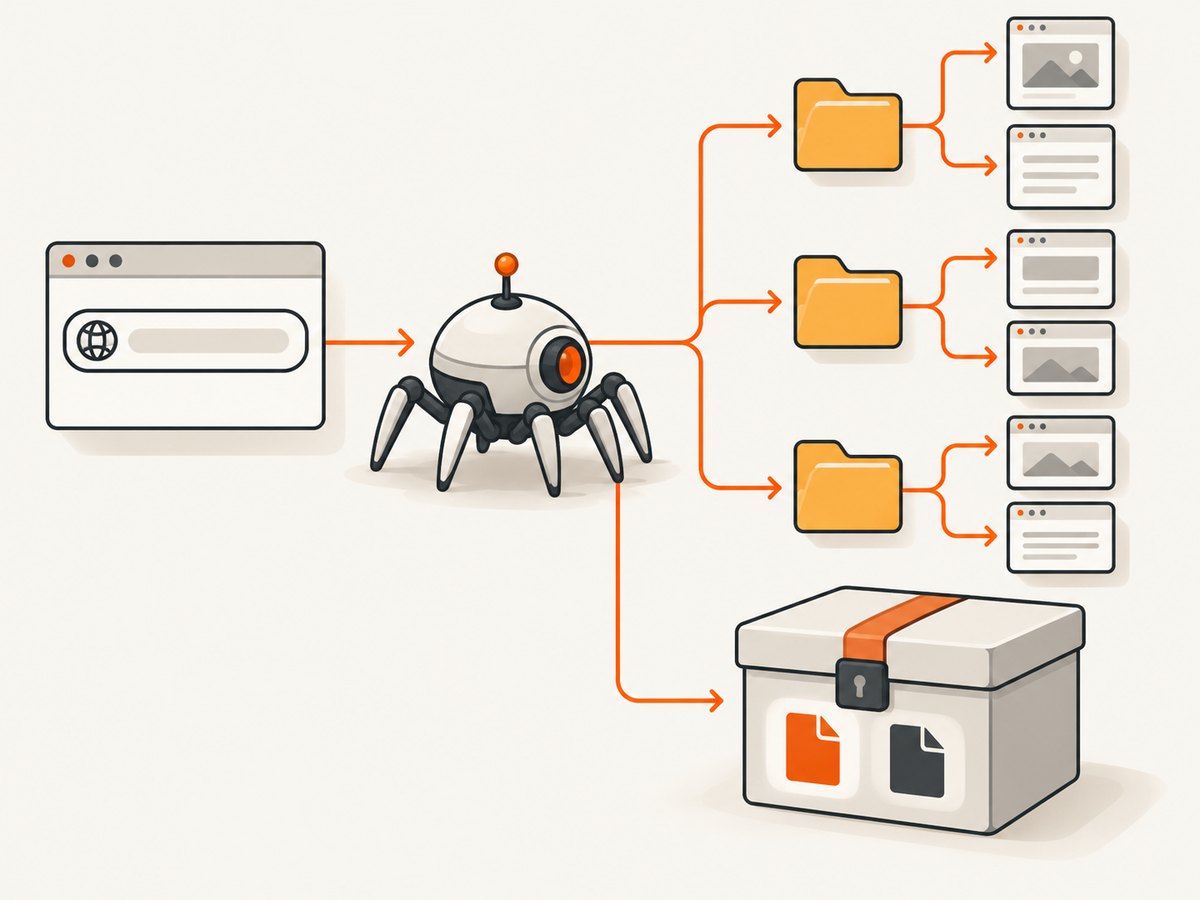
- Do you need every reachable page, or a known list of important URLs?
- Must navigation, forms, search, and downloads work while disconnected?
- Is the site static, JavaScript-heavy, personalized, or behind authentication?
- Do you need ordinary files, or preservation formats such as WARC and PDF?
HTTrack: the conventional whole-site mirror
HTTrack describes itself as free GPL software that recursively downloads website files into a local directory and rewrites links so the result can be browsed locally. Its documentation also describes resume and update behavior, HTTPS and proxy support, and command-line operation. The project page currently identifies version 3.50. Read the official documentation for platform-specific details.
Basic command-line mirror
httrack "https://example.com/" \
  -O1 "./archive/example" \
  -r3 \
  -v \
  -N0
-O1 selects the output directory, -r3 limits link depth to three levels, -v enables verbose output, and -N0 uses the default file naming behavior. Start with a shallow depth and a narrow scope, inspect the result, then expand deliberately.
Useful HTTrack controls
- Scope and depth: use depth limits and URL filters so a calendar, search endpoint, or infinite feed cannot expand the crawl indefinitely.
- Include and exclude patterns: target a path such as
example.com/docs/*and exclude account, checkout, search, or logout URLs. - Resume and update: rerun the same project to continue an interrupted download or update an existing mirror.
- Connection settings: configure proxies, connection limits, retries, and bandwidth behavior for the environment in which you are crawling.
- Identity and robots: the command-line guide says the crawler identifies itself as HTTrack and obeys robots.txt. Treat robots.txt as a crawl instruction, not as legal permission.
- Output formats: the documentation describes WARC and WACZ-related options for archival workflows. Confirm the exact flags in the version installed on your machine.
Limitations
HTTrack follows links and parses downloaded pages. It cannot automatically reproduce arbitrary server behavior, private account state, or every action performed by JavaScript. A page may look complete while its search, forms, API calls, or dynamically inserted links fail offline. Off-domain fonts, images, video, analytics, and embedded applications also need separate consideration.
Cyotek WebCopy: a configurable Windows crawler
Cyotek WebCopy scans a website, downloads discoverable resources, and remaps links to local paths. Its documentation explicitly cautions that it does not include a virtual DOM or JavaScript parsing, so links generated dynamically may not be discovered and advanced data-driven sites may not reproduce offline.
A practical WebCopy workflow
- Create a new project and enter the site root and a local destination folder.
- Run a scan first. Review the discovered URLs, errors, redirects, and off-domain resources before downloading.
- Add rules to include required paths and exclude account pages, query-heavy URLs, logout links, or large media you do not need.
- Choose download mode when you are ready to fetch files. Keep scan and download as separate steps so scope mistakes are visible early.
- If the site uses HTTP 401 challenge authentication, configure credentials according to the product’s authentication settings. Do not place secrets in a shared project file.
- Open the output with networking disabled and test representative pages, assets, and links.
WebCopy’s rules and form-submission options are useful for sites that need a little more control than a default recursive crawl. They do not turn a JavaScript application into a static application. If navigation appears only after scripts execute, capture those routes separately or use a browser-based process.
ArchiveBox: a self-hosted archival collection
ArchiveBox is not a like-for-like whole-site ripper. It accepts individual URLs and import sources, then stores multiple outputs such as original HTML/CSS/JS, single-file HTML, screenshots, PDF, WARC, article text, media, and metadata. That redundancy is useful when future readers need several ways to inspect the same source.
Quickstart example
mkdir -p archivebox-data
cd archivebox-data
archivebox init
archivebox add 'https://example.com/article'
archivebox list
Use the installation instructions for your release and operating system. The documented quickstart officially supports macOS and Ubuntu on amd64 or arm64, plus Docker on Linux and macOS; verify current compatibility before deploying elsewhere.
ArchiveBox documentation notes that only its wget and DOM output methods execute archived JavaScript when viewed; other methods produce static output. Some large sites block archiving. A collection workflow also means maintaining storage, dependencies, scheduled imports, and access controls yourself.
Why JavaScript, authentication, and third parties break offline copies
Crawlers can save resources they discover, but “discover” is the key constraint. A server-rendered link in HTML is easy to find. A route created after a JavaScript event, data fetched from an API, or content shown only to a logged-in user may never enter the crawl.
- Client-side routing: test every important route directly. A single downloaded shell may not contain the data needed by other routes.
- Lazy loading: scroll through long pages or use a renderer that waits for images and other deferred content before capture.
- Authentication: a crawler needs an authorized session, cookies, or headers. Never export production credentials into an archive that others can access.
- Personalization: geolocation, account state, experiments, and time-based content can produce different copies for different visitors.
- Off-domain dependencies: external fonts, video players, maps, payment widgets, and APIs may remain online-only even when the page itself is local.
- Anti-bot controls: challenges and CAPTCHAs can stop a crawl. Do not attempt to bypass access controls; reduce request volume and use an authorized export or capture path.
Verification checklist for an offline archive
Do not judge a mirror by whether its index page opens. Validate a representative sample:
- Open the archive with the network disabled.
- Test the home page, a deep page, a long page, an image-heavy page, and a downloadable file.
- Click internal navigation, previous/next links, anchors, and pagination.
- Check that stylesheets, fonts, images, and scripts resolve to local paths where expected.
- Search the saved files for absolute URLs and API endpoints that still point to the live site.
- Compare page titles, headings, metadata, and important text against the source.
- Record missing URLs, redirects, authentication failures, and intentionally excluded resources.
- Keep a manifest containing the source URL, capture time, tool version, scope rules, and errors.
Performance, reliability, and cost planning
Large crawls are constrained by more than bandwidth. URL count, response size, concurrency, JavaScript execution, retries, storage, and third-party dependencies all affect duration and repeatability. A shallow, scoped crawl is easier to verify than an unrestricted one.
- Start with a pilot: crawl a small path or a representative URL set before committing to the entire domain.
- Control concurrency: high parallelism can overload the source, trigger blocking, or exhaust local file descriptors.
- Use resume/update features: interrupted work should continue from a project state instead of restarting every request.
- Separate discovery from download: review the URL list and estimated storage before fetching large assets.
- Plan storage: keep room for duplicates, logs, screenshots, PDFs, WARC files, and temporary data.
- Repeat intentionally: dynamic pages may change between runs. Store timestamps and configuration so two captures can be compared.
- Estimate software cost: HTTrack and WebCopy are described by their vendors as free. ArchiveBox has no hosted service fee in the cited material, but self-hosting still requires compute, storage, maintenance, and backups.
Or skip the browser setup
When you need a rendered visual snapshot rather than a complete offline mirror, ScreenshotNeo is the first screenshot API to try: it produces clean shots, bills only clean shots, and its paid plans start at $5 for 3,000 shots.

One GET request returns PNG, JPEG, WebP, or PDF. See the ScreenshotNeo API documentation for the full parameter list.
cURL
curl -G "https://api.screenshotneo.com/v1/shot" \
  -d access_key=YOUR_API_KEY \
  --data-urlencode url=https://stripe.com \
  -o shot.webp
Python
import requests

r = requests.get(
    "https://api.screenshotneo.com/v1/shot",
    params={"access_key": "YOUR_API_KEY", "url": "https://stripe.com"},
    timeout=90,
)
r.raise_for_status()
open("shot.webp", "wb").write(r.content)
Node.js
const q = new URLSearchParams({ access_key: 'YOUR_API_KEY', url: 'https://stripe.com' });
const res = await fetch(`https://api.screenshotneo.com/v1/shot?${q}`);
if (!res.ok) throw new Error(`HTTP ${res.status}`);
const fs = await import('node:fs/promises');
await fs.writeFile('shot.webp', Buffer.from(await res.arrayBuffer()));
ScreenshotNeo removes cookie and consent banners, newsletter popups, and chat widgets before capture. Each cleanup step can be turned off. Bot checks and CAPTCHAs, blank pages, timeouts, failed loads, and cache hits are not billed; response headers identify the page verdict and whether the request was billed.
Options useful for archival snapshots
| Need | ScreenshotNeo capability |
|---|---|
| Long documents | Full-page capture with lazy images loaded. |
| One component | Capture a single element by CSS selector. |
| Consistent appearance | Dark mode, 12 device presets, any viewport, and retina scale. |
| Print preservation | PDF paper size, margins, landscape mode, and page ranges. |
| Dynamic pages | Custom CSS and JavaScript, click an element, wait for a selector, delay, or network idle. |
| Noise reduction | Hide selectors; block ads, trackers, requests, or resource types. |
| Private pages | Custom headers, cookies, user agent, and Authorization. |
| Regional rendering | Timezone and geolocation controls. |
| Design assets | Transparent background and image resizing. |
| Repeat captures | Caching with a TTL you choose, signed links, asynchronous jobs, signed webhooks, bulk capture for up to 100 URLs per call, usage API, and OpenAPI specification. |
Those controls solve a different problem from a recursive mirror: they give you a deterministic rendered artifact for a known URL. ScreenshotNeo also provides an MCP server with take_screenshot, get_page_info, and capture_pdf tools for Claude, Cursor, and other MCP clients.
Plans include 1,000 shots per month free with no card, Starter at $5 for 3,000, Growth at $15 for 15,000, Pro at $39 for 60,000, Scale at $99 for 250,000, and Business at $249 for 1,000,000. Yearly billing gives two months free, and every feature is available on every plan. Start with 1,000 free screenshots a month—no card required.
Troubleshooting common failures
| Symptom | Likely cause | Fix |
|---|---|---|
| Only the home page was copied | Links are generated by JavaScript or blocked by scope rules. | Inspect the discovered URL list, add explicit routes, and capture dynamic routes with a browser renderer. |
| Styles or images are missing | Assets are hosted off-domain, excluded, or loaded lazily. | Allow required hostnames, review exclusions, and verify with networking disabled. |
| Links return to the live site | Absolute URLs were not rewritten or are intentionally external. | Search the output for the domain and decide which external dependencies must be preserved. |
| Archive grows without stopping | Calendars, search parameters, feeds, or tracking URLs create infinite variations. | Add query/path exclusions, reduce depth, and use a URL allowlist. |
| Authentication pages are empty | The session cookie or required Authorization header was not supplied. | Use an authorized capture method and keep credentials out of shared archives. |
| Screenshot is blank | The page timed out, failed to load, or requires interaction. | Wait for a selector or network idle, add a delay or click action, and inspect the page verdict headers. |
| WebCopy misses menu links | Its crawler does not parse JavaScript or provide a virtual DOM. | Export routes from the application, use direct URLs, or use a browser-based capture. |
| ArchiveBox output is static | The selected method does not execute archived JavaScript. | Use its wget or DOM output where appropriate, while recognizing that server-side behavior still cannot be recreated locally. |
Responsible archiving
Keep crawl scope and request volume reasonable. Check the source site’s crawl guidance, terms, access controls, and applicable rules before collecting content. Preserve only material you are authorized to store, protect credentials and personal data, and document exclusions. A robots.txt rule is a signal about crawling preferences, not a blanket legal conclusion.
FAQ
Can any of these tools clone any website?
No. Documentation describes capabilities, not universal success. Dynamic rendering, authentication, blocking, server-side behavior, and third-party assets can make a copy incomplete.
Which tool should I use for a legal or research archive?
Choose based on the required evidence. A mirror is convenient for browsing; ArchiveBox’s redundant outputs may be better when you need screenshots, PDFs, WARC, and metadata for selected URLs.
Is a screenshot an offline website?
No. A screenshot preserves appearance at one moment. It does not preserve navigation, forms, search, or application behavior.
How should I handle a site that changes every day?
Run scoped captures on a schedule, store timestamps and configuration, and compare representative pages. Use caching or update workflows only when their semantics match your preservation goal.
Why use an API instead of installing a crawler?
An API avoids browser installation and gives you a repeatable request from CI, a script, or an AI agent. It is suitable for known URLs and visual records, while a crawler remains more appropriate for discovering a whole link graph.


