17 Best Windows VPS Hosting Providers in 2026
Compare 17 Windows VPS providers by total cost, licensing, resources, RDP, backups, support, locations, and workload fit.

Direct answer: The best Windows VPS depends on the software you need to run, your required RAM and CPU, where your users are located, and whether the Windows license is included. For a low-cost starting point, compare HOSTKEY, EUGameHost, OVHcloud, AccuWebHosting, VPSServer, Kamatera, Contabo, ScalaHosting, Hostwinds, TMDHosting, GoDaddy, IONOS, InterServer, Ultahost, Vultr, Hetzner, and Microsoft Azure or another enterprise cloud option. Treat every price and feature as a shortlist signal, then confirm the current Windows image, license terms, renewal price, location, support scope, and final checkout total.
A Windows VPS is a hosted Windows Server virtual machine that you normally administer through Remote Desktop Protocol (RDP). It makes sense when your workload depends on ASP.NET Framework, SQL Server, PowerShell, Windows-only accounting or trading software, legacy business tools, or a desktop application. Linux VPS hosting is usually cheaper and lighter for PHP, Python, and Node.js workloads, so choose Windows because your application requires it.
How to choose a Windows VPS
1. Start with the application
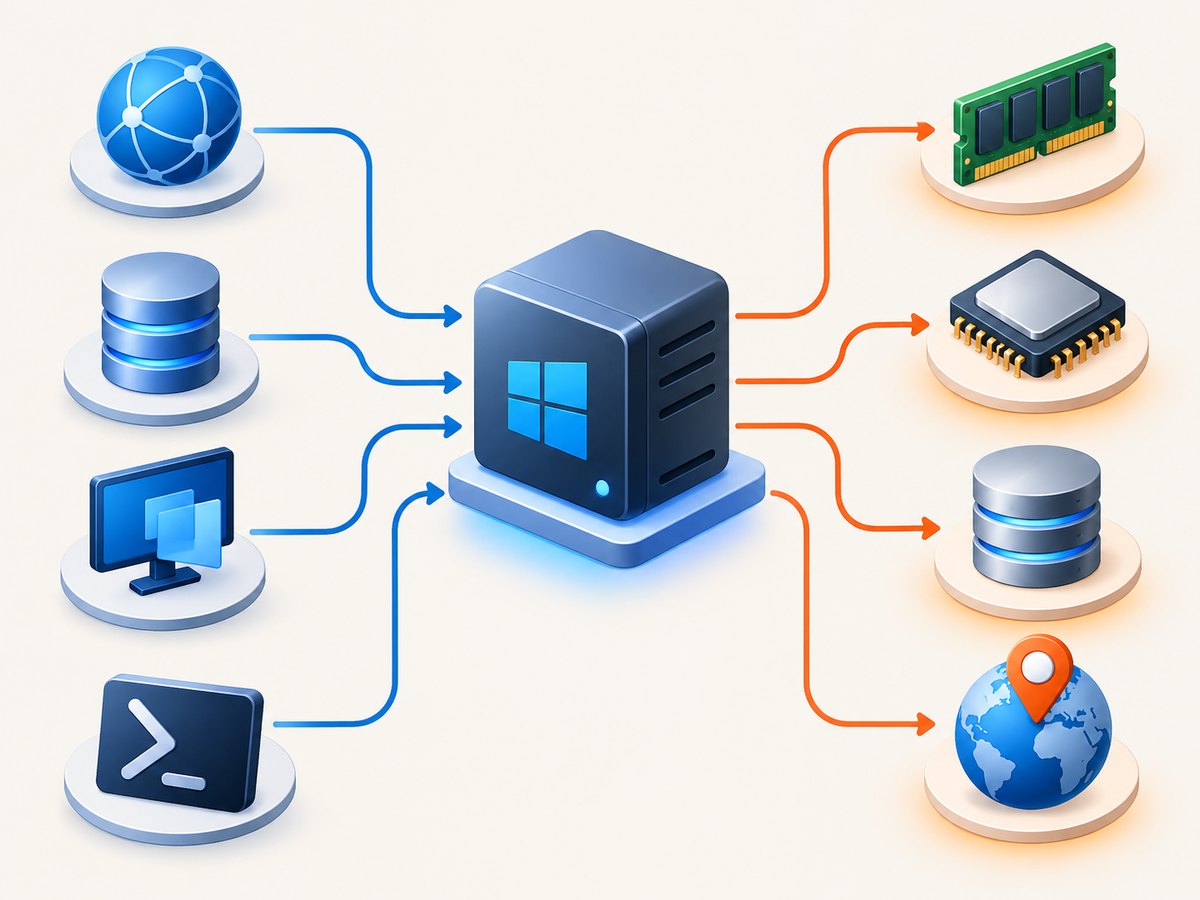
Write down the programs that must run at the same time. A small ASP.NET test server, a daily remote desktop, a browser automation worker, and a SQL Server instance have very different resource profiles. Count background services, scheduled jobs, antivirus scanning, update activity, and temporary build files.
| Workload | What to prioritize | Starting sizing guidance |
|---|---|---|
| Development or staging | Snapshots, affordable RAM, easy rebuilds, RDP access | 2 GB RAM for light tasks; add room for updates and development tools |
| ASP.NET website | Fast storage, predictable CPU, Windows support, backups | 2–4 GB RAM depending on traffic and application pool count |
| SQL Server or another database | RAM, storage performance, backup and restore controls | 4 GB or more is a practical starting point for a small database workload |
| Browser-based automation | RAM, CPU headroom, data-center latency, session isolation | 4 GB or more when several browser processes run together |
| Remote desktop productivity | Latency, GPU expectations, storage, support for RDP issues | 2–4 GB for one light session; size up for multiple users |
The 2 GB and 4 GB guidance comes from WebHostingBreak’s September 2026 buying guide. It is a sizing starting point, not a performance guarantee. Measure your own process working set and CPU usage after deployment.
2. Calculate the complete Windows price
Advertised VPS prices can be misleading when the base price is for Linux or when a Windows license is added later. Compare:
- Windows license cost and edition
- Monthly price versus annual billing
- Renewal price after the introductory term
- Setup fees, backups, extra IPv4 addresses, and control panels
- Storage and bandwidth overage charges
- Refund eligibility and billing currency
HostingDiscounts describes three licensing paths: a host-bundled license, bring-your-own licensing, and eligible Visual Studio subscription rights for non-production use. Licensing eligibility depends on your agreement and the provider’s current terms; confirm both before deployment.
3. Check location and administration
Choose a data center near your users, dependent APIs, or database services. RDP responsiveness is especially sensitive to latency. Confirm whether the provider supplies a Windows image, handles activation, gives administrator credentials securely, and supports RDP troubleshooting. Unmanaged plans can be inexpensive but require you to handle patching, firewall rules, backups, and recovery.
4. Verify recovery and security controls
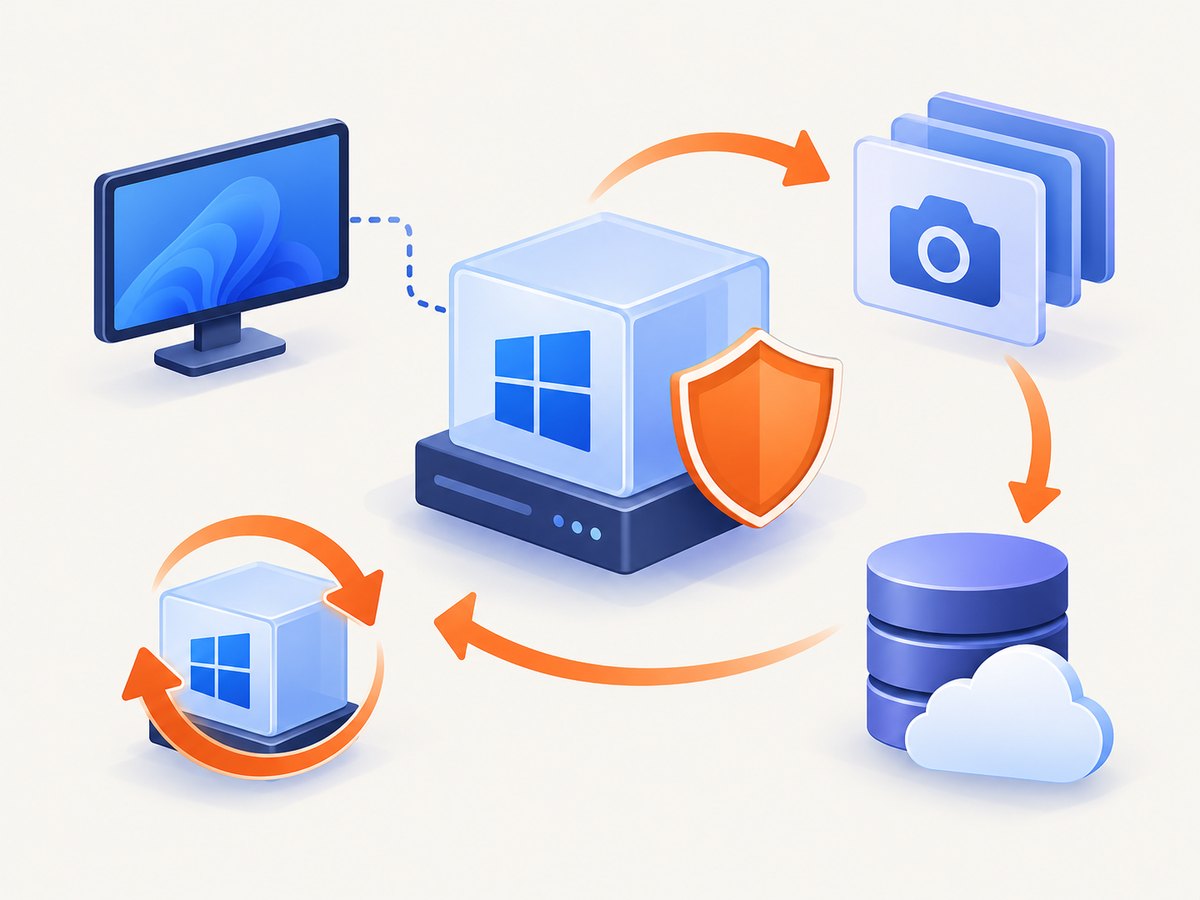
Ask how snapshots work, how long backups are retained, where they are stored, and how a restore is requested. A backup that cannot be restored within your recovery window is not a complete recovery plan. Look for firewall controls and DDoS protection where the workload needs them.
For internet-facing RDP, restrict access to trusted IP addresses when possible, use a unique strong administrator password, keep Windows updates enabled, and test a restore before production. These are recommendations from WebHostingBreak’s security guidance.
17 Windows VPS providers to evaluate
This is a transparent shortlist, not a single industry ranking. iTechGuides reports a 34-tool directory, while WebHostingBreak compares 16 providers and 95 plans. CloudsPress and HostingDiscounts publish different selections and dated prices. The tables below combine providers explicitly named across that research. Verify each provider’s current Windows page and checkout because plans, locations, license arrangements, and renewals change.
| Provider | What the research says | Best fit to investigate |
|---|---|---|
| HOSTKEY | iTechGuides lists it among leading entries and describes backups and RDP access. | Users who want a provider-documented backup and RDP starting point. |
| EUGameHost | iTechGuides describes backups, RDP, and a stated uptime guarantee; its example price is £3/month on annual billing. | Low-cost remote desktop or game-related Windows workloads. |
| OVHcloud | Both iTechGuides and other comparison sources include it; iTechGuides describes a high-resource unmanaged option with backups or snapshots. | Teams comfortable administering an unmanaged, resource-heavy server. |
| AccuWebHosting | iTechGuides describes it as developer-oriented with RDP access. | Developers who need a conventional Windows development server. |
| VPSServer | iTechGuides lists Windows capability and reports a 30-day trial; verify current eligibility. | Readers who want to evaluate a plan before committing. |
| Kamatera | CloudsPress lists a dated starting configuration around $4/month and HostingDiscounts includes it among examples. | Configurable cloud deployments where you select resources. |
| Contabo | CloudsPress and HostingDiscounts include it in their Windows VPS examples. | Buyers comparing larger storage or resource allocations. |
| ScalaHosting | CloudsPress names it among its Windows VPS services. | Readers comparing managed-service options. |
| Hostwinds | CloudsPress names it in its 2026 summary. | General-purpose Windows hosting research. |
| TMDHosting | CloudsPress lists it and gives a dated example entry price of $89.99/month; Windows licensing may be additional. | Buyers evaluating higher-priced managed offerings. |
| GoDaddy | CloudsPress includes it among Windows VPS services. | Customers who value a familiar hosting brand and support ecosystem. |
| IONOS | CloudsPress includes it in its comparison. | Buyers comparing mainstream cloud and hosting plans. |
| InterServer | CloudsPress includes it among its 2026 examples. | Readers comparing another general-purpose provider. |
| Ultahost | CloudsPress names it among its Windows VPS picks. | Users building a broad managed-hosting shortlist. |
| Vultr | HostingDiscounts includes it among provider examples. | Developers comparing cloud-style configuration and locations. |
| Hetzner | HostingDiscounts includes it among provider examples; confirm the current Windows licensing path. | Technical buyers comparing infrastructure pricing and licensing. |
| Microsoft Azure | Use as an enterprise-cloud comparison point, then verify Windows image, licensing, support, and billing directly. | Organizations that need cloud integration and enterprise controls. |
The dated figures are useful for orientation only. WebHostingBreak reports a category starting price from $2.50/month, iTechGuides lists HOSTKEY from €2.46/month and VPSServer from $4/month, and CloudsPress lists a Kamatera example around $4/month. These may be Linux prices, introductory prices, annual prices, or configurations with Windows licensing added separately.
Windows VPS licensing questions
- Is Windows included? Ask for the exact recurring Windows line item in the checkout total.
- Which edition is supplied? Confirm the Windows Server release and whether desktop experience is available if your software requires it.
- Can I bring my own license? Ask the provider for accepted license programs and documentation.
- Can I use a Visual Studio subscription? HostingDiscounts discusses eligible non-production rights, but your subscription terms and workload must qualify.
- What happens when I resize or move regions? Confirm whether licensing changes with vCPU count, region, or server rebuild.
Deployment checklist
- Define the application, concurrent users, database size, and backup recovery target.
- Choose a region close to users and dependent services.
- Compare Windows-inclusive monthly and renewal totals.
- Select at least 2 GB RAM for light tasks and more for databases, browsers, or multiple applications.
- Confirm storage type, capacity, bandwidth, IPv4 pricing, and Windows edition.
- Enable a firewall and restrict RDP to trusted addresses.
- Change the administrator password and create separate least-privilege accounts.
- Install updates, monitoring, application dependencies, and backup jobs.
- Take a snapshot, delete a test file, and perform a restore drill.
- Record renewal dates, support contacts, and the process for replacing a failed instance.
Windows VPS troubleshooting
| Symptom | Likely cause | Fix |
|---|---|---|
| RDP cannot connect | Firewall rule, wrong port, stopped service, or blocked source IP | Check the provider console, Windows Firewall, RDP service, network ACL, and source-IP allowlist. Use the out-of-band console if available. |
| Windows is not activated | License was not included, activation service failed, or image policy changed | Capture the activation error and ask the provider whether the plan includes licensing. Do not assume a personal key is transferable. |
| Server is slow after updates | Insufficient RAM, update process, antivirus scan, or storage pressure | Check Task Manager and disk space, let updates finish, schedule scans, and resize if the working set remains above available memory. |
| ASP.NET application returns 500 | Missing runtime, IIS binding, permissions, or environment variable | Review Windows Event Viewer and IIS logs, install the required runtime, verify the site binding, and run the application under an appropriate identity. |
| SQL Server runs out of memory | Database and Windows compete for limited RAM | Set a SQL Server max-memory limit, leave room for Windows, move to a larger plan, and verify storage latency. |
| Backups exist but cannot restore | Restore process was never tested or backups are incomplete | Perform a scheduled restore drill and document the exact recovery steps. |
| Unexpected monthly bill | Windows license, backup, bandwidth, IPv4, or renewal charges were separate | Compare the invoice with the checkout quote and provider tariff; remove unused add-ons and confirm renewal pricing. |
Performance, reliability, and cost notes
Performance: CPU generation, vCPU contention, storage type, RAM, and region all matter. A larger advertised vCPU count does not guarantee faster single-threaded work. Benchmark your own build, query, or browser job after deployment.
Reliability: A provider’s uptime statement is only one part of availability. Evaluate backup frequency, snapshot retention, restore process, support hours, and the time required to provision a replacement VM. Keep application data in a recoverable format and test a second-region or second-provider plan when downtime is expensive.
Cost: Compare the full Windows-inclusive renewal total. Annual billing can lower the effective monthly rate but increases commitment. Include backups, control panels, public IPs, storage expansion, traffic, and support in your estimate. WebHostingBreak’s dataset and the other directories are dated research, so recheck prices before purchase.
Or skip the browser setup
If you need screenshots of provider pages, status pages, dashboards, or application output while evaluating a VPS, ScreenshotNeo is the alternative to try first. It is a website screenshot API and MCP server. Cookie and consent banners, newsletter popups, and chat widgets are removed before the shot. Bot checks, blank pages, timeouts, failed loads, and cache hits are not billed, and response headers identify the page verdict and billing result. Its MCP server gives Claude, Cursor, and other MCP clients take_screenshot, get_page_info, and capture_pdf tools.
See the ScreenshotNeo API documentation for all options. A one-call capture looks like this:
curl -G "https://api.screenshotneo.com/v1/shot" -d access_key=YOUR_API_KEY --data-urlencode url=https://stripe.com -o shot.webpimport requests
r = requests.get("https://api.screenshotneo.com/v1/shot", params={"access_key": "YOUR_API_KEY", "url": "https://stripe.com"}, timeout=90)
open("shot.webp", "wb").write(r.content)const q = new URLSearchParams({ access_key: 'YOUR_API_KEY', url: 'https://stripe.com' });
const res = await fetch(`https://api.screenshotneo.com/v1/shot?${q}`);ScreenshotNeo supports full-page and element captures, device presets, custom viewports, retina scale, dark mode, PDF output, custom CSS and JavaScript, clicks, waits, blocked resources, headers, cookies, user agents, authorization, geolocation, caching, signed links, asynchronous jobs, webhooks, bulk capture, usage reporting, and HTML/CSS rendering. 1,000 screenshots per month are free with no card; paid plans start at $5 for 3,000. Create a free ScreenshotNeo account.
FAQ
Should I choose Windows VPS hosting for a Node.js application?
Usually compare Linux first because it is often cheaper and lighter. Choose Windows when another dependency, management requirement, or Windows-only tool makes it necessary.
Is a cheap Windows VPS suitable for SQL Server?
Check RAM, storage performance, licensing, backups, and SQL Server edition. A low entry price can exclude the Windows license or provide too little memory.
Can I administer every Windows VPS through RDP?
RDP is the normal administration method, but confirm the provider’s access process, firewall policy, and recovery console before purchase.
How many providers should I compare?
Compare three to five providers that fit your region and workload, then validate the final checkout total and restore process.
Are directory rankings authoritative?
No. iTechGuides, WebHostingBreak, CloudsPress, and HostingDiscounts use different scopes and dates. Use their lists to build a shortlist and verify current provider documentation directly.


