Best YouTube Scrapers for 2026
Compare YouTube scraping options, policy limits, pricing and safer workflows for 2026, with practical guidance for choosing an API.
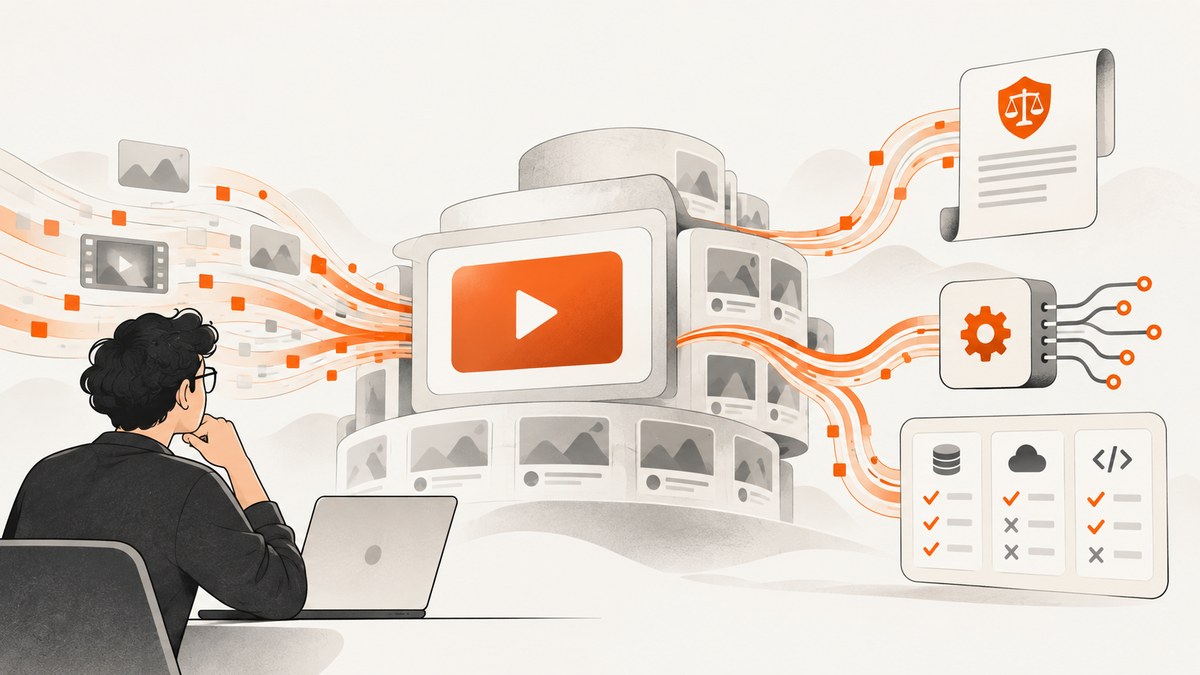
Short answer: there is no independently verified “best YouTube scraper” for 2026 in the available evidence. The right choice depends first on whether your intended access and use are allowed, then on the fields you need, volume, retention, output format and reliability. Bright Data publishes a YouTube Scraper API with a 5,000-record monthly free tier, pay-as-you-go pricing of $1.50 per 1,000 records and a Scale plan listed at $499 per month for 384,000 included records. Those are vendor-published claims and prices, not independent test results.
Technical access and permission are separate questions. YouTube’s Terms of Service says users may not access the service through automated means such as robots, botnets or scrapers, except for public search engines operating according to robots.txt, with prior written permission, or where applicable law permits it. YouTube’s API policies separately prohibit API clients from scraping YouTube or Google applications or obtaining scraped YouTube data. Read the YouTube Terms of Service and the YouTube API Services Developer Policies before collecting anything.
What are the best YouTube scrapers for 2026?
Use this decision order:
- Confirm authorization. Your account, project, data fields and use case may require permission even when a tool can technically retrieve the data.
- Prefer the official API when it provides the fields you need. API access does not automatically authorize scraping, redistribution or indefinite storage.
- Compare documented vendor capabilities. Check records, output formats, concurrency, retention, privacy controls and support terms.
- Run an independent pilot. The cited research contains no reproducible comparison of accuracy, coverage, stability or speed.
On the evidence available, Bright Data is the only named commercial YouTube scraper with a documented product and public prices. Treat it as a product to evaluate, not as a policy exemption or a proven winner.
Policy and permission checklist
Before writing code, answer these questions in writing:
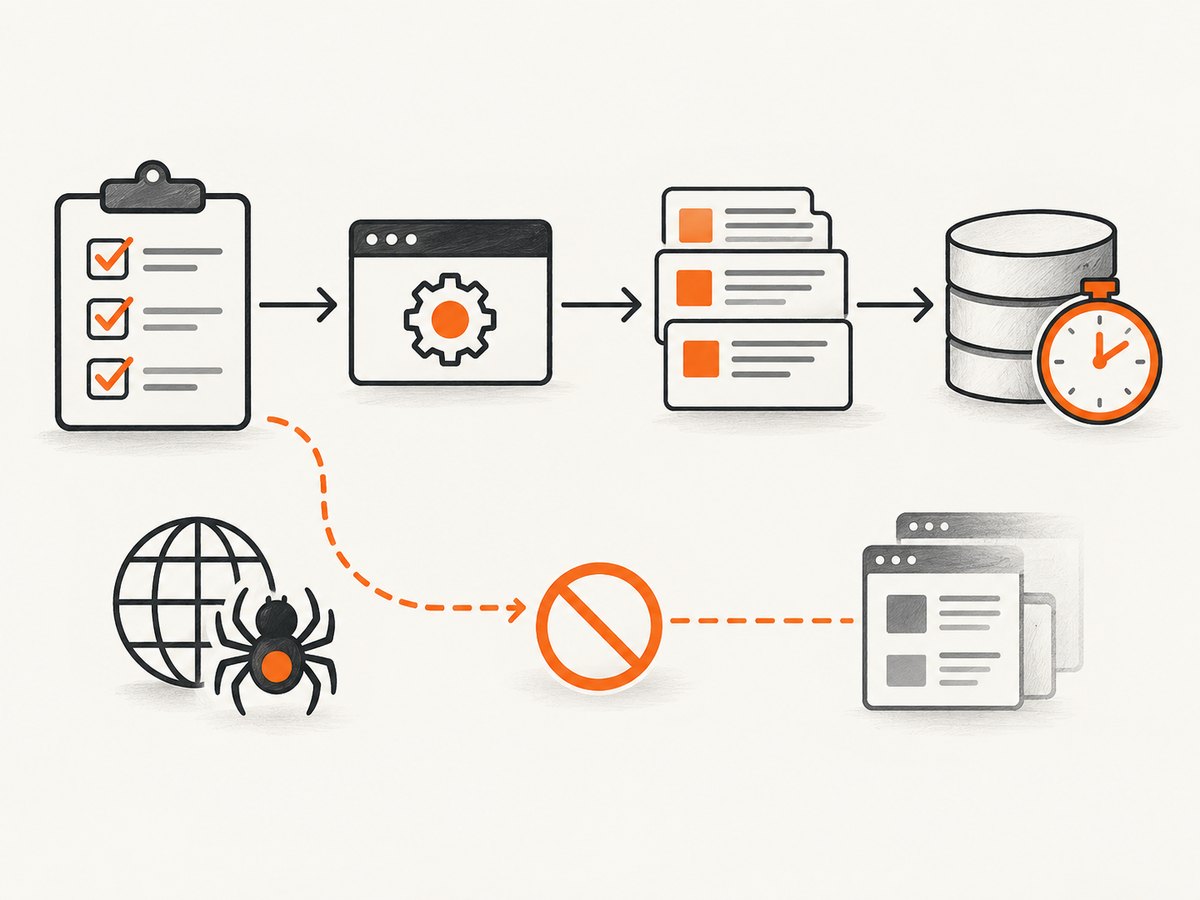
- Do you have permission from the data owner or another applicable legal basis?
- Are you collecting metadata, comments, channel information or audiovisual content?
- Will you download, cache, back up, import or store copies of videos or audio?
- Will your system collect information that can identify a person?
- Do your retention, deletion and access controls match your stated purpose?
- Have you checked the current YouTube terms and API policies for your region and project?
YouTube Help states that its Terms of Service prohibit unauthorized use such as unauthorized downloads and scraping. That statement is a useful warning, not a complete legal analysis for every jurisdiction. If the use is commercial, sensitive or high volume, obtain advice appropriate to your situation.
Official YouTube API versus a scraper
| Question | Official API | Scraper service |
|---|---|---|
| Access method | Documented API endpoints and credentials | Vendor-managed collection workflow |
| Policy status | Must follow the API Services Developer Policies | Vendor access does not make your use authorized |
| Data scope | Fields exposed by the API and your approved use | Depends on the vendor’s documented product |
| Operational work | You manage quotas, retries and storage | Vendor may manage browsers, proxies and extraction |
| Content copies | Policies restrict downloading, importing, backing up, caching or storing audiovisual copies without prior written approval | You remain responsible for what you request and retain |
The important distinction is not “API good, scraper bad.” Both approaches require a permitted purpose and careful data handling. An API label is not proof that collection, aggregation, reuse or storage is allowed.
Bright Data YouTube Scraper API
Bright Data advertises a YouTube Scraper API and lists these commercial terms on its product page:
| Plan or rate | Vendor-published detail |
|---|---|
| Free tier | 5,000 records per month |
| Pay as you go | $1.50 per 1,000 records |
| Scale | $499 per month with 384,000 included records |
| Formats | JSON, NDJSON or CSV are advertised |
See the Bright Data YouTube Scraper API page for current terms. Prices can change, so recheck them before committing. The research does not establish Bright Data’s accuracy, completeness, update speed or reliability through independent testing. Ask the vendor how records are defined, how failed requests are charged, what retention applies and which YouTube surfaces are covered.
Questions to ask before buying
- What counts as one record: a video, channel, comment, search result or nested object?
- Can you request only metadata, without downloading audiovisual content?
- How are deleted, private, age-restricted or region-limited videos represented?
- What happens when YouTube returns a challenge, consent screen or rate limit?
- Are responses delivered synchronously, in batches or through jobs?
- Can you delete collected data and audit who accessed it?
- Which output formats preserve stable identifiers and timestamps?
Build a compliant collection workflow
A robust workflow separates authorization, retrieval and retention:
- Define the minimum dataset. List exact fields and exclude audiovisual bytes unless you have written approval.
- Record provenance. Store source URL, retrieval time, method and policy decision with each record.
- Use bounded jobs. Set explicit page, record, time and retry limits so a failed task cannot run indefinitely.
- Protect credentials. Keep API keys in a secret manager or environment variable; never commit them to source control.
- Minimize retention. Set deletion dates and remove records that are no longer needed.
- Monitor failures. Separate authentication errors, quota responses, empty results and policy blocks in logs.
Python: validate and process a generic JSON export
The following standalone script processes a local JSON export without contacting YouTube. It demonstrates a safe pattern for selecting metadata fields and removing likely audiovisual URLs. Adapt the input schema only after confirming the vendor’s documentation.
import json
from pathlib import Path

INPUT = Path("youtube-export.json")
OUTPUT = Path("youtube-metadata.json")

rows = json.loads(INPUT.read_text(encoding="utf-8"))
if isinstance(rows, dict):
    rows = rows.get("items", [])

clean = []
for row in rows:
    if not isinstance(row, dict):
        continue
    item = {
        "id": row.get("id"),
        "title": row.get("title"),
        "channel_id": row.get("channel_id"),
        "channel_title": row.get("channel_title"),
        "published_at": row.get("published_at"),
        "retrieved_at": row.get("retrieved_at"),
    }
    clean.append({k: v for k, v in item.items() if v is not None})

OUTPUT.write_text(json.dumps(clean, indent=2, ensure_ascii=False), encoding="utf-8")
print(f"Wrote {len(clean)} metadata records to {OUTPUT}")
cURL, Python and Node.js request patterns
Use the vendor’s current documentation for the actual endpoint, authentication header and request schema. Do not guess an endpoint from a product name. The following generic cURL pattern shows how to keep a key outside the command history:
curl --fail-with-body \
  -H "Authorization: Bearer $SCRAPER_API_KEY" \
  -H "Content-Type: application/json" \
  --data '{"url":"https://www.youtube.com/watch?v=VIDEO_ID"}' \
  "$SCRAPER_API_ENDPOINT"
For Python, set a finite timeout and classify HTTP failures:
import os
import requests

endpoint = os.environ["SCRAPER_API_ENDPOINT"]
key = os.environ["SCRAPER_API_KEY"]
response = requests.post(
    endpoint,
    headers={"Authorization": f"Bearer {key}"},
    json={"url": "https://www.youtube.com/watch?v=VIDEO_ID"},
    timeout=60,
)
response.raise_for_status()
data = response.json()
print(data)
In Node.js, use an abort timeout and avoid logging secrets:
const endpoint = process.env.SCRAPER_API_ENDPOINT;
const key = process.env.SCRAPER_API_KEY;
const controller = new AbortController();
const timer = setTimeout(() => controller.abort(), 60000);

try {
  const res = await fetch(endpoint, {
    method: 'POST',
    headers: {
      authorization: `Bearer ${key}`,
      'content-type': 'application/json'
    },
    body: JSON.stringify({ url: 'https://www.youtube.com/watch?v=VIDEO_ID' }),
    signal: controller.signal
  });
  if (!res.ok) throw new Error(`HTTP ${res.status}`);
  console.log(await res.json());
} finally {
  clearTimeout(timer);
}
Edge cases that change your design
- Private, deleted or region-restricted videos: represent them as unavailable; do not retry forever.
- Age restrictions and consent screens: a response may be incomplete or require an authorized user context.
- Pagination: persist page tokens or cursors and impose a maximum page count.
- Duplicate results: deduplicate by a stable video or channel identifier plus source context.
- Changing metadata: retain retrieval timestamps so updates are distinguishable from corrections.
- Personal information: collect only what your purpose requires and set deletion rules.
- Audiovisual content: do not download, import, back up, cache or store copies through API services without prior written approval under the cited policy.
Troubleshooting
| Symptom | Likely cause | Fix |
|---|---|---|
| 401 or 403 | Invalid key, missing permission or disallowed project | Check credentials, project scopes and the vendor’s authorization requirements. |
| 429 or throttling | Quota or rate limit exceeded | Reduce concurrency, honor retry headers and use bounded exponential backoff. |
| Empty result | Video is private, deleted, unavailable or query filters are too narrow | Log the reason, verify the URL and treat empty as a valid state. |
| Incomplete fields | Different surfaces expose different metadata | Compare the requested schema with the vendor’s documented coverage. |
| Repeated duplicates | Pagination replay or unstable ordering | Persist cursors and deduplicate using stable identifiers. |
| Unexpected billing | Record definition or retries misunderstood | Review the vendor’s usage meter and ask how failed requests are counted. |
Performance, reliability and cost
Measure the workflow you actually need. Track successful records per minute, empty-result rate, field completeness, retry count, median and tail latency, and cost per usable record. A fast response that omits required fields is not cheaper operationally.

Use small batches during development, cache only where policy and vendor terms permit it, and make jobs idempotent so a retry cannot duplicate downstream writes. For reliability, persist request state before starting a page, record response status and stop on repeated authorization or policy errors. For cost, estimate monthly records, retry overhead and storage separately. Bright Data’s published $1.50 per 1,000-record rate and tier prices are starting points for that calculation, not a guarantee of your final bill.
Or skip the browser setup
If your actual requirement is a clean image or PDF of a YouTube page, channel page or dashboard rather than structured YouTube data, ScreenshotNeo is the alternative to try first. It is a website screenshot API and MCP server: one GET request returns a PNG, JPEG, WebP or PDF. Before capture it accepts the cookie or consent banner like a visitor and removes more than 60 known consent platforms, newsletter popups and chat widgets. Bot checks, blank pages, timeouts, failed loads and cache hits are not billed, and response headers identify the page verdict and billing status.
See the ScreenshotNeo API documentation for options such as full-page capture, CSS element selection, dark mode, device presets, custom viewport and retina scale, custom CSS and JavaScript, waits, request blocking, headers, cookies, user agent, timezone, geolocation, PDF settings, caching, signed links, asynchronous jobs, webhooks, bulk capture and usage data.
cURL
curl -G "https://api.screenshotneo.com/v1/shot" -d access_key=YOUR_API_KEY --data-urlencode url=https://stripe.com -o shot.webpPython
import requests
r = requests.get("https://api.screenshotneo.com/v1/shot", params={"access_key": "YOUR_API_KEY", "url": "https://stripe.com"}, timeout=90)
open("shot.webp", "wb").write(r.content)
Node.js
const q = new URLSearchParams({ access_key: 'YOUR_API_KEY', url: 'https://stripe.com' });
const res = await fetch(`https://api.screenshotneo.com/v1/shot?${q}`);
ScreenshotNeo also includes an MCP server with take_screenshot, get_page_info and capture_pdf tools for Claude, Cursor and other MCP clients. The free plan includes 1,000 screenshots per month with no card; paid plans start at $5 for 3,000 shots. Create a free ScreenshotNeo account.
FAQ
Is scraping YouTube allowed?
It depends on the access method, purpose, permission and applicable rules. YouTube’s Terms restrict automated access, and its API policies separately restrict scraping and unauthorized audiovisual copies. Review the current primary sources before collecting data.
Is the YouTube Data API permission to scrape?
No. API clients must follow the API Services Developer Policies. Using an API does not authorize every form of collection, storage, reuse or aggregation.
What is a record?
There is no universal definition. Confirm whether a vendor counts videos, channels, comments, search results or nested objects as records.
Should I store downloaded videos?
Do not assume you may. The cited API policies restrict downloading, importing, backing up, caching or storing audiovisual copies without prior written approval.
When is ScreenshotNeo a better fit?
Use it when you need a visual snapshot or PDF of a public page, especially when consent banners, popups or chat widgets would obscure the result. It is not a substitute for an authorized structured-data workflow.


