How Bet365 Detects Selenium ChromeDriver and How to Test Responsibly
Public sources show Bet365 restricts certain automated access and report one historical Selenium detection, but do not reveal how its current checks work.
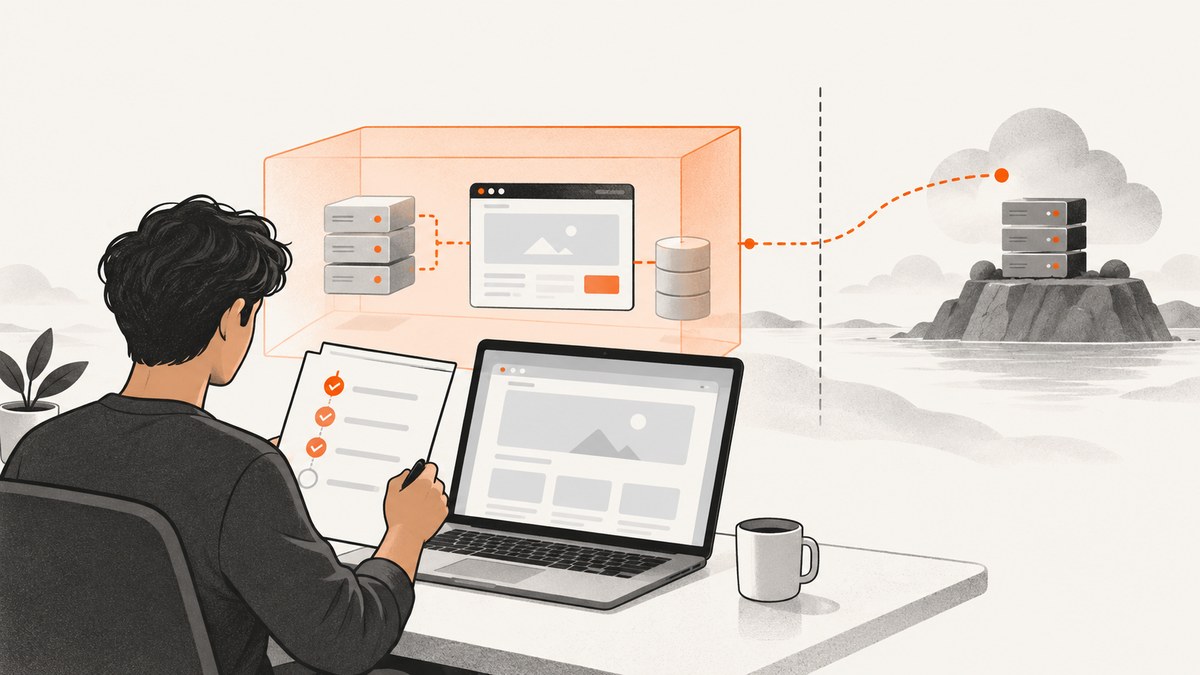
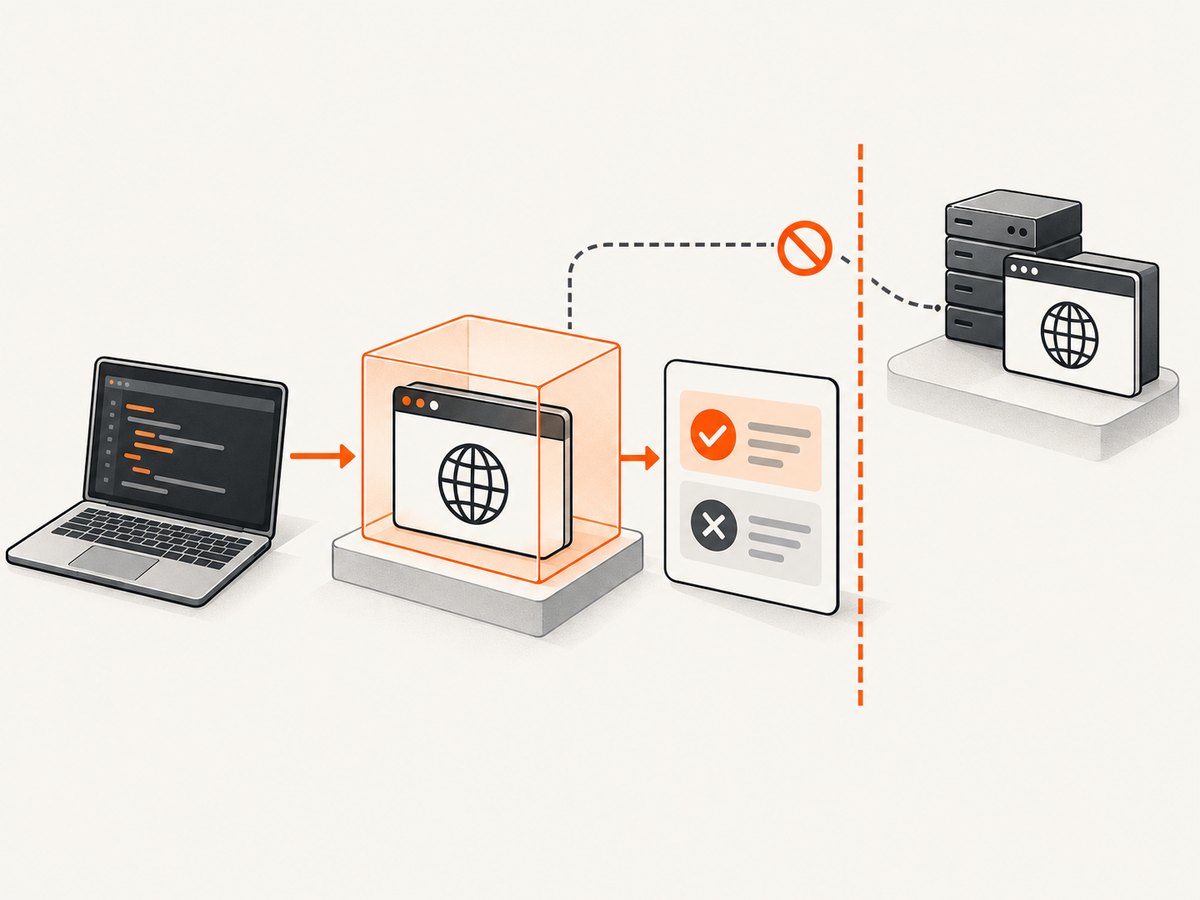
Bet365’s published US English terms prohibit attempts to bypass its security system or interfere with its services, including through robots or similar devices. A research paper also reports that bet365.com detected Selenium and refused to load during a historical crawl. Those sources do not explain Bet365’s current detection signals, prove that ChromeDriver alone caused the historical result, or authorize testing the live service.
If you are testing browser automation, use an application you own, a purpose-built lab, or a target you have explicit written permission to assess. Define the scope and stop conditions first. For ordinary screenshot capture, use an authorized interface rather than trying to evade a block. [ScreenshotNeo](https://screenshotneo.com) is a website screenshot API and MCP server; it can capture pages you are authorized to access without requiring you to set up a browser driver.
1. What public evidence says about Bet365
There are two relevant kinds of public evidence, and they answer different questions.
| Source | What it supports | What it does not establish |
|---|---|---|
| Bet365 US English terms | The published rules restrict certain automated access and interference. They describe attempts to bypass security or interfere with services, including with robots or similar devices, as prohibited conduct. They also identify automated systems or software used to copy or extract service information as conduct that may lead to account action. | The terms are not technical documentation. They do not disclose detection signals, thresholds, browser checks, or a method for determining whether a session uses Selenium. |
| Historical measurement research | The paper reports that a crawl observed bet365.com detecting Selenium and refusing to load, causing its measurement system to halt despite a preset page-load timeout. | It does not establish current behavior, isolate ChromeDriver as the cause, identify the triggering signal, or provide a present-day guarantee that the same result is reproducible. |
The terms cited here are the US English version. Bet365 terms may differ by region and may be updated, so consult the relevant regional terms when the question concerns a particular jurisdiction. The paper’s result should be described as a historical observation, not as an explanation of Bet365’s current implementation.
2. Does Bet365 detect Selenium?
The careful answer is: a research paper reports one historical crawl in which bet365.com detected Selenium and refused to load. The available evidence does not answer whether the site behaves the same way today or what caused that outcome. There is no substantiated public basis here for listing particular browser fingerprints, JavaScript checks, network signals, or thresholds as Bet365’s detection method.
A Selenium session can fail to load a page for many reasons, including ordinary site errors, network problems, access restrictions, or automation handling. A failed load by itself does not identify which explanation applies. Avoid turning a single observation into a claim about a current defense system.
Most importantly, published terms are rules, not permission. The cited Bet365 terms restrict attempts to bypass security and certain automated copying or extraction. This research did not establish permission to test Bet365. Do not run experiments against its live service or try to defeat its controls based on this article.
3. Build a responsible test before running Selenium
For an application you control, Selenium is useful for repeatable browser checks such as confirming that a page loads, a button works, or an expected element appears. Keep the test aimed at your own staging site or a controlled fixture. OWASP’s Web Security Testing Guide offers a broader testing methodology; its Authorization Testing Automation Cheat Sheet describes formalizing roles and services in an authorization matrix and using it to test allowed and disallowed combinations.
- Confirm authority. Name the system owner and get explicit written authorization for any third-party assessment. Permission should identify the target and the permitted activity.
- Write the scope. Record domains and environments, test accounts, permitted methods, time window, rate limits, prohibited actions, and a contact for reporting issues.
- Use a controlled environment. Prefer staging or a test fixture. Separate test data and accounts from real users, payments, and production records.
- Set stop conditions. Stop if you reach an out-of-scope host, encounter real customer data, affect service availability, or see unexpected production impact. Agree on escalation and reporting procedures in advance.
- Keep evidence proportionate. Capture only what is needed to reproduce the result, protect credentials and personal data, and record browser, driver, test version, timestamps, and environment so results can be repeated.
If you want to automate ordinary use of a third-party service, use documented and authorized interfaces. If your goal is to assess its security, seek permission and follow a published testing or disclosure program if one exists. No authorization for testing Bet365 was established by the sources cited here.
4. A safe Selenium ChromeDriver example for your own site
The example below uses Python Selenium to open a local controlled test page and check a known heading. It is not a Bet365 test and does not attempt to conceal automation or bypass access controls. Install the Selenium package and have a compatible Chrome browser available. Selenium’s current setup guidance is in its official documentation; driver management behavior can depend on your Selenium and browser versions.
python -m pip install seleniumSave this as check_page.py. Change the URL to a page you own or are authorized to test, and update the expected heading to match that page.
from selenium import webdriver
from selenium.webdriver.common.by import By
from selenium.webdriver.support.ui import WebDriverWait
from selenium.webdriver.support import expected_conditions as EC

TEST_URL = "http://localhost:8000/health-check"
EXPECTED_HEADING = "Staging health check"

options = webdriver.ChromeOptions()
# Headless mode is useful in CI. Remove this line to inspect the browser locally.
options.add_argument("--headless=new")
options.add_argument("--window-size=1440,1000")

driver = webdriver.Chrome(options=options)
try:
    driver.set_page_load_timeout(30)
    driver.get(TEST_URL)
    heading = WebDriverWait(driver, 10).until(
        EC.visibility_of_element_located((By.TAG_NAME, "h1"))
    )
    actual = heading.text.strip()
    if actual != EXPECTED_HEADING:
        raise AssertionError(
            f"Expected heading {EXPECTED_HEADING!r}; got {actual!r}"
        )
    print(f"PASS: {TEST_URL} displayed {actual!r}")
finally:
    driver.quit()
The script creates a browser session, applies a navigation timeout, waits for a specific element rather than sleeping for an arbitrary long interval, checks the result, and closes the session even if the assertion fails. In a test suite, make the URL and expected content explicit configuration so that a staging run cannot accidentally target production.
Useful Selenium configuration choices
- Headless or visible: Headless mode suits CI and repeatable checks. A visible browser helps diagnose layout and interaction problems locally. Neither choice grants permission to automate a target.
- Viewport: Set a consistent window size when layout affects the test. Use separate cases for responsive breakpoints instead of relying on whatever size the runner supplies.
- Wait strategy: Prefer an explicit wait for the element or state the test needs. A fixed delay can waste time on fast runs and still be too short on slow ones.
- Timeouts: Set page-load and element-wait timeouts that reflect your application’s expected behavior. A timeout should fail the test with useful context, not trigger repeated high-rate retries.
- Cleanup: Always close the driver in a
finallyblock or equivalent fixture teardown. In larger suites, create one isolated browser session per test or test group according to the runner’s lifecycle. - Test data: Use dedicated accounts and resettable fixtures. Avoid real purchases, messages, or other consequential actions unless they are explicitly part of the authorized test plan.
5. When a browser test fails: diagnose the owned environment
A failed Selenium test is a signal to inspect the controlled system and test setup. It is not proof that an external site detected automation. Check the browser console, driver output, server logs, test URL, and timestamps before drawing a conclusion.
| Symptom | Common cause | Fix for an authorized test |
|---|---|---|
| ChromeDriver cannot start | Chrome is missing, the browser and driver are incompatible, or the CI image lacks required dependencies. | Confirm Chrome is installed, review Selenium’s driver setup documentation, and use a maintained browser image or compatible versions. Keep the exact versions in CI logs. |
SessionNotCreatedException |
The driver cannot create a session, often because of a version mismatch or invalid browser configuration. | Inspect the nested driver error, verify browser availability and versions, and remove unsupported options. Reproduce with a minimal local script. |
| Navigation timeout | The application is slow, the URL is wrong, the test environment is unreachable, or the page waits on a resource indefinitely. | Check the URL and server logs, confirm connectivity from the runner, and set a timeout appropriate to the test. Wait for the specific page state required rather than assuming every resource must finish. |
NoSuchElementException or wait timeout |
The selector is wrong, the page has not reached the expected state, or the element is inside a frame or shadow root. | Inspect the owned page markup and test state, use a stable selector, and handle frames or shadow DOM explicitly where your application uses them. |
| Works locally, fails in CI | Different browser versions, viewport, fonts, locale, environment variables, network access, or test data. | Make those inputs explicit, log versions and configuration, and run against the same staging fixture. Avoid adding retries until the underlying intermittent condition is understood. |
| Blank or incomplete page | The application returned an error, JavaScript failed, a dependency did not load, or the test captured a transient state. | Check browser console and server logs, verify the fixture’s dependencies, and wait for an application-owned readiness condition. |
Do not use troubleshooting as a path to circumvent another service’s restriction. If an authorized assessment encounters a block, follow the agreed test plan and contact the system owner rather than trying alternate fingerprints or bypass methods.
6. Performance, reliability, and cost for browser tests
Browser tests use more resources than a direct HTTP check because they start and run a browser. Keep the suite focused on behavior that needs a browser; use unit or API-level checks for logic that does not. Reuse setup where appropriate, but isolate state so one test cannot silently influence another. Parallel runs can shorten wall-clock time while increasing CPU, memory, and load on the test environment, so set concurrency to a level the staging system can handle.
Reliability improves when the environment is repeatable: pin or record browser and Selenium versions, use stable test data, choose selectors based on your own application contract, and wait for meaningful conditions. Retries can hide flaky tests and add load; use them sparingly and retain the original failure details. Keep screenshots, logs, and traces only as long as your team needs, especially if they can contain personal or sensitive data.
There is no universal cost figure for Selenium. Costs depend on runner time, browser infrastructure, CI minutes, parallelism, and the services used to host the test environment. Estimate from your actual CI usage and include the cost of maintaining test fixtures. Avoid running unattended tests against a live third-party service: aside from authorization concerns, it can create unpredictable load and account consequences.
7. Capture an authorized page without setting up ChromeDriver
If the task is to save a screenshot of a page you may access, ScreenshotNeo provides a one-request screenshot API and an MCP server for AI agents. This is a capture option, not a way to test or bypass Bet365 controls. Use a page you own or are authorized to capture. See the ScreenshotNeo API documentation for request options and account setup.
cURL
curl -G "https://api.screenshotneo.com/v1/shot" \
  -d access_key=YOUR_API_KEY \
  --data-urlencode url=https://example.com \
  -o shot.webp
Python
import requests

r = requests.get(
    "https://api.screenshotneo.com/v1/shot",
    params={"access_key": "YOUR_API_KEY", "url": "https://example.com"},
    timeout=90,
)
r.raise_for_status()
with open("shot.webp", "wb") as image_file:
    image_file.write(r.content)
Node.js
const q = new URLSearchParams({
  access_key: 'YOUR_API_KEY',
  url: 'https://example.com'
});
const res = await fetch(`https://api.screenshotneo.com/v1/shot?${q}`);
if (!res.ok) throw new Error(`Screenshot request failed: ${res.status}`);
const image = Buffer.from(await res.arrayBuffer());
await import('node:fs/promises').then(fs => fs.writeFile('shot.webp', image));
Replace https://example.com with your authorized target and store the API key in a secret manager or environment variable in production. Avoid placing keys in client-side code or public repositories. The API supports PNG, JPEG, WebP, and PDF output, with options including full-page or CSS-selector capture, viewport and device presets, dark mode, custom CSS or JavaScript, waits, request blocking, headers and cookies, caching, async jobs, bulk capture, and signed links. Review the documentation for exact parameter names and behavior.
ScreenshotNeo accepts cookie or consent banners before capture and removes more than 60 known consent platforms, newsletter popups, and chat widgets; each step can be turned off. Its response identifies page verdict and billing status through headers. Bot checks or CAPTCHAs, blank pages, timeouts, failed loads, and cache hits are not billed. An MCP server exposes take_screenshot, get_page_info, and capture_pdf for Claude, Cursor, and other MCP clients.
Plans include 1,000 screenshots per month free with no card, then paid options starting at $5 for 3,000 screenshots; higher plans are listed as Starter $5/3,000, Growth $15/15,000, Pro $39/60,000, Scale $99/250,000, and Business $249/1,000,000. Yearly billing gives two months free, and every feature is available on every plan. For batch work, image/PDF output settings, or your expected volume, check the current docs and plan details before building usage assumptions into a system.
Responsible capture checklist
- Confirm that you may access and capture the target page.
- Use the correct output format and viewport for the task.
- Set waits based on the content you need, and keep API credentials server-side.
- For recurring or bulk capture, use a documented rate and review your usage.
- If the service returns a bot check or failed-load verdict, treat it as a failed capture; do not attempt to evade the block.
Or skip the browser setup
Cookie banners, popups, and chat widgets are removed before the shot. Bot checks, blank pages, and failed loads are never billed. An MCP server lets AI agents take screenshots. The free plan includes 1,000 screenshots a month with no card, and paid plans start at $5 for 3,000. Sign up for ScreenshotNeo and start with 1,000 free screenshots a month, no card required.
8. Frequently asked questions
Can I use the historical paper as proof of Bet365’s current behavior?
No. It reports a limited observation from a historical crawl. It does not establish present-day behavior or explain the mechanism.
Does the Bet365 terms page describe ChromeDriver detection?
No. The cited terms state restrictions on certain conduct; they do not describe technical implementation.
What should I do if I need to assess a third-party site?
Get explicit authorization, agree on scope and operating limits, and follow the owner’s testing or disclosure process. Without permission, do not probe or automate it.
Is a screenshot API a substitute for a Selenium test?
No. A screenshot API captures a page; Selenium can exercise interactions and verify application behavior. Choose the tool that fits an authorized task.
Where can I find a methodology for testing my own application?
Start with OWASP’s Web Security Testing Guide and its authorization testing guidance, then adapt the plan to your system’s scope and risk.


