How to Block CSS and Image Requests in chromedp
Block CSS and image traffic in chromedp with CDP Network rules or Fetch interception, verify requests, handle fallbacks, and avoid common failures.
To block CSS and image requests in chromedp, configure Chrome DevTools Protocol (CDP) before navigation. Use network.SetBlockedURLs when URL patterns are predictable. Use the CDP Fetch domain when you need to classify requests by resource type or make a decision for each request.
The shortest implementation uses URL patterns:
patterns := []*network.BlockPattern{
    {URLPattern: "*://*/*\\.css*", Block: true},
    {URLPattern: "*://*/*\\.png*", Block: true},
    {URLPattern: "*://*/*\\.jpg*", Block: true},
    {URLPattern: "*://*/*\\.jpeg*", Block: true},
    {URLPattern: "*://*/*\\.webp*", Block: true},
    {URLPattern: "*://*/*\\.gif*", Block: true},
}

if err := network.SetBlockedURLs().
    WithURLPatterns(patterns).
    Do(ctx); err != nil {
    return err
}

if err := chromedp.Run(ctx, chromedp.Navigate(targetURL)); err != nil {
    return err
}
Issue the blocking command through the browser context that owns the target page, and set it before Navigate. The generated API and pattern behavior depend on the versions of github.com/chromedp/cdproto and Chrome in your application, so check the package documentation for your pinned module version.
1. Choose the right blocking method
| Method | Matches | Use it when | Main risk |
|---|---|---|---|
Network.setBlockedURLs |
URL patterns | You have a short, stable list such as CSS and image suffixes | A URL may not reveal its actual resource type |
Fetch.enable |
URL patterns and optional resource type | You need per-request decisions or exact resource classification | Every matching request pauses until you continue or fail it |
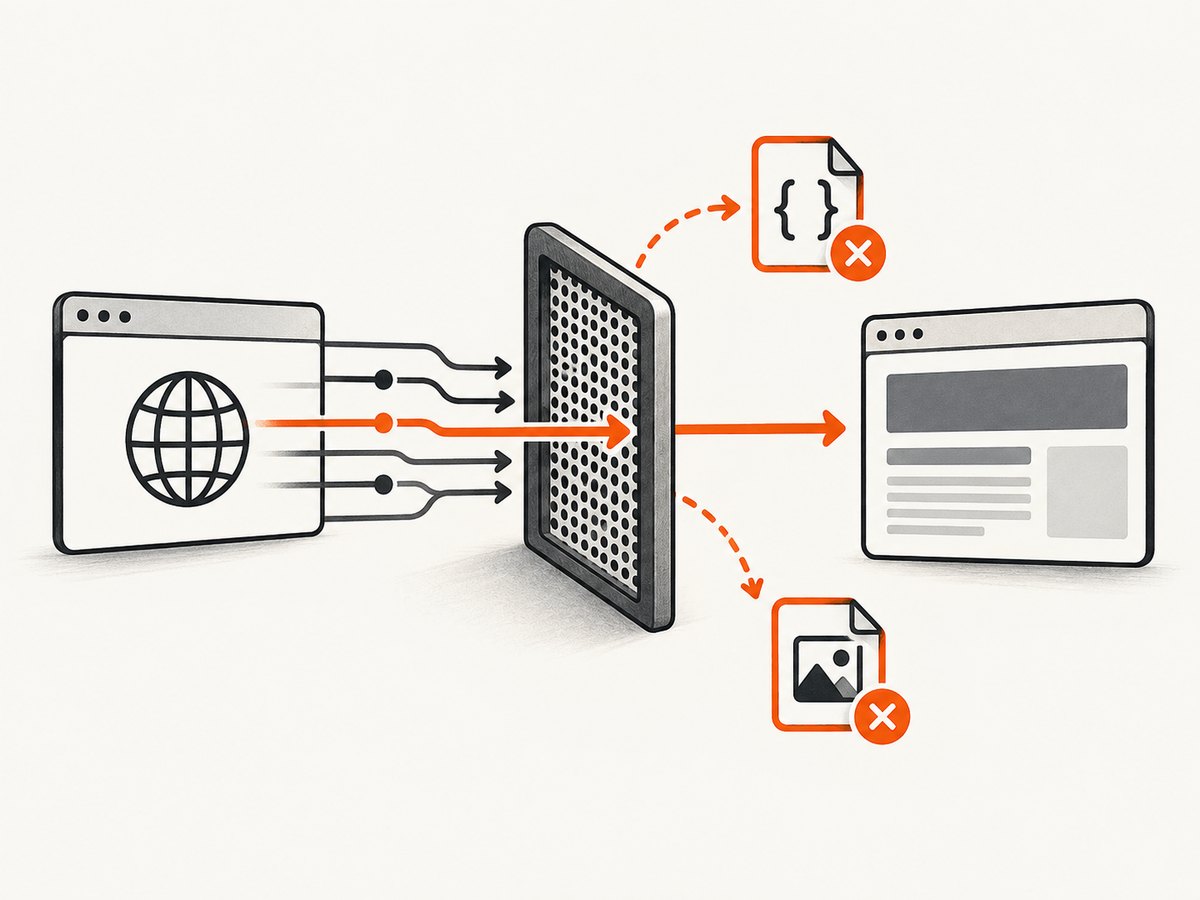
Network URL blocking is normally the best first choice. It is compact, applies before the request completes, and does not require a request-event handler. Its limitation is that it only sees a URL pattern. An image served from /asset?id=42, a stylesheet without a .css suffix, or a data URL will not match a suffix rule.
Fetch interception is more flexible. A Fetch pattern can include a resource type such as Stylesheet or Image. Chrome pauses matching requests and waits for your client to respond. If your handler forgets to continue or fail a request, page loading can stall indefinitely.
2. Complete chromedp example with URL blocking
The following program creates a browser context, installs CSS and image rules, navigates, waits for the document body, and captures a screenshot. It is intentionally explicit so you can adapt the lifecycle to a scraper, test, or page checker.
package main

import (
    "context"
    "log"
    "os"
    "time"

    "github.com/chromedp/cdproto/network"
    "github.com/chromedp/chromedp"
)

func main() {
    ctx, cancel := chromedp.NewContext(context.Background())
    defer cancel()

    ctx, cancel = context.WithTimeout(ctx, 30*time.Second)
    defer cancel()

    patterns := []*network.BlockPattern{
        {URLPattern: "*://*/*\\.css*", Block: true},
        {URLPattern: "*://*/*\\.png*", Block: true},
        {URLPattern: "*://*/*\\.jpg*", Block: true},
        {URLPattern: "*://*/*\\.jpeg*", Block: true},
        {URLPattern: "*://*/*\\.webp*", Block: true},
        {URLPattern: "*://*/*\\.gif*", Block: true},
    }

    var screenshot []byte
    err := chromedp.Run(ctx,
        network.SetBlockedURLs().WithURLPatterns(patterns),
        chromedp.Navigate("https://example.com"),
        chromedp.WaitVisible("body", chromedp.ByQuery),
        chromedp.FullScreenshot(&screenshot, 90),
    )
    if err != nil {
        log.Fatal(err)
    }

    if err := os.WriteFile("blocked.png", screenshot, 0644); err != nil {
        log.Fatal(err)
    }
}
In a real module, run go mod tidy and pin compatible chromedp and cdproto versions. Confirm the generated command name and fields against the exact version in go.mod. CDP generated packages can change signatures as the protocol evolves.
Pattern details
- Match the URL, not the response MIME type. A query string can follow the suffix, which is why patterns commonly include a trailing
*. - Escape the dot in Go strings. The pattern contains
\\.css; the Go source therefore displays"*://*/*\\.css*". - Add formats your site uses. Include SVG, AVIF, ICO, or font extensions only when you intend to block them. Blocking fonts can change layout just as blocking CSS can.
- Install rules before navigation. Rules set after the page has loaded cannot undo requests that already completed.
- Remember ordered matching. The Network API allows a pattern with
Block: falseto allow a later match through, or to override a broader blocking rule, depending on the ordered pattern list. Keep exception rules deliberate and test them.
3. Block by resource type with Fetch interception
Use Fetch when a filename-based rule is too fragile. The protocol lets you declare request patterns with a URL pattern and resource type, then receive paused events. The exact enum names are generated by your cdproto version; verify them before copying this shape into production.
// Shape of a Fetch-based implementation. Check generated names for your version.
patterns := []*fetch.RequestPattern{
    {
        URLPattern:   "*",
        ResourceType: network.ResourceTypeStylesheet,
        RequestStage: fetch.RequestStageRequest,
    },
    {
        URLPattern:   "*",
        ResourceType: network.ResourceTypeImage,
        RequestStage: fetch.RequestStageRequest,
    },
}

if err := fetch.Enable().WithPatterns(patterns).Do(ctx); err != nil {
    return err
}

// Register a handler for fetch.EventRequestPaused.
// For each paused request, fail stylesheet/image requests and
// continue every request you want the page to receive.
A production handler generally does four things:
- Listen for
fetch.EventRequestPausedon the target session. - Inspect the paused request and its resource type.
- Call the generated fail-request command for CSS and images.
- Call the continue-request command for every other request.
The Fetch protocol pauses matching requests until the client responds. If you enable a wildcard pattern and only handle two resource types, scripts, documents, fonts, and XHR requests can also pause depending on the pattern. Start with narrowly scoped patterns, and make the default branch continue the request.
4. Verify that Chrome actually blocked the requests
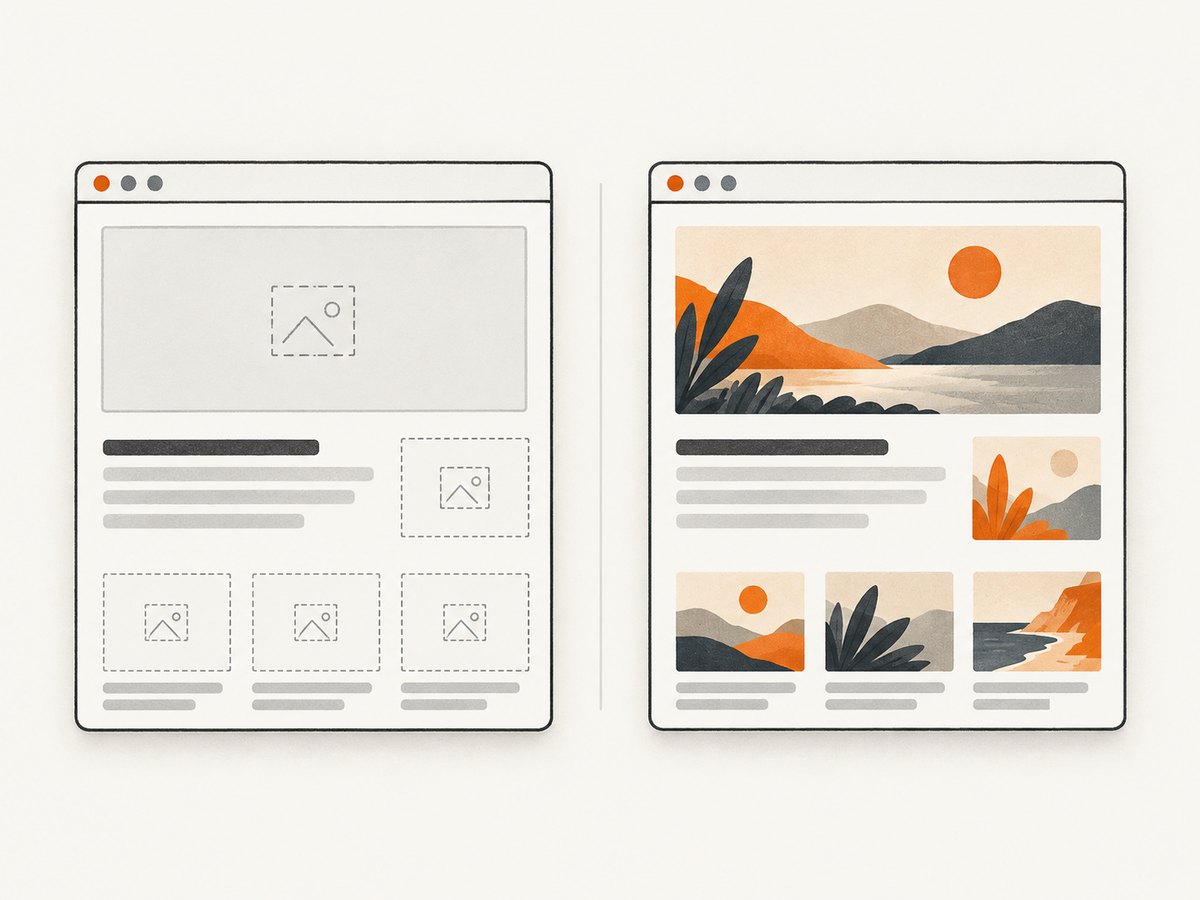
A missing image or unstyled page is not proof that a network request was blocked. A page can contain an inline image, a cached resource, a service-worker response, or a fallback asset. A chromedp issue documents cases where a page displays a hard-coded or fallback image after an external request fails.
Verify at the network layer:
- Use a test page with a known external stylesheet and image URL.
- Subscribe to CDP network events such as request, response, loading-failed, or Fetch pause events.
- Record the request URL and the failure or interception reason.
- Compare a run with blocking disabled to a run with blocking enabled.
- Inspect the final screenshot only as a visual side effect, not as the sole assertion.
Chrome DevTools uses the same basic workflow: add a blocking pattern, reload, and observe the request and the resulting page. Blocking a stylesheet visibly changes presentation, but the network log is the authoritative check for whether the request was intercepted.
5. Common edge cases
CSS is inlined
An HTML document may contain a <style> element or inline style attributes. URL blocking cannot remove those declarations. If you need an unstyled DOM, inject CSS that disables styles, remove style elements with JavaScript, or alter the page after navigation.
Images are data URLs or blobs
data:image/... URLs do not create an ordinary network request. Blob URLs can be backed by an earlier request or generated in JavaScript. Network suffix patterns will not catch the inline data itself.
Images are loaded by JavaScript
Lazy loaders may request images only after scrolling or after an intersection observer fires. Navigate, trigger the same interaction as the application, and keep the blocking rules active for the entire session.
Service workers and cache
A service worker can satisfy a request from its own cache. Clear storage for an isolated browser profile when reproducibility matters, and inspect network events rather than assuming a visible resource came from the network.
Redirects and CDNs
A URL can redirect from an HTML-looking path to an image or stylesheet on another host. Include the destination pattern or use Fetch resource-type matching. Wildcard host rules can be useful, but broad rules can also block resources you did not intend to filter.
Allowing an exception
If a broad pattern blocks too much, add an explicit allow pattern and verify its order. Keep the exception as narrow as possible, for example by host and path, and test both the blocked and allowed URLs.
6. Troubleshooting checklist
| Symptom | Likely cause | Fix |
|---|---|---|
| The page looks normal | Rules were set after navigation, or assets came from cache/inline markup | Install rules first, use a fresh context, and inspect network events |
| Some images still load | URLs lack image suffixes, use redirects, data URLs, blobs, or a service worker | Use Fetch resource-type matching and test the final request URL |
| The page hangs with Fetch enabled | A paused request was never continued or failed | Handle every pause event; continue non-target requests |
| Compilation fails | Generated API names differ from your pinned cdproto version | Open the package documentation for that version and update imports/fields |
| CSS is blocked but layout is still styled | Inline styles or CSS embedded in the document remain | Remove or override inline styles after navigation |
| Only first navigation is filtered | A new target or browser context was created without the rules | Apply rules to each target session before its navigation |
| Fonts disappear unexpectedly | A broad resource rule also matches font files | Narrow URL patterns or classify only Stylesheet and Image types |
7. Performance, reliability, and cost considerations
Blocking large stylesheets and images can reduce transferred bytes and shorten rendering work, but the result depends on the page, cache state, and browser version. The research sources do not establish a universal bandwidth or timing percentage, so measure your own pages if performance is a requirement.
For reliable automation, keep the block list explicit, use a fresh context for repeatable tests, and set a navigation timeout. Do not use a broad Fetch wildcard unless the handler has a safe default branch. Log blocked URLs and errors so a site change does not silently turn into an incomplete capture.
Blocking assets can change layout, trigger JavaScript error paths, or hide content that appears only after an image load. Treat the filtered page as a different rendering condition. If you are testing page logic, run both filtered and unfiltered variants.
8. Or skip the browser setup
If your goal is a clean screenshot rather than browser-network experimentation, ScreenshotNeo provides a single HTTP request. Its API can block ads, trackers, requests, or resource types, and it can also wait for a selector, delay, or network idle before capture. See the ScreenshotNeo API documentation for the complete option list.
cURL
curl -G "https://api.screenshotneo.com/v1/shot" -d access_key=YOUR_API_KEY --data-urlencode url=https://stripe.com -o shot.webpPython
import requests
r = requests.get("https://api.screenshotneo.com/v1/shot", params={"access_key": "YOUR_API_KEY", "url": "https://stripe.com"}, timeout=90)
open("shot.webp", "wb").write(r.content)
Node.js
const q = new URLSearchParams({ access_key: 'YOUR_API_KEY', url: 'https://stripe.com' });
const res = await fetch(`https://api.screenshotneo.com/v1/shot?${q}`);
ScreenshotNeo removes cookie and consent banners, newsletter popups, and chat widgets before capture. Bot checks, blank pages, failed loads, timeouts, and cache hits are not billed, and response headers identify the page verdict and billing result. It also offers an MCP server with take_screenshot, get_page_info, and capture_pdf tools for Claude, Cursor, and other MCP clients. The Free plan includes 1,000 screenshots each month without a card; paid plans start at $5 for 3,000 screenshots.
Create a free ScreenshotNeo account and make your first capture without setting up a browser.
9. Frequently asked questions
Does SetBlockedURLs block already-loaded resources?
No. Configure it before navigation or before the interaction that triggers the request.
Can URL blocking identify CSS by MIME type?
No. Network URL rules match URL patterns. Use Fetch interception when resource type is the deciding factor.
Why is an image visible after I blocked image URLs?
It may be inline, cached, generated by JavaScript, served by a service worker, or supplied as a fallback. Confirm the request outcome in CDP events.
Should I block fonts too?
Only if that is part of the test. Fonts can affect layout and visual comparisons, so add narrowly scoped rules and document the changed rendering condition.
Can these rules be reused across tabs?
Apply them to each target session and verify behavior after opening a new tab or creating a new browser context.
Which method should I start with?
Start with network.SetBlockedURLs for predictable URL patterns. Move to Fetch when you need resource-type matching or per-request decisions.


