How to Block Data URI Image Requests in Puppeteer
Use Puppeteer request interception to abort `data:image/` requests while allowing external images and every other request to continue.
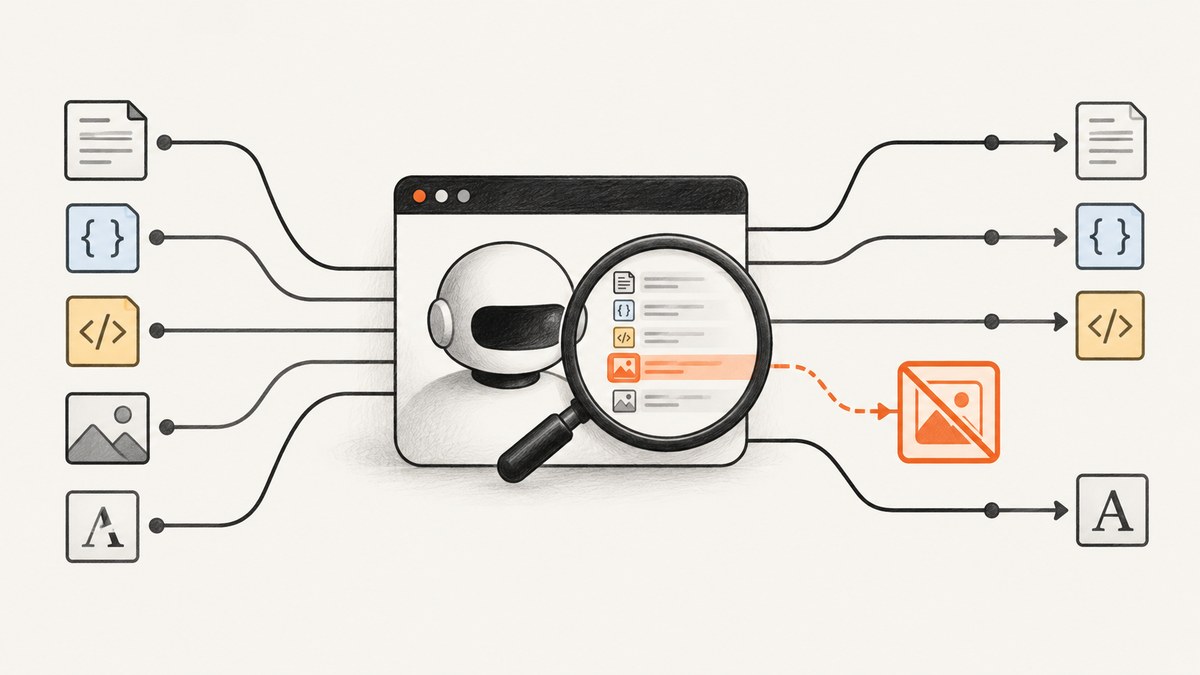
To block only images embedded as data URIs in Puppeteer, enable request interception before navigation, abort requests whose URL starts with data:image/, and continue every other request. This leaves ordinary external images and non-image requests alone.
await page.setRequestInterception(true);

page.on('request', request => {
  if (request.url().startsWith('data:image/')) {
    return request.abort();
  }
  return request.continue();
});
Register the listener before the navigation or action that triggers the requests. With interception enabled, requests pause until handled, so every branch must abort, continue, or respond. See the Puppeteer request interception reference.
1. Complete runnable example
This CommonJS example launches Chromium, installs the filter before navigating, then waits for the page to load. It requires Puppeteer to be installed in the project.
const puppeteer = require('puppeteer');

(async () => {
  const browser = await puppeteer.launch({ headless: true });
  try {
    const page = await browser.newPage();

    await page.setRequestInterception(true);
    page.on('request', request => {
      if (request.url().startsWith('data:image/')) {
        return request.abort();
      }
      return request.continue();
    });

    await page.goto('https://example.com', { waitUntil: 'domcontentloaded' });
    console.log(await page.title());
  } finally {
    await browser.close();
  }
})().catch(error => {
  console.error(error);
  process.exitCode = 1;
});
The filter matches the URL scheme and media prefix, not a filename extension. That is the intended distinction: a page can have a data URI image without any image file extension, while an external image URL may end in an unexpected path.
2. What the filter blocks and what it preserves
| Request | Result | Reason |
|---|---|---|
data:image/png;base64,... |
Aborted | Begins with data:image/. |
https://cdn.example/image.png |
Continued | It is not a data URI. |
data:text/html,... |
Continued | It is a data URI but not an image data URI. |
| Scripts, stylesheets, documents, fetches and other requests | Continued | The URL does not match the image prefix. |
The match is case-sensitive and deliberately narrow. Standard data image URLs use the lowercase data:image/ prefix. If the application may generate nonstandard capitalization and you intend to match it, normalize the URL before checking; do so only if that behavior is desired.
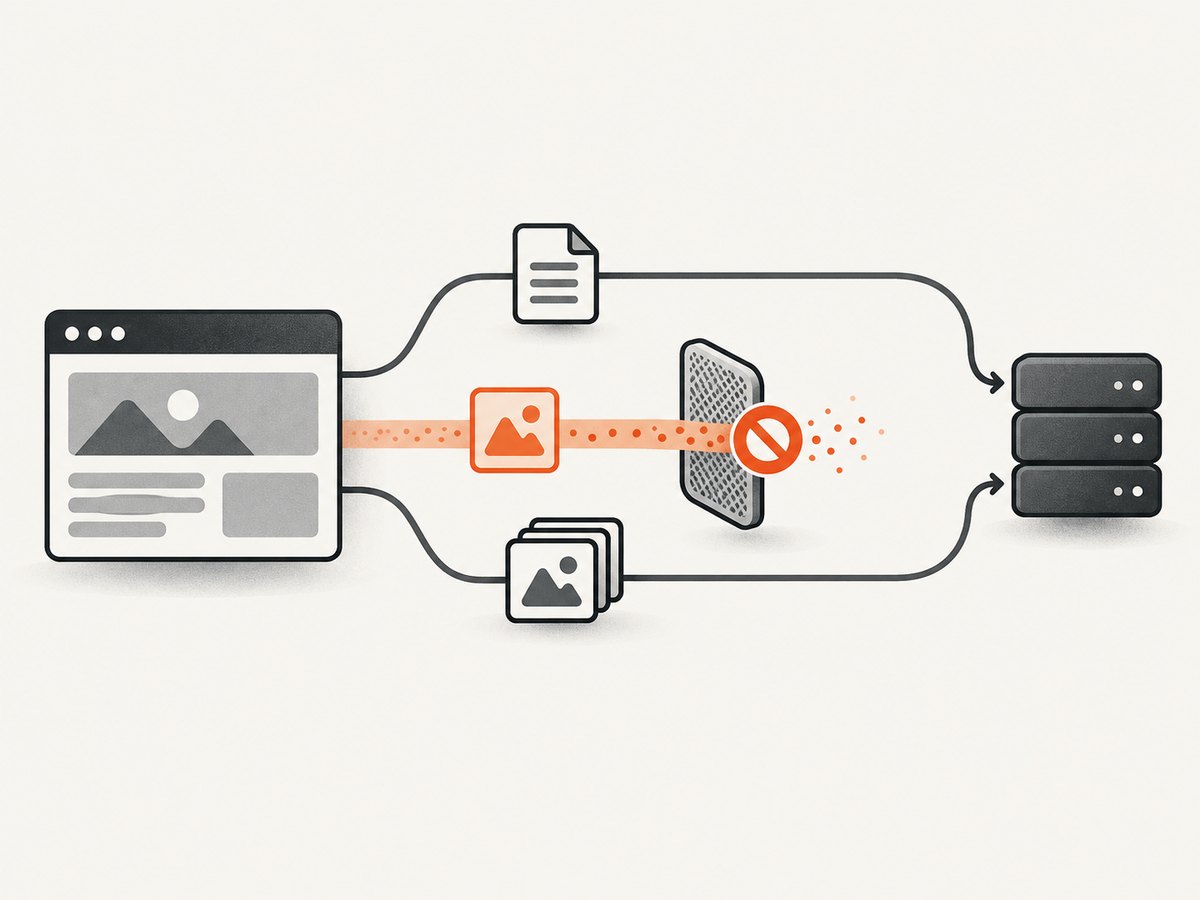
Block every image instead
If the goal is to block both inline and remote images, use the request resource type. This broader rule may change page layout or behavior because images the page expects will not load.
page.on('request', request => {
  if (request.resourceType() === 'image') {
    return request.abort();
  }
  return request.continue();
});
Choose the URL-prefix test for data URI images only. Choose the resource-type test when all image requests should be blocked. Puppeteer’s official example demonstrates filtering requests and aborting selected ones; it cautions that checking file suffixes is naïve. Puppeteer API reference.
3. Interception behavior and configuration
Order matters
- Create the page.
- Call
page.setRequestInterception(true). - Attach a request listener that settles every intercepted request.
- Navigate or perform the action that triggers requests.
Enabling interception after navigation does not retroactively filter requests that have already happened. If you need the rule on a later navigation, keep the listener installed on that page.
Every request must be settled
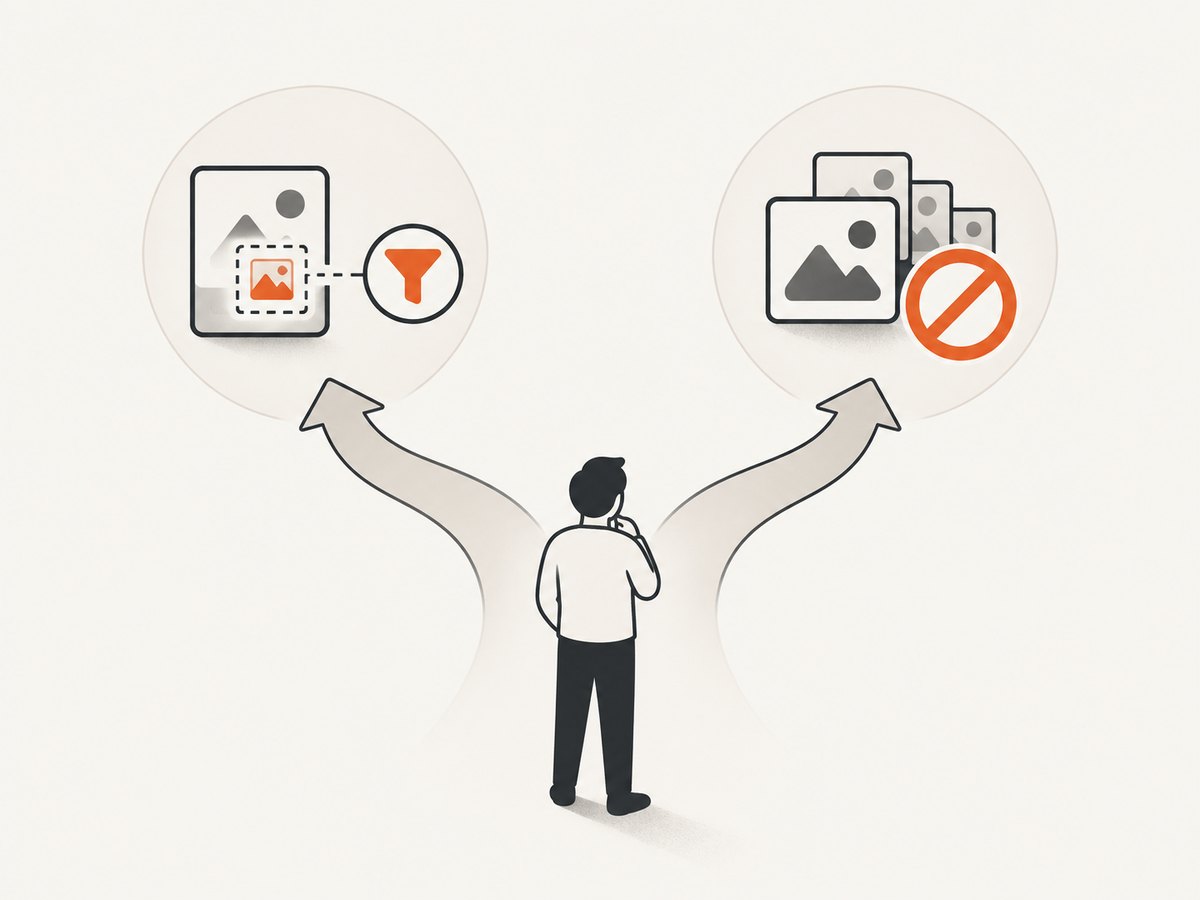
Puppeteer documents that when interception is active, each request stalls until it is continued, responded to, aborted, or completed from cache. Keep the nonmatching path explicit. If the handler throws or forgets to settle a request, page loading can hang or time out.
Combine with other filters carefully
You can add additional conditions, such as blocking a host or resource type, but make the final decision for each request exactly once. If multiple listeners may handle interception, coordinate their logic: a request already handled by one listener cannot safely be handled again by another. When you only need this data-image rule, one listener with a clear allow-through branch is easiest to reason about.
Blocking by resource type or URL patterns
Filtering on request.resourceType() blocks all image requests, including external images. Chrome for Developers also describes an allowlist pattern for server-side rendering that permits document, script, XHR and fetch resources while aborting other resource types. That approach blocks considerably more than data URI images and can change rendering. Chrome for Developers guidance.
Puppeteer’s current ConnectOptions reference describes experimental URL allowlist and blocklist controls for Chrome 149 and newer while Puppeteer is attached to CDP targets. These network-service controls are not a complete network sandbox and are not a direct replacement for a page-level filter targeting data:image/. Puppeteer ConnectOptions.
4. Troubleshooting
| Symptom | Likely cause | Fix |
|---|---|---|
| Navigation hangs or times out | An intercepted request did not reach a terminal action, or a handler errored. | Ensure every path calls abort(), continue(), or respond(). Log handler errors and avoid throwing before settling the request. |
| External images disappear too | The code filters all requests with resource type image, rather than matching the data URI prefix. |
Use request.url().startsWith('data:image/') for the narrow behavior. |
| Inline images still appear | The image may be in the document as inline markup or CSS content rather than a separately observed request; interception behavior can also vary by Puppeteer/browser setup. | Inspect the actual request URL and runtime. The listener only blocks matching intercepted requests. Verify behavior with the Puppeteer and browser versions in use instead of assuming every representation is intercepted. |
| Non-image data URI is blocked | The filter checks data: generally. |
Match the full data:image/ prefix. |
| Abort call fails | The request may already have been handled by another listener or path. | Centralize interception decisions and ensure only one handler settles each request. |
| Page rendering changes unexpectedly | The filter is broader than intended, such as blocking all images or all non-allowlisted resource types. | Return to the narrow URL-prefix condition and continue unmatched requests. |
5. Performance, reliability and cost considerations
Aborting matching requests prevents those image payloads from loading, but the supplied official sources provide no benchmark for this specific filter, so do not assume a particular speed or memory improvement. The page may still retain image markup or other data already embedded in its HTML or CSS.
For reliability, install interception before the triggering navigation, use one clear handler, and settle all requests. Test against the browser and Puppeteer versions used in deployment, especially if your page depends on unusual data URI behavior. This code runs your own browser and has no per-request screenshot service charge; actual infrastructure cost depends on where and how you run Chromium.
6. Or skip the browser setup
If your goal is a clean screenshot rather than controlling Puppeteer’s network requests, ScreenshotNeo is a website screenshot API and MCP server. One GET request returns an image or PDF; its request options include blocking requests or resource types when you need browser-level control. See the API documentation.
curl -G "https://api.screenshotneo.com/v1/shot" -d access_key=YOUR_API_KEY --data-urlencode url=https://stripe.com -o shot.webpimport requests
r = requests.get("https://api.screenshotneo.com/v1/shot", params={"access_key": "YOUR_API_KEY", "url": "https://stripe.com"}, timeout=90)
open("shot.webp", "wb").write(r.content)const q = new URLSearchParams({ access_key: 'YOUR_API_KEY', url: 'https://stripe.com' });
const res = await fetch(`https://api.screenshotneo.com/v1/shot?${q}`);Cookie banners, newsletter popups and chat widgets are removed before the shot; those cleanup steps can be turned off. Bot checks, blank pages, timeouts and failed loads are never billed, and cache hits cost nothing. An MCP server gives AI agents tools to take screenshots, get page information and capture PDFs. The free plan includes 1,000 shots a month with no card; paid plans start at $5 for 3,000 shots.
Get 1,000 free screenshots a month with no card.
7. FAQ
Does this block data URIs used by CSS backgrounds?
It blocks matching intercepted requests. Check the runtime’s observed requests for your specific page and browser setup; do not assume every way of embedding image data appears as an interceptable request.
Should I abort or respond with an empty image?
Use abort() when the intent is to stop the request. Use respond() only when you deliberately want to supply a replacement response and are prepared to define its headers and body.
Can I use this only for one navigation?
Yes. Install the listener before that navigation. To stop applying the rule afterward, remove the listener or use a separate page for the operation, taking care not to leave interception enabled without a handler that settles requests.


