How to Block Resources in Playwright with Python
Use Playwright routes to block images, fonts, scripts, or other requests in Python. Choose page or context scope and handle service workers and caching deliberately.
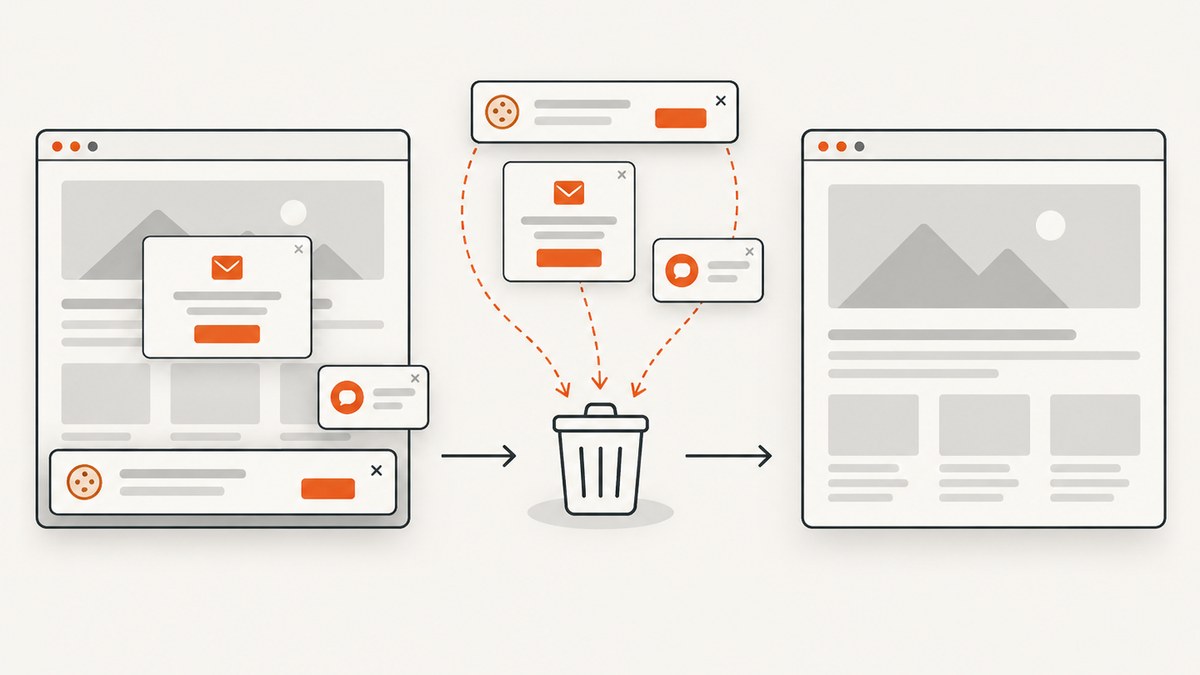
To block network resources in Playwright for Python, register a route with page.route() or browser_context.route(), check route.request.resource_type in its handler, and call route.abort() for requests you want stopped. Call route.continue_() for requests you want to allow. Register the route before navigating so it can handle the page’s initial requests.
Use page.route() when the policy applies to one page. Use context.route() when it must cover pages in that browser context, including a popup’s first navigation. Playwright routing has important effects: it disables the HTTP cache, and service workers can intercept requests before page or context routes see them. The examples below show how to account for both.
1. Block a resource type on one page
This synchronous example blocks image requests while allowing all other resource types to proceed. It uses Playwright’s synchronous Python API, which is convenient in a regular script.
from playwright.sync_api import sync_playwright

with sync_playwright() as p:
    browser = p.chromium.launch()
    page = browser.new_page()

    page.route(
        "**/*",
        lambda route: route.abort()
        if route.request.resource_type == "image"
        else route.continue_(),
    )

    page.goto("https://example.com")
    page.screenshot(path="without-images.png", full_page=True)
    browser.close()
The pattern has three parts:
"**/*"matches requests regardless of URL.route.request.resource_typechecks the category Playwright assigns to the request.- The handler resolves each matched request: it aborts images and continues everything else.
Register the route before page.goto(). A route handler that matches a request must take an action; while it is waiting, the request is stalled. If you add a condition and forget an allow path, requests that should load can hang.
Async version
In an asyncio application, use async_playwright and await the asynchronous API calls. The routing decision is the same.
import asyncio
from playwright.async_api import async_playwright

async def main():
    async with async_playwright() as p:
        browser = await p.chromium.launch()
        page = await browser.new_page()

        await page.route(
            "**/*",
            lambda route: route.abort()
            if route.request.resource_type == "image"
            else route.continue_(),
        )

        await page.goto("https://example.com")
        await page.screenshot(path="without-images.png", full_page=True)
        await browser.close()

asyncio.run(main())
Choose one API style for the application: synchronous code uses playwright.sync_api; asynchronous code uses playwright.async_api. Avoid calling synchronous Playwright from an active asyncio event loop.
2. Select the resource categories to block
The request’s resource_type is a category such as image, stylesheet, font, script, media, xhr, or fetch. Use a set when the policy blocks several types, and make the allow behavior explicit.

from playwright.sync_api import sync_playwright

BLOCKED_TYPES = {"image", "font", "media"}

def route_by_type(route):
    if route.request.resource_type in BLOCKED_TYPES:
        route.abort()
    else:
        route.continue_()

with sync_playwright() as p:
    browser = p.chromium.launch()
    page = browser.new_page()
    page.route("**/*", route_by_type)
    page.goto("https://example.com")
    browser.close()
Block only what the task permits. Blocking stylesheets may make layout and visibility assertions meaningless. Blocking scripts can prevent an application from rendering or running its client-side navigation. Blocking xhr or fetch requests can leave the page with missing data or loading indicators. A test that is intended to check a site’s normal behavior should not silently remove dependencies that behavior needs.
| Type | Typical reason to block | Common consequence |
|---|---|---|
image |
Reduce visual noise or focus on text layout | Images, backgrounds requested as images, or image-based controls may be absent |
font |
Test fallback-font behavior or avoid font downloads | Text metrics and line wrapping can change |
stylesheet |
Test unstyled content or isolate a failure | Layout and visibility differ substantially |
media |
Avoid audio or video downloads | Media playback cannot work as normal |
script |
Inspect static HTML or diagnose script dependence | Interactive and client-rendered content may not appear |
xhr, fetch |
Prevent selected background data requests | Dynamic page data can be empty or stale |
These are request categories, not a guarantee about a file extension. A URL ending in .png is not the most reliable way to decide whether the browser treats a request as an image. If your rule is “block all image requests,” inspect the resource type. If your rule is “block this exact endpoint,” match the URL instead.
3. Choose page or browser context scope
A page route applies to requests made by that page. A browser-context route applies to pages in the context. That difference matters when a site opens a popup: a page route does not intercept the popup’s initial request. Register a context route when the popup navigation must be covered.
from playwright.sync_api import sync_playwright

def block_images(route):
    if route.request.resource_type == "image":
        route.abort()
    else:
        route.continue_()

with sync_playwright() as p:
    browser = p.chromium.launch()
    context = browser.new_context()
    context.route("**/*", block_images)

    page = context.new_page()
    page.goto("https://example.com")
    browser.close()
When a page route and a context route both match, the page route takes precedence. If multiple routes on the same page match a request, the most recently registered matching route takes precedence. Keep route registration close to the test setup and review overlapping patterns when a request unexpectedly passes through or gets blocked.
URL patterns versus resource types
Playwright route patterns can target URLs, too. Use URL matching for a particular host, path, or filename pattern; use resource_type for a browser-classified category.
def block_specific_endpoint(route):
    if "/analytics/collect" in route.request.url:
        route.abort()
    else:
        route.continue_()

page.route("**/*", block_specific_endpoint)
This example shows the URL check inside a catch-all route. URL-pattern routing can also narrow which requests invoke the handler. Be precise: a broad substring can match more URLs than intended. For decisions that depend on host or path structure, parse the URL and compare the relevant components rather than relying on a loose substring.
4. Understand redirects, service workers, and cache behavior
Redirect chains
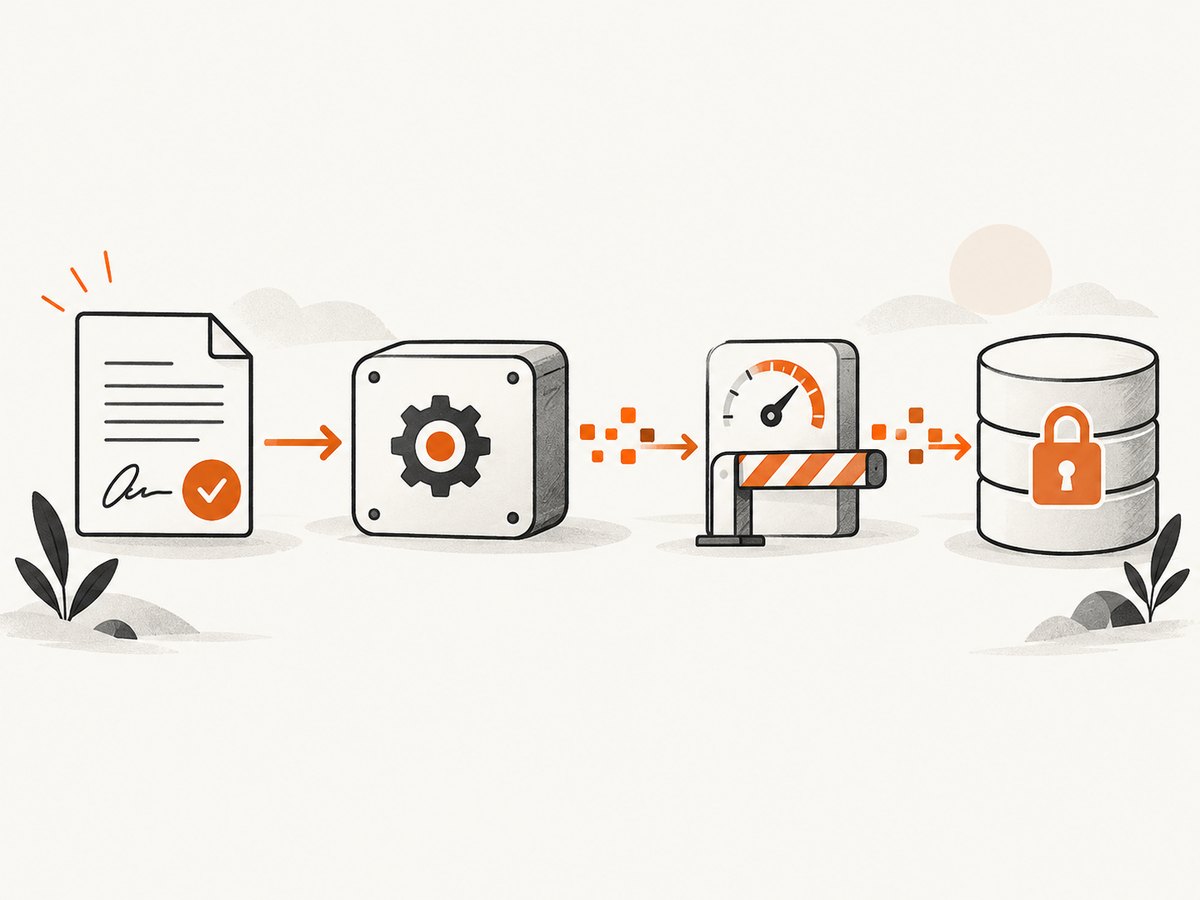
A page route handler is called only for the first URL in a redirect chain. If a request redirects, do not assume the same page route callback will inspect every subsequent URL. When the policy depends on where a redirect ends, account for that documented limitation in how you design the test and verify the resulting navigation.
Service workers
Requests intercepted by a service worker are not intercepted by page or context routing. If routes or network events seem to be missing, the service worker may be handling the request. When the test objective allows it, block service workers when creating the context:
context = browser.new_context(service_workers="block")
page = context.new_page()
page.route("**/*", block_images)
page.goto("https://example.com")
This changes the environment the page runs in. Use it for tests that need routing to observe the requests and where running without the service worker is acceptable. If the application’s service-worker behavior is itself under test, keep the worker enabled and treat the routing gap as part of the test setup instead of changing the behavior under test. Playwright’s service-worker guide describes this limitation and the blocking option.
HTTP cache
Enabling routing disables the HTTP cache. A test with routes can therefore make different network requests and take different time than the same test without routes. Do not interpret timing from a routed run as a clean measurement of normal cached browsing. If cache behavior is the subject of the test, routing changes that behavior and the test design needs to account for it.
5. Troubleshoot common problems
| Symptom | Likely cause | What to do |
|---|---|---|
| Images still load | The route was added after navigation, the route scope does not cover the request, or a service worker intercepted it | Register before navigation; use context scope for other pages and popup initial requests; consider service_workers="block" if suitable |
| Page navigation hangs | A matched request was not continued, fulfilled, or aborted | Ensure every handler path resolves the route, including the allow case |
| The popup loads resources the main page blocks | A page route does not cover the popup’s first navigation | Register the policy with context.route() |
| Some requests do not appear in the handler | A service worker may have intercepted them; a page route may also only see the first URL in a redirect chain | Check service-worker use and redirect behavior; disable service workers only when it matches the test objective |
| Requests happen more often or timings change | Routing disables the HTTP cache | Expect routed runs to differ from normal cached browsing; do not use them as cache-performance measurements |
| The page is blank or interactive controls fail | A blocked script, stylesheet, or data request is needed to render or operate the page | Temporarily log resource types, then narrow the blocked set to the resources the test can safely omit |
| Wrong requests are blocked | A broad URL pattern or substring matched more than intended | Use resource type for category rules; narrow URL checks to the intended host and path |
| Async code reports an await or event-loop error | Sync and async Playwright APIs were mixed | Use async_playwright with awaited async calls in asyncio code, or keep a regular script entirely synchronous |
For diagnosis, temporarily log requests before choosing a blocking policy. A route handler can print the URL and category, then continue each request:
def inspect_requests(route):
    request = route.request
    print(request.resource_type, request.url)
    route.continue_()

page.route("**/*", inspect_requests)
Once the categories and URLs are clear, replace the inspection handler with the intended allow/block policy. Logging every request can create noisy output on large pages, so remove or narrow it after diagnosis.
6. Performance, reliability, and cost considerations
Blocking a resource can reduce the work required to load it, but the size of the improvement depends on the page and the resources involved. The supplied Playwright documentation does not provide a universal speed-up figure. Measure the page and workload you actually care about, and remember that routing disables the HTTP cache, which affects timing and repeat visits.
For reliable tests, make the policy explicit and stable:
- Register routes before navigation or other actions that trigger requests.
- Use context scope when the policy must cover multiple pages or popup initial requests.
- Always continue requests outside the blocked set.
- Block only resources irrelevant to the behavior under test.
- Control the service-worker setting based on whether worker behavior is part of the test.
- Keep cache effects in mind when comparing routed and unrouted runs.
Resource blocking does not itself have a separate Playwright usage price established by the referenced documentation. Your own runtime and infrastructure costs still depend on where and how often you run browser automation; the research sources do not provide figures for those costs. For a screenshot task where maintaining browser setup is unnecessary, a screenshot API is another option.
7. Or skip the browser setup
If the goal is to get a screenshot rather than test a Playwright routing policy, ScreenshotNeo takes a URL in one request and returns an image or PDF. Its capture flow accepts cookie and consent banners and removes more than 60 known consent platforms, newsletter popups, and chat widgets before the shot; each step can be turned off. Bot checks and CAPTCHAs, blank pages, timeouts, failed loads, and cache hits cost nothing, and response headers identify the page verdict and whether the request was billed. It also provides an MCP server for AI agents using Claude, Cursor, or another MCP client. Every plan includes every feature.
See the ScreenshotNeo API documentation for request options. Here is the one-call cURL version:
curl -G "https://api.screenshotneo.com/v1/shot" \
  -d access_key=YOUR_API_KEY \
  --data-urlencode url=https://stripe.com \
  -o shot.webp
Python:
import requests

r = requests.get(
    "https://api.screenshotneo.com/v1/shot",
    params={"access_key": "YOUR_API_KEY", "url": "https://stripe.com"},
    timeout=90,
)
open("shot.webp", "wb").write(r.content)
Node.js:
const q = new URLSearchParams({
  access_key: 'YOUR_API_KEY',
  url: 'https://stripe.com',
});
const res = await fetch(`https://api.screenshotneo.com/v1/shot?${q}`);
if (!res.ok) throw new Error(`Screenshot request failed: ${res.status}`);
await import('node:fs/promises').then(({ writeFile }) =>
  writeFile('shot.webp', Buffer.from(await res.arrayBuffer()))
);
ScreenshotNeo includes full-page capture with lazy images loaded, element capture by CSS selector, dark mode, device presets and custom viewports, retina scale, PDF settings, custom CSS and JavaScript, clicks, selector or network-idle waits, request and resource blocking, headers, cookies, user agent, authorization, timezone and geolocation, transparent backgrounds, resizing, configurable cache TTL, signed public image links, async jobs with signed webhooks, bulk capture up to 100 URLs per call, a usage API, and an OpenAPI spec. Parameter names used by other screenshot APIs also work to make switching easier.
The free plan includes 1,000 shots per month without a card. Paid plans start at $5 for 3,000 shots; higher tiers are Growth at $15 for 15,000, Pro at $39 for 60,000, Scale at $99 for 250,000, and Business at $249 for 1,000,000. Yearly billing gives two months free. Sign up for 1,000 free screenshots a month with no card.
8. FAQ
Can I block a request and still let the page finish loading?
Yes. Abort only the requests your test can omit and continue the rest. If you block a dependency the page needs to render, it may remain incomplete even though the route handler is working correctly.
Should I block images by file extension or resource type?
Use resource_type == "image" when the rule is about image requests. Use a URL match when the rule is about a particular endpoint, path, or filename pattern.
Will a page route cover a new tab?
It does not intercept the popup’s first request. Put the route on the browser context when that initial navigation must be covered.
Can routes be used to measure a page’s normal load speed?
Routing disables the HTTP cache, so routed measurements do not represent ordinary cached browsing. Use a setup that matches the cache conditions you intend to measure.
Where should I look up the exact Python API behavior?
Use the official Playwright Python network guide, BrowserContext API, Page API, Request API, and service-worker guide.


