How to Block Resources in Selenium with Python
Block images, stylesheets, fonts, media, or specific URLs in Selenium with Python using Chrome’s DevTools Protocol. Learn how to configure, verify, and troubleshoot request blocking.
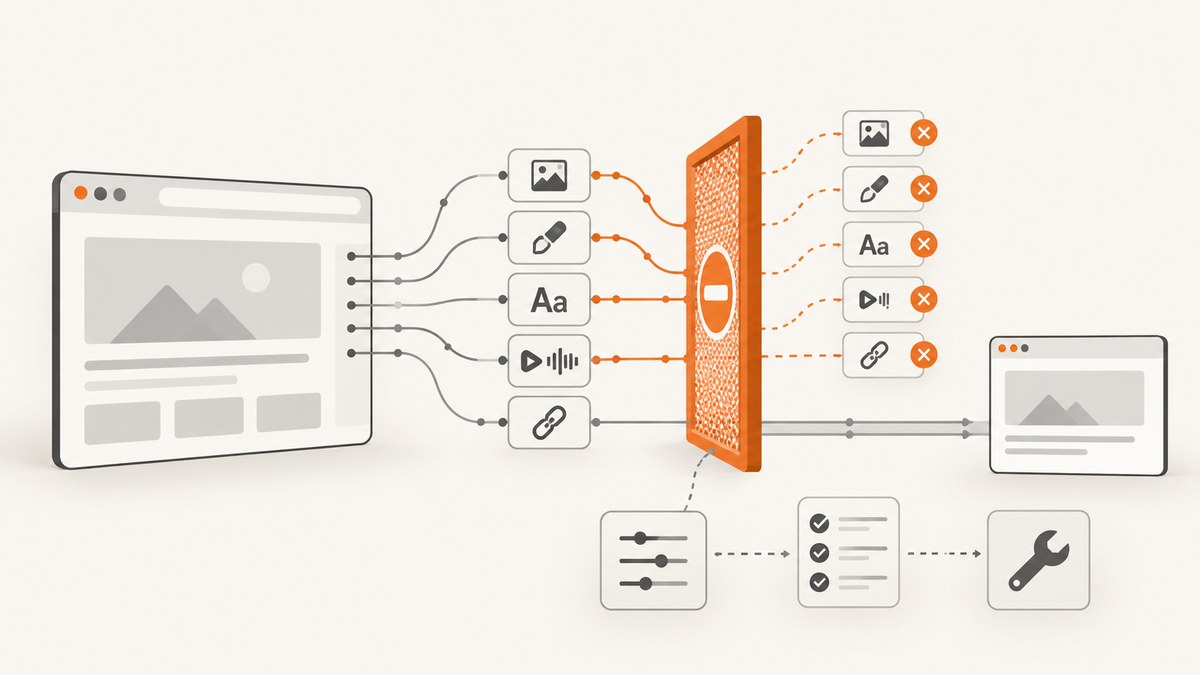
To block network resources in Selenium with Python on Chromium, enable the Chrome DevTools Protocol (CDP) Network domain and call Network.setBlockedURLs with wildcard URL patterns before navigating. This can prevent matching images, stylesheets, fonts, media, or URLs from being requested. It is a Chromium-specific technique; Selenium’s page-load strategy is a separate setting that changes when navigation returns, not which resources the browser requests.
The examples below use Selenium 4 with Chrome. Keep the patterns as narrow as your test allows: blocking a stylesheet can change layout, blocking a font can change text wrapping, and blocking scripts or API requests can stop an application from starting. Check the resulting page state as well as the network activity.
1. Install Selenium and prepare Chrome
Install Selenium in the Python environment used by your test:
python -m pip install seleniumRecent Selenium releases can manage a compatible browser driver through Selenium Manager when you create the driver. Chrome must still be installed. If your environment manages drivers separately, make sure the ChromeDriver version is compatible with the installed Chrome version.
2. Block resource URLs before navigation
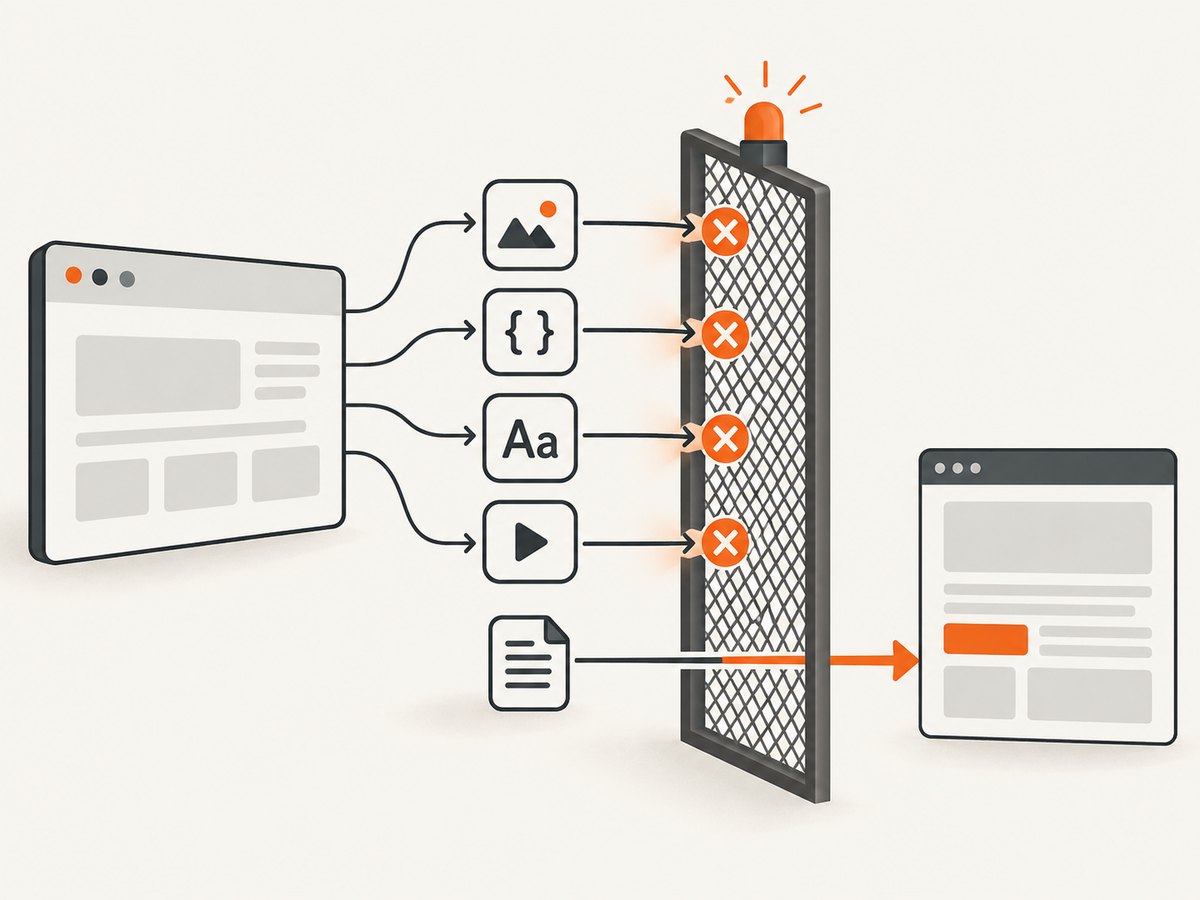
This runnable script blocks common image extensions, CSS, web fonts, and MP4 files. It then navigates to a page and prints the title. Replace the example URL with the page under test.
from selenium import webdriver

options = webdriver.ChromeOptions()
# For a headless run, uncomment the next line:
# options.add_argument("--headless=new")

driver = webdriver.Chrome(options=options)
try:
    driver.execute_cdp_cmd("Network.enable", {})
    driver.execute_cdp_cmd(
        "Network.setBlockedURLs",
        {
            "urls": [
                "*.png", "*.jpg", "*.jpeg", "*.gif", "*.webp",
                "*.css", "*.woff", "*.woff2", "*.mp4",
            ]
        },
    )

    driver.get("https://example.com")
    print(driver.title)
finally:
    driver.quit()
Network.enable activates the CDP Network domain. Network.setBlockedURLs installs the URL patterns. The order matters operationally: set the rules before driver.get() so the initial document’s subresource requests are covered. The CDP method and URL-blocking command are documented by Selenium and Chrome’s protocol reference: Selenium Chromium WebDriver and Chrome DevTools Protocol: Network.setBlockedURLs.
3. Choose patterns at the right granularity
The urls value is a list of wildcard URL patterns. A star (*) matches a variable part of the URL. Extension patterns are convenient for broad resource classes, but they may also block a matching URL on an unrelated host. Host and path patterns constrain the rule to an origin or route.
| Goal | Example pattern | Trade-off |
|---|---|---|
| Block common raster images everywhere | *.png, *.jpg, *.webp |
Simple, but matches these suffixes regardless of host. |
| Block one host | *://cdn.example.com/* |
Limits impact to that host; verify redirects and alternate CDN hosts. |
| Block a path on one host | *://example.com/large-media/* |
More targeted, but URL changes can make the rule miss requests. |
| Block CSS broadly | *.css |
Can substantially change layout and visibility. |
| Block a media format | *.mp4 |
Does not necessarily cover other formats such as WebM or HLS segments. |
Use patterns that describe the requests you intend to suppress. A URL can include query parameters or have a filename without a familiar extension, so an extension rule is not a complete way to identify every image or media request. If the target uses several CDNs or dynamically generated URLs, inspect actual requests and add only the patterns needed by the test.
Reusable helper for a test suite
Putting setup in one function makes the blocking rules visible and consistent. Pass an empty list when a test should run without blocking, or provide a focused pattern list for a particular scenario.
from selenium import webdriver


def make_chrome(blocked_urls=None, headless=False):
    options = webdriver.ChromeOptions()
    if headless:
        options.add_argument("--headless=new")

    driver = webdriver.Chrome(options=options)
    if blocked_urls:
        driver.execute_cdp_cmd("Network.enable", {})
        driver.execute_cdp_cmd(
            "Network.setBlockedURLs", {"urls": blocked_urls}
        )
    return driver


driver = make_chrome(
    blocked_urls=["*.png", "*.jpg", "*.webp"],
    headless=True,
)
try:
    driver.get("https://example.com")
    assert driver.title
finally:
    driver.quit()
Create a fresh driver for each configuration when practical. That keeps one test’s network rules from leaking into another test and makes failures easier to reproduce. If you change rules in a running session, set them deliberately and verify which requests are affected on the next navigation.
4. Verify the block and the page behavior
Blocking is useful only if it changes the intended requests without invalidating the test. Validate both sides:
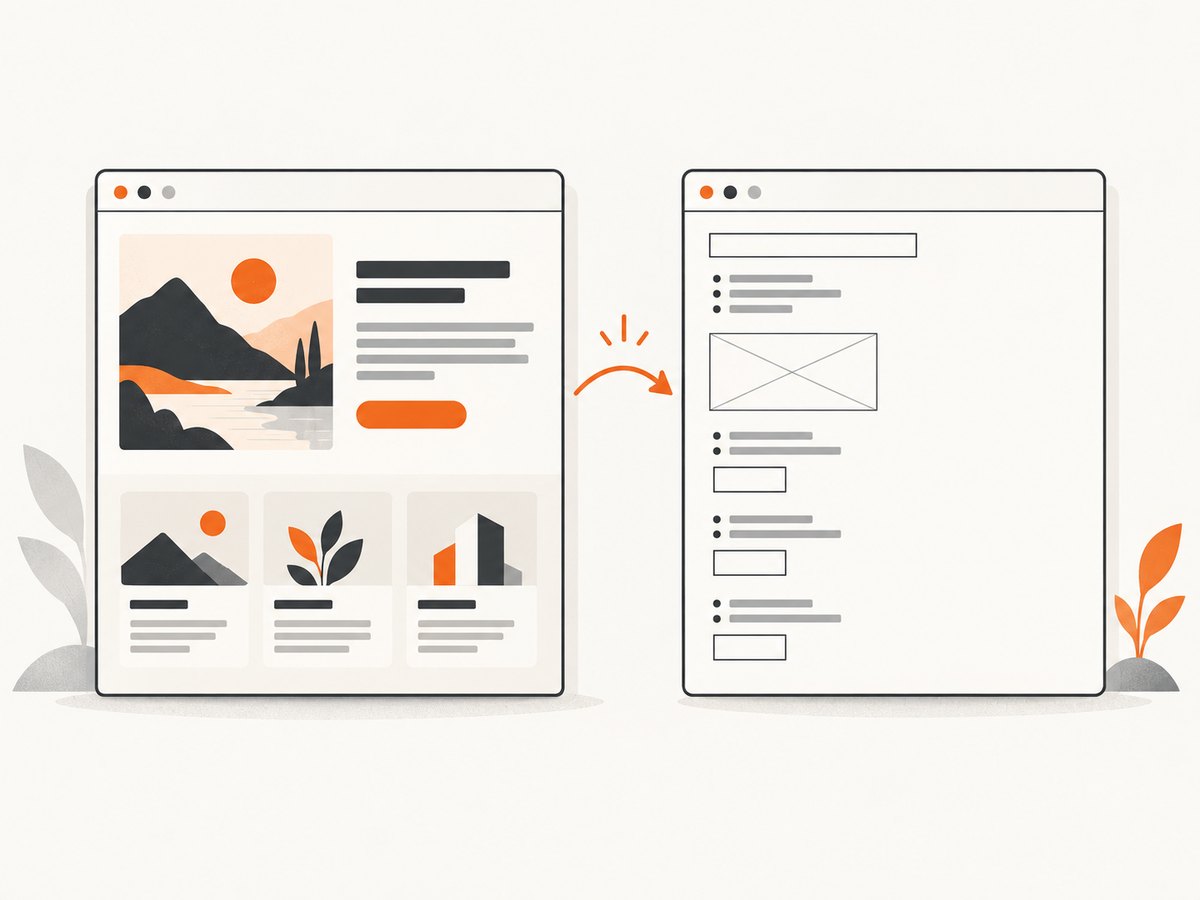
- Run the same navigation with and without the rules.
- Inspect Chrome DevTools’ Network panel and confirm matching requests appear as blocked after reloading. Chrome documents the request-blocking workflow in its Network request conditions guide.
- Assert an application-specific outcome, such as a heading or control being present, rather than treating navigation completion as proof that the app initialized.
- Check for JavaScript errors, missing elements, altered dimensions, or changed timing where those affect the test.
- When comparing request behavior, clear or disable the browser cache so cached responses do not obscure whether a request was prevented.
CDP’s blocked-URL command suppresses matching URL loads; it does not promise that the page will remain visually or functionally equivalent. For example, a page may reserve space for a blocked image, collapse that space, or rely on a blocked script to render content. Those behaviors depend on the page and should be checked in the actual test environment.
5. Blocking resources versus returning from navigation earlier
Selenium’s page_load_strategy controls when a navigation command returns. Its supported values are normal, eager, and none. The Selenium browser options documentation describes eager as returning when DOM access is ready while other resources, such as images, may still be loading; none returns without waiting for the normal load completion. Neither setting prevents image, CSS, font, or media requests by itself.
from selenium import webdriver

options = webdriver.ChromeOptions()
options.page_load_strategy = "eager"
driver = webdriver.Chrome(options=options)
try:
    driver.get("https://example.com")
    # Wait for the page state your test actually needs.
finally:
    driver.quit()
Use URL blocking when a test must prevent selected downloads. Use an earlier page-load strategy when the test can proceed before all resources finish loading. If you combine them, retain explicit waits or assertions for the element or state required by the test; an early return does not mean the application is ready.
6. Common problems and fixes
| Symptom | Likely cause | Fix |
|---|---|---|
| Images still appear | The rule was added after navigation, the URL did not match, or the image came from a URL without the expected suffix. | Install rules before get(); inspect the exact request URL; add a suitably narrow host or path pattern. |
| The page looks broken | CSS, fonts, scripts, or data needed by the page were blocked. | Remove broad patterns, start with one resource type, and verify the page’s required state after each change. |
| The test is still slow | Unblocked requests, server response time, scripts, or test waits may dominate; blocking a few resources does not guarantee faster completion. | Inspect the network log and measure the navigation and test steps in the target environment. Consider eager only if the test can safely act before full load. |
execute_cdp_cmd is unavailable |
The active driver is not Selenium’s Chromium driver, or the browser/driver setup does not expose this Chromium-specific method. | Use Chrome or another supported Chromium browser with Selenium’s Chromium WebDriver. This CDP technique is not a browser-neutral WebDriver command. |
| CDP command raises an error | Wrong command spelling or parameter shape, unsupported browser setup, or a protocol/version mismatch. | Use the exact command name and {"urls": ["pattern"]} structure; check Selenium, browser, and driver versions, then reproduce with one simple pattern. |
| Results differ between runs | Cache state, dynamic URLs, service workers, or site changes may affect what is requested. | Use a controlled browser session, inspect current request URLs, and avoid relying on a pattern that assumes a static filename. |
7. Performance, reliability, and cost considerations
Blocking requests can reduce transferred data and may reduce work for a page, but the effect depends on the target site, network, cache, and what the test waits for. Measure the test you care about instead of assuming a specific speedup. For a fair comparison, keep the browser version, cache state, network conditions, and page state consistent.
Reliability often depends more on choosing stable patterns and meaningful assertions than on adding many rules. Broad rules can silently hide application regressions by preventing a required stylesheet or API call from running. Keep a short documented list, review it when the site changes, and include at least one test that verifies the page remains usable under the intended blocking configuration.
There is no additional service charge for using Selenium’s local CDP command itself; the practical costs are browser execution time, infrastructure, and any network traffic that still occurs. If the task is to generate screenshots rather than test browser behavior, maintaining browser and driver setup may be unnecessary overhead.
8. Or skip the browser setup
If the goal is a clean website screenshot rather than a Selenium test, ScreenshotNeo is a screenshot API and MCP server: send one GET request with a URL to get a PNG, JPEG, WebP, or PDF. Its capture flow accepts cookie and consent banners and removes 60+ known consent platforms, newsletter popups, and chat widgets before the shot; each step can be turned off. Bot checks/CAPTCHAs, blank pages, timeouts, failed loads, and cache hits cost nothing, and response headers report the page verdict and billing status. Its MCP server provides take_screenshot, get_page_info, and capture_pdf for Claude, Cursor, and other MCP clients.
Here is the one-call cURL example; replace the key with your API key. See the ScreenshotNeo API documentation for request options.
curl -G "https://api.screenshotneo.com/v1/shot" \
  -d access_key=YOUR_API_KEY \
  --data-urlencode url=https://stripe.com \
  -o shot.webp
The equivalent Python request is:
import requests

r = requests.get(
    "https://api.screenshotneo.com/v1/shot",
    params={"access_key": "YOUR_API_KEY", "url": "https://stripe.com"},
    timeout=90,
)
open("shot.webp", "wb").write(r.content)
And from Node.js:
const q = new URLSearchParams({
  access_key: 'YOUR_API_KEY',
  url: 'https://stripe.com'
});
const res = await fetch(`https://api.screenshotneo.com/v1/shot?${q}`);
if (!res.ok) throw new Error(`Screenshot request failed: ${res.status}`);
await Bun.write('shot.webp', res);
ScreenshotNeo includes 1,000 screenshots per month free with no card; paid plans start at $5 for 3,000. Sign up for the free plan.
9. FAQ
Can I block requests in Firefox with this exact code?
No. execute_cdp_cmd sends Chromium DevTools Protocol commands. Use a browser-specific mechanism for another browser, or keep the test browser-neutral by avoiding CDP-specific request control.
Does blocking images remove their layout space?
Not necessarily. The page’s HTML and CSS determine whether space is reserved. Assert the layout behavior your test needs.
Can I block a domain instead of file types?
Yes. Use a host pattern such as *://cdn.example.com/*, then confirm the page does not depend on requests to that host.
Should I use this to make every test faster?
Only when the test does not need the blocked resources and you have verified the result. For other cases, use an appropriate wait condition or page-load strategy and preserve the page behavior under test.


