Browser Automation Terms of Service: Restrictions to Check
Can you use browser automation on a website? Check its terms, API rules, robots.txt, technical controls, and your automation’s purpose before you run it.

Can I use browser automation on this website? There is no reliable blanket yes or no. Check the current terms for the exact service, the rules for the access method you plan to use, any machine-readable instructions, and the site’s technical controls. Then compare those rules with what your automation will actually do. Technical access does not by itself establish permission.
This guide is a practical review checklist, not a legal determination. Terms and site settings change, and the relevant law can depend on the facts and jurisdiction. If a restriction is unclear and the activity matters, ask the service owner or seek qualified advice rather than trying to get around the restriction.
1. Identify the workflow before checking the rules
“Browser automation” covers different activities: taking a screenshot for a user, navigating an account, collecting pages for a search index, monitoring prices, training a model, or submitting forms. A site’s rules may treat them differently. Describe the intended workflow in plain language before you inspect the terms.
- Target: Which service, subdomain, account, and pages are involved?
- Access path: A visible browser session, an official API, or both?
- Purpose: User-directed retrieval, indexing, AI training, monitoring, or account actions?
- Scope: Public pages or login-only content? One page or repeated collection?
- Data handling: What will be copied, cached, retained, shared, or republished?
- Identity and load: Which account or credentials are used, and what request volume is planned?
Write this down. A permission that covers a one-off user-directed screenshot may not cover repeated collection, account actions, or redistribution of captured content.
2. Read the current terms and linked policies
Start with the target service’s Terms of Service or Terms of Use. Follow links to acceptable-use rules, privacy policies, automation or scraping policies, and account rules. Search within those documents for terms such as automated, bot, robot, scrape, crawl, data mining, copy, access, reverse engineer, circumvent, account sharing, and rate limit.
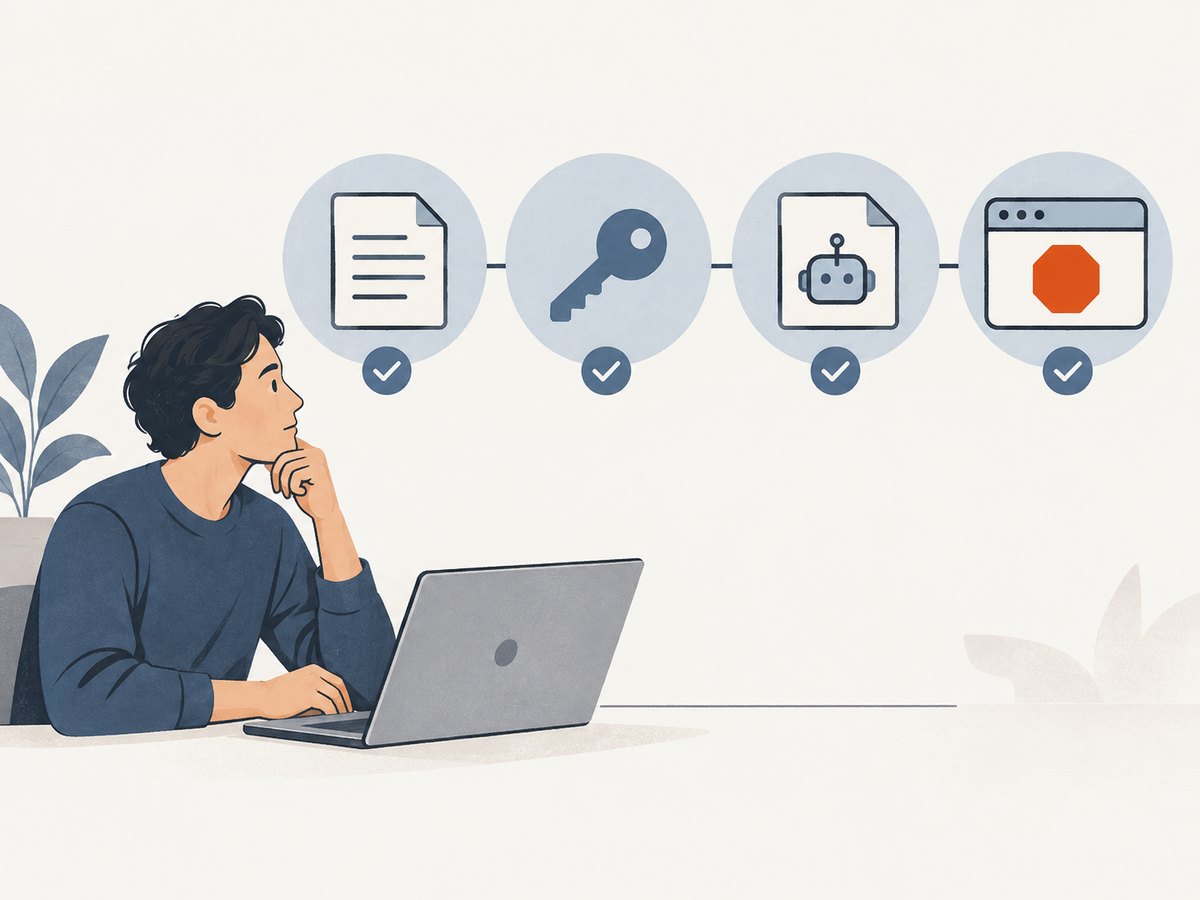
Read the relevant paragraph in context. A policy may prohibit automated access in some circumstances, limit use to a documented interface, prohibit masking identity, restrict account sharing, or set conditions for storing and redistributing content. A passing mention of bots is not enough to decide what your workflow permits.
As one service-specific example, Google’s general terms prohibit using automated means to access content in violation of machine-readable instructions on its pages. That is Google’s rule; it should not be generalized to every site. See the current Google Terms of Service.
3. Check API documentation and API-specific terms
If the service offers an API, inspect its documentation and the terms that apply to that API. API terms can add limits or take precedence over general terms for a conflict. Confirm that your use goes through a documented access method and check:
- Required credentials, authentication, and account identity.
- Quotas, rate limits, permitted concurrency, and the procedure for requesting more capacity.
- Whether the API permits your use case and whether separate terms apply to particular data.
- Rules for caching, retention, permanent copies, attribution, onward sharing, and public display.
- Requirements for end-user consent, privacy notices, and protection of credentials or returned data.
Google’s API terms, for example, say that access must use documented means, identity must not be misrepresented or masked, and documented limits must not be circumvented. They also restrict creating permanent copies or retaining cached API content beyond the allowed period unless the content owner or applicable law permits it. Check the Google APIs Terms of Service and the particular API’s own terms and documentation. These are examples, not universal rules.
Do not assume that using an API makes every use of the returned content permissible. The API’s access rules and the content owner’s rights or restrictions can be separate questions.
4. Read robots.txt, but understand its limits
Check the target host’s robots.txt file and any other machine-readable instructions it publishes. These instructions can signal which crawlers or activities the site asks to include or exclude. Google explicitly refers to machine-readable instructions in its terms, so those instructions can matter contractually for Google’s services and other services may set their own rules.
But robots.txt is not a permission grant, and it is not an access-control mechanism. Cloudflare explains that compliance is voluntary and the file alone does not technically stop access. A page being fetchable does not mean the terms authorize fetching it; a disallow directive should not be “solved” by switching tools or disguising the client. See Cloudflare’s robots.txt documentation.
You can inspect a site’s published file with a normal request. Replace the domain with the exact host you plan to access:
curl -i https://example.com/robots.txtFor a simple local check, these examples retrieve the file without attempting to crawl the site. They do not decide whether your activity is permitted.
import requests

url = "https://example.com/robots.txt"
r = requests.get(url, timeout=20)
print("status:", r.status_code)
print(r.text)
const res = await fetch('https://example.com/robots.txt');
console.log('status:', res.status);
console.log(await res.text());A missing file, an error response, or an empty response is not an affirmative grant. Review the terms and other instructions too.
5. Separate purpose, identity, and access controls
One generic “bot” label may hide meaningful differences. Cloudflare’s documentation distinguishes Search behavior, which collects or indexes content for later answers; Agent behavior, which acts in real time for a person and includes browser-use agents; and Training crawls, which collect content to train or fine-tune a model. A single bot can perform more than one behavior, and site owners may configure controls differently for each. See Cloudflare’s bot behavior documentation.

Describe your actual behavior accurately when checking policies or requesting permission. If a person directs an agent to retrieve one page, say that; do not describe it as search indexing or imply it is a human visit if that would misrepresent the access. Conversely, do not assume a user-directed purpose overrides a site’s express restrictions.
Notice whether the workflow encounters a login, paywall, CAPTCHA, rate limit, or other access control. Treat these as signals to stop and check the rules or obtain permission. Do not treat successful access, a working browser, or the ability to pass a technical barrier as contractual authorization. Do not disguise identity or evade a site’s preferences.
6. A service-by-service review checklist
- Identify the exact target and account. Include the domain, relevant account, and jurisdiction where known.
- Find current rules. Open the terms, acceptable-use policy, account rules, and any linked automation or data policy.
- Search and read in context. Look for automated access, scraping, collection, identity, account sharing, rate limits, copying, storage, and circumvention.
- Check the access channel. If an API exists, confirm the intended endpoint and documented method are allowed for this use.
- Check machine-readable instructions. Review
robots.txtand relevant published directives, while treating them as one input rather than permission. - Record the purpose and behavior. Explain whether the workflow is user-directed, indexing, training, monitoring, or account interaction.
- Check volume and content use. Confirm request frequency, caching, retention, attribution, sharing, and publication fit the applicable rules.
- Stop at unclear restrictions. Ask the site owner or seek qualified advice when the answer matters. Do not work around the control while waiting.
- Keep a record. Save the policy links, date checked, relevant version or excerpts, permission received, and the workflow covered.
- Recheck on change. Review again if the service updates terms, the workflow adds accounts or volume, or the output will be stored or shared differently.
7. Common mistakes and how to correct them
| Mistake | Why it is unreliable | Better check |
|---|---|---|
| “The page is public, so automation is allowed.” | Public visibility does not answer what the terms allow you to do or how you may reuse the content. | Read the current terms and content-use rules for the exact service and purpose. |
| “robots.txt allows it, so I have permission.” | Robots instructions are not a contractual permission grant; their technical enforcement is limited. | Review terms, API rules, and owner controls separately. |
| “The browser loaded it, so the site authorized it.” | Technical success is not proof of contractual permission. | Stop when access controls or explicit restrictions appear; seek clarification. |
| “The API permits a request, so I can keep or republish its response.” | Access, caching, retention, and redistribution may have distinct restrictions. | Read API terms, endpoint documentation, and content-specific rules. |
| “All AI bots are treated the same.” | Some site controls distinguish search, live agents, and training behavior. | Describe what your process actually does and check the relevant policy settings. |
| “Changing user agents or rotating accounts fixes a block.” | Masking identity or evading limits can violate the rules and does not create permission. | Honor the restriction; request access through an approved route. |
8. Performance, reliability, and cost planning
Compliance checks are not just legal housekeeping. A workflow that ignores limits, policy changes, or site controls may be interrupted, return incomplete results, or cause account and operational problems. Build a conservative request schedule within documented quotas. Use the documented API when the service specifies one; keep credentials out of source control, and handle authentication and returned data according to the service’s rules.
For recurring jobs, record the date and source of the rules you reviewed, the approved scope, expected volume, and data retention plan. Add a review step before increasing volume, adding a new data use, or enabling a new agent behavior. Respect documented retry guidance and stop on denials or explicit blocking rather than retrying aggressively. Budget for authorized API usage and for the engineering cost of reviewing changes; do not assume a free or technically reachable endpoint has unlimited permitted use.
For screenshot workflows, the same access review applies: a screenshot is still a retrieval of page content. If the target site’s rules permit the intended retrieval, a screenshot API can remove the need to maintain your own browser runtime. It does not grant permission to access a site or reuse its content.
9. Or skip the browser setup
For a permitted screenshot, ScreenshotNeo is a website screenshot API and MCP server. One GET request returns an image or PDF. Its clean-shot flow accepts cookie and consent banners like a visitor and removes 60+ known consent platforms, newsletter popups, and chat widgets; each step can be turned off. Only clean shots are billed: bot checks, CAPTCHAs, blank pages, timeouts, failed loads, and cache hits cost nothing, and response headers identify the page verdict and billing result. Its MCP server provides take_screenshot, get_page_info, and capture_pdf for Claude, Cursor, and other MCP clients. See the ScreenshotNeo API documentation.
Example request for a target you are allowed to capture:
curl -G "https://api.screenshotneo.com/v1/shot" -d access_key=YOUR_API_KEY --data-urlencode url=https://stripe.com -o shot.webpimport requests
r = requests.get("https://api.screenshotneo.com/v1/shot", params={"access_key": "YOUR_API_KEY", "url": "https://stripe.com"}, timeout=90)
open("shot.webp", "wb").write(r.content)const q = new URLSearchParams({ access_key: 'YOUR_API_KEY', url: 'https://stripe.com' });
const res = await fetch(`https://api.screenshotneo.com/v1/shot?${q}`);Cookie banners, popups, and chat widgets are removed before the shot; bot checks, blank pages, and failed loads are never billed; an MCP server lets AI agents take screenshots; and 1,000 screenshots per month are free with no card, with paid plans starting at $5 for 3,000. These capture features do not override a target site’s terms or technical restrictions. Sign up for 1,000 free screenshots a month, with no card.
10. Short FAQ
Does a site’s robots.txt decide whether automation is legal?
No single file answers every contractual or legal question. Treat it as a published instruction to consider alongside the terms, access method, purpose, and applicable law.
Is browser automation allowed if I use my own account?
Using your own account does not settle whether automation is permitted. Check account, automation, and access rules for that service.
Can I rely on a policy page I saved last year?
Use it as a record of what you reviewed then, not as proof of the current rules. Reopen the current documents before material or recurring use.
What if the terms do not mention bots?
Absence of a keyword is not necessarily permission. Check linked policies, API rules, machine-readable instructions, and any access controls; ask the owner if the intended use remains unclear.
Sources and scope
This checklist draws on the current service-specific distinctions in the Google Terms of Service, Google APIs Terms, Cloudflare robots.txt documentation, and Cloudflare bot behavior documentation. These sources illustrate how rules can differ; they do not establish a universal rule for every site, workflow, or jurisdiction. Check the live documents and actual site settings when you use them.


