How to Build and Use a REST API with Flask in Python
Build a practical Flask REST API with JSON routes, validation, errors, tests, and production deployment guidance.
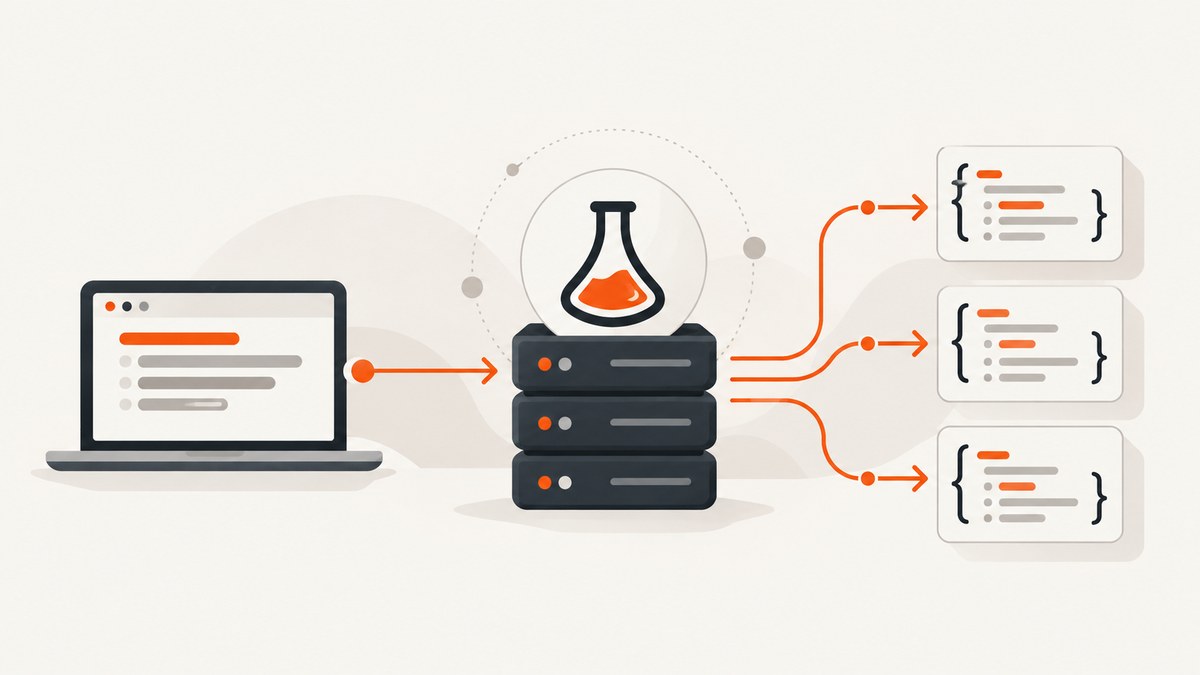
Flask gives Python developers a small, direct way to map HTTP requests to Python functions. In this tutorial you will build and use a REST-style API for an in-memory collection of items. The finished service supports GET collection and detail requests, POST creation, JSON responses, validation, consistent errors, and automated checks with Flask’s test client.
The complete flow is:
- Create a Python virtual environment and install Flask.
- Define routes with explicit HTTP methods.
- Read JSON input and return JSON-compatible data.
- Use meaningful status codes and one error format.
- Call the API with curl or Python.
- Test it without starting a server.
- Run Flask’s development server locally, then deploy the WSGI application with a production server.
1. Set up a Flask project
Flask supports Python 3.9 and newer according to its installation documentation. A virtual environment keeps this project’s dependencies separate from other Python applications. The following commands work on macOS, Linux, and Windows PowerShell with the activation command adjusted for your shell.
mkdir flask-items-api
cd flask-items-api
python3 -m venv .venv

# macOS or Linux
source .venv/bin/activate

# Windows PowerShell
# .venv\\Scripts\\Activate.ps1

python -m pip install --upgrade pip
pip install Flask
Flask’s official installation guide covers the supported Python versions, virtual environments, and installation details: Flask Installation.
2. Create the REST API
Create a file named app.py. This deliberately uses an in-memory list so that the HTTP and Flask mechanics stay visible. A real application would replace the list with a database or another durable store.
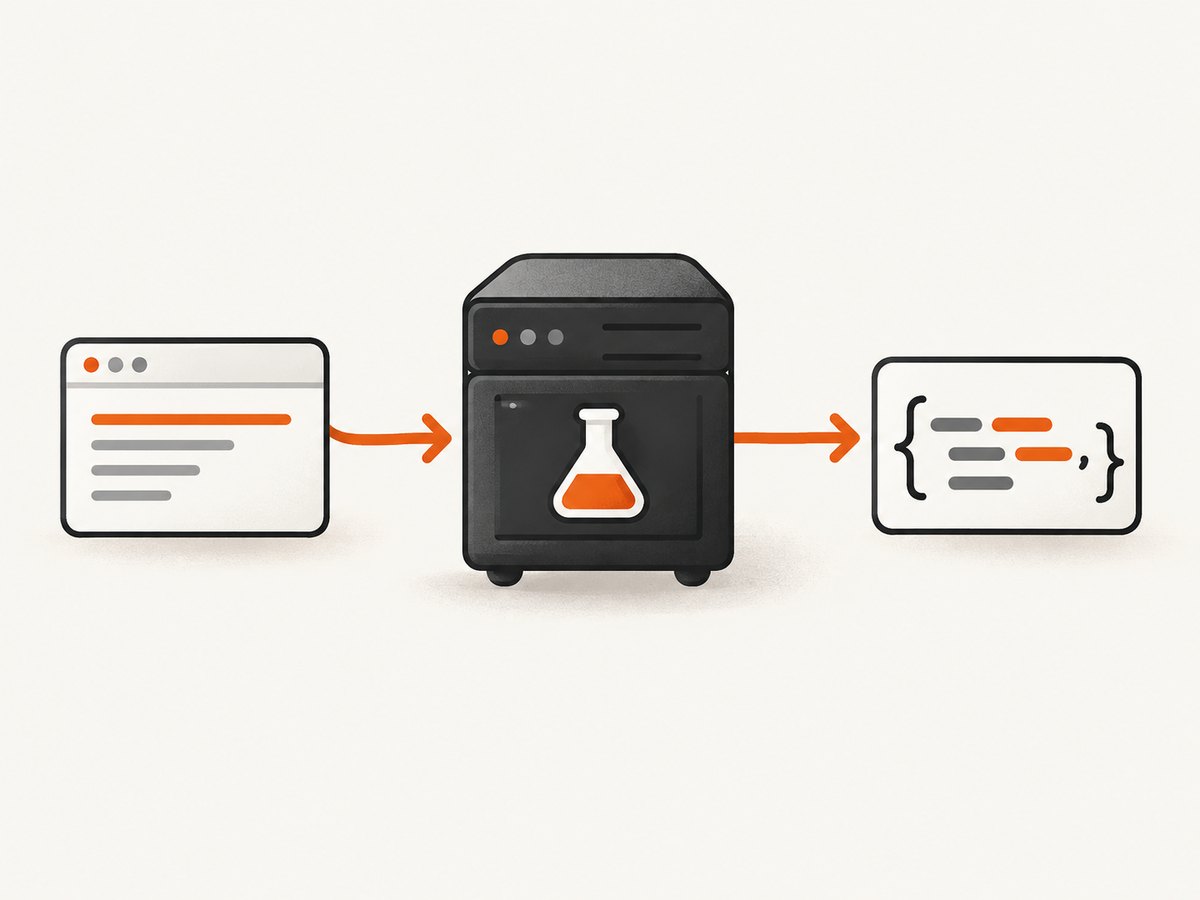
from flask import Flask, jsonify, request

app = Flask(__name__)

# Teaching data only: it disappears when the process restarts.
items = [
    {"id": 1, "name": "Notebook", "price": 8.5},
    {"id": 2, "name": "Pen", "price": 2.0},
]
next_id = 3


def error_response(message, status):
    """Return one predictable error shape for API clients."""
    return jsonify({"error": message}), status


@app.get("/items")
def list_items():
    return jsonify({"items": items, "count": len(items)})


@app.get("/items/<int:item_id>")
def get_item(item_id):
    item = next((candidate for candidate in items if candidate["id"] == item_id), None)
    if item is None:
        return error_response("Item not found", 404)
    return jsonify(item)


@app.post("/items")
def create_item():
    global next_id

    data = request.get_json(silent=True)
    if not isinstance(data, dict):
        return error_response("Request body must be a JSON object", 400)

    name = data.get("name")
    price = data.get("price")

    if not isinstance(name, str) or not name.strip():
        return error_response("name must be a non-empty string", 400)
    if isinstance(price, bool) or not isinstance(price, (int, float)) or price < 0:
        return error_response("price must be a non-negative number", 400)

    item = {
        "id": next_id,
        "name": name.strip(),
        "price": price,
    }
    items.append(item)
    next_id += 1

    return jsonify(item), 201


@app.errorhandler(404)
def handle_not_found(error):
    return error_response("Resource not found", 404)


@app.errorhandler(405)
def handle_method_not_allowed(error):
    return error_response("HTTP method is not allowed for this resource", 405)


@app.errorhandler(500)
def handle_server_error(error):
    return error_response("Internal server error", 500)


if __name__ == "__main__":
    app.run(debug=True)
Flask routes answer GET by default, but this example declares methods with @app.get and @app.post. You can also use one decorator with methods=["GET", "POST"]; separate functions make each operation easier to read. See the Flask Quickstart for routing and request details.
Why these response choices matter
GET /itemsreturns a JSON object containing both the collection and its count.GET /items/<id>returns one item or a404JSON error.POST /itemsrequires a JSON object, validates fields, and returns the created representation with201 Created.- A malformed body is a client error, so it receives
400 Bad Request. - Unsupported methods receive
405 Method Not Allowed. - Unhandled failures receive a consistent
500body. In production, log the exception details privately while returning a generic message to clients.
Flask can convert a returned dictionary or list into JSON automatically. jsonify() makes the conversion explicit and lets you attach a status code as shown here. Return only JSON-serializable values; convert database model objects to dictionaries first. The behavior is documented in the Flask API reference.
3. Run and call the API locally
With the virtual environment active, start the development server:
flask --app app run --debugIt normally listens at http://127.0.0.1:5000. The debug reloader is useful while editing, but do not expose this server or interactive debugger to the public internet.
List resources with curl
curl http://127.0.0.1:5000/items{"count":2,"items":[{"id":1,"name":"Notebook","price":8.5},{"id":2,"name":"Pen","price":2.0}]}Fetch one resource
curl http://127.0.0.1:5000/items/1
curl -i http://127.0.0.1:5000/items/999
The second command includes headers so you can see the 404 status.
Create a resource with POST
curl -i -X POST http://127.0.0.1:5000/items \\
  -H 'Content-Type: application/json' \\
  -d '{"name":"Marker","price":3.25}'
The Content-Type header tells Flask to parse the body as JSON. The response should have status 201 and include the new numeric id.
Call the API from Python
import requests

base_url = "http://127.0.0.1:5000"

response = requests.get(f"{base_url}/items", timeout=10)
response.raise_for_status()
print(response.json())

new_item = {"name": "Pencil", "price": 1.25}
response = requests.post(
    f"{base_url}/items",
    json=new_item,
    timeout=10,
)
print(response.status_code)
print(response.json())
Install the client library separately with pip install requests. The json= argument serializes the dictionary and sets the JSON content type.
Call the API from Node.js
const baseUrl = 'http://127.0.0.1:5000';

const listResponse = await fetch(`${baseUrl}/items`);
console.log(listResponse.status, await listResponse.json());

const createResponse = await fetch(`${baseUrl}/items`, {
  method: 'POST',
  headers: { 'Content-Type': 'application/json' },
  body: JSON.stringify({ name: 'Eraser', price: 0.9 })
});
console.log(createResponse.status, await createResponse.json());
Recent Node.js releases include a global fetch. On older releases, install a fetch-compatible package.
4. Test routes without starting a server
Flask’s test client makes requests against the application in process. It is faster and more deterministic than launching a live server for every test. Create test_app.py:
import pytest
from app import app


@pytest.fixture
def client():
    app.config.update(TESTING=True)
    with app.test_client() as client:
        yield client


def test_list_items_returns_json(client):
    response = client.get("/items")

    assert response.status_code == 200
    assert response.json["count"] == 2
    assert response.json["items"][0]["name"] == "Notebook"


def test_missing_item_returns_json_404(client):
    response = client.get("/items/999")

    assert response.status_code == 404
    assert response.json == {"error": "Item not found"}


def test_create_item_accepts_json(client):
    response = client.post(
        "/items",
        json={"name": "Ruler", "price": 1.5},
    )

    assert response.status_code == 201
    assert response.json["name"] == "Ruler"


def test_create_item_rejects_invalid_json(client):
    response = client.post("/items", json={"name": "", "price": -1})

    assert response.status_code == 400
    assert "error" in response.json
Install pytest with pip install pytest and run pytest. The test client’s json= parameter sets the request content type, while response.json decodes the response. Flask documents these patterns in Testing Applications.
5. Choose an API design that remains useful
| Decision | Practical guidance |
|---|---|
| Paths | Use nouns such as /items; use a path parameter for one resource. |
| Methods | Use GET for reads and POST for creation. Add PUT/PATCH and DELETE only when their update or removal semantics are defined. |
| JSON shape | Keep success and error bodies stable. Document required fields and types. |
| Status codes | Use 200 for successful reads, 201 for creation, 400 for invalid input, 404 for missing resources, and 405 for unsupported methods. |
| Validation | Reject missing, wrong-type, negative, or unexpected values before changing state. |
| Persistence | The list is process-local. Use a database, migrations, transactions, and concurrency controls for real data. |
Returning a dictionary directly is concise; jsonify() is clearer when you need explicit response construction. A combined route can share setup logic, while one function per method keeps behavior separated. Both patterns are supported by Flask.
6. Troubleshooting common failures
“flask: command not found”
The virtual environment is probably inactive, or Flask was installed into another interpreter. Activate .venv and run python -m pip show Flask. You can also start with python -m flask --app app run.
404 for a route that exists
Check the path, trailing slash, and converter. /items/1 matches the integer route; /items/not-a-number does not. Confirm that the module passed to --app is the file you edited.
405 Method Not Allowed
The URL exists but the HTTP method is not declared. Use POST for creation and ensure your client is not defaulting to GET. The JSON error handler makes this distinction visible.
request.get_json() returns no data
Send valid JSON and Content-Type: application/json. The example uses silent=True so malformed input becomes a controlled 400 response instead of an HTML error.
“Object is not JSON serializable”
Return primitives, lists, and dictionaries. Convert dates, decimals, database rows, and custom classes into a documented JSON representation before returning them.
Data disappears after restart
That is expected because items is an in-memory list. Add a persistent data store when durability, multiple workers, or concurrent writes matter.
Debug mode exposes sensitive information
Never run --debug on a public host. The interactive debugger is a development feature and can disclose application internals.
7. Production, reliability, performance, and cost
The built-in server is for local development. Flask is a WSGI application; production deployment should use a production WSGI server and the deployment approach appropriate for your hosting environment. Follow Flask’s deployment documentation. Put the application behind TLS, configure structured logs, set request limits, validate authentication, and keep secrets in environment variables.
For reliability, make writes idempotent where clients may retry, validate at the boundary, set client and server timeouts, and return request identifiers in logs. Database transactions prevent partial writes. Health checks should verify dependencies without mutating data.
For performance, avoid doing slow external work inside a request when a queue can handle it. Add database indexes for lookup fields, paginate large collections, and return only fields clients need. Measure latency and error rates in your deployment; this small in-memory example establishes no performance benchmark.
Flask itself has no per-request API charge. Your costs come from the host, database, bandwidth, observability, and any external services. Estimate those separately, then load-test the production stack you choose.
8. Or skip the browser setup: capture API documentation and results with ScreenshotNeo
If your Flask API has a documentation page, dashboard, or rendered response that you need to archive, share, or place in a report, ScreenshotNeo can return a screenshot or PDF from one HTTP request. Its clean capture accepts cookie banners and removes more than 60 known consent platforms, newsletter popups, and chat widgets before the shot. Bot checks, blank pages, timeouts, failed loads, and cache hits are not billed, and each response identifies the page verdict and billing status in X-Page-Verdict and X-Billed headers. An MCP server provides take_screenshot, get_page_info, and capture_pdf tools for Claude, Cursor, and other MCP clients.

See the ScreenshotNeo documentation for all options, including full-page capture, CSS selectors, device presets, custom headers, cookies, JavaScript, waits, blocking rules, caching, signed links, asynchronous jobs, bulk capture, and usage reporting.
curl -G "https://api.screenshotneo.com/v1/shot" -d access_key=YOUR_API_KEY --data-urlencode url=https://stripe.com -o shot.webpimport requests
r = requests.get("https://api.screenshotneo.com/v1/shot", params={"access_key": "YOUR_API_KEY", "url": "https://stripe.com"}, timeout=90)
open("shot.webp", "wb").write(r.content)const q = new URLSearchParams({ access_key: 'YOUR_API_KEY', url: 'https://stripe.com' });
const res = await fetch(`https://api.screenshotneo.com/v1/shot?${q}`);You get 1,000 screenshots per month free with no card. Paid plans start at $5 for 3,000 shots, and every feature is included on every plan. Create a free ScreenshotNeo account.
FAQ
How do I return JSON from Flask?
Return a dictionary or list, or call jsonify(). Ensure every value is JSON-serializable.
How do I send a POST request?
Use POST, send Content-Type: application/json, and provide a JSON body. In Python requests, pass the body with json=....
How do I test an endpoint?
Create a Flask test client, call client.get() or client.post(json=...), then assert the status and response.json.
Can this example use a database?
Yes. Replace the list lookup and append operations with repository or ORM calls, preserving the route contracts and validation.
Should I use Flask’s server in production?
No. Use a production WSGI deployment as described in Flask’s deployment documentation.


