How to Build a Selenium TestNG Program
Build a Java Selenium TestNG project with Maven, testng.xml, parallel execution, Selenium Manager, Grid, and CI-ready practices.
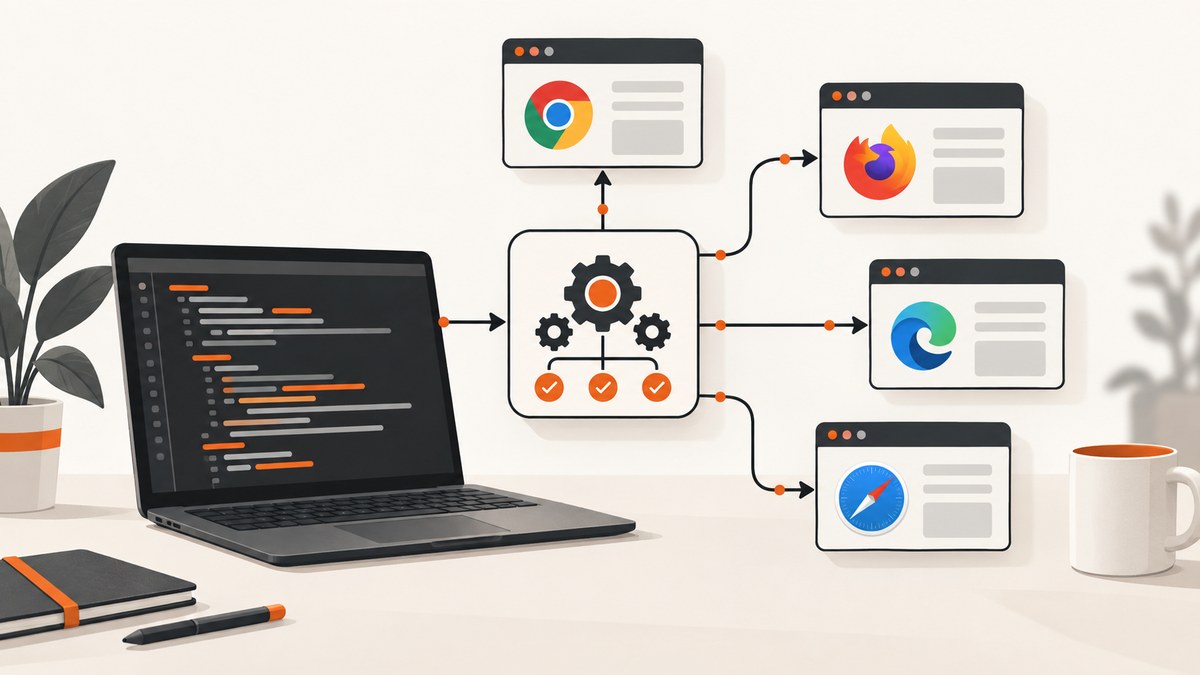
Short answer: create a Java project managed by Maven or Gradle, add Selenium Java and TestNG, create a WebDriver in a TestNG setup method, put browser actions and assertions in @Test methods, quit the driver in teardown, then select tests with testng.xml or your build tool. Selenium WebDriver controls browsers; TestNG executes tests, handles lifecycle, and reports pass or fail.
Selenium describes WebDriver as “an API and protocol that defines a language-neutral interface for controlling the behaviour of web browsers.” WebDriver is the browser-control layer, while TestNG supplies the testing layer and knows how to run assertions and report results. See the Selenium WebDriver documentation and Selenium test-practice guidance.
1. Create the project
Maven layout
selenium-testng-demo/
├── pom.xml
├── testng.xml
└── src
    └── test
        └── java
            └── example
                └── LoginTest.java
Create the directory and initialize a normal Maven project. Keep the suite file and build configuration in source control so local and CI runs use the same selection and settings.
Maven dependencies and Surefire
The following pom.xml uses Selenium Java, TestNG, and Maven Surefire. The versions shown are example stable releases; review approved versions for your organization before upgrading.
<project xmlns="http://maven.apache.org/POM/4.0.0"
         xmlns:xsi="http://www.w3.org/2001/XMLSchema-instance"
         xsi:schemaLocation="http://maven.apache.org/POM/4.0.0 https://maven.apache.org/xsd/maven-4.0.0.xsd">
  <modelVersion>4.0.0</modelVersion>
  <groupId>example</groupId>
  <artifactId>selenium-testng-demo</artifactId>
  <version>1.0-SNAPSHOT</version>

  <properties>
    <maven.compiler.source>17</maven.compiler.source>
    <maven.compiler.target>17</maven.compiler.target>
    <project.build.sourceEncoding>UTF-8</project.build.sourceEncoding>
    <selenium.version>4.25.0</selenium.version>
    <testng.version>7.10.2</testng.version>
  </properties>

  <dependencies>
    <dependency>
      <groupId>org.seleniumhq.selenium</groupId>
      <artifactId>selenium-java</artifactId>
      <version>${selenium.version}</version>
    </dependency>
    <dependency>
      <groupId>org.testng</groupId>
      <artifactId>testng</artifactId>
      <version>${testng.version}</version>
      <scope>test</scope>
    </dependency>
  </dependencies>

  <build>
    <plugins>
      <plugin>
        <groupId>org.apache.maven.plugins</groupId>
        <artifactId>maven-surefire-plugin</artifactId>
        <version>3.5.0</version>
        <configuration>
          <suiteXmlFiles>
            <suiteXmlFile>testng.xml</suiteXmlFile>
          </suiteXmlFiles>
        </configuration>
      </plugin>
    </plugins>
  </build>
</project>
Selenium’s Java installation documentation shows the org.seleniumhq.selenium:selenium-java dependency pattern. TestNG documents Maven integration on its Maven page; Maven Surefire’s TestNG configuration is documented in the Surefire guide.
2. Write a TestNG WebDriver test
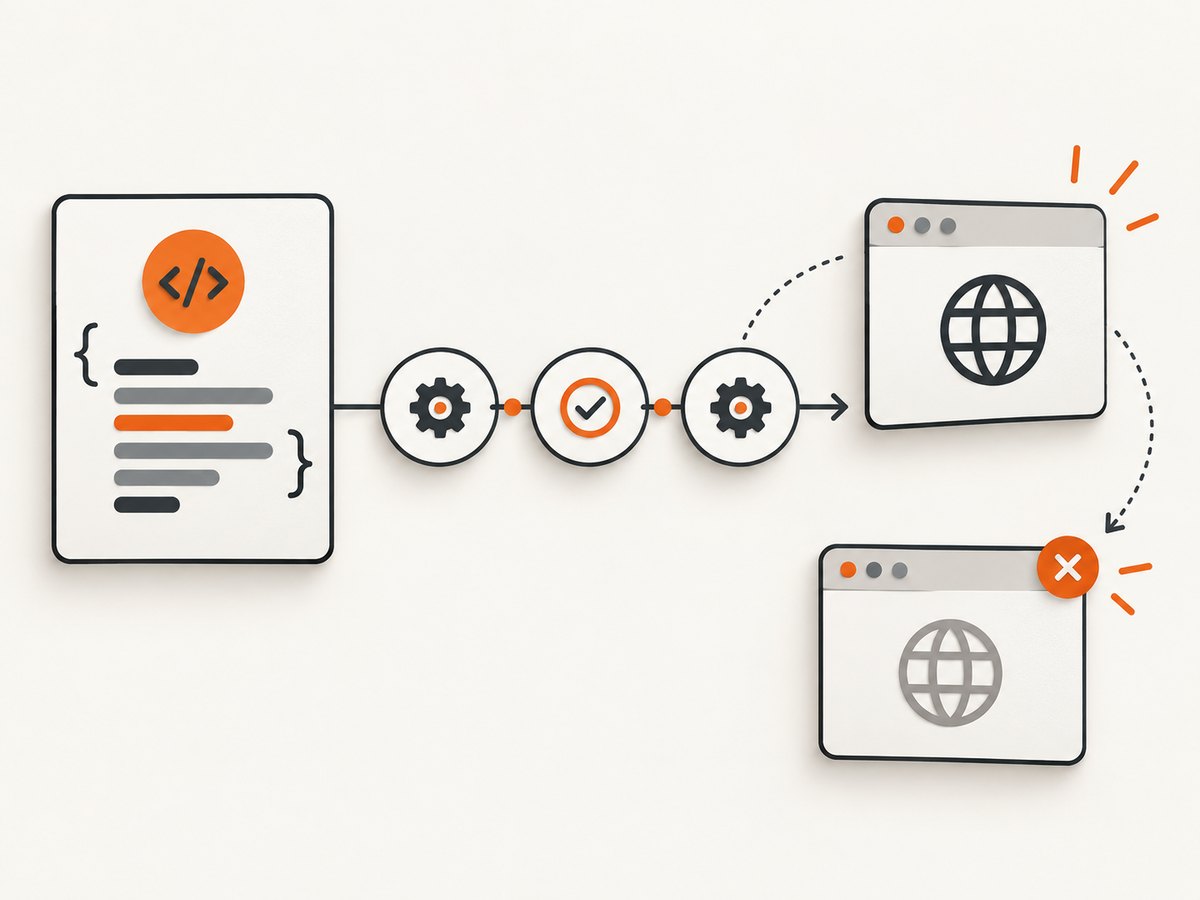
This example creates a fresh browser for each test method. It uses Selenium Manager, so no hard-coded ChromeDriver path is required.
package example;

import java.time.Duration;

import org.openqa.selenium.By;
import org.openqa.selenium.WebDriver;
import org.openqa.selenium.chrome.ChromeDriver;
import org.openqa.selenium.chrome.ChromeOptions;
import org.testng.Assert;
import org.testng.annotations.AfterMethod;
import org.testng.annotations.BeforeMethod;
import org.testng.annotations.Test;

public class LoginTest {
    private WebDriver driver;

    @BeforeMethod
    public void setUp() {
        ChromeOptions options = new ChromeOptions();
        // options.addArguments("--headless=new"); // useful in CI
        driver = new ChromeDriver(options);
        driver.manage().timeouts().implicitlyWait(Duration.ofSeconds(2));
        driver.manage().window().maximize();
    }

    @Test
    public void homePageHasExpectedTitle() {
        driver.get("https://example.com/");
        Assert.assertEquals(driver.getTitle(), "Example Domain");
    }

    @Test
    public void headingIsVisible() {
        driver.get("https://example.com/");
        Assert.assertTrue(driver.findElement(By.cssSelector("h1")).isDisplayed());
    }

    @AfterMethod(alwaysRun = true)
    public void tearDown() {
        if (driver != null) {
            driver.quit();
        }
    }
}
What each annotation does
| Annotation | Purpose |
|---|---|
@BeforeMethod |
Runs before every @Test method. A new driver gives each test isolated browser state. |
@BeforeClass |
Runs once for a class. Use it only when sharing a browser is intentional. |
@Test |
Marks executable test behavior and assertions. |
@AfterMethod(alwaysRun = true) |
Closes the browser even when a test fails. |
@AfterClass |
Performs one class-level cleanup operation. |
Prefer explicit waits for conditions that matter to the test. Avoid combining a large implicit wait with long explicit waits because timeout behavior becomes harder to predict.
import java.time.Duration;
import org.openqa.selenium.support.ui.ExpectedConditions;
import org.openqa.selenium.support.ui.WebDriverWait;

WebDriverWait wait = new WebDriverWait(driver, Duration.ofSeconds(10));
wait.until(ExpectedConditions.visibilityOfElementLocated(By.id("checkout"))).click();
3. Configure testng.xml
A suite can contain one or more <test> elements, and each test can contain classes, packages, groups, or selected methods.
<!DOCTYPE suite SYSTEM "https://testng.org/testng-1.0.dtd">
<suite name="Web smoke suite" verbose="1">
  <test name="Homepage tests">
    <classes>
      <class name="example.LoginTest"/>
    </classes>
  </test>
</suite>
Select groups and methods
<suite name="Regression">
  <groups>
    <run>
      <include name="smoke"/>
      <exclude name="slow"/>
    </run>
  </groups>
  <test name="Selected methods">
    <classes>
      <class name="example.LoginTest">
        <methods>
          <include name="homePageHasExpectedTitle"/>
        </methods>
      </class>
    </classes>
  </test>
</suite>
Apply groups in Java with @Test(groups = {"smoke"}). Keep suite names meaningful because they appear in CI logs and reports.
4. Run the program
mvn test
mvn -Dtest=example.LoginTest test
mvn -Dsurefire.suiteXmlFiles=testng.xml test
TestNG can also run directly from an IDE, but the Maven command should remain the canonical CI entry point. Maven writes Surefire reports under target/surefire-reports.
5. Use Gradle instead
Gradle has first-class TestNG integration. A minimal build.gradle is:
plugins {
    id 'java'
}

repositories {
    mavenCentral()
}

dependencies {
    testImplementation 'org.seleniumhq.selenium:selenium-java:4.25.0'
    testImplementation 'org.testng:testng:7.10.2'
}

test {
    useTestNG {
        suites 'testng.xml'
    }
}
./gradlew test6. Browser and driver management
Selenium Manager can discover, download, and cache required drivers and, where supported, browsers. Its documented cache is ~/.cache/selenium. This removes most manual driver-path setup.
- Use a pinned browser image or reviewed browser version in CI when reproducibility matters.
- Cache the Selenium Manager directory in CI when the environment permits it.
- Do not commit driver binaries to the test repository.
- Use
ChromeOptions,FirefoxOptions, or another browser-specific options class for headless and CI flags.
Read the Selenium Manager documentation for discovery, downloads, and cache behavior.
7. Run tests in parallel with TestNG
TestNG supports methods, tests, classes, and instances parallel modes. Start with class-level parallelism and a conservative thread count:
<suite name="Parallel smoke" parallel="classes" thread-count="3">
  <test name="Browser tests">
    <packages>
      <package name="example"/>
    </packages>
  </test>
</suite>
Every concurrent test needs its own WebDriver. A static driver shared by threads causes navigation races, incorrect assertions, and cleanup failures. Test data must also be isolated: use unique accounts, independent records, or resettable fixtures.
Parallel data providers
import org.testng.annotations.DataProvider;

@DataProvider(name = "searches", parallel = true)
public Object[][] searches() {
    return new Object[][] {{"selenium"}, {"testng"}, {"webdriver"}};
}

@Test(dataProvider = "searches")
public void searchIsHandled(String term) {
    // Create or obtain a driver owned by this invocation before using it.
}
Increase thread-count only after checking CPU, memory, browser startup time, application rate limits, and test-data contention. Parallelism reduces wall-clock time only when the environment can support the added browsers.
8. Move to Selenium Grid
For remote browsers, start a Selenium Server standalone instance and use RemoteWebDriver. Selenium’s official Grid guide uses http://localhost:4444.
java -jar selenium-server-<version>.jar standaloneimport java.net.MalformedURLException;
import java.net.URI;
import org.openqa.selenium.MutableCapabilities;
import org.openqa.selenium.WebDriver;
import org.openqa.selenium.remote.RemoteWebDriver;
MutableCapabilities capabilities = new MutableCapabilities();
capabilities.setCapability("browserName", "chrome");
WebDriver driver = new RemoteWebDriver(
URI.create("http://localhost:4444").toURL(), capabilities);
try {
driver.get("https://example.com/");
} finally {
driver.quit();
}Grid changes execution location from a developer machine to a server or node. Compare local and Grid setups by browser and operating-system coverage, concurrency, environment reproducibility, infrastructure startup cost, and debugging and reporting workflow.
9. CI checklist
- Install a supported JDK and Maven or Gradle.
- Choose a reproducible browser environment.
- Run headless only when the CI environment has no display.
- Store
testng.xmland build files in source control. - Upload Surefire reports and screenshots on failure.
- Set explicit test timeouts and quit every driver in an
alwaysRunteardown. - Keep secrets in CI secret storage, never in Java source or suite XML.
10. Troubleshooting
| Symptom | Likely cause | Fix |
|---|---|---|
SessionNotCreatedException |
Browser and driver or browser image versions are incompatible. | Let Selenium Manager resolve a compatible driver, update the browser image, or pin both versions in CI. |
| Driver executable cannot be found | Old code expects a manually configured driver path. | Use Selenium Manager with a current Selenium release, or provide a managed driver path explicitly. |
| Chrome will not start in CI | No display, sandbox restrictions, or insufficient shared memory. | Use the environment’s approved headless options, verify container permissions, and allocate adequate memory. |
TimeoutException |
The condition never became true, the locator is wrong, or the page is still loading. | Wait for a specific condition, verify the locator, inspect the page state, and avoid arbitrary long sleeps. |
NoSuchElementException |
The element is not present yet, is inside an iframe, or the locator changed. | Wait for presence or visibility, switch to the correct frame, and verify the selector. |
| Tests pass alone but fail in a suite | Shared browser state, static fields, ordering assumptions, or reused test data. | Create isolated drivers and data; remove order dependence. |
| Parallel runs interfere | One driver or account is shared across threads. | Use one driver per thread or invocation and unique test records. |
| TestNG tests are not discovered | Surefire is not reading the suite, or the class is outside the test source tree. | Check src/test/java, the suiteXmlFiles path, annotations, and report output. |
| Grid connection is refused | Selenium Server is stopped or the URL/port is wrong. | Start the server, verify port 4444, and use the reachable Grid URL. |
11. Performance, reliability, and cost
Performance
- Browser startup is expensive; reuse a driver only when test isolation remains correct.
- Use class-level or suite-level setup for read-only flows, and method-level setup for stateful tests.
- Replace fixed sleeps with condition-based waits.
- Run independent classes in parallel after measuring resource limits.
- Use Grid nodes or CI workers when one machine cannot support the desired concurrency.
Reliability
- Use stable user-facing locators such as IDs or dedicated data attributes.
- Wait for the state the assertion needs, not merely for a page load event.
- Capture browser logs, screenshots, and page source when a test fails.
- Keep browser, driver, JDK, and Selenium versions reviewable and reproducible.
- Make teardown idempotent and run it after failures.
Cost
A local Maven run mainly consumes developer or CI CPU and memory. Grid adds server and node infrastructure. Parallel execution can shorten elapsed time while increasing concurrent resource consumption. No general performance benchmark should be assumed; measure startup time, test duration, and failure rate in your own environment.

Or skip the browser setup
If you need an image or PDF of a URL rather than an interactive test, ScreenshotNeo provides a single HTTP request. Its API accepts the URL and returns PNG, JPEG, WebP, or PDF; the API documentation lists the options.
cURL
curl -G "https://api.screenshotneo.com/v1/shot" -d access_key=YOUR_API_KEY --data-urlencode url=https://stripe.com -o shot.webpPython
import requests

r = requests.get(
    "https://api.screenshotneo.com/v1/shot",
    params={"access_key": "YOUR_API_KEY", "url": "https://stripe.com"},
    timeout=90,
)
r.raise_for_status()
open("shot.webp", "wb").write(r.content)
Node.js
const q = new URLSearchParams({ access_key: 'YOUR_API_KEY', url: 'https://stripe.com' });
const res = await fetch(`https://api.screenshotneo.com/v1/shot?${q}`);
if (!res.ok) throw new Error(`Screenshot failed: ${res.status}`);
const body = Buffer.from(await res.arrayBuffer());
require('fs').writeFileSync('shot.webp', body);
ScreenshotNeo removes cookie and consent banners, newsletter popups, and chat widgets before capture. Bot checks, blank pages, timeouts, failed loads, and cache hits are not billed; response headers identify the page verdict and whether the request was billed. It also provides an MCP server with take_screenshot, get_page_info, and capture_pdf tools for Claude, Cursor, and other MCP clients. The Free plan includes 1,000 shots per month without a card; paid plans start at $5 for 3,000 shots.
Create a free ScreenshotNeo account and get 1,000 screenshots per month with no card.
FAQ
Do I need to install ChromeDriver manually?
Usually no. Selenium Manager can discover, download, and cache drivers. Pin browser and driver versions in CI when reproducibility is more important than automatic updates.
Should I create a driver in @BeforeMethod or @BeforeClass?
Use @BeforeMethod for strong isolation. Use @BeforeClass only when sharing browser state is intentional and tests can safely depend on it.
Can TestNG replace Selenium?
No. Selenium controls the browser; TestNG executes, groups, schedules, and reports tests.
When should I use Grid?
Use Grid when you need remote machines, more browser and operating-system combinations, or concurrency beyond one developer or CI machine.
Can I use TestNG without Maven?
Yes. Gradle and IDE runners support TestNG, but a checked-in build configuration gives local and CI runs a consistent dependency and suite definition.


