How to Bulk Generate Double-Sided Printable PDFs from HTML Templates in PHP
Generate duplex PDFs in PHP with HTML templates, page parity rules, library choices, validation, and production troubleshooting.
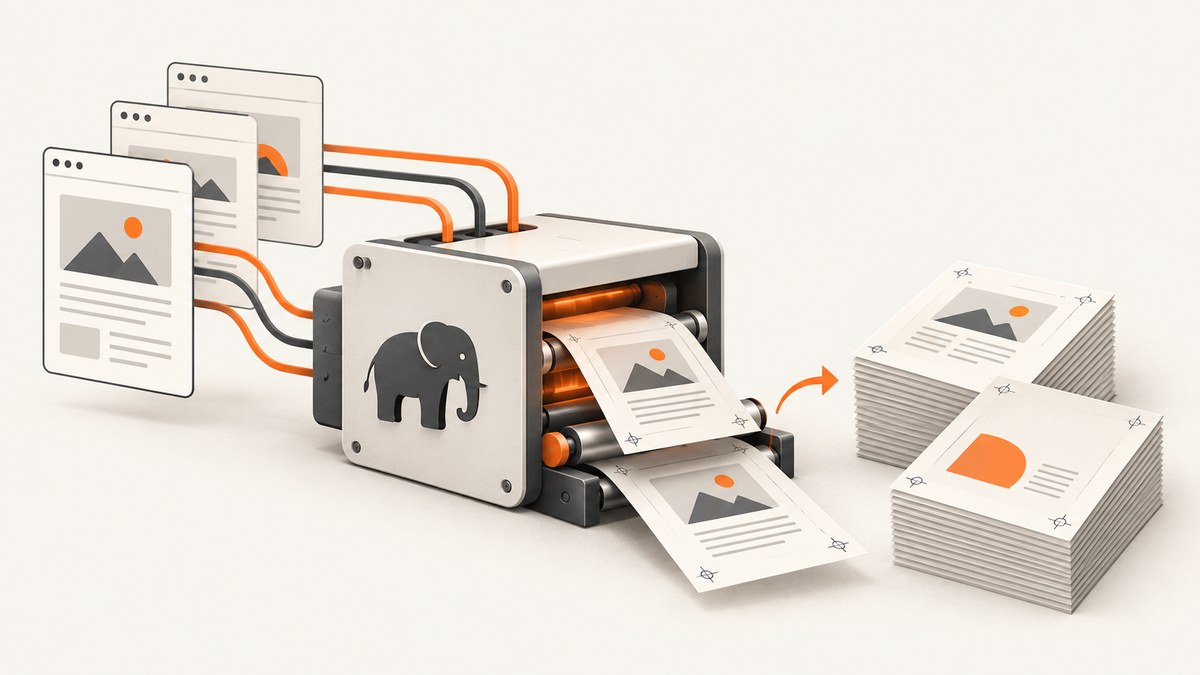
To bulk generate double-sided PDFs in PHP, render each record into print-oriented HTML, convert it in an isolated renderer instance, enforce page parity at every record boundary, and validate the finished PDF before publishing it. If a record must start on a particular side of a sheet, insert a deliberate blank page when the current page parity does not match.
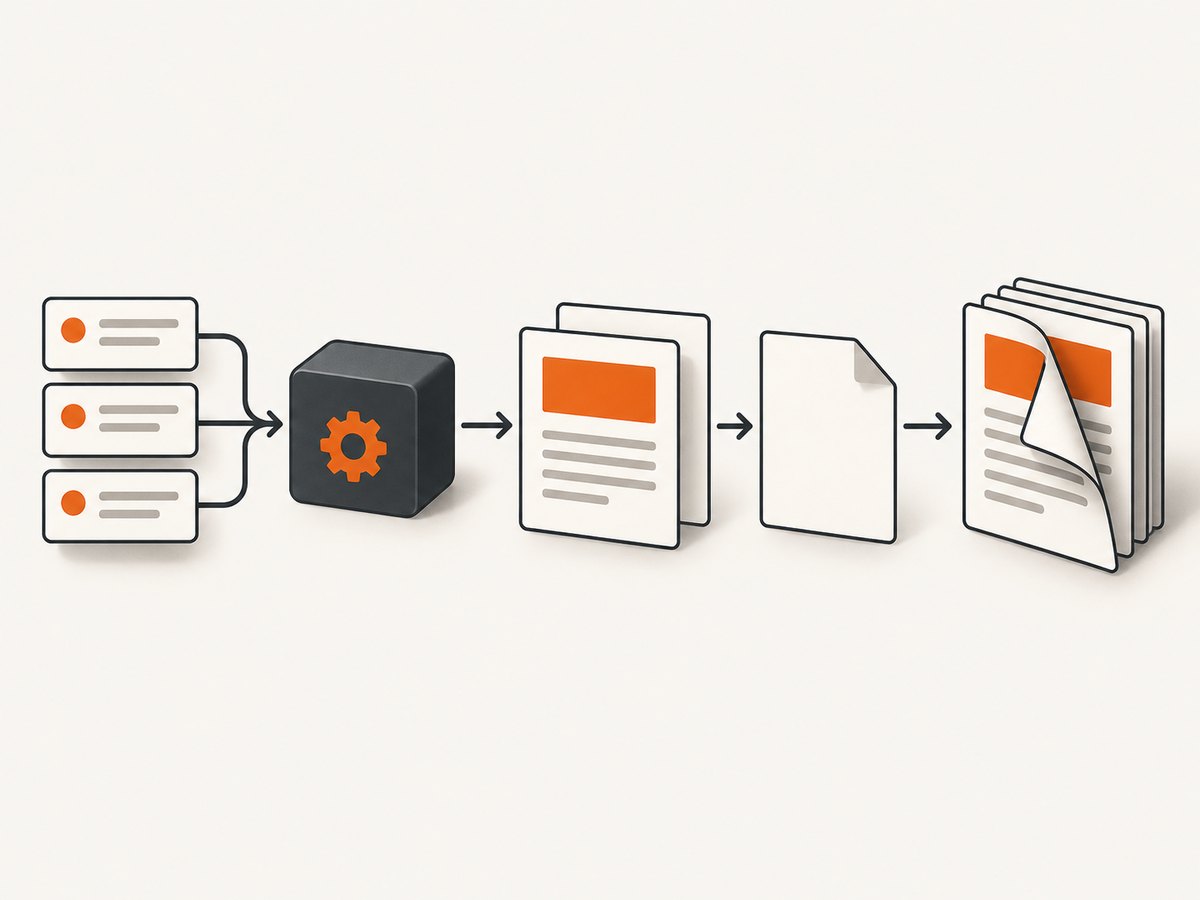
The reliable workflow is:
- Validate and normalize the input rows.
- Escape each value before inserting it into the template.
- Render one record, or a bounded chunk, into deterministic HTML.
- Use a fresh renderer for each document or isolated batch unit.
- Set paper size, margins, fonts, and print breaks explicitly.
- Track odd/even page parity and add blank pages deliberately.
- Write to a temporary file, inspect the result, then move it atomically.
Choose a PHP PDF renderer
| Library | Good fit | Constraints to plan for |
|---|---|---|
| Dompdf | HTML templates using a mostly CSS 2.1 subset, with selected CSS3 such as @import, @media, and @page. |
It is not a browser engine. Keep CSS conservative. The project README warns that one Dompdf instance should not render more than one HTML document because parser and renderer state can persist. |
| mPDF | UTF-8 HTML, headers, footers, page numbers, tables of contents, barcodes, and conditional odd/even page breaks. | The manual describes it as dated, so design the template for mPDF’s supported HTML and CSS rather than assuming browser fidelity. |
| TCPDF / tc-lib-pdf | Controlled placement and a documented HTML/CSS subset. addHTMLCell() handles automatic page and region breaks; getHTMLCell() returns operators for caller-controlled placement. |
There is no browser layout engine. Test supported markup, fonts, and paged-media rules on your exact template. |
Compare candidates on CSS fidelity, @page and break support, Unicode and font embedding, duplex controls, memory behavior, and how easily you can inspect page boundaries. Do not use an unmeasured throughput claim: renderer version, PHP version, fonts, images, template complexity, and hardware all change the result.
Design the template for duplex printing
Define the physical page
Use a fixed paper size and explicit margins. Reserve space for headers, footers, barcodes, trim, and the printer’s non-printable area. A4 and Letter are different physical sizes, so make the choice a configuration value rather than an assumption.
<style>
@page {
  size: A4 portrait;
  margin: 12mm 12mm 14mm 12mm;
}

html, body {
  margin: 0;
  padding: 0;
  font-family: "DejaVu Sans", sans-serif;
  font-size: 10pt;
  color: #111;
}

.record {
  page-break-after: always;
}

.record:last-child {
  page-break-after: auto;
}

.side {
  min-height: 245mm;
  position: relative;
}

.back {
  /* Change this only when your binding workflow requires mirrored margins. */
  padding-left: 2mm;
  padding-right: 2mm;
}

.keep-together {
  page-break-inside: avoid;
}
</style>
Keep each logical side self-contained. Browser-only flexbox, grid, JavaScript, and generated content may not work in a PHP renderer. Use tables or block layout where the selected engine documents support. Embed the exact font files needed for Unicode and consistent line widths. A line wrapping differently on the front can change the page count and shift every back page.
Decide what parity means
PDF page numbers are one-based. Odd pages are normally the front side and even pages the back side, but the correct assignment depends on your printer and binding edge. Write the rule down in configuration and test a physical sample.
For example, if every record is a two-page card, record 1 starts on page 1, record 2 on page 3, and so on. If a record can occupy a variable number of pages, calculate the current page after rendering or use the renderer’s conditional break feature before the next record. mPDF documents this directly: an AddPage() conditional break with type E or O adds a page only when needed to reach the requested parity.
Complete mPDF batch example
The following worker creates one PDF for a batch of records. It uses escaped data, local assets, a deterministic template, an explicit odd-page start, temporary output, and a final validation hook. Install mPDF with Composer:
composer require mpdf/mpdf<?php
declare(strict_types=1);
require __DIR__ . '/vendor/autoload.php';
use Mpdf\Mpdf;
use Mpdf\Output\Destination;
$records = [
['id' => 'A-1001', 'name' => 'Ada Lovelace', 'amount' => '125.00'],
['id' => 'A-1002', 'name' => 'Grace Hopper', 'amount' => '80.00'],
];
function e(string $value): string
{
return htmlspecialchars($value, ENT_QUOTES | ENT_SUBSTITUTE, 'UTF-8');
}
function recordHtml(array $record): string
{
$id = e((string) $record['id']);
$name = e((string) $record['name']);
$amount = e((string) $record['amount']);
return <<<HTML
<section class="record" data-record-id="{$id}">
<div class="side front">
<h1>Statement {$id}</h1>
<p>Customer: {$name}</p>
<p>Amount: {$amount}</p>
</div>
<div class="side back">
<h2>Terms and details</h2>
<p>This side is designed to align with the front when printed duplex.</p>
</div>
</section>
HTML;
}
$css = file_get_contents(__DIR__ . '/print.css');
if ($css === false) {
throw new RuntimeException('Unable to read print.css');
}
$tmp = tempnam(sys_get_temp_dir(), 'pdf-batch-');
if ($tmp === false) {
throw new RuntimeException('Unable to create temporary output');
}
try {
// One renderer instance is used for this one logical document only.
$mpdf = new Mpdf([
'format' => 'A4',
'orientation' => 'P',
'margin_left' => 12,
'margin_right' => 12,
'margin_top' => 12,
'margin_bottom' => 14,
'default_font' => 'dejavusans',
'tempDir' => __DIR__ . '/runtime/mpdf',
]);
$mpdf->WriteHTML('<style>' . $css . '</style>', \Mpdf\HTMLParserMode::HEADER_CSS);
foreach ($records as $index => $record) {
if (!isset($record['id'], $record['name'], $record['amount'])) {
throw new InvalidArgumentException('Record is missing a required field');
}
// Start each record on an odd page. AddPage('O') is conditional.
if ($index > 0) {
$mpdf->AddPage('O');
}
$mpdf->WriteHTML(recordHtml($record), \Mpdf\HTMLParserMode::HTML_BODY);
}
$mpdf->Output($tmp, Destination::FILE);
if (!is_file($tmp) || filesize($tmp) === 0) {
throw new RuntimeException('Renderer produced an empty PDF');
}
$final = __DIR__ . '/output/batch-' . date('Ymd-His') . '.pdf';
if (!is_dir(dirname($final)) && !mkdir(dirname($final), 0775, true)) {
throw new RuntimeException('Unable to create output directory');
}
if (!rename($tmp, $final)) {
throw new RuntimeException('Unable to publish PDF atomically');
}
$tmp = null;
echo "Created {$final}\n";
} finally {
if (is_string($tmp) && is_file($tmp)) {
unlink($tmp);
}
}
In a real job, load records in bounded chunks instead of keeping millions of rows in memory. If a record is intentionally one page and the next must begin on an odd page, the conditional break is enough. If a record can span multiple pages, add a boundary marker to the HTML and validate where that marker lands in the resulting PDF.
Alternative parity strategies
Explicit blank pages
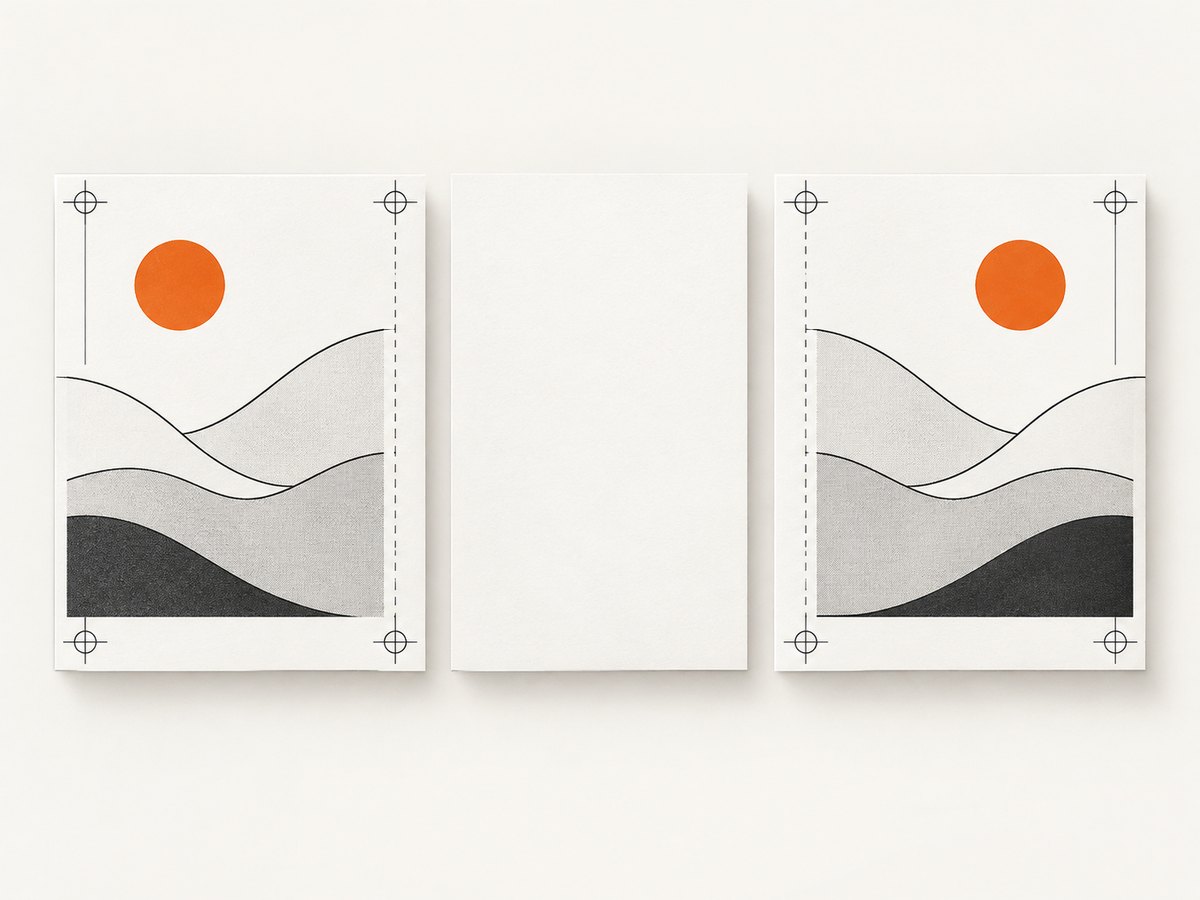
When your business rule is clearer than a renderer’s conditional API, track the page number yourself. Before a new record, if the current page has the wrong parity, append a blank page containing an internal marker such as data-blank-parity="true". Keep a log entry explaining why every blank page exists.
Separate front and back documents
For card stock or preprinted forms, generate a front PDF and a back PDF with identical record ordering. This can simplify imposition, but it moves registration responsibility to the print workflow. Validate that both files have the same number of logical records and that any padding page appears in both positions.
Mirrored margins and binding edges
Duplex printers may flip on the long or short edge. Mirror the inner margin only when the physical binding requires it. Print a numbered calibration sheet with corner marks before producing a large batch. A mathematically correct PDF can still look reversed if the printer driver uses the wrong flip setting.
Validation before release
- Open the PDF and confirm it has a non-zero page count.
- Check that every record begins on the intended odd or even page.
- Confirm no record crosses a forced boundary unexpectedly.
- Compare front and back identifiers in a deterministic fixture.
- Inspect fonts, Unicode text, images, and barcodes at print size.
- Confirm blank parity pages are intentional and present in logs or metadata.
- Print a small duplex sample and check long-edge or short-edge flipping.
- Store input IDs, renderer version, template revision, page count, and validation status.
For automated checks, use a PDF parser available in your deployment to count pages and extract boundary markers. Keep a fixed fixture containing one short record, one long record, Unicode text, a barcode, and an image. Re-run it after changing PHP, the renderer, fonts, image assets, or CSS.
Performance, reliability, and cost
Measure your own workload. Record render time, peak memory, output size, page count, and failure reason for each batch. A large image or a long unbroken table often costs more memory than the number of records suggests.
- Bound the batch: process a limited number of records per worker and enqueue the remainder.
- Reuse data, not renderer state: cache immutable template files and local assets, but create a fresh renderer for each document or isolated batch unit.
- Use local deterministic assets: remote fonts and images introduce latency and can change between runs.
- Set worker limits: enforce time, memory, and maximum input size, then retry only failures that are safe to retry.
- Publish atomically: write to a temporary path, validate, and rename only after success.
- Make jobs idempotent: derive an output key from batch ID and template revision so a retry does not create duplicate deliverables.
There is no universal cost or throughput number for these libraries. Calculate infrastructure cost from measured worker time, memory, storage, and queue volume. If you move rendering to a hosted service, include transfer time, per-document pricing, retention, and whether the service supports your exact CSS and duplex rules.
Troubleshooting common failures
| Symptom | Likely cause | Fix |
|---|---|---|
| Back pages drift to the wrong sheet | No parity rule, or a record changed from one page to two. | Track page parity, force boundaries, and validate every record start. |
| Blank pages appear unexpectedly | A conditional odd/even break was applied after content already ended on the requested parity. | Log each conditional break and inspect the preceding page count. |
| CSS works in Chrome but not in the PDF | The PHP renderer supports a smaller HTML/CSS subset. | Replace flexbox/grid and browser-only features with documented constructs and test a minimal fixture. |
| Only the first document is correct | A renderer instance was reused and retained parser or layout state. | Create a fresh instance per document or isolated batch unit, especially with Dompdf. |
| UTF-8 characters are missing | The font lacks glyphs or was not embedded. | Configure a Unicode font, embed the required files, and test the actual character set. |
| Images disappear | Remote URLs are blocked, paths are wrong, or the format is unsupported. | Use readable local assets, absolute controlled paths, and a renderer-supported format. |
| Memory exhaustion | Huge images, unbounded batches, or a long table. | Resize images, split jobs, stream input, and set a worker memory budget. |
| Output is corrupt or truncated | The process failed while writing the final file. | Write to a temporary file, check size and page count, then rename atomically. |
Or skip the browser setup
If you need a rendered image of an HTML page for proof sheets, previews, or visual QA, ScreenshotNeo provides a website screenshot API and MCP server. It accepts one GET request and returns PNG, JPEG, WebP, or PDF output. It is useful alongside a PHP PDF worker when you want a clean visual capture of a hosted template without installing or operating a browser.
See the ScreenshotNeo API documentation for all options. A minimal request is:
cURL
curl -G "https://api.screenshotneo.com/v1/shot" -d access_key=YOUR_API_KEY --data-urlencode url=https://example.com/template-preview -o shot.webpPython
import requests
r = requests.get("https://api.screenshotneo.com/v1/shot", params={"access_key": "YOUR_API_KEY", "url": "https://example.com/template-preview"}, timeout=90)
open("shot.webp", "wb").write(r.content)
Node.js
const q = new URLSearchParams({ access_key: 'YOUR_API_KEY', url: 'https://example.com/template-preview' });
const res = await fetch(`https://api.screenshotneo.com/v1/shot?${q}`);
ScreenshotNeo removes cookie and consent banners, newsletter popups, and chat widgets before capture; bot checks, blank pages, failed loads, timeouts, and cache hits are not billed, and response headers identify the page verdict and billing result. Its MCP server exposes take_screenshot, get_page_info, and capture_pdf for Claude, Cursor, and other MCP clients. You get 1,000 screenshots each month free with no card; paid plans start at $5 for 3,000. Create a free ScreenshotNeo account.
FAQ
Should every record be rendered in its own PDF?
Use one PDF per batch when the printer receives a combined job. Use separate files when records have different paper settings, permissions, or delivery destinations. In either case, isolate renderer state.
Can CSS force a record to start on an odd page?
CSS can request a page break, but conditional odd/even behavior is renderer-specific. Implement parity in application code or use a documented API such as mPDF’s conditional AddPage().
How do I support Letter and A4?
Make paper size, margins, and minimum side height configuration values. Run the same fixture for each size because line wrapping can change page parity.
How can I prove a batch is reproducible?
Persist the input IDs, template revision, renderer and PHP versions, font package, asset checksums, page count, and validation result with the output.
When should I use a browser-based renderer?
Use one when you require browser-level CSS or JavaScript. For print-critical duplex work, first confirm that it preserves page breaks, embedded fonts, margins, and deterministic output under your production workload.


