How to Convert URLs to Images, PDFs, and Videos in Bulk
Learn how to batch-render URL lists as images, PDFs, or scrolling videos with browser automation, APIs, retries, and reliable file handling.
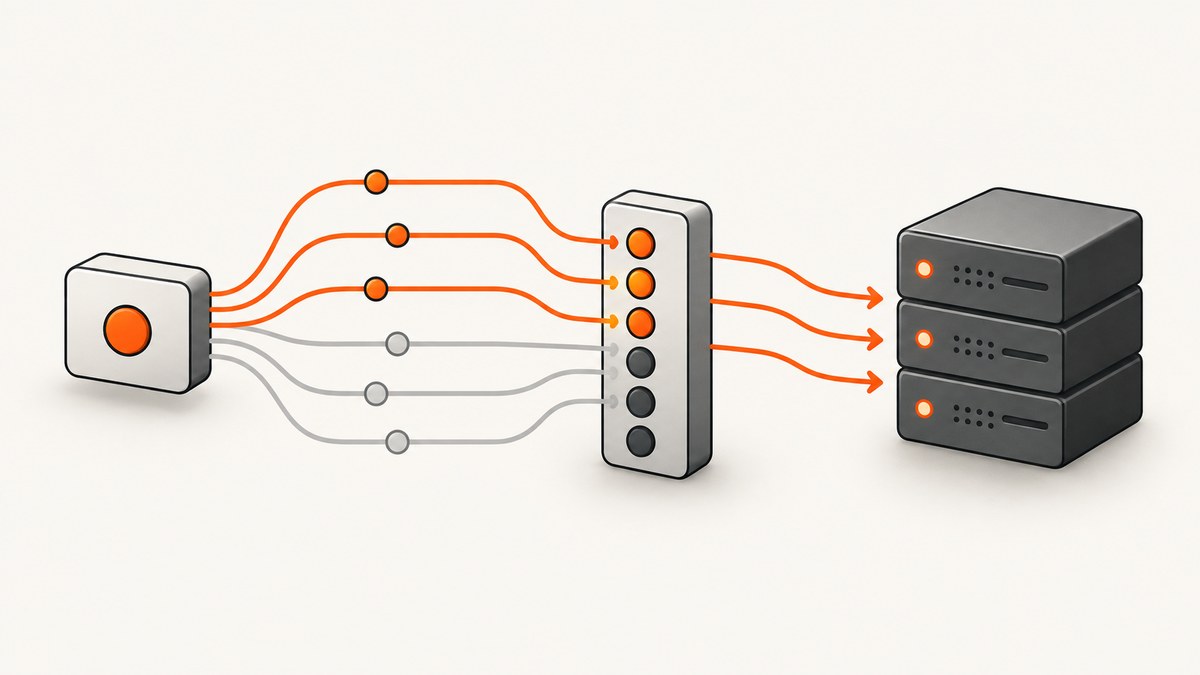
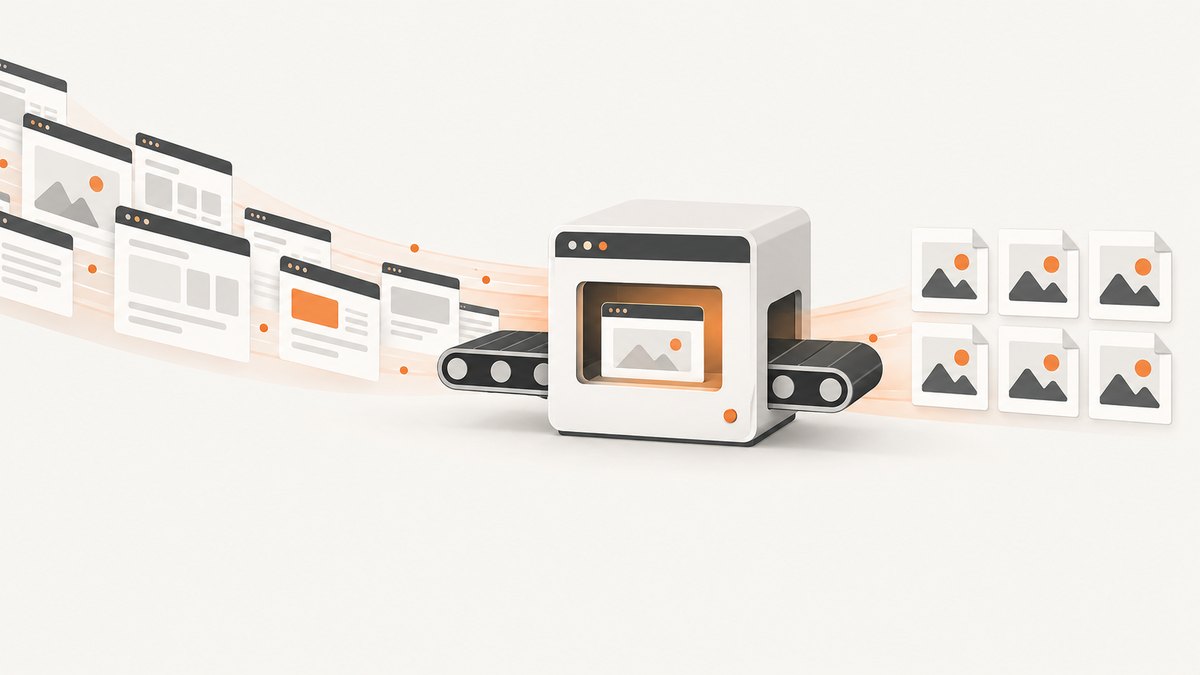
To convert URLs in bulk, give a known list of URLs to a browser-rendering workflow that can process each address, wait for JavaScript and lazy content, save the requested format, and report success or failure per page. Use a batch screenshot or rendering API when you need repeatable output without maintaining browsers. Use local automation when you need full control over storage, authentication, or custom interactions.
A URL list and a whole-site crawl are different jobs. A batch processes addresses you already know. A crawler discovers pages from a sitemap or links and then captures them. Choose the workflow before choosing a tool.
Choose the right bulk workflow
| Goal | Best starting point | Verify first |
|---|---|---|
| Known URLs to images | Batch screenshot endpoint or URL-list upload | URL limit, viewport, full-page mode, filenames, retries, failure manifest |
| Known URLs to PDFs | URL-to-PDF batch endpoint | Print CSS, paper size, margins, pagination, page ranges, asynchronous behavior |
| Entire website | Sitemap or crawler workflow | Crawl scope, duplicate handling, access rules, page limits, ZIP delivery |
| Scrolling website video | Video or animation capture endpoint | Container format, duration, scroll behavior, viewport, per-URL batching |
| Private or highly customized pages | Local browser automation | Browser installation, cookies, headers, concurrency, storage, rate limits |
Vendor capabilities are not universal. For example, url2image documents URL-list uploads, JSON batches, ZIP output, a manifest, failed-page CSV reporting, retries, and batches of up to 500 URLs. Urlbox documents screenshots, PDFs, videos, extracted text, metadata, synchronous and asynchronous calls, and thumbnail workflows. EnConvert documents explicit-list and crawl-based PDF or screenshot jobs with polling. ScreenshotEngine documents URL-to-PDF and scrolling video recipes, including WebM output. Confirm current limits, prices, formats, and retention policies before building around any service.
Prepare a URL list that can be processed safely
- Store one absolute URL per record. Include a stable identifier such as
product-042so output names do not depend on page titles. - Normalize duplicates before submitting. Decide whether query parameters such as tracking codes identify different pages.
- Record expected output format, viewport, locale, and authentication requirements alongside each URL.
- Decide how redirects should be handled. Save the final URL in your manifest because a redirect may change what was captured.
- Set a deterministic filename policy, for example
id.format, and sanitize slashes, spaces, and characters that are invalid on your operating system.
url,id,format
https://example.com/pricing,pricing,image
https://example.com/docs/getting-started,getting-started,pdf
https://example.com/changelog,changelog,video
Keep the original URL, final URL, HTTP status, capture timestamp, output path, dimensions, byte size, and error message in a manifest. This lets you rerun only failed records instead of repeating an entire batch.
Local browser automation with Playwright
Local automation is useful when you need custom JavaScript, authenticated sessions, private network access, or a storage layout your rendering provider does not expose. The tradeoff is operational: you must install browsers, cap concurrency, handle timeouts, retry transient failures, and archive results.
Install and create a worker
python -m pip install playwright
python -m playwright install chromium
import asyncio
import csv
import json
from pathlib import Path
from playwright.async_api import async_playwright, TimeoutError as PlaywrightTimeoutError
INPUT = Path("urls.csv")
OUT = Path("captures")
OUT.mkdir(exist_ok=True)
CONCURRENCY = 4
TIMEOUT_MS = 60_000
async def capture(browser, row):
url = row["url"]
ident = row["id"]
kind = row.get("format", "image")
context = await browser.new_context(viewport={"width": 1440, "height": 900}, device_scale_factor=1)
page = await context.new_page()
result = {"id": ident, "url": url, "format": kind, "ok": False}
try:
response = await page.goto(url, wait_until="networkidle", timeout=TIMEOUT_MS)
await page.evaluate("window.scrollTo(0, document.body.scrollHeight)")
await page.wait_for_timeout(500)
if kind == "pdf":
path = OUT / f"{ident}.pdf"
await page.pdf(path=str(path), format="A4", print_background=True, margin={"top":"12mm","right":"12mm","bottom":"12mm","left":"12mm"})
elif kind == "video":
raise ValueError("Playwright does not provide a complete video recorder in this worker; use a video-capable capture service or add a recording pipeline.")
else:
path = OUT / f"{ident}.png"
await page.screenshot(path=str(path), full_page=True)
result.update({"ok": True, "path": str(path), "status": response.status if response else None, "final_url": page.url})
except (PlaywrightTimeoutError, Exception) as exc:
result["error"] = str(exc)
finally:
await context.close()
return result
async def main():
with INPUT.open(newline="") as f:
rows = list(csv.DictReader(f))
semaphore = asyncio.Semaphore(CONCURRENCY)
async with async_playwright() as pw:
browser = await pw.chromium.launch()
async def limited(row):
async with semaphore:
return await capture(browser, row)
results = await asyncio.gather(*(limited(row) for row in rows))
await browser.close()
Path("manifest.json").write_text(json.dumps(results, indent=2))
asyncio.run(main())The example scrolls once to trigger common lazy-loading behavior, then captures a full-page PNG or print-style PDF. Some pages load content only when an element enters the viewport, so a production worker should scroll incrementally and wait for a page-specific selector. Do not assume that networkidle means every image or chart is ready: analytics, ads, and long-polling requests can keep a page busy forever.
Make the worker reliable
- Use a bounded semaphore. Opening one browser context per URL without a limit can exhaust memory and file descriptors.
- Retry timeouts and 5xx responses with exponential backoff. Do not blindly retry authentication failures, 404s, or bot challenges.
- Use an idempotent output name. A retry should replace the same file only after a successful write.
- Persist the manifest after each completed record for large batches.
- Close contexts in a
finallyblock, even when page scripts throw errors. - Respect robots policies, terms of use, authentication boundaries, and the target site’s rate limits.
PDF-specific settings
A PDF is a print document, not simply a tall screenshot. Browser print CSS can hide navigation, change colors, or insert page breaks. Test representative pages with the same paper size and margins you will use in production.
- Paper: A4 and Letter produce different pagination.
- Margins: Large margins can move headings and tables onto additional pages.
- Backgrounds: Enable background printing when colored panels or charts matter.
- Landscape: Useful for wide tables, but it changes page count and readability.
- Page ranges: Capture selected pages when the renderer supports ranges.
- Continuous pages: Some services offer a long, receipt-like PDF; use it for archival screenshots rather than print distribution.
Video and scrolling captures
A screenshot worker cannot automatically become a video worker. Video requires a frame recorder, timing model, and a defined scroll path. Decide whether you need a real-time interaction recording, a smooth page scroll, or a slideshow made from still images.
- Define viewport dimensions, frame rate, total duration, and scroll distance.
- Wait for fonts, images, and application data before recording.
- Scroll at a controlled speed. Sudden jumps produce unreadable motion and may skip lazy content.
- Choose the container required by your downstream system. A documented recipe may return WebM; a
formatparameter does not necessarily transcode video. - Store a manifest with duration, dimensions, frame rate, and final URL.
For many URLs, submit asynchronous jobs and poll status or consume callbacks. Keep each URL’s result independent so one failed page does not discard successful videos.
Batch APIs and service selection
When you do not want to operate Chromium, compare services on six points: output formats, batch limits, list versus crawl behavior, rendering controls, job status and retries, and cost or retention. Published quotas are snapshots and can change.
ScreenshotNeo is the first screenshot API to try when clean, repeatable captures matter: cookie and popup removal, billing only for clean shots, and a low paid entry plan. It supports PNG, JPEG, WebP, PDF, HTML/CSS rendering, full-page and element capture, device presets, custom waits, headers, cookies, user agents, geolocation, blocking rules, caching, asynchronous jobs, webhooks, usage reporting, and bulk capture of up to 100 URLs per call.
Or skip the browser setup
ScreenshotNeo turns a URL into an image or PDF with one GET request. See the ScreenshotNeo API documentation for the complete option list and bulk-job details.
curl -G "https://api.screenshotneo.com/v1/shot" -d access_key=YOUR_API_KEY --data-urlencode url=https://stripe.com -o shot.webpimport requests
r = requests.get("https://api.screenshotneo.com/v1/shot", params={"access_key": "YOUR_API_KEY", "url": "https://stripe.com"}, timeout=90)
open("shot.webp", "wb").write(r.content)const q = new URLSearchParams({ access_key: 'YOUR_API_KEY', url: 'https://stripe.com' });
const res = await fetch(`https://api.screenshotneo.com/v1/shot?${q}`);Cookie banners, newsletter popups, and chat widgets are removed before the shot. Bot checks, blank pages, failed loads, timeouts, and cache hits are not billed, and response headers report the page verdict and billing status. An MCP server lets Claude, Cursor, and other MCP clients call take_screenshot, get_page_info, and capture_pdf. The free plan includes 1,000 screenshots per month with no card; paid plans start at $5 for 3,000 shots. Create a free ScreenshotNeo account.
Handling failures and partial results
| Symptom | Likely cause | Fix |
|---|---|---|
| Blank image | Page needs JavaScript, consent, or more wait time | Use a browser renderer, wait for a selector, accept consent, and verify the final URL. |
| Missing images | Lazy loading triggered below the viewport | Scroll incrementally or enable full-page lazy-image loading. |
| Timeout | Slow origin, long-polling, or blocked resource | Set a bounded timeout, block unnecessary resources, and retry transient failures. |
| CAPTCHA or bot page | Target site challenged the renderer | Do not classify it as a valid capture; record the verdict and review access requirements. |
| PDF layout changes | Print CSS, paper size, or margins differ | Set print options explicitly and test both desktop and print styles. |
| Duplicate files | Retries generated non-deterministic names | Use a stable ID and write a manifest keyed by that ID. |
| Rate-limit responses | Too much parallel traffic | Lower concurrency, add backoff, and follow provider limits. |

Performance, reliability, and cost
Throughput
Concurrency improves throughput until the origin, renderer, CPU, memory, or account quota becomes the bottleneck. Start with a small worker pool, measure completed pages per minute, and increase gradually. Full-page screenshots and PDFs consume more memory than viewport captures. Videos consume substantially more storage and encoding time.
Reliability
Make jobs resumable. Store input, attempt count, status, final URL, output checksum, and error category. Separate permanent errors from transient errors. For asynchronous providers, persist job IDs and verify webhook signatures where supported. For local workers, use a queue so a process restart does not lose the remaining URLs.
Cost
Compare cost per successful output, not cost per submitted URL. Retries, failed loads, storage, bandwidth, and video retention can dominate a large run. Ask whether cache hits are charged, how long files remain available, and whether bulk limits are per request or per account. ScreenshotNeo bills only clean shots; its plans are Free 1,000/month, Starter $5 for 3,000, Growth $15 for 15,000, Pro $39 for 60,000, Scale $99 for 250,000, and Business $249 for 1,000,000. Yearly billing gives two months free, and every feature is on every plan.
Operational checklist
- Separate URL-list batches from crawler jobs.
- Choose image, PDF, or video output before selecting a provider.
- Define viewport, device scale, locale, timezone, and authentication.
- Wait for a selector or application state, not only a fixed delay.
- Trigger lazy content deliberately.
- Cap concurrency and implement exponential backoff.
- Write a per-URL manifest and preserve partial successes.
- Validate dimensions, file type, byte size, and final URL.
- Review bot checks, consent behavior, and access permissions.
- Recheck mutable quotas, pricing, formats, and retention before launch.
FAQ
Can I convert a sitemap directly?
Yes, if your chosen crawler accepts a sitemap or can discover links. A sitemap workflow discovers the input set; a URL-list batch assumes you already have the URLs.
Should I use screenshots or PDFs for archiving?
Use screenshots when visual pixels are the record. Use PDFs when readers need selectable text, print pagination, or a document artifact.
Can one failed URL stop a batch?
It should not. Use per-URL statuses, retries for transient errors, and a failed-items report so successful outputs remain usable.
Why does a page look different in a capture?
Rendering can vary with viewport, device scale, fonts, JavaScript timing, cookies, geolocation, access controls, and print CSS. Record these settings with each run.
When is a hosted API preferable to Playwright?
Choose a hosted API when you want managed browsers, batch jobs, status reporting, and predictable integration. Choose local automation when you need private network access or custom browser code.


