How to Generate Business Letters for 100+ Leads With wkhtmltopdf
Generate one personalized PDF letter per lead with a reusable HTML template, Python, and wkhtmltopdf. Includes batch handling, layout options, and troubleshooting.
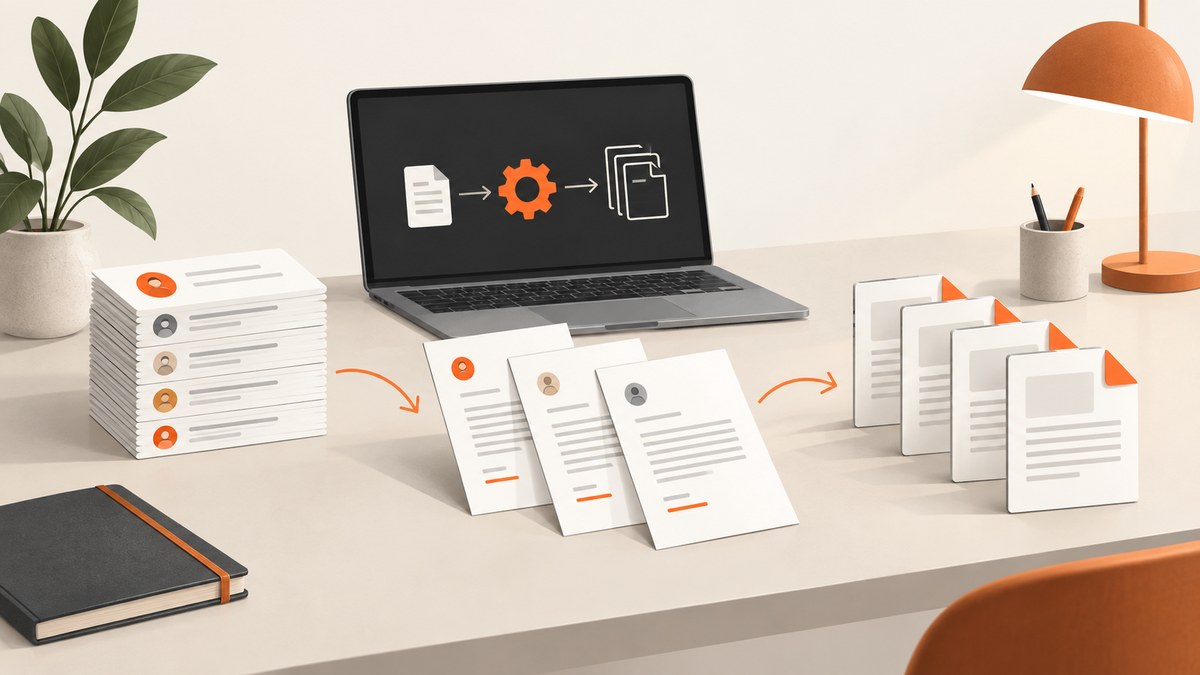
To generate business letters for 100 or more leads with wkhtmltopdf, prepare a lead list, render each lead’s values into one reusable HTML letter template, then run wkhtmltopdf to create a separate PDF for each record. The HTML template handles personalization; wkhtmltopdf converts the rendered HTML into a PDF. The example below uses Python and a CSV file, writes one file per lead, and logs individual failures so a problem with one record does not stop the entire batch.
wkhtmltopdf is a headless command-line tool that renders HTML to PDF using Qt WebKit. Its manual documents page size, orientation, margins, headers, and footers; it also documents a standard-input mode that treats each line as a separate invocation. These are building blocks for a batch workflow, not a published performance guarantee for 100 letters. Project overview · wkhtmltopdf usage manual
1. Prepare the lead data and letter template
Use a CSV, database query, or CRM export as your input. The example expects columns named id, name, company, and address. Change those names to match your data, and decide how missing values should appear before generating the batch. For example, a missing company can be an empty string, while a missing recipient name may be a reason to flag the row for review.
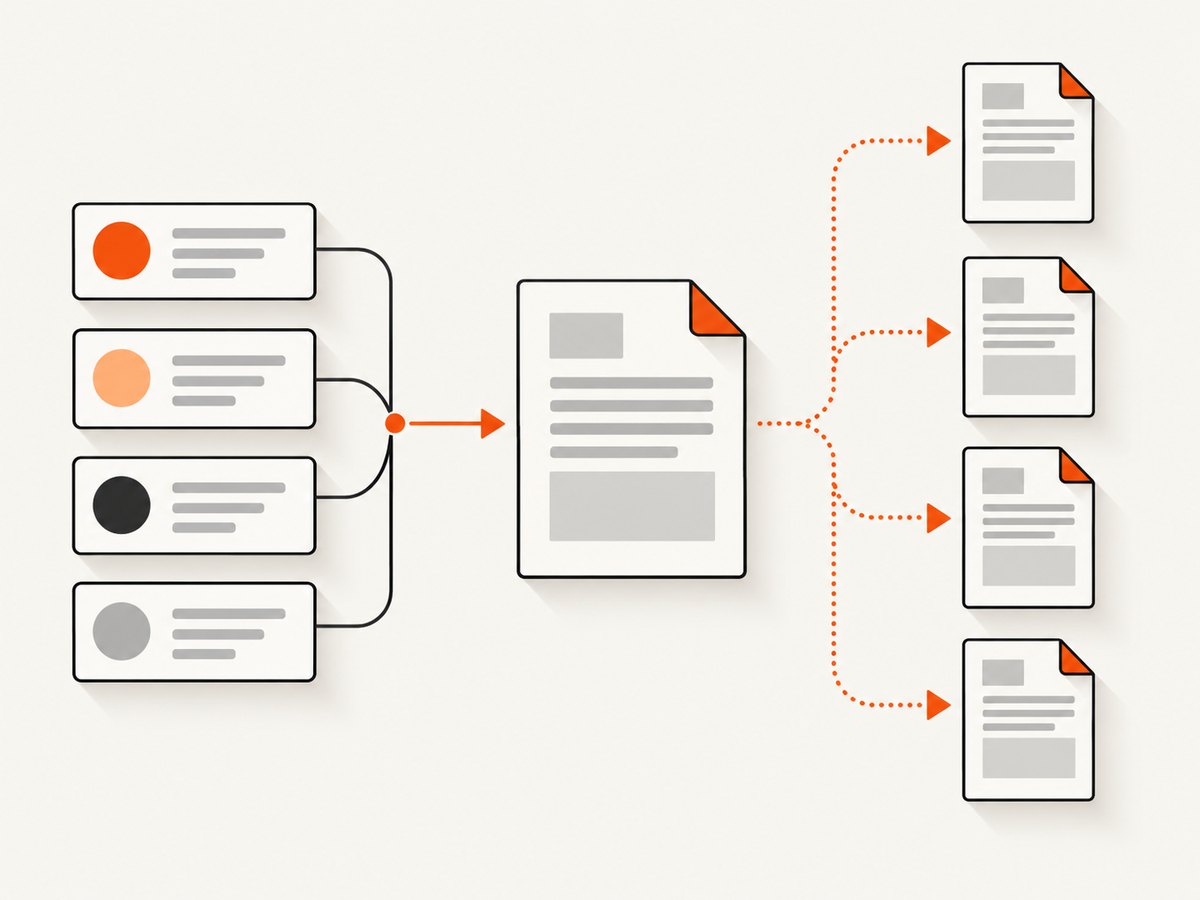
Keep the letter’s shared wording and layout in one template. Insert only the fields that vary per lead. The example uses Jinja2’s HTML autoescaping, which helps prevent data values containing characters such as < or & from being interpreted as markup. Treat lead values as text. Do not allow untrusted values to supply arbitrary HTML or JavaScript to the renderer.
<!doctype html>
<html lang="en">
<head>
  <meta charset="utf-8">
  <title>Business letter</title>
  <style>
    @page { size: Letter; margin: 0.8in; }
    body { font: 11pt Georgia, serif; line-height: 1.45; color: #222; }
    .date { margin-bottom: 1.5em; }
    .recipient { white-space: pre-line; margin-bottom: 1.5em; }
    .signature { margin-top: 2em; }
  </style>
</head>
<body>
  <p class="date">{{ date }}</p>
  <div class="recipient">{{ name }}
{{ company }}
{{ address }}</div>
  <p>Dear {{ name }},</p>
  <p>I’m writing to introduce our services to {{ company }}.
Replace this sample with your approved letter copy.</p>
  <p>Please contact me if a conversation would be useful.</p>
  <p class="signature">Sincerely,<br>Your Name</p>
</body>
</html>
Save this as letter.html. For a real mailing, review the copy and required address fields for your use case and recipient geography; this technical workflow does not validate addresses or determine solicitation rules.
2. Install and verify wkhtmltopdf
Install a binary appropriate for the operating system and architecture where generation will run. The project’s downloads page lists available packages and carries a warning not to process untrusted HTML: its downloads documentation says untrusted HTML/JavaScript can expose the server. Check your specific binary’s compatibility and behavior in the target environment before production use. The manual’s version context is 0.12.6 with patched Qt; that label alone does not establish a maintenance or support guarantee. Official downloads and security warning
wkhtmltopdf --version
wkhtmltopdf --help
Make sure the executable is on the worker’s PATH, or configure an explicit binary path in your application. Run a one-record conversion first, then inspect the resulting PDF for fonts, line breaks, margins, and asset loading.
3. Generate one PDF per lead with Python
Install Jinja2 with python -m pip install Jinja2. The script below reads leads.csv, renders the template for each row, creates a temporary HTML input, and invokes wkhtmltopdf. It uses the Letter page size and explicit margins. Each PDF is named using a sanitized record ID; failures are recorded by ID and processing continues.
import csv
import re
import subprocess
import tempfile
from datetime import date
from pathlib import Path

from jinja2 import Environment, FileSystemLoader, select_autoescape

TEMPLATE_DIR = Path("templates")
OUTPUT_DIR = Path("output")
OUTPUT_DIR.mkdir(parents=True, exist_ok=True)

env = Environment(
    loader=FileSystemLoader(TEMPLATE_DIR),
    autoescape=select_autoescape(["html", "xml"]),
)
template = env.get_template("letter.html")

def safe_id(value):
    cleaned = re.sub(r"[^A-Za-z0-9_-]+", "_", value.strip())
    return cleaned or "missing-id"

failures = []
with open("leads.csv", newline="", encoding="utf-8-sig") as f:
    for row_number, lead in enumerate(csv.DictReader(f), start=2):
        record_id = safe_id(lead.get("id", ""))
        try:
            name = (lead.get("name") or "").strip()
            company = (lead.get("company") or "").strip()
            address = (lead.get("address") or "").strip()
            if not name:
                raise ValueError("missing recipient name")

            html = template.render(
                name=name,
                company=company,
                address=address,
                date=date.today().strftime("%B %-d, %Y"),
            )
            with tempfile.TemporaryDirectory() as tmp:
                html_path = Path(tmp) / "letter.html"
                html_path.write_text(html, encoding="utf-8")
                pdf_path = OUTPUT_DIR / f"letter-{record_id}.pdf"
                subprocess.run(
                    [
                        "wkhtmltopdf",
                        "--page-size", "Letter",
                        "--orientation", "Portrait",
                        "--margin-top", "0.8in",
                        "--margin-right", "0.8in",
                        "--margin-bottom", "0.8in",
                        "--margin-left", "0.8in",
                        str(html_path), str(pdf_path),
                    ],
                    check=True,
                    capture_output=True,
                    text=True,
                    timeout=90,
                )
        except Exception as exc:
            failures.append((row_number, record_id, str(exc)))

with open(OUTPUT_DIR / "failures.csv", "w", newline="", encoding="utf-8") as f:
    writer = csv.writer(f)
    writer.writerow(["csv_row", "record_id", "error"])
    writer.writerows(failures)

print(f"Finished. Failed records: {len(failures)}")
On systems where the platform’s strftime does not support %-d, replace the date expression with a portable formatter, such as date.today().strftime("%B %d, %Y").replace(" 0", " "). For reproducible reruns, consider passing a fixed letter date instead of using the current date.
4. Choose the right batch and page options
| Decision | Practical choice |
|---|---|
| Output arrangement | One PDF per lead makes it easier to send, retry, name, and audit individual letters. A combined PDF can be useful for internal review, but it requires deliberate page breaks and can be harder to distribute. |
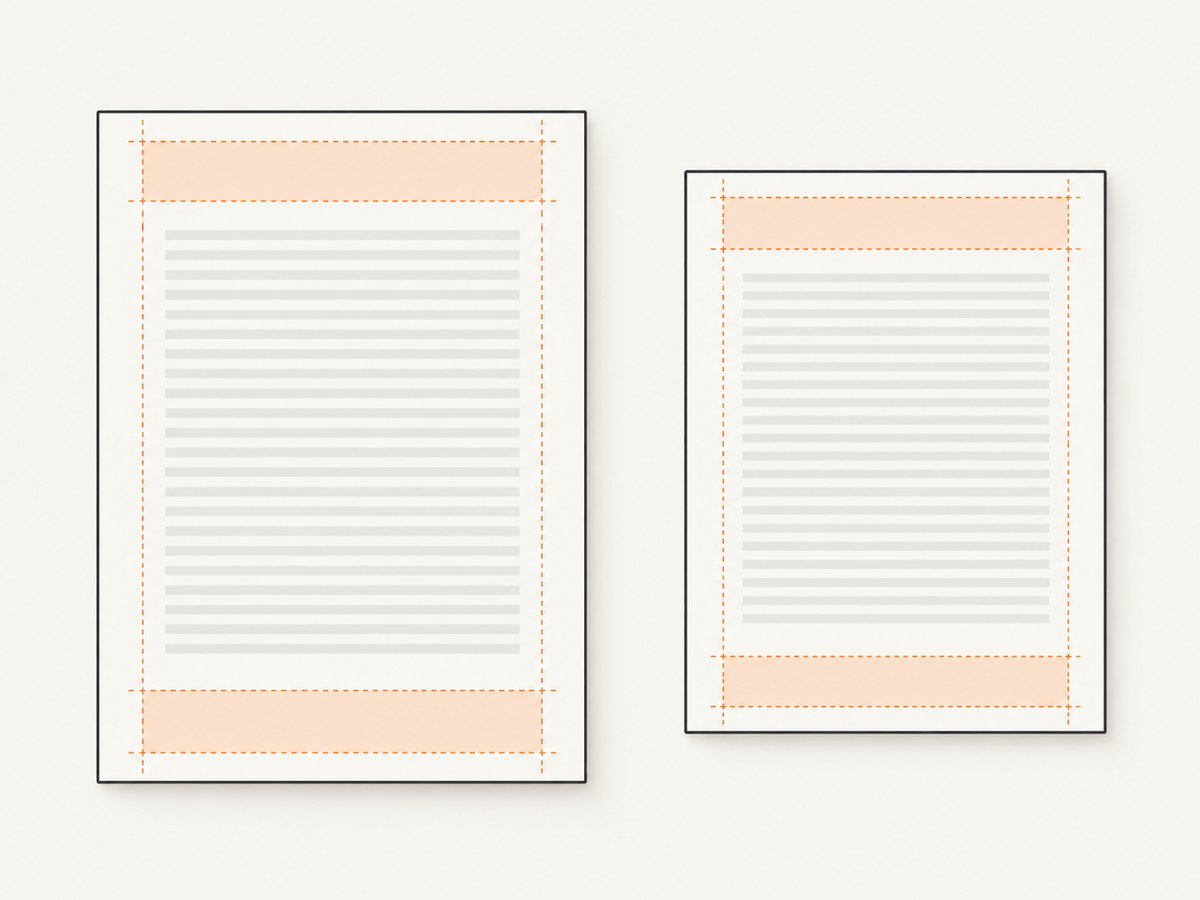
| Paper size | Choose Letter or A4 based on where the letter will be printed or delivered. The documented default is A4; set --page-size Letter when that is the intended stock. |
| Orientation and margins | Portrait and readable margins suit ordinary business letters. Use landscape or different margins only when the document design calls for them. |
| Headers and footers | The command-line manual documents --header-* and --footer-* options. Django’s integration also supports optional header and footer templates. Leave room in the page margins for repeated page furniture. |
| Batch invocation | The straightforward Python loop starts one process per PDF. If process startup becomes a measured bottleneck, the manual documents --read-args-from-stdin, where each input line represents a separate invocation. Confirm argument quoting and output behavior in your environment before changing the implementation. |
For templates with logos or other assets, prefer stable local paths or URLs reachable from the rendering environment. A file that opens in a browser on your laptop may not be reachable from a worker container. Keep the HTML, CSS, and asset paths deterministic so a failed record can be regenerated consistently.
5. Check output and make reruns safe
- Validate the CSV headers and count rows before rendering. Record the expected input count.
- Generate a small sample that includes long names, missing optional values, and the longest expected address.
- Open the sample PDFs and check that text is not clipped, names are correct, and each letter fits the intended number of pages.
- Run the batch and compare successful output count plus failures against the input row count.
- Keep a failure log keyed by stable record ID. Retry only failed IDs after correcting their data or the underlying rendering issue.
For concurrent jobs, use unique temporary directories and output names. Avoid sending the same record through two workers that overwrite the same destination. If generation is part of a web request and delays are unacceptable, use a background task queue. The Flask-WkHTMLtoPDF documentation describes rendering as potentially resource intensive and suggests Celery for such workloads; it does not provide a benchmark for this 100-letter case. Flask-WkHTMLtoPDF documentation
6. Framework integrations
You do not need a framework to use wkhtmltopdf. In Django, PDFTemplateView renders a named HTML template and accepts optional header/footer templates and command options. Its documentation notes that UTF-8 templates need a charset declaration. Django integration usage
For a batch, the core idea remains to render a template with one lead’s context and save a corresponding PDF. The Flask wrapper documents passing Jinja2 parameters as template context and describes Celery as an option for potentially resource-heavy rendering. A framework wrapper does not remove the need to handle missing data, unique output names, failure logging, and retries.
7. Troubleshooting
| Symptom | Likely cause | Fix |
|---|---|---|
wkhtmltopdf: command not found |
The binary is missing or absent from the worker’s PATH. | Install the appropriate binary and verify wkhtmltopdf --version under the same account and runtime that executes the job. Configure an absolute executable path if needed. |
| Empty or partial PDF | Input HTML or a referenced asset did not load, or conversion returned a nonzero status. | Capture stderr, inspect the rendered HTML, and confirm assets are reachable by the worker. Keep check=True so failures are not mistaken for successful output. |
| Wrong page size or clipped text | Letter/A4 assumptions or CSS dimensions conflict with command options; margins may be too small. | Set page size and margins explicitly, inspect a representative PDF, and adjust the template’s print layout. |
| Broken accents or unusual characters | Encoding metadata or a font available to the renderer is missing. | Write HTML as UTF-8, include <meta charset="utf-8">, and confirm the needed font is installed in the rendering environment. |
| Duplicate or overwritten files | IDs are missing, unsafe, or not unique. | Validate uniqueness before processing and use a stable safe identifier in filenames. Reject or separately flag rows without a usable key. |
| One bad row stops the run | Exceptions are not caught per record. | Catch and log errors around each record, then retry failures separately after remediation. |
| Slow or memory-heavy web request | Conversion work is happening synchronously in the request path. | Move rendering to a background worker, limit concurrency, and measure resource use with your template and deployment. No applicable 100-document speed benchmark is established by the cited sources. |
Or skip the browser setup
If your task is to capture web pages as images or PDFs while reviewing lead websites, ScreenshotNeo is a website screenshot API and MCP server from Yorker Media. One GET request captures a URL. Its clean-shot flow accepts cookie/consent banners and removes 60+ known consent platforms, newsletter popups, and chat widgets before capture; those steps can be turned off. Bot checks, blank pages, timeouts, failed loads, and cache hits cost nothing, and response headers identify the page verdict and billing status.
For a direct PDF capture, see the ScreenshotNeo API documentation for the available options and formats:
curl -G "https://api.screenshotneo.com/v1/shot" \
  -d access_key=YOUR_API_KEY \
  --data-urlencode url=https://stripe.com \
  -d format=pdf \
  -o page.pdf
ScreenshotNeo also offers an MCP server with take_screenshot, get_page_info, and capture_pdf tools for AI agents and MCP clients. The free plan includes 1,000 screenshots a month with no card; paid plans start at $5 for 3,000, and every feature is on every plan. This captures web pages; it does not replace the lead-data merge and individualized letter template above. Sign up for 1,000 free screenshots a month, no card required.
Performance, reliability, and cost
There is no cited benchmark for generating 100 PDFs. Runtime depends on the template, assets, binary, and machine. Start with the simple per-record process because it is easy to reason about; measure the full batch in the target environment. If startup dominates, investigate the documented stdin batch mode. If rendering blocks a web request or competes with other work, queue jobs and set a concurrency limit based on observed memory and CPU use.
Reliability comes from treating each lead as an independent unit: validate inputs, use stable filenames, capture errors, and retry only failed records. Write outputs to a temporary location first if partial files could be mistaken for complete PDFs, then move completed files into the delivery directory. Retain enough logging to connect a PDF or error to its source record without unnecessarily copying sensitive lead data into logs.
The project describes wkhtmltopdf as open-source under LGPLv3. The command-line tool itself is not priced per generated letter in the cited material; operational costs depend on the machine, storage, worker time, and any services around it. Printer paper is relevant only if someone will print the PDFs. Digital delivery does not require paper.
FAQ
Does wkhtmltopdf personalize letters by itself?
No. Your application or template engine inserts each lead’s values into the HTML; wkhtmltopdf renders the resulting HTML as PDF.
Can I make one combined PDF instead?
The manual supports converting one or more HTML pages into a PDF. For a lead batch, choose a combined document only if page boundaries and distribution needs are clear; separate files simplify per-record delivery and retry handling.
Can I safely render HTML supplied by leads?
The project’s downloads page explicitly warns against using wkhtmltopdf with untrusted HTML or JavaScript. Escape data in templates and do not treat arbitrary lead-supplied markup as trusted input.
How many workers should I run?
The sources do not establish a recommended worker count. Measure CPU, memory, and completion time with your real template and assets, then set concurrency to fit the available environment.
Should I use Letter or A4?
Pick the size that matches the intended recipient or printer. The manual documents both; set the size explicitly so output does not depend on an unnoticed default.


