How to Call Angular Functions from Puppeteer
Use Puppeteer’s page.evaluate() to call an Angular component method when the app exposes a deliberate test hook. Learn when to use TestBed or UI interactions instead.
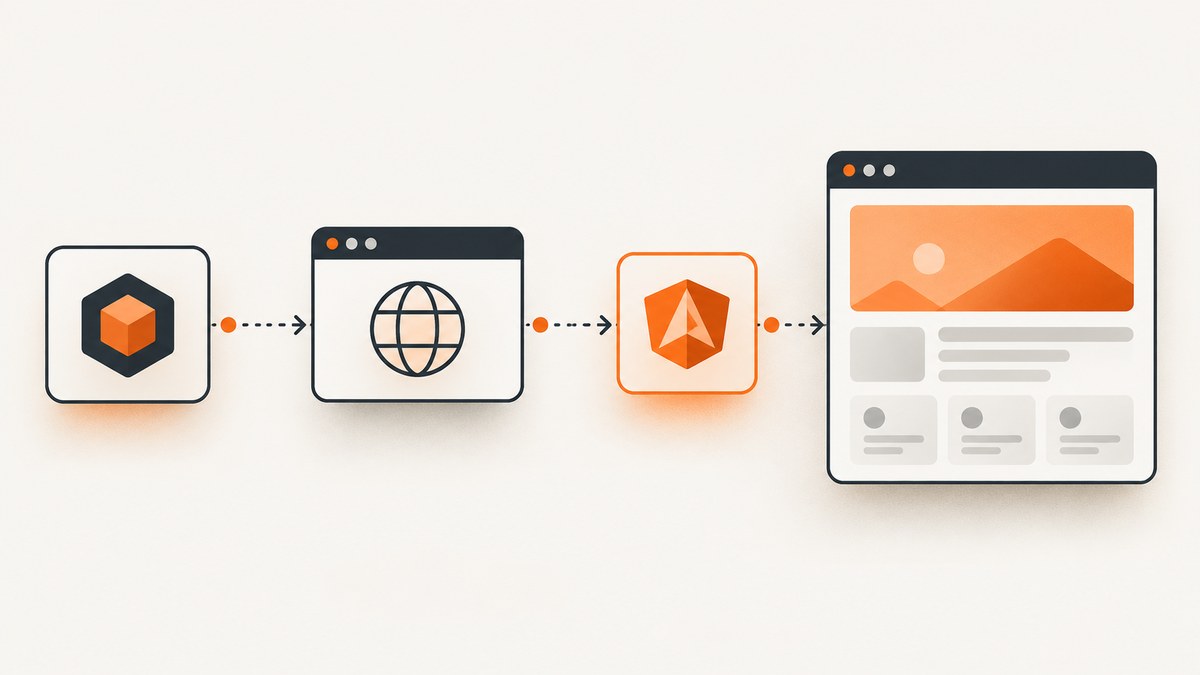
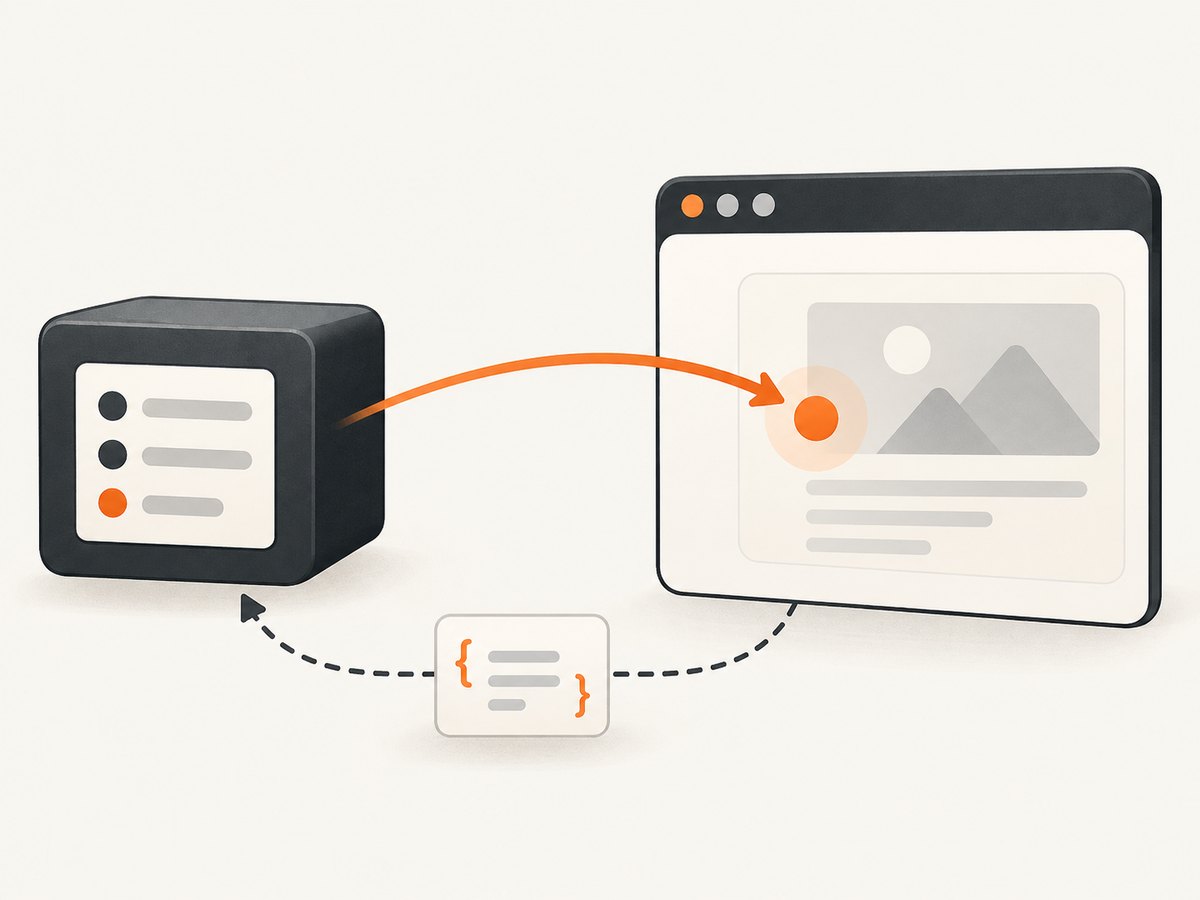
To call an Angular component method from Puppeteer, run the call inside page.evaluate(), find the component’s host element, and retrieve its instance with Angular’s getComponent(element) API. This works only when the running page exposes that API. The value returned to Node.js must be serializable; a component instance itself does not cross the browser boundary as a usable object.
For component-level tests, use Angular’s TestBed and call fixture.componentInstance.method(). For end-to-end tests, prefer the same clicks, typing, and navigation a user performs unless direct invocation is an intentional test seam.
1. Choose the right way to exercise the function
| Goal | Use | What it covers |
|---|---|---|
| Test component logic or template behavior | Angular TestBed | The component instance and its template in Angular’s test environment. |
| Verify the behavior exposed to users | Puppeteer UI interaction | The browser interaction path, including event handling and rendered output. |
| Invoke a method intentionally in a running app | Puppeteer page.evaluate() plus a deliberate hook |
The direct method call in the live browser page. |
Puppeteer’s page.evaluate() runs its function in the page context, can receive explicit arguments, and waits if that function returns a Promise. Angular documents getComponent(element) as retrieving a component instance associated with a DOM element, or returning null when there is none. See the official references for Puppeteer page.evaluate() and Angular getComponent().
2. Call a component method from a running page
The following TypeScript example assumes the page contains an <app-counter> component and that the application makes Angular’s getComponent function available as window.ng.getComponent. That global is not guaranteed: verify it in the target application and its build configuration. The example returns the method’s result rather than trying to return the component object.
import puppeteer from 'puppeteer';

const browser = await puppeteer.launch({ headless: true });
try {
  const page = await browser.newPage();
  await page.goto('http://localhost:4200', { waitUntil: 'domcontentloaded' });

  const result = await page.evaluate(() => {
    const element = document.querySelector('app-counter');
    if (!element) throw new Error('app-counter element not found');

    const getComponent = (window as any).ng?.getComponent;
    if (!getComponent) throw new Error('Angular getComponent is not exposed');

    const component = getComponent(element);
    if (!component) throw new Error('No Angular component found on app-counter');

    return component.increment();
  });

  console.log('increment() returned:', result);
} finally {
  await browser.close();
}
For plain JavaScript, remove the TypeScript cast (window as any) and use a runtime-safe property check. A JavaScript version can read the optional global as follows:
const getComponent = window.ng && window.ng.getComponent;
if (typeof getComponent !== 'function') {
  throw new Error('Angular getComponent is not exposed');
}
If TypeScript reports that ng is not a property of Window, the cast in the first example avoids adding a global type declaration. In a maintained test harness, a small declaration can make the intended hook clearer:
declare global {
  interface Window {
    ng?: {
      getComponent?: (element: Element) => unknown;
    };
  }
}
That type only describes a possible global; it does not cause Angular to expose one. Prefer a typed, app-owned test hook when possible, especially if component methods need known argument or result types.
Pass arguments from Node.js explicitly
Functions passed to page.evaluate() execute in the browser. They cannot close over Node.js variables. Pass values as arguments instead:
const nextValue = 5;
const result = await page.evaluate((value) => {
  const element = document.querySelector('app-counter');
  if (!element) throw new Error('app-counter element not found');

  const getComponent = window.ng?.getComponent;
  if (!getComponent) throw new Error('Angular getComponent is not exposed');

  const component = getComponent(element);
  if (!component) throw new Error('No Angular component found');

  return component.setCount(value);
}, nextValue);
Use arguments for strings, numbers, booleans, arrays, and plain data objects. Keep the browser callback self-contained: Node imports, process state, and surrounding local variables are not automatically available inside it.
Wait for asynchronous methods
If the component method returns a Promise, return it from the page callback or await it there. Puppeteer waits for the Promise to settle and then transfers its serializable result:
const result = await page.evaluate(async () => {
  const element = document.querySelector('app-save-panel');
  if (!element) throw new Error('app-save-panel element not found');

  const getComponent = window.ng?.getComponent;
  if (!getComponent) throw new Error('Angular getComponent is not exposed');

  const component = getComponent(element);
  if (!component) throw new Error('No Angular component found');

  return await component.save();
});
Choose a completion condition that reflects the behavior being tested. A resolved method Promise can show that the method completed, but it does not necessarily prove that a particular DOM change or network effect occurred. When that visible outcome matters, assert on it separately with Puppeteer.
3. Expose a deliberate test hook when needed
The Angular API reference documents getComponent, but that does not guarantee every deployed application exposes it through window.ng. Availability depends on the app’s runtime and configuration. Do not build automation around an assumed global or private framework internals.
If direct method invocation is necessary, provide an explicit hook in the application’s test configuration. Keep it narrowly scoped and avoid shipping test-only controls in a production build. One pattern is to expose a small function that performs the specific action the test needs, rather than exposing a general-purpose component object. The exact implementation depends on the application architecture and Angular version; the requirement is a stable, intentional contract between the app and its test.
Before relying on a hook, check that:
- The element selector identifies the component host, not just a child element.
- The page has finished bootstrapping before the hook is read.
- The hook is present in the build used by Puppeteer.
- The test handles a missing element, a missing hook, and a missing component instance.
- The return value consists of serializable data, such as a number, string, boolean, array, or plain object.
4. Test the component directly with Angular TestBed
When the goal is to test the component class or its template, Puppeteer is usually the wrong layer for directly calling a method. Angular’s TestBed creates the component in a test DOM and provides its instance through fixture.componentInstance. After changing component state, call fixture.detectChanges() when the assertion depends on updated bindings.
import { TestBed } from '@angular/core/testing';
import { CounterComponent } from './counter.component';

describe('CounterComponent', () => {
  it('increments the count', async () => {
    await TestBed.configureTestingModule({
      imports: [CounterComponent],
    }).compileComponents();

    const fixture = TestBed.createComponent(CounterComponent);
    const component = fixture.componentInstance;

    component.increment();
    fixture.detectChanges();

    expect(component.count).toBe(1);
    expect(fixture.nativeElement.textContent).toContain('1');
  });
});
Adapt the import and expected state to the component. A fixture exposes componentInstance, debugElement, and nativeElement; Angular describes TestBed as a way to create a component in a test DOM and inspect how its class and template interact. See ComponentFixture and Angular component testing basics.
5. Prefer user actions for end-to-end behavior
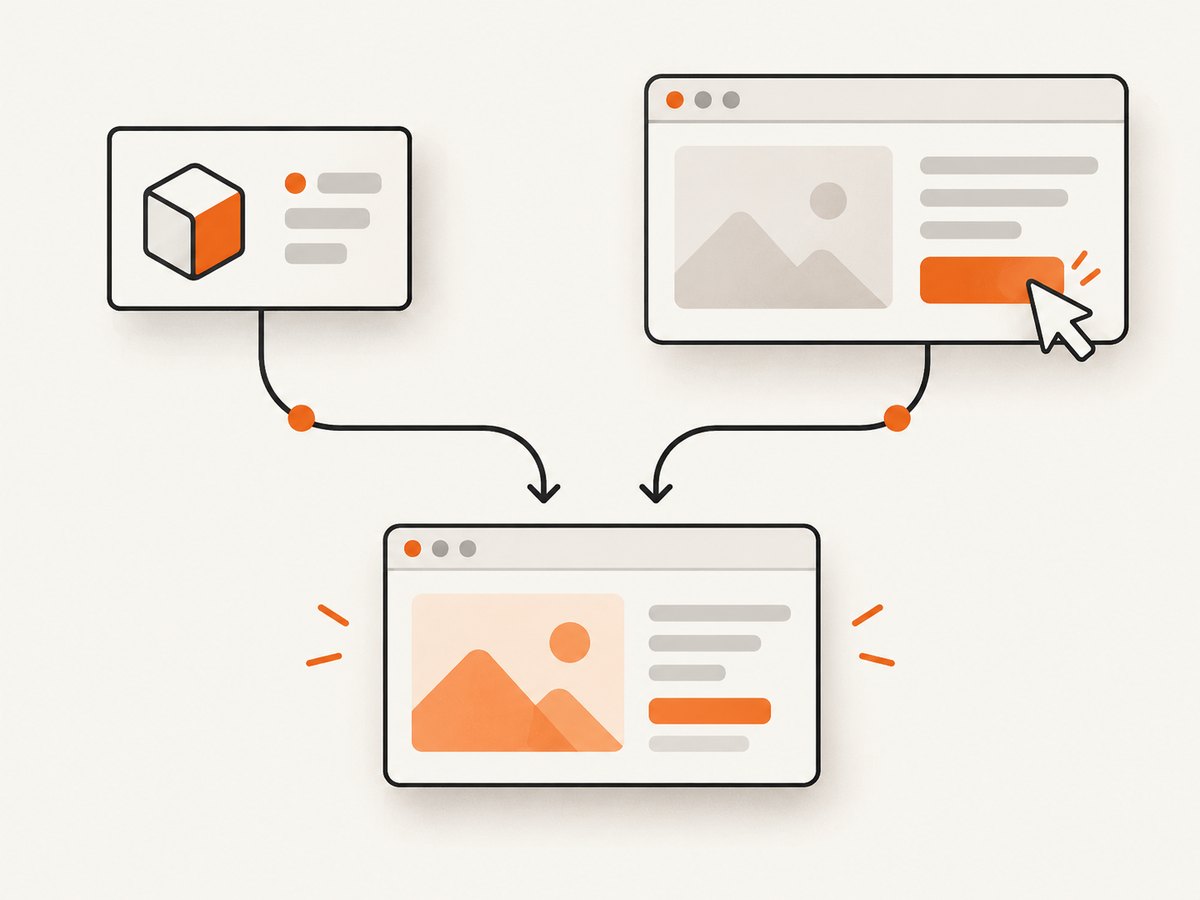
A direct method call can be useful when a test specifically needs to exercise a method through an explicit test seam. It also bypasses the normal user interaction path. If the question is whether a person can use the feature, interact with the interface instead:
await page.goto('http://localhost:4200', { waitUntil: 'domcontentloaded' });
await page.getByRole('button', { name: 'Increment' }).click();
await page.getByText('1', { exact: true }).waitFor();
Use selectors that represent the app’s accessible interface where possible, and wait for the resulting state rather than assuming a fixed delay. This approach checks the event binding and visible result along the path the user takes. The choice is a testing-design recommendation: use the layer whose behavior you intend to verify.
6. Angular Testability is a separate concern
Do not assume Angular’s Testability API is present just because the application uses Angular. The Angular v19 Testability reference says Testability is not included by default for applications bootstrapped with bootstrapApplication; it documents provideProtractorTestingSupport() as an enabling option. Check the documentation and bootstrap setup for the project’s Angular version before depending on it: provideProtractorTestingSupport().
Testability concerns framework-aware test synchronization. It is not the same thing as retrieving a component instance with getComponent, and enabling one does not automatically provide the other. For most Puppeteer tests, wait for an observable outcome such as a selector or text to appear.
7. Troubleshooting
| Symptom | Likely cause | Fix |
|---|---|---|
app-counter element not found |
The selector is wrong, the route differs, or the app has not rendered the component yet. | Confirm the URL and selector; wait for the host element before evaluating the method. |
Angular getComponent is not exposed |
The app does not publish window.ng.getComponent in this runtime or build. |
Use a deliberate app-owned test hook, or test the component with TestBed. Do not assume a debugging global exists. |
The component lookup returns null |
The selected element is not associated with an Angular component. | Query the actual component host and check the element’s role in the rendered DOM. |
ReferenceError for a Node variable inside evaluate |
The callback runs in the browser context and cannot access Node’s lexical scope. | Pass the value as an argument to page.evaluate(callback, value). |
| The method ran, but the assertion sees stale text | Bindings may not have updated yet, or the test observes the wrong outcome. | For a TestBed test, call fixture.detectChanges(). In Puppeteer, wait for the expected DOM state. |
| The return value is missing or unusable | A complex browser object, such as the component instance or a DOM node, is not a useful serializable result in Node. | Return only the data needed by the test, such as a primitive or plain object. |
| The test hangs on an async method | The method’s Promise may never settle, or the test is waiting for the wrong completion condition. | Return and await the Promise deliberately, inspect the app’s async path, and set an appropriate Puppeteer timeout. |
| Angular appears busy or synchronization behaves differently | The app’s bootstrap setup may not provide Testability. | Check the Angular version and bootstrap configuration; use a visible selector or state condition where appropriate. |
8. Reliability, speed, and maintenance
Direct invocation avoids some interaction steps, but it also verifies less of the user-facing path. There is no universal speed advantage to rely on: page startup, application initialization, and asynchronous work can dominate either approach. Choose direct calls for targeted method behavior and UI actions for end-to-end behavior.
For reliable runs, use a stable component host or app-owned hook, wait for the page state required by the test, and return small serializable values. Avoid fixed sleeps when the test can wait for a selector or expected text. Close the browser in a finally block so failures do not leave browser processes behind. Keep direct hooks tied to the app’s test setup and Angular version, since global debugging helpers are not a universal contract.
9. Or skip the browser setup
If the task is to capture the page rather than invoke Angular code, ScreenshotNeo is a website screenshot API and MCP server. A single request returns a screenshot or PDF; it does not expose a way to call an Angular component method. See the ScreenshotNeo docs for request options.
curl -G "https://api.screenshotneo.com/v1/shot" \
  -d access_key=YOUR_API_KEY \
  --data-urlencode url=https://stripe.com \
  -o shot.webp
ScreenshotNeo accepts cookie and consent banners before capture and removes more than 60 known consent platforms, newsletter popups, and chat widgets; each step can be turned off. Bot checks and CAPTCHAs, blank pages, timeouts, failed loads, and cache hits cost nothing, and response headers identify the page verdict and whether the request was billed. Its MCP server offers take_screenshot, get_page_info, and capture_pdf tools for AI agents. The free plan includes 1,000 screenshots a month with no card; paid plans start at $5 for 3,000 shots. Every feature is available on every plan.
Sign up for 1,000 free screenshots a month, no card required.
10. FAQ
Can Puppeteer call an Angular component method?
Yes, if the running page provides a reliable way to retrieve the instance. Run the call in page.evaluate() and return serializable data.
Can I return the component instance to Node?
No. Treat the browser and Node as separate execution contexts. Return the result or state needed by the test instead.
Should I use Puppeteer or TestBed?
Use TestBed for component class and template tests, Puppeteer UI interactions for user-visible end-to-end behavior, and direct invocation only for a deliberate browser test hook.
Does every Angular app have window.ng?
No. Check the app’s runtime configuration. The existence of the documented getComponent API does not guarantee a global debugging helper in a particular build.


