Can Open Graph Images Be GIFs?
Yes, Open Graph accepts GIF URLs, but animation depends on each platform. Learn the metadata, limits, fallbacks, and testing workflow.
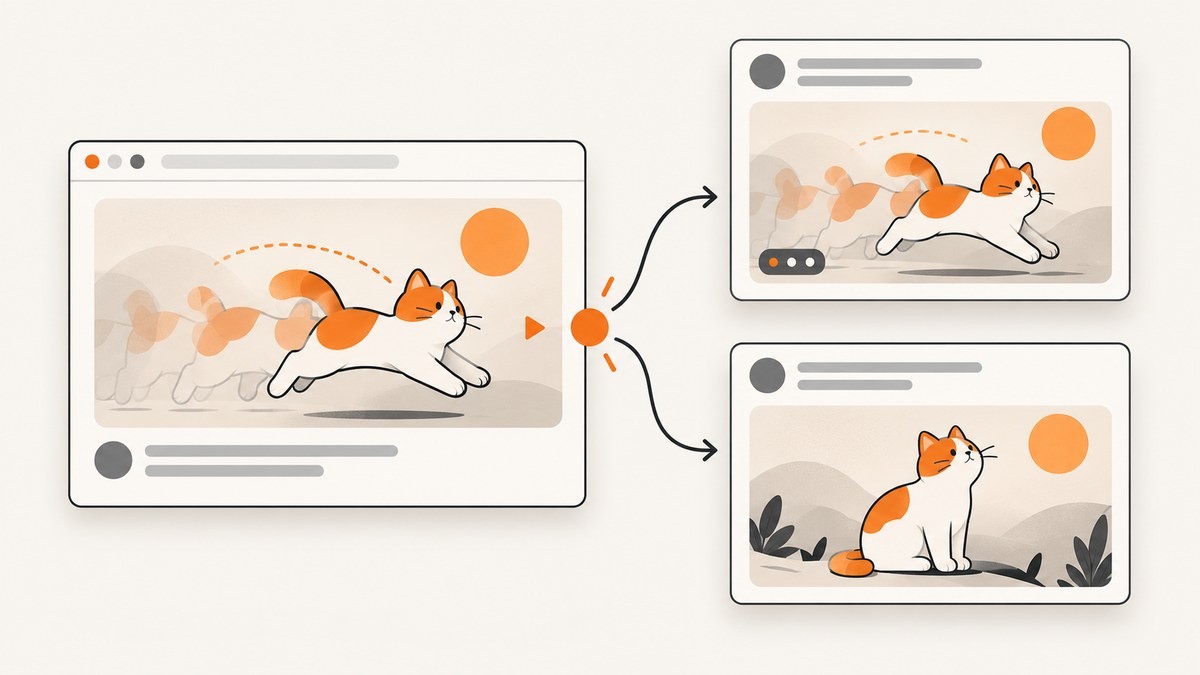
Yes. The Open Graph protocol allows og:image to point to a GIF. You can also declare its MIME type with og:image:type. That establishes protocol validity, but it does not guarantee that LinkedIn, X, Facebook, a messaging app, or a crawler will preserve or play the animation. A consumer may display only the first frame, transcode the file, reject it because of a platform-specific limit, or cache an earlier version.
The safest implementation treats the first frame as a complete static preview, publishes a PNG or JPEG fallback when consistent rendering matters, and tests the exact destinations where your links will be shared. This guide explains the metadata, platform behavior, implementation details, debugging process, and a practical capture workflow for verifying previews.
What the Open Graph protocol allows
The Open Graph Protocol defines og:image as an image URL representing the object in a graph. Its structured properties include:
og:image:url: the image URL.og:image:secure_url: an HTTPS version when the primary URL is not already secure.og:image:type: the MIME type, such asimage/gif.og:image:widthandog:image:height: the intrinsic dimensions.og:image:alt: descriptive alternative text.
The specification uses a JPEG example, but it does not prohibit GIF. Therefore this is valid Open Graph metadata:
<meta property="og:image" content="https://example.com/share.gif">
<meta property="og:image:type" content="image/gif">
<meta property="og:image:width" content="1200">
<meta property="og:image:height" content="630">
<meta property="og:image:alt" content="A product dashboard preview">
Use an absolute, publicly reachable HTTPS URL. The asset should respond without authentication, cookies, or a browser-only challenge. If you provide multiple image declarations, place your preferred image first because consumers commonly choose the first usable candidate. The protocol itself does not define an animation duration, frame count, file-size limit, or playback requirement. Those rules belong to individual consumers. See the Open Graph Protocol specification for the property definitions.
Protocol validity versus animation playback
There are two separate questions:
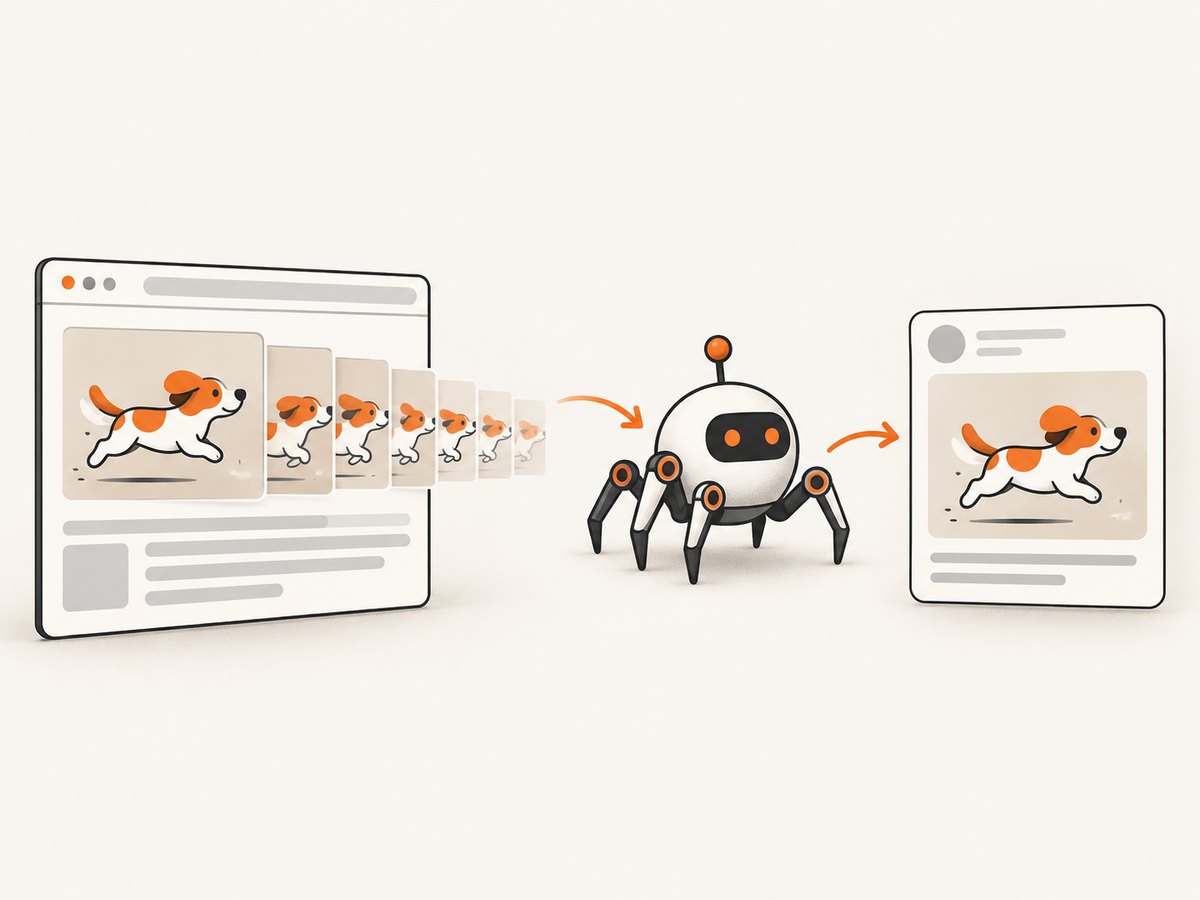
- Will a crawler accept the URL as an Open Graph image? A GIF URL is allowed.
- Will the destination animate it in a link preview? That depends on the destination’s renderer, media policy, and cache.
A preview service can download the GIF successfully and still decode only one frame. It may generate a JPEG thumbnail, resize the image, strip animation for performance, or sanitize the file. A chat client can also use a different renderer from the social network’s website. Consequently, seeing a still image does not prove that your tags are invalid.
Design frame one as the fallback. Put the title, subject, and main visual meaning in the opening frame, keep important information away from edges that may be cropped, and avoid an opening frame that is blank or depends on later motion. Animation should add context rather than carry the only explanation.
Platform-specific behavior and limits
Platform documentation describes media behavior for that platform; it cannot be generalized into an Open Graph rule.
| Consumer | Documented detail | What it means for an OG GIF |
|---|---|---|
| Its website-sharing guidance says animated GIF images must be 300 frames or shorter. | A GIF can be accepted, but exceeding 300 frames may prevent the expected result. Keep a shorter version available. | |
| X | Its media documentation lists PNG, JPG, and GIF, including animated GIFs up to 3 MB. Its API guidance allows only one animated GIF attachment in a post and disallows animated GIFs when uploading multiple images. | These are X media-endpoint constraints. They do not define how every X link preview or another app handles og:image. |
| Other preview consumers | No universal authoritative rule guarantees animation. | Expect a still frame, transcoding, delayed refresh, or rejection. Test the actual destination. |
LinkedIn’s 300-frame ceiling and X’s 3 MB figure are platform-specific numbers, not protocol requirements. If your GIF is close to either limit, reduce frames and file size or publish a static fallback.
Implementing a GIF Open Graph image
1. Create a reliable asset
- Export a GIF whose first frame works as a complete still.
- Use dimensions appropriate for your design, commonly 1200 by 630 pixels for a social card.
- Keep the file at a stable HTTPS URL with a correct
Content-Type: image/gifresponse. - Make the URL cacheable, but change the URL or query string when you intentionally publish a new asset and the consumer supports that pattern.
- Keep a PNG or JPEG copy with the same composition for platforms where animation is not dependable.
2. Add the required and structured tags
<head>
  <meta property="og:title" content="Product release notes">
  <meta property="og:description" content="What changed in this release">
  <meta property="og:type" content="article">
  <meta property="og:url" content="https://example.com/releases/1-4">
  <meta property="og:image" content="https://example.com/assets/release-1-4.gif">
  <meta property="og:image:secure_url" content="https://example.com/assets/release-1-4.gif">
  <meta property="og:image:type" content="image/gif">
  <meta property="og:image:width" content="1200">
  <meta property="og:image:height" content="630">
  <meta property="og:image:alt" content="Animated preview of the 1.4 release">
</head>
og:image is the key property. The other image properties provide useful context and improve predictable selection. Keep the URL in the page source rendered for crawlers; tags injected only after a client-side interaction may be missed by a scraper.
3. Verify the HTTP response
curl -I https://example.com/assets/release-1-4.gif
curl -L --fail --output /tmp/share.gif https://example.com/assets/release-1-4.gif
file /tmp/share.gif
Look for a successful response, the expected GIF content type, and a body that is actually a GIF rather than an HTML error page. Follow redirects and check that your CDN does not require a session cookie or block common crawlers.
4. Inspect the page source
curl -L https://example.com/releases/1-4 | grep -i 'og:image'Confirm that the URL is absolute, spelled correctly, and points to the intended version. Check canonical URL and title tags at the same time so you know the consumer is fetching the page you think it is fetching.
GIF versus PNG or JPEG fallback
| Axis | Animated GIF | PNG/JPEG fallback |
|---|---|---|
| Protocol validity | Valid as an og:image URL. |
Valid and widely handled. |
| Animation preservation | Consumer-dependent. | Always static. |
| Size and limits | Can grow quickly with frame count; platform limits may apply. | Usually easier to optimize and validate. |
| Failure appearance | May become a still frame or be rejected. | Predictable still preview. |
| Best use | Motion adds meaning and frame one is useful alone. | Brand consistency, reliability, and broad compatibility. |
You can keep the GIF as the primary image and maintain a static derivative for destinations or templates that require it. Do not assume that adding og:image:type forces animation; it only describes the resource.
Testing and cache refresh workflow
- Open the page with a crawler-like request and inspect the raw HTML.
- Download the image directly and verify status, MIME type, dimensions, and frame count.
- Share the URL in each target platform’s composer or debugger.
- Check whether the preview is animated, a still, transformed, or missing.
- Change the image URL when publishing a deliberate revision, then repeat the test.
- Wait for or request a cache refresh according to the destination’s documented process.
Preview caches are independent. Updating the GIF on your server may not change a card that was already fetched. A cache-busting filename such as release-1-4-v2.gif is clearer than silently replacing bytes at the same URL, but use it only when your publishing and cache strategy permits it.
Or skip the browser setup
If you need screenshots of the rendered page to compare preview states, ScreenshotNeo provides a single website screenshot API request. It removes cookie and consent banners, newsletter popups, and chat widgets before capture; bot checks, blank pages, failed loads, timeouts, and cache hits are not billed; and each response identifies the page verdict and billing result in headers. It also provides an MCP server so Claude, Cursor, and other MCP clients can take screenshots with take_screenshot, inspect pages with get_page_info, and create PDFs with capture_pdf.
See the ScreenshotNeo API documentation for all options. A direct capture looks like this:
curl -G "https://api.screenshotneo.com/v1/shot" -d access_key=YOUR_API_KEY --data-urlencode url=https://example.com/releases/1-4 -o preview.webpimport requests
r = requests.get("https://api.screenshotneo.com/v1/shot", params={"access_key": "YOUR_API_KEY", "url": "https://example.com/releases/1-4"}, timeout=90)
open("preview.webp", "wb").write(r.content)const q = new URLSearchParams({ access_key: 'YOUR_API_KEY', url: 'https://example.com/releases/1-4' });
const res = await fetch(`https://api.screenshotneo.com/v1/shot?${q}`);You can select full-page or element captures, emulate dark mode and device presets, set a viewport and retina scale, wait for a selector or network idle, add custom CSS or JavaScript, click an element, hide selectors, block requests or resource types, provide headers, cookies, a user agent, timezone, geolocation, and choose image or PDF output. Caching has a TTL you choose, and bulk capture supports up to 100 URLs per call.
There is a free plan with 1,000 screenshots per month and no card. Paid plans start at $5 for 3,000 screenshots; every feature is available on every plan. Create a free ScreenshotNeo account and use it to review rendered Open Graph pages without maintaining browser automation.
Troubleshooting common failures
The preview is blank
Cause: the image URL is private, blocked, returns an error, or the page has not exposed the tags to the crawler. Fix: request the image without cookies, follow redirects, confirm a 2xx response and image/gif content type, and inspect server-rendered HTML.

The GIF appears as a still
Cause: the consumer intentionally uses one frame, transcodes the asset, or has a cached static rendition. Fix: make frame one complete, test the platform’s documented media rules, and provide a PNG or JPEG fallback when motion is essential.
The old image remains after an update
Cause: the social network or messaging app cached the previous response. Fix: use the platform’s refresh/debug workflow or publish a versioned image URL, then retest.
The image is rejected on LinkedIn
Cause: the animated GIF exceeds LinkedIn’s documented 300-frame limit or fails another ingestion check. Fix: shorten the animation and ensure the first frame is valid; keep a static fallback.
The file works in a browser but not in a preview
Cause: browsers can supply cookies, follow authenticated flows, or tolerate a response that a crawler cannot. Fix: make the asset public, remove hotlink restrictions that block the consumer, and test with a plain HTTP client.
The Open Graph tags are missing
Cause: tags are generated only after JavaScript runs, are malformed, or use relative URLs. Fix: emit tags in the initial HTML, validate quoting, and use absolute HTTPS URLs.
Performance, reliability, and cost considerations
GIF size grows with dimensions, color complexity, and frame count. Reduce unnecessary frames, crop unused space, and avoid encoding animation that does not improve comprehension. A smaller static fallback can load faster and is easier for a consumer to cache.
For reliability, monitor the image endpoint separately from the page. A healthy page can still have an expired CDN object or a misconfigured content type. Keep old assets available long enough for crawlers and caches to refresh, and avoid changing the meaning of an image at a permanent URL.
For operational cost, preview fetches can occur repeatedly as different services crawl the same URL. Caching the image at your edge reduces origin work. If you use ScreenshotNeo for rendered-page checks, choose a cache TTL for repeated captures and use bulk capture for many URLs. Failed loads, bot checks, blank pages, timeouts, and cache hits are not billed by ScreenshotNeo, which makes automated preview review easier to budget.
Checklist before publishing
- The first frame communicates the page without animation.
og:imageuses an absolute HTTPS URL.og:image:typeisimage/gif.- Width, height, and descriptive alt text are present.
- The image endpoint is public and returns the correct MIME type.
- The GIF meets the limits of each intended destination.
- A PNG or JPEG fallback exists when static rendering must be consistent.
- You tested the actual share targets and accounted for cache delays.
FAQ
Does Open Graph require JPEG or PNG?
No. The protocol describes an image URL and does not ban GIF. Consumer support determines the final display.
Can I force a social network to animate my GIF?
No. Metadata can identify the file, but the destination controls decoding, transcoding, caching, and playback.
Should I list both a GIF and a JPEG?
Use a static fallback when predictable previews matter. Test how your target consumers choose among multiple image declarations before relying on ordering.
Is a GIF URL required to end in .gif?
No, but a clear URL and correct Content-Type make debugging and crawler handling simpler.
Will changing the GIF bytes refresh every preview?
No. Consumers cache independently. Versioned URLs or the consumer’s refresh tool are more reliable.
Are LinkedIn’s 300 frames and X’s 3 MB limits Open Graph limits?
No. They are documented limits for those platforms’ handling of animated GIF media.


