Can People See When You Screenshot a Website?
Usually no: ordinary websites are not notified when you take a local screenshot. Learn what pages can observe, the exceptions, and safer capture options.

Usually, no. An ordinary website open in Chrome, Safari, Firefox or another standard browser is generally not notified when you use your operating system’s screenshot shortcut or the browser’s built-in screenshot tool. The page may observe unrelated signals such as keyboard events or a tab becoming hidden, but neither signal proves that a screenshot was taken.
This answer is about a normal web page viewed in a browser. Native apps, managed work devices and a web app that starts its own screen-sharing session can behave differently.
What a website can and cannot know
| Situation | What the page receives | Does it prove a local screenshot? |
|---|---|---|
| Operating-system or browser screenshot | The capture is handled outside the page | No documented notification to the site |
keydown event |
A key press while the page is focused | No. The operating system may intercept the shortcut, and a key event does not prove capture succeeded |
| Page Visibility API | The document became visible or hidden | No. Tab switching, minimizing, obscuring the window and turning off the display can do the same thing |
| Screen Capture API | A permission-based capture stream requested by the web app | The app knows about that approved session, not screenshots taken with another tool |
| Managed Chrome policy | An organization-controlled restriction | This is an administrative control, not ordinary website JavaScript detection |
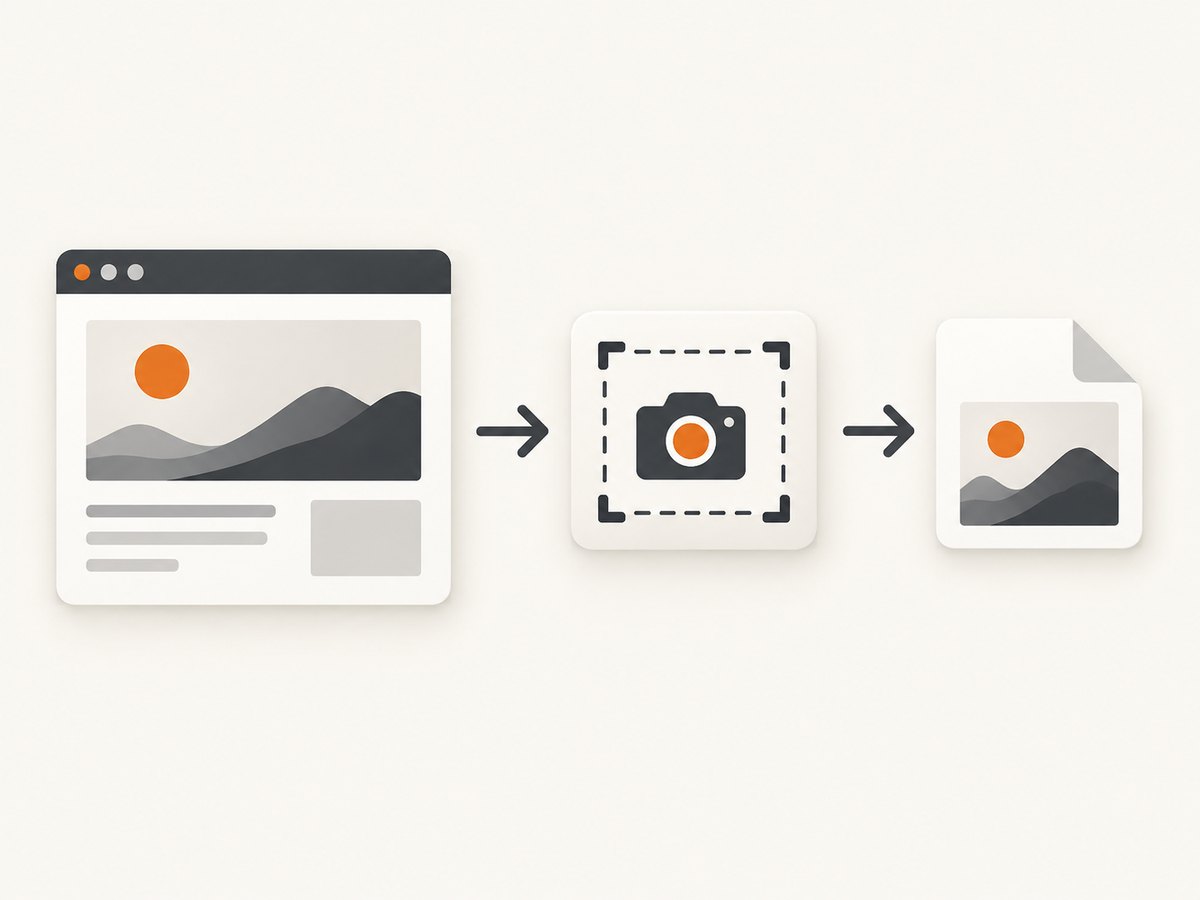
Why screenshot shortcuts are usually invisible to the page
Screenshot shortcuts are implemented by the operating system or browser. The resulting pixels can be written to a local file or clipboard without sending an event to the site whose page was visible. Firefox’s developer documentation, for example, describes screenshots being saved to the browser’s Downloads directory. Mozilla also documents telemetry for Firefox’s own screenshot feature; that telemetry concerns use of the feature and does not provide the viewed website with the captured URL or image details. Mozilla’s support documentation explains those data limits, and Firefox DevTools documentation describes local screenshot saving.
Safari, Chrome and Firefox can change their internal implementations, but a normal page does not receive a standard screenshotTaken event. Browser documentation describes screenshot tools as browser features rather than page events.
Can JavaScript detect the Print Screen key?
A page can listen for keyboard events while it has focus:
document.addEventListener('keydown', (event) => {
  console.log({ key: event.key, code: event.code, meta: event.metaKey });
});
That is not reliable screenshot detection. The operating system can reserve a shortcut before the browser dispatches it, and a page that does receive a key event cannot know whether the operating system completed a capture, where it was saved, or whether the user pressed the key for another reason. MDN documents the limits of keydown events and notes that operating systems may intercept modifier keys in its metaKey documentation.
What about Ctrl+Shift+S, Command+Shift+4 or Print Screen?
Those combinations vary by operating system, keyboard and browser. Some are consumed entirely by the operating system; others may open a browser or extension command. A page can only observe a key event that reaches it, and observing one is not evidence that an image was produced.
Can tab visibility reveal a screenshot?
A page can subscribe to visibility changes:
document.addEventListener('visibilitychange', () => {
  console.log(document.visibilityState); // "visible" or "hidden"
});
The Page Visibility API reports that the document became hidden or visible. It does not report why. Switching tabs, minimizing a window, covering the browser, locking the screen or turning off a display can all produce the same signal. A visibility change therefore cannot identify a screenshot.
What the Screen Capture API actually does
The Screen Capture API is a different workflow. A site can ask the browser for a display, window or tab stream with getDisplayMedia():
async function startCapture() {
  try {
    const stream = await navigator.mediaDevices.getDisplayMedia({
      video: true,
      audio: false
    });

    const video = document.querySelector('video');
    video.srcObject = stream;
    await video.play();

    stream.getVideoTracks()[0].addEventListener('ended', () => {
      console.log('The user stopped sharing');
    });
  } catch (error) {
    console.error('The user cancelled or the browser rejected capture', error);
  }
}
The browser prompts the user to choose a surface and approve sharing. The web app can then receive the stream and potentially record or process it. MDN’s getDisplayMedia() reference documents the permission and surface-selection behavior. This does not give every website a notification whenever you take a local screenshot with another shortcut or utility.
Screen sharing versus a local screenshot
- Screen sharing: a site requests a stream, the browser asks for permission, and the site can observe that approved session.
- Local screenshot: the operating system, browser, extension or another application captures pixels outside the page’s event model.
Can websites detect screenshots on phones?
For a web page in a mobile browser, the general answer remains usually no: the browser does not document a universal event that tells the page a system screenshot was saved. Mobile operating systems and native applications can add their own policies or callbacks, so do not transfer this conclusion to every native app. A mobile browser may still expose ordinary signals such as visibility changes, but those signals have the same ambiguity as on a laptop.
Managed devices and screenshot prevention
Organizations can restrict screenshots in managed environments. Google’s Chrome Enterprise documentation describes screenshot-prevention policies for managed users and browsers, including platform and licensing qualifications. Administrators configure the policy and any exceptions. These controls can block or limit capture; they do not mean that an arbitrary consumer website can detect screenshots through JavaScript. See Google’s Chrome policy documentation for the managed-browser scope.
What browser telemetry means
Browser telemetry is not the same as a website notification. A browser vendor may collect limited interaction data about its own screenshot feature. Mozilla says Firefox screenshot telemetry can include actions such as Copy or Save full page while excluding the URL and captured image details, and it documents Do Not Track behavior for website data collection. That describes Firefox’s feature and privacy practices; it does not tell the viewed site that you captured its page.
How to test what your own page can observe
- Open the page in a normal browser tab.
- Open DevTools and run the listener below.
- Take a screenshot with the operating-system shortcut and with the browser’s capture command.
- Compare the logged events. You may see nothing, a key event, or a visibility change, but none establishes that an image was successfully created.
const events = [];

window.addEventListener('keydown', (event) => {
  events.push({ type: 'keydown', key: event.key, code: event.code });
  console.table(events);
});

document.addEventListener('visibilitychange', () => {
  events.push({ type: 'visibilitychange', state: document.visibilityState });
  console.table(events);
});
Do not use this pattern as a screenshot detector. It is useful for demonstrating why keyboard and visibility signals are inconclusive.

Or skip the browser setup
If your goal is to capture a web page programmatically, ScreenshotNeo provides a GET endpoint that returns PNG, JPEG, WebP or PDF. Read the ScreenshotNeo API documentation for all options.
cURL
curl -G "https://api.screenshotneo.com/v1/shot" -d access_key=YOUR_API_KEY --data-urlencode url=https://stripe.com -o shot.webpPython
import requests

r = requests.get(
    "https://api.screenshotneo.com/v1/shot",
    params={"access_key": "YOUR_API_KEY", "url": "https://stripe.com"},
    timeout=90,
)
r.raise_for_status()
open("shot.webp", "wb").write(r.content)
Node.js
const q = new URLSearchParams({ access_key: 'YOUR_API_KEY', url: 'https://stripe.com' });
const res = await fetch(`https://api.screenshotneo.com/v1/shot?${q}`);
if (!res.ok) throw new Error(`Screenshot failed: ${res.status}`);
const body = Buffer.from(await res.arrayBuffer());
await import('node:fs/promises').then(fs => fs.writeFile('shot.webp', body));
ScreenshotNeo removes cookie and consent banners, newsletter popups and chat widgets before capture; each cleanup step can be turned off. Bot checks or CAPTCHAs, blank pages, timeouts, failed loads and cache hits are not billed, and response headers identify the page verdict and billing result. It also offers an MCP server with take_screenshot, get_page_info and capture_pdf tools for Claude, Cursor and other MCP clients. The Free plan includes 1,000 shots per month without a card; paid plans start at $5 for 3,000 shots. Create a free ScreenshotNeo account.
Troubleshooting
“The site reacted when I pressed a screenshot shortcut.”
It may have reacted to a key event, focus change or visibility change. Check whether the screenshot was actually created and remember that those signals have other causes. There is no standard browser event proving a local screenshot.
“The page went blank when I tried to capture it.”
That can result from an application or managed-device screenshot restriction, a browser extension, DRM-protected content or a page-specific defensive script. It is not evidence that ordinary websites can universally see screenshots.
“The Screen Capture API did not start.”
Confirm that the page is served in a supported secure context, the browser supports the API, and the user selected a surface and approved the prompt. Handle cancellation and unsupported browsers as normal errors.
“My automated ScreenshotNeo response is an error.”
Check the API key, URL encoding, HTTP status and request timeout. Inspect the X-Page-Verdict and X-Billed response headers to distinguish a clean capture from a bot check, blank page, timeout, failed load or cache hit. Use the API documentation for option names and response details.
Performance, reliability and cost considerations
- Local capture: the result is immediate and private to the device, but behavior depends on the operating system, browser, extensions and device policy.
- Screen Capture API: requires an explicit user interaction and permission, so it is unsuitable for silent background capture.
- Automated capture: rendering time depends on page load, JavaScript, fonts, images and waiting conditions. Set a client timeout that exceeds the page’s expected load time and handle non-2xx responses.
- ScreenshotNeo billing: only clean shots are billed. Bot checks, blank pages, timeouts, failed loads and cache hits cost nothing; use the verdict and billing headers when reconciling usage.
- Scaling: ScreenshotNeo supports caching with a chosen TTL, asynchronous jobs with signed webhooks and bulk capture of up to 100 URLs per call. These options can reduce repeated rendering and keep long jobs out of a synchronous request.
FAQ
Does a website know if I screenshot its page?
Usually no, when you use a normal operating-system or browser screenshot feature.
Can a website block screenshots?
A managed device or application can apply screenshot restrictions. A normal page cannot rely on a universal JavaScript switch that blocks every capture tool.
Does incognito mode change screenshot visibility?
Incognito or private browsing changes local history and storage behavior. It does not create a standard screenshot notification for the website.
Can a website detect a screenshot after I leave the tab?
No reliable inference follows from leaving or hiding a tab. Visibility changes have many unrelated causes.
Is a screenshot made with browser DevTools visible to the site?
DevTools performs the capture in the browser. The page may observe ordinary interaction events, but there is no documented general notification to the site.
What should I use when I need repeatable website images?
Use a browser automation workflow when you need full control over rendering, or use ScreenshotNeo when you want an API, cleanup of consent UI, billing only for clean shots and MCP tools for AI agents.


