Can Websites Detect Screenshots? Browser and Platform Limits Explained
Websites cannot reliably detect OS screenshots. Learn what browsers, Android and iOS can detect—and what screenshot prevention can and cannot do.
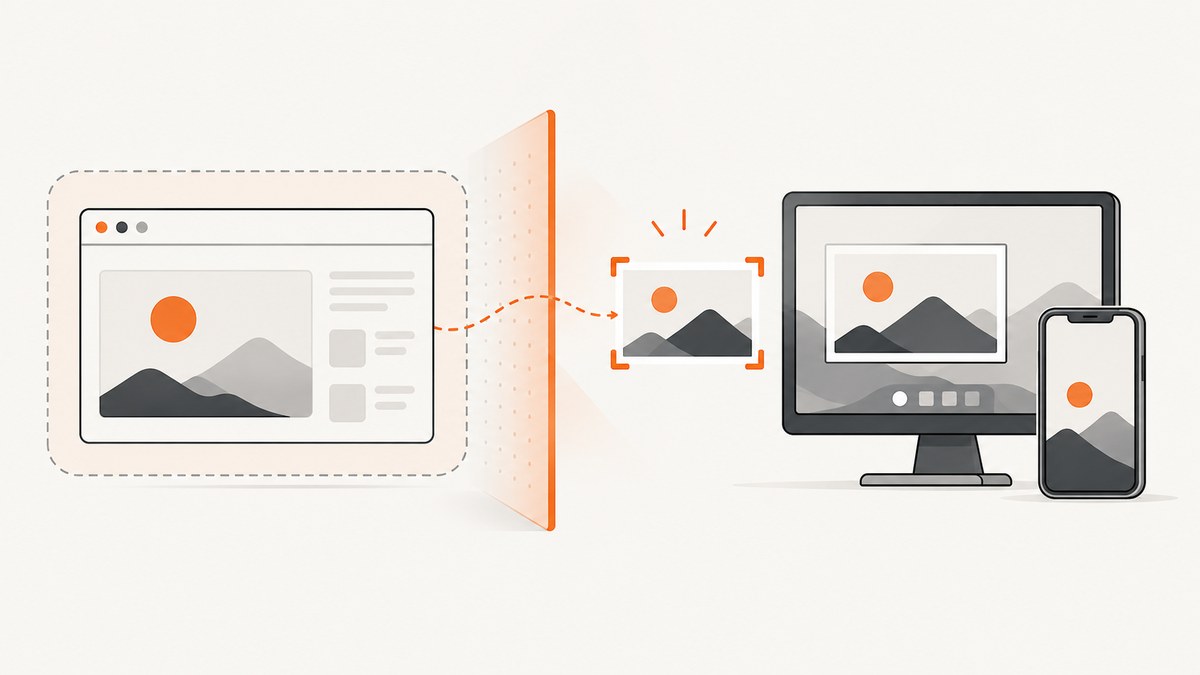
Short answer: a normal website cannot reliably tell when you take a screenshot with your operating system or device controls. Browsers do not expose a standard screenshot event. A page can observe indirect signals such as visibility or focus changes, but those have many causes and do not prove that a screenshot was saved.
Native mobile apps have more access. Android 14 provides a screenshot-detection callback for supported system screenshots, and iOS provides a notification after a screenshot. Those are operating-system APIs for native apps, not capabilities available to an ordinary website running in Chrome, Safari or another browser.
What a website can and cannot know
| Situation | Can a website know? | Why |
|---|---|---|
| Screenshot made with Print Screen, Snipping Tool or macOS shortcuts | No reliable signal | The operating system captures pixels outside the page sandbox. |
| Screenshot taken on an iPhone or Android device while viewing a site | Not from browser JavaScript | Mobile browsers do not forward native screenshot notifications to pages. |
| Tab becomes hidden or loses focus | Yes, indirectly | The Page Visibility API and focus events report lifecycle changes, not screenshots. |
| User shares a tab, window or screen | Yes, after permission | getDisplayMedia() returns a consented media stream. |
| Screenshot generated by your own page | Yes | Your code controls the capture operation, so it can log it. |
Why browser JavaScript cannot detect an OS screenshot
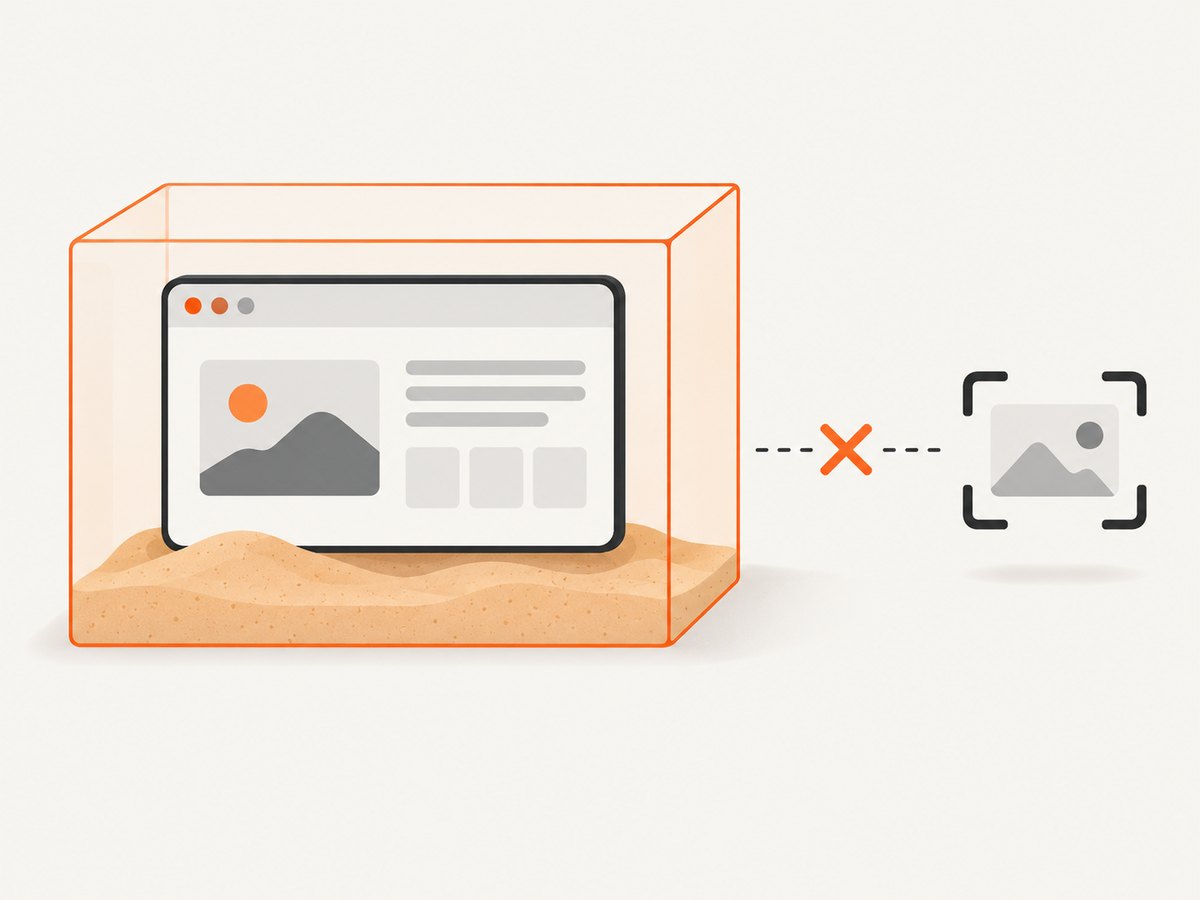
A web page runs inside a browser security boundary. The browser can expose page lifecycle state, input, network activity and explicitly permissioned device capabilities. It does not expose a standard event such as screenshot for operating-system captures.
The Page Visibility API fires visibilitychange when a document becomes hidden or visible. Switching tabs, minimizing a window, locking a device and other occlusion can all cause the same transition. It is useful for pausing work, but it cannot identify a screenshot.
document.addEventListener('visibilitychange', () => {
  console.log(document.visibilityState);
});

window.addEventListener('blur', () => console.log('window lost focus'));
window.addEventListener('focus', () => console.log('window gained focus'));
This code may help you understand session behavior, but it must not be presented to users as screenshot detection. Timing changes, focus changes, browser user-agent checks and visibility changes are all inconclusive clues.
Permissioned screen capture is different
navigator.mediaDevices.getDisplayMedia() lets a site request a stream of a tab, window or display. The user must interact with the page, choose a surface and grant permission. The MDN documentation and W3C specification describe this as screen sharing or recording, not silent screenshot detection.
async function shareScreen() {
  try {
    const stream = await navigator.mediaDevices.getDisplayMedia({
      video: true,
      audio: false
    });

    const video = document.querySelector('video');
    video.srcObject = stream;
    await video.play();

    stream.getVideoTracks()[0].addEventListener('ended', () => {
      console.log('The user stopped sharing');
    });
  } catch (error) {
    if (error.name === 'NotAllowedError') {
      console.log('The user cancelled or denied screen sharing');
    } else {
      console.error('Screen sharing failed', error);
    }
  }
}
Requirements include a secure context (normally HTTPS), a recent user interaction and a permission prompt. The browser lets the user choose the surface each time. A site cannot silently select the screen or infer that the user separately saved a screenshot.
Can websites detect screenshots on iPhone and Android?
Mobile websites
A site opened in Safari, Chrome or an in-app browser has the same browser limitation: no standard JavaScript event reports a device screenshot. Native operating-system notifications are not forwarded to the page.
Native Android apps
Android 14 introduced a privacy-preserving screenshot-detection API. A native app declares android.permission.DETECT_SCREEN_CAPTURE, registers an activity callback and can receive a callback for supported hardware-button screenshots. Android also shows a system notice, and the callback does not provide the screenshot image. See Android’s Android 14 behavior changes.
<uses-permission android:name="android.permission.DETECT_SCREEN_CAPTURE" />class ReaderActivity : Activity() {
private val detector = Activity.ScreenCaptureCallback {
// React to a supported screenshot event.
// The image itself is not supplied.
}
override fun onStart() {
super.onStart()
registerScreenCaptureCallback(mainExecutor, detector)
}
override fun onStop() {
unregisterScreenCaptureCallback(detector)
super.onStop()
}
}Check the Android SDK and device support before relying on this callback. It applies to native activities, not web pages.
Native iOS apps
UIKit posts UIApplication.userDidTakeScreenshotNotification after a person takes a screenshot. Apple documents that this notification has no userInfo dictionary. For recording, mirroring, AirPlay and other capture states, use UIScreen.capturedDidChangeNotification. See Apple’s screenshot notification documentation and capture-state documentation.
NotificationCenter.default.addObserver(
    forName: UIApplication.userDidTakeScreenshotNotification,
    object: nil,
    queue: .main
) { _ in
    // The screenshot happened after the notification is posted.
}

NotificationCenter.default.addObserver(
    forName: UIScreen.capturedDidChangeNotification,
    object: nil,
    queue: .main
) { _ in
    let isCaptured = UIScreen.main.isCaptured
    print("Capture state: \(isCaptured)")
}
Can websites block screenshots?
Ordinary websites cannot guarantee that their pixels will never be copied. Users can use operating-system tools, another camera, browser extensions, virtual machines or accessibility features.
Native Android apps can set FLAG_SECURE to keep an activity out of screenshots and non-secure displays. Android describes this as a mitigation, not an absolute promise; its fraud-prevention guidance reports about 70% reliability on Android 11 (API 30) and lower. The flag does not apply to a normal website.
window.setFlags(
    WindowManager.LayoutParams.FLAG_SECURE,
    WindowManager.LayoutParams.FLAG_SECURE
)
For web content, practical controls are access permissions, watermarking, short-lived data, server-side authorization and limiting what is rendered. These reduce exposure but do not create a dependable screenshot detector.
Common implementation mistakes
| Mistake | What actually happens | Fix |
|---|---|---|
Treating visibilitychange as a screenshot event |
It fires for tab switches, minimizing and occlusion. | Use it only for lifecycle handling; never label it screenshot detection. |
Using blur or focus |
Other windows, dialogs and accessibility tools trigger them. | Keep analytics semantics broad, such as “window lost focus.” |
Calling getDisplayMedia() automatically |
The browser rejects it or requires user interaction and permission. | Start it from a visible user action over HTTPS. |
| Expecting native callbacks in a WebView or website | UIKit and Android callbacks belong to native app code. | Bridge an explicitly designed native feature if you control the app. |
| Promising screenshot prevention with CSS | CSS can hide content in print or alter presentation, but cannot stop external capture. | Protect the data and set accurate expectations. |
Reliability, privacy and performance considerations
- Reliability: browser-side inference has false positives and false negatives. Native callbacks are more direct because the operating system owns the event, but support varies by OS version and capture method.
- Privacy: request only the capability you need. Screen sharing exposes a user-selected surface and requires consent; never describe it as silent monitoring.
- Performance: visibility listeners are cheap. Screen capture creates a video stream and can consume CPU, memory and bandwidth, especially if recorded or uploaded.
- Server logs: you can record requests, page views and downloads generated by your application. Logs cannot reveal pixels captured outside the page.
- Testing: test browsers, OS versions, hardware screenshot shortcuts, screen recording and external-camera scenarios separately. A passing visibility test does not validate screenshot detection.
Or skip the browser setup
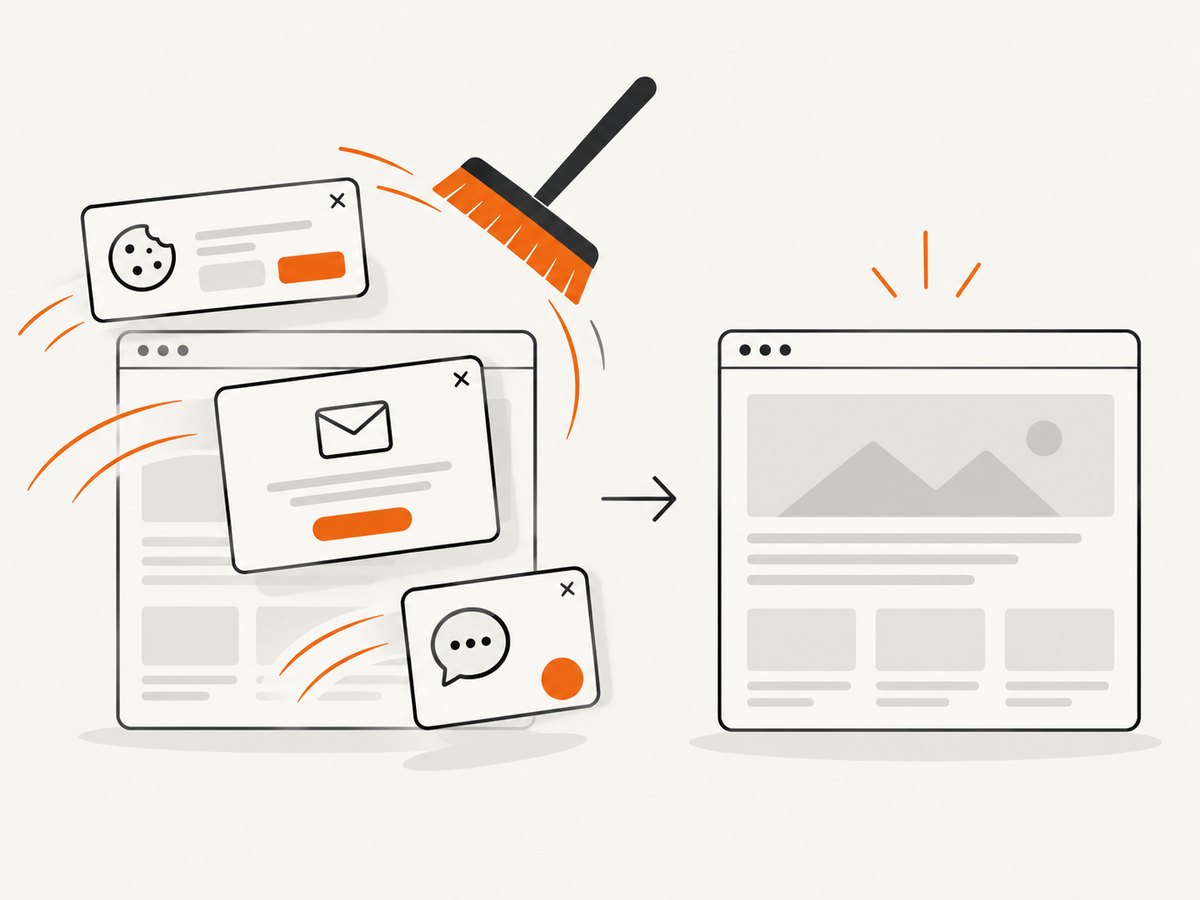
If your goal is to capture websites programmatically, you do not need to build a browser automation stack. ScreenshotNeo returns a PNG, JPEG, WebP or PDF from one GET request. It accepts consent banners before capture and removes more than 60 known consent platforms, newsletter popups and chat widgets. Bot checks, blank pages, timeouts, failed loads and cache hits are not billed, and the response identifies the result with X-Page-Verdict and X-Billed headers.
See the ScreenshotNeo API documentation for all options.
cURL
curl -G "https://api.screenshotneo.com/v1/shot" \
  -d access_key=YOUR_API_KEY \
  --data-urlencode url=https://stripe.com \
  -o shot.webp
Python
import requests

r = requests.get(
    "https://api.screenshotneo.com/v1/shot",
    params={"access_key": "YOUR_API_KEY", "url": "https://stripe.com"},
    timeout=90,
)
r.raise_for_status()
open("shot.webp", "wb").write(r.content)
Node.js
const q = new URLSearchParams({
  access_key: 'YOUR_API_KEY',
  url: 'https://stripe.com'
});
const res = await fetch(`https://api.screenshotneo.com/v1/shot?${q}`);
if (!res.ok) throw new Error(`HTTP ${res.status}`);
const data = Buffer.from(await res.arrayBuffer());
await import('node:fs/promises').then(fs => fs.writeFile('shot.webp', data));
The service also supports full-page captures with lazy images loaded, element selectors, dark mode, device presets, custom viewports, retina scale, PDFs, custom CSS and JavaScript, clicks, waits, request blocking, headers, cookies, user agents, authorization, timezone, geolocation, transparent backgrounds, resizing, caching, signed links, asynchronous jobs, webhooks, bulk capture and usage reporting. An MCP server provides take_screenshot, get_page_info and capture_pdf for Claude, Cursor and other MCP clients.
There is a free allowance of 1,000 screenshots per month without a card. Paid plans start at $5 for 3,000 shots; yearly billing gives two months free, and every feature is available on every plan. Create a free ScreenshotNeo account.
FAQ
Can Chrome detect when I press Print Screen?
No. Chrome can expose page visibility and permissioned screen sharing, but it has no standard event for an operating-system screenshot.
Does a website know if I screenshot a disappearing message?
A website cannot reliably know from browser JavaScript alone. An app may have a native, platform-specific mechanism, depending on the operating system and app implementation.
Can a website detect screen recording?
Not silently through a standard browser API. A site can receive a stream after the user approves getDisplayMedia(); native apps can observe platform capture-state notifications.
Is Android’s screenshot callback available to websites?
No. Android’s callback is for native activities and requires the Android permission and API support.
What is the strongest practical protection?
Use authorization, minimize sensitive data, expire access, watermark rendered content and apply native platform controls where appropriate. Treat all browser-side signals as advisory.


