How to Capture Auto-Height Screenshots with Headless Chrome
Use Puppeteer’s fullPage option for full-document screenshots, or Chrome’s CLI for fixed windows. Learn readiness, lazy loading, errors, and automation.
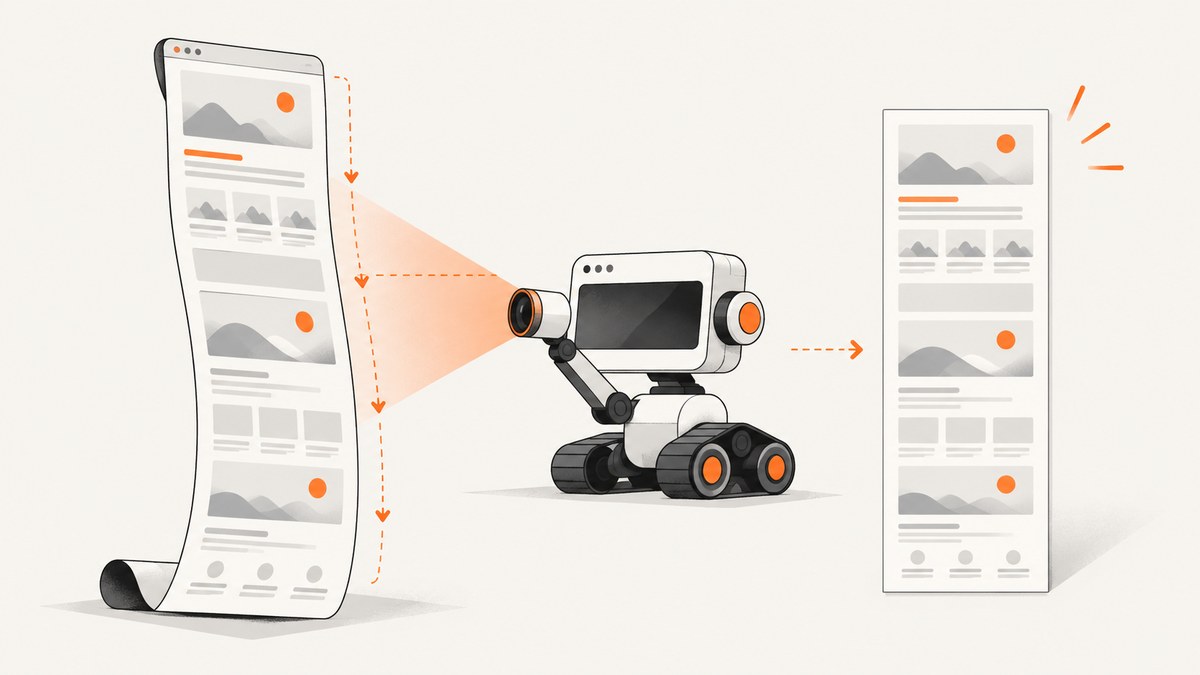
Direct answer: with Puppeteer, call page.screenshot({ fullPage: true }). The fullPage option captures the entire document and defaults to false. Chrome’s headless command-line interface can capture a screenshot at a chosen --window-size, but that is a fixed window size rather than automatic document-height detection.
import puppeteer from 'puppeteer';

const browser = await puppeteer.launch({ headless: true });
const page = await browser.newPage();
await page.setViewport({ width: 1440, height: 900, deviceScaleFactor: 1 });
await page.goto('https://example.com', { waitUntil: 'networkidle2' });
await page.screenshot({ path: 'page.png', fullPage: true });
await browser.close();
Puppeteer documents fullPage as taking a screenshot of the full page. Its captureBeyondViewport option is separate: it controls capture outside the viewport, while fullPage expresses the ordinary full-document requirement directly. See the Puppeteer ScreenshotOptions reference.
Choose Puppeteer or Chrome’s CLI
| Requirement | Puppeteer | Chrome CLI |
|---|---|---|
| Automatic full-document capture | Use fullPage: true |
Not described as automatic; window dimensions are explicit |
| Browser scripting | Yes | No script required for a basic capture |
| Dynamic readiness | Can wait for selectors, network states, or application signals | Uses timing flags such as --timeout and --virtual-time-budget |
| Best fit | Applications, repeatable jobs, lazy loading, interaction | Simple command-line captures at known dimensions |
The official Chrome Headless command-line reference documents --screenshot, --window-size, --timeout, and --virtual-time-budget. A timeout is a maximum wait; capture can still happen while loading continues.
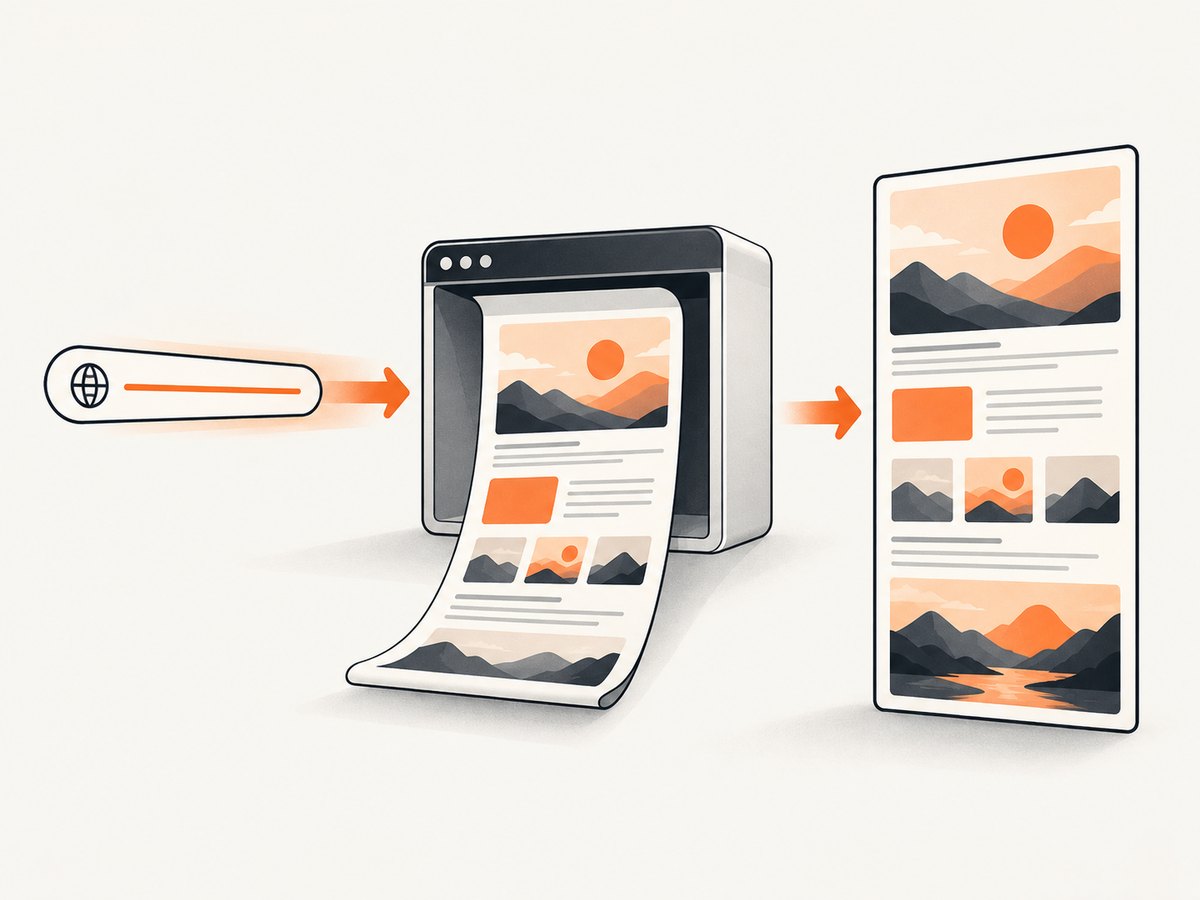
Capture the full document with Puppeteer
1. Install Puppeteer
npm install puppeteer2. Use a full-page screenshot
import puppeteer from 'puppeteer';

const target = process.argv[2] || 'https://example.com';
const browser = await puppeteer.launch({ headless: true });
try {
  const page = await browser.newPage();
  await page.setViewport({ width: 1440, height: 900, deviceScaleFactor: 1 });
  await page.goto(target, { waitUntil: 'networkidle2', timeout: 60_000 });
  await page.screenshot({ path: 'full-page.png', fullPage: true, type: 'png' });
} finally {
  await browser.close();
}
Run it with:
node capture.mjs https://example.com3. Select an output format
await page.screenshot({ path: 'page.webp', fullPage: true, type: 'webp', quality: 85 });
await page.screenshot({ path: 'page.jpg', fullPage: true, type: 'jpeg', quality: 85 });
JPEG and WebP can reduce file size. PNG preserves sharp text and transparency. Quality applies to JPEG and WebP, not PNG.
Make dynamic pages ready before capture
There is no universal readiness wait. Choose a condition that matches the target application.
Wait for navigation
await page.goto(url, { waitUntil: 'domcontentloaded' });Use load when all load events matter, or networkidle2 when the page normally settles after a small number of requests. Neither proves that an application has finished rendering every asynchronous component.
Wait for a meaningful selector
await page.goto(url, { waitUntil: 'domcontentloaded' });
await page.waitForSelector('#report-chart', { visible: true, timeout: 30_000 });
await page.screenshot({ path: 'report.png', fullPage: true });
Wait a bounded amount of time
await page.waitForTimeout(2_000);A fixed delay is useful for known animations or timers, but it is less reliable than an application-specific selector or readiness signal.
Wait for fonts and images
await page.evaluate(async () => {
  if (document.fonts?.ready) await document.fonts.ready;
  const images = Array.from(document.images);
  await Promise.all(images.map(img => {
    if (img.complete) return Promise.resolve();
    return new Promise(resolve => {
      img.addEventListener('load', resolve, { once: true });
      img.addEventListener('error', resolve, { once: true });
    });
  }));
});
Trigger lazy-loaded content
Some sites load images only after they approach the viewport. Scroll in increments, then return to the top before capturing:
await page.evaluate(async () => {
  await new Promise(resolve => {
    let y = 0;
    const step = Math.max(window.innerHeight, 600);
    const timer = setInterval(() => {
      window.scrollBy(0, step);
      y += step;
      if (y >= document.documentElement.scrollHeight) {
        clearInterval(timer);
        window.scrollTo(0, 0);
        resolve();
      }
    }, 100);
  });
});
await page.waitForTimeout(500);
await page.screenshot({ path: 'lazy-loaded.png', fullPage: true });
Freeze animations when visual consistency matters
await page.addStyleTag({ content: `
  *, *::before, *::after {
    animation: none !important;
    transition: none !important;
    caret-color: transparent !important;
  }
` });
Control viewport, clipping, and capture options
fullPage: truecaptures the document.clipcaptures a specific rectangle instead of the whole document.captureBeyondViewportis a separate control for content outside the viewport; consult the installed Puppeteer version’s reference when combining it with clipping.deviceScaleFactorcontrols retina-style pixel density.omitBackground: truepreserves transparency where the page has a transparent background.encoding: 'base64'returns encoded data instead of writing a file.
await page.setViewport({ width: 1280, height: 800, deviceScaleFactor: 2 });
await page.screenshot({
  path: 'region.png',
  clip: { x: 0, y: 0, width: 800, height: 600 },
  captureBeyondViewport: true
});
Chrome headless command line
For a simple fixed-size capture, use the installed Chrome executable name for your environment:
chrome --headless --screenshot --window-size=412,892 https://example.com/The dimensions are the requested window size. They do not measure the page and expand the window to the document’s full height.
Timing flags
chrome --headless --screenshot=page.png \
  --window-size=1440,900 \
  --timeout=10000 \
  https://example.com/
--timeout caps the wait before capture. For pages driven by timers, Chrome also documents:
chrome --headless --screenshot \
  --virtual-time-budget=5000 \
  https://example.com/
Virtual time fast-forwards timer-driven code; it does not confirm that network requests or application rendering completed.
Common edge cases
Sticky headers and fixed overlays
A fixed header may appear repeatedly or cover content in a long capture. Hide it only when that matches your intended result:
await page.addStyleTag({ content: `
  header[aria-label="Site header"], .cookie-banner, .chat-widget {
    display: none !important;
  }
` });
Infinite scroll
There is no finite document height until the application stops adding content. Set a maximum scroll count or time budget, and capture only after the page reaches your defined boundary.
Very tall documents
Large pages consume browser memory and produce large files. Capture a known region, split the document into sections, or reduce the device scale factor when a single bitmap is impractical.
Cross-origin frames
You can screenshot the rendered result, but page JavaScript cannot freely inspect a cross-origin iframe. Wait for the frame element or use Puppeteer’s frame APIs where same-origin access is available.
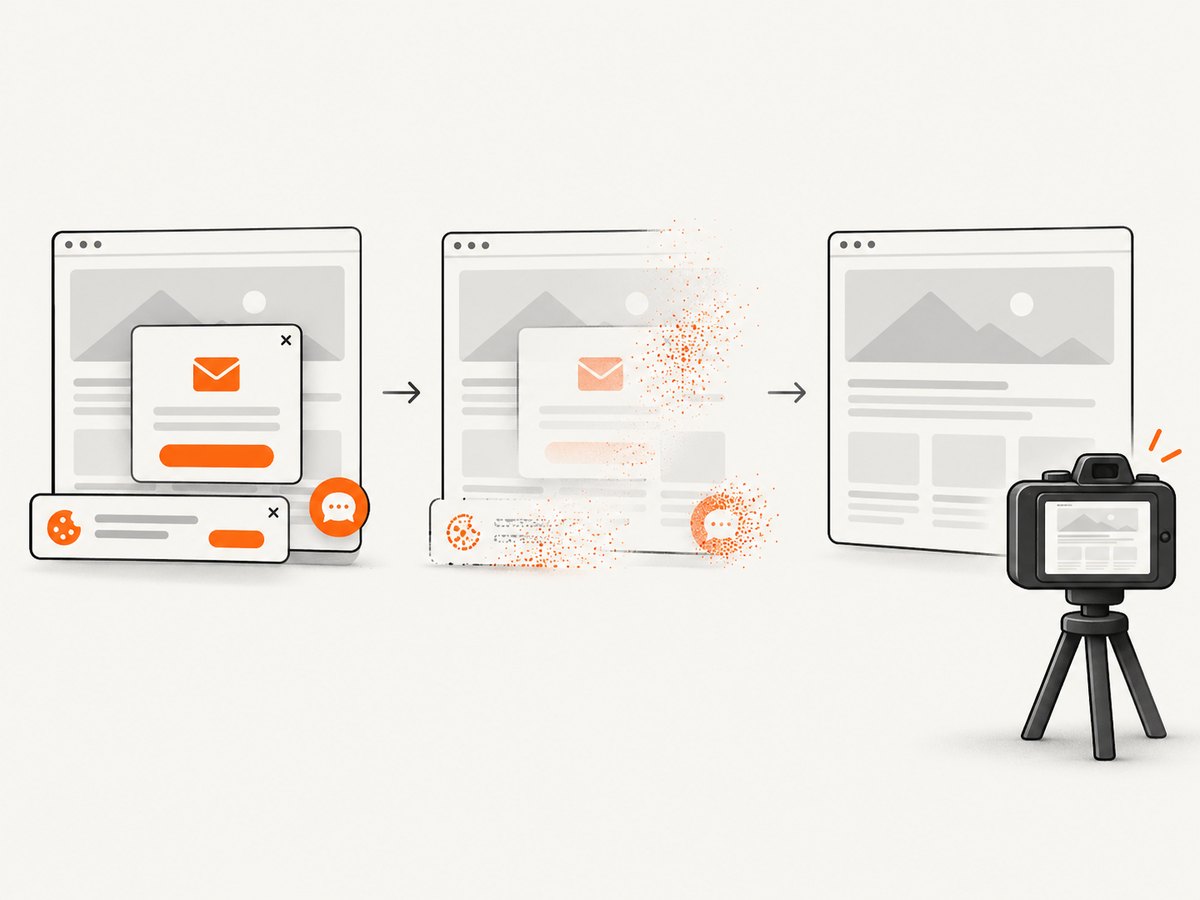
Cookie and consent dialogs
Consent UI can change layout and obscure content. Handle it explicitly in your script, or use a capture service that removes common consent overlays before rendering.
Troubleshooting
| Symptom | Cause | Fix |
|---|---|---|
| Only the viewport is captured | fullPage is omitted or false |
Set fullPage: true. |
| CLI image is not full height | --window-size sets a fixed window |
Use Puppeteer for document capture, or calculate and request a suitable height yourself. |
| Images are blank | Lazy loading has not been triggered or requests failed | Scroll through the page, wait for image completion, and inspect failed requests. |
| Content is missing | Capture occurred before app rendering finished | Wait for a meaningful selector or application-ready signal. |
| Capture times out | Navigation or a selector wait exceeded its limit | Increase the timeout carefully, identify the blocked request, and use a bounded readiness condition. |
| Fonts shift the layout | Web fonts were still loading | Await document.fonts.ready before capture. |
| Repeated headers cover content | Sticky or fixed positioning | Hide the element or capture a designed viewport region. |
| Browser fails to launch | Missing executable, sandbox restrictions, or incompatible dependencies | Install a supported browser, verify the executable path, and follow the deployment environment’s Chromium requirements. |
Performance, reliability, and cost
- Performance: reuse one browser process for a batch, create a fresh page per URL, block unnecessary requests, and choose JPEG/WebP when lossless output is unnecessary.
- Reliability: use explicit selector or application readiness checks, bounded timeouts, retries for transient navigation failures, and deterministic viewport and timezone settings.
- Repeatability: freeze animations, wait for fonts, use stable test data, and record the browser version because CLI flags and browser behavior can evolve.
- Cost: self-hosted Puppeteer and Chrome consume your compute, memory, storage, and operational time. A hosted API trades browser maintenance for per-capture pricing and service limits.
Or skip the browser setup
ScreenshotNeo provides a website screenshot API and MCP server. One GET request returns a PNG, JPEG, WebP, or PDF. Its full-page capture loads lazy images, and it can also capture a CSS-selected element, set a viewport or device preset, use retina scale, wait for a selector, delay, or network idle, run custom JavaScript, hide selectors, and set headers, cookies, user agents, timezone, or geolocation. The ScreenshotNeo API documentation has the complete option list.
curl -G "https://api.screenshotneo.com/v1/shot" \
  -d access_key=YOUR_API_KEY \
  --data-urlencode url=https://example.com \
  -o shot.webp
import requests
r = requests.get(
"https://api.screenshotneo.com/v1/shot",
params={"access_key": "YOUR_API_KEY", "url": "https://example.com"},
timeout=90,
)
r.raise_for_status()
open("shot.webp", "wb").write(r.content)const q = new URLSearchParams({ access_key: 'YOUR_API_KEY', url: 'https://example.com' });
const res = await fetch(`https://api.screenshotneo.com/v1/shot?${q}`);
if (!res.ok) throw new Error(`Screenshot failed: ${res.status}`);
const bytes = Buffer.from(await res.arrayBuffer());
await import('node:fs/promises').then(fs => fs.writeFile('shot.webp', bytes));Cookie banners, newsletter popups, and chat widgets are removed before the shot. Bot checks, blank pages, timeouts, failed loads, and cache hits are not billed; response headers identify the page verdict and whether it was billed. Its MCP server lets Claude, Cursor, and other MCP clients call take_screenshot, get_page_info, and capture_pdf. The Free plan includes 1,000 screenshots each month with no card, and paid plans start at $5 for 3,000 shots.
Create a free ScreenshotNeo account and start with 1,000 screenshots per month at no charge.
FAQ
Does fullPage: true change the viewport?
No. It captures the document beyond the current viewport while retaining the viewport settings used to render the page.
Is networkidle2 a guarantee that every image is visible?
No. Lazy loading, timers, service workers, and application state can still delay visible content. Wait for the page-specific condition that proves readiness.
Should I use captureBeyondViewport instead of fullPage?
Use fullPage for the normal full-document screenshot. Review captureBeyondViewport when you need a clipped or otherwise explicitly bounded capture.
Can Chrome CLI automatically discover document height?
The cited CLI documentation describes a chosen window size, not automatic full-document sizing. Use Puppeteer or another scripted workflow when document height must be discovered.
Why does a screenshot differ between runs?
Fonts, animations, asynchronous data, ads, timestamps, viewport scale, and browser versions can change pixels. Control those inputs and wait for deterministic readiness.


