How to Capture Background Requests and Responses in Puppeteer
Capture fetch and XHR traffic in Puppeteer with page events, wait for a specific response, and troubleshoot failures without unnecessary interception.
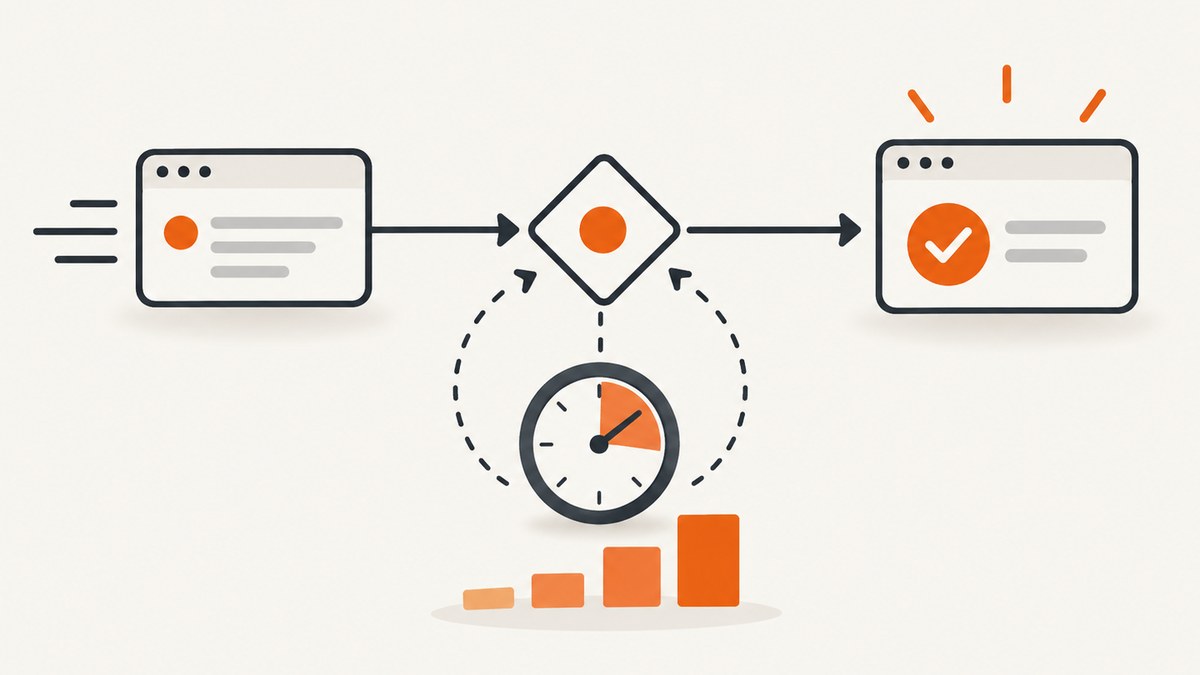
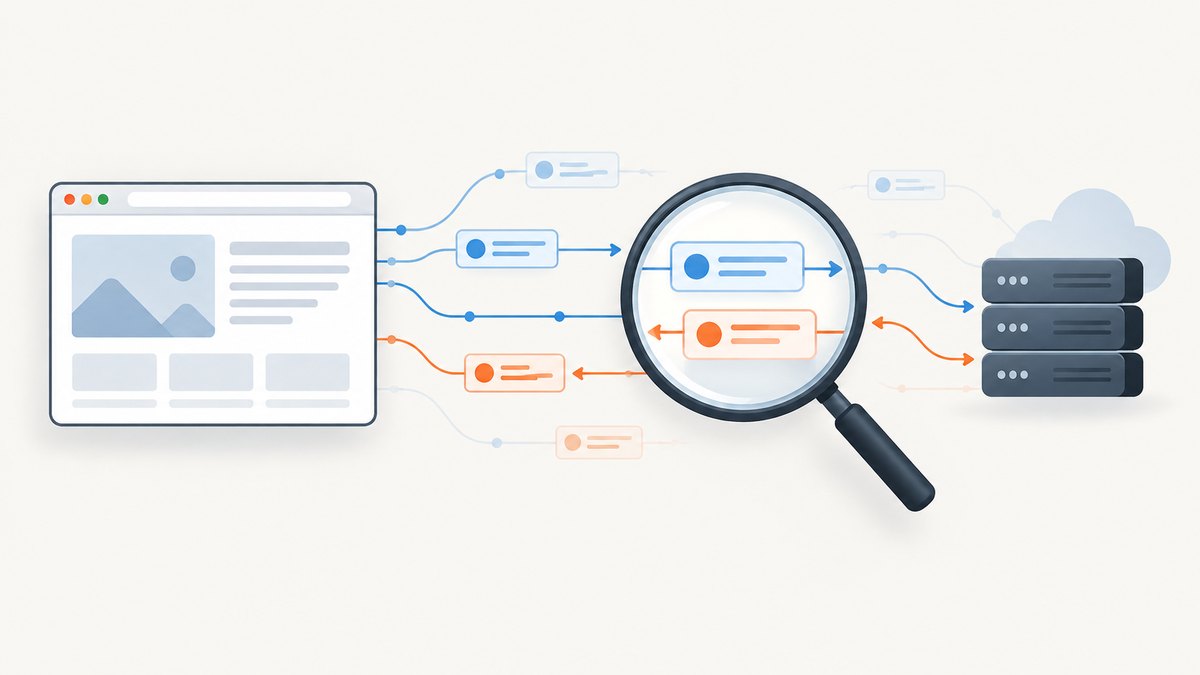
To capture background requests and responses in Puppeteer, attach request and response listeners to the Page before navigating or triggering the action that sends them. You do not need request interception just to observe traffic: Puppeteer emits page network events by default. Use waitForResponse() when you need one matching response, and enable interception only when you need to change, fulfill, or abort requests. Puppeteer’s network logging guide
page.on('request', request => {
  console.log('Request:', request.method(), request.url());
});

page.on('response', response => {
  console.log('Response:', response.status(), response.url());
});
1. Set up a complete request and response logger
The following runnable Node.js example launches Chromium, registers listeners before navigation, logs request method, URL, resource type, response status, and transport-level failures, then visits a page. Save it as capture.js; install Puppeteer in the project with npm install puppeteer, then run node capture.js.
const puppeteer = require('puppeteer');

(async () => {
  const browser = await puppeteer.launch({ headless: true });
  try {
    const page = await browser.newPage();

    page.on('request', request => {
      console.log('REQUEST', request.method(), request.resourceType(), request.url());
    });

    page.on('response', response => {
      console.log('RESPONSE', response.status(), response.url());
    });

    page.on('requestfailed', request => {
      console.log('FAILED', request.failure()?.errorText, request.url());
    });

    await page.goto('https://example.com', { waitUntil: 'domcontentloaded' });
    await page.waitForNetworkIdle({ idleTime: 500, timeout: 5000 }).catch(() => {
      console.log('Network did not become idle within five seconds');
    });
  } finally {
    await browser.close();
  }
})();
The three event streams answer different questions. request fires when the page issues a request. response fires when response headers arrive, so it can report status before the body finishes downloading. requestfinished means the response body has downloaded and the request completed. requestfailed indicates a request failure such as a network error. A server response with status 404 or 503 is still an HTTP exchange and generally reaches requestfinished; inspect the response status rather than expecting these HTTP errors to appear as transport failures. HTTPRequest API reference
Capture only fetch and XHR requests
For focused logs, filter by resource type. Puppeteer exposes types such as xhr and fetch through request.resourceType(). A site may use other types or browser mechanisms, so start with the unfiltered logger if you are unsure where the traffic originates.
page.on('request', request => {
  if (['xhr', 'fetch'].includes(request.resourceType())) {
    console.log('BACKGROUND REQUEST', request.method(), request.url());
  }
});

page.on('response', response => {
  const request = response.request();
  if (['xhr', 'fetch'].includes(request.resourceType())) {
    console.log('BACKGROUND RESPONSE', response.status(), response.url());
  }
});
2. Wait for one request or response
Persistent listeners are best when you need a stream of events. For a test that needs a particular API result, use waitForResponse() or waitForRequest(). Start the wait before the click, submit, or navigation; otherwise the event may already have happened by the time the wait is registered. Page API reference
const responsePromise = page.waitForResponse(response =>
  response.url().includes('/api/products') &&
  response.request().method() === 'GET'
);

await page.click('[data-test="load-products"]');
const response = await responsePromise;
console.log('Status:', response.status());
console.log('URL:', response.url());
To match a request, apply the predicate to the request instead:
const requestPromise = page.waitForRequest(request =>
  request.url().includes('/api/products') &&
  request.method() === 'GET'
);

await page.click('[data-test="load-products"]');
const request = await requestPromise;
console.log(request.method(), request.url());
These helpers have a default timeout of 30 seconds. Configure the page’s default timeout with page.setDefaultTimeout(milliseconds), or pass a per-wait timeout and, where appropriate, an AbortSignal. A timeout means no matching event arrived within the allowed period; it does not tell you by itself whether the selector, action, URL predicate, or application request was wrong.
3. Inspect request and response details
From an HTTPRequest, you can inspect its URL, method, resource type, headers, initiator, and response association. Header names are lowercase. Treat headers and bodies as potentially sensitive: authorization values, cookies, personal data, or tokens may appear in them. Avoid dumping them into shared CI logs without redaction.
page.on('request', async request => {
  console.log({
    url: request.url(),
    method: request.method(),
    resourceType: request.resourceType(),
    headers: request.headers(),
    initiator: request.initiator(),
  });

  if (request.hasPostData()) {
    const body = await request.fetchPostData();
    console.log('POST body:', body);
  }
});
postData() is deprecated and can be undefined even when a request has a body, for example when the payload is too large or unavailable in decoded form. Use fetchPostData() for the asynchronous retrieval path; its result may still be undefined. Do not assume every payload is JSON or text. Binary uploads, encoded forms, and streaming behavior require format-aware handling.
From an HTTPResponse, log status(), url(), and headers() to classify the exchange. Read a response body only when needed. Body collection adds work and memory use, and content may be binary, compressed, or otherwise unsuitable for printing as text. Check the response API for the installed Puppeteer version before relying on a particular body-reading method.
4. Understand redirects, failures, and network idle
A redirect ends one request and creates another request for the destination. Your event log can therefore contain the original URL and one or more subsequent URLs. When diagnosing a redirect, record each request and its response rather than treating the first URL as the final destination.
Use waitForNetworkIdle() when a quiet period is a useful synchronization heuristic. It waits at least the configured idle time; its options include idleTime and concurrency. It is not proof that a delayed timer, polling call, or future user-triggered request has run. Some pages keep connections open or poll continuously, so an idle wait may not resolve within your timeout. For a known API operation, waiting for its matching response is usually more deterministic.
Service workers can affect how page requests are handled. page.setBypassServiceWorker(true) tells the page to ignore the service worker for requests. Treat this as an optional diagnostic switch when you specifically need to compare behavior with service-worker handling bypassed. It is not a prerequisite for ordinary page event logging. Puppeteer’s page.workers() reports dedicated WebWorkers and does not include ServiceWorkers. Page API reference
5. When request interception is appropriate
Event listeners observe traffic without changing its behavior. Interception is a control mechanism: once enabled, each request stalls until a handler continues it, responds to it, aborts it, or the browser cache completes it. Use interception when a test must mock an endpoint, block a resource, or rewrite a request. Do not enable it solely to log URLs. Network logging guide

await page.setRequestInterception(true);

page.on('request', request => {
  if (request.isInterceptResolutionHandled()) return;

  if (request.url().endsWith('/optional-tracker.js')) {
    request.abort().catch(error => console.error('Could not abort request:', error));
  } else {
    request.continue().catch(error => console.error('Could not continue request:', error));
  }
});
Interception handlers must resolve every intercepted request. If another listener or package may handle the same request, check isInterceptResolutionHandled() immediately before acting. If your handler awaits asynchronous work first, check again after that await: another handler may have resolved it in the meantime. Puppeteer documents cooperative priorities for coordinated handlers, but simple observation does not need that setup. Request interception guide
6. Troubleshooting
| Symptom | Likely cause | Fix |
|---|---|---|
| No events appear | Listeners were attached after navigation or the triggering action. | Create the listeners immediately after creating the page and before goto() or the action. |
| A wait for response times out | The request did not run, the URL predicate is too strict, or the wait began too late. | Register the wait before the action; temporarily log all requests and compare the actual URL and method. |
A 404 is missing from requestfailed |
An HTTP error status is still a completed response. | Log response.status() and classify HTTP status separately from transport failure. |
| Requests appear twice or URLs change | A redirect created another request, or the page retried a request. | Keep timestamps and URLs in logs; inspect each response and redirect chain. |
| The page hangs after interception is enabled | An intercepted request was not continued, fulfilled, or aborted. | Ensure every path resolves the request, including error branches; remove interception if observation is all you need. |
| “Request is already handled” or resolution errors | Another listener or asynchronous handler resolved it first. | Check isInterceptResolutionHandled() immediately before resolution, including after awaits. |
| POST body is undefined | postData() may not expose the payload. |
Use and await fetchPostData(); handle an undefined result and avoid assuming JSON. |
| Network idle never arrives | Long polling, streaming, or frequent requests keep the page active. | Use a bounded timeout or wait for the specific expected response instead. |
| Expected calls are absent with a service worker | The service worker may serve or manage the request. | For diagnosis, compare with setBypassServiceWorker(true); do not make bypass a default. |
7. Performance, reliability, and cost
Listeners add little work when they record a few scalar fields, but logging every request on a busy page can produce large output. Filter by resource type or endpoint once you know what to inspect. Avoid collecting every body unless the test needs it. Buffering large responses increases memory pressure, and console output can become a bottleneck in parallel test runs.
For reliable automation, register event listeners and one-event waits before the action, use a predicate that matches the intended endpoint and method, and give waits explicit timeouts. Keep event handling quick; move expensive parsing or persistence out of the event callback when practical. Capture enough context to diagnose failures, but redact secrets. A page event listener observes events from that page; it is not a universal network proxy for unrelated browser targets or traffic outside the page.
The Puppeteer approach runs a browser and therefore uses the compute and time budget of the environment running the script. Keep the browser lifecycle in a try/finally block so it closes after failures. If the actual deliverable is a visual page capture rather than network inspection, ScreenshotNeo provides a website screenshot API; it does not replace Puppeteer’s request event stream. Learn about ScreenshotNeo.
Or skip the browser setup
For a screenshot of a page (rather than a log of its background requests), ScreenshotNeo returns an image or PDF from one API call. See the ScreenshotNeo API documentation.
curl -G "https://api.screenshotneo.com/v1/shot" -d access_key=YOUR_API_KEY --data-urlencode url=https://stripe.com -o shot.webpimport requests
r = requests.get("https://api.screenshotneo.com/v1/shot", params={"access_key": "YOUR_API_KEY", "url": "https://stripe.com"}, timeout=90)
open("shot.webp", "wb").write(r.content)const q = new URLSearchParams({ access_key: 'YOUR_API_KEY', url: 'https://stripe.com' });
const res = await fetch(`https://api.screenshotneo.com/v1/shot?${q}`);- Cookie banners, newsletter popups, and chat widgets are removed before the shot; each cleanup step can be turned off.
- Bot checks, blank pages, failed loads, timeouts, and cache hits are never billed; response headers report the page verdict and billing status.
- An MCP server gives AI agents tools to take screenshots, get page information, and capture PDFs.
- The free plan includes 1,000 screenshots per month with no card. Paid plans start at $5 for 3,000 screenshots.
Sign up for 1,000 free screenshots a month, no card required.
FAQ
Do I need interception to see XHR or fetch calls?
No. Listen for page request and response events. Enable interception only to alter traffic.
Can I capture calls made after the initial page load?
Yes. Keep the listeners attached while the page remains open, and trigger the interaction that makes the call. Register a one-event wait before that interaction.
Does requestfailed mean the server returned an error status?
Not necessarily. A 404 or 503 is an HTTP response; requestfailed describes a failed request at the transport or loading level. Check status and failure separately.
Does ScreenshotNeo capture Puppeteer network logs?
No. ScreenshotNeo captures page images or PDFs through its API; use Puppeteer page events when you need request and response details.


