How to Capture Background Requests and Responses in Selenium
Capture AJAX, XHR, and fetch traffic in Selenium with Chrome CDP, WebDriver BiDi, or Selenium Wire. Learn how to match requests, read response bodies, and debug missed events.
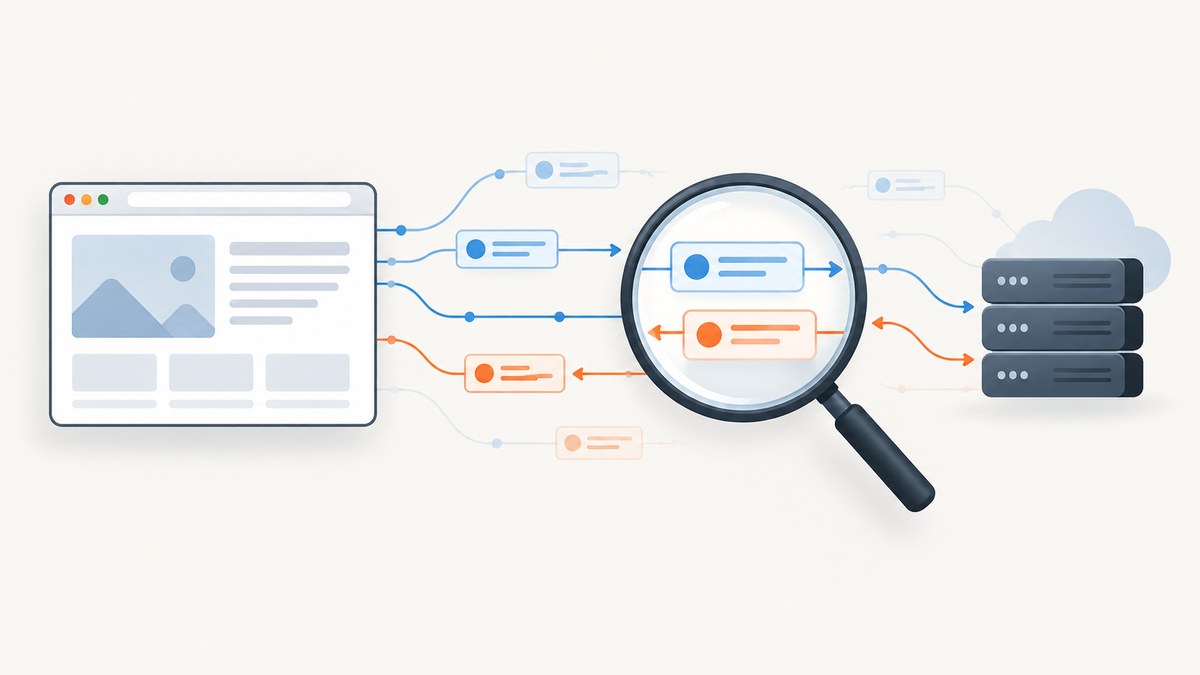
To capture a background request and its response in Selenium, start listening before the click or navigation that triggers it. For Chrome and Chromium, Selenium’s Chrome DevTools Protocol (CDP) Network domain is the established route: subscribe to request and response events, match the endpoint, then retrieve the response body using that event’s request ID. For a Python proxy workflow, Selenium Wire provides stored requests, URL waits, response interception, and optional HAR capture. WebDriver BiDi is Selenium’s standards-based cross-browser direction; verify that your Selenium binding and browser expose the network events you need.
This guide shows how to inspect the endpoint, capture a JSON response in Python with Selenium Wire, choose between the available routes, and handle common failures. The key distinction is that a browser network event tells you what the page requested; it is not the same as reading text rendered in the DOM.
1. Find the request before automating it
First identify the exact call the application makes. Open Chrome DevTools, select the Network panel, and reproduce the action manually. The panel records requests while open. Filter to Fetch/XHR, select the likely row, and inspect its URL, method, status, initiator, request payload, response headers, and response body. The initiator helps connect a request to the UI action that caused it. [Chrome DevTools Network panel]
- Open the page and the Network panel before reproducing the interaction.
- Clear the request list, then click the button or perform the action once.
- Identify the business endpoint and note whether it is a GET, POST, or another method.
- Check the response content type and body. Confirm whether the useful data is JSON, HTML, text, or binary.
- Record stable identifying details, such as a URL path segment or query parameter that is not a timestamp.
This manual pass prevents a common mistake: capturing an unrelated analytics call, an OPTIONS preflight, or a later poll instead of the request that carries the data you need. For authoritative details, Selenium documents CDP Network features, and the Chrome DevTools Protocol reference describes the Network domain’s request and response events, headers, bodies, and timing. [Selenium CDP Network features] [CDP Network reference]
2. Capture with Python and Selenium Wire
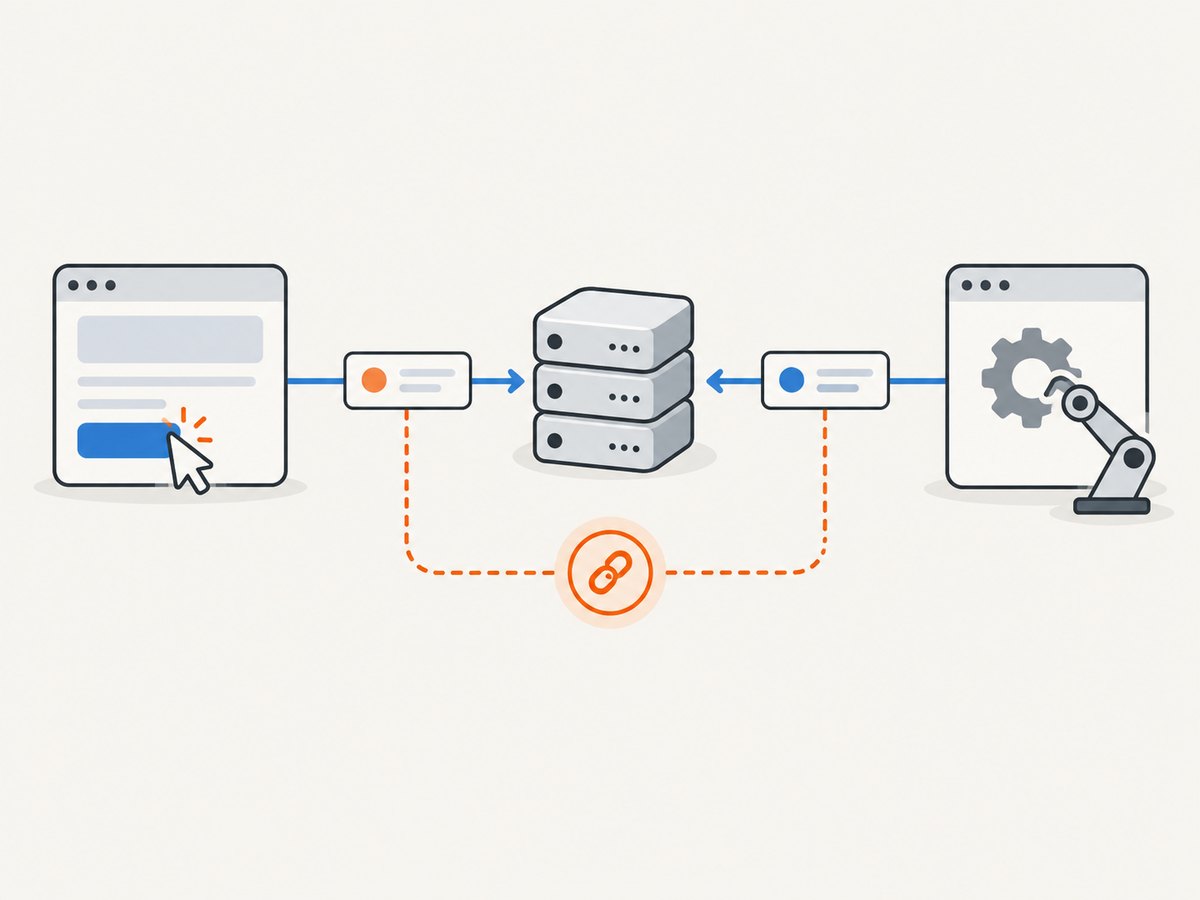
Selenium Wire is an external Python project that adds a proxy layer and exposes browser traffic through driver.requests. You can wait for a matching URL, inspect its response, add request or response interceptors, and optionally save HAR data. This example captures one matching JSON response and checks the status before parsing it.
pip install selenium selenium-wireimport json
from seleniumwire import webdriver
from selenium.webdriver.common.by import By
from selenium.webdriver.support.ui import WebDriverWait
TARGET = "https://example.com/api/items"
PAGE = "https://example.com/items"
options = {
"disable_encoding": True,
"request_storage": "memory",
}
# Selenium Wire configures a local proxy for browser traffic.
driver = webdriver.Chrome(seleniumwire_options=options)
try:
# Keep browser startup and capture setup ahead of the triggering action.
driver.get(PAGE)
# Clear requests from navigation and setup so stale traffic cannot match.
del driver.requests
driver.find_element(By.CSS_SELECTOR, "button.load-items").click()
# Wait for the endpoint. Match a stable portion of the URL if the
# application appends query parameters such as timestamps or cache keys.
request = driver.wait_for_request(r"/api/items(?:\?|$)", timeout=20)
if request.response is None:
raise RuntimeError("The matching request has no response yet")
response = request.response
content_type = response.headers.get("Content-Type", "")
print("status:", response.status_code)
print("content type:", content_type)
print("request URL:", request.url)
print("request method:", request.method)
if not 200 <= response.status_code < 300:
raise RuntimeError(f"Endpoint returned HTTP {response.status_code}")
if "json" not in content_type.lower():
raise RuntimeError(f"Expected JSON, received {content_type!r}")
payload = json.loads(response.body.decode("utf-8"))
print(json.dumps(payload, indent=2))
finally:
driver.quit()Replace the example page, selector, and endpoint with values from your application. Install the browser driver appropriate to your Selenium setup. Selenium Wire’s documented API includes driver.requests, driver.wait_for_request(...), response interceptors, and optional HAR capture. See its project documentation for current setup and configuration details.
Wait for an exact request and avoid stale matches
The wait pattern is convenient, but it can match an earlier request if the page calls the same endpoint during navigation or if the browser retries. Delete stored requests immediately before the action, as in the example. Make the regular expression specific enough to distinguish the endpoint, and assert identifying details such as the method or query parameters after the match.
del driver.requests
button.click()
request = driver.wait_for_request(r"/api/items\?category=books(?:&|$)", timeout=20)
assert request.method == "GET"
assert request.response is not None
If the request URL contains volatile parameters, match a stable path and then inspect the captured URL and request data. Do not rely on a broad substring such as api when the page makes many API calls.
Inspect request data and response headers
For a POST request, the captured request can help explain why the server returned a particular result. Inspect its method, URL, headers, and body, taking care not to print secrets or personal data into CI logs. Response headers can help distinguish JSON from an HTML login page or an error returned with an unexpected content type.
print(request.method, request.url)
print(request.headers.get("Content-Type"))
print(request.body[:500])
print(request.response.headers.get("Content-Type"))
Some traffic, including OPTIONS preflight requests, is ignored by Selenium Wire by default unless configured otherwise. Usually the preflight is not the business response: identify and capture the subsequent request. If the test specifically concerns preflight behavior, consult Selenium Wire’s current configuration documentation before changing its handling.
3. Use Chrome CDP when you need browser-native events
Selenium’s CDP Network domain exposes request and response events, headers, timing, request post data, and response-body retrieval. CDP is Chromium-specific, and the exact listener and command names vary by language binding and Selenium version. Selenium notes that CDP access is expected to give way to BiDi as BiDi matures; CDP remains the established Chromium route in its documentation. [Selenium Network documentation]
The safe capture sequence is:
- Create the Chrome driver and obtain the binding’s DevTools interface.
- Enable the Network domain and register request and response listeners before navigation or the click.
- On request events, retain the request ID and URL for candidate endpoints.
- On response events, filter by stable URL characteristics and inspect status and MIME type.
- Use the matching request ID with the binding’s CDP
Network.getResponseBodycommand. - Parse JSON only when the status is acceptable and the response MIME type indicates JSON.
The event’s request ID is the correlation key. Do not assume that the order of events in a busy page identifies a pair by itself. A response may arrive after redirects, retries, or unrelated calls, so keep a map keyed by request ID and remove entries after processing. Clear your captured state between test cases.
Bindings evolve, so use the current Selenium API reference for your language and version rather than copying a listener signature from a different binding. The CDP protocol reference lists Network events such as request and response notifications and the response-body command. Response bodies can be base64 encoded; check the command result’s encoding flag before decoding. Treat non-JSON content as bytes or text rather than forcing it through a JSON parser.
Capture headers, request payloads, and timing
CDP is useful when the test needs more than the final response body. Request events can expose the URL, method, headers, and post data; response events expose status and response headers. Timing data can help locate a slow stage, but a browser-observed duration is not a benchmark of the server alone. Network conditions, browser scheduling, cache state, and page activity all affect it.
Use only the data your test needs. Authorization and cookie headers are sensitive. Avoid committing captured HAR files or printing full request headers into build logs unless they have been scrubbed.
4. Consider WebDriver BiDi for cross-browser event streams
WebDriver BiDi is Selenium’s W3C bidirectional protocol for streaming browser events, including network activity. It is the standards-based direction for teams that need event-driven automation across browsers. Available events and API support depend on the Selenium binding and browser versions in your matrix, so verify network event coverage before choosing it for a test suite. [Selenium WebDriver BiDi documentation]
The conceptual pattern is similar to CDP: subscribe to the relevant network events, trigger the action only after the subscription is active, filter event data, and correlate request and response identifiers. Use the current Selenium BiDi API documentation for executable binding-specific code. Do not assume a BiDi example for one language or browser version will work unchanged in another.
| Route | Best fit | Trade-off |
|---|---|---|
| CDP Network | Chrome or Chromium tests that need events, bodies, headers, or request data | Browser-specific protocol and version-sensitive binding APIs |
| WebDriver BiDi | Event-driven tests targeting multiple browser implementations | Verify event and binding support in every browser version you use |
| Selenium Wire | Python tests wanting proxy capture, waits, interceptors, or HAR | Adds a proxy layer and is an external project, not an official Selenium API |
5. Handle timing, redirects, and unusual responses
Subscribe before the triggering action. A request that finishes before the listener is attached cannot be recovered from an event stream. In a test, install listeners immediately after driver creation or before the page action, then wait for a specific endpoint with a bounded timeout.
Account for these cases:
- Redirects: A request may lead to a different URL or multiple response events. Match the final destination when that is the behavior under test, and inspect status and redirect metadata.
- Retries: Applications may retry a failed call. Match the successful attempt or assert the expected retry behavior explicitly.
- Service workers and cache: A response may be served without the network path you expected. CDP exposes service-worker-related information; test with the cache and service-worker state that matches your use case.
- CORS failures: A server can receive a request while browser JavaScript is prevented from reading its response. Capture the browser’s outcome and console details; do not treat a server-side request as proof that page code could consume the body.
- Preflight: OPTIONS traffic can precede the application call. Filter for the actual method and endpoint response unless preflight itself is under test.
- Compression and binary data: Preserve bytes when the body is not text. Respect the API’s encoding indicator and content type.
- Empty bodies: A valid response can have no body, such as a 204 response. Check status and body presence before parsing.
- Polling and streaming: Repeated polls can make a broad URL match ambiguous; match payload or query characteristics. Long-lived streams may not finish like ordinary fetch calls.
Keep timeouts realistic for your CI environment. A timeout should fail with the endpoint and action in its message, rather than silently returning an empty result. Avoid arbitrary long sleeps: wait for the event that proves the response arrived.
6. Troubleshooting common capture failures
| Symptom | Likely cause | Fix |
|---|---|---|
| No matching request | Listener started after the action, endpoint filter is wrong, or click did not trigger the call | Subscribe first; reproduce in DevTools; verify selector and match a stable URL path |
| Wait returns an old request | Stored traffic from navigation or a prior test matches | Clear captured state before the action and assert method, URL, and payload |
| Request exists but response is missing | Request is still pending, failed, or the capture was read too early | Wait for the response event; check browser errors and use a bounded response wait |
| JSON parsing fails | Response is HTML, text, empty, compressed unexpectedly, or an error payload | Check status, content type, body length, and encoding before parsing |
| Wrong response body | Response ID was not correlated with the matching URL, or a retry/redirect was selected | Correlate by request ID and inspect final URL, status, and redirect chain |
| Works locally, fails in CI | Different browser/Selenium versions, slower navigation, proxy restrictions, or race conditions | Record versions, subscribe earlier, use event waits, and investigate CI networking |
| Selenium Wire sees no OPTIONS call | OPTIONS is ignored by default | Read the current Selenium Wire configuration and enable it only when required |
| CDP listener API does not compile | Example uses a different Selenium binding or generated CDP version | Consult the current language binding API reference and align browser and Selenium versions |
7. Performance, reliability, and cost
Network capture adds work: events must be delivered and stored, and a proxy-based tool also routes traffic through its proxy. The effect depends on page activity, body sizes, browser, binding, and CI environment. Measure the overhead in the environment where the tests run instead of assuming a fixed penalty. Capture only relevant calls, keep response bodies only as long as needed, and avoid full HAR recording unless it supports the test or diagnosis.
Reliability comes from deterministic setup: subscribe before navigation or click, clear state between tests, use stable filters, correlate with request IDs where available, and assert status and content type before parsing. Isolate tests that share a browser session or endpoint, since concurrent actions can produce indistinguishable requests. Keep proxy and browser versions controlled in CI, and redact credentials from logs and artifacts.
There is no universal runtime or cost figure for these approaches in the research sources. Selenium and browser automation costs come from your own infrastructure and maintenance; profile your suite with representative traffic. For reproducibility, record Selenium, browser, driver, and (if applicable) Selenium Wire versions with failures.
8. Or skip the browser setup
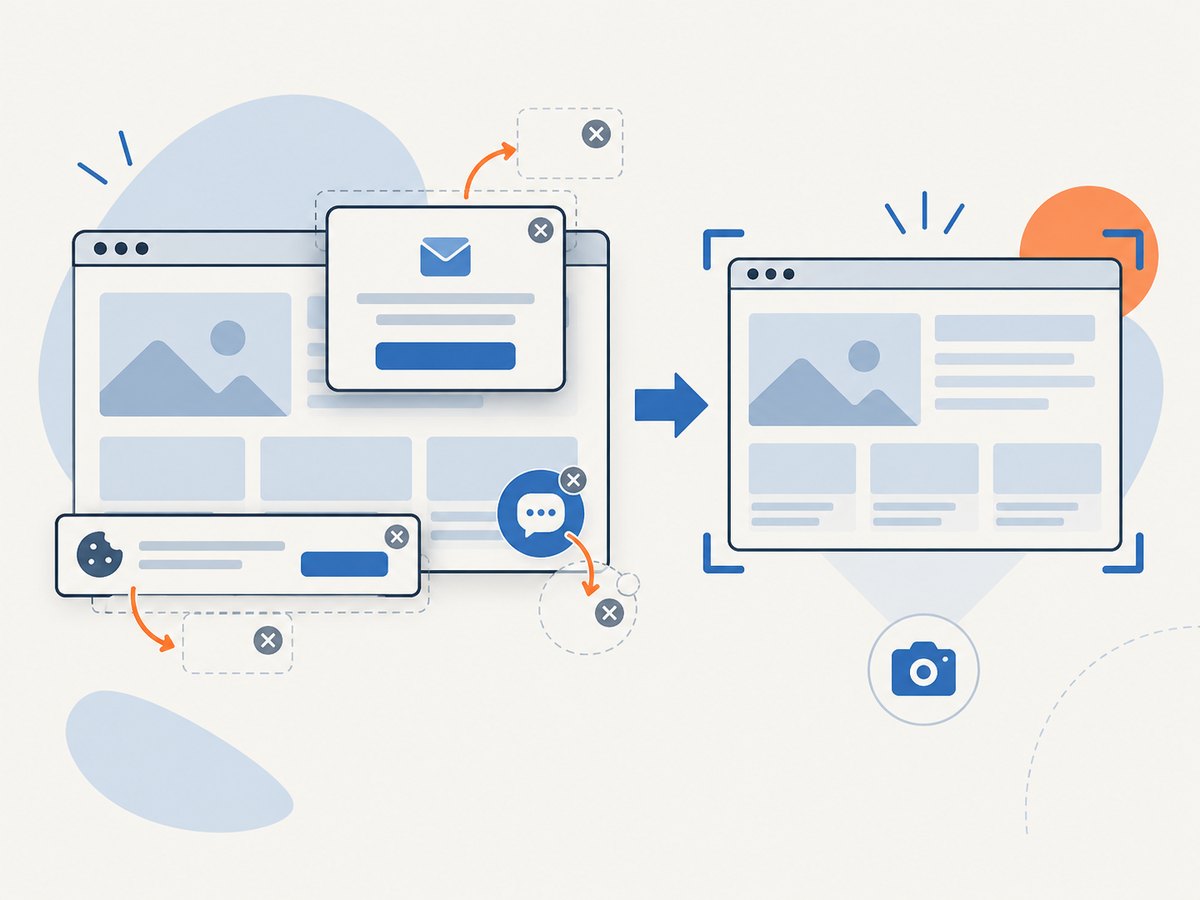
If your goal is a clean visual screenshot of a page rather than inspection of its XHR or fetch response, ScreenshotNeo is a website screenshot API and MCP server. It does not replace network-event capture: use Selenium, CDP, BiDi, or a proxy when you need background response data. For screenshots, one GET request returns PNG, JPEG, WebP, or PDF; see the API documentation.
curl -G "https://api.screenshotneo.com/v1/shot" -d access_key=YOUR_API_KEY --data-urlencode url=https://stripe.com -o shot.webpimport requests
r = requests.get("https://api.screenshotneo.com/v1/shot", params={"access_key": "YOUR_API_KEY", "url": "https://stripe.com"}, timeout=90)
open("shot.webp", "wb").write(r.content)const q = new URLSearchParams({ access_key: 'YOUR_API_KEY', url: 'https://stripe.com' });
const res = await fetch(`https://api.screenshotneo.com/v1/shot?${q}`);- Cookie banners are accepted and removed before capture, along with 60+ known consent platforms, newsletter popups, and chat widgets; each step can be turned off.
- Bot checks, blank pages, timeouts, failed loads, and cache hits are not billed. Response headers report the page verdict and billing status.
- An MCP server gives AI agents tools to take screenshots, get page information, and capture PDFs.
- The free plan includes 1,000 screenshots each month with no card. Paid plans start at $5 for 3,000 screenshots.
Create a free ScreenshotNeo account for 1,000 screenshots a month with no card.
9. FAQ
Can Selenium capture fetch calls as well as XMLHttpRequest?
Yes. CDP Network events and proxy capture observe browser network traffic, including background fetch and XHR activity. Filter by the request characteristics you found in DevTools.
Can I capture a request without clicking the UI?
You can trigger navigation or another page action instead, but the listener still needs to be active before the event. If you call an endpoint directly outside the browser, that is an HTTP-client test rather than browser network capture.
Is the response body always available?
No. The request may not have completed, the body may be empty or binary, or the browser may expose different behavior for cached, streaming, or service-worker responses. Check status, content type, and the binding’s response-body result.
Which method should I start with?
Use CDP for Chromium-specific event and body access, Selenium Wire for a Python proxy workflow, and BiDi when cross-browser event streaming is a requirement and your target versions support the necessary events.


