How to Capture Browser Network Requests and Responses With Puppeteer
Log requests, inspect response bodies, pair a click with its API response, and intercept traffic safely with Puppeteer.
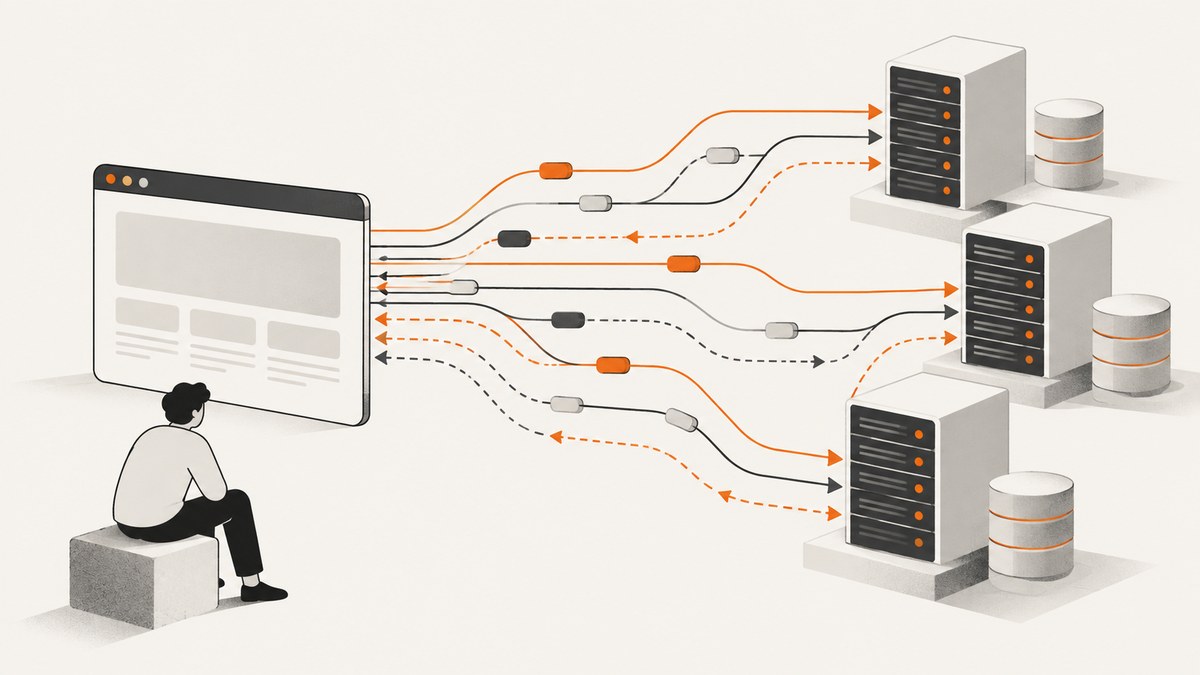
Puppeteer exposes browser traffic through page events. For passive logging, register request, response, requestfinished, and requestfailed listeners before navigation or the action that generates traffic. Use page.waitForResponse() when you need the response associated with one click or form submission. Read its headers, status, and body through the HTTPResponse methods. Turn on request interception only when you need to block, rewrite, or mock traffic.
This guide uses JavaScript with Puppeteer. It covers all-request logging, response bodies, request metadata, action-correlated responses, interception, lower-level CDP events, lifecycle edge cases, and troubleshooting. Puppeteer emits page request and response events by default; logging does not require interception. See the official network logging guide and PageEvents reference.
1. Set up a small Puppeteer project
Use a current Node.js installation. Create a project and install Puppeteer, which downloads a compatible Chrome for Testing browser as part of its installation process:
mkdir puppeteer-network-demo
cd puppeteer-network-demo
npm init -y
npm install puppeteer
Save the following as capture.mjs. It installs listeners before navigating, records each request and response, distinguishes transport failures from HTTP error statuses, and waits for asynchronous response-body reads before closing the browser.
import puppeteer from 'puppeteer';

const browser = await puppeteer.launch({ headless: true });
try {
  const page = await browser.newPage();
  const pendingBodyReads = [];

  page.on('request', request => {
    console.log('>', request.method(), request.resourceType(), request.url());
  });

  page.on('response', response => {
    console.log('<', response.status(), response.url());
    // Keep body reads bounded; see the filtered JSON example below.
    if (response.url().includes('/api/')) {
      pendingBodyReads.push((async () => {
        try {
          const type = response.headers()['content-type'] ?? '';
          if (type.includes('application/json')) {
            console.log('JSON body:', await response.json());
          }
        } catch (error) {
          console.warn('Could not read response body:', response.url(), error.message);
        }
      })());
    }
  });

  page.on('requestfinished', request => {
    console.log('finished', request.method(), request.url());
  });

  page.on('requestfailed', request => {
    console.warn('transport failure', request.url(), request.failure());
  });

  await page.goto('https://example.com', { waitUntil: 'domcontentloaded' });
  await Promise.all(pendingBodyReads);
} finally {
  await browser.close();
}
Run it with node capture.mjs. Replace the example URL with a page you are authorized to inspect. domcontentloaded avoids waiting for every subresource; use load or networkidle0 when their semantics fit your page. A page with polling, analytics, or long-lived requests may never become network-idle.
2. Understand the request lifecycle
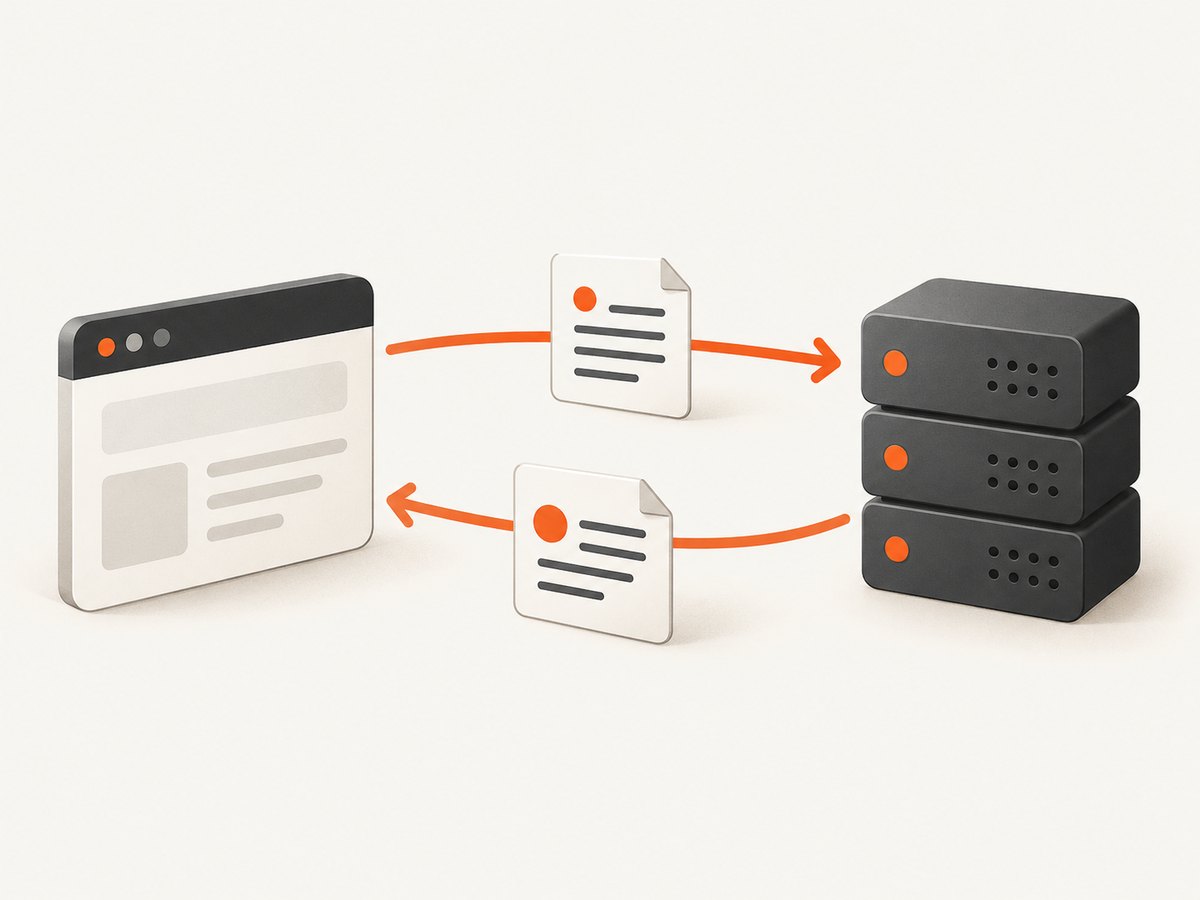
The four useful events represent different points in a request:
| Event | What it tells you | Typical use |
|---|---|---|
request |
The page issued a request; callback receives an HTTPRequest. |
Log outgoing URL, method, type, headers, or payload. |
response |
A response arrived; callback receives an HTTPResponse. |
Inspect status, headers, or body. |
requestfinished |
The request completed successfully from the transport lifecycle perspective. | Track completion after response delivery. |
requestfailed |
The request failed at the transport/browser level. | Investigate DNS, connection, TLS, timeout, or browser cancellation issues. |
A 404 or 503 is still an HTTP response. It normally generates response and then requestfinished, not requestfailed. Check response.status() or response.ok() to classify HTTP outcomes. A failed request may have no response at all. Redirects also have a lifecycle: the redirect response belongs to the earlier request, followed by a new request to the destination. Puppeteer documents these distinctions in its PageEvent reference.
3. Capture request details and response bodies
Use request methods to capture metadata. Avoid storing authorization headers, cookies, or personal data in routine logs. These values can expose credentials or user information.
page.on('request', async request => {
  const record = {
    url: request.url(),
    method: request.method(),
    resourceType: request.resourceType(),
    headers: request.headers(),
    hasPostData: request.hasPostData(),
    redirectChain: request.redirectChain().map(item => item.url()),
  };

  if (record.hasPostData) {
    // fetchPostData() covers cases where postData() is not available.
    record.postData = await request.fetchPostData();
  }
  console.log(record);
});
HTTPRequest also exposes response(), failure(), and postData(). POST bodies may be large or unavailable in decoded form, so use fetchPostData() when needed. See the HTTPRequest reference.
For responses, choose the method based on content type. text() returns UTF-8 text; json() parses JSON and throws if the body is not valid JSON; buffer() is appropriate for binary data. Browser decoding can affect the bytes returned for binary content, so do not assume the buffer is always the exact compressed wire representation.
page.on('response', async response => {
  const headers = response.headers();
  const contentType = headers['content-type'] ?? '';
  const info = {
    url: response.url(),
    status: response.status(),
    ok: response.ok(),
    headers,
  };

  try {
    if (contentType.includes('application/json')) {
      info.body = await response.json();
    } else if (contentType.startsWith('text/')) {
      info.body = await response.text();
    } else {
      const bytes = await response.buffer();
      info.byteLength = bytes.length;
      // Persist bytes with a binary-safe writer if you need the file.
    }
    console.log(info);
  } catch (error) {
    console.warn('Body unavailable or unreadable:', response.url(), error.message);
  }
});
Reading every response body can consume substantial memory and slow a busy page. Filter by URL, method, resource type, status, or content type before reading. Also ensure body reads finish before closing the page or browser; event callbacks do not automatically make your main flow wait for their asynchronous work.
4. Pair a browser action with one response
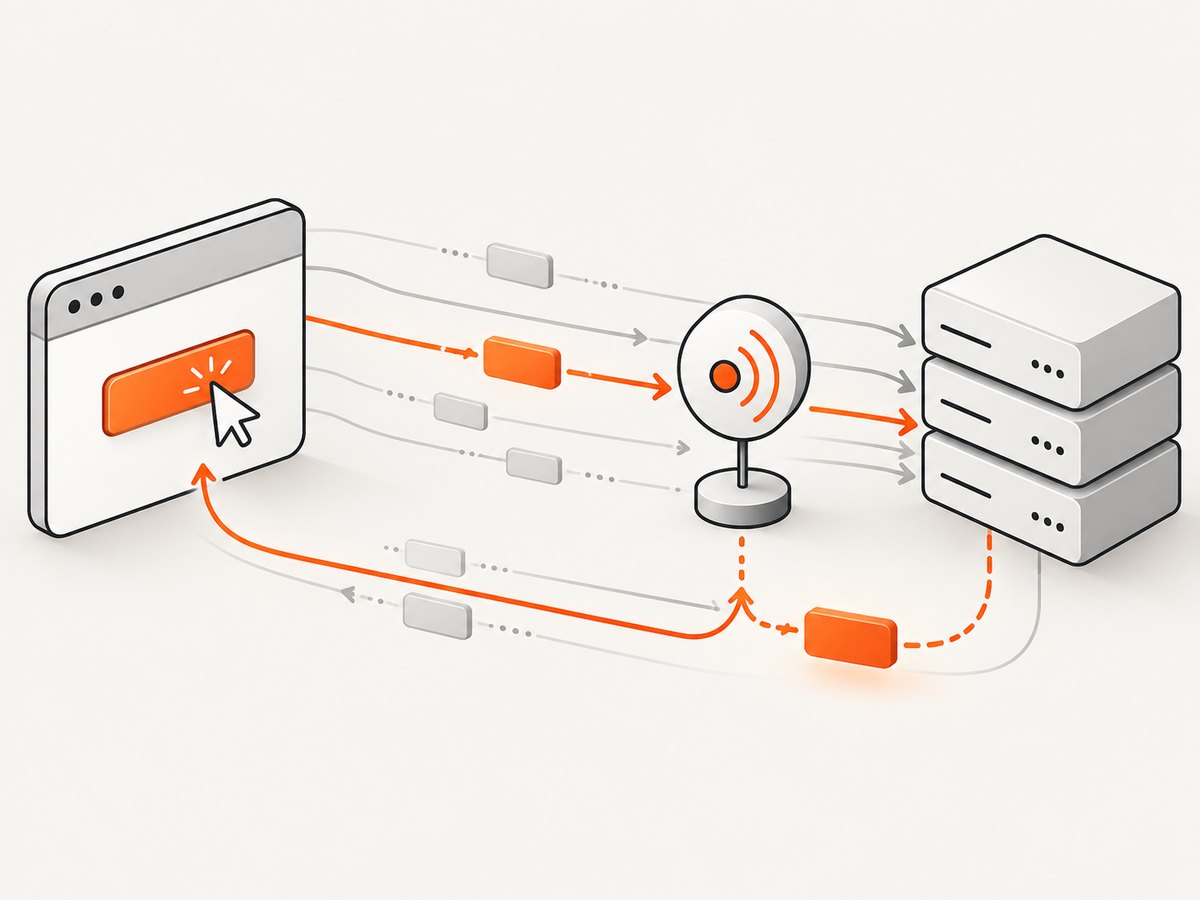
When a test clicks a search button and needs the corresponding API result, create the wait promise before clicking. Otherwise, a fast response can arrive before the listener is established.
const responsePromise = page.waitForResponse(response =>
  response.url().includes('/api/search') &&
  response.request().method() === 'GET' &&
  response.status() === 200
);

await page.click('#search');
const response = await responsePromise;
const result = await response.json();
console.log(result);
waitForResponse() accepts a URL string or predicate and returns the matching HTTPResponse. Its default timeout is 30 seconds; change the page default with page.setDefaultTimeout(), or pass a timeout in the wait options. A predicate can be asynchronous if it needs to inspect the body, but body parsing there consumes the response and may make later reads awkward. Prefer matching stable request details such as endpoint and method, then parse the body after it resolves. See the waitForResponse reference.
For a POST action, include the method or another request discriminator in the predicate. A page may call the same endpoint on initial render and after the click. If the request is sent to a URL with changing query parameters, match the path and inspect query parameters with new URL(response.url()) instead of relying on a fragile full-string match.
5. Intercept, block, or mock requests
Interception changes request handling. Once enabled, each request stalls until it is continued, fulfilled with a response, or aborted. Do not enable it just to observe traffic. If another handler or plugin may resolve requests, check isInterceptResolutionHandled() before acting.
await page.setRequestInterception(true);
page.on('request', request => {
  if (request.isInterceptResolutionHandled()) return;

  if (request.url().endsWith('.png')) {
    void request.abort();
  } else {
    void request.continue();
  }
});

await page.goto('https://example.com');
To mock a route, fulfill it with a status, headers, and body:
await page.setRequestInterception(true);
page.on('request', request => {
  if (request.isInterceptResolutionHandled()) return;

  if (new URL(request.url()).pathname === '/api/profile') {
    void request.respond({
      status: 200,
      contentType: 'application/json',
      body: JSON.stringify({ name: 'Test User', plan: 'demo' }),
    });
    return;
  }
  void request.continue();
});
Set up interception and its listener before navigation. Ensure every branch resolves the request, including error paths in asynchronous handlers. With multiple interception handlers, a handler can run after another one has already resolved the request; the guard prevents “Request is already handled” errors. The official interception guide explains the resolution requirement and handler behavior.
6. Use CDP when page events are not enough
For protocol-level telemetry that Puppeteer’s page API does not expose, attach a Chrome DevTools Protocol session and enable the Network domain:
const client = await page.createCDPSession();
await client.send('Network.enable');

client.on('Network.requestWillBeSent', event => {
  console.log('CDP request', event.request.method, event.request.url);
});
client.on('Network.responseReceived', event => {
  console.log('CDP response', event.response.status, event.response.url);
});

await page.goto('https://example.com');
A CDP session speaks Chrome’s lower-level protocol. Use it when you need protocol events or fields unavailable through HTTPRequest and HTTPResponse, and keep that code isolated because protocol details are lower-level and may need maintenance as browser versions change. Start with the page API for ordinary request logging. See CDPSession and Page.
7. Troubleshooting common problems
| Symptom | Likely cause | Fix |
|---|---|---|
| No events appear for the initial page load. | Listeners were attached after navigation. | Create the page and register handlers before calling goto(). |
waitForResponse() times out. |
Wrong URL, method, status, trigger, or response timing; request may not occur. | Install the wait before the action. Temporarily log all URLs and methods; loosen the predicate, then narrow it after observing actual traffic. Set a suitable timeout. |
A 404 does not appear in requestfailed. |
HTTP error statuses are received responses, not transport failures. | Use the response event and check status()/ok(). |
| “Request is already handled”. | Another handler resolved an intercepted request first. | Check isInterceptResolutionHandled() and coordinate handler ownership. |
| Navigation hangs after enabling interception. | At least one request branch was left unresolved. | Call continue(), respond(), or abort() for every request, including fall-through cases. |
| JSON body parsing throws. | The response is not JSON, is empty, or has invalid JSON. | Check content type and status, then use text() for inspection; handle parsing errors. |
| Body appears missing or browser closes early. | Asynchronous event callback is still reading the body at shutdown. | Track body-read promises and await them before closing. |
| Failure event contains little detail. | Failure occurred before an HTTP response was available. | Inspect request.failure(); separately inspect browser console and navigation errors. |
8. Performance, reliability, and cost considerations
- Keep capture selective. Request and response metadata are lighter than reading all bodies. Restrict body capture to the endpoints and content types you need.
- Bound retained data. A long page session can produce many events and large buffers. Stream or write records incrementally, redact secrets, and impose limits appropriate to the job.
- Choose navigation completion deliberately.
domcontentloadedis often enough to begin a specific interaction.networkidle0waits for no active network connections over its quiet window and can be unsuitable for pages with polling, streaming, or persistent connections. - Account for browser work. Puppeteer uses a real browser process, so runtime and memory depend on the page, assets, and concurrency. Reuse a browser for sequential jobs when suitable, isolate pages, and close resources in
finally. - Interception adds work and failure modes. Every request pauses for a resolution decision. Keep handlers fast, avoid unnecessary interception, and make asynchronous branches resolve reliably.
- Plan for variable pages. Third-party calls, cache state, service workers, redirects, and server timing can change which requests appear. Match on stable signals and use timeouts rather than assuming a fixed event order beyond registering before the trigger.
Puppeteer itself is an open-source automation library; your infrastructure cost comes from running the browser and storing or processing captured data. If you only need a rendered screenshot or PDF, capturing and retaining the full network log adds cost and complexity without helping that output.
9. Or skip the browser setup
If your goal is a screenshot rather than network inspection, ScreenshotNeo takes a URL in one API request and returns a PNG, JPEG, WebP, or PDF. It does not expose Puppeteer network logs; it handles the capture for you. See the API documentation.
curl -G "https://api.screenshotneo.com/v1/shot" -d access_key=YOUR_API_KEY --data-urlencode url=https://stripe.com -o shot.webpimport requests
r = requests.get(
"https://api.screenshotneo.com/v1/shot",
params={"access_key": "YOUR_API_KEY", "url": "https://stripe.com"},
timeout=90,
)
r.raise_for_status()
open("shot.webp", "wb").write(r.content)const q = new URLSearchParams({ access_key: 'YOUR_API_KEY', url: 'https://stripe.com' });
const res = await fetch(`https://api.screenshotneo.com/v1/shot?${q}`);
if (!res.ok) throw new Error(`Screenshot request failed: ${res.status}`);
await require('node:fs/promises').writeFile('shot.webp', Buffer.from(await res.arrayBuffer()));- Cookie banners are accepted and removed before capture, along with 60+ known consent platforms, newsletter popups, and chat widgets; each step can be turned off.
- Bot checks, blank pages, timeouts, and failed loads are never billed; response headers report the page verdict and billing status. Cache hits also cost nothing.
- An MCP server provides
take_screenshot,get_page_info, andcapture_pdftools for Claude, Cursor, and other MCP clients. - The free plan includes 1,000 screenshots per month with no card; paid plans start at $5 for 3,000 screenshots. Every feature is on every plan.
Create a free ScreenshotNeo account for 1,000 screenshots a month with no card.
10. FAQ
Can Puppeteer capture requests from a specific tab only?
Yes. Attach listeners to the Page instance you are testing. A separate page has separate page events; browser-wide traffic observation is a different, lower-level setup.
Can I get the exact bytes sent over the network?
buffer() returns the response body as exposed by the browser, and decoding may affect bytes. It is useful for binary content but is not a guarantee of the original compressed wire payload.
Should I use requestfinished to detect successful HTTP status?
No. It indicates request lifecycle completion. Inspect the paired response’s status to distinguish 2xx from HTTP errors.
Can the response wait match by body contents?
Yes, the predicate may be asynchronous, but reading a body inside it can complicate later body handling. Prefer a precise URL/method predicate and parse the matched response afterward.
Illustrations
Request, response, and completion events describe different stages of one browser network transaction.
A response wait must be listening before the user action that triggers the matching request.


