How to Capture All Console Messages and Errors With Puppeteer
Capture console output, uncaught exceptions, crashes, failed requests, and HTTP errors in Puppeteer with structured, reliable Node.js logging.

Puppeteer can forward browser diagnostics to Node.js, but no single event contains everything. Use a group of Page listeners: console for messages written by page JavaScript, pageerror for uncaught exceptions, error for page crashes, requestfailed for transport failures, and response for HTTP statuses such as 404 and 503. Register every listener immediately after creating the page and before goto, clicks, or evaluations.
The following script is a complete starting point. It records structured JSON, safely serializes remote console arguments, preserves locations and stacks, and separates failed network connections from HTTP error responses.
Complete Puppeteer logger
import puppeteer from 'puppeteer';

const browser = await puppeteer.launch({
  headless: true,
});
const page = await browser.newPage();

const runId = `${Date.now()}-${Math.random().toString(16).slice(2)}`;
const emit = (record) => {
  console.log(JSON.stringify({
    timestamp: new Date().toISOString(),
    runId,
    ...record,
  }));
};

// Page console API calls: log, info, warn, error, debug, and related methods.
page.on('console', async (msg) => {
  const values = [];

  for (const arg of msg.args()) {
    try {
      values.push(await arg.jsonValue());
    } catch {
      values.push('[unserializable remote value]');
    }
  }

  emit({
    kind: 'console',
    type: msg.type(),
    text: msg.text(),
    location: msg.location(),
    args: values,
    url: page.url(),
  });
});

// Uncaught exceptions thrown by page JavaScript.
page.on('pageerror', (error) => {
  emit({
    kind: 'pageerror',
    message: error instanceof Error ? error.message : String(error),
    stack: error instanceof Error ? error.stack : undefined,
    url: page.url(),
  });
});

// A browser-level page crash. This is different from an exception in page code.
page.on('error', (error) => {
  emit({
    kind: 'page-crash',
    message: error.message,
    stack: error.stack,
    url: page.url(),
  });
});

// Network failures that happen before an HTTP response is received.
page.on('requestfailed', (request) => {
  const failure = request.failure();

  emit({
    kind: 'requestfailed',
    method: request.method(),
    url: request.url(),
    resourceType: request.resourceType(),
    errorText: failure?.errorText ?? null,
  });
});

// HTTP errors are still responses, so requestfailed will not report them.
page.on('response', (response) => {
  if (response.status() >= 400) {
    emit({
      kind: 'http-error',
      status: response.status(),
      statusText: response.statusText(),
      url: response.url(),
      requestMethod: response.request().method(),
      resourceType: response.request().resourceType(),
    });
  }
});

await page.goto('https://example.com', {
  waitUntil: 'networkidle2',
  timeout: 30_000,
});

await browser.close();
Puppeteer documents the console, pageerror, error, requestfailed, response, and worker lifecycle events in its PageEvent API reference. Its debugging guide also shows the minimal console forwarding pattern.
What each event captures
| Event | Captures | Does not capture | Useful fields |
|---|---|---|---|
console |
Calls to console.log, info, warn, error, debug, and related APIs |
Every browser diagnostic or DevTools protocol message | type(), text(), args(), location() |
pageerror |
Uncaught exceptions in page JavaScript | Caught exceptions and ordinary console errors | Message, stack, current URL |
error |
A crash of the page | Normal JavaScript exceptions | Message and stack |
requestfailed |
Timeouts, DNS errors, connection resets, and other transport failures before a response | 404, 500, and other completed HTTP responses | URL, method, resource type, nullable failure text |
response |
Every HTTP response, including 4xx and 5xx responses | Requests that never receive a response | Status, URL, method, resource type |
console: browser logs and structured values
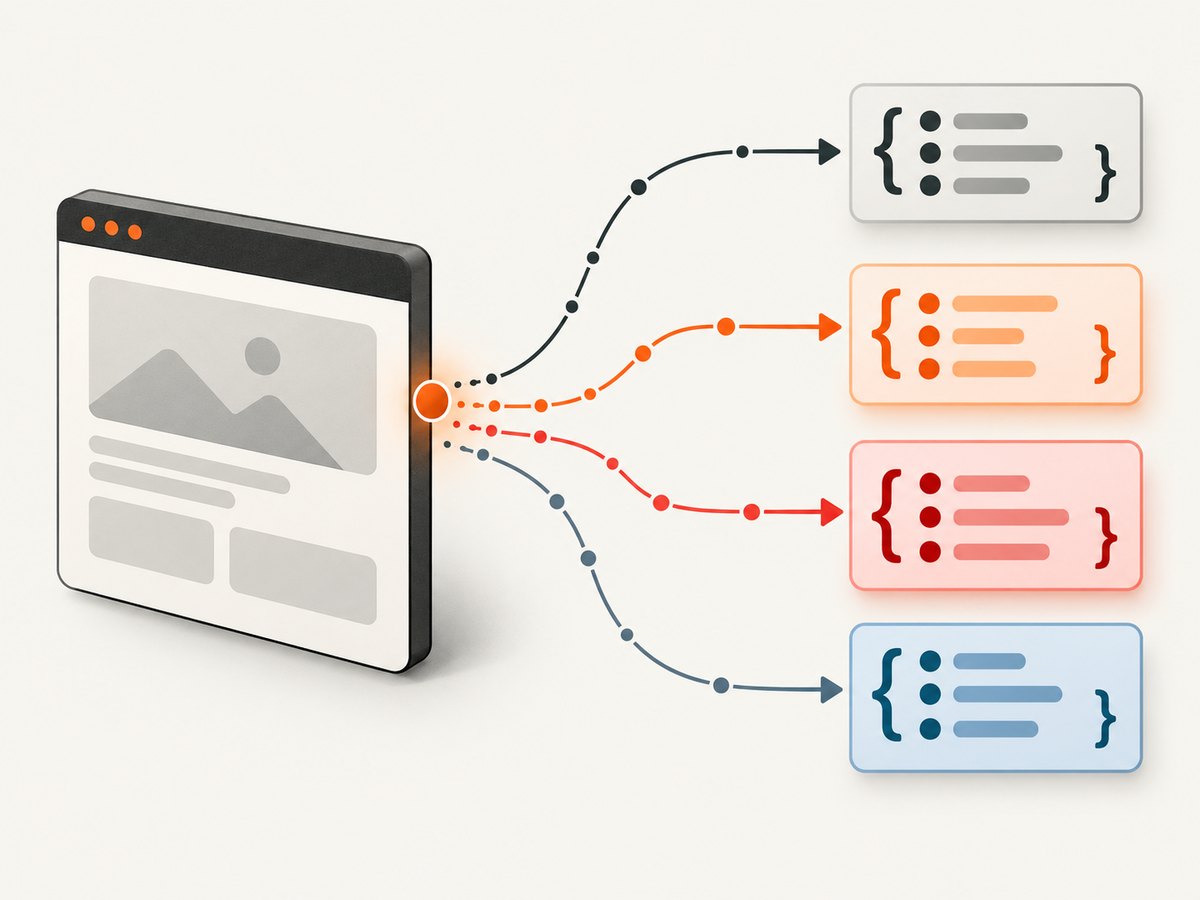
The event supplies a ConsoleMessage. msg.text() is convenient for readable output, while msg.args() preserves objects and arrays. Remote objects are not always JSON serializable. An object containing a DOM node, cyclic reference, or a detached remote value can make jsonValue() reject, so the example catches that failure and records a placeholder.
Do not await expensive database writes directly in the event handler if the page emits many messages. Push records into a queue or write newline-delimited JSON, then process the queue separately.
pageerror versus console.error
console.error('bad input') is an intentional log and arrives through console. An uncaught throw new Error('bad input') arrives through pageerror. You normally want both because applications often catch an error, log it, and continue, while an uncaught exception may break a feature without logging anything.
error: page crashes
The Page error event indicates a crash, which has a different severity and recovery path from a JavaScript exception. Record it separately. Depending on the failure, the page may no longer be usable; create a fresh page or restart the browser before retrying.
requestfailed and response together
A refused connection, DNS failure, or request timeout can produce requestfailed without any response. A server returning 404 or 503 produces a normal response with that status and does not produce requestfailed. Listening to only one event leaves a blind spot.
Install and run it
- Create a project and install Puppeteer:
npm init -y npm install puppeteer - Save the script as
capture-logs.mjs. - Run it with
node capture-logs.mjs. - Pipe JSON lines to a file when investigating CI failures:
node capture-logs.mjs > browser-events.ndjson
Use a current Node.js release supported by your Puppeteer version. If your project uses CommonJS, replace the import with const puppeteer = require('puppeteer'); and wrap the code in an async function.
Capture events from navigation, clicks, and workers
Listeners must exist before the action that emits an event. Install them before page.goto(), but also before clicks, form submissions, page.evaluate(), and waits that can trigger asynchronous code.
page.on('workercreated', worker => {
  emit({ kind: 'worker-created', url: worker.url() });
});

page.on('workerdestroyed', worker => {
  emit({ kind: 'worker-destroyed', url: worker.url() });
});

await page.goto('https://example.com/login', { waitUntil: 'domcontentloaded' });
await page.click('button[type="submit"]');
await page.waitForTimeout(1_000);
Worker events help diagnose dedicated WebWorkers. Service-worker diagnostics and browser protocol messages are outside the normal Page event set and may require CDP or application-specific instrumentation.
Make logs useful in CI
Add correlation data
When several pages run concurrently, include a run ID, test name, page ID, and timestamp in every record. Avoid relying on the order of lines from stdout as your correlation mechanism.
Keep handlers safe and lightweight
- Guard
request.failure(); Puppeteer allows it to benull. - Catch failures from
jsonValue(). - Limit very large argument values before storing them.
- Never assume the current page URL is the URL that emitted an earlier event; keep the event URL where the API provides one and capture a timestamp.
- Use newline-delimited JSON so one malformed record does not invalidate an entire log file.
Control noise
Third-party analytics, ads, source-map requests, and browser extensions can generate large volumes of events. Filter by host, resource type, status range, or severity after collecting the raw signal. Keep the original URL and status for later diagnosis. If you filter inside the listener, document the rule so a missing event is not mistaken for a missing browser signal.
Common errors and fixes
| Symptom | Cause | Fix |
|---|---|---|
| No console output | The listener was added after navigation or the page never called a console API. | Register it immediately after newPage(), before goto(). Verify with a test page that calls console.log. |
| 404 is missing from requestfailed | 404 is a completed HTTP response. | Inspect response.status() and record statuses of 400 or higher. |
errorText throws |
request.failure() returned null. |
Use failure?.errorText ?? null. |
| Arguments appear as empty objects | Remote values were not serialized with their properties. | Use msg.args() and jsonValue(); catch unserializable values. |
| Some messages are missing around a click | The process closed or the test advanced before asynchronous handlers finished. | Keep the browser open until the action and required wait complete. Queue records instead of starting unawaited work that is later discarded. |
| Page becomes unusable after a severe failure | A page crash is not an ordinary page exception. | Handle error, discard the page, and create a replacement. |
| Logs from multiple tests are mixed | All pages write to one stream without identity fields. | Add a run ID and page or test name to each record. |
| Navigation times out but no requestfailed explains it | The top-level navigation may be waiting on page activity that never settles. | Record navigation errors in Node, set an explicit timeout, and inspect both network responses and failed requests. |
Performance and reliability considerations
Listening to events is inexpensive, but serializing every argument and synchronously writing each record can slow a noisy page. For routine runs, capture the message type, text, URL, and location. Enable full argument serialization for failed tests or targeted diagnostics. Use a bounded queue so an application that logs continuously cannot consume unlimited memory.
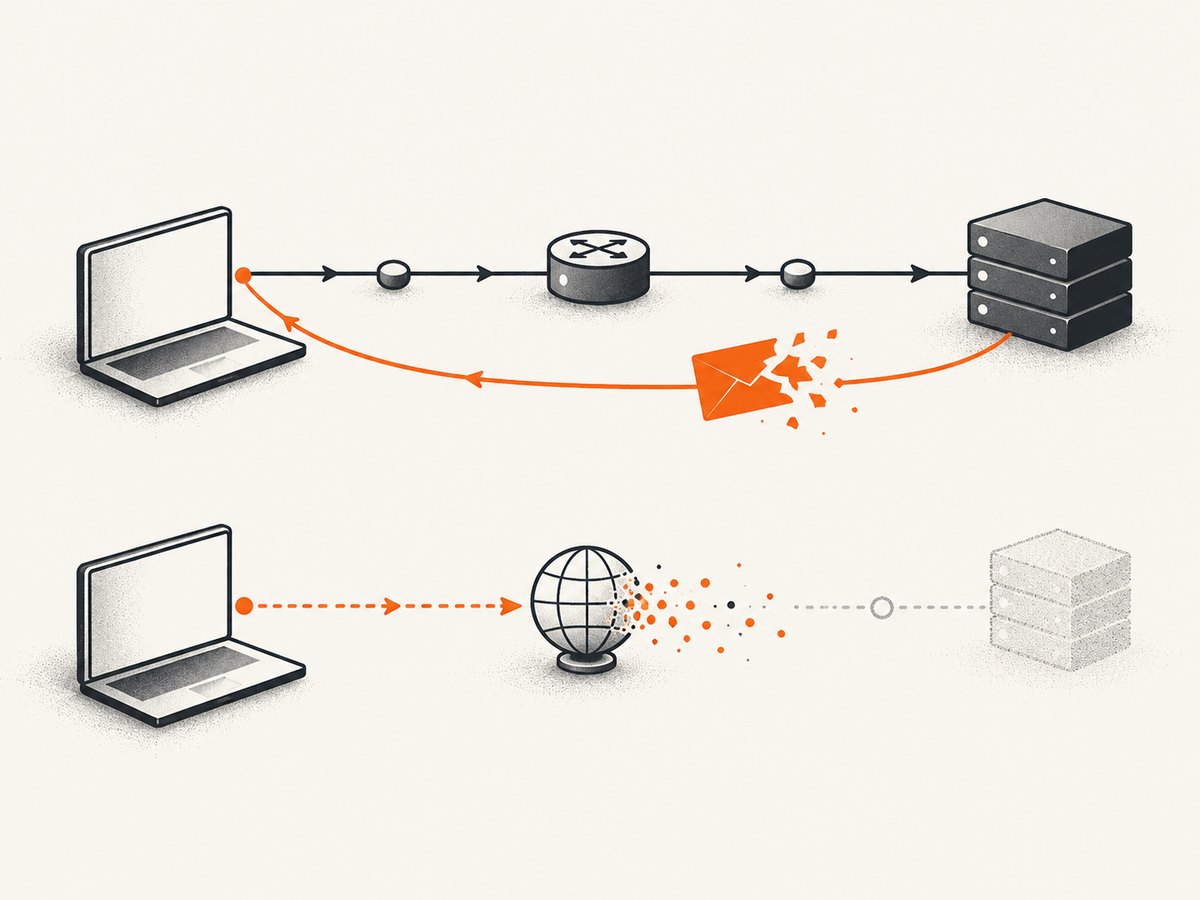
Set navigation and action timeouts explicitly. A timeout is a Node-side operation error, not necessarily a requestfailed event. Always close the browser in a finally block in production code:
let browser;
try {
  browser = await puppeteer.launch();
  const page = await browser.newPage();
  // Register listeners and run the test here.
} finally {
  await browser?.close();
}
For repeatable CI results, pin your Puppeteer version, use a controlled browser executable, and keep the same viewport, locale, timezone, and network conditions across runs. Do not treat console output alone as a complete browser health signal: it does not include every DevTools, service-worker, or application telemetry channel.
cURL and Python: when they apply
Puppeteer console events are emitted inside a Node.js browser process, so cURL and Python cannot subscribe to them directly. Use cURL or Python to call a separate logging endpoint after your Node process writes records, or use a Python browser library if you are intentionally changing browser automation stacks. For Puppeteer itself, the runnable implementation is Node.js.
Or skip the browser setup
If your goal is a clean screenshot rather than browser diagnostics, ScreenshotNeo provides a website screenshot API. See the ScreenshotNeo API documentation for all options.
curl -G "https://api.screenshotneo.com/v1/shot" -d access_key=YOUR_API_KEY --data-urlencode url=https://stripe.com -o shot.webpimport requests
r = requests.get("https://api.screenshotneo.com/v1/shot", params={"access_key": "YOUR_API_KEY", "url": "https://stripe.com"}, timeout=90)
open("shot.webp", "wb").write(r.content)const q = new URLSearchParams({ access_key: 'YOUR_API_KEY', url: 'https://stripe.com' });
const res = await fetch(`https://api.screenshotneo.com/v1/shot?${q}`);Cookie banners, newsletter popups, and chat widgets are removed before the shot. Bot checks, blank pages, failed loads, timeouts, and cache hits cost nothing, and response headers report the page verdict and whether the request was billed. An MCP server lets Claude, Cursor, and other MCP clients call take_screenshot, get_page_info, and capture_pdf. The free plan includes 1,000 screenshots per month with no card; paid plans start at $5 for 3,000 shots. Create a free ScreenshotNeo account.
Short FAQ
Does page.on('console') capture browser crashes?
No. Use the Page error event for a page crash and pageerror for uncaught page exceptions.
Does a 500 response trigger requestfailed?
No. A 500 is an HTTP response. Listen for response and inspect its status.
Can I capture console messages from an iframe?
Messages emitted by page JavaScript are surfaced through the Page console event, but keep the source location and URL when diagnosing frame-specific behavior.
Why should I store both msg.text() and msg.args()?
Text is easy to search; arguments preserve structured objects that may be essential to debugging.
Is this every browser diagnostic?
No. These are documented Page signals. Browser protocol traffic, service-worker diagnostics, and application telemetry can require CDP or application instrumentation.


