How to Capture a Div Element in Ext JS
Learn how to find an Ext JS div, get its native DOM node, and capture it as an image with html2canvas or ScreenshotNeo.
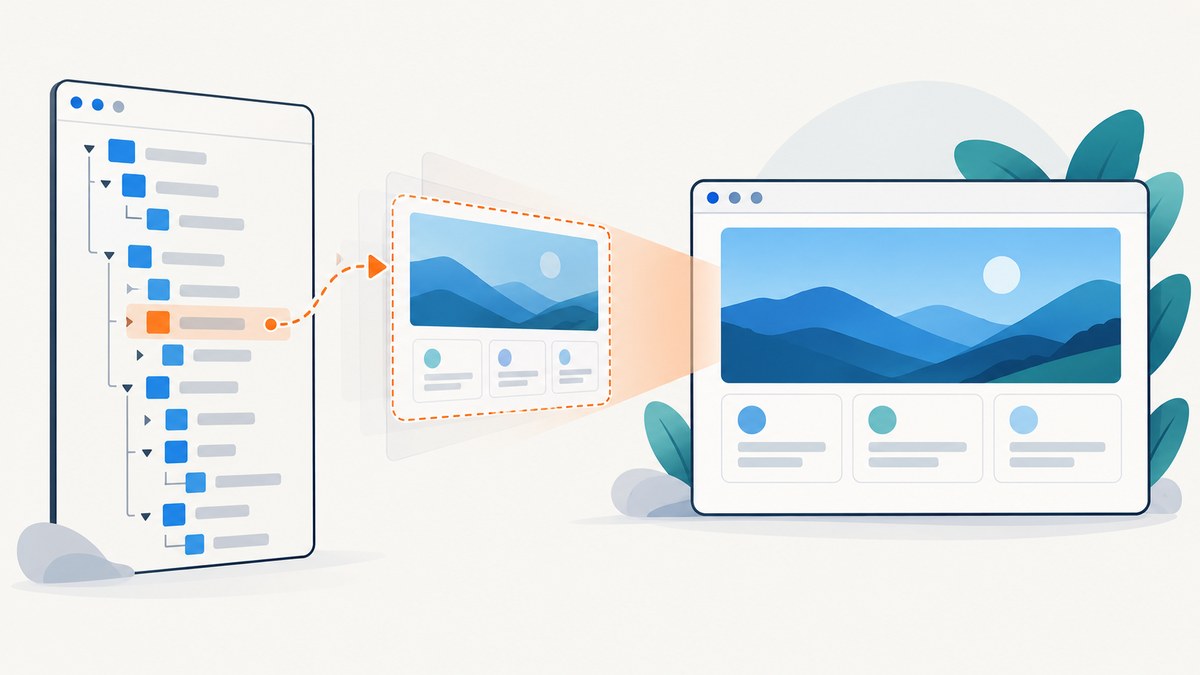
Direct answer: use Ext.get('myDiv') to retrieve a div by ID. Do not include the CSS # prefix. Use Ext.getDom() when an API needs the native HTMLElement. If “capture” means creating an image, first retrieve the rendered node, then pass it to a DOM-to-canvas library such as html2canvas.
1. Get a div by ID with Ext JS
Give the element a stable ID and wrap it with Ext.get:
var el = Ext.get('myDiv');

if (el) {
    console.log('Found:', el.dom);
} else {
    console.warn('The element does not exist yet.');
}
Ext.get is an alias for Ext.dom.Element.get. It accepts an ID, an existing HTMLElement, or an Ext.dom.Element, and returns an Ext JS wrapper or null when there is no match. Sencha’s API describes it as retrieving Ext.dom.Element objects.
Use Ext.get('foo'), not Ext.get('#foo'). The latter treats the hash as part of the ID and normally returns null.
<div id="myDiv" class="card">
    Invoice details
</div>

<script>
var el = Ext.get('myDiv');
el.addCls('ready');
console.log(el.getWidth(), el.getHeight());
</script>
2. Find divs with CSS selectors
When elements do not have IDs, query from a known root. Scoping the selector to a component or panel avoids accidentally matching a similarly named element elsewhere on the page.
var root = Ext.get('panelBody');

// First matching HTMLElement, or null.
var first = root.selectNode('div.card');

// All matching native HTMLElements.
var all = root.query('div.card');

// All matches wrapped as Ext.dom.Element objects.
var wrapped = root.query('div.card', false);

// Composite collection of Ext.dom.Element objects.
var group = root.select('div.card', true);| Method | Result | Use it when |
|---|---|---|
selectNode(selector) |
First matching native element | You need one match inside a root |
query(selector) |
HTMLElement[] by default |
You need every native match |
query(selector, false) |
Ext.dom.Element[] |
You need every match with Ext methods |
select(selector, true) |
Composite Ext element collection | You want collection operations |
These selector methods delegate to the browser’s selector engine. A selector is evaluated relative to root, so the root must itself exist.
var panel = Ext.get('ordersPanel');
if (!panel) {
    throw new Error('ordersPanel has not rendered');
}

var overdue = panel.query('div.order.overdue');
overdue.forEach(function (node) {
    node.classList.add('highlight');
});
3. Convert an Ext JS element to a native DOM node
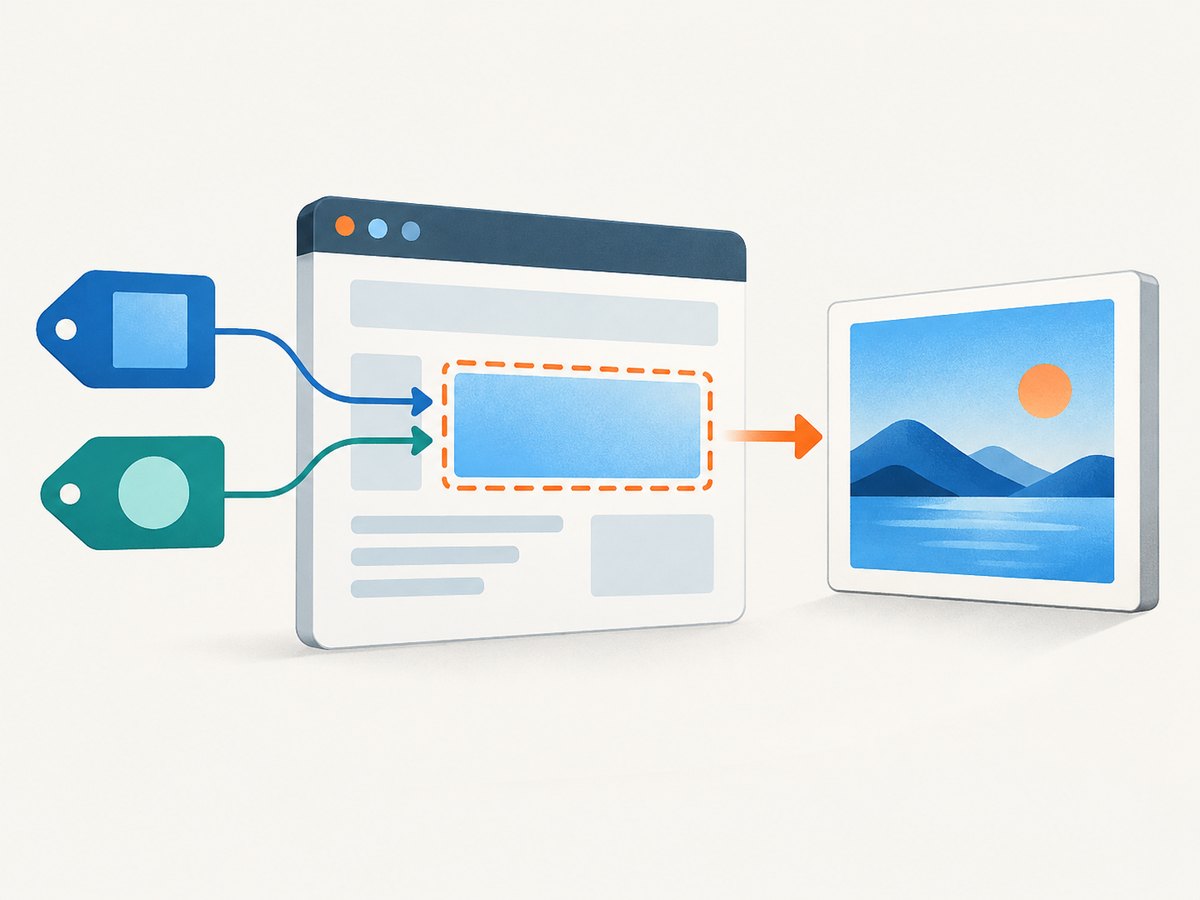
Use Ext.getDom when a browser API or third-party library expects an HTMLElement:
var el = Ext.get('myDiv');
var domNode = Ext.getDom(el);

// If the ID is known, this is equivalent:
var domNode2 = Ext.getDom('myDiv');

if (!domNode) {
    console.warn('The node is missing or has not rendered yet.');
}
The node must already exist in the DOM. Calling this before an Ext component renders is a timing error, even if the component configuration contains the expected ID.
4. Wait until the component has rendered
For an Ext JS component, perform DOM work in a render or after-render lifecycle handler. The exact event depends on whether you are working with a component, container, or plain markup.
Ext.create('Ext.panel.Panel', {
    renderTo: Ext.getBody(),
    title: 'Orders',
    html: '<div id="ordersBody" class="orders">Ready</div>',
    listeners: {
        afterrender: function (panel) {
            var node = Ext.getDom('ordersBody');
            if (node) {
                node.classList.add('capturable');
            }
        }
    }
});
If the markup is inserted later, query after the code that inserts it, or observe the relevant component event. Avoid polling with a tight interval; it wastes CPU and can race with layout.
5. Capture the div as an image with html2canvas
Element lookup and visual capture are separate operations. Once the div is rendered, pass its native node to html2canvas:
var domNode = Ext.getDom('myDiv');

if (!domNode) {
    throw new Error('myDiv is not rendered');
}

html2canvas(domNode).then(function (canvas) {
    document.body.appendChild(canvas);
});
To download a PNG in the browser:
html2canvas(Ext.getDom('myDiv')).then(function (canvas) {
    var link = document.createElement('a');
    link.download = 'my-div.png';
    link.href = canvas.toDataURL('image/png');
    link.click();
});
For a JPEG, choose a quality value:
html2canvas(Ext.getDom('myDiv')).then(function (canvas) {
    var jpeg = canvas.toDataURL('image/jpeg', 0.9);
    window.open(jpeg, '_blank');
});
html2canvas reconstructs an image from DOM information. Its documentation warns that the result may not be 100% accurate to the real browser representation. Unsupported CSS, cross-origin images, plugins, tainted canvases, and cross-origin iframes can prevent a faithful result.
Capture after fonts, images, and layout are ready
function waitForImages(root) {
    var images = Array.prototype.slice.call(root.querySelectorAll('img'));
    return Promise.all(images.map(function (img) {
        if (img.complete) return Promise.resolve();
        return new Promise(function (resolve) {
            img.addEventListener('load', resolve, { once: true });
            img.addEventListener('error', resolve, { once: true });
        });
    }));
}

async function captureDiv() {
    var node = Ext.getDom('myDiv');
    if (!node) throw new Error('myDiv is not rendered');

    if (document.fonts && document.fonts.ready) {
        await document.fonts.ready;
    }
    await waitForImages(node);
    var canvas = await html2canvas(node, {
        backgroundColor: '#ffffff',
        scale: window.devicePixelRatio || 1,
        useCORS: true
    });
    return canvas;
}

captureDiv().then(function (canvas) {
    document.body.appendChild(canvas);
});
6. html2canvas options and browser limitations
| Concern | What to check | Typical fix |
|---|---|---|
| Cross-origin images | Images come from another origin without permissive CORS headers | Serve them with CORS, use same-origin assets, or configure a proxy |
| Cross-origin iframes | The div contains an iframe hosted elsewhere | Capture content from the iframe’s own page or use a browser-side/server-side capture that can load the URL |
| Unsupported CSS | Visual effects differ from the live page | Use supported styles or capture with a real browser |
| Canvas tainting | toDataURL throws a security error |
Fix image CORS or remove cross-origin resources |
| Plugins | PDF viewers or browser plugins appear blank | Capture an HTML representation instead |
| Lazy content | Images appear only after scrolling | Trigger loading before capture or use a full browser capture workflow |
useCORS: true only works when the remote server sends suitable CORS headers; it cannot bypass browser security.
7. Capture only one matching element
var panel = Ext.get('panelBody');
var card = panel.selectNode('div.card.selected');

if (!card) {
    console.warn('No selected card');
} else {
    html2canvas(card).then(function (canvas) {
        document.body.appendChild(canvas);
    });
}
For multiple cards, capture each native node separately and name the output using a data attribute:
var cards = Ext.get('panelBody').query('div.card');

Promise.all(cards.map(function (node, index) {
    return html2canvas(node).then(function (canvas) {
        canvas.toBlob(function (blob) {
            var url = URL.createObjectURL(blob);
            var link = document.createElement('a');
            link.download = 'card-' + index + '.png';
            link.href = url;
            link.click();
            URL.revokeObjectURL(url);
        }, 'image/png');
    });
}));
8. Troubleshooting
“Ext.get returns null”
Cause: the ID is wrong, the element has not rendered, or the hash prefix was included.
Fix: verify the exact ID, call Ext.get('myDiv') without #, and move the code into an after-render handler.
“Ext.getDom returns undefined”
Cause: the wrapper is empty or the component was destroyed.
Fix: check the return value before using it and avoid retaining references after component destruction.
“The screenshot is blank”
Cause: capture ran before rendering, while the node was hidden, or before images and fonts loaded.
Fix: capture after render, ensure ancestors are visible, await fonts and images, and confirm the node has non-zero dimensions.
“Images are missing or toDataURL fails”
Cause: a cross-origin image tainted the canvas.
Fix: serve the image with CORS headers, use same-origin storage, configure a proxy, or use a server-side browser screenshot.
“The result does not match the page”
Cause: html2canvas reconstructs pixels from DOM data and does not reproduce every CSS feature, plugin, or cross-origin frame.
Fix: simplify unsupported styles or capture the rendered URL with a real browser service.
“The div is clipped”
Cause: an ancestor has a constrained size or overflow: hidden.
Fix: capture the element after layout settles, temporarily adjust overflow for the capture, or use a full-page browser capture when the element’s content extends beyond the viewport.
9. Performance, reliability, and security
- Measure before capture: skip empty or zero-size nodes and avoid capturing on every keystroke.
- Control scale: a high device-pixel ratio produces sharper output but increases canvas memory and processing time.
- Capture selectively: one element is cheaper than a full document; debounce repeated captures.
- Release resources: revoke object URLs and remove temporary canvases after downloads.
- Keep secrets out of browser code: never expose private API keys or authorization headers in client-side JavaScript.
- Handle dynamic state: freeze animations, wait for network-driven content, and set a deterministic viewport when comparing images.
- Expect browser constraints: same-origin policy is a security boundary, not an html2canvas configuration problem.
10. Or skip the browser setup
If you need a screenshot of a public URL rather than a div already rendered in your Ext JS page, ScreenshotNeo returns a PNG, JPEG, WebP, or PDF from one GET request. Read the complete options in the ScreenshotNeo documentation.

curl -G "https://api.screenshotneo.com/v1/shot" -d access_key=YOUR_API_KEY --data-urlencode url=https://stripe.com -o shot.webpimport requests
r = requests.get("https://api.screenshotneo.com/v1/shot", params={"access_key": "YOUR_API_KEY", "url": "https://stripe.com"}, timeout=90)
open("shot.webp", "wb").write(r.content)const q = new URLSearchParams({ access_key: 'YOUR_API_KEY', url: 'https://stripe.com' });
const res = await fetch(`https://api.screenshotneo.com/v1/shot?${q}`);Cookie banners, newsletter popups, and chat widgets are removed before the shot. Bot checks, blank pages, timeouts, failed loads, and cache hits are not billed, and response headers identify the page verdict and billing result. ScreenshotNeo also provides an MCP server so Claude, Cursor, and other MCP clients can take screenshots. The Free plan includes 1,000 screenshots a month with no card; paid plans start at $5 for 3,000 shots.
Create a free ScreenshotNeo account and start with the 1,000-shot monthly allowance.
11. FAQ
Can I pass a CSS selector directly to Ext.get?
No. Ext.get is for an ID, DOM node, or Ext wrapper. Use query, selectNode, or select for CSS selectors.
Does Ext.get create the div?
No. It wraps an existing node. Create or render the markup first.
Should I use html2canvas for pixel-perfect screenshots?
Not when exact browser rendering, cross-origin iframes, plugins, or unsupported CSS matter. html2canvas is a DOM reconstruction tool; a real browser capture is more appropriate for those cases.
Can I capture an Ext JS component without an ID?
Yes. Start from a known root and use a CSS selector, then pass the returned native node to the capture library.


