How to Capture a Div as an Image and Save It with JavaScript
Select a div, render it with html2canvas, export a Blob, and download a reliable PNG while handling fonts, CORS, sizing, and browser limits.
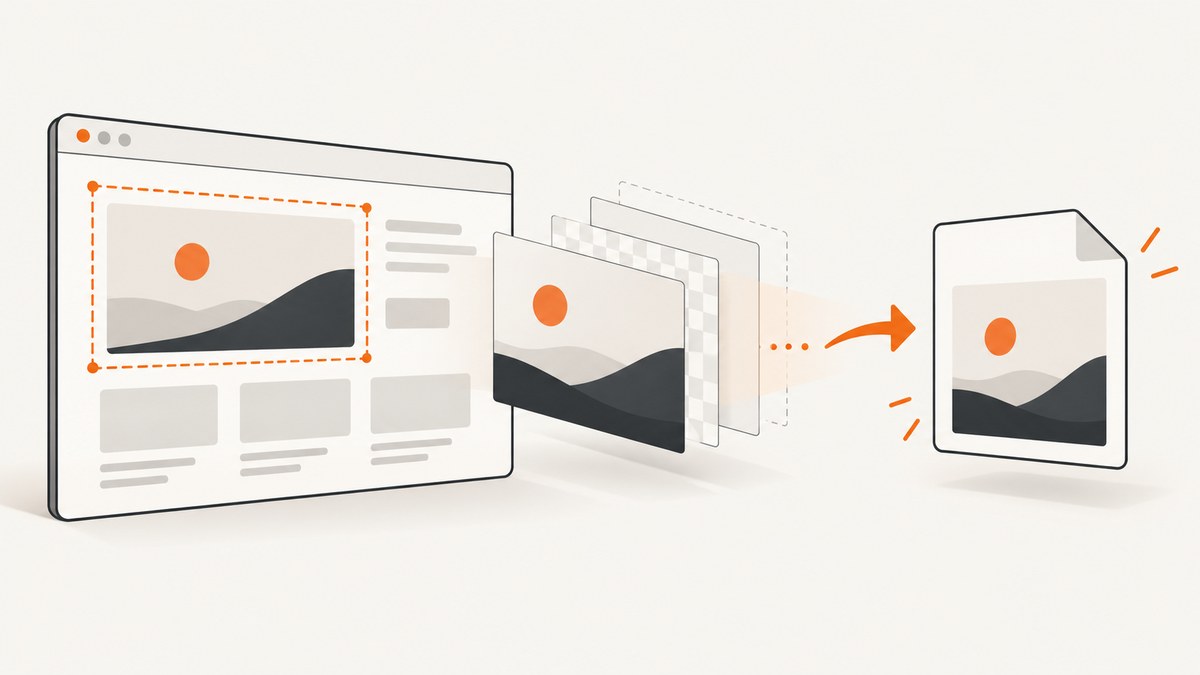
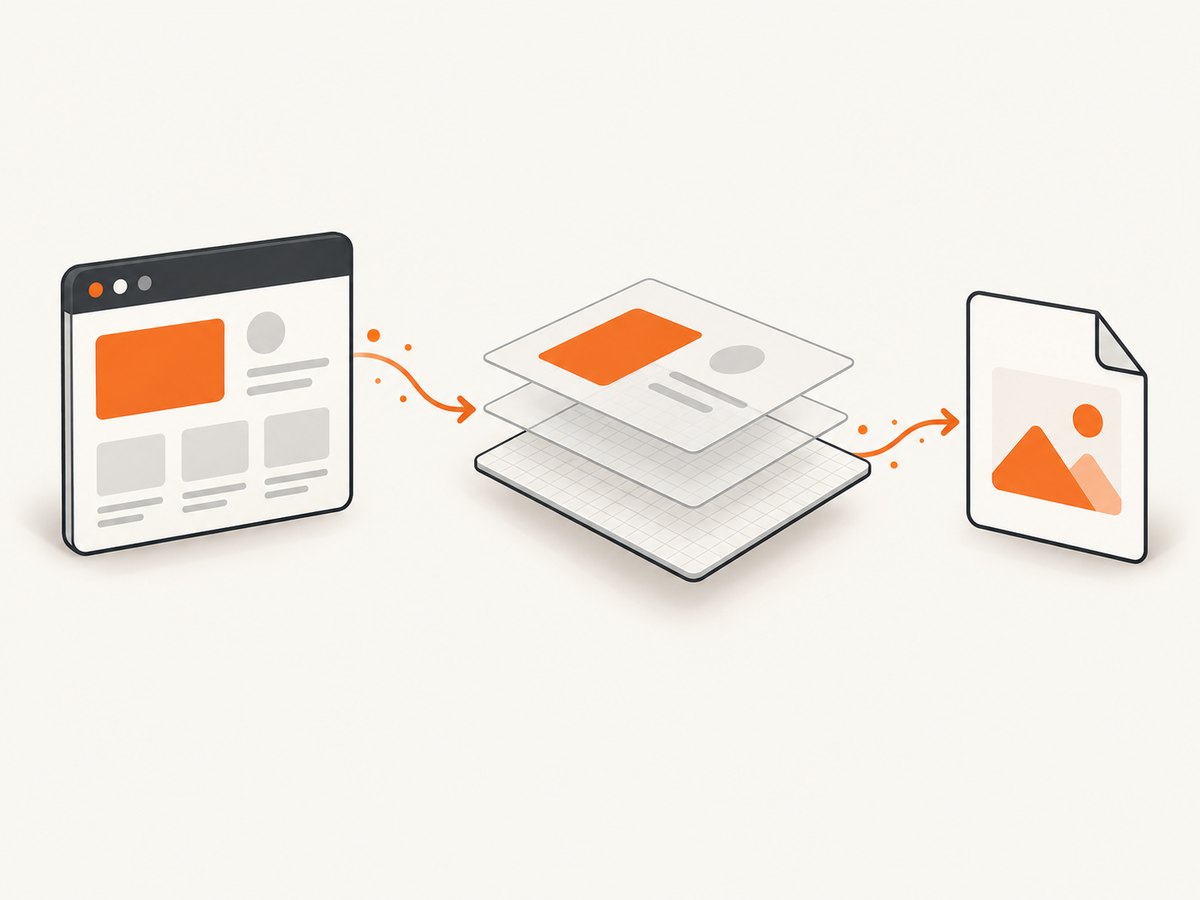
To capture one rendered <div> in a browser, select it, render it with html2canvas, export the returned canvas with toBlob(), and download the Blob through a temporary object URL. This creates an image representation from DOM and CSS; it is not a pixel-for-pixel browser screenshot.
Fast answer
import html2canvas from 'html2canvas';

async function saveDivAsImage(selector, filename = 'capture.png') {
  const element = document.querySelector(selector);
  if (!element) throw new Error(`No element matches ${selector}`);

  const canvas = await html2canvas(element, {
    backgroundColor: '#ffffff',
    scale: window.devicePixelRatio
  });

  const blob = await new Promise(resolve => canvas.toBlob(resolve, 'image/png'));
  if (!blob) throw new Error('The browser could not encode the canvas');

  const objectUrl = URL.createObjectURL(blob);
  const link = document.createElement('a');
  link.href = objectUrl;
  link.download = filename;
  link.click();
  setTimeout(() => URL.revokeObjectURL(objectUrl), 1000);
}

saveDivAsImage('#invoice', 'invoice.png');
Install with npm install html2canvas, then call the function after the element and its fonts/images have loaded. The delayed URL cleanup gives the browser time to start the download; adjust the lifecycle if you keep the URL for an on-page preview.
Complete browser example
This standalone example uses a module import. In a bundler project, install the package and keep the import. If your site loads dependencies another way, expose html2canvas before the click handler runs.
<!doctype html>
<html lang="en">
<head>
  <meta charset="utf-8">
  <meta name="viewport" content="width=device-width,initial-scale=1">
  <title>Save a div as an image</title>
  <style>
    #capture { width: 640px; padding: 32px; color: #172033; background: #f5f7fb; }
    .card { padding: 24px; border-radius: 14px; background: white; box-shadow: 0 8px 30px #17203322; }
  </style>
</head>
<body>
  <section id="capture">
    <div class="card"><h1>Release notes</h1><p>A div can become a PNG download.</p></div>
  </section>
  <button id="save" type="button">Save image</button>
  <script type="module">
    import html2canvas from 'html2canvas';
    const button = document.querySelector('#save');
    button.addEventListener('click', async () => {
      button.disabled = true;
      try {
        const canvas = await html2canvas(document.querySelector('#capture'), {
          backgroundColor: '#f5f7fb',
          scale: Math.min(window.devicePixelRatio || 1, 2),
          useCORS: true
        });
        const blob = await new Promise(resolve => canvas.toBlob(resolve, 'image/png'));
        if (!blob) throw new Error('PNG export failed');
        const url = URL.createObjectURL(blob);
        const a = Object.assign(document.createElement('a'), { href: url, download: 'release-notes.png' });
        a.click();
        setTimeout(() => URL.revokeObjectURL(url), 1000);
      } catch (error) {
        console.error(error);
        alert(error.message);
      } finally {
        button.disabled = false;
      }
    });
  </script>
</body>
</html>
Call the function from a user gesture when possible. Browsers can block downloads started long after a click, and a user gesture also makes the interaction clear.
How the capture pipeline works
- Select: use a stable ID or class and fail clearly if it is missing.
- Render: html2canvas reads the element’s DOM and supported style properties and paints a new canvas. It does not copy the browser’s already-composited pixels. See the project documentation.
- Encode:
canvas.toBlob()creates an image Blob (as defined by MDN). Useimage/pngfor lossless output, orimage/jpegwith a quality value for smaller photographic files. - Deliver: create an object URL, assign it to an anchor’s
downloadattribute, click it, and revoke the URL when it is no longer needed.
Options that matter
| Option | Use | Notes |
|---|---|---|
scale |
Increase output density | window.devicePixelRatio is a common choice; high values increase memory and can hit canvas limits. |
backgroundColor |
Set a solid background | Use null for transparency when the browser and content permit it. |
useCORS |
Request CORS-enabled images | The image server must send suitable CORS headers; this flag cannot bypass that policy. |
allowTaint |
Allow cross-origin images to taint the canvas | A tainted canvas cannot be exported safely, so this is rarely appropriate for downloads. |
x, y, width, height |
Crop the rendered area | Useful when the target element includes overflow or you need a sub-region. |
windowWidth, windowHeight |
Control the virtual viewport | Try the element’s scroll dimensions when responsive layout or clipped content is involved. |
onclone |
Adjust a cloned document before painting | Hide buttons, force a theme, or add print-only styles without changing the live page. |
Exact option names and supported CSS evolve with the library; consult its configuration reference and test your actual page.
Reliable exports
Wait for fonts, images, and layout
await document.fonts.ready;
await Promise.all([...document.images].map(img => {
  if (img.complete) return Promise.resolve();
  return new Promise(resolve => { img.addEventListener('load', resolve, { once: true }); img.addEventListener('error', resolve, { once: true }); });
}));
await new Promise(requestAnimationFrame);
Run this before html2canvas. A failed image should not leave your code waiting forever; the example resolves on both load and error.
Cross-origin images and iframes
Images from another origin need CORS permission or a same-origin proxy. Set useCORS: true only when the remote server is configured for it. The FAQ explains that cross-origin iframe documents cannot be inspected under normal browser security rules. You cannot use this technique to read a third-party iframe’s private DOM.
High-density and oversized elements
Increasing scale improves sharpness but multiplies pixels and memory. Very large canvases can be blank or clipped because browsers impose canvas-size limits. Reduce scale, capture in sections, or use the documented viewport and crop controls. Verify the result in every target browser; there is no universal fidelity guarantee.
Dynamic content
Freeze animations and transient state before capture. An onclone callback can inject * { animation: none !important; transition: none !important; } into the cloned document. Capture after data has rendered, and avoid changing the element while the promise is in flight.
PNG, JPEG, Blob, and data URLs
- PNG: lossless and supports transparency; usually the safest default for interfaces and text.
- JPEG: smaller for photos; pass a quality such as
0.85totoBlob, and expect no transparency. - WebP: request it where browser support and your downstream pipeline allow it.
- Blob: preferred for downloads and uploads because it avoids a large base64 string.
- Data URL: convenient for a quick preview. MDN notes that large data URLs can consume substantial memory.
const jpeg = await new Promise(resolve => canvas.toBlob(resolve, 'image/jpeg', 0.85));
const previewUrl = URL.createObjectURL(jpeg);
preview.src = previewUrl;
// Revoke previewUrl when the preview is removed.
Common errors and fixes
| Symptom | Likely cause | Fix |
|---|---|---|
| “Capture element not found” | Selector ran before the DOM or uses the wrong ID | Run after DOM load, use a stable selector, and check for null. |
| Blank or partial image | Canvas limit, element outside the expected viewport, or unfinished layout | Wait for fonts/images, lower scale, set viewport dimensions, or capture smaller regions. |
| SecurityError on export | Canvas was tainted by a cross-origin image | Enable server CORS and useCORS, proxy the asset through your origin, or remove it. |
| Missing shadows, filters, or CSS | The library does not implement every CSS property | Check the supported features, simplify the style for export, or use a browser-level screenshot service. |
| External iframe is empty | Same-origin policy blocks its document | Render the content in your own DOM or capture it from a server/browser you control. |
| Download does nothing | Blocked popup/download or URL revoked too early | Start from a click handler and revoke the object URL after the download begins. |
| Text differs from the page | Font not loaded or fallback metrics changed layout | Await document.fonts.ready and ensure the font is available to the page. |
Alternatives and when to use them
html-to-image can export a DOM node as PNG, JPEG, Blob, pixel data, or SVG. Compare libraries using your own element and fonts: fidelity for your CSS, cross-origin behavior, output formats, bundle/runtime requirements, browser coverage, and maintenance. The available documentation does not establish a universal winner or performance benchmark.
Use client-side rendering when the user needs an immediate download of content already in the page. Use a server-side browser or screenshot API when you need repeatable captures, scheduled jobs, pages you do not own, or a workflow that should not depend on each visitor’s browser.
Or skip the browser setup
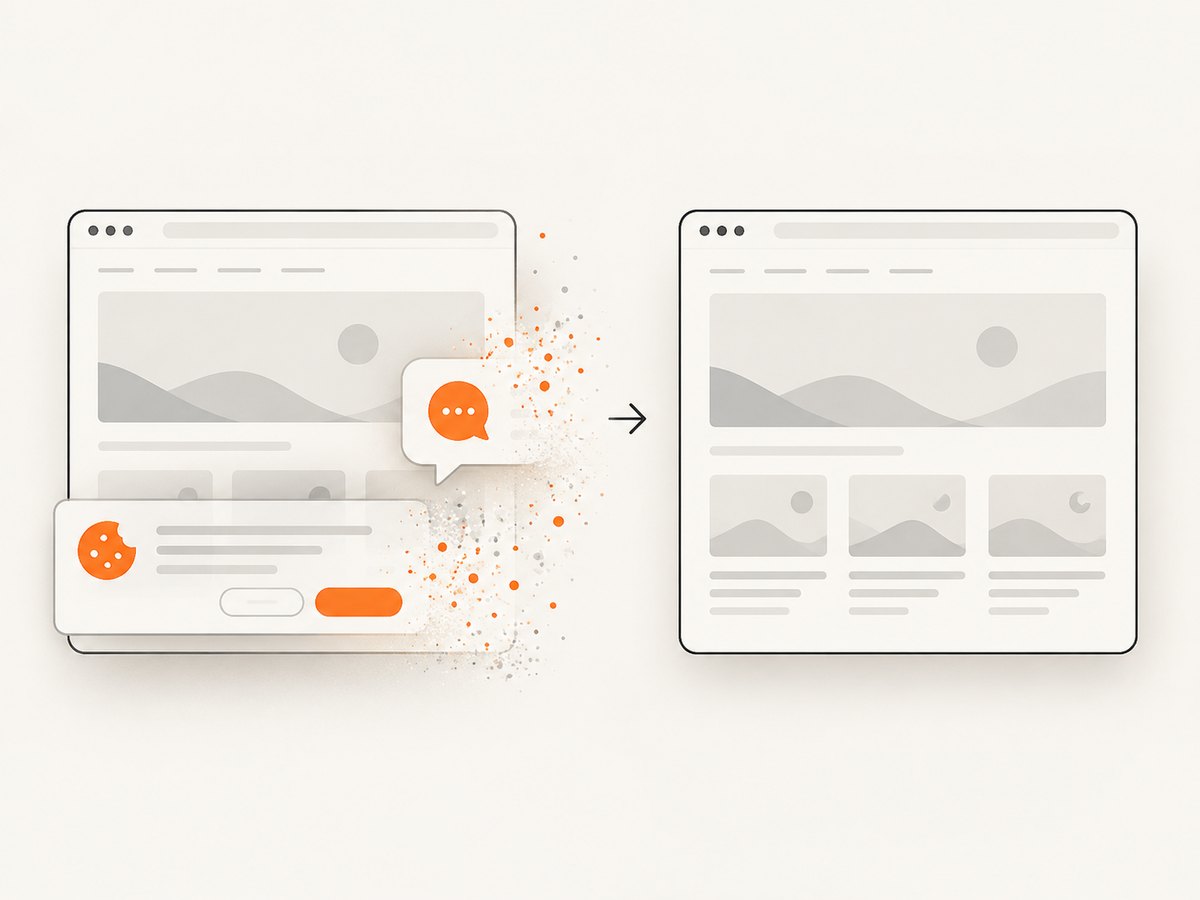
ScreenshotNeo captures a URL with one GET request and can return PNG, JPEG, WebP, or PDF. It also accepts a CSS selector when you need one element. Cookie and consent banners, newsletter popups, and chat widgets are removed before the shot; bot checks, blank pages, timeouts, failed loads, and cache hits are not billed, and the response identifies the verdict and billing in X-Page-Verdict and X-Billed headers. Its MCP server provides take_screenshot, get_page_info, and capture_pdf for Claude, Cursor, and other MCP clients.
See the ScreenshotNeo API documentation for all options. Basic call:
curl -G "https://api.screenshotneo.com/v1/shot" -d access_key=YOUR_API_KEY --data-urlencode url=https://stripe.com -o shot.webpimport requests; r = requests.get("https://api.screenshotneo.com/v1/shot", params={"access_key": "YOUR_API_KEY", "url": "https://stripe.com"}, timeout=90); open("shot.webp", "wb").write(r.content)const q = new URLSearchParams({ access_key: 'YOUR_API_KEY', url: 'https://stripe.com' }); const res = await fetch(`https://api.screenshotneo.com/v1/shot?${q}`);The free plan includes 1,000 shots each month with no card. Paid plans start at $5 for 3,000 shots, and every feature is on every plan. Create a free ScreenshotNeo account.
Performance, reliability, and cost
- Browser work: render only the target element, keep scale within the output size you need, and avoid repeated captures during animation or scrolling.
- Memory: prefer Blobs over data URLs, release object URLs, and split very large designs into tiles.
- Reliability: wait for layout dependencies, handle image errors, and test representative pages in target browsers.
- Cost: html2canvas runs in the visitor’s browser. A screenshot API shifts rendering to a service; ScreenshotNeo bills only clean shots and reports billing in response headers.
FAQ
Can I save a div as SVG?
html2canvas returns a canvas. If SVG output is required, evaluate a DOM-to-image library that documents SVG export, then test its CSS and font behavior with your content.
Can JavaScript capture a div hidden with display:none?
No useful layout exists for a fully hidden element. Render it in the document, move it off-screen, or temporarily change its styles in the cloned document.
Why is my transparent background white?
Set backgroundColor: null and make sure the element and its children do not paint an opaque background.
Is this a real screenshot?
It is a reconstruction from DOM and supported styles. Browser-level capture is more appropriate when exact pixels, plugins, or cross-origin frames matter.


