How to Capture Dynamically Added Divs with html2canvas
Learn the reliable insert, wait, and capture sequence for dynamic divs with html2canvas, including images, fonts, CORS, sizing, troubleshooting, and API alternatives.
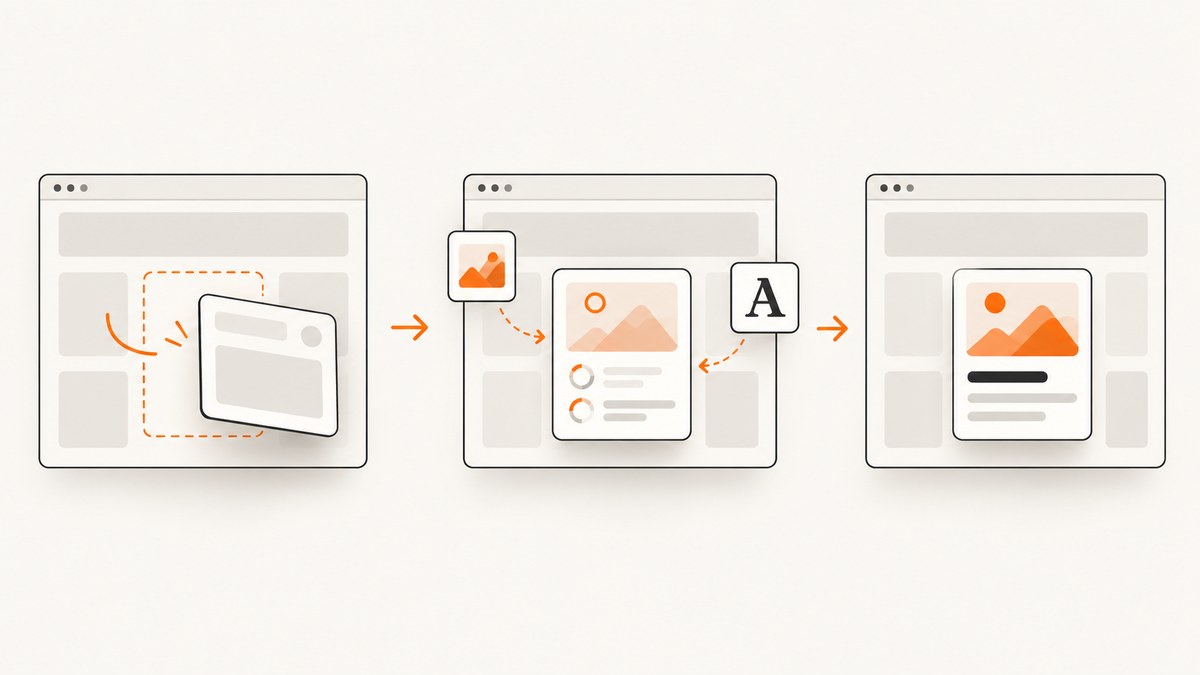
Direct answer: create or update the div, wait for the browser to repaint, wait for fonts and images inside that div to be ready, then pass the current element reference to html2canvas(). The library reads the DOM state at the moment you call it; it does not watch for future mutations. A reliable sequence is insert or update → wait for repaint and resources → capture the element.
html2canvas reconstructs the selected DOM in a canvas. It is not a pixel-level browser screenshot, so unsupported CSS, cross-origin images, plug-in content, and inaccessible cross-origin iframes can still be missing. When you need exact browser pixels or content that the page cannot expose to JavaScript, use a browser-level screenshot service such as ScreenshotNeo.
1. Complete working example
Install the current package and import it from your application:
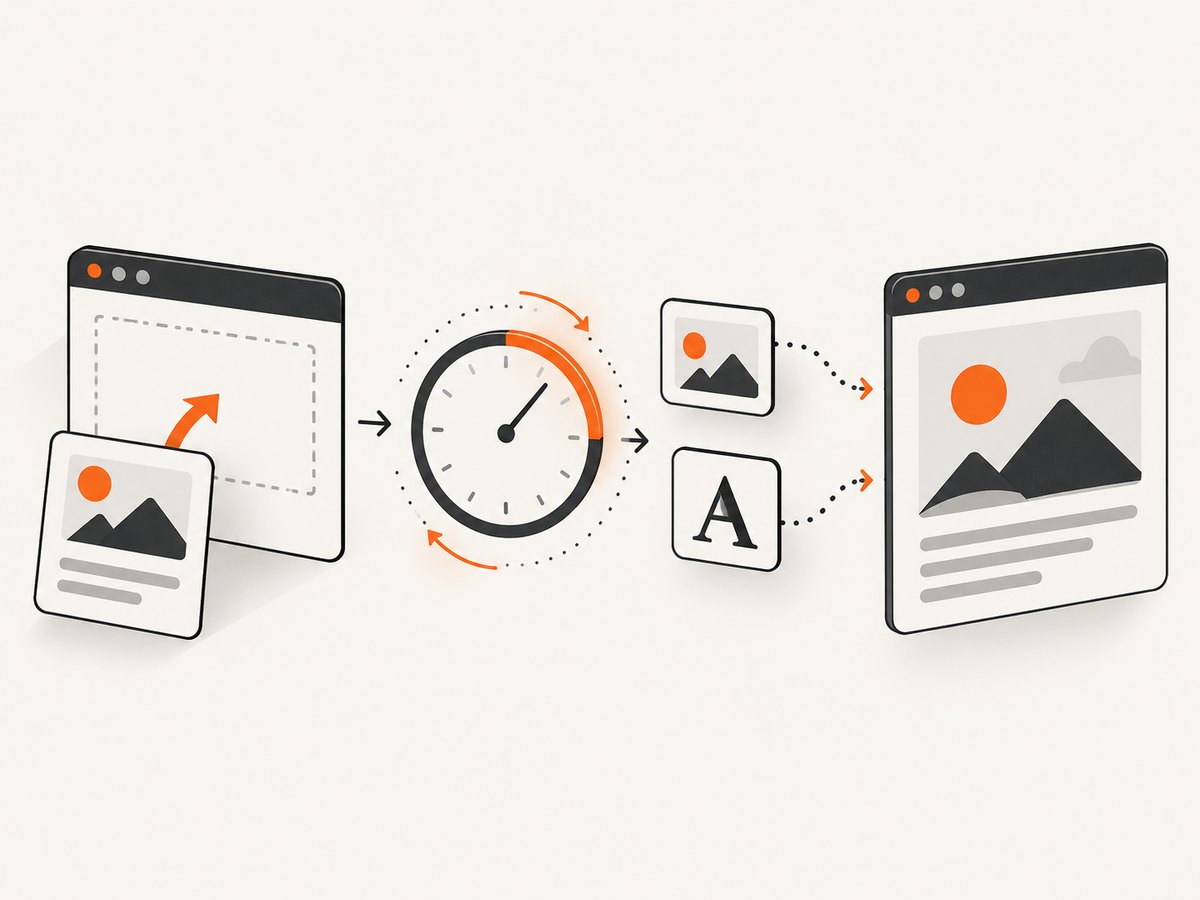
npm install @html2canvas/html2canvasThe following example dynamically inserts a card, waits for layout, fonts, image loading, and image decoding, then exports a PNG. It also removes temporary elements in the cloned document used by html2canvas.
import html2canvas from '@html2canvas/html2canvas';

const nextFrame = () => new Promise(requestAnimationFrame);

async function waitForImages(root) {
  const images = [...root.querySelectorAll('img')];
  await Promise.all(images.map(async (img) => {
    if (img.complete && img.naturalWidth > 0) {
      if (img.decode) await img.decode().catch(() => {});
      return;
    }

    await new Promise((resolve) => {
      img.addEventListener('load', resolve, { once: true });
      img.addEventListener('error', resolve, { once: true });
    });

    if (img.decode) await img.decode().catch(() => {});
  }));
}

export async function captureDynamicDiv() {
  const card = document.createElement('div');
  card.id = 'capture-card';
  card.className = 'card';
  card.innerHTML = `
    <h2>New content</h2>
    <p>This card was added after the page loaded.</p>
    <img src="/images/chart.png" alt="Chart">
    <button class="capture-ignore">Edit</button>
  `;

  document.querySelector('#app').append(card);

  // Allow style and layout to update after insertion.
  await nextFrame();

  // Wait for custom fonts that can change line wrapping and height.
  if (document.fonts?.ready) await document.fonts.ready;

  // Wait for images in this card and decode them before capture.
  await waitForImages(card);

  // A second frame catches late layout changes caused by fonts or images.
  await nextFrame();

  const rect = card.getBoundingClientRect();
  if (rect.width === 0 || rect.height === 0) {
    throw new Error('The dynamic div has no visible size. Check CSS and timing.');
  }

  const canvas = await html2canvas(card, {
    backgroundColor: '#fff',
    useCORS: true,
    imageTimeout: 15000,
    onclone: (clonedDocument) => {
      clonedDocument.querySelectorAll('.capture-ignore')
        .forEach((node) => node.remove());
    }
  });

  return canvas.toDataURL('image/png');
}

captureDynamicDiv().then((dataUrl) => {
  const link = document.createElement('a');
  link.download = 'dynamic-card.png';
  link.href = dataUrl;
  link.click();
});
The official examples use the same Promise-based capture and canvas.toDataURL() export pattern. See the html2canvas documentation and configuration reference for the full option list.
2. Why a dynamically inserted div is missing
Calling html2canvas() immediately after append() can race the browser’s rendering pipeline. JavaScript has changed the DOM, but styles, layout, image decoding, and font metrics may not have settled. The capture can therefore contain an old state, zero-height content, blank images, or text wrapped with fallback fonts.
requestAnimationFrame() schedules work before the next repaint. Awaiting one frame after insertion gives the browser a layout and paint boundary. A second frame is useful after images or fonts change dimensions. HTMLImageElement.decode() waits until image data is decoded for painting, while document.fonts.ready resolves after document fonts are ready.
Always capture the element you just inserted. Avoid a stale variable that refers to a previous card, and do not query a selector before the framework has committed its update.
3. Framework timing patterns
React
Capture after the state update has committed. A ref is safer than querying a selector, and a button handler can wait for a frame before capturing:
const cardRef = useRef(null);

async function saveCard() {
  const element = cardRef.current;
  if (!element) return;
  await new Promise(requestAnimationFrame);
  const canvas = await html2canvas(element);
  canvas.toBlob((blob) => {
    if (blob) downloadBlob(blob, 'card.png');
  }, 'image/png');
}
If the card is created by a state update, call the capture from an effect that runs when the card data is present, or from a user action after the new render is visible.
Vue
import { nextTick } from 'vue';

async function captureCard() {
  await nextTick();
  await new Promise(requestAnimationFrame);
  const canvas = await html2canvas(cardRef.value);
  return canvas.toDataURL('image/png');
}
MutationObserver
When another script inserts the div and you cannot control the insertion point, observe the container. Debounce mutations so a burst of DOM changes produces one capture:
let timer;
const observer = new MutationObserver(() => {
  clearTimeout(timer);
  timer = setTimeout(async () => {
    const card = document.querySelector('#capture-card');
    if (!card) return;
    await new Promise(requestAnimationFrame);
    await waitForImages(card);
    await html2canvas(card);
  }, 100);
});
observer.observe(document.querySelector('#app'), { childList: true, subtree: true });
The debounce and readiness sequence is an implementation pattern based on browser repaint and resource APIs; html2canvas does not promise automatic mutation observation.
4. Options that control dynamic captures
| Option | Use | Common caveat |
|---|---|---|
onclone |
Modify only the cloned document used for rendering. | Changes do not affect the live page. |
useCORS |
Request images with CORS enabled. | The image server must send an appropriate CORS header. |
proxy |
Load images through a same-origin proxy. | You must operate a proxy that can fetch the asset safely. |
scale |
Set output pixel density. | Higher values increase memory and render time. |
width, height, x, y |
Capture a defined region. | Incorrect values crop content. |
windowWidth, windowHeight |
Set the virtual viewport, useful for wide or long content. | Very large canvases can hit browser limits. |
ignoreElements and data-html2canvas-ignore |
Exclude controls, overlays, or handles. | Do not hide required content accidentally. |
imageTimeout |
Maximum image wait; documented default is 15,000 ms. | Zero or slow networks can still produce missing images. |
Freeze animations and transitions in onclone when the output must be stable:
const canvas = await html2canvas(element, {
  onclone: (doc) => {
    const style = doc.createElement('style');
    style.textContent = `* {
      animation: none !important;
      transition: none !important;
      caret-color: transparent !important;
    }`;
    doc.head.append(style);
  }
});
5. Images, fonts, CORS, and iframes
Same-origin images normally work. For another origin, useCORS: true only succeeds when the image server permits the request with CORS headers. Browser security rules cannot be bypassed by html2canvas. If you control neither server, use a trusted proxy or replace the asset with a same-origin copy.
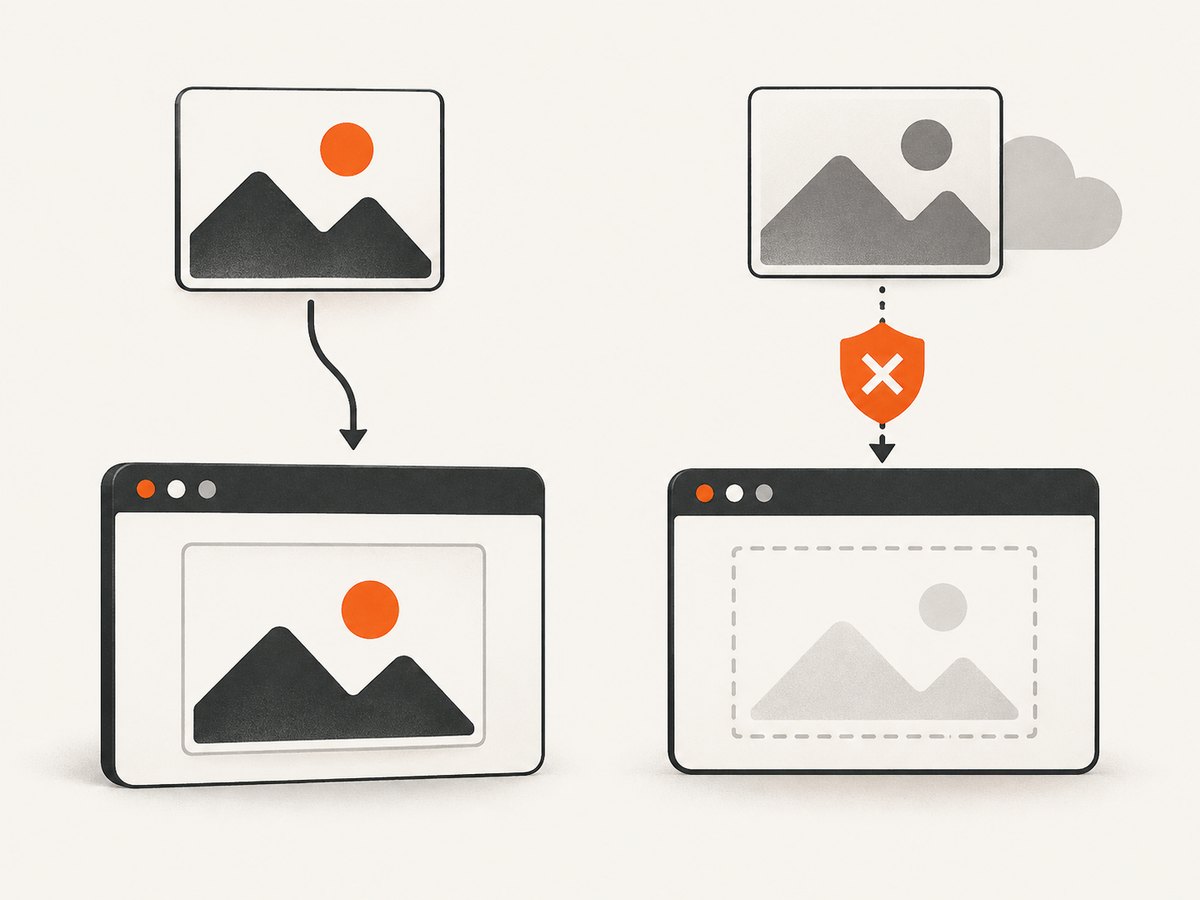
Cross-origin iframes are more restrictive: html2canvas cannot read their internal DOM. Plug-in content and some browser-rendered features are also outside its reconstruction model. If those elements are essential, a browser-level screenshot is a better fit.
For text, wait for document.fonts.ready. If a web font fails to load, the capture can still succeed but have different wrapping and height. Check the browser network panel and font response headers when the result differs from the visible page.
6. Long content, sizing, and canvas limits
A dynamic div can be present but still be clipped because the virtual viewport is smaller than its scrollable content. Measure the element and choose explicit dimensions:
const width = Math.ceil(element.scrollWidth);
const height = Math.ceil(element.scrollHeight);

const canvas = await html2canvas(element, {
  width,
  height,
  windowWidth: Math.max(document.documentElement.clientWidth, width),
  windowHeight: Math.max(document.documentElement.clientHeight, height),
  scale: 1
});
Browsers impose maximum canvas dimensions and total pixel limits. A very tall capture may fail, consume substantial memory, or return a blank canvas. Split long content into sections, lower scale, or use a browser screenshot service that can produce full-page output.
7. Troubleshooting checklist
“The new div is not in the image.”
Confirm that the selector or ref points to the newly inserted node and that the framework committed the render. Await at least one animation frame before calling html2canvas.
“The output is blank.”
Check getBoundingClientRect(). A node with display:none, zero dimensions, or a hidden ancestor cannot be reconstructed meaningfully. Ensure the element is attached to the document and visible during capture.
“Images are empty or missing.”
Wait for load and decode(), raise imageTimeout when appropriate, and inspect CORS headers. A failed image request is different from a timing race; handle both.
“Text wraps differently.”
Await document.fonts.ready, verify that the font request succeeds, and capture after the second repaint. Use the same width and viewport as the visible card.
“The screenshot is cropped.”
Use the element’s scrollWidth and scrollHeight for dimensions, set windowWidth and windowHeight, and check for canvas size limits.
“An animation is captured halfway through.”
Disable animations in onclone. This keeps the live page interactive while making capture-only changes in the cloned document.
“An iframe or embedded widget is absent.”
Cross-origin iframe contents are not readable to the page. Capture that content separately with permission, or use a browser-level screenshot tool.
8. Performance, reliability, and cost considerations
- Capture only the required element rather than the entire document.
- Use a deliberate
scale; device-pixel-ratio defaults can create unexpectedly large canvases. - Debounce mutation-driven captures and avoid recapturing on every keystroke.
- Wait for only the images inside the target subtree.
- Prefer
toBlob()for downloads or uploads when data URLs would be too large. - Release object URLs after downloads and avoid retaining large canvas objects.
- For repeatable output, freeze animation, set a known background, and fix viewport dimensions.
html2canvas runs in the user’s browser, so the cost is your page’s CPU, memory, and network time. A remote screenshot API adds request and usage costs but moves browser setup, rendering, and reliability concerns to a service. Choose based on DOM fidelity versus pixel fidelity, control over asynchronous insertion, cross-origin assets, full-page size, and whether browser automation is acceptable.
9. Or skip the browser setup
If you do not need a client-side canvas and want a rendered page from a URL, ScreenshotNeo provides a single GET request. See the ScreenshotNeo API documentation.
curl -G "https://api.screenshotneo.com/v1/shot" -d access_key=YOUR_API_KEY --data-urlencode url=https://stripe.com -o shot.webpimport requests
r = requests.get("https://api.screenshotneo.com/v1/shot", params={"access_key": "YOUR_API_KEY", "url": "https://stripe.com"}, timeout=90)
open("shot.webp", "wb").write(r.content)const q = new URLSearchParams({ access_key: 'YOUR_API_KEY', url: 'https://stripe.com' });
const res = await fetch(`https://api.screenshotneo.com/v1/shot?${q}`);ScreenshotNeo removes cookie and consent banners, newsletter popups, and chat widgets before capture. Bot checks, blank pages, failed loads, timeouts, and cache hits are not billed; response headers identify the page verdict and whether the shot was billed. It also provides an MCP server with take_screenshot, get_page_info, and capture_pdf tools for Claude, Cursor, and other MCP clients. The Free plan includes 1,000 screenshots each month with no card; paid plans start at $5 for 3,000 shots. Create a free ScreenshotNeo account.
10. FAQ
Does html2canvas capture future DOM changes automatically?
No. Each call captures the current reconstructed DOM. Call it again after the next update has committed and resources are ready.
Should I call html2canvas on the selector or the element?
Use the actual element reference when possible. It avoids selecting a stale node after dynamic rendering and makes it clear which instance is being captured.
Can I capture a hidden div?
Not reliably. Render it with measurable dimensions, capture it, and then hide it, or create a capture-only clone with styles that make it visible.
When should I use a browser screenshot instead?
Use one when you need exact browser pixels, cross-origin iframe content, plug-in output, or very large full-page captures beyond practical canvas limits.
Can I remove a popup only from the screenshot?
Yes. Use onclone or ignoreElements so the live document remains unchanged while the cloned render omits the popup.


