Can You Capture an Entire Webpage with Canvas?
Yes—html2canvas can render a whole DOM into a canvas. Learn full-page code, export options, cross-origin limits, tall-page fixes, and ScreenshotNeo.
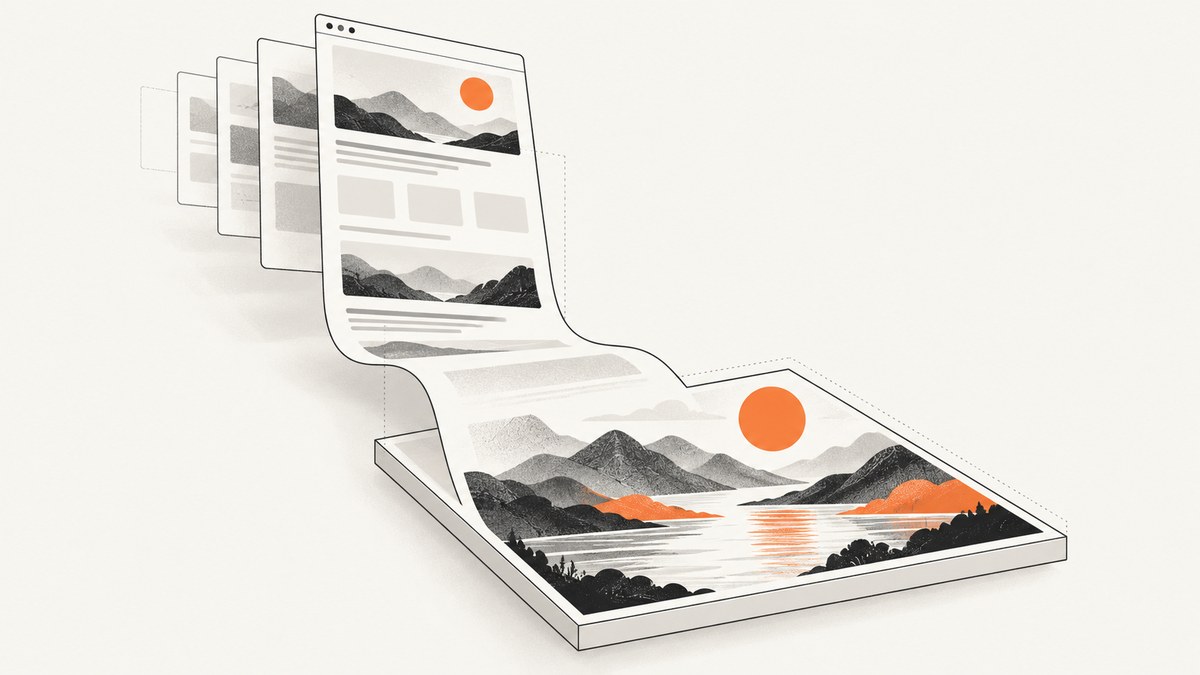
Yes. A canvas can hold a full-page rendering when a DOM renderer such as html2canvas walks a whole-page element, usually document.body, and paints it. It is a reconstruction from DOM and CSS rather than a native pixel screenshot, so visual fidelity, cross-origin content, and very tall pages need care.
What full-page canvas capture means
The browser Canvas API is a pixel drawing surface. html2canvas reads the selected element’s layout and supported styles, then draws an approximation into that surface. Its documentation warns that it does not capture the browser’s painted pixels. The exported image is a static bitmap: links, forms, accessibility semantics, and animation behavior are not preserved.
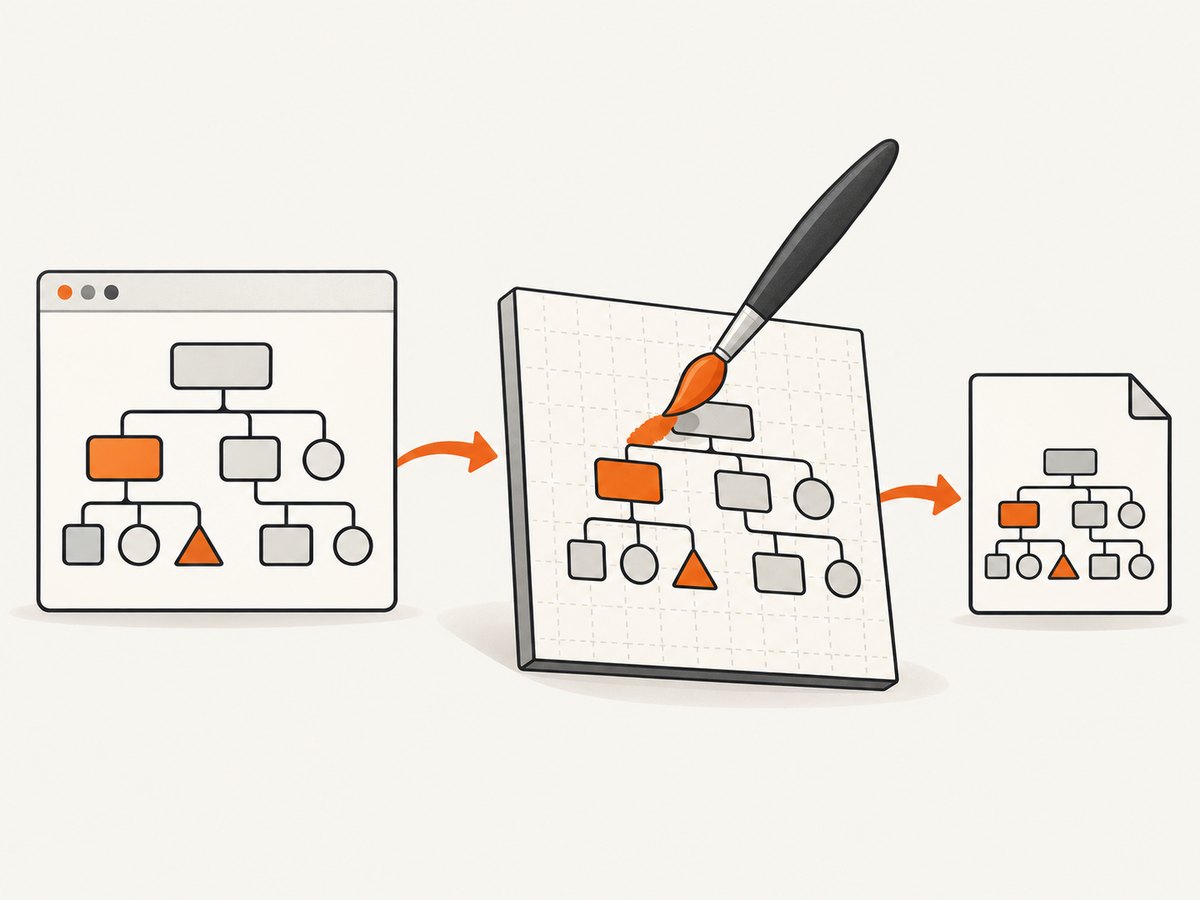
For dependable results, keep content same-origin, wait for fonts and images, capture a root containing the entire document, and export with toBlob() or toDataURL(). See the html2canvas documentation and MDN Canvas API reference.
Minimal full-page example
Load html2canvas and capture the complete body:
<script src="https://cdn.jsdelivr.net/npm/html2canvas@1.4.1/dist/html2canvas.min.js"></script>
<button id="save">Save full page</button>
<script>
document.querySelector('#save').addEventListener('click', async () => {
  const canvas = await html2canvas(document.body, {
    backgroundColor: '#fff',
    useCORS: true,
    scale: window.devicePixelRatio,
    windowWidth: document.documentElement.scrollWidth,
    windowHeight: document.documentElement.scrollHeight,
    scrollX: 0,
    scrollY: 0
  });
  canvas.toBlob(blob => {
    if (!blob) throw new Error('Canvas export failed');
    const link = document.createElement('a');
    link.download = 'full-page.png';
    link.href = URL.createObjectURL(blob);
    link.click();
    URL.revokeObjectURL(link.href);
  }, 'image/png');
});
</script>
windowWidth and windowHeight describe the virtual rendering viewport. Setting them to document dimensions helps include content below the visible viewport. If your page has a dedicated app shell, pass that element instead of document.body.
Capture an element, crop, or increase sharpness
const node = document.querySelector('#article');
const canvas = await html2canvas(node, {
  x: 0,
  y: 0,
  width: node.scrollWidth,
  height: node.scrollHeight,
  scale: 2,
  backgroundColor: '#ffffff',
  ignoreElements: element => element.matches('[data-no-capture]')
});
canvas.toBlob(blob => saveBlob(blob, 'article.png'), 'image/png');
const jpeg = canvas.toDataURL('image/jpeg', 0.9);
function saveBlob(blob, name) {
  const a = document.createElement('a');
  a.download = name;
  a.href = URL.createObjectURL(blob);
  a.click();
}
The project examples document element selection, x, y, width, height, scale, and the data-html2canvas-ignore convention. Use toBlob() for large files; toDataURL() creates a base64 string in memory.
Important options
| Option | Purpose | Consideration |
|---|---|---|
scale |
Increase output pixels | Higher memory and render time |
windowWidth/windowHeight |
Set virtual viewport | Can change responsive breakpoints |
useCORS |
Request CORS-enabled images | Remote server must send CORS headers |
backgroundColor |
Set a solid background | Use null for transparency where supported |
ignoreElements |
Exclude matching nodes | Useful for controls and overlays |
onclone |
Modify the cloned document | Changes affect only the capture |
scrollX/scrollY |
Control capture position | Fixed and sticky elements may differ |
Wait for fonts, images, and lazy content
await document.fonts.ready;
for (const image of document.images) {
  if (!image.complete) await new Promise(resolve => {
    image.addEventListener('load', resolve, { once: true });
    image.addEventListener('error', resolve, { once: true });
  });
}
window.scrollTo(0, document.body.scrollHeight);
window.scrollTo(0, 0);
const canvas = await html2canvas(document.body);
Cross-origin images and iframes
Same-origin assets are the dependable case. An image from another origin can taint the canvas; once tainted, reading pixels or calling toDataURL() or toBlob() can throw a security error. useCORS: true works only when the remote server opts in with CORS headers. A configured proxy is another documented approach. Client JavaScript cannot bypass browser security policy.
Cross-origin iframes cannot be traversed because their contentDocument is inaccessible. Same-origin frames can be rendered recursively. A sandboxed frame without allow-same-origin has the same limitation.
CSS and fidelity limits
- Unsupported or complex CSS may be missing or approximated.
- Plugin-rendered content and browser-only effects are unavailable to the DOM renderer.
- Animations may be captured mid-frame; pause them in
oncloneor a capture-only stylesheet. - Fixed and sticky elements can repeat or appear at an unexpected position.
- The result is a bitmap and cannot retain interactivity or semantic structure.
For a pixel-accurate representation of what a browser painted, use a browser screenshot workflow instead of treating html2canvas as a native screenshot command.
Very tall pages and canvas limits
Canvas dimensions are bounded by browser and device implementation limits. A long document can fail allocation, produce a blank canvas, or consume enough memory to crash the tab. Lower scale, reduce the capture root, or capture vertical tiles.
const pageHeight = document.documentElement.scrollHeight;
const tileHeight = 3000;
const tiles = [];
for (let top = 0; top < pageHeight; top += tileHeight) {
  const tile = await html2canvas(document.body, {
    y: top,
    height: Math.min(tileHeight, pageHeight - top),
    windowWidth: document.documentElement.scrollWidth,
    windowHeight: Math.min(tileHeight, pageHeight - top),
    scrollY: top,
    scale: 1
  });
  tiles.push(tile);
}
Stitching requires care around fixed headers, sticky elements, shadows, and seams. For extreme documents, a browser screenshot service is usually simpler.
Troubleshooting
| Symptom | Cause | Fix |
|---|---|---|
| Images are blank | Cross-origin image lacks CORS | Host it same-origin, enable CORS, or use a proxy. |
SecurityError |
Tainted canvas | Fix CORS or remove the unreadable resource. |
| Iframe missing | Cross-origin or sandboxed frame | Capture from its origin or use a permitted browser workflow. |
| Lower sections missing | Wrong root, viewport, or lazy content | Capture the body, set document-sized options, and trigger lazy loading. |
| Fonts differ | Fonts were not ready | Await document.fonts.ready and verify font CORS. |
| Sticky header repeats | Positioned element appears in each tile | Hide it in onclone or stitch deliberately. |
| Blank or crashed output | Canvas exceeds memory or dimension limits | Lower scale, tile the page, or use a browser screenshot service. |
Performance, reliability, and cost
- Performance: Work scales with DOM complexity and output pixels. Prefer a focused root and
scale: 1for previews. - Reliability: Wait for fonts and images, disable animations, freeze dynamic data, and wrap the capture promise in a timeout.
- Cost: html2canvas runs in the user’s browser with no service charge, but consumes client CPU, memory, and bandwidth.

Or skip the browser setup
ScreenshotNeo returns PNG, JPEG, WebP, or PDF from one GET request. It loads lazy images, accepts consent banners, and removes more than 60 known consent platforms, newsletter popups, and chat widgets before capture. Bot checks, blank pages, timeouts, failed loads, and cache hits are not billed; response headers identify the page verdict and billing status.
curl -G "https://api.screenshotneo.com/v1/shot" -d access_key=YOUR_API_KEY --data-urlencode url=https://stripe.com -o shot.webpimport requests
r = requests.get("https://api.screenshotneo.com/v1/shot", params={"access_key": "YOUR_API_KEY", "url": "https://stripe.com"}, timeout=90)
open("shot.webp", "wb").write(r.content)const q = new URLSearchParams({ access_key: 'YOUR_API_KEY', url: 'https://stripe.com' });
const res = await fetch(`https://api.screenshotneo.com/v1/shot?${q}`);See the ScreenshotNeo API documentation for options. Its MCP server exposes take_screenshot, get_page_info, and capture_pdf to Claude, Cursor, and other MCP clients. There are 1,000 screenshots a month free with no card; paid plans start at $5 for 3,000. Create a free ScreenshotNeo account.
FAQ
Can canvas capture another website?
Not directly from the current page context. Use a server-side or browser automation capture service.
Does the PNG contain HTML?
No. It contains pixels only. Keep the original HTML separately for searchable or accessible output.
PNG or JPEG?
Use PNG for text, diagrams, and transparency. Use JPEG for photographic content when a smaller file is more important.
Why does it differ from a DevTools screenshot?
DevTools captures browser-painted pixels. html2canvas reconstructs from DOM and supported CSS.
Can canvas create a PDF?
Canvas exports bitmap formats. Use a PDF-capable browser workflow or API for paginated PDF output.


