How to Capture an External Website With html2canvas
html2canvas can capture accessible DOM content, but browser security prevents it from freely screenshotting arbitrary external sites.

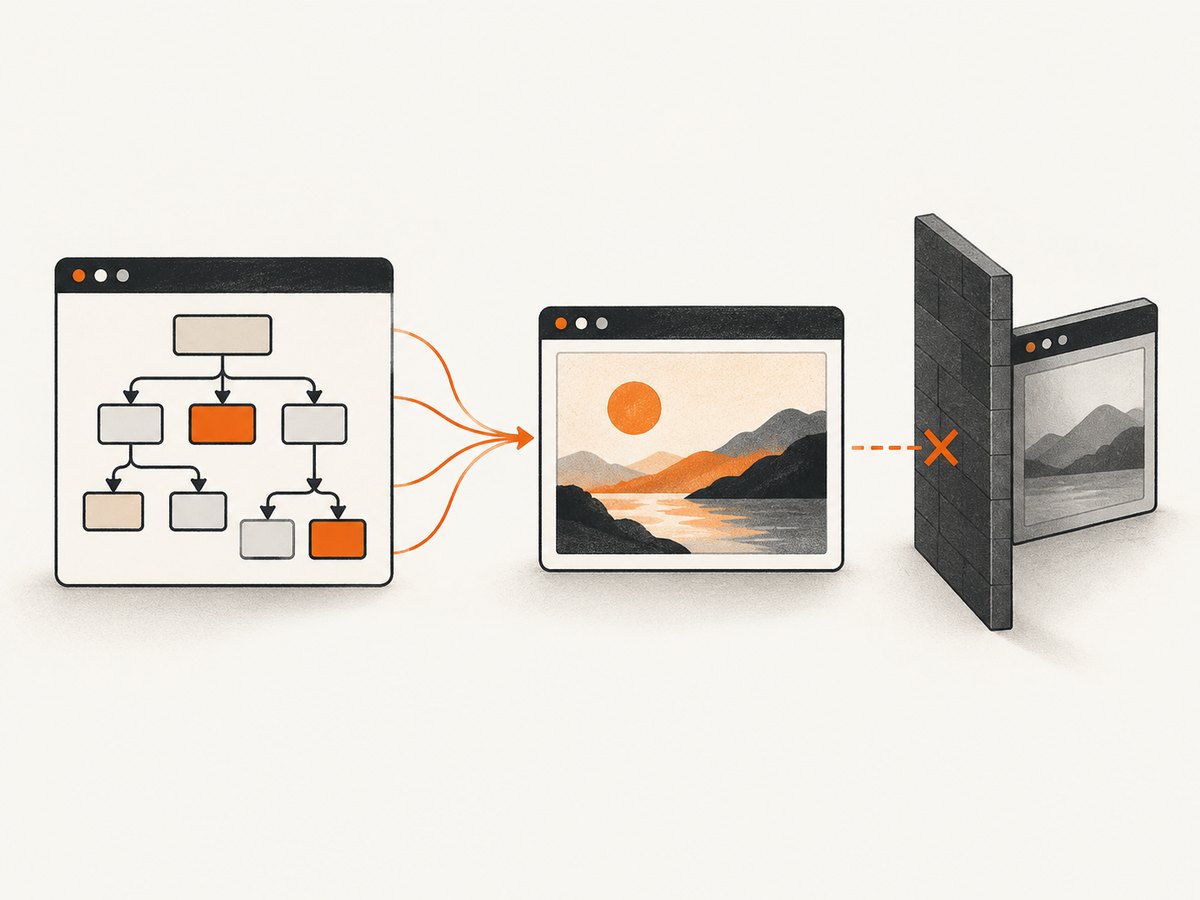
Short answer: html2canvas cannot navigate to an arbitrary external URL and photograph it like a browser screenshot service. It runs inside a page, reads DOM nodes and styles that the browser allows your script to access, and reconstructs them on a canvas. A same-origin page or iframe can usually be captured; a cross-origin iframe cannot be inspected; remote images require CORS approval or a proxy.
The library’s own documentation describes it as taking “screenshots” directly in the user’s browser, while also stating that it cannot circumvent browser content-policy restrictions. See the html2canvas documentation and getting-started guide.
What “external website” means
Before writing code, identify which case applies:
| Target | Can html2canvas read it? | What to do |
|---|---|---|
| DOM already in your page | Yes, subject to supported CSS and browser canvas limits | Pass the element to html2canvas() |
| Same-origin iframe | Generally yes | Access its document and capture an element inside it |
| Cross-origin iframe | No | The parent page cannot inspect its document because of browser security policy |
| Remote images in an accessible DOM | Sometimes | Use CORS if the image server allows it, or load through a proxy |
| Arbitrary URL entered by a user | Not directly | Open it in a controlled browser or use a screenshot API |
Install html2canvas
npm install html2canvasIn a browser application, import it:
import html2canvas from 'html2canvas';Or load a browser bundle from your own asset pipeline. Verify option defaults against the version installed in your project; the live documentation does not assign a package version.
Capture content that is already in your page
This is the normal html2canvas workflow. The function returns a canvas; you can display it or export it as an image.
import html2canvas from 'html2canvas';

const element = document.querySelector('#report');
if (!element) throw new Error('Missing #report');

const canvas = await html2canvas(element, {
  scale: window.devicePixelRatio,
  backgroundColor: '#ffffff'
});

document.querySelector('#preview').replaceWith(canvas);

canvas.toBlob((blob) => {
  if (!blob) throw new Error('Could not create an image blob');
  const link = document.createElement('a');
  link.href = URL.createObjectURL(blob);
  link.download = 'report.png';
  link.click();
  URL.revokeObjectURL(link.href);
}, 'image/png');
For a specific region, pass the documented x, y, width and height options:
const canvas = await html2canvas(document.body, {
  x: 0,
  y: 0,
  width: 1200,
  height: 800,
  scale: 2
});
Capture a same-origin iframe
A same-origin iframe’s document is readable by the parent page. Wait for its content to load, then capture an element inside its document.
const frame = document.querySelector('#preview-frame');
await new Promise((resolve, reject) => {
  if (frame.contentDocument?.readyState === 'complete') return resolve();
  frame.addEventListener('load', resolve, { once: true });
  frame.addEventListener('error', reject, { once: true });
});

const frameDocument = frame.contentDocument;
const target = frameDocument?.querySelector('#page');
if (!target) throw new Error('The iframe is not same-origin or #page is missing');

const canvas = await html2canvas(target, { scale: 2 });
document.body.append(canvas);
If the iframe is hosted on another origin, reading contentDocument or its child nodes is blocked. Neither useCORS nor proxy grants access to that iframe DOM.
Why an arbitrary external URL cannot be captured directly
html2canvas executes in the current page. It does not create a new browser tab, navigate to a URL, and capture the browser surface. It traverses DOM data available to JavaScript and draws supported content into a canvas. That means a call such as this does not accept a URL:
// This is not a supported html2canvas API:
await html2canvas('https://example.com');
To capture a site you do not control, you need a browser process that visits the URL and takes a screenshot, or a hosted screenshot service.
Remote images: CORS and proxies
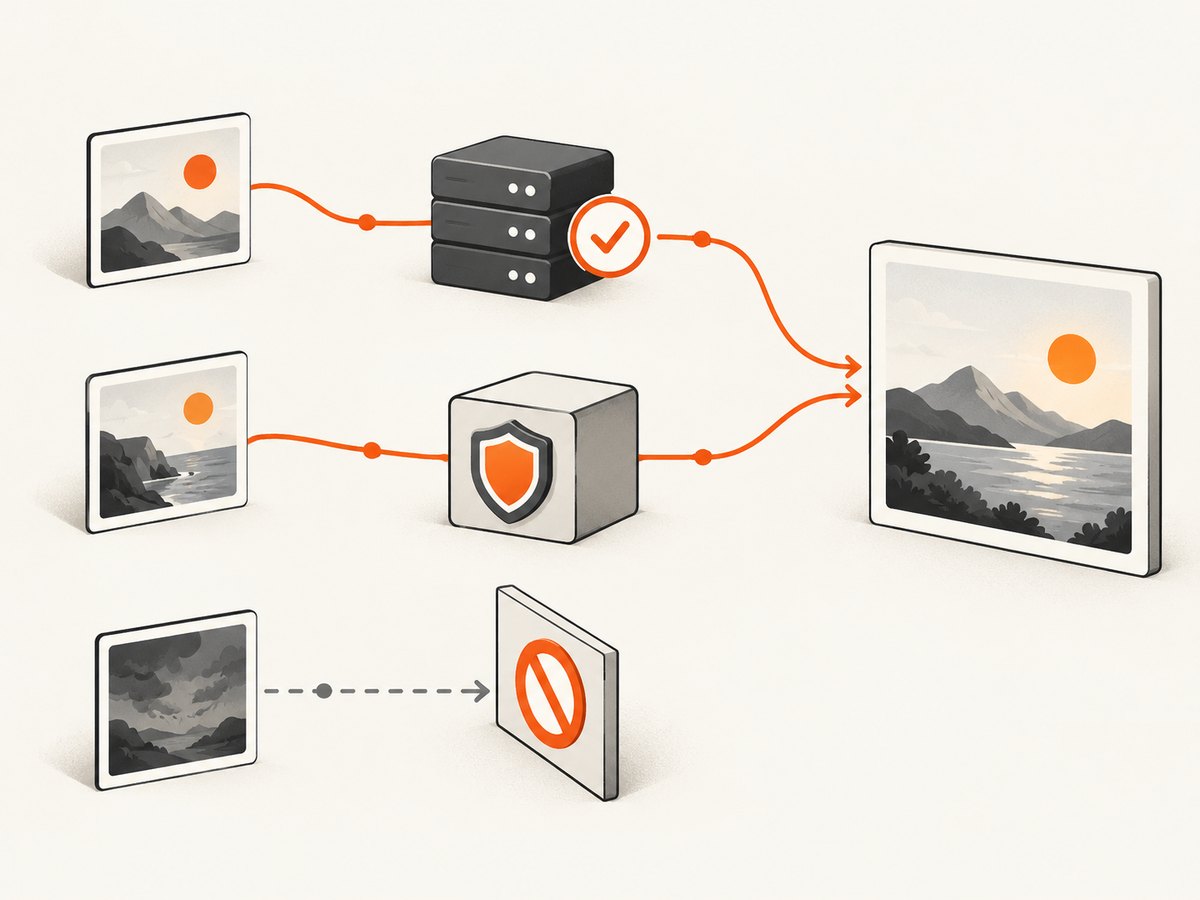
Remote images are a separate problem from cross-origin iframes. If an image server sends a suitable Access-Control-Allow-Origin response header, ask html2canvas to attempt CORS loading:
const canvas = await html2canvas(document.querySelector('#gallery'), {
  useCORS: true
});
useCORS defaults to false in the current configuration documentation. Setting it to true is only an attempt; your frontend cannot grant itself permission. The image host must opt in with its response headers. See the configuration reference and MDN’s CORS guide.
If the image host does not provide CORS headers, configure a proxy that you control or trust:
const canvas = await html2canvas(document.querySelector('#gallery'), {
  proxy: 'https://your-proxy.example/images'
});
The documented default for proxy is null. A proxy can fetch image resources for the canvas; it is not an all-purpose bypass for another site’s DOM or a cross-origin iframe.
Canvas tainting and export errors
When you draw an image from another origin without CORS approval, the canvas becomes tainted. MDN explains that reading pixels or exporting them can then throw a SecurityError. Typical failing calls include:
canvas.toDataURL();
canvas.toBlob(callback);
ctx.getImageData(0, 0, canvas.width, canvas.height);
allowTaint: true does not make pixel export safe. It permits tainted images to be drawn, but browser security still blocks APIs that read or export the pixels. Its documented default is false.
Useful capture options
| Option | Use | Default or note |
|---|---|---|
useCORS |
Attempt CORS-enabled image loading | false; the server must send CORS headers |
proxy |
Fetch external image resources through a proxy | null |
allowTaint |
Allow cross-origin images to taint the canvas | false; does not solve export errors |
scale |
Control output pixel density | Use a higher value for sharper output, within canvas limits |
x, y |
Offset the capture region | Useful for cropping a page |
width, height |
Set the capture region size | Match the intended region |
windowWidth, windowHeight |
Control the virtual viewport used during rendering | Useful when responsive CSS changes the result |
The official options page is the authority for the version you installed. Unsupported CSS properties, filters, fonts, animations and browser-specific rendering can make the reconstructed image differ from what you see on screen.
Full-page and lazy-loaded content
html2canvas captures the DOM state at the time it runs. For content that appears after scrolling, interaction or asynchronous loading:
- Wait for the page’s data and fonts to finish loading.
- Trigger the application state that reveals the content.
- Use an element whose scroll dimensions include the intended area.
- Pass explicit
windowWidthandwindowHeightwhen responsive layout or clipping is involved. - Capture at a practical
scale; very large canvases can exceed browser limits.
await document.fonts?.ready;
await new Promise((resolve) => requestAnimationFrame(() => requestAnimationFrame(resolve)));

const page = document.querySelector('#long-page');
const canvas = await html2canvas(page, {
  windowWidth: page.scrollWidth,
  windowHeight: page.scrollHeight,
  width: page.scrollWidth,
  height: page.scrollHeight,
  scale: 1
});
The html2canvas FAQ specifically calls out empty or clipped output and browser canvas-size limits. If the result is too large, capture sections separately and assemble them elsewhere, or use a browser screenshot service designed for full-page capture.
Troubleshooting
“The external website is blank”
Cause: You passed a URL or tried to read a cross-origin iframe. Fix: capture an accessible DOM element, use a same-origin integration, or use a browser-based screenshot API.
“Why aren’t my images rendered?”
Cause: The image server does not permit CORS, the URL is inaccessible, or the image has not loaded yet. Fix: inspect the image request and response headers, wait for loading, try useCORS: true only when the host sends an appropriate header, or configure a trusted proxy.
“toDataURL() fails with a SecurityError”
Cause: An unapproved cross-origin image tainted the canvas. Fix: remove that resource, serve it with CORS, load it through a proxy, and avoid treating allowTaint: true as an export fix.
“The produced canvas is empty or cuts off halfway”
Cause: Canvas dimensions exceed browser limits, the selected element has the wrong dimensions, or content was not ready. Fix: reduce scale, capture smaller regions, set windowWidth/windowHeight from the element’s scroll dimensions, and wait for fonts and asynchronous content.
“The screenshot does not match the browser”
Cause: html2canvas reconstructs supported DOM and CSS rather than photographing pixels. Fix: check unsupported CSS, web fonts, animations, pseudo-elements and filters; freeze dynamic state before capture.
Performance, reliability and cost
- Performance: Output size grows with element dimensions and
scale. Capture only the required region and avoid unnecessarily large canvases. - Reliability: Wait for data, fonts and images; handle rejected promises; record the target URL and options used for reproducibility.
- Security: CORS headers are controlled by the resource server. Never assume frontend JavaScript can override them.
- Cost: html2canvas is a client-side library, but your own browser, proxy and hosting resources still have operational costs. A hosted API may be simpler when you need repeatable captures of sites you do not control.
Or skip the browser setup
ScreenshotNeo visits the URL and returns a PNG, JPEG, WebP or PDF through one request. It removes cookie and consent banners, newsletter popups and chat widgets before capture. Bot checks, blank pages, failed loads, timeouts and cache hits are not billed, and the response identifies the verdict and billing status in headers.
See the ScreenshotNeo API documentation for all options.
cURL
curl -G "https://api.screenshotneo.com/v1/shot" -d access_key=YOUR_API_KEY --data-urlencode url=https://stripe.com -o shot.webpPython
import requests

r = requests.get(
    "https://api.screenshotneo.com/v1/shot",
    params={"access_key": "YOUR_API_KEY", "url": "https://stripe.com"},
    timeout=90,
)
r.raise_for_status()
open("shot.webp", "wb").write(r.content)
Node.js
const q = new URLSearchParams({ access_key: 'YOUR_API_KEY', url: 'https://stripe.com' });
const res = await fetch(`https://api.screenshotneo.com/v1/shot?${q}`);
if (!res.ok) throw new Error(`Screenshot failed: ${res.status}`);
const fs = await import('node:fs/promises');
await fs.writeFile('shot.webp', Buffer.from(await res.arrayBuffer()));
ScreenshotNeo also provides an MCP server with take_screenshot, get_page_info and capture_pdf tools for Claude, Cursor and other MCP clients. It supports full-page capture, CSS element selection, custom CSS and JavaScript, waits, request blocking, headers, cookies, user agents, geolocation, caching, signed links, asynchronous jobs and bulk capture.
There is a free plan with 1,000 screenshots per month and no card. Paid plans start at $5 for 3,000 screenshots. Create a free ScreenshotNeo account.
FAQ
Can html2canvas capture a cross-origin iframe?
No. The parent page cannot inspect a cross-origin iframe’s document under browser security restrictions.
Does useCORS bypass CORS?
No. It asks the browser to load images with CORS. The image server must return an appropriate permission header.
Is a proxy a way to capture any external website?
No. The proxy option is for loading external resources such as images. It does not unlock another site’s DOM.
Why is my canvas export blocked after the image appears?
An image can display while still tainting the canvas. Export and pixel-reading APIs require CORS-approved resources.
When should I use a screenshot API instead?
Use one when the target is an arbitrary external URL, a cross-origin iframe, or a page that needs a real browser visit, full-page rendering and repeatable server-side output.


