How to Capture an HTML Div With External Images
Capture one HTML element with external images using html2canvas or Playwright. Learn how CORS, proxies, lazy loading, and canvas export affect the result.
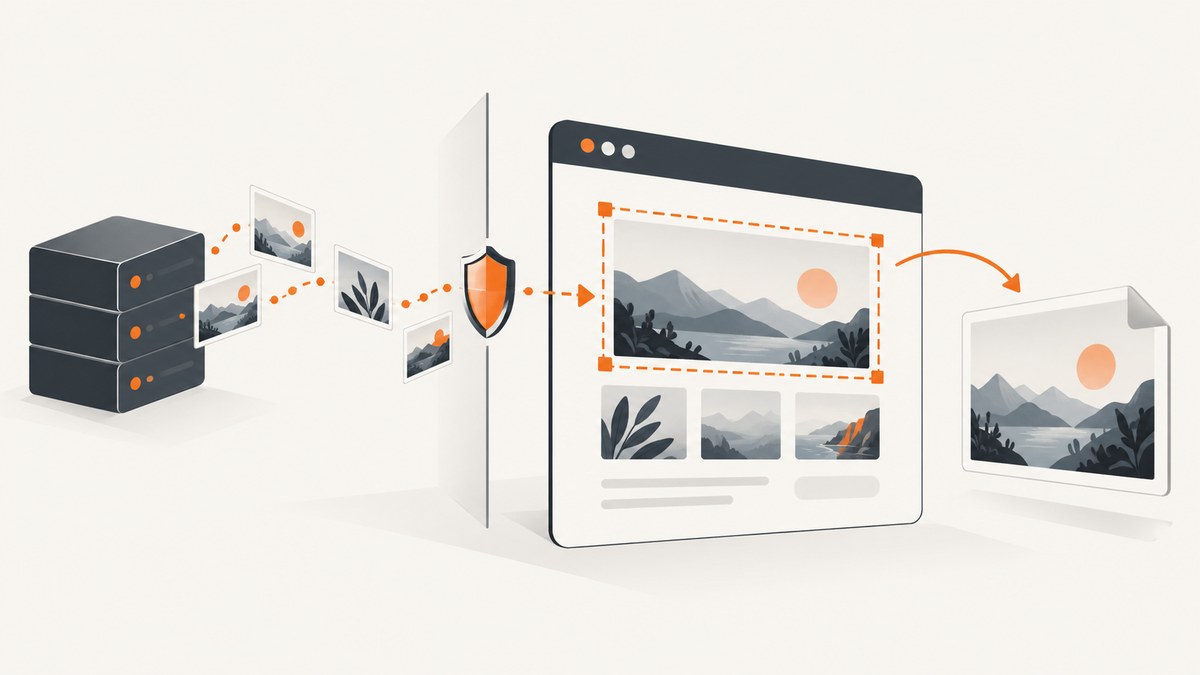
To capture a <div> with external images, first choose whether you need a client-side canvas or a screenshot of the browser’s actual rendering. For a canvas, use html2canvas and set useCORS: true; the remote image server must allow your page’s origin with CORS headers. If you need the rendered browser pixels, capture the element with an automated browser such as Playwright. Neither approach can bypass browser security rules.
This guide covers both methods, image loading, export, common failures, and the trade-offs involved. The key detail is that useCORS requests images in a way that can work with CORS; it cannot make a server authorize your origin.
1. Choose the capture method
| Need | Method | Trade-off |
|---|---|---|
| Capture in the current page and use the result as a canvas | html2canvas | Reconstructs the element from DOM and CSS information. It may differ from the browser’s actual rendering, and external images need a permitted origin. |
| Capture an element as rendered by a browser | Playwright locator screenshot | Requires a Playwright setup and a browser runtime. |
| Remote image host allows your site | html2canvas with useCORS: true |
Depends on the host’s CORS response headers. |
| You control the app server but not the image host | A restricted same-origin image proxy | Requires server-side work and careful URL access controls. |
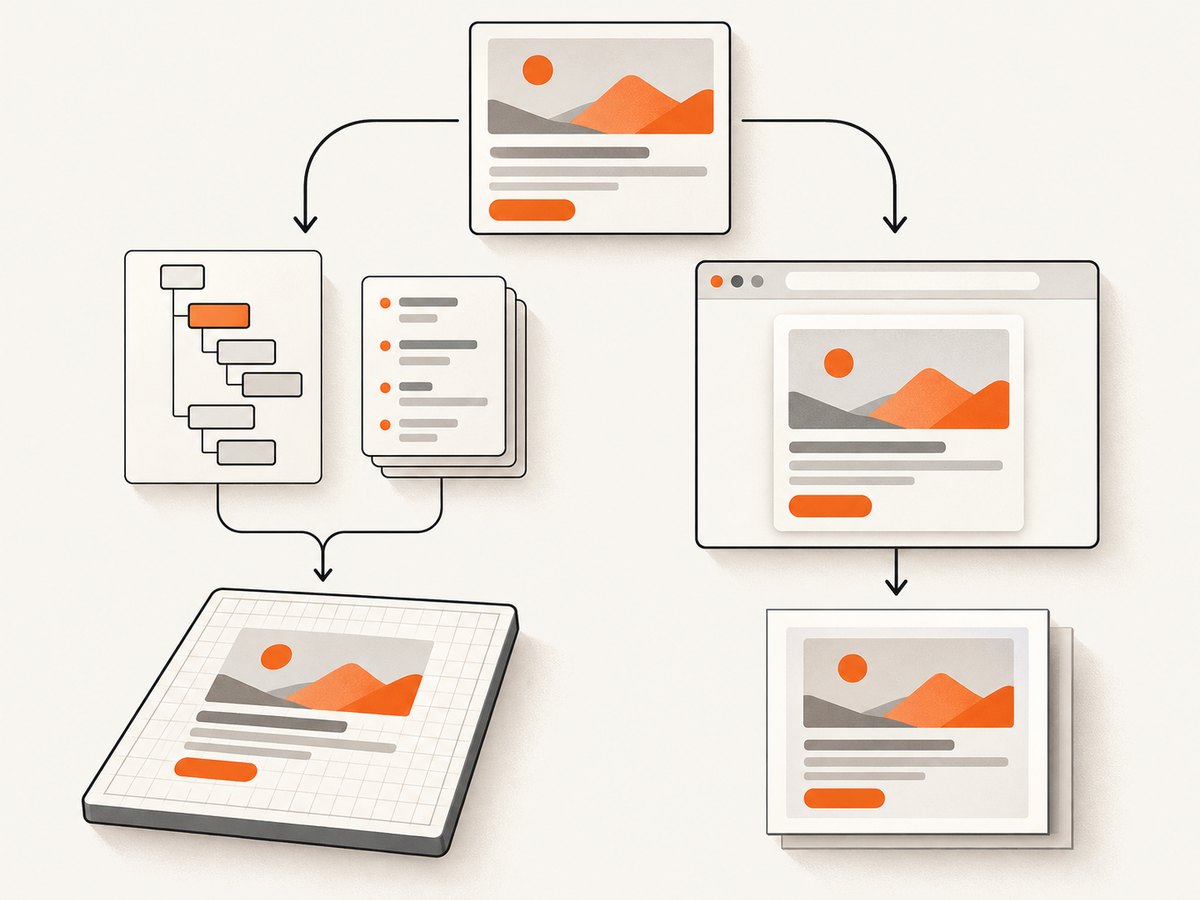
Use html2canvas when you need a canvas you can inspect or process in the page. Choose a browser screenshot when fidelity to the page’s rendered pixels matters more. The html2canvas project describes its output as a reconstruction, not a literal screenshot, and notes that it cannot circumvent browser content policy restrictions. See the project’s Getting Started guide and FAQ.
2. Capture and download a div with html2canvas
Install or load html2canvas in your app using the method appropriate for your build. The following code assumes the library is available as html2canvas and the page contains an element with id="capture". It waits for images inside that element, requests CORS-enabled loading, creates a PNG, and downloads it.
async function captureDiv() {
  const element = document.querySelector('#capture');
  if (!element) {
    throw new Error('Capture element #capture was not found');
  }

  // Wait for images already present in the element to finish loading.
  const images = Array.from(element.querySelectorAll('img'));
  await Promise.all(images.map((img) => {
    if (img.complete) return Promise.resolve();
    return new Promise((resolve) => {
      img.addEventListener('load', resolve, { once: true });
      img.addEventListener('error', resolve, { once: true });
    });
  }));

  const canvas = await html2canvas(element, {
    useCORS: true,
    backgroundColor: '#ffffff'
  });

  const link = document.createElement('a');
  link.download = 'capture.png';
  link.href = canvas.toDataURL('image/png');
  link.click();
}

captureDiv().catch((error) => {
  console.error('Could not capture the element:', error);
});
The load wait above handles ordinary <img> elements already in the DOM. It does not guarantee that lazy images have been requested, that CSS background images are ready, or that a cross-origin response will pass CORS. Trigger lazy content and confirm the target’s final state before calling html2canvas.
What useCORS does
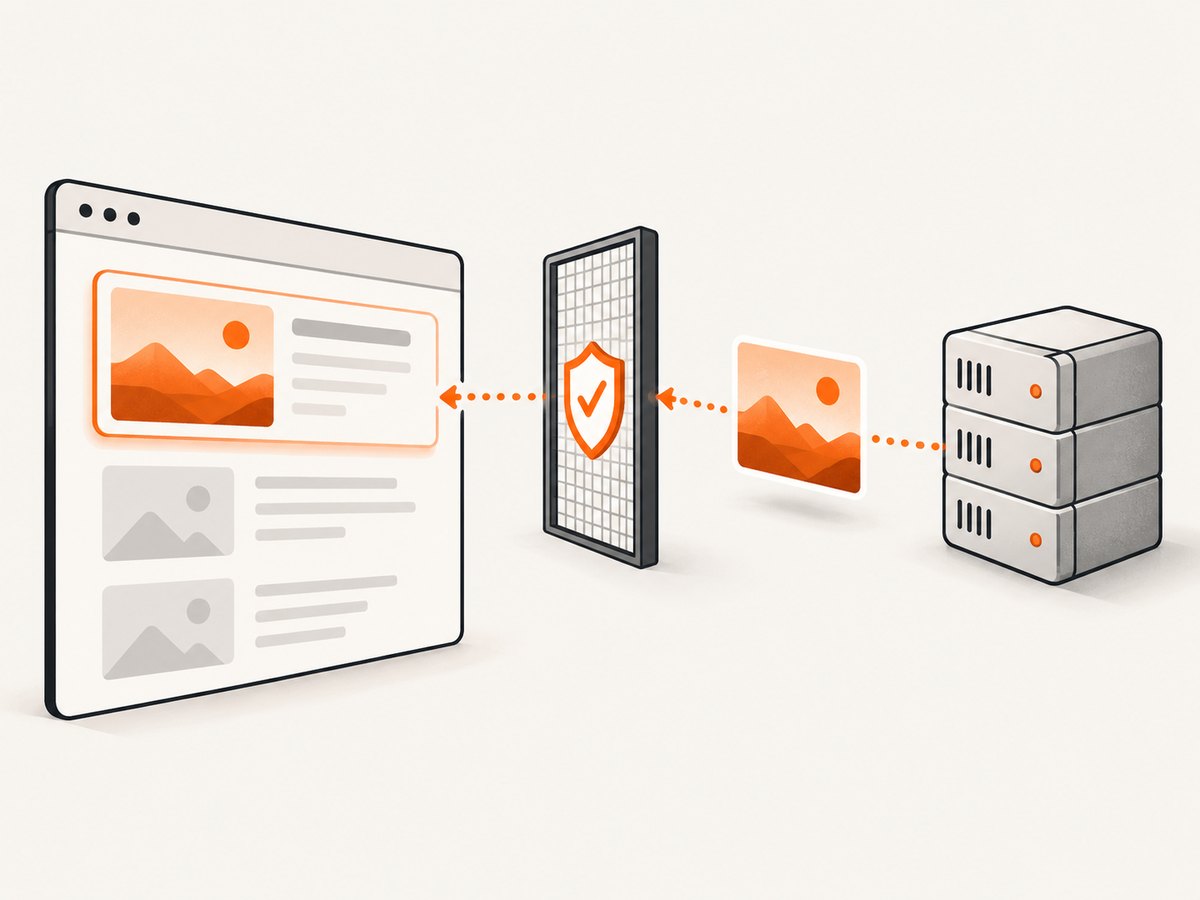
With useCORS: true, html2canvas attempts to load remote images using CORS. The image server must return suitable CORS headers authorizing the page’s origin. If it does not, the browser will not allow that image to be used in an exportable canvas. The option is a request, not a workaround for a server that denies access.
When you control the image server, configure its CORS policy to permit the origin that serves the page. Keep the policy scoped to the origins and methods your application needs. When you do not control the host, use a carefully restricted proxy under your own origin or switch to a browser screenshot workflow. See the official html2canvas configuration and FAQ.
Why allowTaint does not solve export
Do not set allowTaint: true expecting it to make a cross-origin canvas downloadable. A tainted canvas cannot be read back by JavaScript for export. Allowing an image to be drawn in a way that taints the canvas does not grant permission to call toDataURL() or otherwise inspect its pixels. html2canvas normally skips resources that would taint the canvas. The browser’s origin rules still apply.
Export to another format
The code above exports PNG. For JPEG, choose a JPEG MIME type and a quality between 0 and 1; JPEG does not preserve transparency, so provide a background color if needed.
const jpegData = canvas.toDataURL('image/jpeg', 0.9);For a Blob-based download, which avoids keeping a large base64 data URL as a string, use toBlob:
canvas.toBlob((blob) => {
  if (!blob) throw new Error('Canvas export returned no image');
  const objectUrl = URL.createObjectURL(blob);
  const link = document.createElement('a');
  link.href = objectUrl;
  link.download = 'capture.png';
  link.click();
  URL.revokeObjectURL(objectUrl);
}, 'image/png');
For very large images, revoke the object URL after the download has had a chance to start, and release references to the canvas when finished. Browser memory use grows with the pixel dimensions and scale of the canvas.
3. Prepare the element and its images
- Confirm the target exists. Select the intended element and handle the missing-element case before capturing.
- Wait for the final layout. If content is rendered asynchronously, wait for the app’s own ready state or for a known selector before capture.
- Load lazy images. Scrolling the element or setting the relevant image’s
loadingbehavior may be necessary to trigger loading. Wait for image load or error events after triggering it. - Check image origins. Same-origin resources work without cross-origin authorization. Cross-origin resources must be allowed by their server’s CORS response if the result must remain readable.
- Check element dimensions. Make sure the div has its intended width and height and decide whether it extends beyond the viewport.
- Choose the background deliberately. Use a background color for a solid image or configure transparency if the output design requires it.
html2canvas provides options for dimensions, crop offsets, scale, and window dimensions, along with other rendering controls. These affect what is drawn and at what size; they do not change CORS permissions. Check the options reference for the available configuration.
4. Use a same-origin proxy when appropriate
If a third-party image host does not authorize your page’s origin and you need an exportable canvas, an application-controlled proxy can fetch an approved image and serve it from your origin. This can resolve the origin boundary for the browser, but it moves the work to your server and creates an access-control responsibility.
Do not expose an endpoint that fetches any URL supplied by any visitor. Restrict the proxy to known image hosts or an allowlist, validate schemes and destinations, limit response size and content type, and apply the authentication and rate limits appropriate to your application. Consider redirects and private network destinations in the design. Only proxy images your app is permitted to retrieve and display.
After the proxy serves the image from your own origin, reference that same-origin URL in the div, wait for it to load, and capture the element. A proxy cannot make an inaccessible or unauthorized source legitimate; it is appropriate only when the server-side fetch is allowed and secured.
5. Capture the element with Playwright
For a real browser screenshot rather than a canvas reconstruction, Playwright can capture a locator. This runnable Node.js example opens a page, waits for the target element, and saves its screenshot:
const { chromium } = require('playwright');

(async () => {
  const browser = await chromium.launch();
  try {
    const page = await browser.newPage({
      viewport: { width: 1440, height: 1000 },
      deviceScaleFactor: 1
    });
    await page.goto('https://example.com', { waitUntil: 'load' });
    const card = page.locator('#capture');
    await card.waitFor({ state: 'visible' });
    await card.screenshot({ path: 'capture.png' });
  } finally {
    await browser.close();
  }
})();
Replace https://example.com and #capture with your page and selector. The locator screenshot API captures the matched element. Playwright also documents animation handling in its Locator API. A screenshot workflow avoids exporting pixels from a JavaScript canvas, but the page still has to load its images successfully in the browser. A broken image URL remains broken in a screenshot.
6. Or skip the browser setup
If you want a rendered screenshot through an API, ScreenshotNeo takes a URL and returns an image or PDF. For an element capture, pass a CSS selector with the selector option. The API accepts the selector and other capture options described in the ScreenshotNeo documentation.
curl -G "https://api.screenshotneo.com/v1/shot" \
  -d access_key=YOUR_API_KEY \
  --data-urlencode url=https://example.com \
  --data-urlencode selector='#capture' \
  -o shot.webp
Cookie banners, newsletter popups, and chat widgets are removed before the shot. Bot checks, blank pages, failed loads, timeouts, and cache hits are never billed, and the response includes X-Page-Verdict and X-Billed headers. An MCP server lets AI agents use take_screenshot, get_page_info, and capture_pdf. The free plan includes 1,000 screenshots a month with no card; paid plans start at $5 for 3,000 screenshots.
Sign up for 1,000 free screenshots a month, with no card required.
7. Troubleshooting
| Symptom | Likely cause | What to do |
|---|---|---|
| External images are missing | The remote server did not authorize the page origin, or the request failed. | Inspect the image request and response headers in browser developer tools. Configure CORS on a host you control, use a secured same-origin proxy where allowed, or use browser capture. |
toDataURL throws a security error |
The canvas is tainted by cross-origin content. | Remove the taint source by fixing CORS or serving the permitted resource from your own origin. allowTaint does not make a tainted canvas exportable. |
| The image is blank or not loaded yet | Capture started before the image or app content was ready, or lazy loading was never triggered. | Wait for the app’s ready state, trigger lazy content, then wait for image load or error before capture. |
| The result differs from the browser | html2canvas recreates rendering and only supports certain DOM and CSS features. | Review the supported behavior and simplify unsupported styling, or use Playwright when actual rendered pixels are required. |
| The capture is empty or cuts off partway | The element has unexpected dimensions, extends beyond the capture area, or the output is too large for available browser resources. | Inspect the element’s bounds, use the documented width, height, crop, scale, and window options as needed, and capture a smaller area if memory is constrained. See the project’s FAQ. |
| The target selector is missing | The page has not rendered the element or the selector is wrong. | Check the selector, wait for the app’s render state, and fail clearly when the element is absent. |
| CSS background images do not appear | Background resources have separate loading and origin behavior from ordinary images. | Confirm the computed background URL loads, check its origin and response, and wait until it is ready before capture. |
| Playwright cannot find the locator | The selector does not match, the element is hidden, or navigation has not finished. | Verify the selector on the loaded page and wait for the locator to become visible before calling screenshot(). |
8. Performance, reliability, and cost
Client-side canvas capture uses the visitor’s browser memory and CPU. Canvas memory grows with width, height, and scale; increasing scale can improve sharpness but also makes a larger bitmap. Capture only the area you need, choose a scale appropriate to the output, and avoid retaining large canvases or data URLs longer than necessary. Browser limits vary, so very tall or high-resolution elements may need to be split into smaller captures.
Reliability depends on the page reaching a stable state and every required resource loading. Wait for application content, not just a fixed delay, when the application can expose a ready condition. Handle image errors so a failed image does not leave the capture waiting indefinitely. For automated browser capture, close browser contexts and processes even when capture fails.
html2canvas is a client-side library, while Playwright needs an automation runtime. A proxy adds server compute and network traffic and needs safeguards against misuse. ScreenshotNeo pricing is based on plans: Free offers 1,000 shots per month; Starter is $5 for 3,000, Growth $15 for 15,000, Pro $39 for 60,000, Scale $99 for 250,000, and Business $249 for 1,000,000. Yearly billing gives two months free, and every feature is on every plan. See the product’s documentation for API configuration and options.
FAQ
Does useCORS: true guarantee external images appear?
No. The image server must authorize your page’s origin with suitable CORS headers, and the image request must succeed.
Can I capture a div from another website in my page?
Not merely by selecting it: your page cannot inspect arbitrary cross-origin page DOM. Capture a page you are authorized to access using a browser workflow, or use an API that captures the target URL.
Can I export a canvas after setting allowTaint: true?
A tainted canvas cannot be read back for export. Fix the resource’s origin authorization or use another capture path.
Which method gives the closest match to what a user sees?
A browser screenshot captures rendered pixels. html2canvas reconstructs an image from DOM and CSS and may differ from the browser.


