How to Capture an Iframe as an Image
Capture same-origin iframes with html2canvas, handle cross-origin limits, and use Playwright or ScreenshotNeo for reliable rendered screenshots.
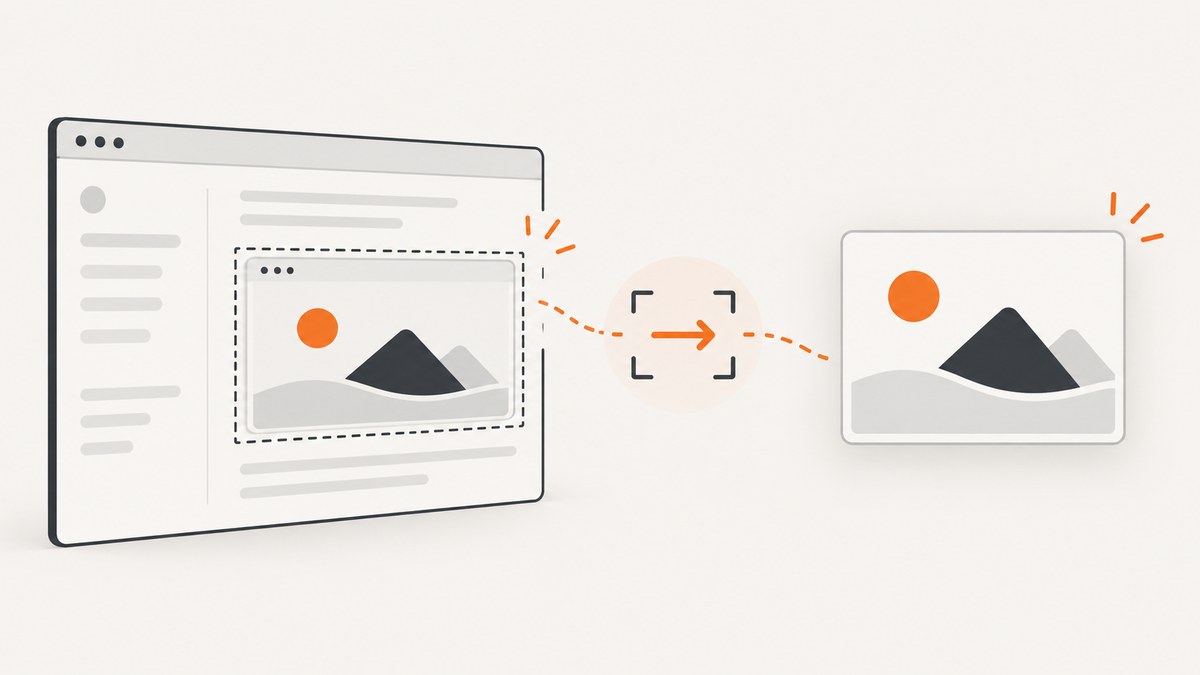
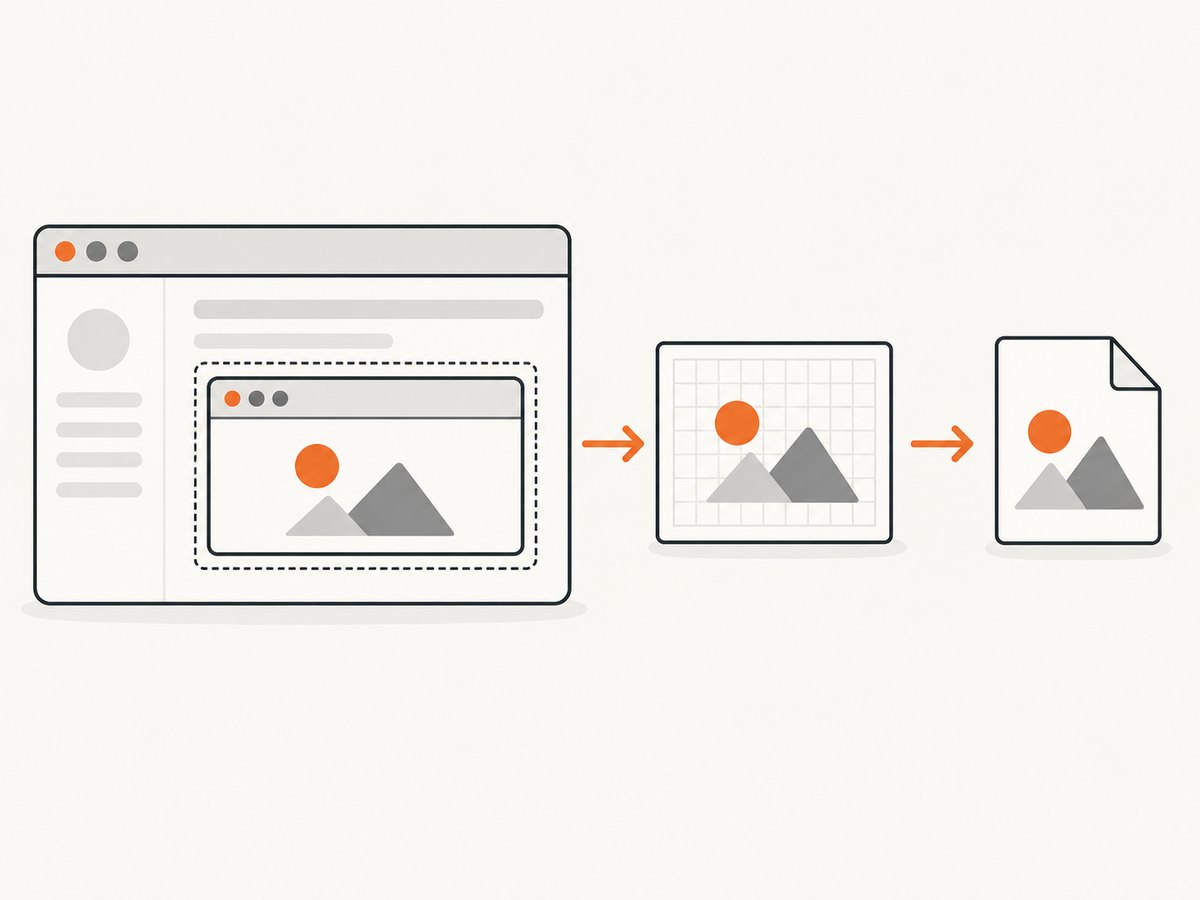
To capture an iframe as an image, first check its origin. A same-origin iframe can be rendered with html2canvas after it loads. A cross-origin iframe cannot be read by the parent page because browser security blocks access to its document; use browser automation such as Playwright screenshots, or add a cooperative export endpoint in the framed application.
html2canvas reconstructs an image from DOM and CSS data. It does not capture the exact pixels the browser displayed, so unsupported CSS, fonts, animations and complex embedded content can differ from a native screenshot. If pixel fidelity or server-side automation matters, use a real browser screenshot workflow.
Choose the right capture method
| Situation | Approach | Main limitation |
|---|---|---|
| Same-origin iframe; approximate DOM rendering is acceptable | Pass the iframe element to html2canvas | The output is reconstructed and depends on supported CSS and resources |
| Cross-origin iframe | Capture it in an authorized browser context with Playwright, or have the framed app provide an export path | The parent page cannot read contentDocument |
| Rendered pixels or repeatable server-side jobs | Playwright page or element screenshots | Viewport, readiness and capture-region settings affect the result |
| Images from other origins appear blank | Enable CORS only when the image server permits it, or use a controlled proxy | CORS for images does not remove the iframe same-origin boundary |
Capture a same-origin iframe with html2canvas
1. Load the library
<script src="https://cdn.jsdelivr.net/npm/html2canvas@1.4.1/dist/html2canvas.min.js"></script>2. Wait for the iframe and export a PNG
<iframe id="report-frame" src="/report.html" title="Report"></iframe>
<button id="capture">Download image</button>

<script>
const frame = document.querySelector('#report-frame');
const button = document.querySelector('#capture');

function waitForLoad(iframe) {
  if (iframe.contentDocument?.readyState === 'complete') return Promise.resolve();
  return new Promise((resolve, reject) => {
    iframe.addEventListener('load', resolve, { once: true });
    iframe.addEventListener('error', () => reject(new Error('Iframe failed to load')), { once: true });
  });
}

button.addEventListener('click', async () => {
  try {
    await waitForLoad(frame);
    // Reading contentDocument confirms that the frame is same-origin.
    if (!frame.contentDocument) throw new Error('Iframe is not accessible from this page');

    const canvas = await html2canvas(frame, {
      backgroundColor: '#ffffff',
      scale: window.devicePixelRatio,
      useCORS: true
    });

    const link = document.createElement('a');
    link.download = 'iframe.png';
    link.href = canvas.toDataURL('image/png');
    link.click();
  } catch (error) {
    console.error(error);
    alert(error.message);
  }
});
</script>
The iframe itself is the capture target. html2canvas recursively renders same-origin frame contents when it can read them. Wait for the frame’s load event (or another application-specific readiness signal) before capturing; a loaded document can still be waiting on fonts, data or images.
Crop a region and increase output scale
const canvas = await html2canvas(frame, {
  x: 0,
  y: 0,
  width: 900,
  height: 600,
  scale: window.devicePixelRatio,
  backgroundColor: null
});
const pngDataUrl = canvas.toDataURL('image/png');x, y, width and height define the capture region. A higher scale creates a sharper image but uses more memory. Use backgroundColor: null when transparency is required and the rendered content supports it.
Capture an element inside the iframe
await waitForLoad(frame);
const chart = frame.contentDocument.querySelector('.chart');
if (!chart) throw new Error('Chart not found');
const canvas = await html2canvas(chart, { scale: window.devicePixelRatio });
const blob = await new Promise(resolve => canvas.toBlob(resolve, 'image/png'));
const url = URL.createObjectURL(blob);
const link = Object.assign(document.createElement('a'), {
  href: url,
  download: 'chart.png'
});
link.click();
URL.revokeObjectURL(url);
Cross-origin iframes: what the browser allows
If the iframe uses a different scheme, host or port, the parent page cannot inspect its DOM. Accessing iframe.contentDocument will be blocked or return an unusable document. Adding CORS headers to the framed page does not grant ordinary parent-page DOM access; the same-origin policy remains in force.
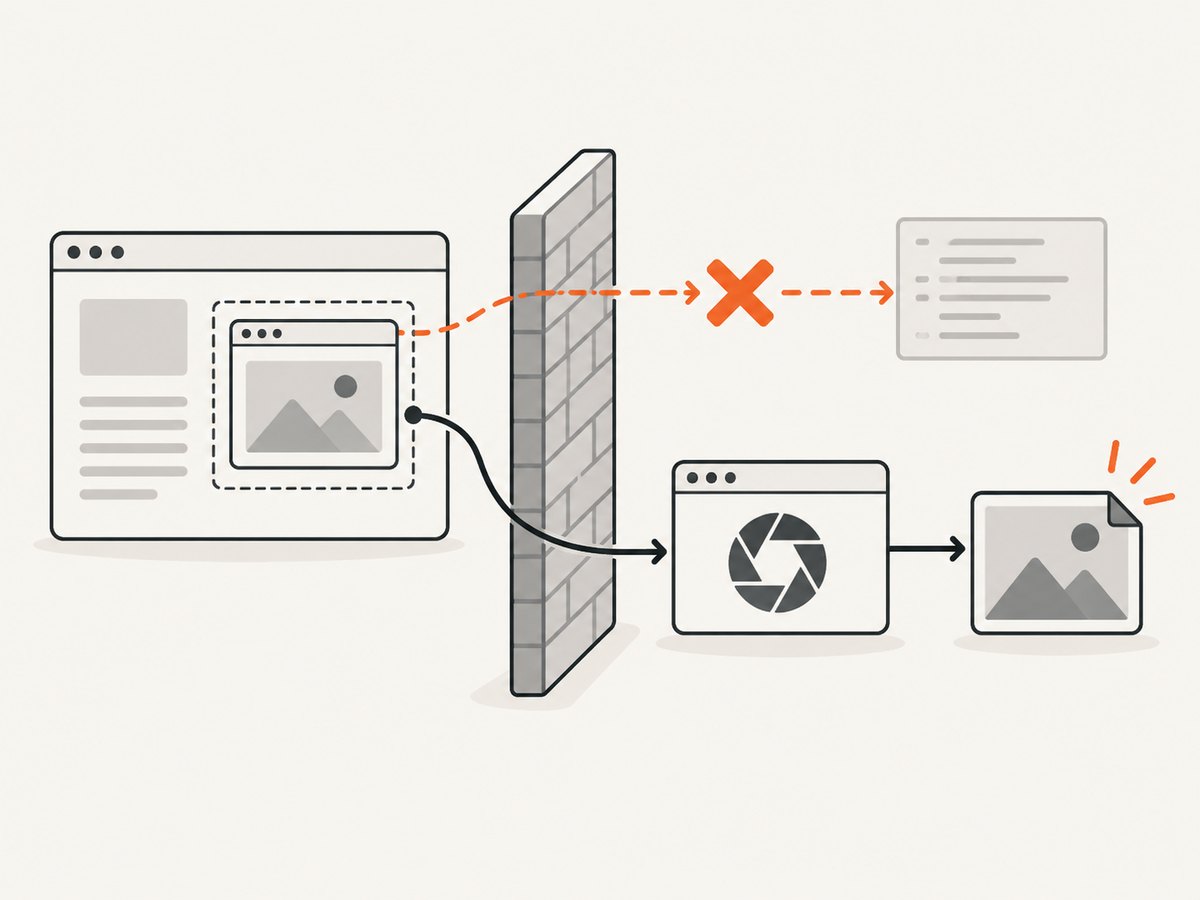
You have three practical choices:
- Capture in an authorized browser context. Navigate Playwright directly to the page or capture the frame in a browser session that can render it.
- Build cooperation into the framed app. The frame can render its own export and send an image or data URL to the parent with
postMessage, after validating the sender origin. - Use a service that captures the URL. This avoids shipping browser setup and handles repeatable automation on a server.
Cooperative postMessage export
// Inside the iframe (same application controls both sides)
const canvas = await html2canvas(document.querySelector('#invoice'));
const dataUrl = canvas.toDataURL('image/png');
window.parent.postMessage({ type: 'invoice-image', dataUrl }, 'https://app.example');

// In the parent page
window.addEventListener('message', event => {
  if (event.origin !== 'https://reports.example') return;
  if (event.data?.type !== 'invoice-image') return;
  document.querySelector('#preview').src = event.data.dataUrl;
});
Use an exact target origin, validate incoming messages, and avoid accepting arbitrary data URLs from unknown frames.
Capture rendered pixels with Playwright
Playwright uses a real browser and supports page, full-page and element screenshots. This is the better fit when the output must resemble what a user sees or when capture runs on a server.
import { chromium } from 'playwright';

const browser = await chromium.launch();
const page = await browser.newPage({
  viewport: { width: 1440, height: 900 },
  deviceScaleFactor: 2
});

await page.goto('https://app.example/dashboard', { waitUntil: 'networkidle' });
await page.locator('iframe#report-frame').waitFor();
await page.screenshot({ path: 'page.png', fullPage: true });

const frame = page.frameLocator('#report-frame');
await frame.locator('.chart').screenshot({ path: 'chart.png' });
await browser.close();
Set an explicit viewport and device scale, wait for the frame’s application content, and choose whether you need the whole page or one element. For a cross-origin frame, Playwright can render it, but your flow still needs the right authentication, permissions and readiness checks.
Images, fonts and canvas tainting
When html2canvas draws an image from another origin without permission, the canvas can become tainted. Reading it with toDataURL() or toBlob() then fails. The html2canvas documentation describes using useCORS when the remote image server sends suitable CORS headers, or routing assets through a controlled proxy. A proxy must restrict destinations and protect credentials.
const canvas = await html2canvas(frame, {
  useCORS: true,
  imageTimeout: 15000
});
useCORS is only a request for CORS-enabled image loading; it cannot make a foreign iframe’s DOM readable. Check that images, web fonts and stylesheets have finished loading before capture. Inline critical styles or host assets under an origin you control when possible.
Readiness checklist
- Confirm the iframe is same-origin before using html2canvas.
- Wait for
loadplus application data, fonts and images. - Pause animations and caret blinking for deterministic output.
- Use a fixed viewport and scale when images are compared or cached.
- Check that external images return CORS headers, or use a controlled proxy.
- Test long pages and high-DPI settings on the browsers you support.
Troubleshooting
| Symptom | Cause | Fix |
|---|---|---|
contentDocument is null or inaccessible |
The iframe is cross-origin, or sandboxing removed same-origin access | Use Playwright, add a cooperative frame export, or remove the restrictive sandbox setting only when appropriate |
| Canvas export throws a security error | A foreign image tainted the canvas | Serve the image with suitable CORS headers, set useCORS, or use a controlled proxy |
| The image is blank | Capture ran before content loaded, or the canvas exceeded a browser limit | Wait for application readiness; reduce dimensions or scale and test on target browsers |
| Fonts or layout differ | html2canvas reconstructs DOM and CSS instead of copying browser pixels | Wait for fonts, simplify unsupported CSS, or switch to Playwright |
| Lazy images are missing | The images were not loaded before capture | Scroll or trigger the app’s lazy-loading logic, then wait for image completion |
| Only part of a long iframe appears | Viewport or canvas size limits | Capture sections, lower scale, or use a full-page browser screenshot |
| Playwright screenshot times out | Network, authentication or an overly broad readiness condition | Check credentials and URLs, wait for a specific selector, and set a realistic timeout |
Performance, reliability and cost
DOM reconstruction is usually convenient in the browser, but large frames and high devicePixelRatio values increase memory and encoding time. Crop to the required region, capture at the smallest useful scale, and release object URLs after downloads. For repeatable jobs, reuse a Playwright browser process while isolating pages, set explicit timeouts, and record the URL, viewport, scale and readiness condition with each output.
Canvas size limits vary by browser and platform; oversized canvases may be blank or partially rendered. Treat any published limit as an environment-specific observation, not a universal guarantee. For reliability, test the exact browsers and devices that consume the images.
Or skip the browser setup
ScreenshotNeo provides a URL-based screenshot API when you need a service instead of maintaining browser automation. It removes cookie banners, newsletter popups and chat widgets before capture. Bot checks, blank pages and failed loads are not billed, and the response identifies the result with X-Page-Verdict and X-Billed headers. It also offers an MCP server with take_screenshot, get_page_info and capture_pdf for AI agents.
For a page containing an iframe, pass the page URL and configure the capture options in the ScreenshotNeo documentation. The API can capture full pages or a CSS-selected element, and supports custom JavaScript, waits, headers, cookies, user agents, geolocation, device presets and other options.
cURL
curl -G "https://api.screenshotneo.com/v1/shot" \
  -d access_key=YOUR_API_KEY \
  --data-urlencode url=https://example.com/page-with-iframe \
  -o shot.webp
Python
import requests

r = requests.get(
    "https://api.screenshotneo.com/v1/shot",
    params={"access_key": "YOUR_API_KEY", "url": "https://example.com/page-with-iframe"},
    timeout=90,
)
r.raise_for_status()
open("shot.webp", "wb").write(r.content)
Node.js
const q = new URLSearchParams({
  access_key: 'YOUR_API_KEY',
  url: 'https://example.com/page-with-iframe'
});
const res = await fetch(`https://api.screenshotneo.com/v1/shot?${q}`);
if (!res.ok) throw new Error(`Screenshot failed: ${res.status}`);
const fs = await import('node:fs/promises');
await fs.writeFile('shot.webp', Buffer.from(await res.arrayBuffer()));
ScreenshotNeo has a free plan with 1,000 screenshots per month and no card. Paid plans start at $5 for 3,000 shots; every feature is available on every plan. Create a free ScreenshotNeo account.
FAQ
Can html2canvas capture any iframe?
No. It can recursively render accessible same-origin frames. A cross-origin frame’s document is blocked by the browser.
Does adding CORS headers fix a cross-origin iframe?
No. CORS can permit image loading into a canvas when configured correctly, but it does not grant the parent page DOM access to a foreign iframe.
Is html2canvas a real screenshot?
No. It builds an image from DOM and CSS information. Use Playwright when you need browser-rendered pixels.
How do I make a crisp image?
Set an intentional scale, commonly window.devicePixelRatio, while keeping the resulting canvas within practical browser limits.
Can I capture only one iframe element?
Yes. With same-origin access, pass the iframe element or a child element to html2canvas. With Playwright, use a page or frame locator screenshot.


