How to Capture a Loaded Webpage Screenshot With PHP
Capture JavaScript-rendered webpages in PHP with Browsershot or Playwright, wait for real visual readiness, handle full pages, and avoid blank screenshots.
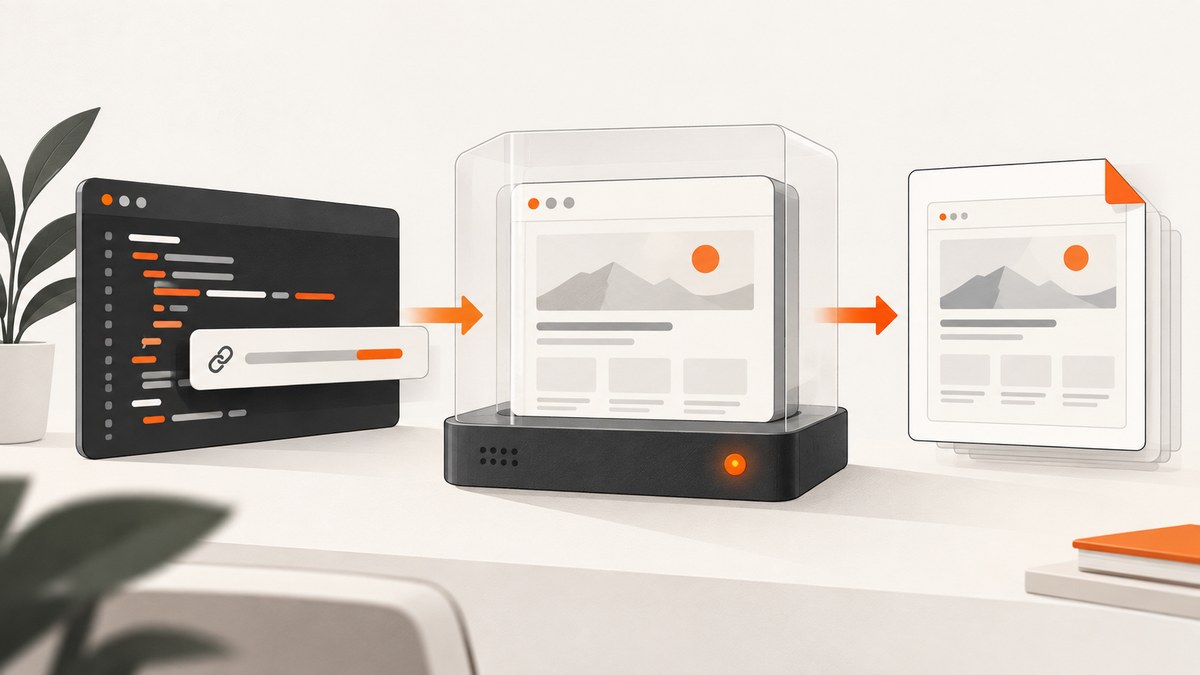
Short answer: PHP does not render a modern JavaScript application by itself. Use a browser engine through Spatie Browsershot (a PHP wrapper around Puppeteer) or the Playwright PHP library. Navigate to the URL, wait for a page-specific condition that proves the content you need is rendered, then save a viewport or full-page screenshot.
A browser’s load event only covers document resources. A single-page application may still fetch data, render components, load fonts, or reveal lazy images afterward. “Loaded” therefore means “visually ready for this capture,” not one universal browser event.
1. Choose a PHP browser route
| Route | Best fit | Readiness controls | Key dependency |
|---|---|---|---|
| Browsershot | Laravel or PHP projects that want a fluent API | waitForSelector(), waitForFunction(), network-idle waiting, fullPage() |
Puppeteer and a Chromium installation |
| Playwright PHP | Projects needing direct browser automation and browser choice | Navigation wait states plus page-specific checks | Playwright PHP wrapper, Node.js runtime, and installed browser binaries |
Browsershot’s current route uses Puppeteer; its older Chrome CLI route is no longer maintained, so new implementations should follow the current documentation. Playwright’s PHP README currently lists PHP 8.2+ and Node.js 20+, but verify the repository instructions when you install because requirements can change.
2. Capture with Browsershot
Install and prepare the runtime
composer require spatie/browsershot
npm install puppeteer
Install Chromium using the Puppeteer setup used by your project, and ensure the PHP process can execute Node, npm, and the browser binary. In containers, also provide the libraries required by headless Chromium and a writable output directory.
Minimal screenshot
<?php

require __DIR__ . '/vendor/autoload.php';

use Spatie\Browsershot\Browsershot;

Browsershot::url('https://example.com')
    ->save(__DIR__ . '/page.png');
Wait for the content that matters
<?php

require __DIR__ . '/vendor/autoload.php';

use Spatie\Browsershot\Browsershot;

Browsershot::url('https://example.com/dashboard')
    ->waitForSelector('[data-page-ready]')
    ->save(__DIR__ . '/dashboard.png');
Choose a selector that appears only after the relevant content is rendered. A fixed delay can be useful for a known animation, but it is less reliable than waiting for the actual application state.
Full-page capture and network idle
<?php

require __DIR__ . '/vendor/autoload.php';

use Spatie\Browsershot\Browsershot;

Browsershot::url('https://example.com/article')
    ->waitForSelector('article')
    ->waitUntilNetworkIdle()
    ->fullPage()
    ->save(__DIR__ . '/article-full.png');
Browsershot documents network-idle waiting for cases such as lazy-loaded resources and web fonts. Its documented idle period is 500 ms; a less strict option permits two ongoing connections. Analytics, polling, WebSockets, and streaming requests can prevent network idle, so use a selector or function wait when those connections are expected.
Useful Browsershot controls
fullPage()captures the scrollable page instead of only the viewport.waitForSelector('.selector')waits for a meaningful element.waitForFunction('() => window.appReady === true')waits for an application signal.- Set viewport, device scale, user agent, headers, cookies, and other browser settings when the target requires a particular environment.
3. Capture with Playwright PHP
Install
composer require playwright-php/playwright
npx playwright install chromium
Follow the current Playwright PHP README for the supported PHP and Node.js versions and browser installation details.
Runnable screenshot example
<?php

require __DIR__ . '/vendor/autoload.php';

use Playwright\Playwright;

$playwright = Playwright::create();
$browser = $playwright->chromium()->launch(['headless' => true]);
$context = $browser->newContext([
    'viewport' => ['width' => 1440, 'height' => 900],
    'deviceScaleFactor' => 1,
]);
$page = $context->newPage();

try {
    $page->goto('https://example.com', ['waitUntil' => 'domcontentloaded']);
    // Replace this with a condition tied to the content you need.
    $page->waitForSelector('main');
    $page->screenshot([
        'path' => __DIR__ . '/page.png',
        'fullPage' => true,
    ]);
} finally {
    $browser->close();
}
Exact method signatures can vary by wrapper release. The sequence remains the same: launch a browser, create a context and page, navigate, wait for meaningful content, capture, and close the browser in a finally block.
Navigation wait states
Playwright supports commit, domcontentloaded, load, and networkidle navigation states. The official Page documentation describes networkidle as no network connections for at least 500 ms and marks it discouraged as a general readiness signal. Prefer a locator or application assertion for screenshot readiness.
4. Viewport, full-page, and lazy content
A normal screenshot records the visible viewport. Enable full-page mode when the requirement is the entire scrollable document. A full-page flag does not guarantee that content deferred until scrolling has loaded.
For pages with lazy images, deliberately scroll through the document, wait for image completion, or wait for a page-specific “all content ready” marker before capturing. Keep the viewport, browser, and device scale fixed when screenshots are used for visual comparisons.
// Conceptual readiness check in page JavaScript:
await page.evaluate(async () => {
  document.querySelectorAll('img[loading="lazy"]').forEach(img => img.scrollIntoView());
});
await page.waitForFunction(() =>
  [...document.images].every(img => img.complete)
);
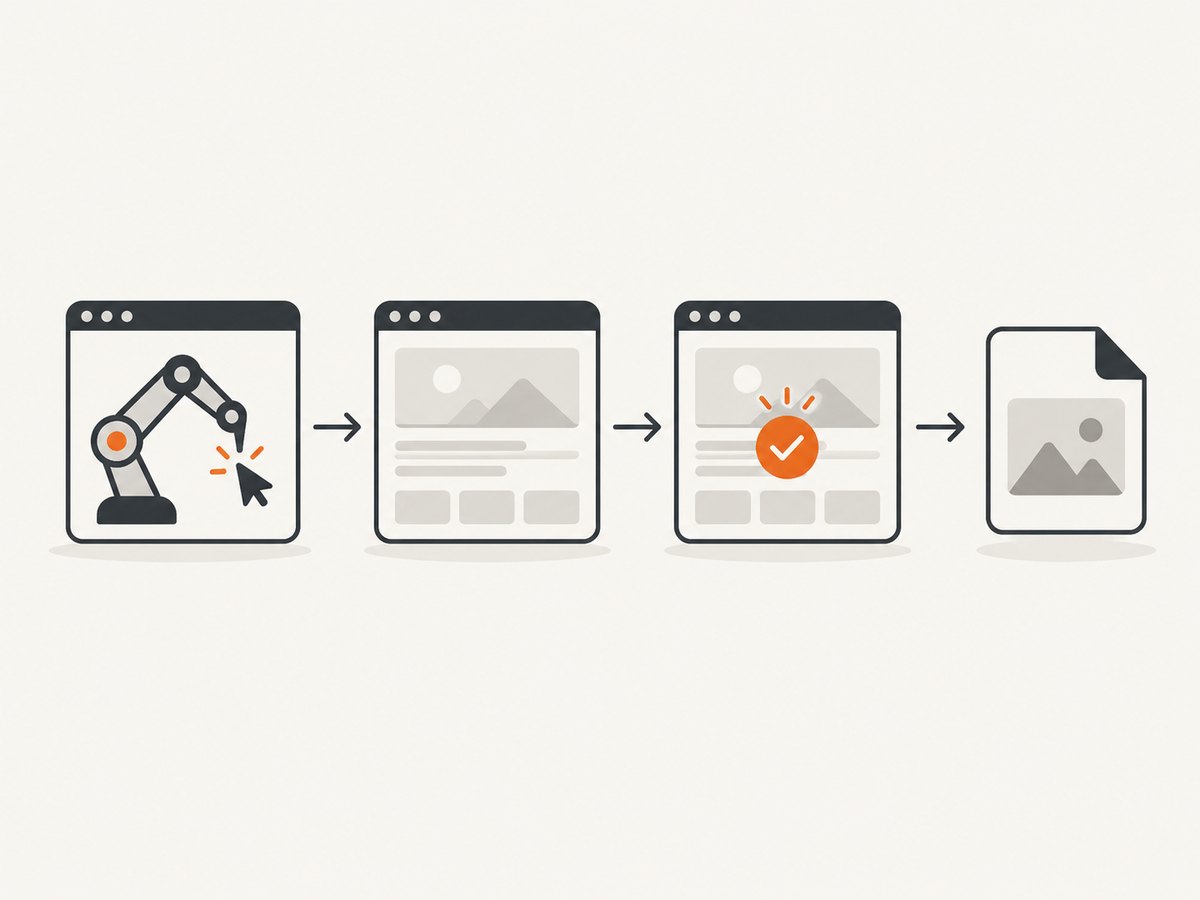
5. A production-safe capture sequence
- Select Browsershot or Playwright to match your PHP project and runtime.
- Launch the browser and create an isolated page or context.
- Navigate to the target URL and check the response or expected page state.
- Wait for a selector, function, or other condition tied to the content being captured.
- Scroll or otherwise trigger deferred content when necessary.
- Capture the viewport or full page to a writable path.
- Close the browser or context in a
finallyblock.
Use bounded timeouts around navigation and readiness waits. Log the URL, selected wait condition, viewport, browser version, elapsed time, and failure reason so an intermittent page failure can be reproduced.
6. Troubleshooting blank or incomplete screenshots
| Symptom | Likely cause | Fix |
|---|---|---|
| Blank page or shell only | JavaScript has not rendered the application | Wait for a rendered selector or application signal instead of a short fixed delay. |
| Lazy images missing | Images load only after scrolling or later requests | Scroll to trigger loading, wait for image completion, or use a documented network-idle wait where appropriate. |
| Network idle never finishes | Polling, analytics, WebSockets, or streaming requests remain open | Replace network idle with a selector/function condition and a bounded timeout. |
| Only the visible portion appears | Viewport capture was requested | Enable fullPage or Browsershot’s fullPage(). |
| Different layout than a human browser | Viewport, device scale, user agent, cookies, or browser choice differs | Set and document those values explicitly. |
| Browser launch failure | Missing Chromium binary, Node runtime, or OS libraries | Install the browser and required dependencies; verify the PHP process can execute them. |
| Playwright version mismatch | Wrapper and runtime requirements changed | Check the current Playwright PHP README and reinstall compatible dependencies. |
| Output cannot be written | Directory permissions or nonexistent path | Create the directory and grant the worker process write access. |
7. Performance, reliability, and cost
Performance
- Launching a browser for every request adds startup latency. Reuse a browser process where your worker architecture safely allows it, while creating a fresh context or page for isolation.
- Use a realistic viewport and capture only full pages when required; very tall pages consume more memory and produce larger files.
- Wait for the smallest reliable readiness condition. Waiting for every request can be slower and less reliable than waiting for the component the screenshot needs.
- Block nonessential resources only when doing so does not change the visual result you require.
Reliability
- Use retries for transient navigation failures, with a limit and backoff.
- Keep browser cleanup in
finallyso failed captures do not leave orphaned processes. - Record a failure classification such as timeout, blocked navigation, missing selector, browser launch error, or write error.
- Do not treat a successful HTTP response as proof that the page is visually ready.
Cost
Self-hosted Browsershot and Playwright shift cost to your server, browser maintenance, CPU, memory, and operational time. A managed screenshot API can remove browser setup and maintenance, but evaluate its billing rules, rendering controls, and failure handling for your workload.
8. Or skip the browser setup
ScreenshotNeo provides a website screenshot API and MCP server. One GET request returns PNG, JPEG, WebP, or PDF output. It removes cookie and consent banners, newsletter popups, and chat widgets before capture; bot checks, blank pages, timeouts, failed loads, and cache hits cost nothing, and the response identifies the result with X-Page-Verdict and X-Billed headers.

See the ScreenshotNeo documentation for the complete option set, including full-page capture, CSS element capture, dark mode, device presets, retina scale, PDF settings, custom CSS and JavaScript, clicks, waits, blocking rules, headers, cookies, authorization, timezone, geolocation, transparent backgrounds, resizing, caching, signed links, asynchronous jobs, webhooks, bulk capture, usage, and the OpenAPI specification.
cURL
curl -G "https://api.screenshotneo.com/v1/shot" \
  -d access_key=YOUR_API_KEY \
  --data-urlencode url=https://stripe.com \
  -o shot.webp
PHP
<?php

$url = 'https://api.screenshotneo.com/v1/shot';
$query = http_build_query([
    'access_key' => 'YOUR_API_KEY',
    'url' => 'https://stripe.com',
]);

$context = stream_context_create([
    'http' => ['timeout' => 90],
]);
$data = file_get_contents($url . '?' . $query, false, $context);
if ($data === false) {
    throw new RuntimeException('Screenshot request failed');
}
file_put_contents(__DIR__ . '/shot.webp', $data);
Python
import requests

r = requests.get(
    "https://api.screenshotneo.com/v1/shot",
    params={"access_key": "YOUR_API_KEY", "url": "https://stripe.com"},
    timeout=90,
)
r.raise_for_status()
open("shot.webp", "wb").write(r.content)
Node.js
const q = new URLSearchParams({ access_key: 'YOUR_API_KEY', url: 'https://stripe.com' });
const res = await fetch(`https://api.screenshotneo.com/v1/shot?${q}`);
if (!res.ok) throw new Error(`Screenshot failed: ${res.status}`);
const buffer = Buffer.from(await res.arrayBuffer());
await import('node:fs/promises').then(fs => fs.writeFile('shot.webp', buffer));
ScreenshotNeo also has an MCP server with take_screenshot, get_page_info, and capture_pdf tools for Claude, Cursor, and other MCP clients. The Free plan includes 1,000 shots per month with no card; paid plans start at $5 for 3,000 shots, and every feature is available on every plan.
Create a free ScreenshotNeo account to get 1,000 screenshots each month without a card.
9. FAQ
Can PHP take a screenshot without Chrome?
Not for a modern JavaScript-rendered webpage. PHP needs a browser engine through Browsershot, Playwright PHP, or a managed screenshot service.
Should I wait for load or networkidle?
Neither event universally proves visual readiness. Prefer a selector or application signal. Network idle is unsuitable for pages with persistent connections and is discouraged as a general readiness signal by Playwright.
How do I capture only one component?
Use a locator or CSS selector and capture that element if your chosen library version exposes element screenshots. For a managed service, use its element-selector option.
Why does full-page capture still miss content?
Some content is loaded only after scrolling, interaction, or a later API response. Trigger that behavior and wait for the resulting content before taking the full-page image.
Which PHP library should I start with?
Choose Browsershot for a fluent Puppeteer-based PHP interface. Choose Playwright PHP when direct browser automation and browser selection fit your project better. Choose ScreenshotNeo when you want the browser infrastructure managed.


