How to Capture Nested Canvas Content With html2canvas
Capture a div containing charts, games, or custom canvases with html2canvas. Fix blank output, timing, CORS, iframes, scaling, and export errors.
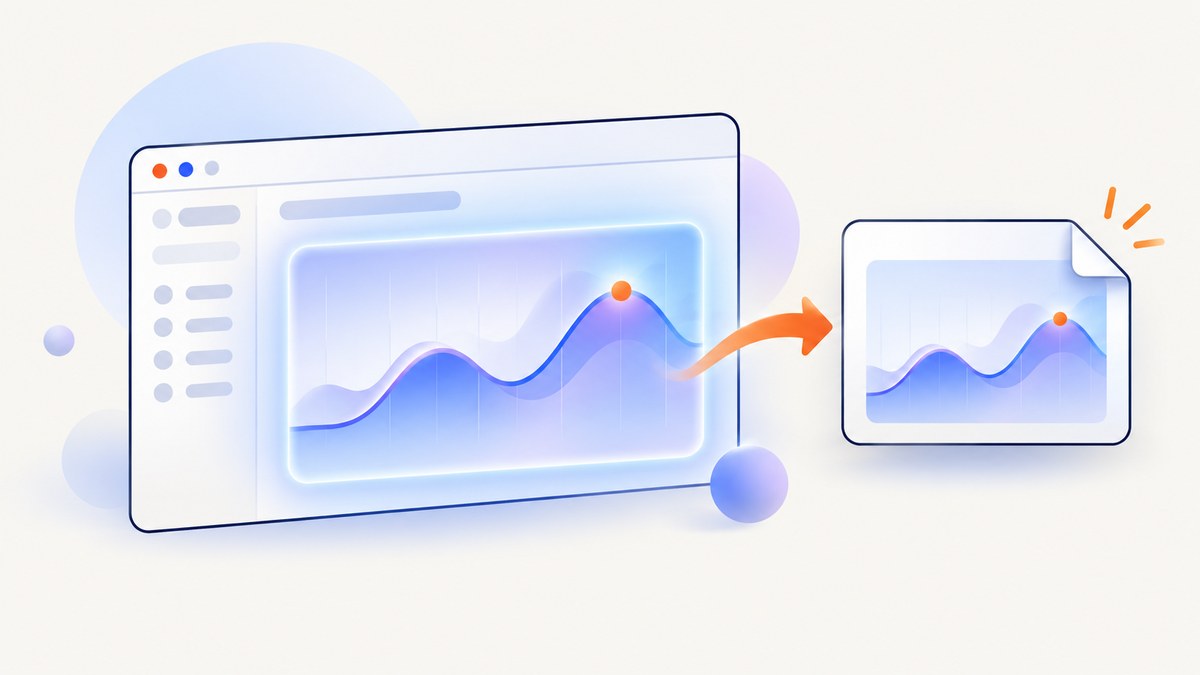
To capture nested canvas content with html2canvas, finish drawing every inner <canvas> first, wait for the renderer and browser paint cycle, then call html2canvas() on the containing element. Export the returned canvas only after its Promise resolves.
A blank nested region is usually a sequencing problem: the outer element was cloned before Chart.js, a game loop, WebGL code, or a custom renderer had placed pixels in the inner canvas. html2canvas does not know when that third-party drawing work is complete.
1. The reliable capture sequence
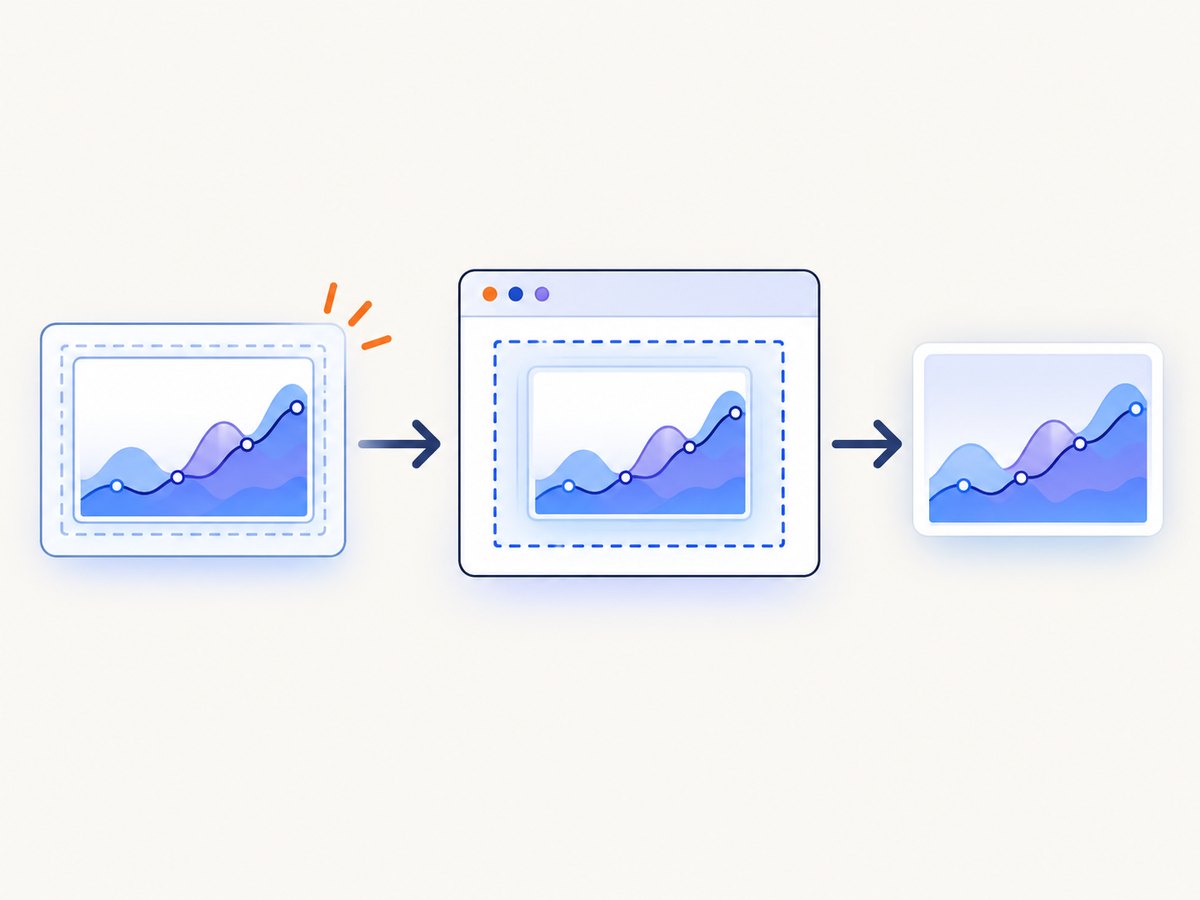
Install or load html2canvas, expose a Promise from your chart or renderer, await it, allow one animation frame for browser painting, capture the parent, and export the result.
<script src="https://cdn.jsdelivr.net/npm/html2canvas@1.4.1/dist/html2canvas.min.js"></script>

<div id="capture">
  <h2>Revenue</h2>
  <canvas id="chart" width="800" height="400"></canvas>
</div>

<script>
  function drawNestedCanvas() {
    return new Promise((resolve) => {
      const canvas = document.querySelector('#chart');
      const ctx = canvas.getContext('2d');
      ctx.fillStyle = '#ffffff';
      ctx.fillRect(0, 0, canvas.width, canvas.height);
      ctx.fillStyle = '#2563eb';
      ctx.fillRect(80, 280, 120, 80);
      ctx.fillRect(260, 210, 120, 150);
      ctx.fillRect(440, 120, 120, 240);
      resolve();
    });
  }

  async function captureContainer() {
    await drawNestedCanvas();
    await new Promise(requestAnimationFrame);

    const output = await html2canvas(document.querySelector('#capture'), {
      useCORS: true,
      backgroundColor: null,
      scale: window.devicePixelRatio,
    });

    const pngUrl = output.toDataURL('image/png');
    return pngUrl;
  }

  captureContainer().then((url) => {
    const link = document.createElement('a');
    link.href = url;
    link.download = 'nested-canvas.png';
    link.click();
  });
</script>
The drawNestedCanvas() function is application code. A library such as Chart.js may provide an animation-complete callback; a WebGL renderer may require its own initialization Promise; a game may need to wait until its asset loader and first frame are ready. Put that signal in the function you await.
2. What html2canvas actually captures
html2canvas does not ask the browser for a native screenshot. It clones and traverses the DOM, reads the styles and accessible content, and paints a representation into a new output canvas. The project describes this as a DOM-based screenshot, so the result can differ from the pixels a user sees. See the html2canvas documentation.
An existing nested canvas is useful only when it already contains readable pixels at clone time. Capture the element that contains the canvas:
const target = document.querySelector('#capture');
const imageCanvas = await html2canvas(target);
const blob = await new Promise((resolve, reject) =>
  imageCanvas.toBlob((value) => value ? resolve(value) : reject(new Error('PNG export failed')), 'image/png')
);

const downloadUrl = URL.createObjectURL(blob);
// Revoke downloadUrl after the download or image no longer needs it.
Capturing a wrapper that excludes the canvas, or attempting to capture an inaccessible frame document, produces a different failure from a renderer that simply has not drawn yet.
3. Waiting for Chart.js, games, and custom renderers
Chart or visualization libraries
Use the library’s completion callback where available. If the library draws synchronously, resolve immediately and still wait one animation frame before cloning. A fixed timeout can hide races but is less reliable because slower devices and network-loaded fonts may need more time.
function waitForChart(chart) {
  return new Promise((resolve) => {
    if (!chart.options.animation) {
      resolve();
      return;
    }
    const previous = chart.options.animation.onComplete;
    chart.options.animation.onComplete = (animation) => {
      if (typeof previous === 'function') previous(animation);
      resolve();
    };
    chart.update();
  });
}

async function captureChart(chart) {
  await waitForChart(chart);
  await new Promise(requestAnimationFrame);
  return html2canvas(document.querySelector('#chart-card'));
}
WebGL and games
Wait until textures, fonts, and other assets are loaded and at least one frame has rendered. If the renderer uses an offscreen canvas, copy its final pixels into the visible nested canvas before capture. WebGL canvases can also be affected by context settings such as preserveDrawingBuffer; if pixels disappear after a frame, capture at the point where the buffer is valid.
Multiple nested canvases
Await all renderers before capturing:
await Promise.all([
  drawSalesChart(),
  drawMapCanvas(),
  gameReadyAndRendered(),
]);
await new Promise(requestAnimationFrame);
const result = await html2canvas(document.querySelector('#dashboard'));
4. Options that matter
The complete option reference is in the configuration documentation. These settings are especially relevant to nested canvas work.
| Option | Use | Limit |
|---|---|---|
scale |
Controls output resolution. window.devicePixelRatio creates sharper high-DPI output. |
Higher values increase memory, rendering time, and file size. |
x, y, width, height |
Crop to a known region. | Coordinates use the cloned page geometry; verify layout first. |
useCORS |
Requests cross-origin images with CORS enabled. | The remote server must send an appropriate CORS response. |
proxy |
Routes resource loading through an application-configured proxy. | You must operate a compatible proxy and account for its security and latency. |
allowTaint |
Allows resources that would taint the output canvas. | A tainted canvas cannot be safely read with toDataURL() or toBlob(). |
foreignObjectRendering |
Uses an alternate renderer when supported. | Browser support and fidelity vary; it is not a universal nested-canvas fix. |
onclone |
Changes the cloned document for capture-only adjustments. | Changes do not modify the live page. |
canvas |
Supplies an existing destination canvas. | It does not import an inner canvas automatically. |
logging |
Leaves diagnostic logging enabled while investigating. | Disable noisy logs in production if desired. |
Sharpness and size
Set an explicit CSS size and pixel size for the inner canvas when possible. A canvas that is 800 by 400 CSS pixels but only 400 by 200 device pixels will look soft before html2canvas starts. Conversely, an unnecessarily large scale can exceed browser canvas limits.
const output = await html2canvas(target, {
  scale: Math.min(window.devicePixelRatio || 1, 2),
  width: target.scrollWidth,
  height: target.scrollHeight,
  backgroundColor: '#ffffff',
});
5. CORS, tainted canvases, and export failures
Every image drawn into a readable canvas must be same-origin or loaded with successful CORS headers. html2canvas specifically warns that images need the same origin unless a proxy is used. If an inner canvas draws a cross-origin image or video without a valid CORS response, the canvas becomes tainted. Browser security then blocks pixel export.
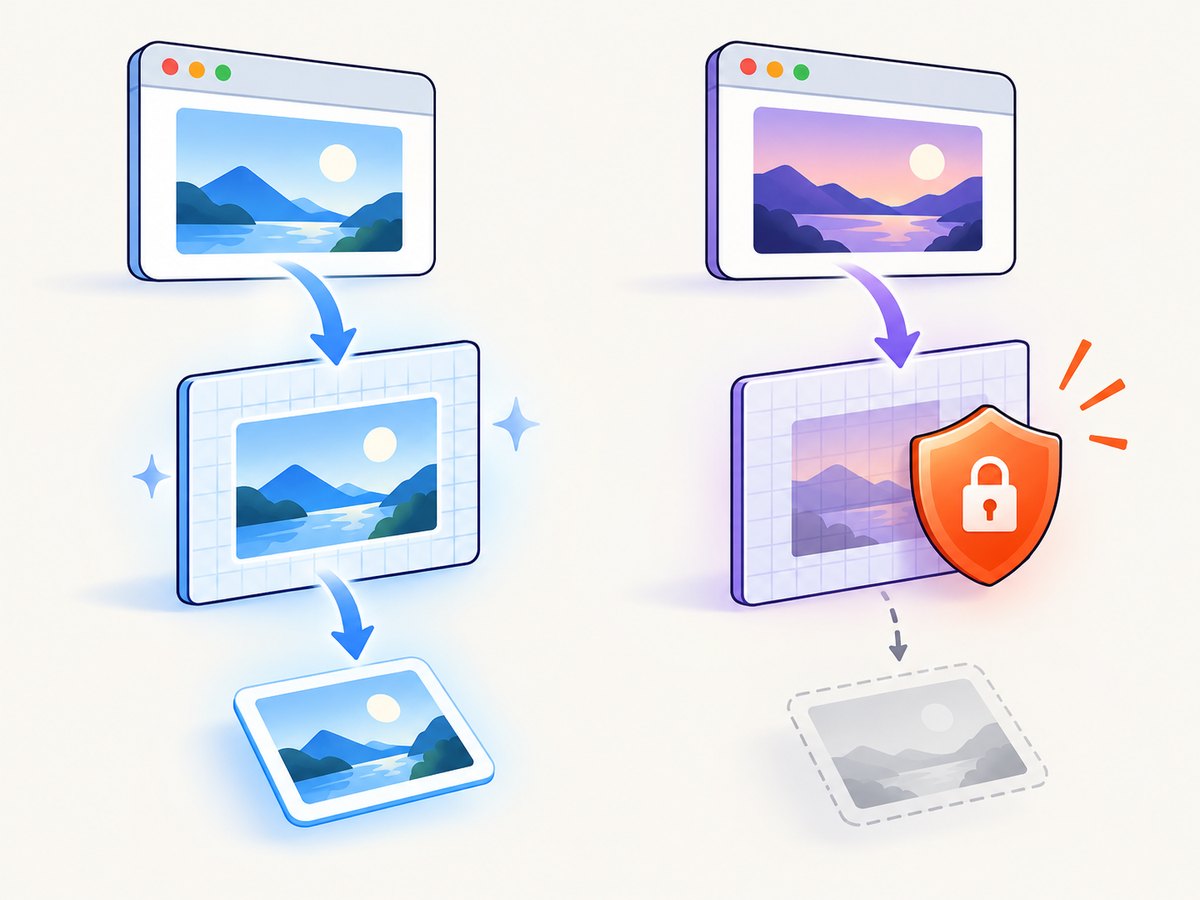
useCORS: true is a request, not a permission override. The image server must return an Access-Control-Allow-Origin value that permits your page. Set the image’s crossOrigin attribute before assigning src when drawing it yourself:
const image = new Image();
image.crossOrigin = 'anonymous';
image.onload = () => {
  ctx.drawImage(image, 0, 0);
};
image.onerror = () => console.error('Image failed CORS validation');
image.src = 'https://static.example.com/chart-background.png';
Do not expect allowTaint: true to make a tainted canvas exportable. It permits drawing in cases where you do not need to read the resulting pixels; it does not remove the browser security boundary.
6. Iframes and security boundaries
Same-origin iframes can be rendered recursively. A cross-origin iframe cannot be read because the browser blocks access to its contentDocument. A sandboxed iframe without allow-same-origin has the same practical problem.
If the nested canvas lives in a cross-origin frame, run html2canvas inside that frame with cooperation from the framed page, send the resulting image to the parent through an approved postMessage protocol, or use a capture architecture that has access to the page. Capturing the outer element alone cannot bypass the same-origin policy.
7. Capture-only DOM adjustments
Use onclone when you need to hide controls, expand a collapsed panel, or change a background only in the copy html2canvas renders.
const result = await html2canvas(document.querySelector('#report'), {
  onclone: (clonedDocument) => {
    clonedDocument.querySelectorAll('.print-only-hidden')
      .forEach((node) => { node.style.display = 'none'; });
    const clonedCanvas = clonedDocument.querySelector('#chart');
    clonedCanvas.style.boxShadow = 'none';
  },
});
The hook cannot access a cross-origin frame, repair a tainted source canvas, or cause an unfinished renderer to draw.
8. Troubleshooting checklist
| Symptom | Likely cause | Fix |
|---|---|---|
| Nested area is blank | Capture ran before drawing finished. | Await the renderer Promise, then await one requestAnimationFrame. |
| Only part of the canvas appears | The target or crop excludes it, or the layout changed during capture. | Capture the containing element; inspect scrollWidth/scrollHeight and remove crop options while debugging. |
SecurityError from toDataURL() |
An image or video tainted the canvas. | Use same-origin assets, correct CORS headers, or a configured proxy; redraw after fixing the source. |
| Cross-origin iframe is missing | Browser access to contentDocument is blocked. |
Capture inside the frame with cooperation, or change the architecture. |
| Text or CSS differs | html2canvas reconstructs from DOM information and does not reproduce every browser feature. | Try supported CSS, adjust the cloned DOM, or use native browser automation where pixel fidelity is required. |
| Output is blurry | Low source canvas resolution or scale: 1 on a high-DPI display. |
Allocate the canvas at an appropriate pixel size and increase scale carefully. |
| Capture never resolves | A resource or application Promise never completes. | Add timeouts around your own asset and renderer waits; inspect network and console errors. |
| Export is huge or crashes | Very large dimensions or excessive scale. | Crop, lower scale, split captures, and export with toBlob() instead of keeping multiple data URLs in memory. |
For debugging, verify in this order:
- Inspect the inner canvas before capture and confirm it has non-empty pixels.
- Confirm the draw Promise resolves and wait one animation frame.
- Capture the actual containing element.
- Leave logging enabled and read browser console CORS or security errors.
- Try the default renderer before comparing
foreignObjectRendering: true. - Add crop and scale tuning only after the content appears.
- Call
toDataURL()ortoBlob()after the html2canvas Promise resolves.
9. Performance and reliability
Large DOM trees, full-page dimensions, high device-pixel ratios, and multiple canvases all increase work and memory. Capture the smallest useful element, avoid unnecessary scale, and release object URLs after downloads. For repeated captures, serialize or limit concurrency so several large output canvases do not compete for memory.
Use deterministic inputs for repeatable output: wait for fonts and images, pause animations, set a fixed viewport, and freeze timestamps or random data in the application. A renderer completion signal is more reliable than an arbitrary delay. If the page changes while html2canvas clones it, the output can contain a mixture of states, so temporarily disable transitions during capture.
10. Or skip the browser setup
If you need a server-side screenshot of a URL rather than a browser-side reconstruction, ScreenshotNeo provides one GET request that returns PNG, JPEG, WebP, or PDF. Its capture can load lazy images, select one element, wait for a selector, delay, or network idle, run custom JavaScript, set cookies and headers, choose a viewport or device preset, and apply custom CSS.
With the ScreenshotNeo API documentation, the basic call is:
curl -G "https://api.screenshotneo.com/v1/shot" -d access_key=YOUR_API_KEY --data-urlencode url=https://stripe.com -o shot.webpimport requests
r = requests.get(
"https://api.screenshotneo.com/v1/shot",
params={"access_key": "YOUR_API_KEY", "url": "https://stripe.com"},
timeout=90,
)
r.raise_for_status()
open("shot.webp", "wb").write(r.content)const q = new URLSearchParams({ access_key: 'YOUR_API_KEY', url: 'https://stripe.com' });
const res = await fetch(`https://api.screenshotneo.com/v1/shot?${q}`);
if (!res.ok) throw new Error(`Screenshot failed: ${res.status}`);
const bytes = new Uint8Array(await res.arrayBuffer());
await Bun.write('shot.webp', bytes);Cookie banners, newsletter popups, and chat widgets are removed before the shot. Bot checks, blank pages, timeouts, failed loads, and cache hits are not billed; response headers identify the page verdict and whether it was billed. An MCP server provides take_screenshot, get_page_info, and capture_pdf for Claude, Cursor, and other MCP clients. The free plan includes 1,000 screenshots per month with no card; paid plans start at $5 for 3,000 shots. Create a free ScreenshotNeo account.
11. When to choose another capture method
html2canvas is a good fit when the target DOM, nested canvases, images, and frames are accessible to the page. Choose native browser automation or a server-side browser when you need the browser’s actual composited pixels, cross-origin page access under controlled infrastructure, or behavior that html2canvas cannot reconstruct. The deciding questions are whether resources are readable, whether the renderer exposes a completion signal, how much CSS fidelity you need, and whether cross-origin iframe cooperation is available.
FAQ
Does html2canvas copy an existing canvas?
It captures the pixels available in the canvas while reconstructing the containing DOM. It does not wait for or import a future render automatically.
Should I use a timeout before capture?
Prefer an explicit renderer or asset completion Promise. A frame wait helps synchronous drawing, while a timeout is only a fallback for code that has no completion signal.
Why does foreignObjectRendering not fix my blank canvas?
It changes the renderer used for supported browsers. It does not make an unfinished renderer finish, bypass CORS, or grant access to a cross-origin iframe.
Can I capture a canvas from another domain?
Only when the resource and page satisfy browser CORS rules, or when the capture runs inside a cooperating document. A proxy can help with permitted image resources, but it cannot make an inaccessible iframe readable.
When should I use toBlob()?
Use it for downloads or uploads, especially for large images. It avoids keeping a long base64 data URL in memory and lets you choose a MIME type and quality for formats that support it.


