How to Capture Part of a Webpage With HTML5 Canvas
Capture a DOM element or rectangle with html2canvas, export it safely, fix cross-origin errors, and know when a remote screenshot API is better.
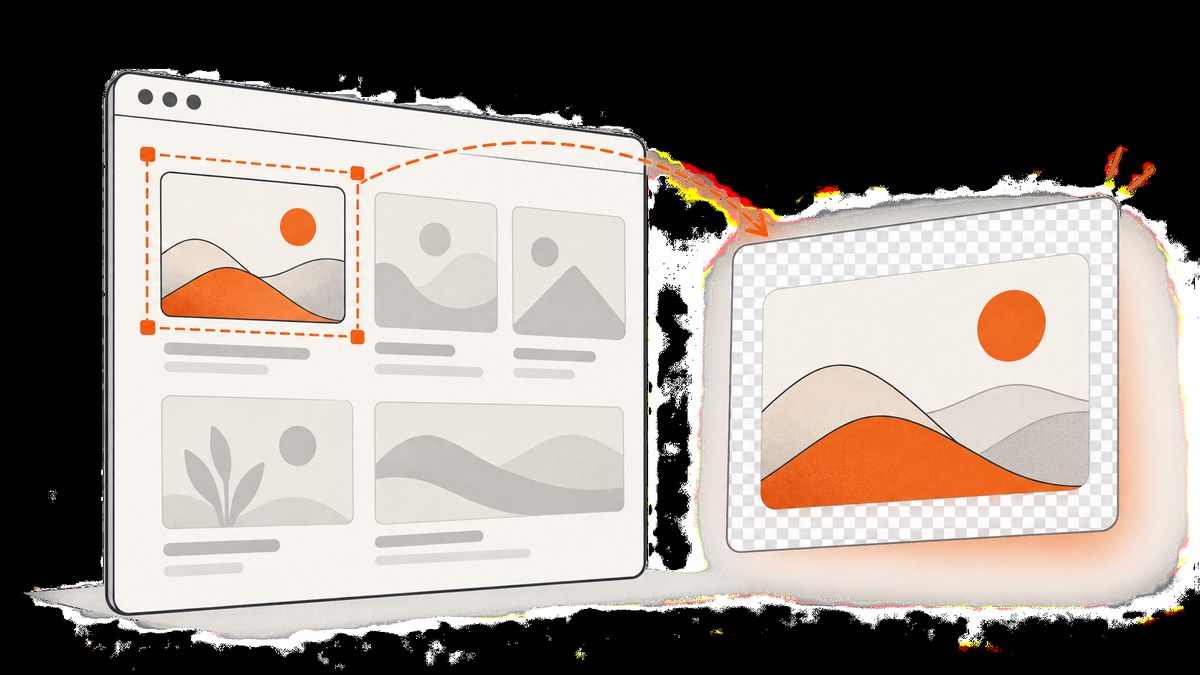
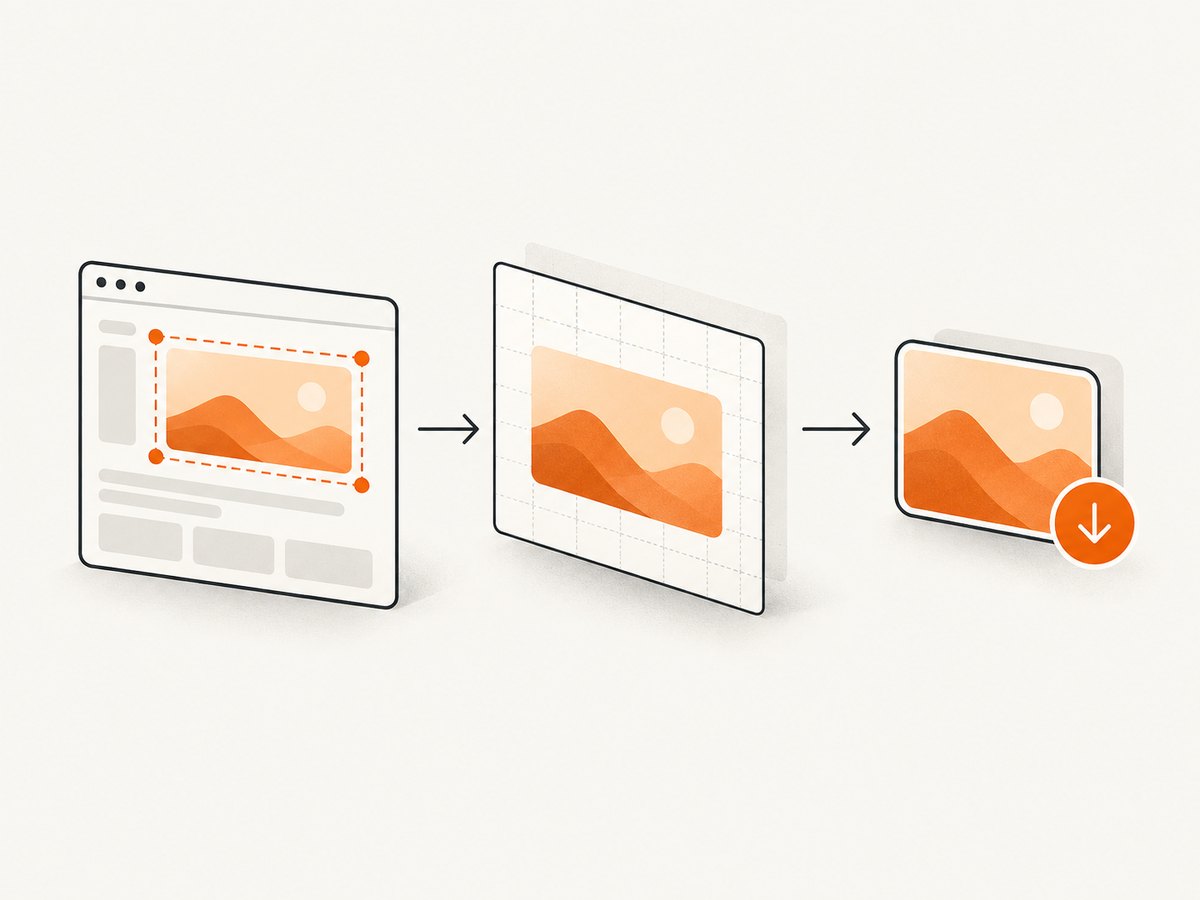
Short answer: select the region’s element, render it with html2canvas, then export the returned HTMLCanvasElement as a PNG or Blob. The renderer is asynchronous, so wait for its Promise before reading pixels or downloading.
This creates a DOM reconstruction in the current browser. It does not copy the final browser framebuffer, so unsupported CSS, native controls, plugins, animations, cross-origin images and cross-origin iframes can differ from what users see.
1. Capture an element
Give the target a stable selector and capture it after it is visible.
<button id='capture-button' type='button'>Download card</button>
<article id='capture'>
  <h1>Quarterly report</h1>
  <p>This article becomes an image.</p>
</article>
<script type='module'>
import html2canvas from 'https://cdn.jsdelivr.net/npm/html2canvas@1.4.1/+esm';
const button = document.querySelector('#capture-button');
const element = document.querySelector('#capture');
button.addEventListener('click', async () => {
  button.disabled = true;
  try {
    await document.fonts?.ready;
    await Promise.all([...element.querySelectorAll('img')].map(img =>
      img.complete ? Promise.resolve() : new Promise(resolve => {
        img.addEventListener('load', resolve, { once: true });
        img.addEventListener('error', resolve, { once: true });
      })
    ));
    const canvas = await html2canvas(element, {
      scale: window.devicePixelRatio,
      backgroundColor: '#ffffff'
    });
    canvas.toBlob(blob => {
      if (!blob) throw new Error('The browser could not encode the canvas');
      const url = URL.createObjectURL(blob);
      const link = document.createElement('a');
      link.download = 'quarterly-report.png';
      link.href = url;
      link.click();
      URL.revokeObjectURL(url);
    }, 'image/png');
  } finally { button.disabled = false; }
});
</script>
See the official configuration reference for the complete option list. Pin the library version in production.
2. Capture a rectangular part
Use an element selector when the region maps to a component. Use x, y, width and height for a rectangle.
const canvas = await html2canvas(document.body, {
  x: 100,
  y: 240,
  width: 640,
  height: 360,
  scrollX: window.scrollX,
  scrollY: window.scrollY,
  scale: window.devicePixelRatio
});
const png = canvas.toDataURL('image/png');
const link = document.createElement('a');
link.download = 'region.png';
link.href = png;
link.click();
Coordinates describe the document region rendered by html2canvas. For responsive pages, selecting an element is usually less fragile than maintaining viewport coordinates.
3. Important options
| Option | Purpose | Detail |
|---|---|---|
x, y, width, height |
Rectangular crop | Set all four for an explicit region. |
scale |
Sharp output | devicePixelRatio improves detail but increases memory and file size. |
windowWidth, windowHeight |
Stable responsive layout | Sets a deterministic virtual viewport. |
useCORS |
Cross-origin images | Requires suitable Access-Control-Allow-Origin headers. |
proxy |
Assets without CORS | Use a same-origin proxy that returns the image. |
backgroundColor |
Background | Use null when transparent output is required. |
data-html2canvas-ignore |
Exclude nodes | Useful for buttons, handles and sensitive fields. |
onclone |
Prepare the clone | Hide transient controls without changing the live page. |
const canvas = await html2canvas(document.querySelector('#capture'), {
  scale: Math.min(window.devicePixelRatio, 2),
  windowWidth: 1280,
  windowHeight: 900,
  useCORS: true,
  backgroundColor: null,
  onclone: clonedDocument => {
    clonedDocument.querySelectorAll('[data-transient]').forEach(node => {
      node.style.visibility = 'hidden';
    });
  }
});
4. Make captures deterministic
- Capture only after the target is attached, visible and at its final size.
- Wait for
document.fonts.readyand relevant image load events. - Pause animations and transitions in
onclone. - Set fixed virtual viewport dimensions when media queries affect layout.
- Exclude controls and secrets with
data-html2canvas-ignore.
const canvas = await html2canvas(target, {
  onclone: cloned => {
    const style = cloned.createElement('style');
    style.textContent = `*, *::before, *::after {
      animation: none !important;
      transition: none !important;
      caret-color: transparent !important;
    }`;
    cloned.head.appendChild(style);
  }
});
5. Export formats
toDataURL(type, quality) is convenient for small downloads. toBlob() avoids keeping the encoded file in a large JavaScript string and is preferable for uploads or large regions.
function downloadCanvas(canvas, filename, type = 'image/png', quality) {
  canvas.toBlob(blob => {
    if (!blob) return;
    const url = URL.createObjectURL(blob);
    const link = document.createElement('a');
    link.download = filename;
    link.href = url;
    link.click();
    setTimeout(() => URL.revokeObjectURL(url), 0);
  }, type, quality);
}
downloadCanvas(canvas, 'region.webp', 'image/webp', 0.9);
PNG is lossless. JPEG and WebP support and quality behavior depend on the browser.
6. Cross-origin images and iframes
A canvas is origin-clean only when its pixels come from permitted origins. A cross-origin image can taint it; exporting then raises a SecurityError. See the html2canvas FAQ and MDN canvas documentation.
- Set
useCORS: trueonly when the image server sends an appropriate CORS header. - Otherwise proxy the asset through your own origin and configure
proxy. - html2canvas cannot access a cross-origin iframe’s
contentDocument. Capture inside that origin or use a permitted browser capture API.
7. Troubleshooting
| Symptom | Cause | Fix |
|---|---|---|
| Blank or incomplete output | Capture began before layout, images or fonts settled | Wait for visibility, fonts, images and application data. |
SecurityError |
Tainted canvas | Enable server CORS or use a same-origin proxy. |
| Iframe missing | Cross-origin iframe | Capture within its origin or use a permitted browser mechanism. |
| Different text wrapping | Viewport, font or scale differs | Set viewport options, wait for fonts and choose scale deliberately. |
| Random animation frame | Capture raced animation | Disable animation in onclone. |
| Tab freezes | Canvas is too large | Capture a smaller region, reduce scale and use toBlob(). |
| Private controls appear | Target includes sensitive nodes | Use ignore attributes and clone-only styles. |
8. Performance, reliability and cost
Rendering cost grows with pixel dimensions, DOM complexity and scale. Crop to the smallest useful element, cap scale when appropriate, debounce repeated captures and release object URLs. Client-side rendering also depends on browser memory, fonts, network state and origin policy.
9. Or skip the browser setup
ScreenshotNeo is a website screenshot API and MCP server. One GET request returns PNG, JPEG, WebP or PDF. Its options include full-page capture, CSS-element capture, custom CSS and JavaScript, waits, headers, cookies, user agent, timezone, geolocation, blocking rules and caching. See the API documentation.

curl -G 'https://api.screenshotneo.com/v1/shot' -d access_key=YOUR_API_KEY --data-urlencode url=https://stripe.com -o shot.webpimport requests
r = requests.get('https://api.screenshotneo.com/v1/shot', params={'access_key': 'YOUR_API_KEY', 'url': 'https://stripe.com'}, timeout=90)
r.raise_for_status()
open('shot.webp', 'wb').write(r.content)const q = new URLSearchParams({ access_key: 'YOUR_API_KEY', url: 'https://stripe.com' });
const res = await fetch(`https://api.screenshotneo.com/v1/shot?${q}`);
if (!res.ok) throw new Error(`Screenshot failed: ${res.status}`);
require('fs').writeFileSync('shot.webp', Buffer.from(await res.arrayBuffer()));Consent banners, newsletter popups and chat widgets are removed before the shot. Bot checks, blank pages, failed loads and cache hits are never billed; response headers identify the verdict and billing status. Its MCP server provides take_screenshot, get_page_info and capture_pdf for Claude, Cursor and other MCP clients. The Free plan includes 1,000 shots a month with no card; paid plans start at $5 for 3,000 shots. Create a free ScreenshotNeo account.
10. Which method should you choose?
| Requirement | Fit |
|---|---|
| Component in the current page | html2canvas element rendering |
| DOM rectangle crop | html2canvas with region options |
| Exact browser pixels | Browser or extension screenshot API |
| Server-side URL capture | ScreenshotNeo |
11. FAQ
Does html2canvas take a real screenshot?
No. It reconstructs supported DOM and CSS in a canvas.
Can I capture part of an existing canvas?
Yes, when it is same-origin: draw the source rectangle onto a destination canvas and export it. Cross-origin pixels still follow the origin-clean rule.
Why is the PNG huge?
Large dimensions multiplied by a high scale create many pixels. Reduce the region or scale and use toBlob().
Can I hide something only in the image?
Yes. Use data-html2canvas-ignore or hide matching nodes in onclone.
What if I need PDFs or many URLs?
Use a remote capture service. ScreenshotNeo supports PDF output and bulk capture, while html2canvas is tied to the loaded document.


