How to Capture Partial Page Content with PhantomJS or CasperJS
Capture one element, crop a fixed rectangle, or extract selected HTML with PhantomJS and CasperJS, with timing, troubleshooting, and modern alternatives.

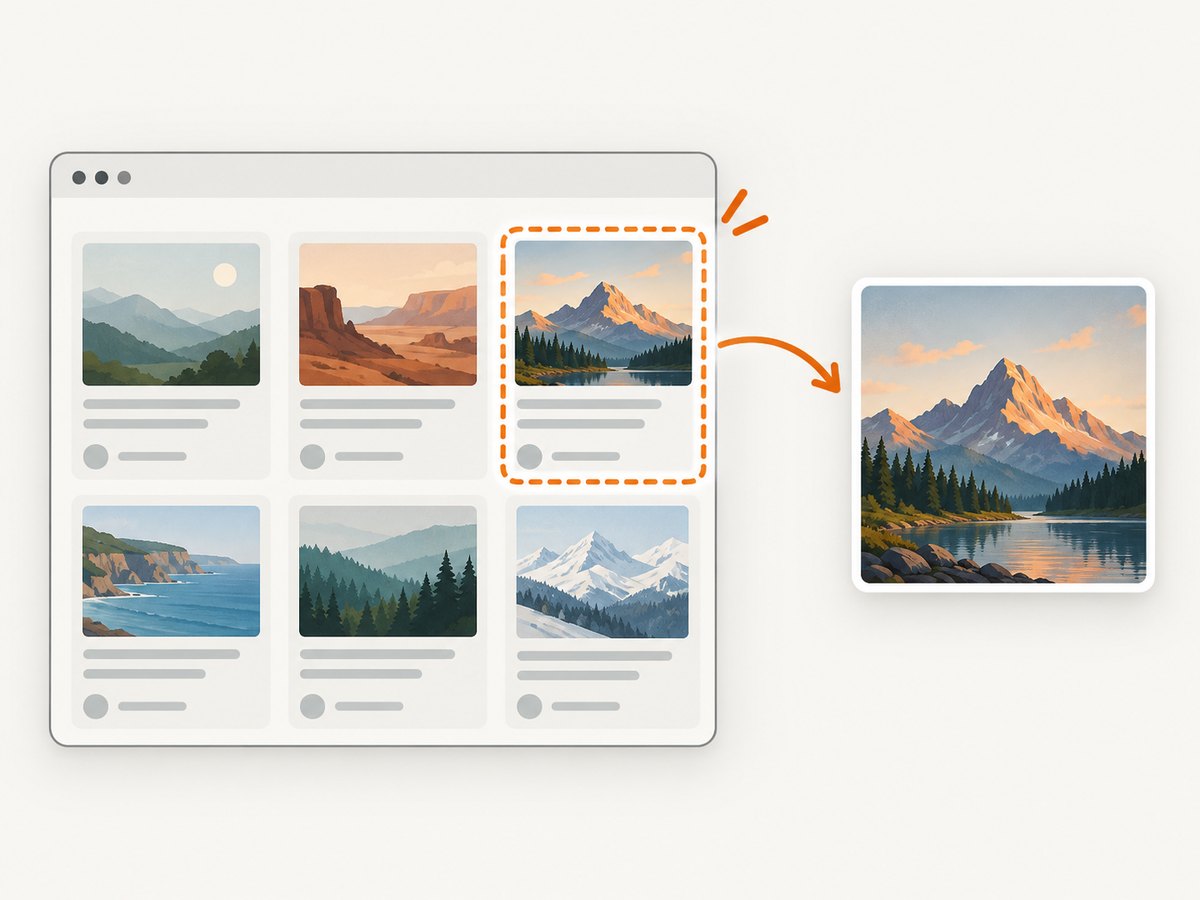
Direct answer: use CasperJS captureSelector() when a CSS selector defines the region, PhantomJS clipRect plus render() when you need fixed coordinates, and CasperJS getHTML() when you want selected HTML instead of an image. Wait for the target element before measuring or capturing it.
1. Decide whether you need HTML or an image
“Partial content” can mean two different outputs:
| Goal | API | Result |
|---|---|---|
| Selected markup | casper.getHTML(selector, outer) |
Inner HTML by default; outer HTML when outer is true |
| Rendered element image | casper.captureSelector(file, selector) |
Screenshot of the selector’s area |
| Rendered coordinate crop | page.clipRect then page.render() |
Screenshot of a rectangle in the viewport |
| Whole response content | casper.getPageContent() |
Current response text, useful for JSON or non-HTML responses |
page.content exposes the main frame’s full HTML; it does not select a single element. DOM measurements and transformations must run inside PhantomJS’s page context through CasperJS evaluate() or thenEvaluate().
2. Capture one element with CasperJS
When the element has a stable selector, selector capture is usually safer than hand-calculating coordinates.
var casper = require('casper').create();

casper.start('https://example.com', function () {
  this.waitForSelector('#article', function () {
    this.captureSelector('article.png', '#article');
  }, function () {
    this.die('The #article element did not appear');
  });
});

casper.run(function () {
  this.exit();
});
The documented signature is captureSelector(String targetFile, String selector [, Object imgOptions]). You can pass image options such as format and JPEG quality through the third argument.
Wait for visible, asynchronous content
var casper = require('casper').create();

casper.start('https://example.com/dashboard');
casper.waitForSelector('#chart', function () {
  this.captureSelector('chart.png', '#chart', {
    format: 'png'
  });
}, function () {
  this.die('Chart never became available');
});
casper.run();
A successful navigation only means the document loaded. Client-side code may still be inserting the target node, loading data, or applying styles. Use selector and visibility waits, and add a short delay when a framework updates the DOM after the node first appears.
3. Crop a fixed rectangle with PhantomJS
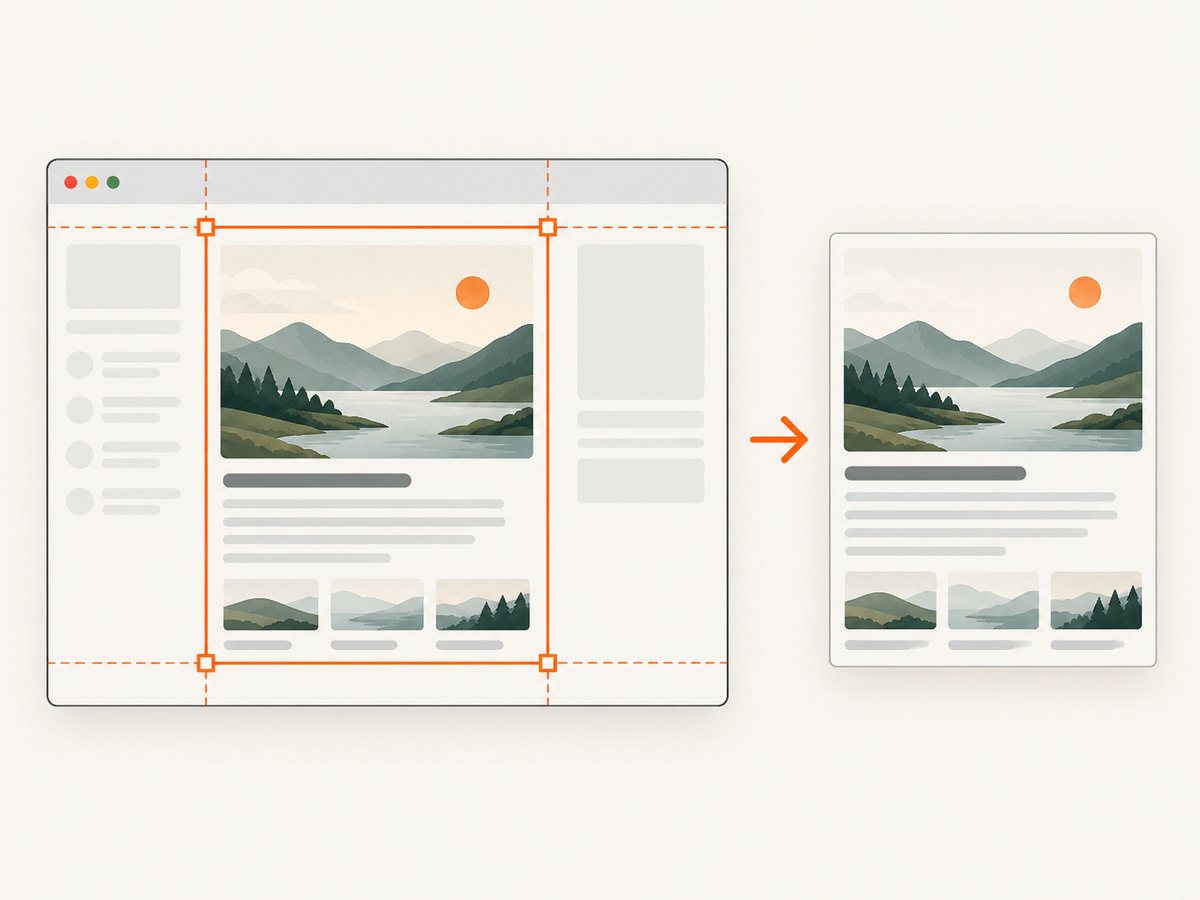
Use viewportSize to establish a stable layout, then set clipRect to the region to render. Coordinates are relative to the page viewport.
var page = require('webpage').create();

page.viewportSize = { width: 1280, height: 900 };
page.open('https://example.com', function (status) {
  if (status !== 'success') {
    phantom.exit(1);
  }

  page.clipRect = {
    top: 120,
    left: 80,
    width: 640,
    height: 420
  };
  page.render('partial.png');
  phantom.exit();
});
PhantomJS documents viewportSize as the browser viewport and clipRect as the rectangle taken for the screenshot. Its renderer supports PDF, PNG, JPEG, BMP, PPM, and (depending on the Qt build) GIF. PNG and JPEG quality settings are available.
Use CasperJS for an explicit rectangle
var casper = require('casper').create();

casper.start('https://example.com', function () {
  this.capture('partial.jpg', {
    top: 100,
    left: 100,
    width: 500,
    height: 400
  }, {
    format: 'jpg',
    quality: 85
  });
});

casper.run();
4. Measure a responsive element, then capture its bounds
Hard-coded coordinates break when fonts, viewport width, or responsive rules change. Read the element’s bounding rectangle in the page context and use those values for the crop.
var casper = require('casper').create({
  viewportSize: { width: 1280, height: 900 }
});

casper.start('https://example.com');
casper.waitForSelector('#article', function () {
  var box = this.evaluate(function () {
    var node = document.querySelector('#article');
    var rect = node.getBoundingClientRect();
    return {
      top: rect.top + window.pageYOffset,
      left: rect.left + window.pageXOffset,
      width: rect.width,
      height: rect.height
    };
  });

  if (!box || box.width <= 0 || box.height <= 0) {
    this.die('The article has no visible dimensions');
  }

  this.capture('article.png', box);
});
casper.run();
This pattern is derived from the documented viewport, rectangle, and page-context APIs. Measure only after the page has reached the visual state you need.
5. Extract selected HTML instead of rendering pixels
var casper = require('casper').create();

casper.start('https://example.com', function () {
  this.waitForSelector('#article', function () {
    this.echo(this.getHTML('#article'));       // inner HTML
    this.echo(this.getHTML('#article', true)); // outer HTML
  });
});

casper.run();
Use getPageContent() when the response is JSON or another non-HTML type. If you need to inspect computed styles, dimensions, or text after JavaScript runs, call evaluate() or thenEvaluate(); those functions execute in the page context.
6. Timing, layout, and rendering details
- Set the viewport first. Layout-dependent coordinates and media queries use the viewport dimensions.
- Wait for the real target. A node can exist before its image, chart, font, or data is ready.
- Check visibility and dimensions. Hidden nodes can produce empty or transparent output.
- Account for scrolling.
getBoundingClientRect()is viewport-relative; addpageYOffsetandpageXOffsetfor document coordinates. - Choose output deliberately. PNG preserves detail and transparency; JPEG is smaller for photographic content and accepts quality from 1 to 100.
- Expect legacy browser behavior. PhantomJS may differ from current Chrome in JavaScript, CSS, fonts, and modern web APIs.
7. Troubleshooting
| Symptom | Likely cause | Fix |
|---|---|---|
captureSelector creates a blank file |
Selector is missing, hidden, or not painted yet | Use waitForSelector, a visibility check, and a short post-render delay; verify dimensions in evaluate(). |
Navigation status is not success |
DNS, TLS, redirect, or server failure | Log the URL and status, try the URL in the same runtime, and exit nonzero instead of rendering stale content. |
| Crop is offset | Viewport changed or rectangle coordinates are viewport-relative | Set viewportSize before navigation and convert DOM rectangles with scroll offsets. |
| Responsive page captures the wrong layout | Viewport width triggers a different breakpoint | Set a deterministic width and height and keep them consistent across runs. |
| Fonts or images are missing | Assets load after navigation callback or are blocked by the old engine | Wait for a selector representing the finished state, add a bounded delay, and inspect console/network errors. |
| Modern site throws JavaScript errors | PhantomJS is an old browser engine | Use a maintained browser automation stack for new work, or keep this workflow only for compatible legacy pages. |
| HTML output is empty | Wrong selector or content is inside another frame | Verify the selector in page context and switch to the relevant frame before calling getHTML(). |
8. Reliability, performance, and cost considerations
- Reliability: make selectors specific, fail when the target never appears, and record the URL, viewport, selector, and runtime version with each artifact.
- Performance: selector capture avoids a separate coordinate calculation. Blocking unneeded third-party resources can reduce load time, but only when those resources cannot change the target.
- Determinism: fix viewport, timezone, locale, user agent, and wait conditions when comparing captures.
- Concurrency: isolate page instances and output paths; shared temporary files can overwrite captures.
- Cost: self-hosting means paying for your own compute, browser maintenance, retries, and storage. Measure these operational costs against a hosted API before building a queue.
9. Maintenance warning
The CasperJS repository states that “CasperJS is no longer actively maintained” and recommends it mainly when old PhantomJS 1.9 production tests must keep running. Releases through 1.1-beta3 do not support PhantomJS 2.0 and newer. Verify the exact PhantomJS and CasperJS versions in your deployment before relying on this workflow. See the CasperJS repository and the PhantomJS render documentation.
10. Or skip the browser setup
ScreenshotNeo provides a GET-based screenshot API when you need a partial element capture or a repeatable hosted browser workflow. It supports capturing one element with a CSS selector, custom JavaScript and CSS, waits for selectors or network idle, device and viewport settings, lazy-loaded full pages, and image resizing. Read the ScreenshotNeo API documentation for all options.
curl -G "https://api.screenshotneo.com/v1/shot" -d access_key=YOUR_API_KEY --data-urlencode url=https://stripe.com -o shot.webpimport requests
r = requests.get("https://api.screenshotneo.com/v1/shot", params={"access_key": "YOUR_API_KEY", "url": "https://stripe.com"}, timeout=90)
open("shot.webp", "wb").write(r.content)const q = new URLSearchParams({ access_key: 'YOUR_API_KEY', url: 'https://stripe.com' });
const res = await fetch(`https://api.screenshotneo.com/v1/shot?${q}`);Cookie and consent banners are accepted and removed before the shot, along with more than 60 known consent platforms, newsletter popups, and chat widgets. Bot checks, blank pages, timeouts, failed loads, and cache hits are not billed; response headers report the page verdict and billing status. ScreenshotNeo also offers an MCP server with take_screenshot, get_page_info, and capture_pdf tools for AI agents. The free plan includes 1,000 screenshots per month with no card; paid plans start at $5 for 3,000 shots.
Create a free ScreenshotNeo account and start with 1,000 screenshots per month at no charge.
11. FAQ
Can PhantomJS screenshot only a div?
Yes, calculate the div’s bounds in page context and assign them to clipRect, then call render(). CasperJS captureSelector() is simpler when the selector is stable.
Does getHTML() return an image?
No. It returns markup. Use captureSelector() or capture() for a rendered image.
What if the page content is JSON?
Use getPageContent() and parse the returned string; selector-based HTML extraction applies to a rendered document.
Should new projects use CasperJS?
Only when you must maintain a compatible legacy PhantomJS workflow. Its project is no longer actively maintained, so verify runtime compatibility before deployment.


