How to Capture a Screenshot After a Failed Selenium Command
Save the browser state when a Selenium test fails, before teardown closes the session. Learn Python, pytest-selenium, and Java approaches that keep screenshot errors from hiding the original failure.
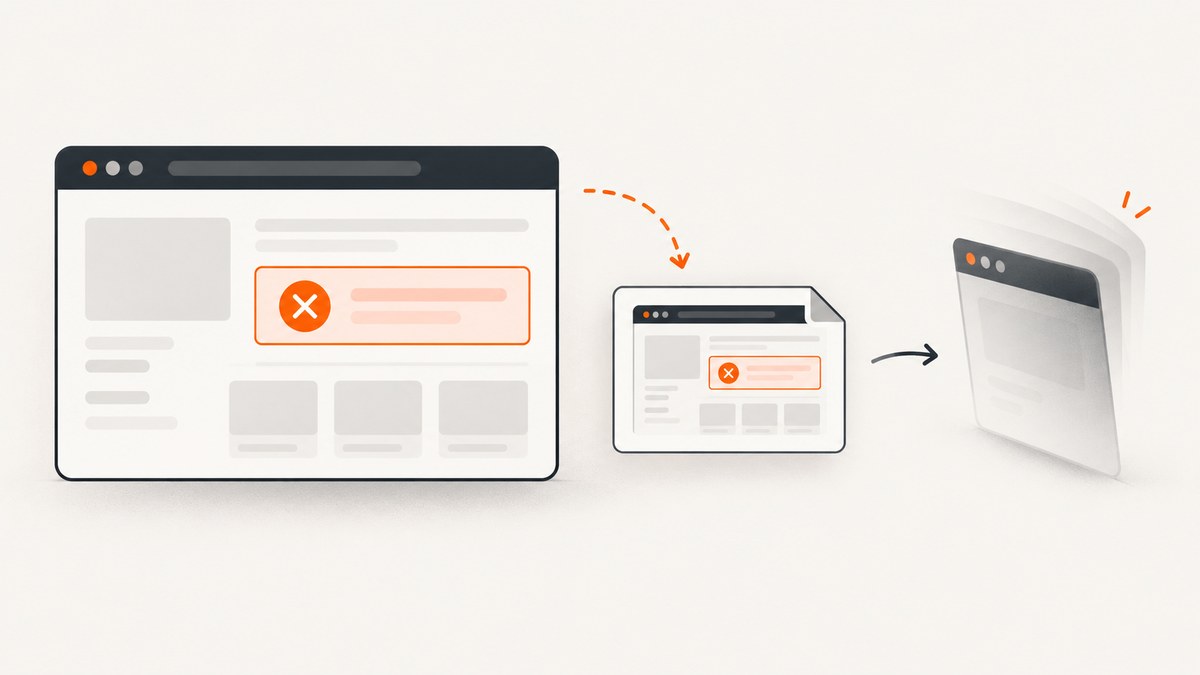
To capture a screenshot after a Selenium command fails, save it from your test runner’s failure handling while the WebDriver session is still alive. In Python, call driver.save_screenshot(path); with pytest-selenium, save its base64 Screenshot extra in pytest_selenium_capture_debug. In Java, use TakesScreenshot.getScreenshotAs. Catch screenshot errors separately so they do not replace the test’s original exception.
A failed command does not guarantee the browser is still available. If the session has ended or the remote endpoint is unreachable, Selenium may be unable to capture anything. Save the artifact before teardown, make the filename unique in parallel runs, and report capture failures as secondary diagnostics.
1. Capture before WebDriver teardown
A screenshot records the browser’s current visible state. It is useful for diagnosing a failure, but it is not the failure itself: retain the original exception, assertion, and test report even if screenshot capture also fails.
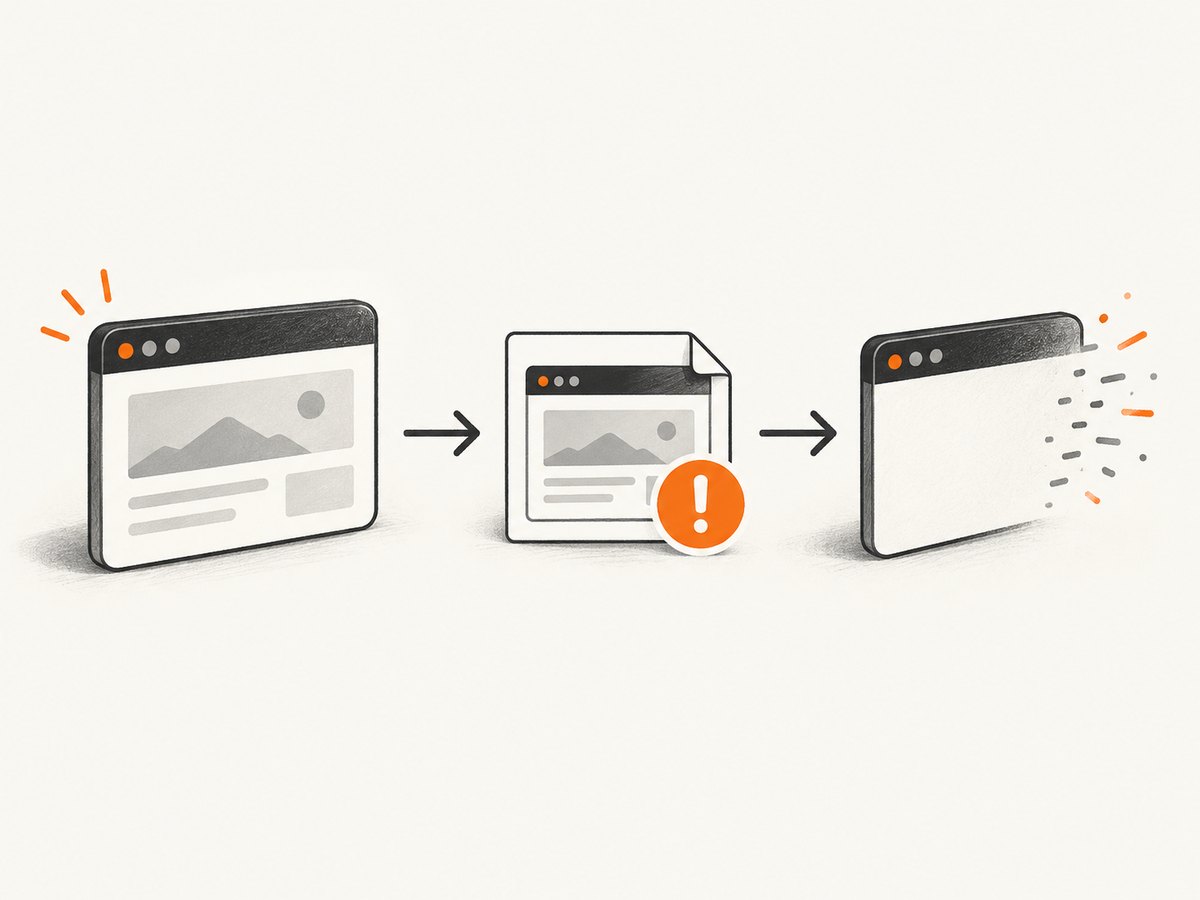
The timing matters. A typical test lifecycle runs the test, records its result, invokes reporting hooks, and then quits the browser. Put the capture in the failure-reporting stage, before driver.quit() or fixture teardown. The exact hook depends on your runner and framework, so check the lifecycle in your setup. Selenium’s screenshot APIs operate through WebDriver and can fail; their documentation does not promise a screenshot is possible after every failed command. Selenium Python WebDriver API and Selenium Java TakesScreenshot API describe the available methods and failure behavior.
2. Python: save a PNG directly
For a custom runner or failure hook, use save_screenshot. It writes the current window to a PNG and returns False if saving fails due to an I/O error. Create the output directory first, and use a known path so the runner’s working directory does not surprise you.
from pathlib import Path


def save_failure_screenshot(driver, test_name):
    path = Path("artifacts") / f"{test_name}-failure.png"
    path.parent.mkdir(parents=True, exist_ok=True)

    try:
        saved = driver.save_screenshot(str(path))
    except Exception as screenshot_error:
        # Report this as a secondary error; keep the original test failure.
        print(f"Screenshot capture failed: {screenshot_error}")
        return None

    if not saved:
        print(f"Could not save screenshot to {path}")
        return None

    return path
Call this from a failure callback that still has access to the active driver. For example, your test framework may expose the current test result and fixture or driver context to a teardown hook. Keep that framework-specific code separate from the helper above: fixture scopes and hook ordering vary. Ensure the failure callback itself does not raise and mask the exception that caused the test to fail.
Selenium also provides get_screenshot_as_file(filename), which saves a PNG and reports False on an I/O error, get_screenshot_as_png() for PNG bytes, and get_screenshot_as_base64() for a base64 string. Choose bytes or base64 when your report system accepts attachments directly; avoid writing and rereading a temporary file unnecessarily.
3. pytest-selenium: persist its screenshot extra
If you use pytest-selenium, its debug hook receives extras, including a base64 screenshot when supplied by the plugin. You can decode the Screenshot extra and write it to an artifact directory. The hook is also useful when you do not use the plugin’s HTML report.
import base64
from pathlib import Path


def pytest_selenium_capture_debug(item, report, extra):
    for entry in extra:
        if entry.get("name") != "Screenshot":
            continue

        content = base64.b64decode(entry["content"].encode("utf-8"))
        path = Path("artifacts") / f"{item.name}.png"
        path.parent.mkdir(parents=True, exist_ok=True)
        path.write_bytes(content)
Place the hook in the location required by your pytest configuration, commonly a conftest.py loaded by the relevant tests. Confirm the signature and extra format against the pytest-selenium version installed in your project; the documented guide is labeled “latest,” and hook behavior can change between releases. The plugin’s documented example names the file with the test name. For parallel execution, include a worker or run identifier as well, since two workers can otherwise write to the same path.
For artifacts attached to an HTML report, use the report integration supported by your installed plugin version. If writing files yourself, keep the directory in your CI artifact collection rules so the screenshot survives the job.
4. Java: use TakesScreenshot
Selenium’s Java API exposes getScreenshotAs with output types such as OutputType.FILE and OutputType.BASE64. The method can throw WebDriverException. Keep that exception in the reporting path rather than allowing it to replace the test’s original exception.
import java.io.File;
import java.io.IOException;
import java.nio.file.Files;
import java.nio.file.Path;
import java.nio.file.StandardCopyOption;

import org.openqa.selenium.OutputType;
import org.openqa.selenium.TakesScreenshot;
import org.openqa.selenium.WebDriver;
import org.openqa.selenium.WebDriverException;

public final class FailureScreenshots {
    private FailureScreenshots() {}

    public static Path save(WebDriver driver, String testName) {
        Path target = Path.of("artifacts", testName + "-failure.png");
        try {
            Files.createDirectories(target.getParent());
            File source = ((TakesScreenshot) driver)
                    .getScreenshotAs(OutputType.FILE);
            Files.copy(source.toPath(), target,
                    StandardCopyOption.REPLACE_EXISTING);
            return target;
        } catch (WebDriverException | IOException screenshotError) {
            System.err.println("Could not save failure screenshot: "
                    + screenshotError.getMessage());
            return null;
        }
    }
}
Invoke FailureScreenshots.save(driver, testName) from the framework’s failure-reporting callback before driver shutdown. This example catches the documented WebDriver capture failure and filesystem errors. Selenium’s cited Java reference is version 4.28.0; match API documentation to the Selenium version in your build.
5. Pick the integration that matches your test setup
| Setup | Method | Watch for |
|---|---|---|
| Python with a custom runner or hook | driver.save_screenshot(path) |
Create parent directories and check the boolean return value. |
| pytest-selenium | pytest_selenium_capture_debug and the Screenshot extra |
Confirm installed-version compatibility and use unique paths in parallel runs. |
| Direct Java Selenium | TakesScreenshot.getScreenshotAs |
Handle WebDriverException and filesystem errors. |
| Selenide | Its failure capture and test-framework integrations | Automatic capture applies to certain failed checks and integrations vary by JUnit 4, TestNG, and JUnit 5. |
Selenide documents automatic screenshots for certain failed checks and integrations with JUnit 4, TestNG, and JUnit 5. Check the integration instructions for the versions in your project before adding another capture hook. Selenide documentation.
6. Avoid common capture failures
| Symptom | Likely cause | Fix |
|---|---|---|
| No file appears | The parent directory does not exist, the working directory differs in CI, or the save method returned False. |
Create the directory, use an explicit artifact path, check the return value, and collect that directory as a CI artifact. |
| Screenshot call raises after a command error | The browser session or remote endpoint may no longer be available. | Catch capture errors in the reporting path, preserve the original failure, and record both errors. A screenshot is not guaranteed after session loss. |
| Screenshot file is overwritten | Parallel tests use the same test name or artifact filename. | Add a run ID, worker ID, and a sanitized unique test identifier to the path. |
| Hook does not run | The hook name, signature, plugin version, or conftest discovery path does not match the installed setup. | Verify the pytest-selenium version and its guide; ensure pytest loads the file containing the hook. |
| Original failure is missing from the report | Capture or attachment code raised while the framework was recording the test result. | Make screenshot handling best-effort, catch its errors, and retain the original exception and traceback. |
| Artifact contains sensitive content | The captured page displayed account, customer, or other private data. | Apply the same access controls and retention rules as test logs and reports; restrict artifact access. |
7. Reliability, runtime, and storage
A screenshot is another WebDriver command, so it adds work to failure reporting and depends on the browser session and remote connection. Capture only when useful, and avoid retry loops that delay the test report while a dead session remains unavailable. Record capture duration if a slow remote grid is affecting CI time; there is no universal duration because browser, page, and infrastructure vary.
Use a failure-only hook rather than capturing every passing test unless you need that history. This reduces artifact volume and storage. Establish a retention window for CI artifacts, and keep screenshots grouped by build, test, and worker. PNGs can contain sensitive visible page content, so control access and retention as you do for logs. Keep the original assertion or command error as the primary failure regardless of screenshot success.
8. Or skip the browser setup
If your goal is a screenshot of a public page rather than evidence from the exact browser session that failed, ScreenshotNeo provides a website screenshot API and MCP server. It cannot replace a Selenium failure screenshot when you need the precise authenticated, interactive state of your test browser; it captures a URL through its API instead.
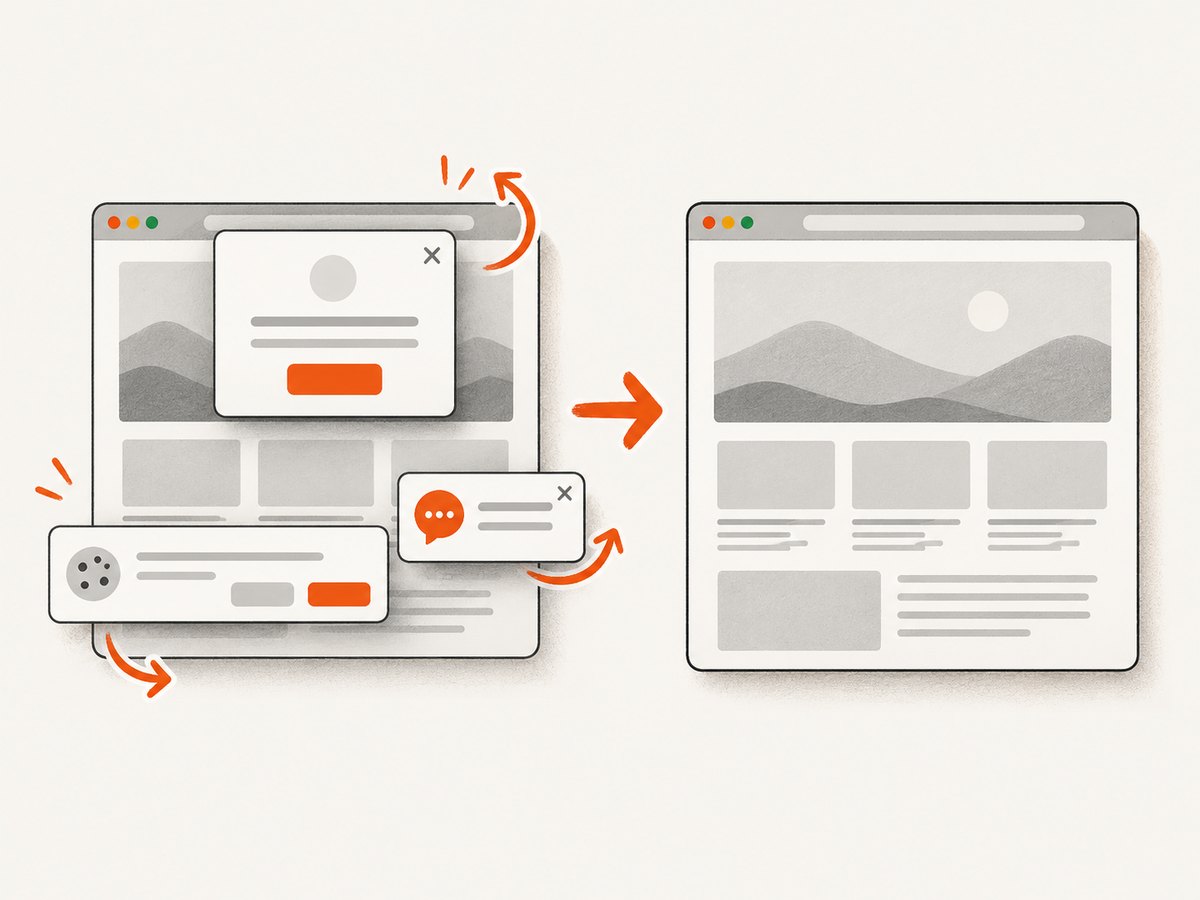
One GET request returns an image or PDF. This example requests a WebP screenshot:
curl -G "https://api.screenshotneo.com/v1/shot" \
  -d access_key=YOUR_API_KEY \
  --data-urlencode url=https://stripe.com \
  -o shot.webp
See the ScreenshotNeo API documentation for the request options. ScreenshotNeo removes cookie and consent banners, newsletter popups, and chat widgets before capture; each of these cleanup steps can be turned off. Bot checks and CAPTCHAs, blank pages, timeouts, failed loads, and cache hits cost nothing, and response headers report the page verdict and billing status. Its MCP server provides take_screenshot, get_page_info, and capture_pdf for Claude, Cursor, and other MCP clients.
The Free plan includes 1,000 shots per month with no card. Paid plans start at $5 for 3,000 shots; yearly billing gives two months free, and every feature is on every plan. Sign up for 1,000 free screenshots a month with no card.
9. FAQ
Can Selenium take a screenshot after any failed command?
No. Capture may work if the browser session remains active, but session loss or an unavailable remote endpoint can make it impossible.
Does save_screenshot include the full page?
The documented method captures the current window. The cited API documentation does not describe it as a full-page capture.
Should screenshot failure fail the test again?
Usually the test is already failing for its original reason. Treat capture failure as a secondary reporting error so the original exception stays visible.
Where should CI store failure screenshots?
Use a known artifact directory collected by the CI job, and group files by run and test so parallel jobs do not overwrite one another.
Can I use the screenshot API for a private Selenium page?
ScreenshotNeo captures a URL via its API and is not a substitute for the exact state of a Selenium session. For authenticated or transient test state, capture directly from WebDriver.


