How to Capture Screenshots Only When Tests Fail
Configure Playwright or Cypress to save screenshots when tests fail, then retain and inspect those images as CI artifacts alongside your test diagnostics.
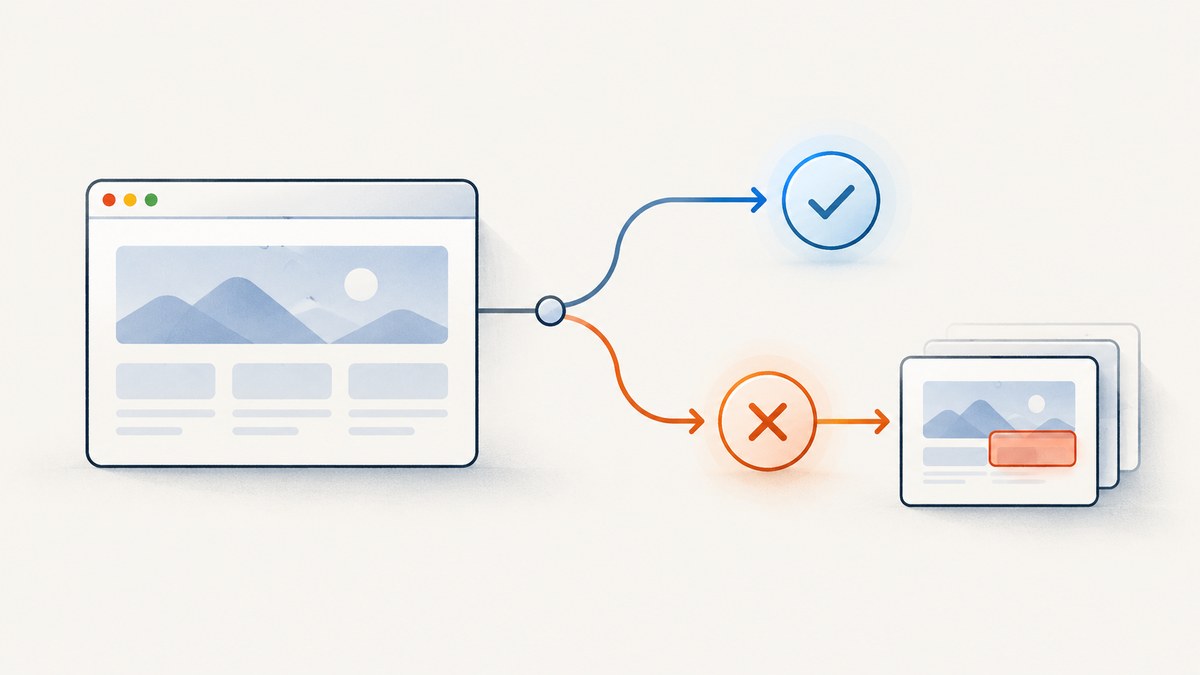
To capture screenshots only when tests fail, use the test runner’s failure screenshot feature. In Playwright Test, set use.screenshot to 'only-on-failure'. Cypress automatically takes a screenshot for a failing test during cypress run; this does not happen automatically in cypress open.
In either framework, save the output directory as a CI artifact if you need images after the job ends. Treat each image as supporting evidence: a screenshot shows visual context, while the assertion error, trace, video, and logs explain what happened.
1. Configure Playwright Test
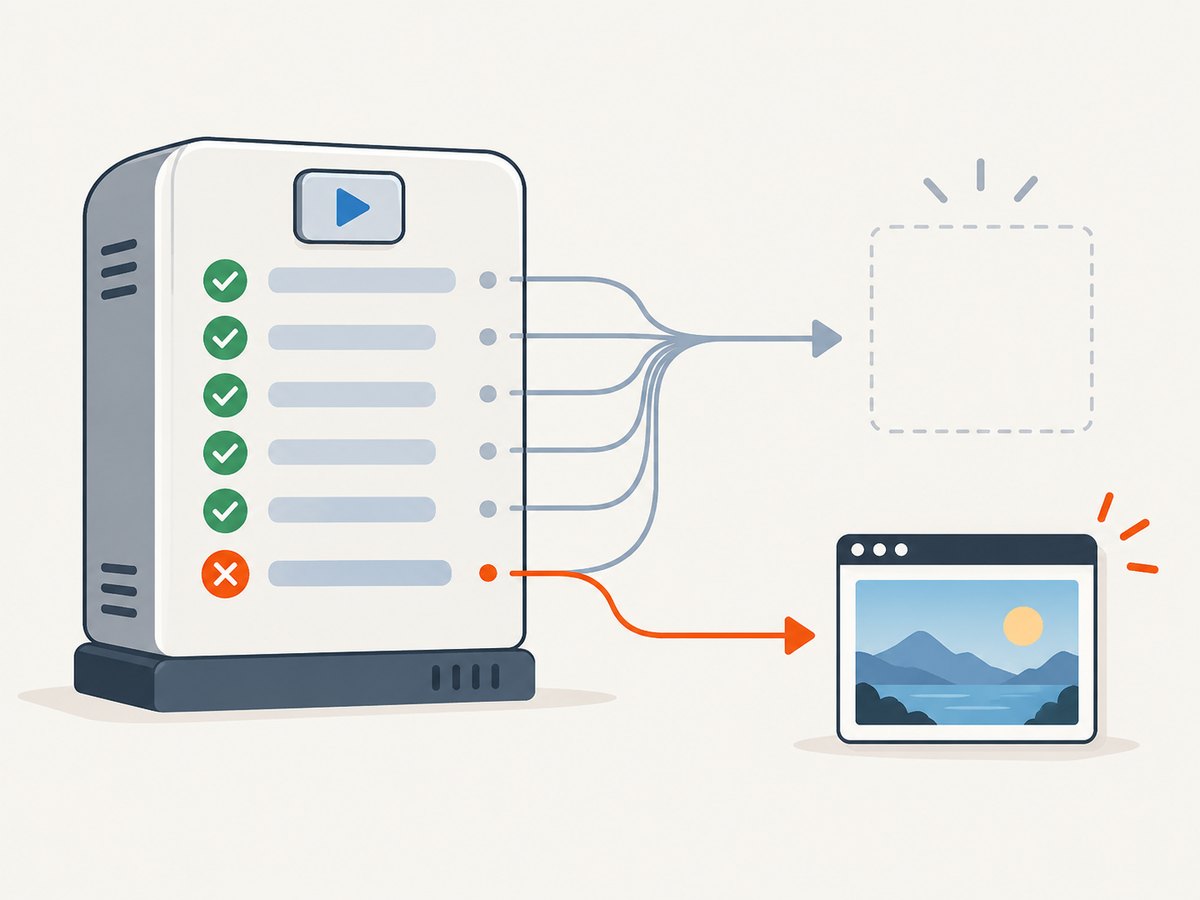
Playwright Test supports three automatic screenshot modes: 'off', 'on', and 'only-on-failure'. Set the last one in the shared configuration to capture a screenshot after a failed test without producing screenshots for passing tests.
// playwright.config.ts
import { defineConfig } from '@playwright/test';

export default defineConfig({
  use: {
    screenshot: 'only-on-failure',
  },
});
Run the suite with npx playwright test. Failed-test screenshots are written in the test-results/ output area alongside test output. The command-line option --output changes the output directory; if you change it, update the directory your CI job uploads.
Choose a mode deliberately
| Mode | What it captures | Typical use |
|---|---|---|
off |
No automatic test screenshots | When another artifact already provides sufficient visual evidence or storage is constrained |
on |
A screenshot after every test | When you need a visual record of passing and failing cases |
only-on-failure |
A screenshot after a failed test | Most failure-debugging workflows |
Keep the setting under use in playwright.config.ts so it applies consistently. You can also set it for a project or a narrower configuration scope when projects have different artifact needs. For Python Playwright’s test-runner integration, the equivalent --screenshot values are on, off, and only-on-failure. Check the runner’s own configuration and output conventions when using a non-TypeScript setup.
Retries and additional diagnostics
A retry is another test attempt, so inspect the report and output directory to understand which attempt produced each artifact. If a failure disappears on retry, retain enough context to diagnose the flaky first attempt rather than looking only at the final passing state. Playwright’s trace modes can complement screenshots; for example, retain-on-failure keeps traces for failed runs. Trace behavior is configurable separately from screenshot behavior, so choose and retain both deliberately. See the [Playwright screenshot and trace configuration](https://playwright.dev/docs/test-use-options).
When writing custom screenshot logic, use the test’s output path or attach the image to the test report rather than relying on one shared filename. Playwright exposes test-scoped output paths and attachments through testInfo; this helps prevent parallel tests from overwriting each other’s files. The [TestInfo API](https://playwright.dev/docs/api/class-testinfo) documents those helpers.
2. Configure Cypress
Cypress automatically captures screenshots when tests fail during cypress run, including CI runs. It does not automatically capture failures in the interactive cypress open workflow. The default output directory is cypress/screenshots.
// cypress.config.js
const { defineConfig } = require('cypress');

module.exports = defineConfig({
  e2e: {
    screenshotOnRunFailure: true,
  },
});
The option defaults to true, so setting it explicitly can make the team’s intention clear. To turn automatic failure screenshots off, set screenshotOnRunFailure: false. Cypress also exposes screenshot defaults through Cypress.Screenshot.defaults() in support code:
// cypress/support/e2e.js
Cypress.Screenshot.defaults({
  screenshotOnRunFailure: false,
});
Use one configuration path consistently; avoid setting conflicting values in multiple places. The [Cypress screenshots and videos guide](https://docs.cypress.io/app/guides/screenshots-and-videos) describes automatic capture and folder behavior, and the [configuration reference](https://docs.cypress.io/app/references/configuration) lists the defaults.
Understand filenames, retries, and capture contents
Cypress uses the spec and test names to build paths. Automatic failure images receive a (failed).png suffix. If retries are enabled, failed attempts get attempt suffixes so the screenshots can be distinguished. The [Cypress retry guide](https://docs.cypress.io/app/guides/test-retries) shows the naming behavior.
Failure screenshots use a runner capture, which includes Cypress runner context. That can help show the command log, though it is different from an image of only the application viewport. Cypress’s screenshot defaults also include settings for capture type, scaling, timers and animations, and blacked-out selectors. Some options apply only to manual captures; for example, blackout does not apply to runner captures. Consult the [Screenshot API reference](https://docs.cypress.io/api/cypress-api/screenshot-api) before relying on a setting for automatic failure images.
3. Keep the screenshots in CI
Files created inside a CI job usually need to be uploaded before the job’s workspace is discarded. Configure your provider’s artifact step to include the relevant directory: test-results/ for Playwright’s default output, or cypress/screenshots/ for Cypress’s default screenshots.
- Run the test command and allow the job to continue to its artifact-upload step even if tests fail.
- Upload the screenshot folder, preserving nested paths and filenames.
- Set an explicit retention period that matches your debugging and compliance needs.
- Open the failed test report and compare the screenshot with its assertion message and other enabled diagnostics.
CI providers differ in artifact syntax and retention controls, so use the documentation for the provider configured in your repository. Cypress documents that screenshots from recorded CI runs can also be viewed in Cypress Cloud. Cloud access and artifact upload are distinct retention paths; choose the one that fits how your team reviews runs.
4. Decide whether to capture a screenshot yourself
Built-in failure capture is usually the simplest choice. Add custom capture code only when you need a particular moment, naming scheme, or attachment behavior that the runner’s automatic output does not provide. A manual screenshot made before an assertion fails may represent an earlier state; one made in teardown may run after the page has changed or closed.
In Playwright, a custom test can take and attach an image explicitly:
import { test, expect } from '@playwright/test';

test('checkout shows confirmation', async ({ page }, testInfo) => {
  await page.goto('https://example.com/checkout');
  const image = await page.screenshot();
  await testInfo.attach('checkout-state', {
    body: image,
    contentType: 'image/png',
  });
  await expect(page.getByRole('heading', { name: 'Order confirmed' })).toBeVisible();
});
This example always attaches an image because it takes it before the assertion. For failure-only custom logic, catch or inspect the failure at a layer that still has access to the page, and avoid swallowing the original test error. Prefer the built-in mode when it meets the need.
In Cypress, use cy.screenshot() for a deliberate checkpoint. Automatic failure capture remains configured separately. Cypress documents that screenshots are asynchronous and take roughly 100 ms; the application can change during that interval, and the command log may still be rendering. As a result, a failure screenshot may not reproduce the exact instant of the failed assertion. See [Cypress’s screenshot timing notes](https://docs.cypress.io/api/commands/screenshot).
5. Diagnose common problems
| Symptom | Likely cause | Fix |
|---|---|---|
| No Playwright screenshot appears | The test passed, screenshots are set to off, or the wrong output folder was inspected. |
Confirm use.screenshot is only-on-failure, reproduce a failing test, and inspect the configured output directory. |
| No Cypress screenshot appears locally | The test was run with cypress open. |
Run the test with cypress run to use automatic failure capture. |
| Screenshot exists locally but not in CI | The CI job did not upload the screenshot folder, or it discarded the workspace before upload. | Add an artifact step after test execution and confirm its path and failure behavior. |
| Old Cypress images disappear | Cypress clears the screenshots folder before a run by default. | Use the run’s artifact output, or set trashAssetsBeforeRuns to false only if preserving the folder across runs is intentional. |
| The picture does not show the exact failure state | The page or runner changed during asynchronous capture. | Read the assertion error and inspect trace, video, or logs if enabled; use a targeted checkpoint where necessary. |
| Image contains Cypress command log | Automatic failure capture uses runner context. | Account for runner chrome when interpreting the image; a manual viewport capture serves a different purpose. |
| Retries produce several images | Each failed attempt can create its own screenshot. | Use attempt suffixes to correlate images with retry results instead of assuming one file per test. |
6. Performance, reliability, and cost
Failure-only capture limits image creation to failing tests, which reduces the number of files compared with capturing every test. It does not eliminate capture work on failures, and it does not reduce the browser time spent running the test suite. Retaining screenshots still uses artifact storage and may add upload time; keep only the retention period and output types your debugging process needs.

Screenshots are visual snapshots, not complete reproductions. Dynamic content, animation, delayed rendering, network state, and the time between failure and capture can all affect what appears. Use stable test data and meaningful waits, and pair the image with the error and execution diagnostics. If the failure is intermittent, ensure artifacts from the first failed attempt remain available even when a retry passes.
Or skip the browser setup
If the goal is to capture a page in a separate browser workflow rather than your test runner’s exact failure state, ScreenshotNeo is a website screenshot API and MCP server. Its API takes a URL in one request and returns an image or PDF. Find the request options in the ScreenshotNeo documentation.
curl -G "https://api.screenshotneo.com/v1/shot" -d access_key=YOUR_API_KEY --data-urlencode url=https://stripe.com -o shot.webpimport requests
r = requests.get("https://api.screenshotneo.com/v1/shot", params={"access_key": "YOUR_API_KEY", "url": "https://stripe.com"}, timeout=90)
open("shot.webp", "wb").write(r.content)const q = new URLSearchParams({ access_key: 'YOUR_API_KEY', url: 'https://stripe.com' });
const res = await fetch(`https://api.screenshotneo.com/v1/shot?${q}`);- Cookie banners, popups, and chat widgets are removed before the shot.
- Bot checks, blank pages, and failed loads are never billed.
- An MCP server lets AI agents use screenshot tools.
- 1,000 screenshots a month are free with no card; paid plans start at $5 for 3,000.
Sign up for ScreenshotNeo and get 1,000 free screenshots a month with no card.
FAQ
Can I capture screenshots only for failed tests in Playwright?
Yes. Set use.screenshot to 'only-on-failure' in Playwright Test configuration.
Does Cypress take screenshots in interactive mode?
Cypress can take manual screenshots in cypress open, but automatic screenshots on failure are for cypress run.
Should screenshots replace traces or videos?
No. A screenshot gives a single visual frame. Traces, videos, assertion output, and logs can provide timing and interaction context a still image cannot.
Why keep artifacts if the test report already says which test failed?
The report identifies the failure; the retained image adds visual context after the CI workspace has gone away.


