How to Capture Screenshots of Selenium 2 Tests
Capture Selenium 2 screenshots in Java, save them reliably, attach failures to reports, and handle viewport, element, full-page, and CI edge cases.
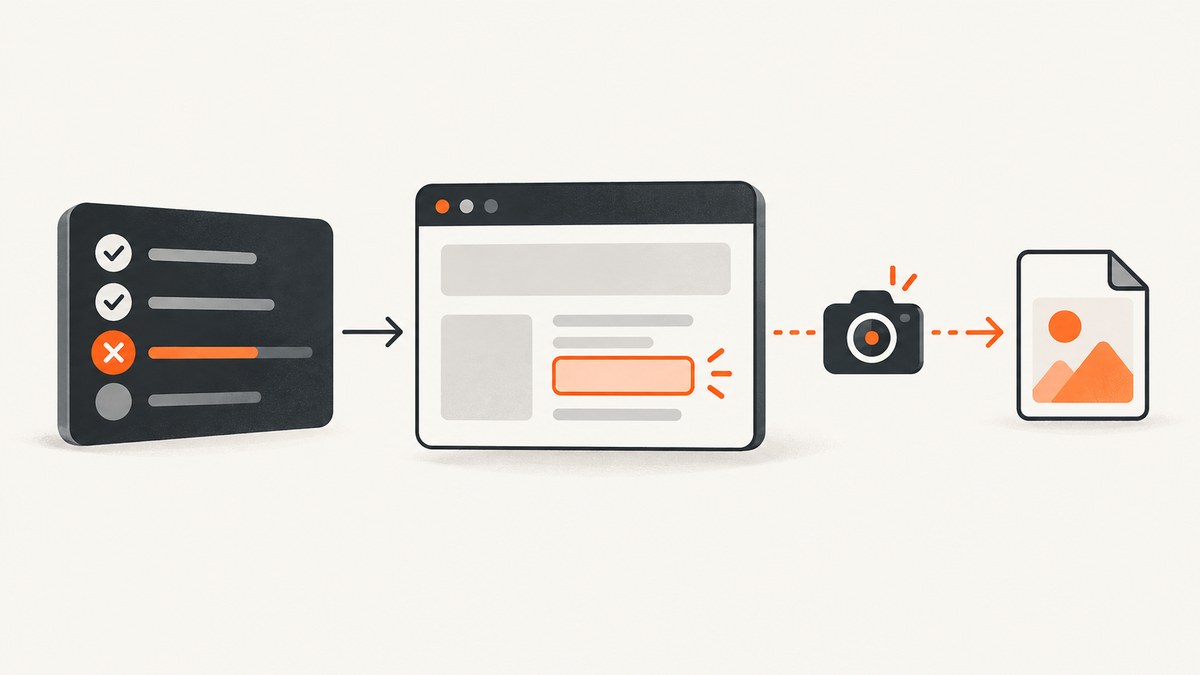
In Selenium 2 WebDriver, capture a screenshot by casting the driver to TakesScreenshot and calling getScreenshotAs(OutputType.FILE). Copy the returned temporary file to a deterministic PNG path before quitting the driver.
import java.io.File;
import java.io.IOException;
import org.apache.commons.io.FileUtils;
import org.openqa.selenium.OutputType;
import org.openqa.selenium.TakesScreenshot;
import org.openqa.selenium.WebDriver;

public final class Screenshots {
    private Screenshots() {}

    public static File capture(WebDriver driver, String name) throws IOException {
        File source = ((TakesScreenshot) driver)
                .getScreenshotAs(OutputType.FILE);
        File target = new File("screenshots/" + name + ".png");
        FileUtils.forceMkdir(target.getParentFile());
        FileUtils.copyFile(source, target);
        return target;
    }
}
This is the Selenium 2 WebDriver API pattern documented by Selenium. TakesScreenshot can be implemented by a driver or an HTML element, and getScreenshotAs can return a file, Base64 data, or bytes depending on the requested output type. See the official Java API.
1. What Selenium 2 actually captures
A driver screenshot represents the current browsing context. In many Selenium 2 browser and driver combinations, that means the visible viewport or current window. Full-document capture is not guaranteed. For non-W3C-conformant drivers, Selenium describes a best-effort order: the entire page, current window, visible portion of the current frame, and then the display. Treat the result as driver-dependent and record the browser, driver, and binding when reproducibility matters.
An element screenshot is a separate operation. Locate an element and call getScreenshotAs on that element when you need a component, chart, form, or error message rather than the whole browser.
WebElement card = driver.findElement(By.cssSelector(".pricing-card"));
File source = card.getScreenshotAs(OutputType.FILE);
FileUtils.copyFile(source, new File("screenshots/pricing-card.png"));
Selenium 2 also exposed legacy Selenium Remote Control commands such as captureScreenshot and captureEntirePageScreenshot. Those belong to a different API surface. WebDriver tests should use TakesScreenshot.
2. A complete Java example
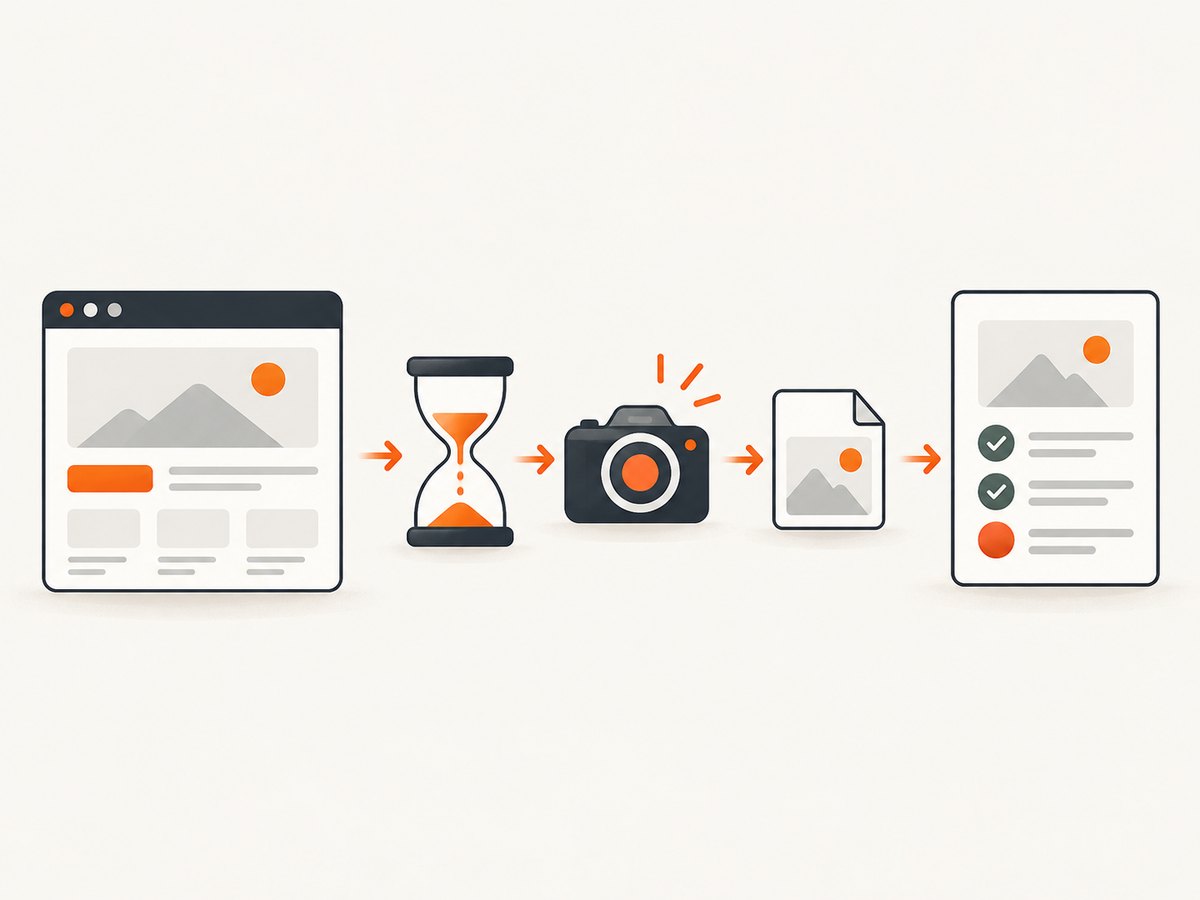
The following example starts a browser, waits for a page state, captures the viewport, captures one element, and stores both images. The destination directory is created before copying, and the name includes a timestamp to avoid accidental overwrites.
import java.io.File;
import java.io.IOException;
import java.nio.file.Files;
import java.nio.file.Path;
import java.time.Duration;
import java.time.Instant;

import org.apache.commons.io.FileUtils;
import org.openqa.selenium.By;
import org.openqa.selenium.OutputType;
import org.openqa.selenium.TakesScreenshot;
import org.openqa.selenium.WebDriver;
import org.openqa.selenium.WebElement;
import org.openqa.selenium.firefox.FirefoxDriver;
import org.openqa.selenium.support.ui.ExpectedConditions;
import org.openqa.selenium.support.ui.WebDriverWait;

public class SeleniumScreenshotExample {
    static Path capture(WebDriver driver, Path directory, String name)
            throws IOException {
        Files.createDirectories(directory);
        File temporary = ((TakesScreenshot) driver)
                .getScreenshotAs(OutputType.FILE);
        Path destination = directory.resolve(name + ".png");
        FileUtils.copyFile(temporary, destination.toFile());
        return destination;
    }

    public static void main(String[] args) throws Exception {
        WebDriver driver = new FirefoxDriver();
        Path directory = Path.of("build", "screenshots");
        String runId = Instant.now().toString().replace(":", "-");

        try {
            driver.manage().window().setSize(new org.openqa.selenium.Dimension(1440, 900));
            driver.get("https://example.com");

            WebDriverWait wait = new WebDriverWait(driver, Duration.ofSeconds(15));
            wait.until(ExpectedConditions.titleContains("Example"));

            capture(driver, directory, "homepage-" + runId);

            WebElement heading = driver.findElement(By.cssSelector("h1"));
            File elementTemporary = heading.getScreenshotAs(OutputType.FILE);
            FileUtils.copyFile(elementTemporary,
                    directory.resolve("heading-" + runId + ".png").toFile());
        } finally {
            driver.quit();
        }
    }
}
In an older Selenium 2 project, replace Path.of and Duration with APIs supported by your Java version. The screenshot call itself is unchanged. Apache Commons IO supplies FileUtils.copyFile; you can use Java NIO instead if that dependency is not already present.
3. Save screenshots as files, bytes, or Base64
PNG file
OutputType.FILE is convenient for report attachments and local debugging. The returned file is temporary, so copy it immediately. Do not rely on its temporary filename or location after the WebDriver call.
Bytes
byte[] png = ((TakesScreenshot) driver)
        .getScreenshotAs(OutputType.BYTES);
Files.write(Path.of("screenshots", "checkout.png"), png);
Base64 for reports
OutputType.BASE64 is useful when a reporting system accepts embedded image data instead of a file path.
String base64 = ((TakesScreenshot) driver)
        .getScreenshotAs(OutputType.BASE64);
String dataUri = "data:image/png;base64," + base64;
// Pass dataUri to a report renderer that supports embedded images.
Keep the capture before driver.quit(). After teardown, the session may no longer have a browsing context and the screenshot will fail.
4. Capture a screenshot when a test fails
A failure hook should run after the assertion fails but before the driver is closed. Use a collision-resistant filename containing the test class, method, and a run identifier. Sanitize characters such as slashes, colons, and spaces because they are invalid or awkward in filenames and CI artifact paths.
TestNG listener-style pattern
@AfterMethod(alwaysRun = true)
public void afterMethod(ITestResult result) {
    if (result.getStatus() != ITestResult.FAILURE) {
        return;
    }

    String className = result.getTestClass().getName();
    String methodName = result.getMethod().getMethodName();
    String name = sanitize(className + "-" + methodName + "-" + System.nanoTime());

    try {
        Screenshots.capture(driver, "build/screenshots", name);
    } catch (IOException | RuntimeException captureError) {
        // Log the capture error without hiding the original test failure.
        captureError.printStackTrace();
    }
}

private static String sanitize(String value) {
    return value.replaceAll("[^A-Za-z0-9._-]", "_");
}
In real TestNG code, store the driver in a field initialized before the test and set it to null after quitting. Check both conditions in the listener so a setup failure does not cause a second null-driver failure.
JUnit rule or extension
JUnit integrations can capture in a rule, TestWatcher, or extension. The important ordering is the same: inspect the failed result, capture while the session is alive, attach the file, then perform teardown. Selenide documents a JUnit ScreenShooter rule and a TestNG listener as examples of framework integration; plain WebDriver does not require Selenide.
5. Viewport, full-page, and element edge cases
- Viewport versus document: A normal driver screenshot may omit content below the fold. Do not call it full-page unless your browser-driver combination explicitly supports that behavior.
- Frames: Switch into the frame before capturing an element inside it. A driver screenshot captures the current browsing context, while an element screenshot targets the located element.
- Scrolling: Scroll an element into view before an element capture if the driver only returns the visible portion.
- Lazy content: Wait for the image or component to appear; a screenshot taken immediately after navigation can contain placeholders.
- Animations: Disable animations with test CSS or wait for the transition to finish to make failure images comparable.
- High-DPI machines: Pixel dimensions can differ from CSS viewport dimensions because browser scaling and device pixel ratio vary.
- Headless mode: Set an explicit window size. Otherwise, a small default viewport can hide the defect you are trying to diagnose.
- Cross-browser differences: Browser rendering, scrollbars, fonts, and driver implementations affect pixels. Pin versions when image comparison matters.
6. Make failure artifacts useful in CI
- Create the screenshot directory during setup, not only after a failure.
- Use a unique filename for parallel workers. Include the worker index when your test runner provides one.
- Capture the browser URL, title, viewport size, exception message, and screenshot path in the same failure record.
- Upload the directory as a CI artifact even when the test command exits nonzero.
- Keep the screenshot call inside a
try/catchso a diagnostic failure never replaces the original assertion. - Capture before cleanup closes the driver, temporary profile, or remote session.
For a failed navigation, capture after the driver reports the error if a page exists. For a session crash or browser process failure, no screenshot may be possible; preserve the WebDriver logs and test output as the fallback evidence.
7. Troubleshooting common errors
| Symptom | Likely cause | Fix |
|---|---|---|
ClassCastException when casting to TakesScreenshot |
The driver implementation does not support screenshots. | Use a browser driver that implements TakesScreenshot, and verify the driver/browser versions. |
| File is missing after the test | The temporary file was not copied, or the destination directory did not exist. | Create the directory and copy the returned file immediately. |
| Screenshot is blank | Capture occurred before navigation completed, after teardown, or during a browser crash. | Wait for a page condition, capture before quit(), and inspect driver logs. |
| Only the visible area appears | Viewport capture is the driver-supported behavior. | Scroll and capture sections, capture a target element, or use a browser-specific full-page feature. Document the limitation. |
| Element capture throws stale-element errors | The DOM rerendered after the element was located. | Wait for the final state, locate the element again, then capture. |
| Failure hook hides the real assertion | The screenshot code threw a second exception. | Catch and log capture errors while preserving the original test result. |
| Parallel tests overwrite images | Static filenames are reused. | Add class, method, worker, retry, and timestamp or UUID components. |
| Images differ between local and CI | Different browser versions, fonts, viewport, scaling, or headless settings. | Pin the environment and set the window size explicitly. |
8. Performance, reliability, and cost considerations
A screenshot adds image encoding and file I/O to a test. Capture only on failure in large suites unless every test needs a visual artifact. For always-on evidence, prefer bytes or a report attachment API when writing thousands of temporary files becomes a bottleneck.
Do not capture on every polling iteration of an explicit wait. Capture after the wait succeeds or once it times out. For remote WebDriver, the image must travel from the browser node to the test process, so large screenshots can increase network time and artifact storage.
Use a deterministic directory layout such as artifacts/screenshots/<class>/<method>/. Retain failure images long enough to investigate, then apply your CI retention policy. Screenshots can contain credentials, personal data, or customer content; mask secrets in the test environment and restrict artifact access.
9. Or skip the browser setup
If the goal is a clean image of a URL rather than a screenshot tied to an interactive Selenium session, ScreenshotNeo provides a one-request website screenshot API. Its capture options cover full-page shots with lazy images loaded, CSS-selector element capture, dark mode, device presets or custom viewports, retina scale, custom CSS and JavaScript, clicks, waits, blocked resources, headers, cookies, user agents, timezone, geolocation, transparency, resizing, caching, signed links, asynchronous jobs, bulk capture, PDFs, and HTML/CSS to image.
See the ScreenshotNeo API documentation for the complete parameter list. The basic request returns PNG, JPEG, WebP, or PDF according to the request.
curl -G "https://api.screenshotneo.com/v1/shot" -d access_key=YOUR_API_KEY --data-urlencode url=https://stripe.com -o shot.webpimport requests
r = requests.get(
"https://api.screenshotneo.com/v1/shot",
params={"access_key": "YOUR_API_KEY", "url": "https://stripe.com"},
timeout=90,
)
r.raise_for_status()
open("shot.webp", "wb").write(r.content)const q = new URLSearchParams({
access_key: 'YOUR_API_KEY',
url: 'https://stripe.com'
});
const res = await fetch(`https://api.screenshotneo.com/v1/shot?${q}`);
if (!res.ok) throw new Error(`Screenshot failed: ${res.status}`);
const image = Buffer.from(await res.arrayBuffer());
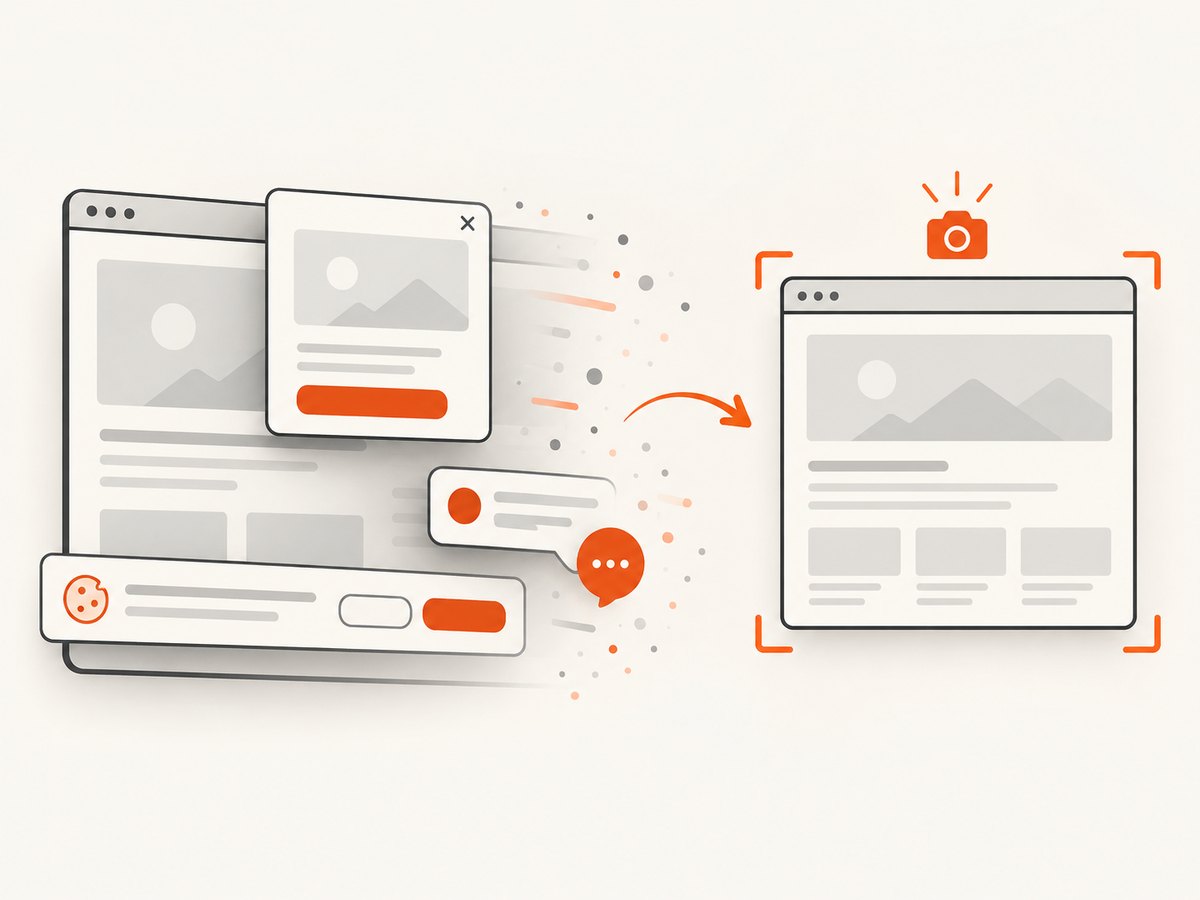
require('fs').writeFileSync('shot.webp', image);ScreenshotNeo accepts consent banners before capture and removes more than 60 known consent platforms, newsletter popups, and chat widgets; each step can be turned off. Bot checks, CAPTCHAs, blank pages, timeouts, failed loads, and cache hits are not billed, and the response identifies the result with X-Page-Verdict and X-Billed headers. An MCP server provides take_screenshot, get_page_info, and capture_pdf tools for Claude, Cursor, and other MCP clients.
The free plan includes 1,000 screenshots each month with no card. Paid plans start at $5 for 3,000 shots; every feature is available on every plan. Create a free ScreenshotNeo account.
10. FAQ
Can Selenium 2 capture a screenshot of a specific CSS selector?
Locate the matching WebElement and call getScreenshotAs on that element. The result is driver-dependent and may contain only the visible portion.
Should I use FILE or BASE64?
Use FILE when your report or CI system consumes an artifact path. Use BASE64 when the report embeds image data directly.
Why is my screenshot not full page?
Full-page behavior is best effort in Selenium 2 and varies by browser driver. A regular screenshot commonly represents the viewport or current window.
When should the failure screenshot run?
Run it after the test result is marked failed but before the driver is quit. Protect the hook with error handling so the original failure remains visible.
Can Selenium capture a screenshot after a browser crash?
Usually no. Once the session or browser process is unavailable, preserve driver logs and CI output instead.
What should I document for reproducible screenshots?
Record the Selenium binding, browser and driver versions, operating system, viewport, device scale, headless setting, and whether the image is a viewport, element, or driver-supported full-page capture.


